
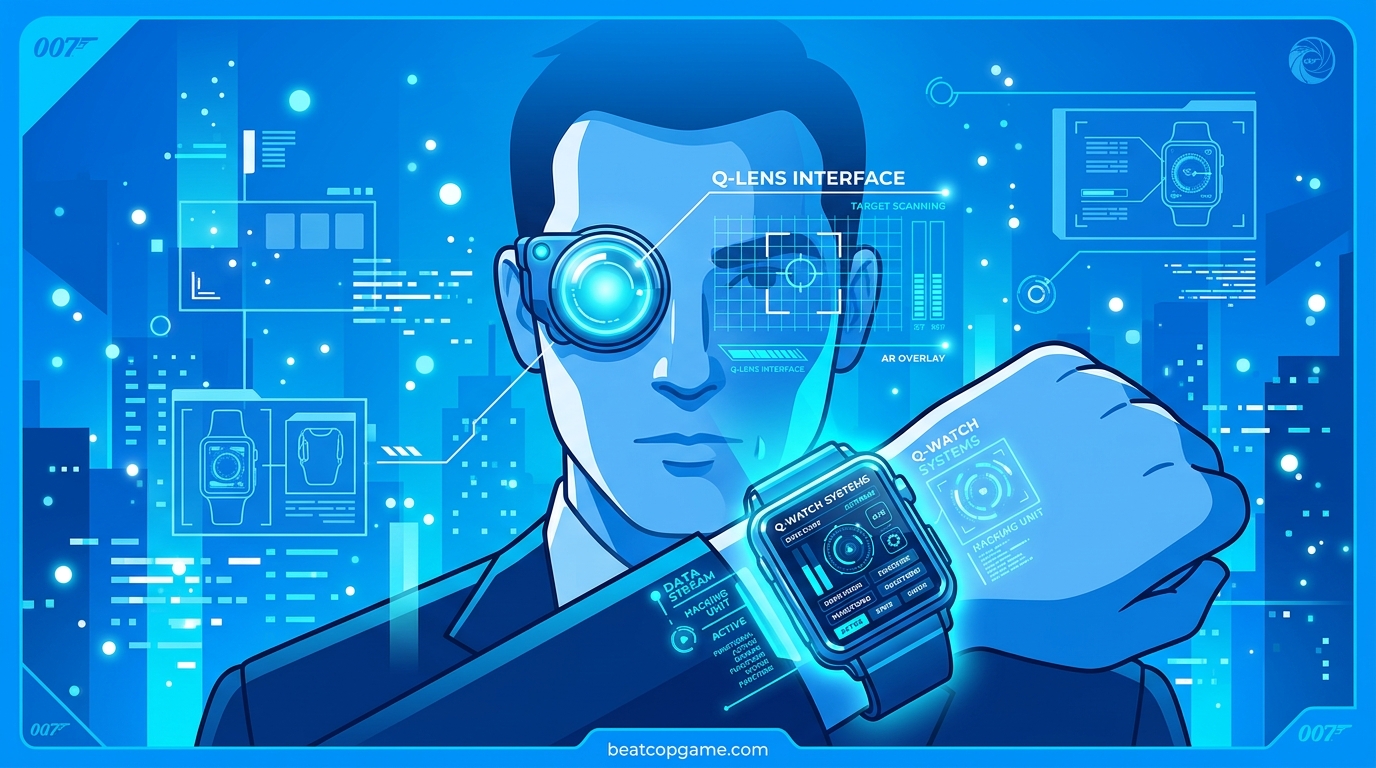
If you are diving into 007 First Light and want to play like a real secret agent, mastering the Q-Lens and Q-Watch is non-negotiable. These two gadgets are your primary tools for stealth infiltration, mission planning, and turning the environment against your enemies. In this guide, I will walk you through everything you need to know about how to use Q-Lens and Q-Watch in 007 First Light, from activation controls on every platform to gadget loadout strategies that will keep you one step ahead of every guard. If you are still waiting to jump in, check out our 007 First Light release information to get up to speed.
Table of Contents
What Is Q-Lens in 007 First Light?
Q-Lens is Bond’s advanced tactical vision mode, built by Q-Branch as an environmental scanner that transforms your view of the world. When you activate it, your entire screen shifts into a digital blue wireframe overlay that reveals hidden information about your surroundings.
Think of Q-Lens as your pre-entry reconnaissance tool. It highlights enemy positions through walls, marks security cameras, and identifies hackable electronics before you step foot into a room. This wireframe scanner is what separates a quiet ghost run from a messy firefight.
The key thing to understand is that Q-Lens limits your actions while it is active. You cannot shoot, melee, or perform most physical interactions while scanning. This forces you into a planning mindset: scan first, then act. Players on the 007 First Light subreddit have noted this restriction can feel frustrating during training sections, but once you get into real missions the tactical advantage becomes obvious.
How to Activate Q-Lens on Every Platform
Activating Q-Lens is straightforward, but the button depends on your platform. Here are the exact controls:
PlayStation 5: Hold the L1 button to engage Q-Lens. Release it to return to normal view.
Xbox Series X|S: Hold the LB button to activate Q-Lens. Release to deactivate.
PC: Hold the Alt key to toggle Q-Lens on and off.
When Q-Lens activates, you will immediately see the environment shift into that signature blue wireframe. Enemies glow as highlighted silhouettes, cameras appear as marked nodes, and hackable devices pulse with interactive markers. Your HUD also displays a compass and additional mission-critical information through the Q-Watch interface.
My top tip: make Q-Lens activation a habit before opening every door or rounding every corner. The two seconds you spend scanning can save you from walking straight into a camera’s sightline or a guard’s patrol route.
What Is the Q-Watch and How Does It Work?
The Q-Watch is Bond’s Omega Seamaster watch, repurposed by Q-Branch into a full tactical command center worn on your wrist. It serves as your heads-up display during missions, showing a compass, objective markers, and your current gadget status.
Early in the game, you get to choose your Q-Watch color from seven options: Midnight Maroon, Ember Grey, Emerald Green, Burgundy Vale, Navy Blue, Dawn Grey, and Winter Grey. This choice is purely cosmetic and has zero impact on gameplay or gadget performance. Pick whichever color fits your style.
The real power of the Q-Watch lies in its gadget interface. Before each mission, you use the Q-Watch to select which gadgets to bring into the field. During gameplay, the Q-Watch is your mechanism for deploying those gadgets, often in combination with Q-Lens for remote device interaction.
How to Use Q-Watch Gadgets in Missions
Gadget selection happens during mission loadout screens, where you assign specific tools to your Q-Watch quick-access slots. Each gadget fills a different tactical role, and learning when to use each one is the core skill of 007 First Light’s stealth system.
Available Q-Watch Gadgets
Dart Phone: A modified phone that fires an immobilizing projectile at a target. Perfect for silently taking down isolated guards without alerting nearby enemies. Use Q-Lens first to identify patrol patterns, then time your shot for maximum isolation.
Smoke Pods: Deploy smoke screens to block enemy vision and create diversions. These are ideal when you need to cross an open area or escape after being spotted. Combine with Q-Lens to see enemy positions through the smoke while they remain blind.
Flash Mine: An area-denial tool that blinds enemies who trigger it. Plant these along patrol routes or near alarm panels. Q-Lens helps you identify the exact patrol paths so you can place mines where guards are guaranteed to walk.
Laser: A cutting tool integrated into the Q-Watch that can slice through locks, panels, and barriers. Essential for accessing locked rooms and alternative infiltration routes. Scan with Q-Lens first to find laser-cuttable entry points marked on the environment.
Shockwave Camera: A deployable camera that emits a disabling shockwave when triggered. Works as both a surveillance tool and a trap. Place it in areas you have already cleared, then monitor through Q-Lens to trigger it remotely when enemies approach.
Combining Q-Lens with Q-Watch Gadgets
The real magic happens when you combine Q-Lens scanning with Q-Watch gadget deployment. Here is how the interaction works in practice:
Step 1: Activate Q-Lens to scan a room before entering.
Step 2: Identify hackable devices, enemy positions, and potential gadget targets.
Step 3: While Q-Lens is active, you can highlight hackable electronics and trigger them remotely through the Q-Watch interface. This includes security cameras, electronic doors, and environmental hazards.
Step 4: Deactivate Q-Lens, execute your plan using the information you gathered.
This scan-plan-execute loop is the heartbeat of stealth gameplay in 007 First Light. Players who skip the scanning phase and rush in often find themselves overwhelmed, while those who take a few seconds to use Q-Lens consistently clear areas with far less resistance.
Battery and Charge Management Tips
Q-Lens and Q-Watch gadgets run on two separate resource systems that you need to manage throughout each mission.
Battery charge powers Q-Lens. The longer you keep Q-Lens active, the more battery you drain. This means you cannot simply leave it on permanently. Toggle it on for quick scans and off again to conserve energy.
Chemical charge powers your gadgets. Each gadget deployment costs a set amount of chemical charge, and once depleted, you cannot use that gadget again until you find a recharge.
Both resources can be replenished by finding charge pickups scattered throughout mission levels. These are often tucked away in side rooms or behind locked panels, so using Q-Lens to scan for pickups is itself a smart resource strategy. I recommend being generous with Q-Lens in the early parts of a mission when battery is plentiful, and more conservative later when you might need it for a critical scan before a difficult section.
Frequently Asked Questions
Who is Q in 007 First Light?
Can you use gadgets while Q-Lens is active?
Does the Q-Watch color choice affect gameplay?
Is 007 First Light replayable?
Mastering how to use Q-Lens and Q-Watch in 007 First Light comes down to building one simple habit: always scan before you act. Q-Lens gives you the intelligence, and Q-Watch gives you the tools to act on it. Together, they form the backbone of every successful stealth run in the game. Start with the scan-plan-execute loop, experiment with different gadget loadouts to find your preferred playstyle, and manage your battery and chemical charges wisely. With these fundamentals locked in, you will be clearing missions like a seasoned 00 agent in no time.