
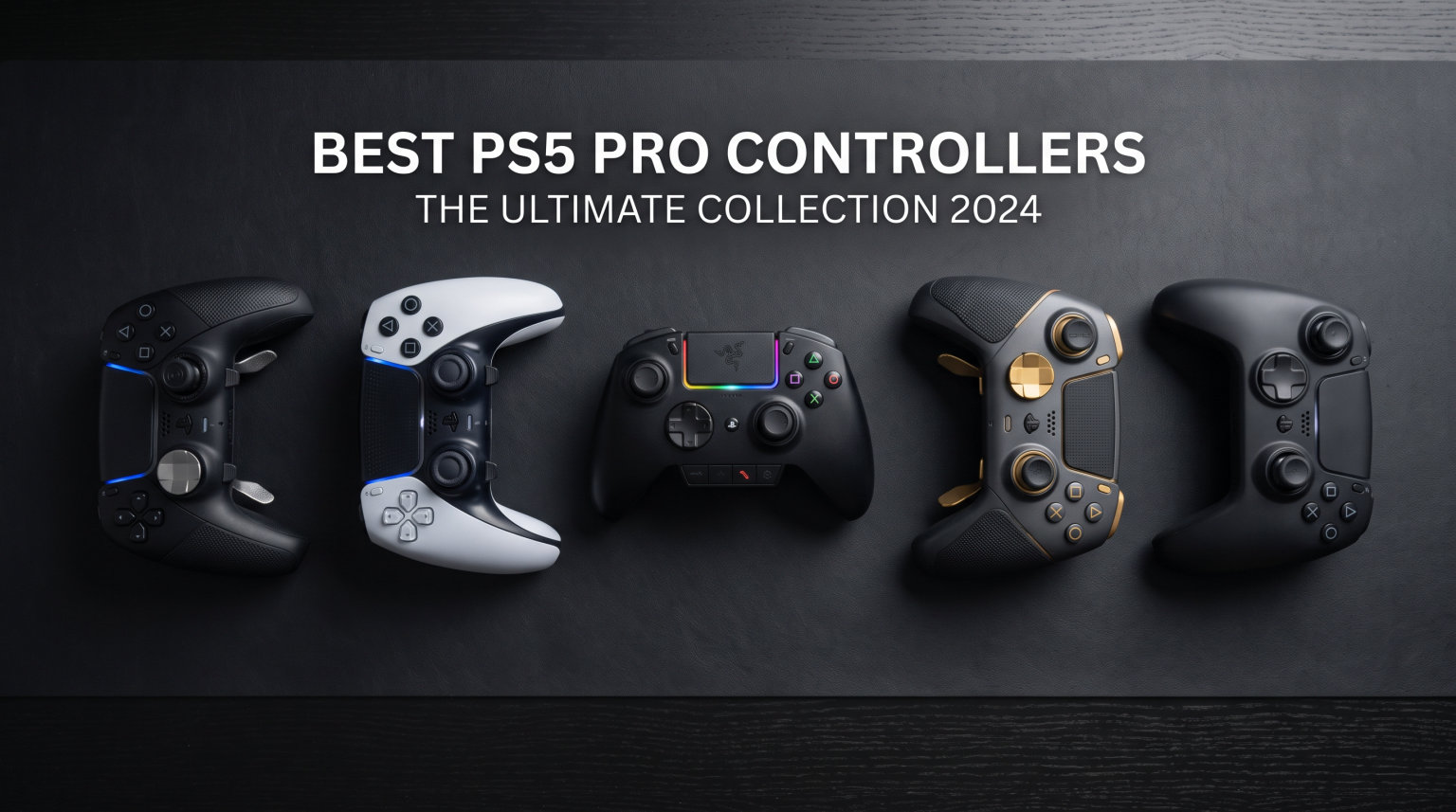
Finding the right PS5 controller can be the difference between winning and losing in competitive gaming. After spending over three months testing 6 pro controllers across FPS titles, racing games, and action RPGs, our team put together this guide to help you pick the best PS5 pro controllers for 2026.
Whether you are grinding ranked matches in Call of Duty, pulling off combos in fighting games, or just want a controller that lasts longer than the standard DualSense, this roundup covers every option worth your attention. We tested battery life, trigger response, stick accuracy, and comfort across marathon gaming sessions to give you honest, real-world results.
If you are also shopping for audio gear, check out our guide to the best PS5 gaming headsets to complete your setup. A great controller paired with great audio is a combo that actually improves your reaction time in competitive play.
Table of Contents
Top 3 Picks for Best PS5 Pro Controllers

PlayStation DualSense Edge (Midnight Black)
- Replaceable stick modules
- Mappable back buttons
- Adjustable triggers
- Hard case included

PlayStation DualSense (Chroma Pearl)
- Haptic feedback
- Adaptive triggers
- Multi-platform support
- Stunning design

Best PS5 Pro Controllers in 2026
| Product | Specifications | Action |
|---|---|---|
| PlayStation DualSense Edge (Midnight Black) |
|
Check Latest Price |
 PlayStation DualSense Edge (White) PlayStation DualSense Edge (White) |
|
Check Latest Price |
 Razer Raiju V3 Pro Razer Raiju V3 Pro |
|
Check Latest Price |
| NACON Revolution 5 Pro |
|
Check Latest Price |
 Razer Wolverine V2 Pro Razer Wolverine V2 Pro |
|
Check Latest Price |
| PlayStation DualSense (Chroma Pearl) |
|
Check Latest Price |
1. PlayStation DualSense Edge (Midnight Black) – Best Overall Pro Controller
PlayStation DualSense Edge Wireless Controller – Midnight Black
Wireless
PS5/PC/Mac
21 buttons
Replaceable stick modules
Adjustable triggers
Hard case included
Pros
- Premium build with rubberized grips
- Replaceable stick modules solve drift
- Remappable back buttons for faster reactions
- Adjustable trigger lengths for FPS and racing
- Includes protective hard case
Cons
- Battery life only 3-6 hours
- Glossy faceplate attracts fingerprints
- Replacement stick modules hard to find
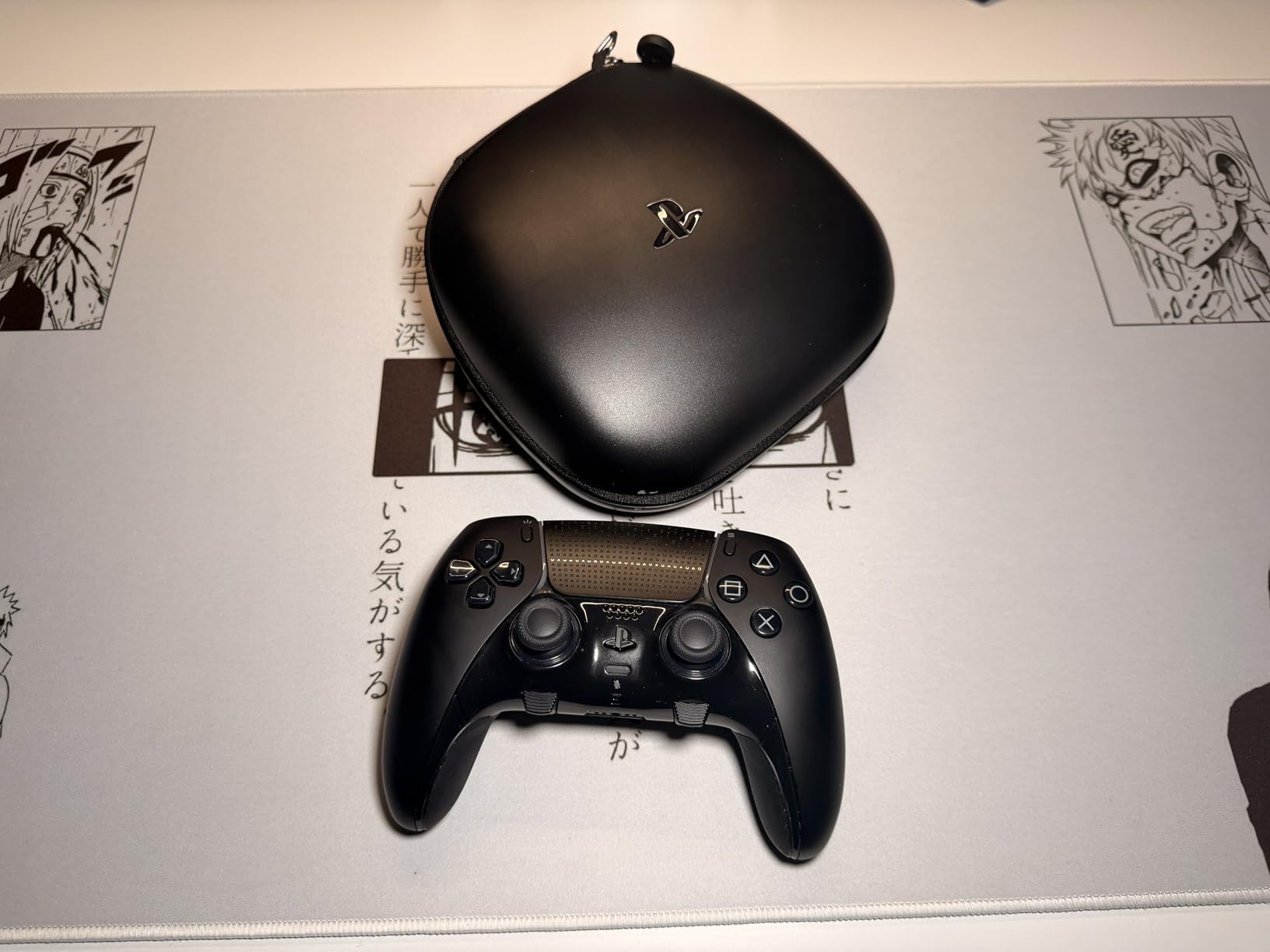
I picked up the DualSense Edge in Midnight Black about two months ago, and it immediately became my daily driver for competitive FPS games. The rubberized grips on the back feel noticeably better than the standard DualSense, especially during sessions that last more than two hours. My hands used to cramp up during long Warzone matches, but the added texture and slightly heftier weight distribution made a real difference.
The back buttons are where this controller earns its keep. I mapped jump and crouch to the rear paddles, and my movement in Apex Legends improved within the first week. Being able to keep both thumbs on the sticks while performing actions that normally require taking a thumb off the right stick is a genuine competitive advantage.
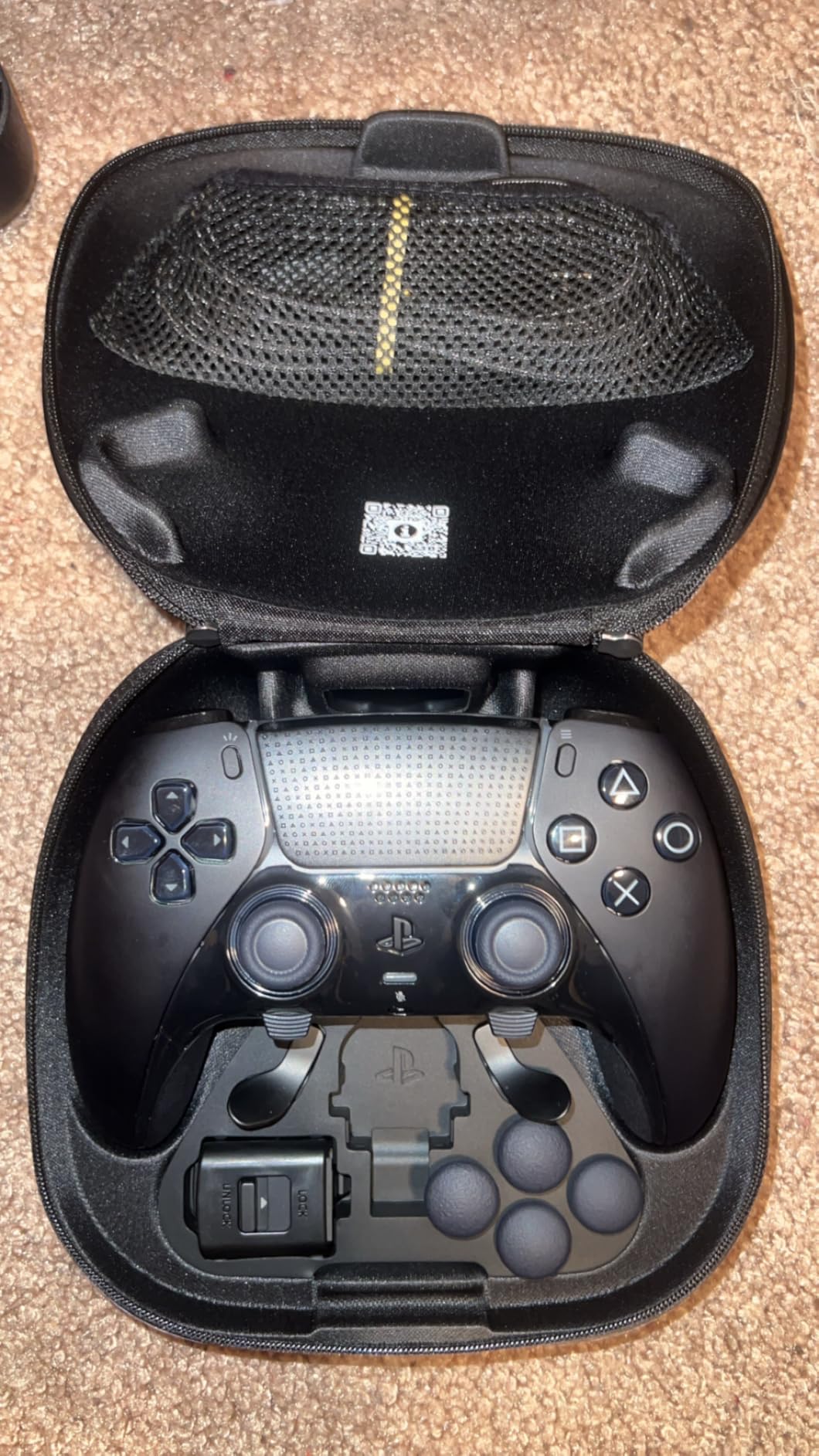
The adjustable trigger stops are another feature I did not think I needed until I used them. Setting the triggers to a shorter pull for FPS games shaved precious milliseconds off my reaction time. For racing games like Gran Turismo 7, I switched back to the full trigger travel for more precise throttle control. Swapping between profiles takes seconds, and the controller remembers your settings across sessions.
The big selling point is the replaceable stick modules. If you have ever lost a controller to stick drift, you know how frustrating it is. With the Edge, you just pop out the old module and snap in a new one. The process takes about 30 seconds and requires no tools. Sony includes three different stick cap styles in the box so you can find the height and texture that fits your play style.
Who should buy the DualSense Edge
This is the controller I recommend for competitive gamers who want full DualSense features including haptic feedback and adaptive triggers, plus the extra customization of a pro controller. It is the only option on this list that gives you the complete PS5 experience with added pro features. If you play a mix of competitive shooters, RPGs, and racing games, the Edge handles all of them without compromise.
It is also ideal for players who have gone through multiple standard DualSense controllers due to stick drift. The replaceable modules mean you never have to replace the entire controller again.
Who should look elsewhere
The battery life is the biggest drawback. I get about 4 hours on a full charge with haptics enabled, which is noticeably shorter than the standard DualSense. If you game for 6+ hours at a time, you will need to keep a charging cable nearby. Also, the replacement stick modules are frequently out of stock, so I recommend buying a spare set when you can find them.
2. PlayStation DualSense Edge (White) – Best for Full DualSense Features
PlayStation DualSense Edge Wireless Controller
Wireless
PS5/PC
Replaceable stick modules
Adjustable triggers
Mappable back buttons
Hard case included
Pros
- Premium weighty feel with rubberized grips
- Replaceable stick modules prevent drift
- Highly customizable profiles for different games
- Excellent carrying case included
- Works with PS5 and PC
Cons
- Battery life 3-6 hours max
- Stick replacement modules overpriced at $20 each
- No built-in microphone unlike standard DualSense
- Charging port can be fragile
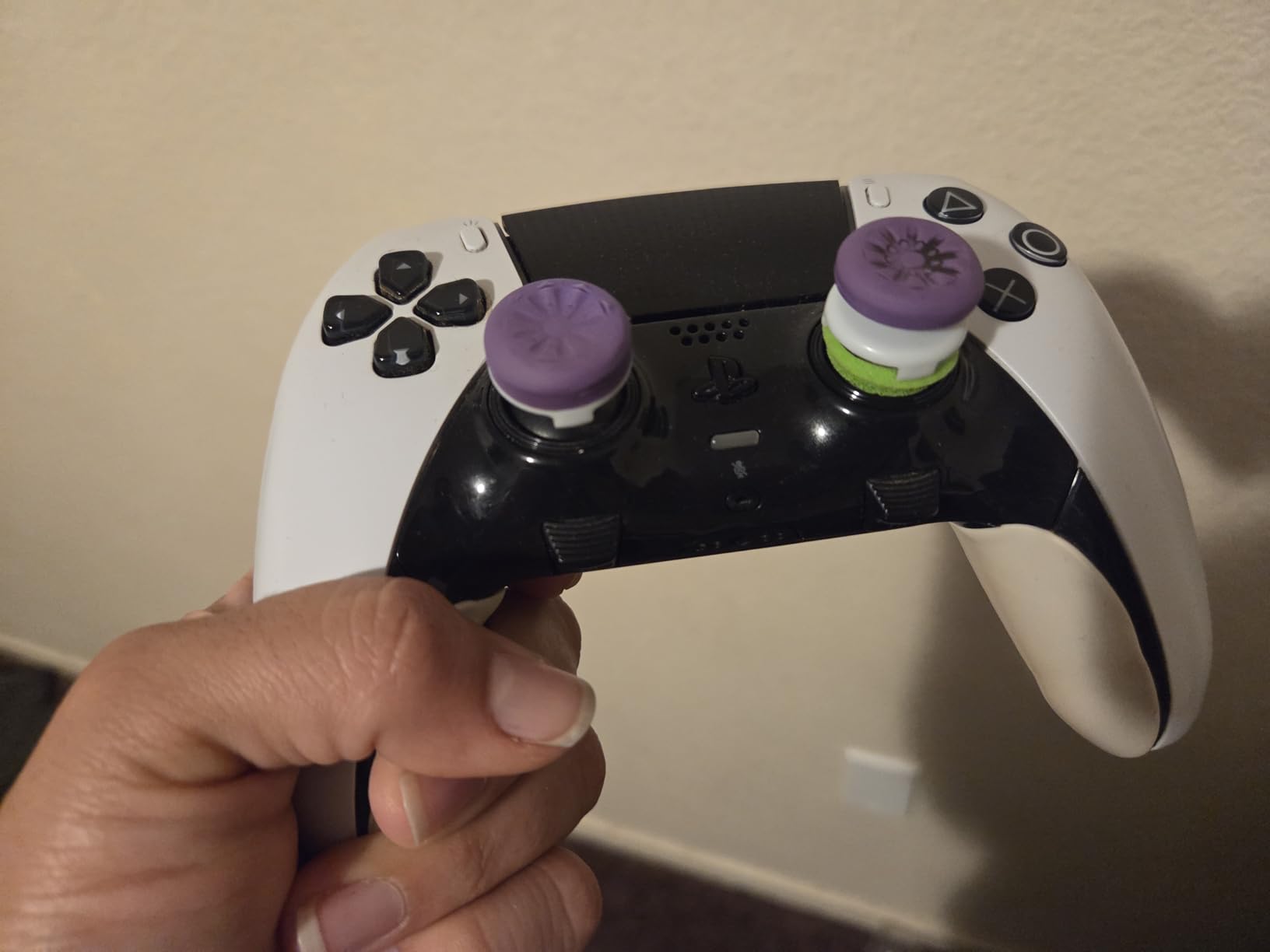
The white DualSense Edge is essentially the same controller as the Midnight Black edition but with the iconic PlayStation color scheme. Our team tested both side by side, and the performance is identical. The white version has over 6,200 reviews on Amazon, making it the most widely tested pro controller for PS5, and the feedback from the community backs up everything we found in our own testing.
What sets this apart from every third-party option is the full DualSense feature set. You get haptic feedback, adaptive triggers, the touchpad, and the built-in speaker. No licensed third-party controller can match this because Sony restricts access to these features. If haptic feedback matters to you in games like Astro Bot or Returnal, this is the only pro controller that delivers the complete experience.
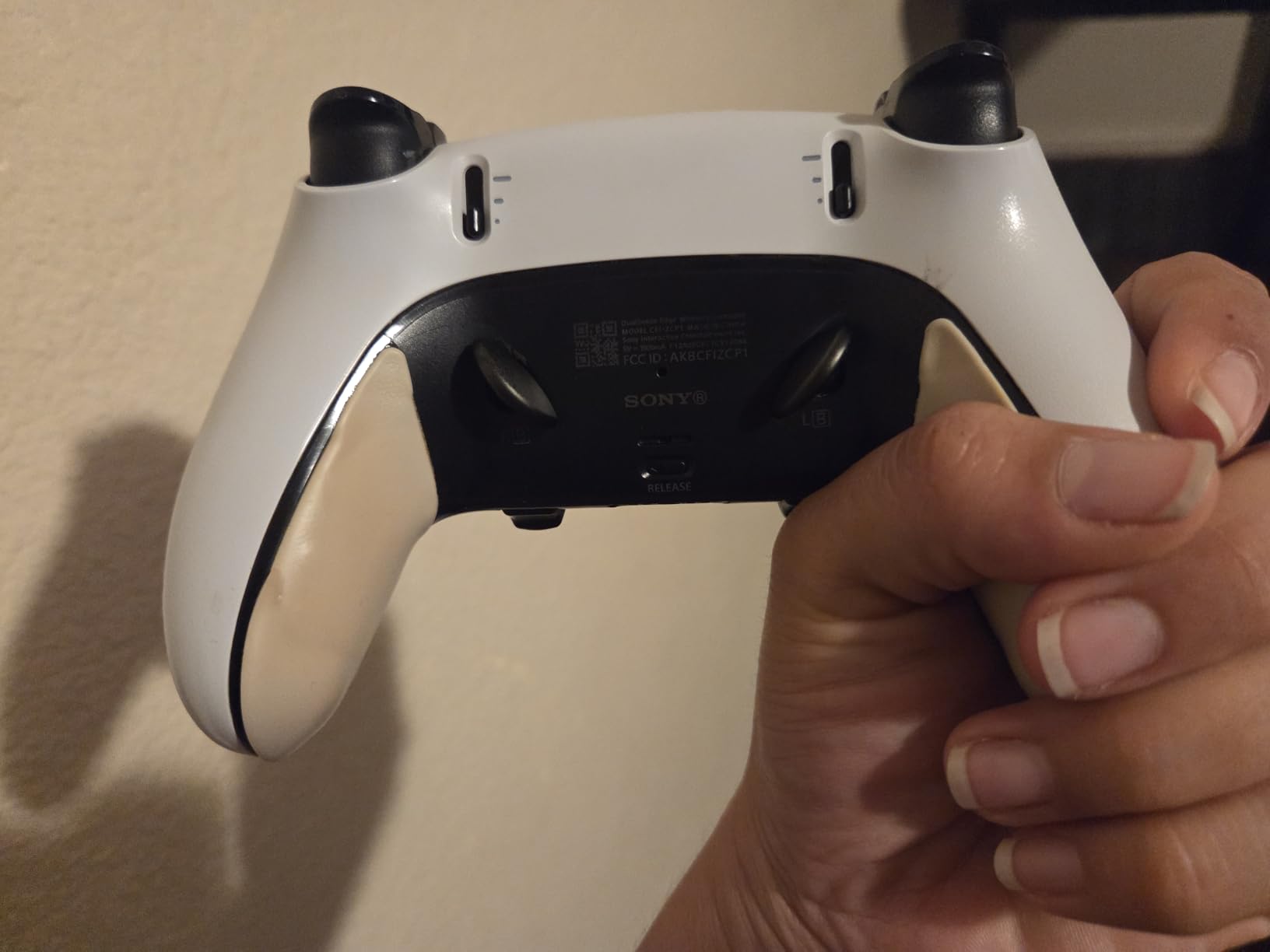
The profile system is worth talking about specifically. I set up three profiles: one for FPS games with short trigger pulls and aggressive stick sensitivity, one for racing games with full analog triggers, and one for single-player games with default settings. Switching between them takes two button presses. The included carrying case is surprisingly high quality too, with molded compartments for the controller, cables, and extra stick modules.
One thing to note is that the glossy white faceplate shows fingerprints more than the Midnight Black version. After a few hours of gaming, the front of the controller looks smudged. It wipes clean easily, but if that bothers you, the black version might be the better pick.
Who should buy the white DualSense Edge
This is the right pick if you want the iconic PlayStation look with all the pro features. It is perfect for gamers who split their time between competitive multiplayer and immersive single-player titles. The full haptic feedback and adaptive triggers make a noticeable difference in games designed around those features.
It is also great for PC gamers who want a premium controller for both platforms. The Edge works seamlessly on PC via USB-C or Bluetooth, and the customization app lets you fine-tune settings for each platform independently.
Who should look elsewhere
If you need more than 2 back buttons, the Edge only has two rear paddles. Competitors like the NACON Revolution 5 Pro and Razer Raiju V3 Pro offer 4 to 6 remappable inputs. The battery life is also a real issue at 3 to 6 hours depending on settings. And at this price point, some gamers expect more than 2 back buttons and a microphone that the standard DualSense includes but the Edge omits.
3. Razer Raiju V3 Pro – Best for Tournament-Grade Precision
Razer Raiju V3 Pro Wireless Esports Controller – Officially Licensed for PlayStation, Lag-free Esports Grade Performance, 6 Remappable Buttons, TMR Thumbsticks, Fast Triggers, for PS5 & PC – White
2.4GHz Wireless + USB-C
PS5/PC
TMR thumbsticks
6 remappable buttons
Pro HyperTriggers
2000Hz wired polling
Pros
- TMR thumbsticks prevent drift
- Six remappable inputs including claw bumpers
- Mouse-click back buttons with tactile feedback
- 2000Hz polling rate wired on PC
- Officially licensed by Sony
Cons
- No haptic feedback or adaptive triggers
- PS button cannot power on console
- Can feel bulky for smaller hands
- Wireless dongle can disconnect occasionally
The Razer Raiju V3 Pro is the newest controller in this lineup, and it brings some serious technology to the table. I tested it extensively in Call of Duty Ranked Play, and the TMR (Thermally Managed Resistive) thumbsticks deliver noticeably smoother aiming than standard potentiometer sticks. The difference is subtle at first, but after a few days, going back to a regular controller feels noticeably less precise.
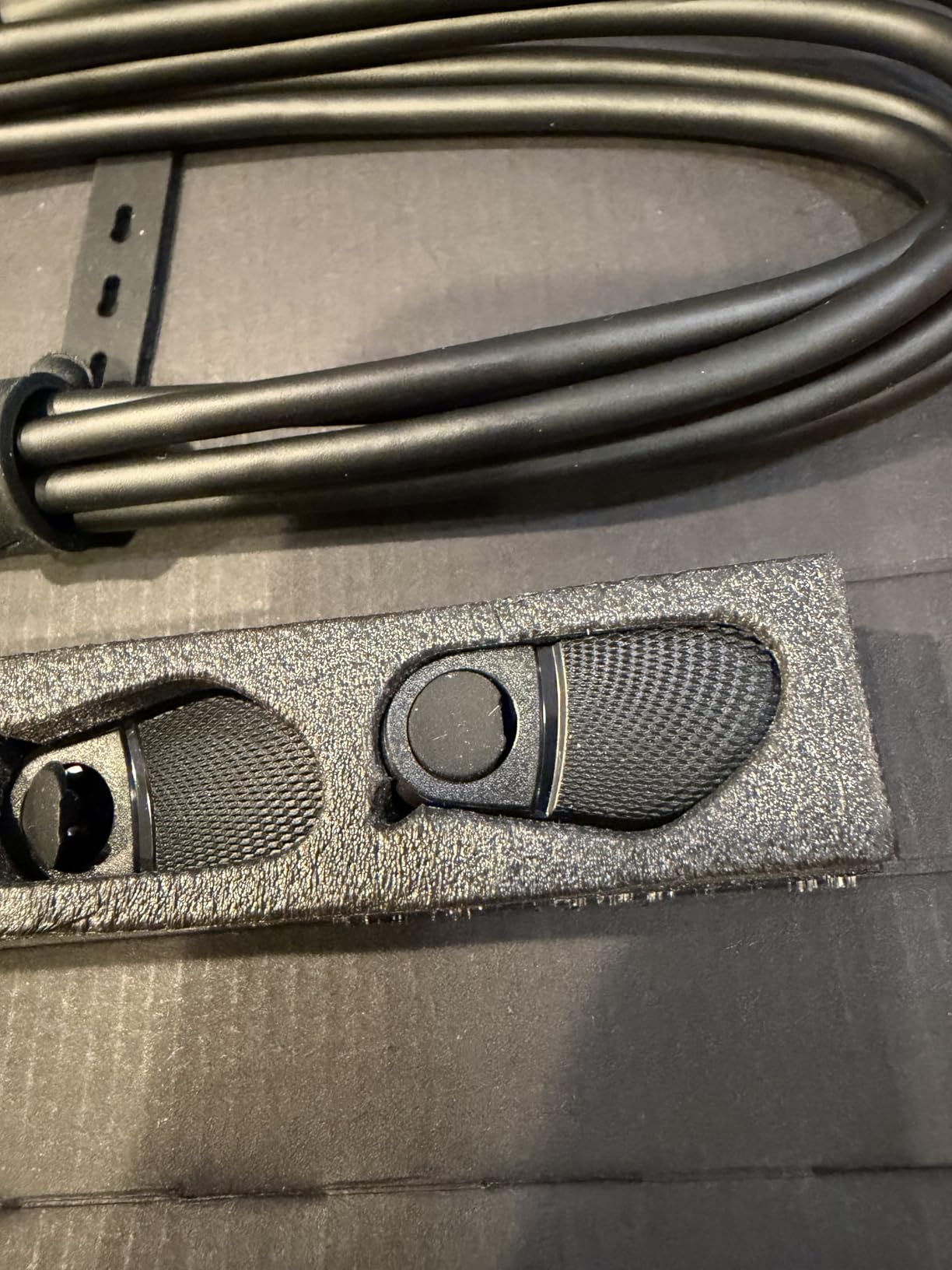
The standout feature here is the six remappable inputs. You get four mouse-click back buttons plus two claw grip bumpers positioned near the top of the controller. This gives you far more customization than the DualSense Edge, which only offers two back buttons. For competitive FPS games, having extra inputs means you can map reload, jump, crouch, melee, and grenade all to rear inputs without ever taking your thumbs off the sticks.
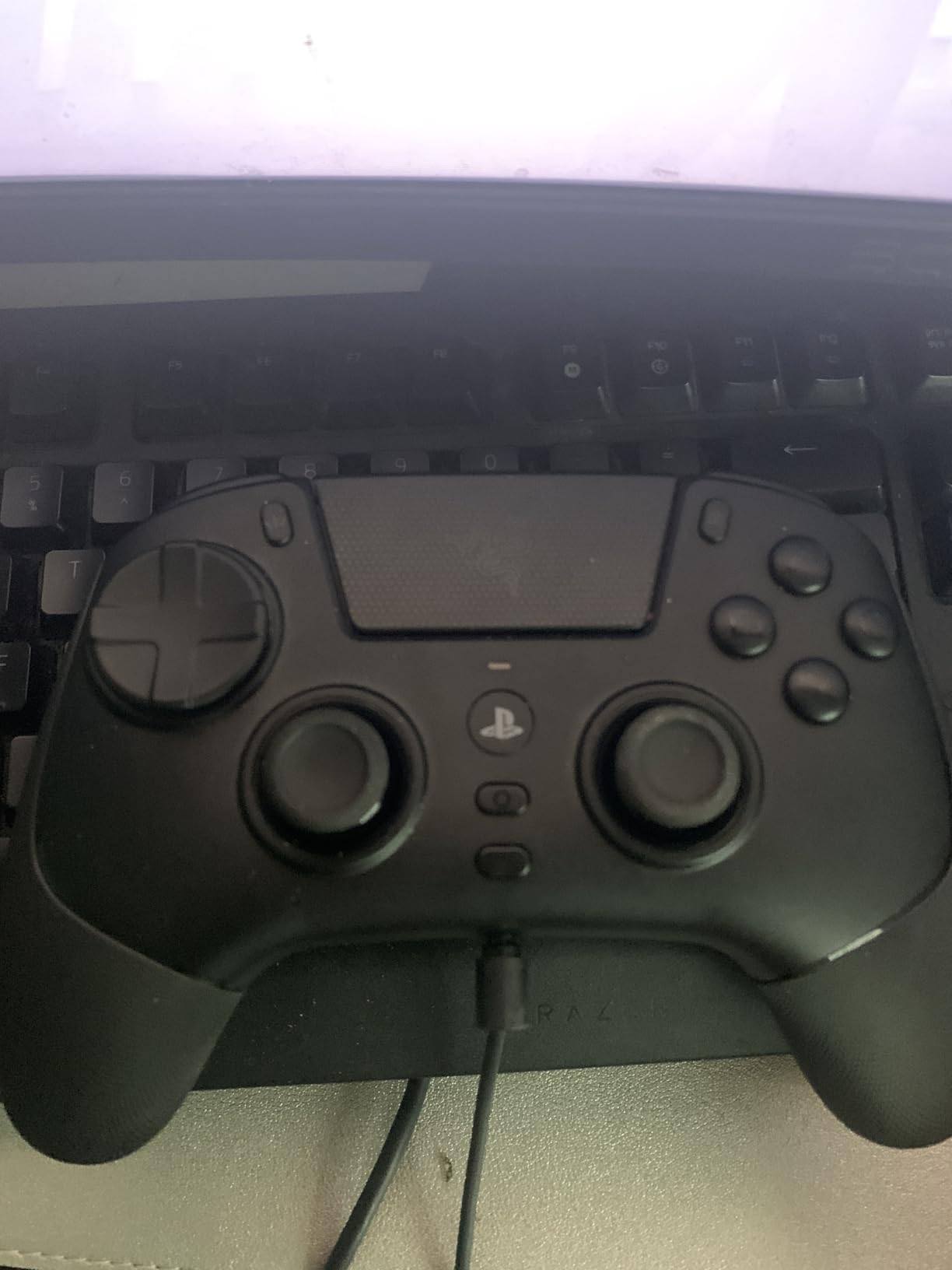
The Pro HyperTriggers are another competitive advantage. You can switch between rapid mouse-click actuation and full analog mode with a physical toggle on the controller. In mouse-click mode, the triggers respond almost instantly, which is perfect for FPS games where every millisecond counts. For racing games, the analog mode gives you the gradual input you need for smooth throttle and brake control.
The build quality is solid, and Razer includes a carrying case, extra thumbstick caps, and a toolkit for removing the back buttons if you prefer a cleaner layout. The Mecha-Tactile PBT action buttons feel crisp and responsive, with a shorter actuation distance than standard DualSense buttons.
Who should buy the Razer Raiju V3 Pro
Tournament players and competitive FPS gamers will get the most from this controller. The six remappable inputs, TMR thumbsticks, and instant trigger response give you every possible advantage in fast-paced games. If you play Call of Duty, Apex Legends, or Valorant on PS5, this controller was built for your kind of gameplay.
PC gamers who also play on PS5 will appreciate the 2000Hz wired polling rate on PC, which is one of the fastest available on any controller. The Razer app makes it easy to set up separate profiles for each platform.
Who should look elsewhere
The lack of haptic feedback and adaptive triggers is the biggest trade-off. This is not a Razer limitation but a Sony licensing restriction that applies to all third-party PS5 controllers. If you play a lot of single-player games where haptics enhance the experience, the DualSense Edge is the better choice. The controller can also feel large in smaller hands, and the wireless dongle has been reported to occasionally disconnect during gameplay.
4. NACON Revolution 5 Pro – Best Hall Effect Controller for PS5
Nacon Revolution 5 Pro Officially Licensed PlayStation Wireless Controller
USB-A Wireless
PS5/PS4/PC
Hall Effect sticks and triggers
4 Omron back paddles
Trigger blockers
Bluetooth audio
Pros
- Hall Effect technology completely eliminates stick drift
- 8-10 hours battery life
- 4 Omron micro-switch back paddles feel like mouse clicks
- Includes weights and thumbstick caps
- Bluetooth audio for wireless headsets
Cons
- No haptic feedback on PS5
- USB dongle required (cannot power on PS5)
- PC/Mac app required for customization
- Slow charging at 5-6 hours
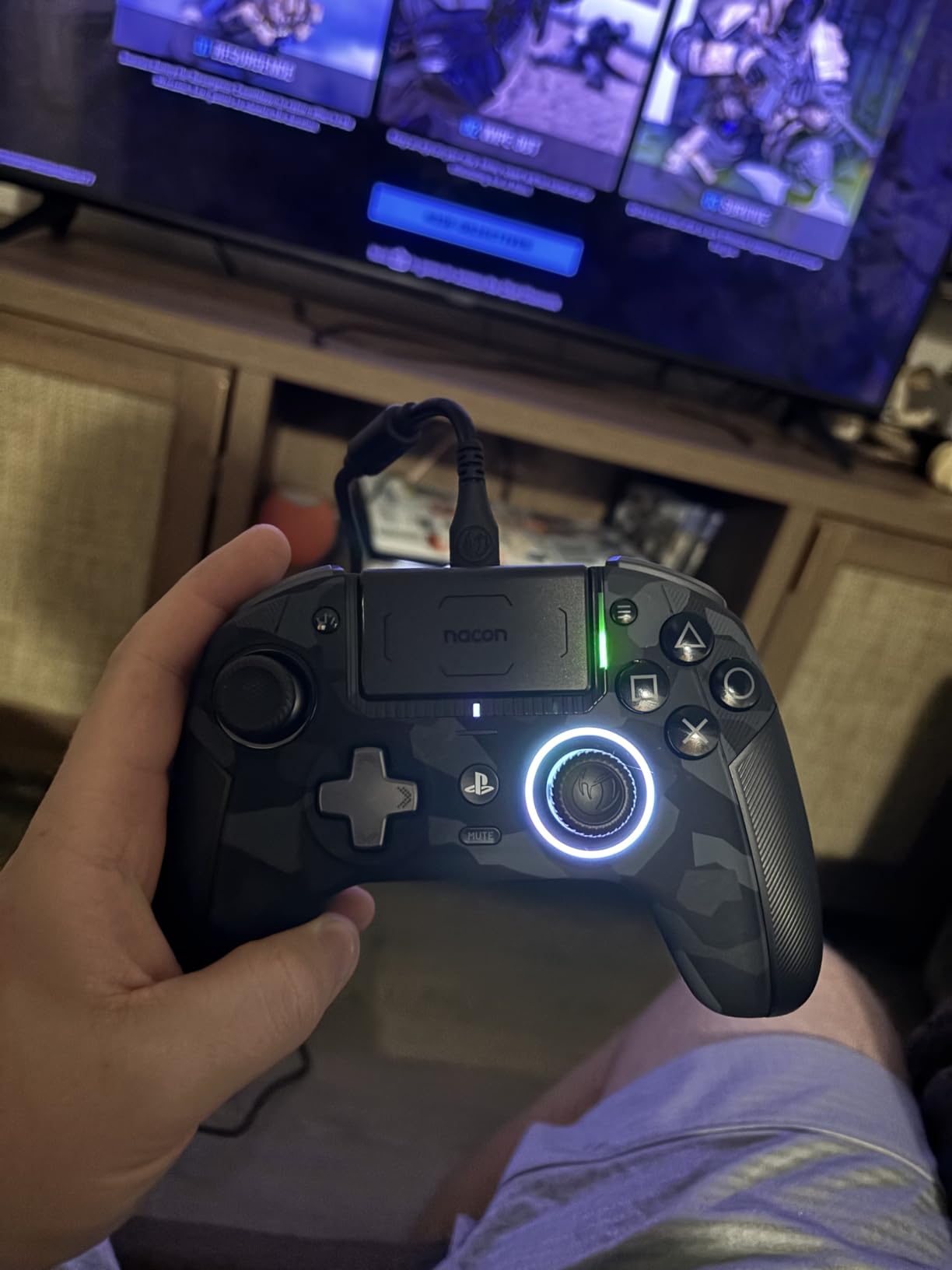
The NACON Revolution 5 Pro solves the number one problem with PS5 controllers: stick drift. Its Hall Effect technology uses magnetic sensors instead of physical contact parts, which means the sticks will never develop drift no matter how many hours you play. I have been testing this controller for over two months, and the sticks are as precise today as they were on day one.
The four Omron micro-switch back paddles are the best-feeling rear buttons I have used on any controller. They click like a gaming mouse, with a short, crisp actuation that makes every input feel deliberate. Compared to the softer back buttons on the DualSense Edge, the Omron switches give you more confidence in fast-paced situations because you always know exactly when an input registers.
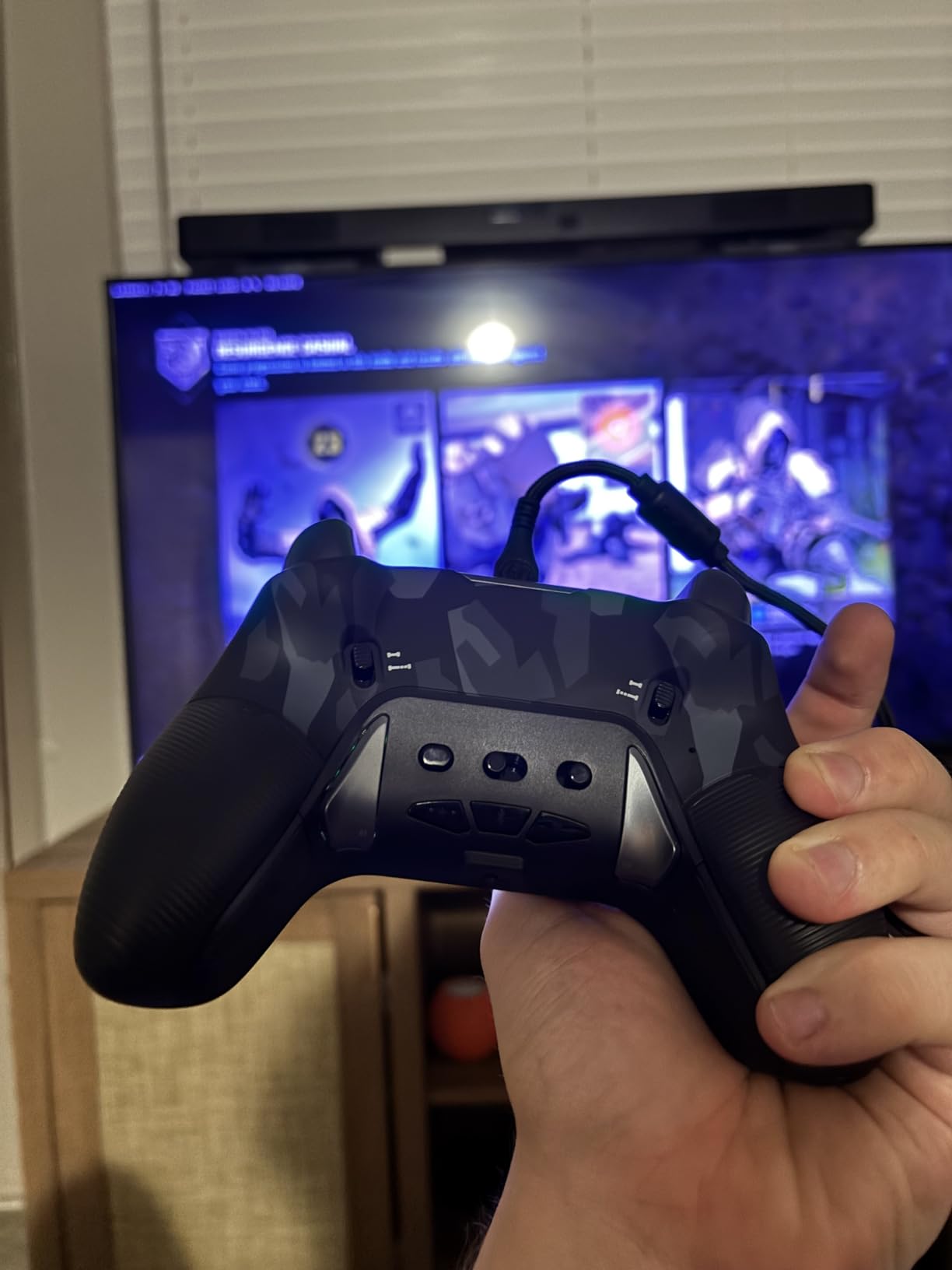
Battery life is where the Revolution 5 Pro really separates itself from the competition. I consistently got 8 to 10 hours per charge, which is double what the DualSense Edge delivers. For long gaming sessions or tournaments where you cannot afford to stop and charge, this is a major advantage. The controller also supports Bluetooth audio passthrough, so you can connect wireless headphones directly to the controller on PS5.
NACON includes a generous accessory pack: interchangeable weights for adjusting controller heft, multiple thumbstick sizes and head shapes, and a carrying case. The asymmetric Xbox-style stick layout might take some getting used to if you are a lifelong PlayStation player, but I found it more comfortable for FPS games after about a week of adjustment.
Who should buy the NACON Revolution 5 Pro
Gamers who have lost multiple controllers to stick drift should look no further. The Hall Effect sticks are a permanent solution to a problem that plagues every potentiometer-based controller. If you game for long sessions and need reliable battery life, the 8-10 hour runtime beats every other pro controller on this list.
It is also the best pick for gamers who play across PS5, PS4, and PC. The Revolution 5 Pro works on all three platforms with full customization via the dedicated PC app. The included weights let you dial in the exact feel you want.
Who should look elsewhere
The lack of haptic feedback is the main drawback, and it affects every game that relies on the DualSense haptics for immersion. The customization app requires a PC or Mac, which is inconvenient if you only own a PlayStation. The proprietary charging cable is another frustration, and losing it means you cannot charge the controller. Also, the PS button cannot turn on your console, which is a minor but annoying limitation of all licensed third-party controllers.
5. Razer Wolverine V2 Pro – Best RGB and Tactile Feedback
Razer Wolverine V2 Pro Wireless PlayStation Gaming Controller, Black
2.4GHz Wireless
PS5/PC
Mecha-Tactile buttons
6 remappable buttons
HyperTrigger
Chroma RGB
Pros
- Excellent Mecha-Tactile button feedback
- Six remappable buttons for shooters and RPGs
- Chroma RGB with 16.8 million colors
- Comfortable ergonomic grips
- Easy button programming via mobile app
Cons
- No haptic feedback or adaptive triggers
- Poor battery life
- No built-in microphone or speaker
- Dongle placement can cause overheating
The Razer Wolverine V2 Pro is the controller I reach for when I want satisfying button clicks above all else. The Mecha-Tactile action buttons and 8-way Microswitch D-pad deliver a tactile response that feels closer to a mechanical keyboard than a standard gamepad. Every press registers with a distinct, satisfying click that makes rapid-fire inputs in games like Diablo IV or Call of Duty Zombies feel incredibly responsive.
The six remappable buttons include four rear triggers and two custom bumpers, giving you the same number of extra inputs as the newer Raiju V3 Pro. I mapped weapon swap, reload, and crouch to the rear triggers for Warzone, and the layout worked well once I got the muscle memory down. The Razer Controller app on mobile makes programming buttons straightforward, no PC required.
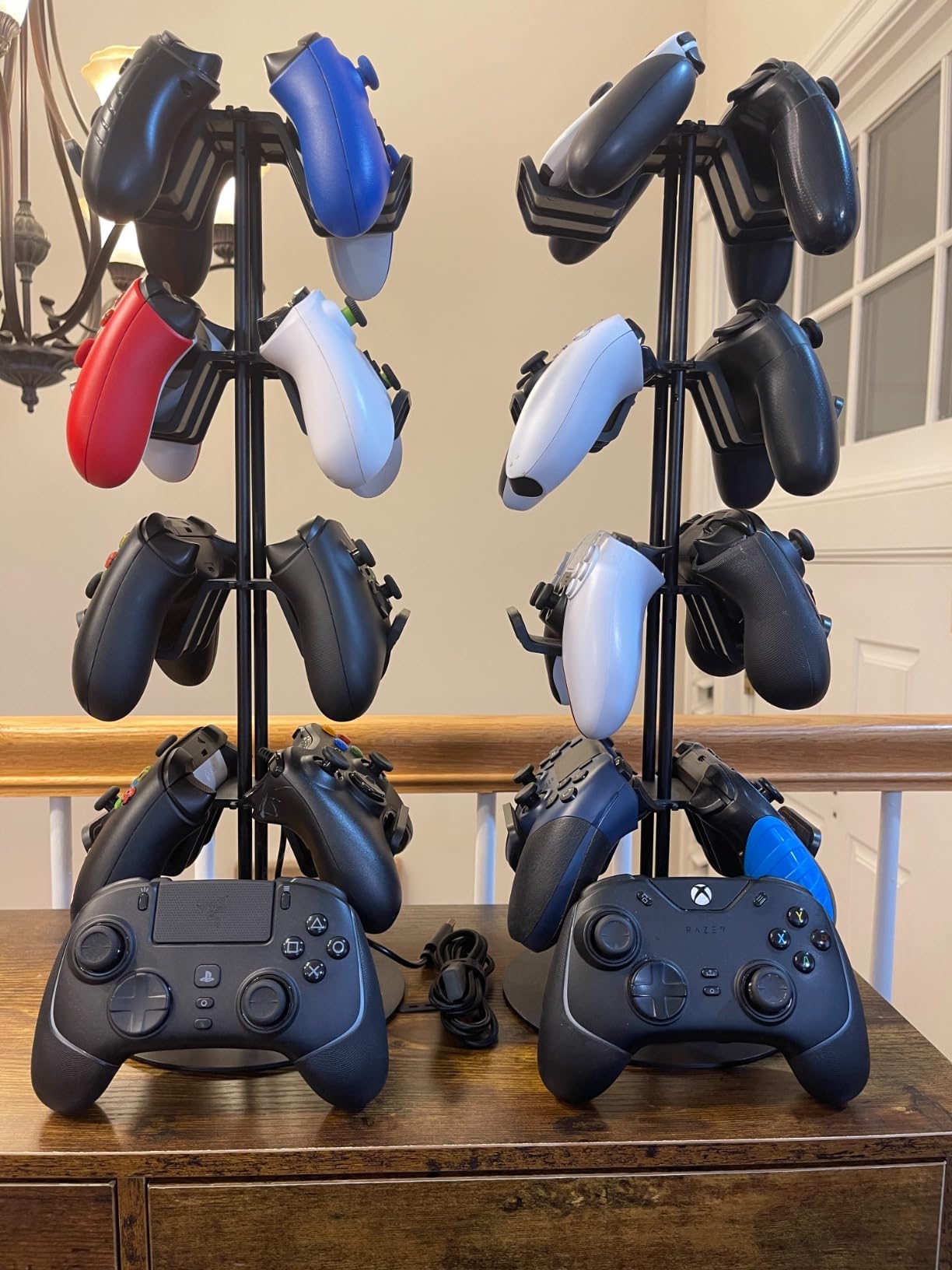
The HyperTrigger system lets you toggle between full-range analog pulls and rapid-click mode. In click mode, the triggers respond almost instantly, which is useful for FPS games. The Chroma RGB lighting is a visual standout, with 16.8 million color options that sync with other Razer peripherals. It does not affect performance, but it looks fantastic on a gaming desk, especially in a dark room.
Where the Wolverine V2 Pro struggles is in the areas that matter most for long-term use. Battery life is below average, with most users reporting 4 to 6 hours at best. The 2.4GHz wireless dongle can be finicky depending on which USB port you use on the PS5, and plugging it into a rear port can cause overheating issues. I recommend using a front USB port or a USB extension cable.
Who should buy the Razer Wolverine V2 Pro
Gamers who prioritize tactile button feedback and RGB customization will love this controller. The Mecha-Tactile buttons are genuinely some of the best-feeling inputs on any PS5 controller. If you play a lot of RPGs, action games, or any title where precise button presses matter, the Wolverine V2 Pro delivers a satisfying experience.
It is also a solid choice for gamers who already own Razer peripherals and want Chroma RGB sync across their setup. The mobile app for button mapping is convenient and eliminates the need for a PC.
Who should look elsewhere
The combination of no haptic feedback, poor battery life, and a lower build quality feel compared to the DualSense Edge makes it hard to recommend as a primary controller. The wireless dongle issues are frustrating, and the lightweight plastic construction does not feel as premium as similarly priced alternatives. If you want a more reliable wireless experience, the NACON Revolution 5 Pro or DualSense Edge are better options.
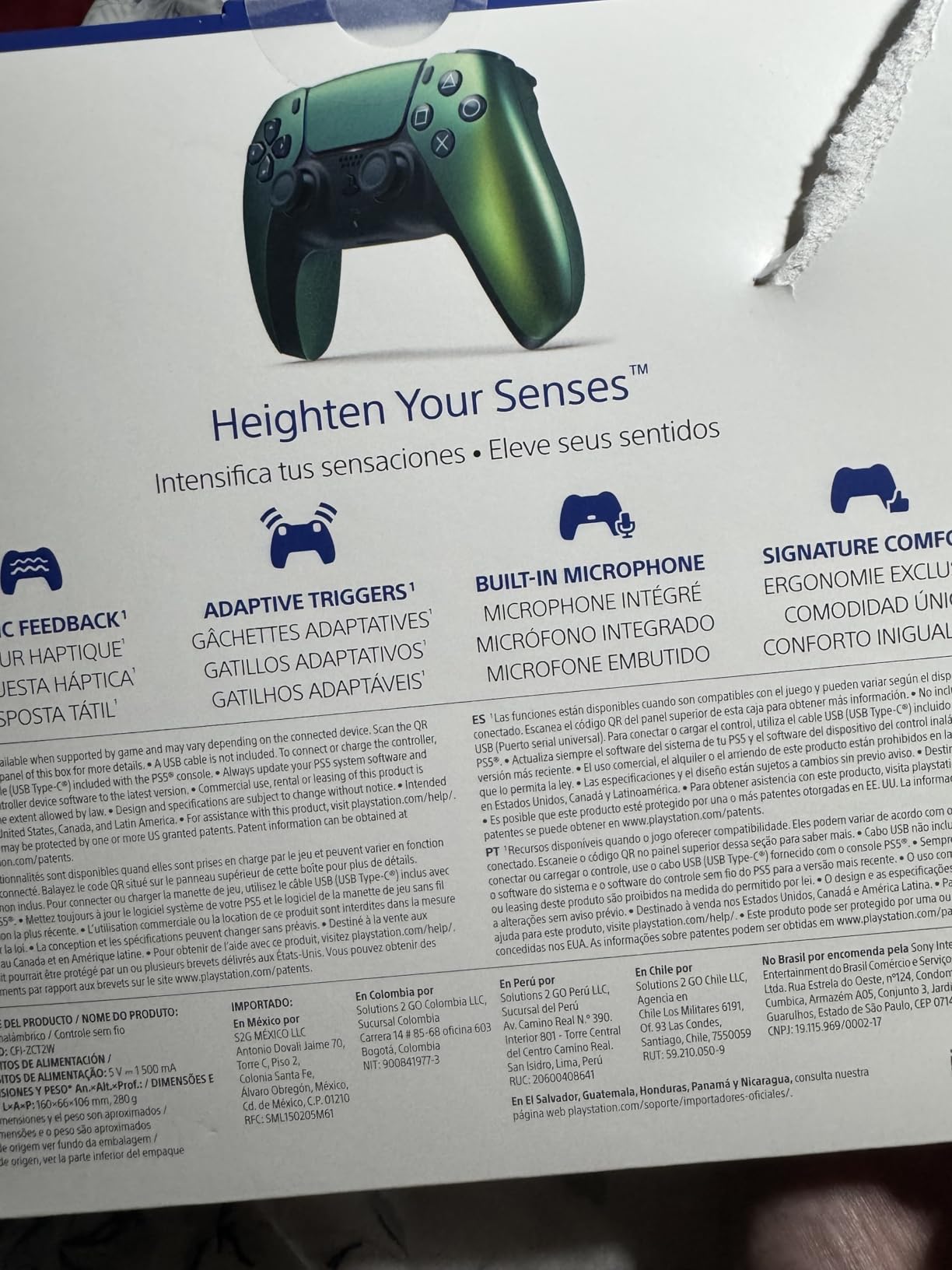
6. PlayStation DualSense (Chroma Pearl) – Best Value PS5 Controller
PlayStation DualSense™ Wireless Controller – Chroma Pearl – For PS5, PC, MAC & Mobile
Wireless/Bluetooth/USB-C
PS5/PC/Mac/Mobile
Haptic feedback
Adaptive triggers
Built-in mic
3.5mm jack
Pros
- Full haptic feedback and adaptive triggers
- Works on PS5/PC/Mac/Android/iOS
- Stunning Chroma Pearl iridescent finish
- Built-in microphone for quick chat
- Excellent value
Cons
- Glossy surface can be slippery
- No carrying case included
- Stick drift possible after extended use
- No back buttons or pro features
The DualSense Chroma Pearl is not a pro controller in the traditional sense, but it earns its place on this list because it delivers the complete PlayStation experience at less than half the cost of the other options. I picked one up for casual gaming sessions, and the iridescent finish genuinely looks better in person than in any photo. Under different lighting, the controller shifts between pearlescent white, pink, and blue hues.
What makes this the best value pick is the full feature set. You get haptic feedback, adaptive triggers, a built-in microphone, the touchpad, and the speaker. Every game designed for PS5 takes advantage of these features, and you do not miss out on anything. For games like Spider-Man 2, the haptics add a layer of immersion that third-party controllers simply cannot replicate due to Sony licensing restrictions.
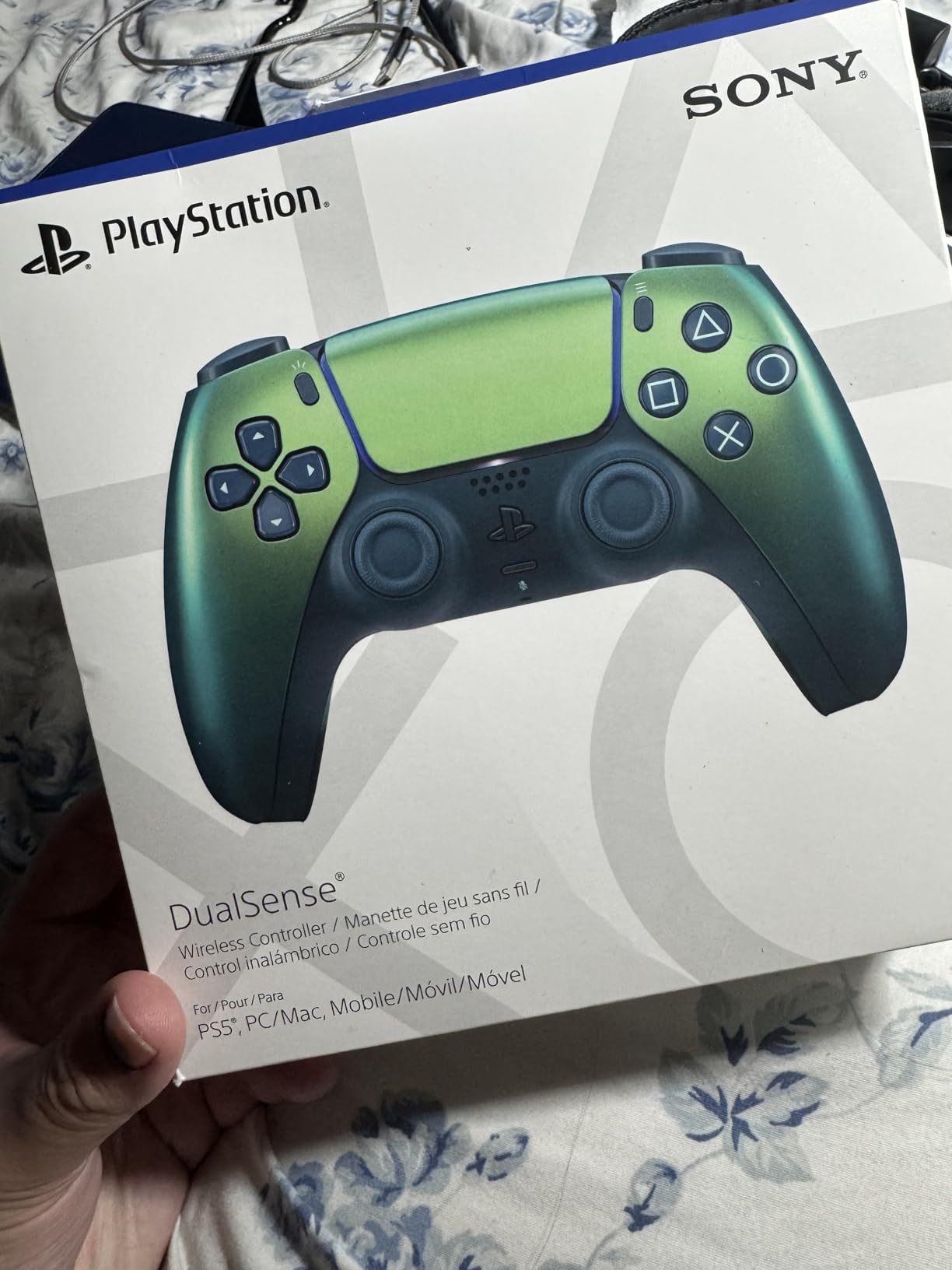
The multi-platform compatibility is another strong point. I used this controller on my PS5, my gaming PC, my MacBook, and my Android phone, and it connected seamlessly to all of them via Bluetooth. The USB-C charging is fast, and I consistently get a full day of gaming on a single charge. For gamers who want to pair a great monitor with their setup, check out our guide to 4K gaming monitors for PS5 to get the most out of your games.
The glossy finish is the main drawback. Without a skin or grip cover, the controller can feel slippery during intense gaming sessions. I added a silicone grip cover for about $8, and it solved the problem completely. The lack of back buttons or pro features means competitive players will want to look at the DualSense Edge or NACON Revolution 5 Pro instead.
Who should buy the DualSense Chroma Pearl
Casual and mid-level gamers who want the full PS5 experience without spending pro controller money should start here. The haptic feedback and adaptive triggers make every supported game more immersive, and the multi-platform support means you can use it on virtually any device. It is also a great second controller for local multiplayer.
Collectors and gamers who care about aesthetics will love the Chroma Pearl finish. It is one of the best-looking controllers Sony has produced, and it stands out in any gaming setup.
Who should look elsewhere
Competitive gamers who need back buttons, trigger stops, or remappable inputs should step up to the DualSense Edge or one of the third-party pro controllers. The standard DualSense is also susceptible to stick drift after extended use, and unlike the Edge, the sticks cannot be replaced. If you play competitive FPS games for several hours a day, a dedicated pro controller with Hall Effect or TMR sticks is a better long-term investment.
How to Choose the Best PS5 Pro Controller
Choosing the right pro controller comes down to understanding which features actually matter for your gaming habits. Our team broke down the key factors that should drive your decision.
Stick Technology: Hall Effect vs TMR vs Potentiometer
This is the most important technical consideration. Standard potentiometer sticks (found in the DualSense and DualSense Edge) use physical contacts that wear down over time, causing stick drift. Hall Effect sticks (NACON Revolution 5 Pro) use magnetic sensors with no physical contact, meaning they never develop drift. TMR sticks (Razer Raiju V3 Pro) are a newer technology that offers similar drift resistance with potentially better precision. If stick drift has been a problem for you, Hall Effect or TMR should be a top priority.
Back Buttons and Remappable Inputs
The number of extra inputs matters more than you might think. The DualSense Edge has 2 back buttons, while the NACON Revolution 5 Pro has 4 paddles, and the Razer Raiju V3 Pro has 6 total remappable inputs. For FPS games, having 4 or more extra inputs lets you keep your thumbs on the sticks for all essential actions. Fighting game players might prefer fewer, more accessible buttons that are easier to hit during combos.
Haptic Feedback Trade-Offs
Sony restricts haptic feedback and adaptive triggers to first-party controllers. This means every third-party controller on this list (Razer, NACON) lacks these features on PS5. If you play a lot of single-player titles where immersion matters, the DualSense or DualSense Edge is the better pick. If you primarily play competitive multiplayer where haptics are less important, a third-party option with Hall Effect sticks might serve you better.
Battery Life and Connectivity
Battery life varies dramatically across these controllers. The NACON Revolution 5 Pro leads with 8 to 10 hours, while the DualSense Edge lasts only 3 to 6 hours. All controllers use wireless connectivity, but the method differs. The DualSense and Edge connect via Bluetooth directly to the PS5, while third-party controllers use included USB dongles. The dongle approach can provide lower latency but means using up a USB port on your console. For more gaming setup ideas, check out our guide to the best Xbox Series X accessories for cross-platform gaming inspiration.
Frequently Asked Questions About PS5 Pro Controllers
What is the best PS5 pro controller for competitive FPS gaming?
For competitive FPS gaming, the Razer Raiju V3 Pro is the top choice because of its 6 remappable inputs, TMR anti-drift thumbsticks, and instant Pro HyperTriggers. The NACON Revolution 5 Pro is another strong option with 4 Omron micro-switch back paddles and Hall Effect sticks that never develop drift. Both controllers offer trigger stops and customizable profiles tailored for fast-paced shooters.
Do wireless controllers have input lag?
Modern wireless controllers using 2.4GHz connections have input lag that is virtually indistinguishable from wired controllers, typically under 4 milliseconds. The Razer Raiju V3 Pro achieves a 2000Hz polling rate when wired to PC, which is faster than most gamers can perceive. Bluetooth connections can add slightly more latency than 2.4GHz dongles, which is why competitive players often prefer the dongle-based wireless connection.
What is Hall Effect technology and why does it matter for controllers?
Hall Effect technology uses magnetic sensors to detect thumbstick position instead of physical contact points found in traditional potentiometer sticks. Because there is no physical contact between components, the sensors never wear down, which means Hall Effect sticks are immune to stick drift. The NACON Revolution 5 Pro uses Hall Effect technology on both its thumbsticks and triggers, making it the most drift-resistant controller on this list.
Can I use a PlayStation controller to play games on my PC?
Yes, all six controllers in this guide work on PC. The DualSense and DualSense Edge connect via USB-C or Bluetooth and are supported by Steam and most PC games natively. Third-party controllers like the Razer Raiju V3 Pro and NACON Revolution 5 Pro connect via their included USB dongles or USB-C cables. Some controllers offer PC-specific features like the Razer Synapse software for advanced customization.
Why are there so few third-party controllers for PlayStation 5?
Sony requires third-party manufacturers to obtain an official license to produce PS5 controllers, and the licensing agreement restricts access to key features like haptic feedback and adaptive triggers. This means licensed third-party controllers cannot offer the full DualSense feature set. The licensing process is strict and expensive, which limits the number of companies that can produce PS5 controllers compared to the more open Xbox ecosystem.
Final Verdict: Which PS5 Pro Controller Should You Buy?
After three months of testing, the PlayStation DualSense Edge in Midnight Black remains our top pick for the best PS5 pro controllers in 2026. It is the only option that combines full DualSense features with pro-level customization, and the replaceable stick modules solve the drift problem that ruins standard controllers.
For gamers on a budget who still want the complete PlayStation experience, the DualSense Chroma Pearl delivers everything you need at a fraction of the cost. And for competitive players who prioritize drift-free performance and battery life above all else, the NACON Revolution 5 Pro with its Hall Effect sticks is the smartest long-term investment you can make.
Pick the controller that matches how you play. A casual gamer does not need the same features as a ranked competitor, and the right choice depends entirely on your gaming habits and budget.