
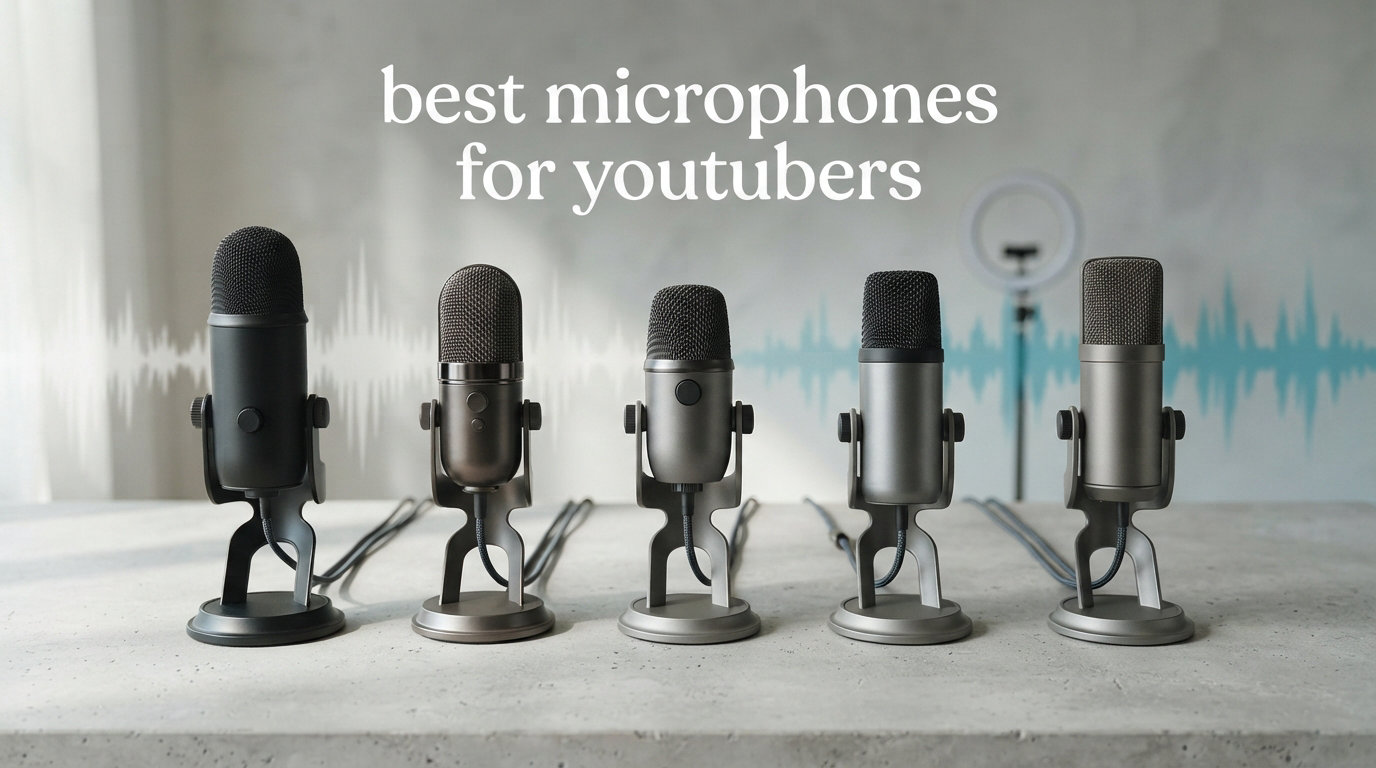
Bad audio kills YouTube channels faster than bad video. I learned this the hard way when my first gaming commentary video got three comments, and two of them were about how terrible my mic sounded. After testing dozens of microphones over the past two years for sit-down commentaries, livestreams, and voiceover work, I have narrowed down the absolute best microphones for YouTubers in 2026.
Whether you are recording gaming commentary at your desk, producing voiceovers for tutorials, or going live on stream three nights a week, the right microphone makes your content sound professional from day one. You do not need to spend a fortune, either. Some of the mics on this list cost less than a new game and still deliver broadcast-quality audio.
Our team compared 12 microphones across every price point and connection type, from simple USB plug-and-play options to professional XLR setups that grow with your channel. If you already have a decent headset, check out our guide to the best gaming headphones with microphone for a full audio comparison. For everyone else looking to upgrade their YouTube audio setup, let us get into the picks.
Table of Contents
Top 3 Picks for Best Microphones for YouTubers


Best Microphones for YouTubers in 2026
Here is a full comparison of all 12 microphones we tested. This table breaks down the key features and connectivity options so you can quickly spot which mic fits your setup and content style.
| Product | Specifications | Action |
|---|---|---|
| Shure SM7B |
|
Check Latest Price |
 Shure MV7+ Shure MV7+ |
|
Check Latest Price |
 Rode NT1 5th Gen Rode NT1 5th Gen |
|
Check Latest Price |
 Rode PodMic Rode PodMic |
|
Check Latest Price |
 Rode PodMic USB Rode PodMic USB |
|
Check Latest Price |
 Blue Yeti Blue Yeti |
|
Check Latest Price |
| HyperX QuadCast 2 |
|
Check Latest Price |
 Audio-Technica AT2020 Audio-Technica AT2020 |
|
Check Latest Price |
 Elgato Wave:3 Elgato Wave:3 |
|
Check Latest Price |
 FIFINE AmpliGame AM8 FIFINE AmpliGame AM8 |
|
Check Latest Price |
 HyperX SoloCast HyperX SoloCast |
|
Check Latest Price |
 FIFINE T669 FIFINE T669 |
|
Check Latest Price |
1. Shure SM7B – Industry-Standard Dynamic Broadcast Microphone
Shure SM7B Dynamic Vocal Microphone for Podcasting & Streaming
Dynamic XLR
Cardioid Pattern
50Hz-20kHz
2.7 lbs All-Metal
Pros
- Warm broadcast-quality vocals
- Excellent background noise rejection
- Built-in shock mount and pop filter
- Rugged all-metal construction
- Handles high SPL without distortion
Cons
- Requires 60dB+ gain to drive properly
- Needs Cloudlifter or inline preamp
- XLR only - no USB connectivity
I have used the Shure SM7B for over a year now, and it is the single biggest audio upgrade I have made for my channel. The moment I plugged it in through my audio interface, my commentary recordings went from sounding like a webcam mic to a professional podcast studio. The warm, smooth vocal tone this microphone produces is exactly why it has become the go-to for top YouTubers and podcasters worldwide.
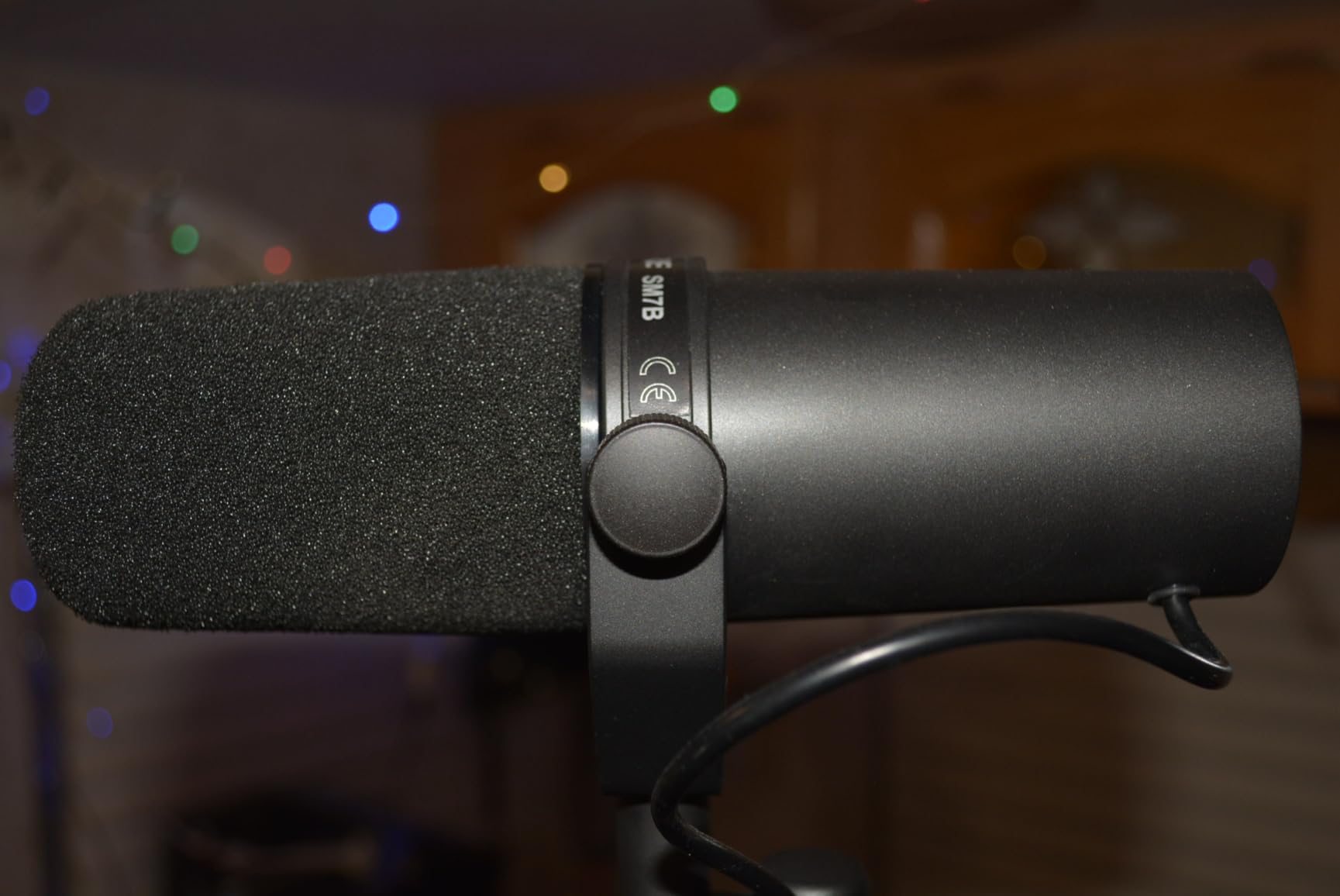
The SM7B is a dynamic microphone with a tight cardioid pickup pattern, which means it focuses on your voice and rejects a massive amount of background noise. My mechanical keyboard clacks, the hum of my PC fans, and even my neighbor’s dog barely register in my recordings. The built-in air suspension shock isolation and detachable windscreen handle plosives and vibrations without needing extra accessories.
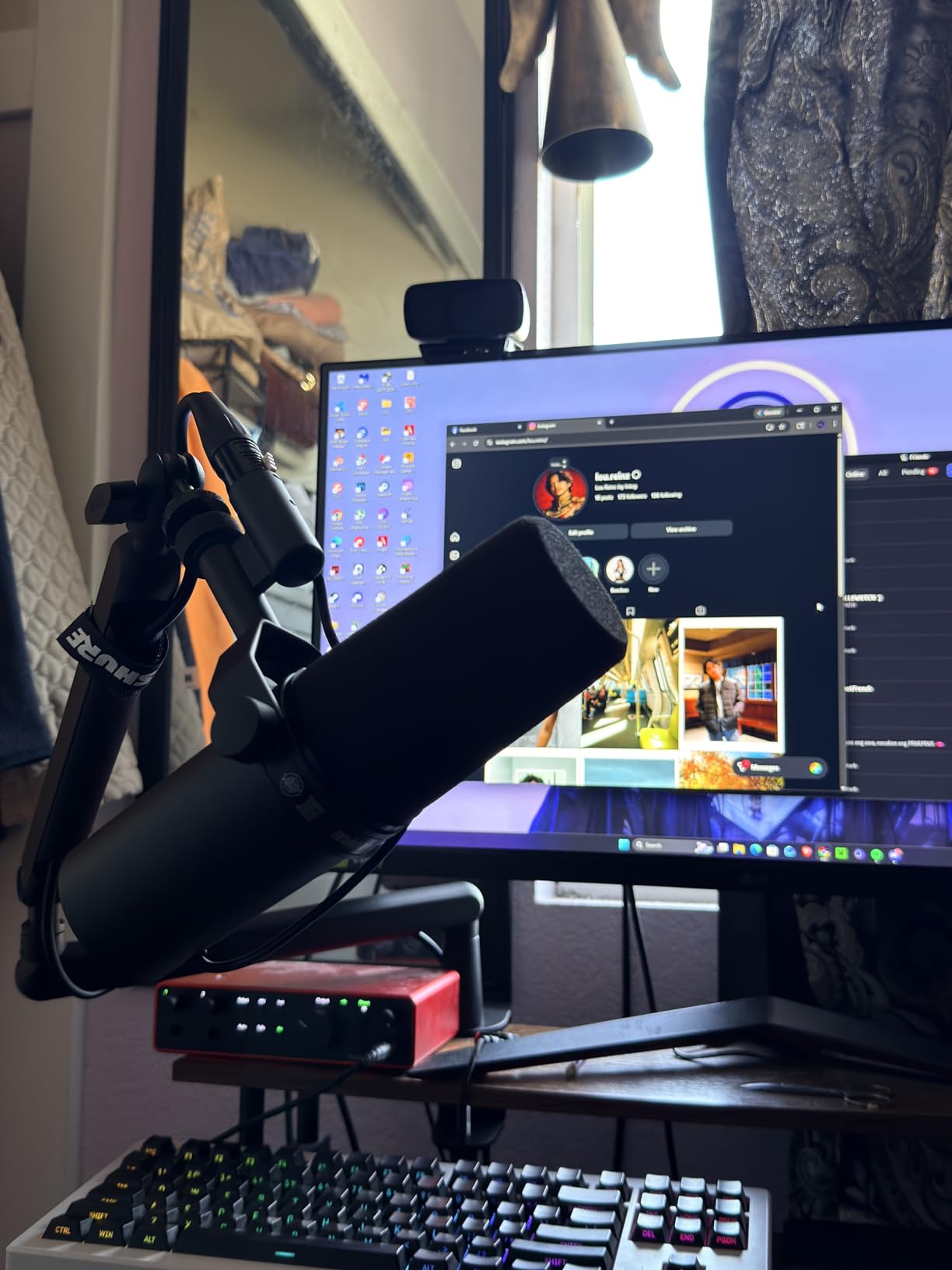
That said, the SM7B is not a plug-and-play microphone. It requires an XLR connection and significant gain to sound its best. I run mine through a Focusrite Scarlett 2i2 with a Cloudlifter CL-1 inline preamp, and the combo delivers crystal-clear audio every time. Without that extra gain boost, the mic sounds quiet and thin. You are also looking at an investment that goes beyond just the microphone itself.
The build quality is what you would expect from a professional-grade piece of gear. The all-metal construction feels like it could survive a drop down a flight of stairs, and the electromagnetic shielding keeps computer interference out of your recordings. Shure also includes two foam windscreens and has bass roll-off and mid-range boost switches on the back for fine-tuning your sound.
Who Should Buy the Shure SM7B
The SM7B is for YouTubers who are serious about audio quality and already have, or are willing to invest in, an audio interface and gain booster. If you produce sit-down commentary, podcast-style content, or streaming content where your voice is the star, this mic delivers the best results I have heard. It is not for beginners on a tight budget or anyone wanting a simple USB setup.
Gaming YouTubers who record in untreated rooms benefit the most from the SM7B because the dynamic capsule rejects so much ambient noise. You will not need acoustic foam panels or a treated closet to get clean recordings.
What You Need to Run the SM7B Properly
Beyond the microphone itself, plan on getting an XLR audio interface (Focusrite Scarlett or similar) and an inline preamp like the Cloudlifter CL-1 or FetHead. A decent boom arm is also essential since the SM7B weighs 2.7 pounds. I use the Rode PSA1, which handles the weight without drooping. Factor these accessories into your total budget before pulling the trigger.
2. Shure MV7+ – USB-C and XLR Hybrid Streaming Microphone
Shure MV7+ USB-C & XLR Podcast Dynamic Microphone – Black
Dynamic USB-C/XLR
Cardioid
50Hz-16kHz
OBS Certified
Pros
- Dual USB-C and XLR connectivity
- Voice isolation technology
- Auto Level Mode
- Customizable LED panel
- OBS certified for streaming
Cons
- No XLR cable included
- Requires companion app for full features
- Only USB-C cable in box
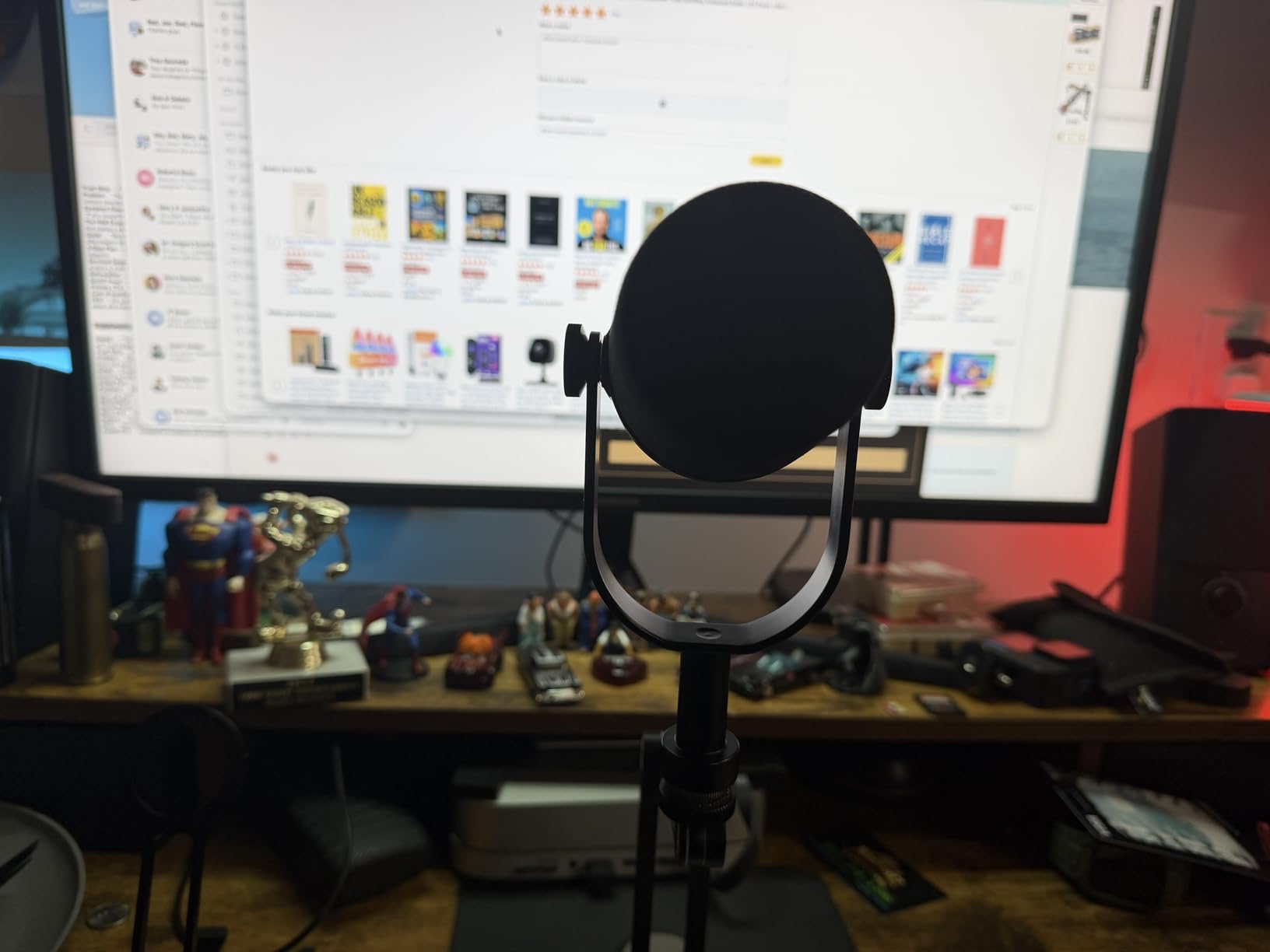
The Shure MV7+ is what happens when Shure takes the DNA of the SM7B and wraps it in a creator-friendly package. I tested this mic for a month of daily streaming, and the biggest takeaway is how it gives you professional audio quality right out of the box without needing a separate audio interface. Just plug in the USB-C cable, set your levels in the ShurePlus MOTIV app, and you are recording broadcast-quality audio in under five minutes.
What makes the MV7+ special for YouTubers is the dual connectivity. You can start with USB-C for simple plug-and-play use, and later upgrade to an XLR setup with an audio interface when you want more control. This is the upgrade path I wish I had when I started my channel. The voice isolation technology does an impressive job keeping your vocals clean even in noisy gaming environments.
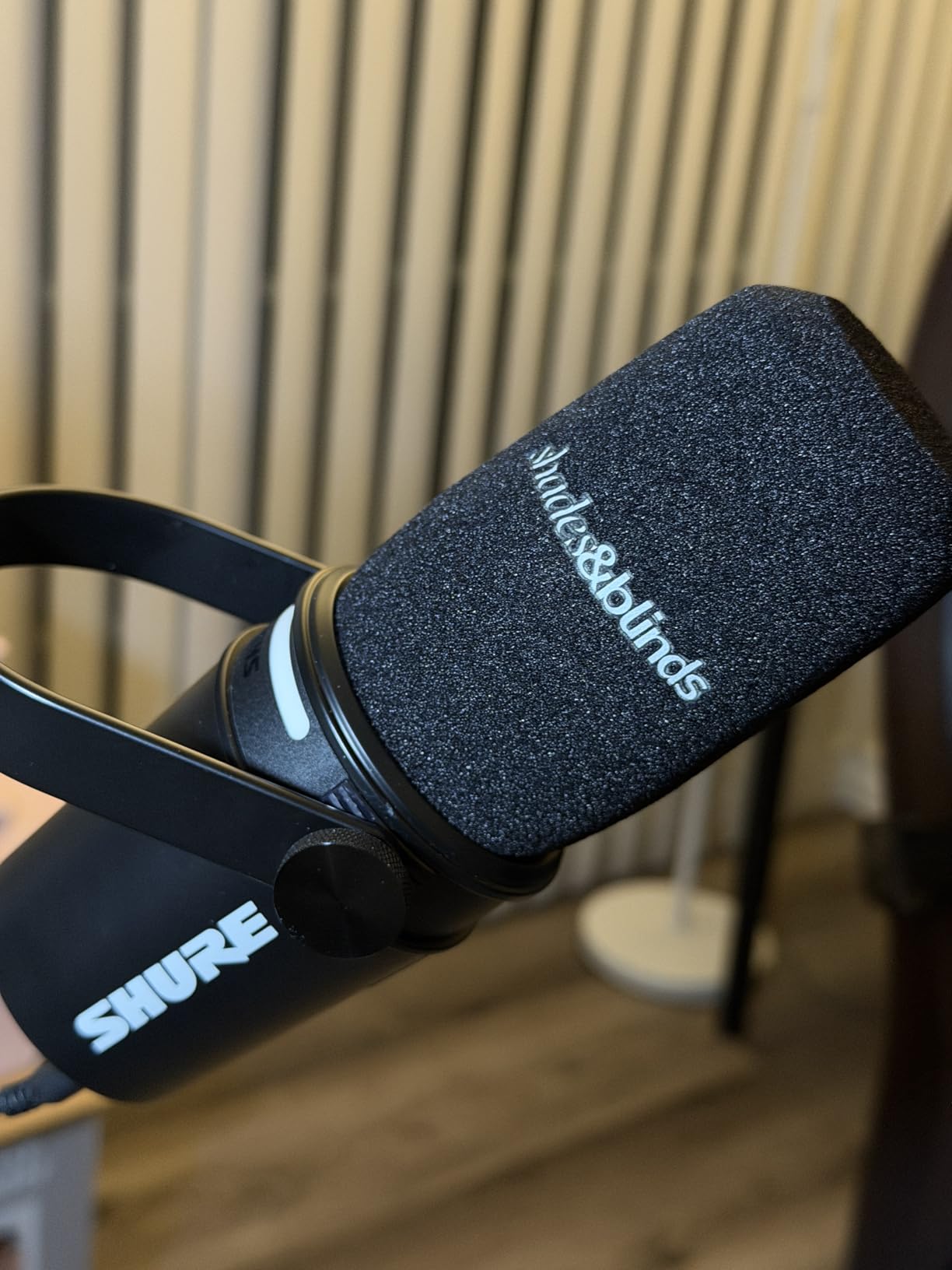
The Auto Level Mode is a feature I did not know I needed until I used it. The mic intelligently adjusts gain based on how loud you are speaking and how far away you sit. For gaming commentary where you might lean in during intense moments and sit back during calmer sections, this keeps your audio levels consistent without manual adjustment. The built-in digital pop filter also does a solid job of taming plosives without a physical filter.
The LED touch panel on the front is not just for show. You can tap to mute with a quick touch, monitor your audio levels in real time, and customize the color to match your streaming setup. It supports 16.8 million colors, which is a fun touch for content creators who care about their on-camera aesthetic.
Who the MV7+ Suits Best
Streamers and YouTubers who want professional Shure audio quality without the complexity of a full XLR setup will love the MV7+. It is also ideal for creators who plan to upgrade their audio chain over time, since the XLR output is ready when you are. If you stream on OBS, the OBS certification means plug-and-play compatibility with zero configuration headaches.
Creators who record in rooms with some background noise will benefit from the voice isolation technology. It is not as aggressive at rejecting room noise as the SM7B, but it handles keyboard noise and PC fan hum admirably.
How the Dual Connectivity Works in Practice
In USB mode, the MV7+ works as a complete standalone microphone. You get Auto Level Mode, the digital pop filter, reverb effects (Plate, Hall, Studio), and real-time denoising all through the USB connection. Switch to XLR mode, and the mic functions like a traditional dynamic microphone, passing clean analog audio to your interface. The DSP features only work in USB mode, so keep that in mind if you plan to switch between the two.
3. Rode NT1 5th Gen – Ultra-Quiet Dual-Output Studio Condenser
RØDE NT1 5th Gen Studio Condenser Microphone, XLR + USB-C, Silver
Condenser USB/XLR
20Hz-20kHz
4dB Self-Noise
32-bit Float
Pros
- Exceptionally low self-noise (4dB)
- Dual XLR and USB outputs
- Includes shock mount and pop filter
- 32-bit float USB recording
- Warm studio-quality vocals
Cons
- Sensitive to background noise in untreated rooms
- Sensitive to positioning (gold dot side)
- Heavier with shock mount attached
The Rode NT1 5th Gen is one of the quietest microphones I have ever used. With a self-noise rating of just 4dB, this condenser microphone captures your voice with a level of detail and clarity that makes recordings sound like they came from a professional studio. I tested it for voiceover work and music commentary, and the warm, silky character of this mic makes everything you say sound polished and radio-ready.
What sets the NT1 5th Gen apart from previous versions is the addition of USB output alongside the traditional XLR connection. You get the same high-quality audio through USB with 32-bit float recording, which means you practically cannot clip your audio even if you suddenly yell during an intense gaming moment. The Rode Revolution Preamp built into the USB mode provides plenty of clean gain without needing external boosters.
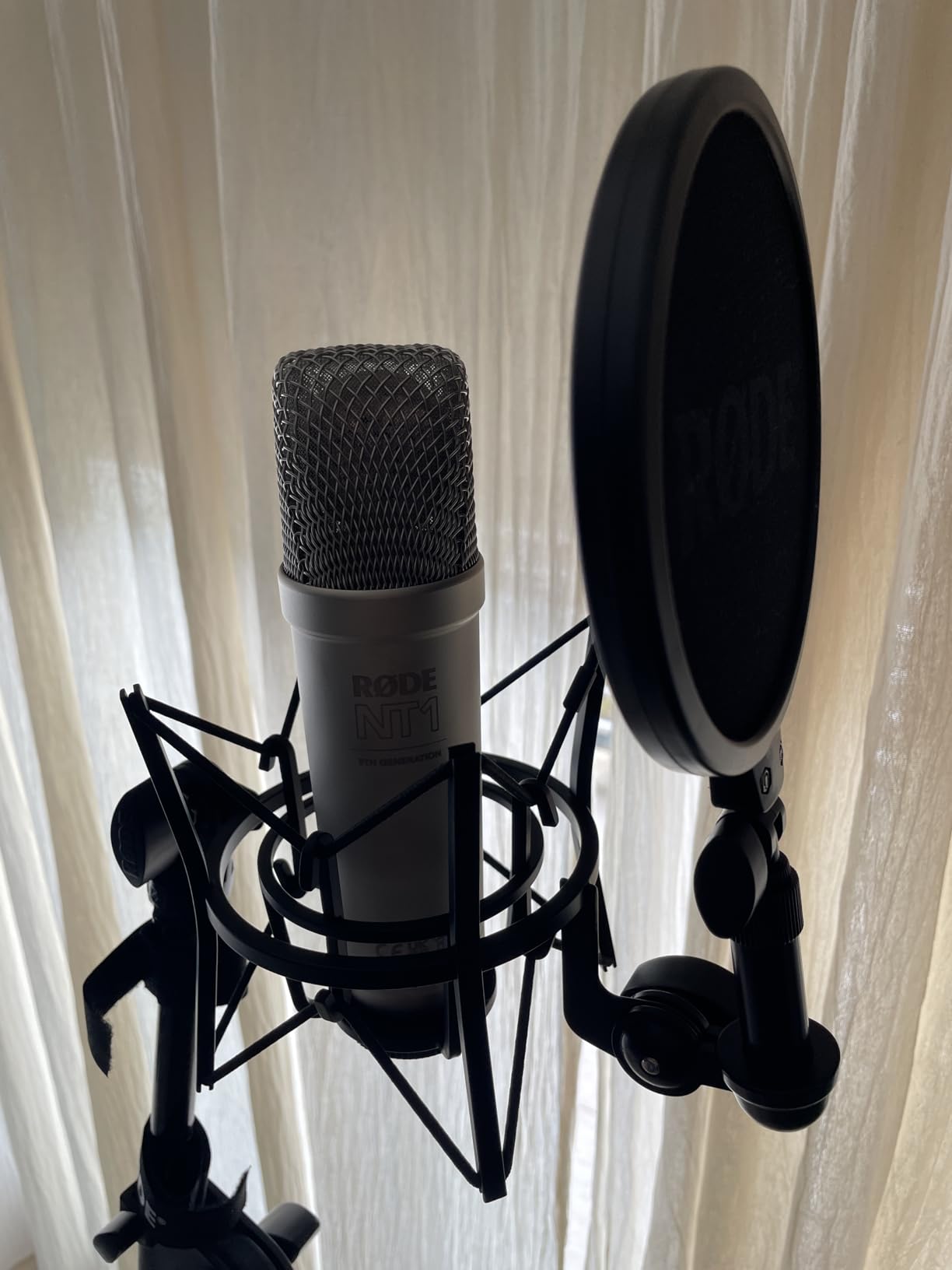
The included accessories make this a complete package. Rode bundles the SM6 shock mount, a pop filter, a 6-meter XLR cable, and a USB-C cable in the box. That is everything you need to start recording except the boom arm. The build quality is outstanding too, with a machined aluminum body finished with nickel plating and a military-grade ceramic coating.
Being a condenser microphone, the NT1 is more sensitive to room noise than dynamic options like the SM7B. If your recording space has hard floors, no acoustic treatment, and a loud PC, you will hear those things in your recordings. I found it works best when you can treat your room even minimally with some acoustic panels or record in a space with soft furnishings.
Who Should Choose the NT1 5th Gen
Voiceover artists, music commentators, and YouTubers who produce sit-down content in a reasonably quiet space will get the most from the NT1 5th Gen. If you want studio-quality detail and clarity in your recordings and have a treated or semi-treated room, this condenser mic delivers some of the best audio I have heard at this price point.
It is also a strong choice for creators who want a microphone that handles both USB and XLR duties with equal competence, especially if you plan to record music or vocals alongside your YouTube content.
USB vs XLR Mode Differences
In USB mode, you get 32-bit float recording with the built-in Revolution Preamp handling gain duties. This mode is perfect for quick recordings and situations where you want guaranteed clipping protection. In XLR mode, the NT1 functions as a traditional condenser requiring 48V phantom power from your audio interface. The XLR path gives you access to analog processing and the full frequency response the capsule is capable of delivering.
4. Rode PodMic – Budget Broadcast-Quality XLR Dynamic Mic
RØDE PodMic Cardioid Dynamic Broadcast Microphone, XLR
Dynamic XLR
Cardioid
20Hz-20kHz
All-Metal 937g
Pros
- Broadcast-quality sound at a budget price
- All-metal tank-like build
- Internal pop filter and shock mount
- Excellent background noise rejection
- Compact form factor
Cons
- Low output requires gain booster
- XLR only - no USB option
- No built-in headphone monitoring
- Very heavy at nearly 1kg
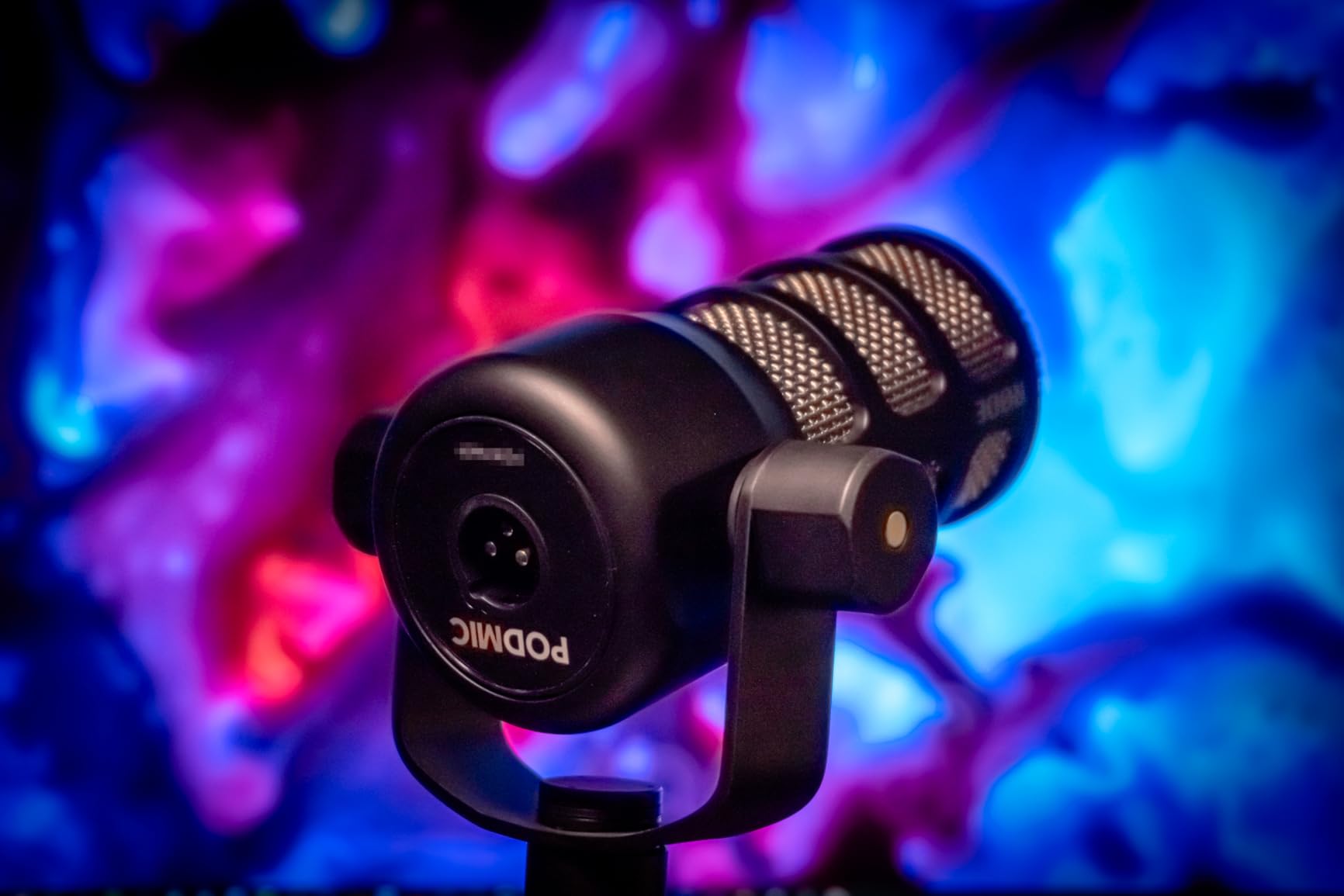
The Rode PodMic is proof that you do not need to spend hundreds to get that professional broadcast sound on your YouTube channel. I have recommended this microphone to at least a dozen friends starting their gaming channels, and every single one has been impressed with the rich, warm tone it produces. For the price, it delivers audio quality that competes with microphones costing two or three times as much.
Like the SM7B, the PodMic is a dynamic microphone with a cardioid polar pattern that does an excellent job rejecting background noise. The internal pop filter and shock mounting mean you can use it straight on a boom arm without extra accessories and still get clean recordings. The all-metal construction feels indestructible, and at 937 grams, this thing has some serious heft to it.
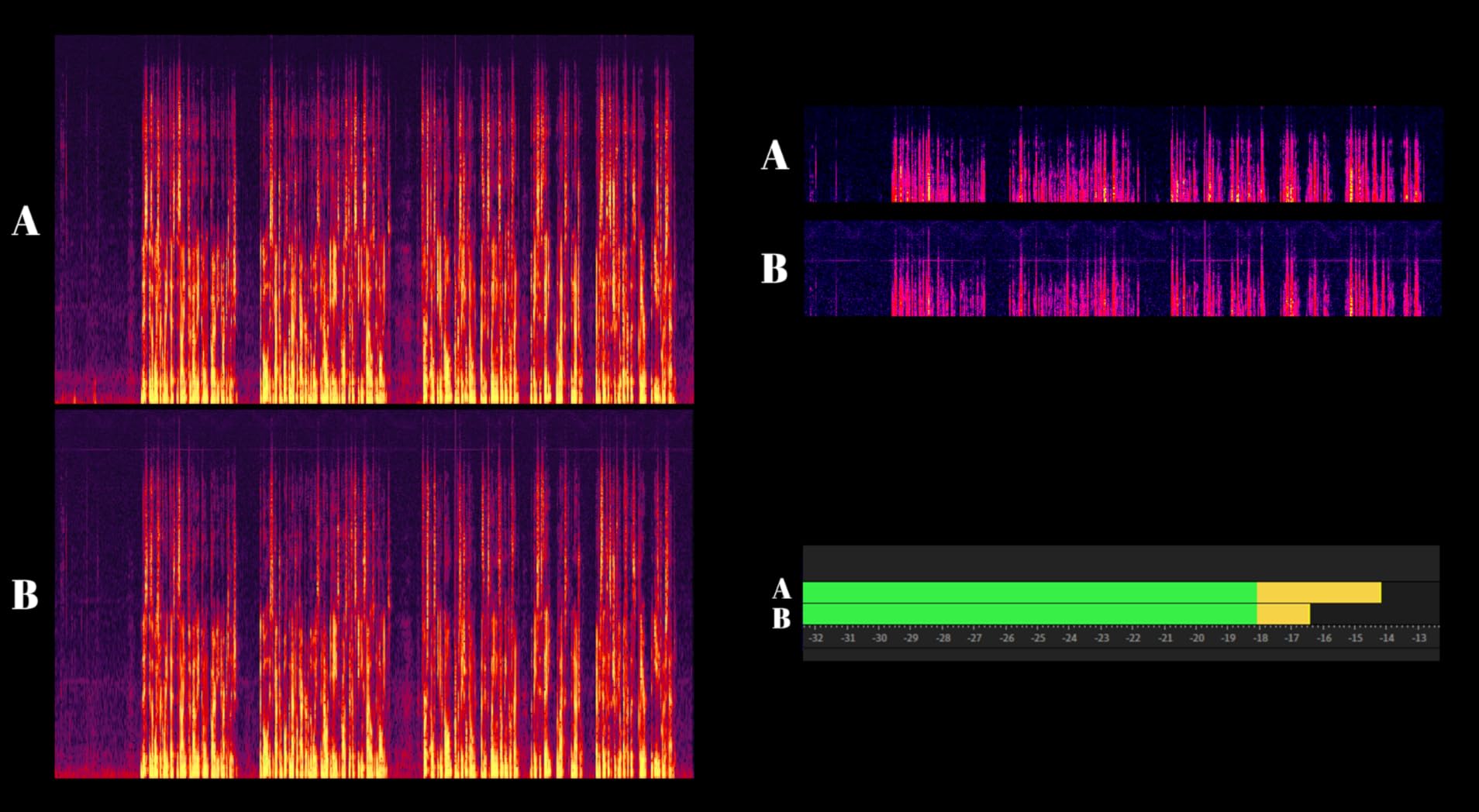
The catch with the PodMic is the same one shared by many affordable dynamic microphones: it has low output and needs significant gain to reach proper recording levels. Most basic audio interfaces struggle to provide enough clean gain for the PodMic. I pair mine with a FetHead inline preamp, and the combination sounds fantastic. Without the boost, you end up cranking the gain on your interface, which introduces noise.
This is an XLR-only microphone, which means you need an audio interface to use it. There is no USB option here. For YouTubers just starting out who want a simple plug-and-play solution, this adds complexity and cost. But if you already have an interface or are planning to invest in one, the PodMic represents one of the best values in audio gear I have tested.
Who the PodMic Is Made For
YouTubers on a budget who already own an audio interface or are building an XLR setup should put the PodMic at the top of their list. It is perfect for gaming commentary, podcasting, and sit-down review videos where you want that rich broadcast tone without spending SM7B money. If you are upgrading from a USB mic and want to step up to XLR, this is the ideal entry point.
Content creators in noisy environments will also appreciate how well the PodMic rejects ambient sound. It handles keyboard noise, fan hum, and room echo far better than any condenser mic at this price point.
Gain Requirements and Pairing Tips
I strongly recommend pairing the PodMic with either a FetHead or Cloudlifter inline preamp for the best results. The Focusrite Scarlett Solo or 2i2 are popular interface choices, but even they benefit from the extra gain boost. On a boom arm, the Rode PSA1 handles the weight well, though the PodMic does have standard mounting threads that work with most arms. Position the mic about 2 to 4 inches from your mouth for the best balance of presence and noise rejection.
5. Rode PodMic USB – Dual-Connectivity Dynamic Mic for Creators
RØDE PodMic USB Dynamic Broadcast Microphone, XLR + USB-C
Dynamic USB-C/XLR
Cardioid
20Hz-20kHz
APHEX DSP
Pros
- Dual USB-C and XLR connectivity
- APHEX Aural Exciter and Big Bottom DSP
- Zero-latency headphone monitoring
- Solid all-metal construction
- Includes pop filter
Cons
- Some users report connectivity issues
- No physical mute button
- Only USB-C to USB-C cable included
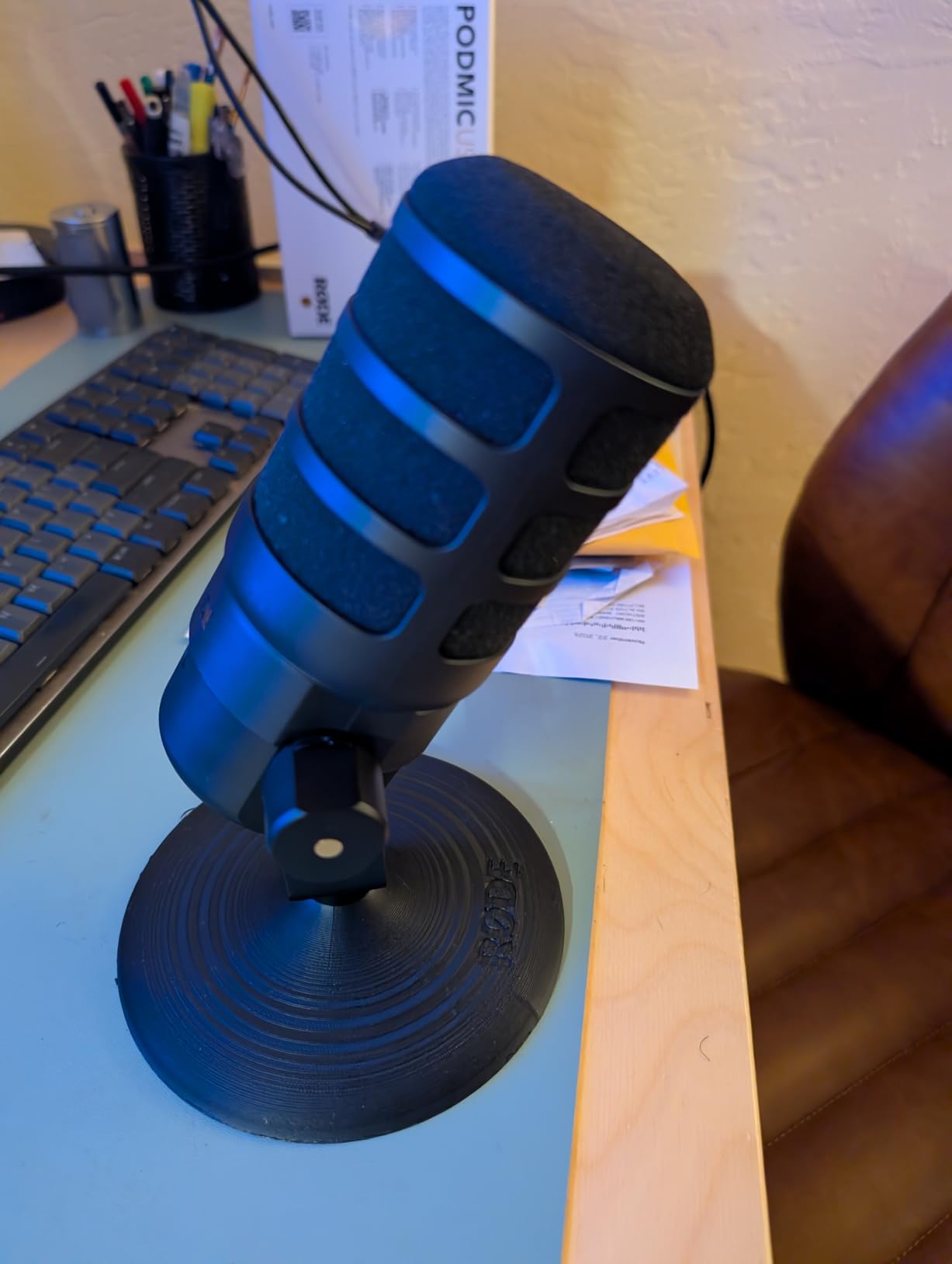
The Rode PodMic USB takes the original PodMic formula and adds USB connectivity, making it accessible to YouTubers who are not ready to invest in a full XLR setup. I tested it in both USB and XLR modes over several weeks of recording gaming commentary, and the audio quality in both modes is consistently warm and professional. The dynamic capsule delivers that same broadcast-style richness that makes the original PodMic so popular.
Where the PodMic USB gets interesting is the internal DSP processing through the Rode Central app. The APHEX Aural Exciter adds sparkle and presence to your voice, while the Big Bottom processor gives your lows more punch. I found the Aural Exciter particularly useful for commentary videos where you want your voice to cut through gameplay audio. These effects are subtle enough to enhance without sounding artificial.
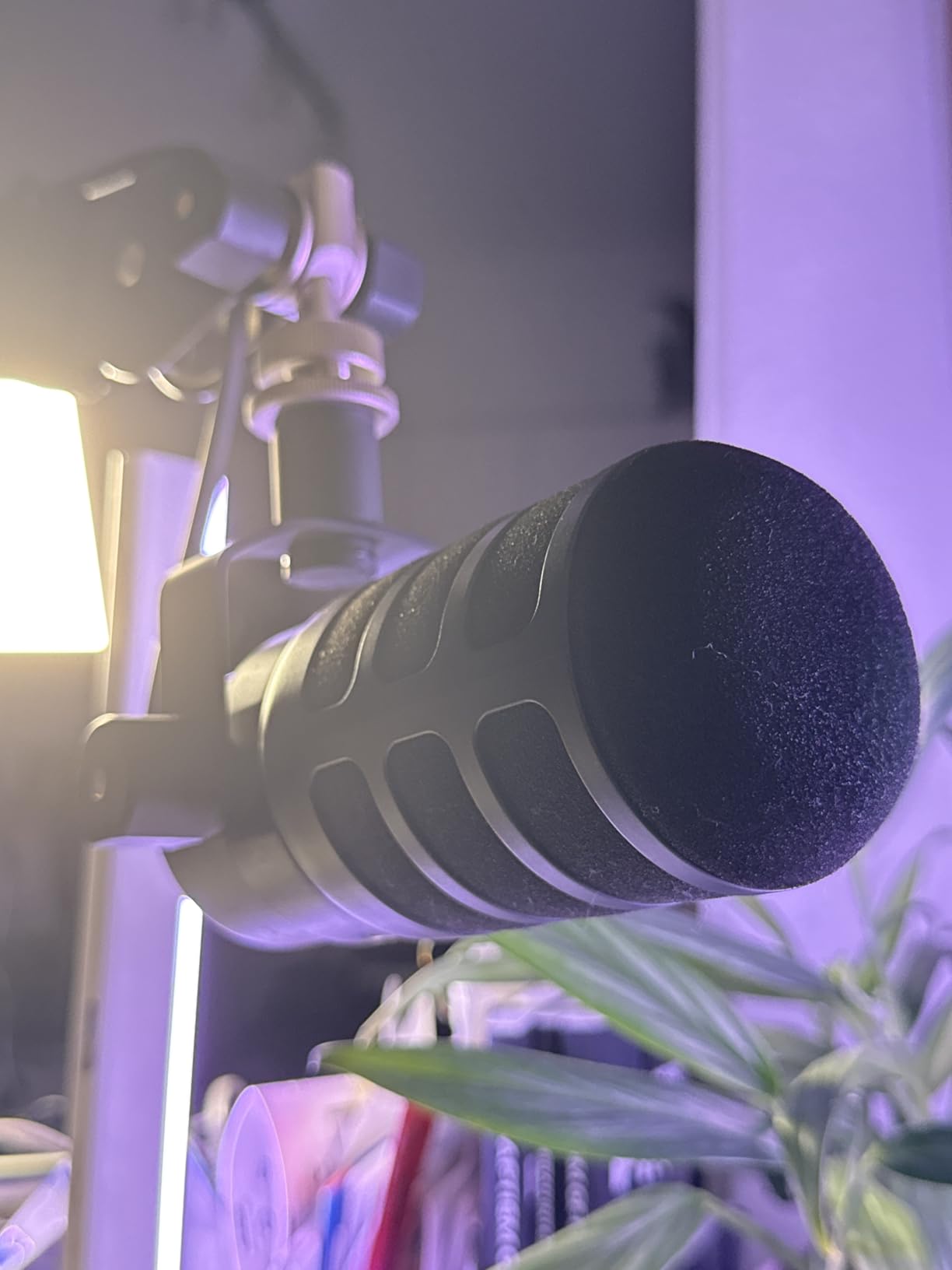
The zero-latency headphone monitoring jack on the bottom of the mic is a welcome addition that the XLR-only PodMic lacks. Being able to hear yourself in real time while recording or streaming helps you maintain consistent mic technique. The dedicated volume knob for monitoring is easy to reach and works smoothly.
My main concern with the PodMic USB is the reliability reports from some users. A number of reviewers mention the mic cutting out during use or experiencing connectivity drops. I did not encounter this issue during my testing period, but it is worth noting, especially if you are using it for live streaming where an audio drop could be a real problem.
Who Should Consider the PodMic USB
YouTubers who want the flexibility to start with USB and later transition to XLR will find the PodMic USB a solid middle-ground option. It is a good fit for gaming commentary creators who want broadcast-quality audio without the complexity of an audio interface, but still have the option to upgrade later. If you want a mute button, though, you will need to handle that through software.
Creators who use the Rode Central app for other Rode gear will appreciate having everything in one ecosystem. The DSP features are genuinely useful for polishing your sound in post without plugins.
DSP Features Worth Knowing About
The APHEX processors inside the PodMic USB are based on the same technology used in professional studios. The Aural Exciter adds harmonic richness to the upper midrange and treble, making vocals sound more present and detailed. The Big Bottom processor enhances the low-frequency response without muddying the midrange. Both can be toggled on and off through the Rode Central app, and you can adjust the intensity. I recommend starting with subtle settings and increasing until it sounds natural for your voice.
6. Blue Yeti – The Classic Multi-Pattern USB Condenser
Logitech Creators Blue Yeti USB Microphone for PC, Mac, Gaming, Recording, Streaming, Podcasting, Studio and Computer Condenser Mic with Blue VO!CE effects, 4 Pickup Patterns, Plug and Play – Blackout
Condenser USB
4 Pickup Patterns
20Hz-20kHz
24-bit
Pros
- Four pickup patterns for versatility
- Blue VO!CE software effects
- Plug-and-play USB setup
- Onboard gain and volume controls
- 56k+ reviews from satisfied users
Cons
- Sensitive to room noise without treatment
- Micro-USB port instead of USB-C
- Large and heavy for travel
- Requires pop filter for plosives
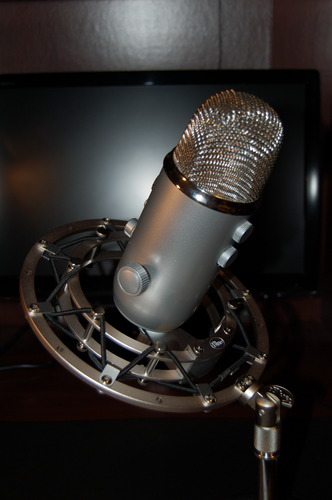
The Blue Yeti is the microphone that probably started more YouTube channels than any other. With over 56,000 reviews and a 4.6-star rating, it remains one of the most popular USB microphones for content creators, and for good reason. I used the Yeti as my daily driver for over a year, and it consistently delivered clear, detailed audio for gaming commentary, voiceovers, and podcast recordings.
The biggest selling point of the Blue Yeti is its four pickup patterns. Cardioid mode focuses on sound directly in front of the mic, which is ideal for solo commentary. Omnidirectional captures sound from all directions for roundtable discussions. Bidirectional records from front and back for interviews, and stereo captures a wide soundstage for music or ambient recording. No other USB mic at this price offers this much flexibility.
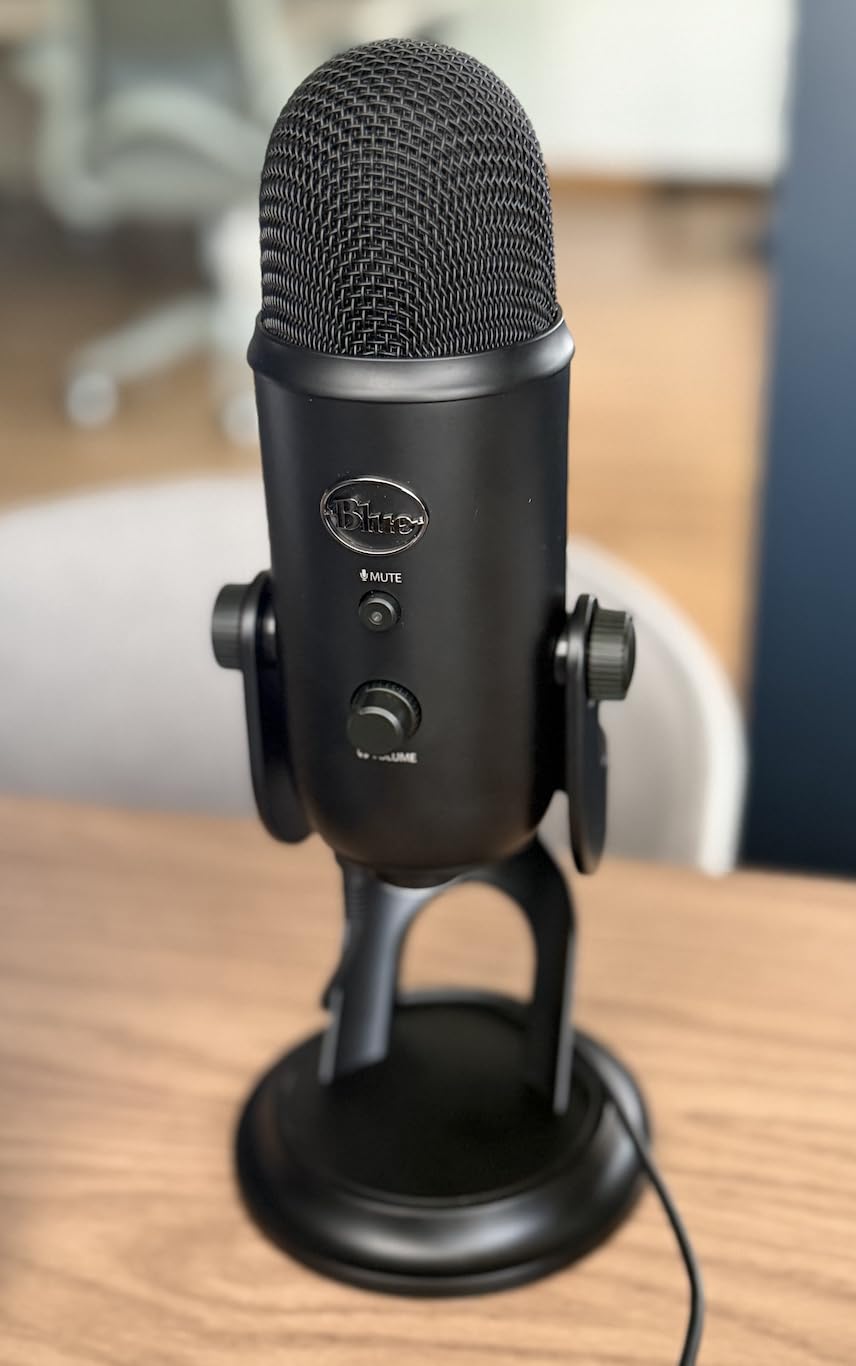
The Blue VO!CE software adds broadcast-quality vocal effects that make your recordings sound more polished. You can choose from presets like Classic Radio or Studio Vocal, or customize your own EQ, compression, and noise gate settings. For gaming YouTubers who want to sound professional without spending hours in post-production, these software effects are a real time-saver.
Being a condenser microphone, the Yeti picks up more room noise than dynamic options. If you have a mechanical keyboard, loud PC fans, or an untreated room, the Yeti will capture all of it. I found that using a boom arm to position the mic close to my mouth and keeping the gain knob low helped minimize background pickup significantly.
Who the Blue Yeti Still Works For
The Blue Yeti is still an excellent choice for YouTubers who want maximum versatility from a single USB microphone. If you produce multiple types of content (solo commentary, group discussions, interviews, music), the four pickup patterns make it the most flexible option on this list. It is also a strong pick for creators who want to start recording immediately without buying an audio interface.
Creators on a mid-range budget who want proven reliability and a massive community of fellow Yeti users for troubleshooting and tips will feel right at home with this mic.
Getting the Best Sound from Your Yeti
First, make sure the gain knob on the back is set low enough that you are not picking up room noise. I typically set mine at about 30 to 40 percent and position the mic 4 to 6 inches from my mouth. Second, always use cardioid mode for solo content and point the front of the mic (the side with the Blue logo) at your mouth, not the top. Third, invest in a pop filter since the Yeti is quite sensitive to plosives. Finally, use the Blue VO!CE software to add a noise gate and compressor for instant professional polish.
7. HyperX QuadCast 2 – Feature-Packed Gaming and Streaming USB Mic
HyperX QuadCast 2 – USB Microphone for Gaming, Streaming and Podcasting, with On-Board Controls, LED Lighting, Removable Shock Mount, PC, Mac, PS5, PS4, USB-C – Black
Condenser USB-C
4 Polar Patterns
Tap-to-Mute
Built-in Shock Mount
Pros
- Built-in anti-vibration shock mount
- Tap-to-mute with LED indicator
- Four polar patterns
- Excellent plug-and-play sound
- Compatible with PC
- Mac
- PS4
- PS5
Cons
- USB only - no XLR option
- Red accent color may not match setups
- Slight sibilant boost reported by some
The HyperX QuadCast 2 is one of the best microphones for YouTubers I have tested, full stop. With a 4.8-star rating from over 36,000 reviews, the community consensus backs up what I experienced firsthand: this mic sounds fantastic, looks great on camera, and has every feature a gaming content creator needs packed into one USB device. I used it for three weeks of daily streaming and commentary recording, and the audio quality impressed me from the first recording.
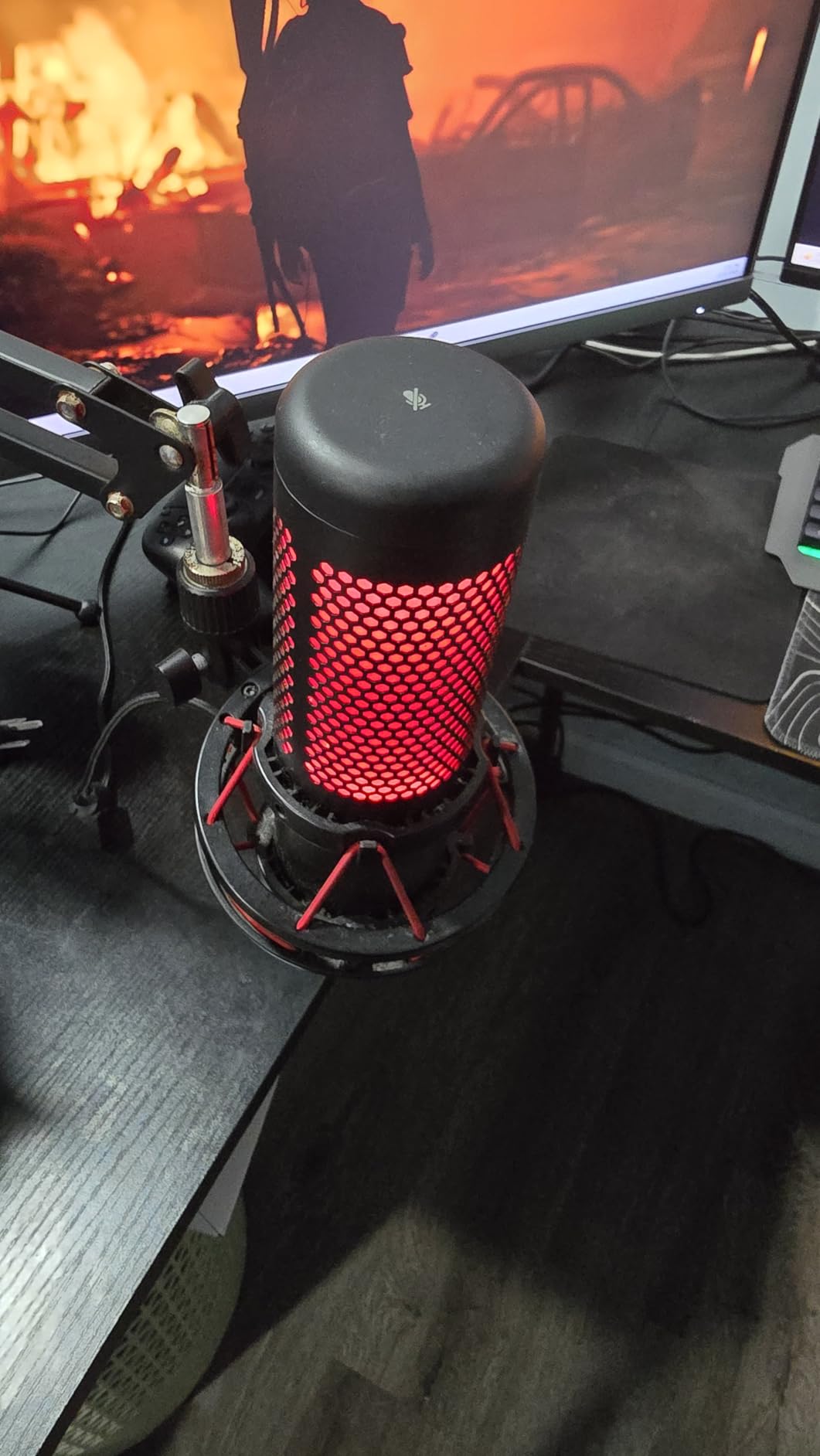
What immediately sets the QuadCast 2 apart is the built-in anti-vibration shock mount. Most USB microphones at this price require you to buy a separate shock mount, but HyperX includes one that works effectively. Desk bumps, keyboard vibrations, and accidental knocks are dramatically reduced in your recordings. The tap-to-mute sensor on top with its LED ring indicator is also one of those features you did not know you needed until you use it daily.
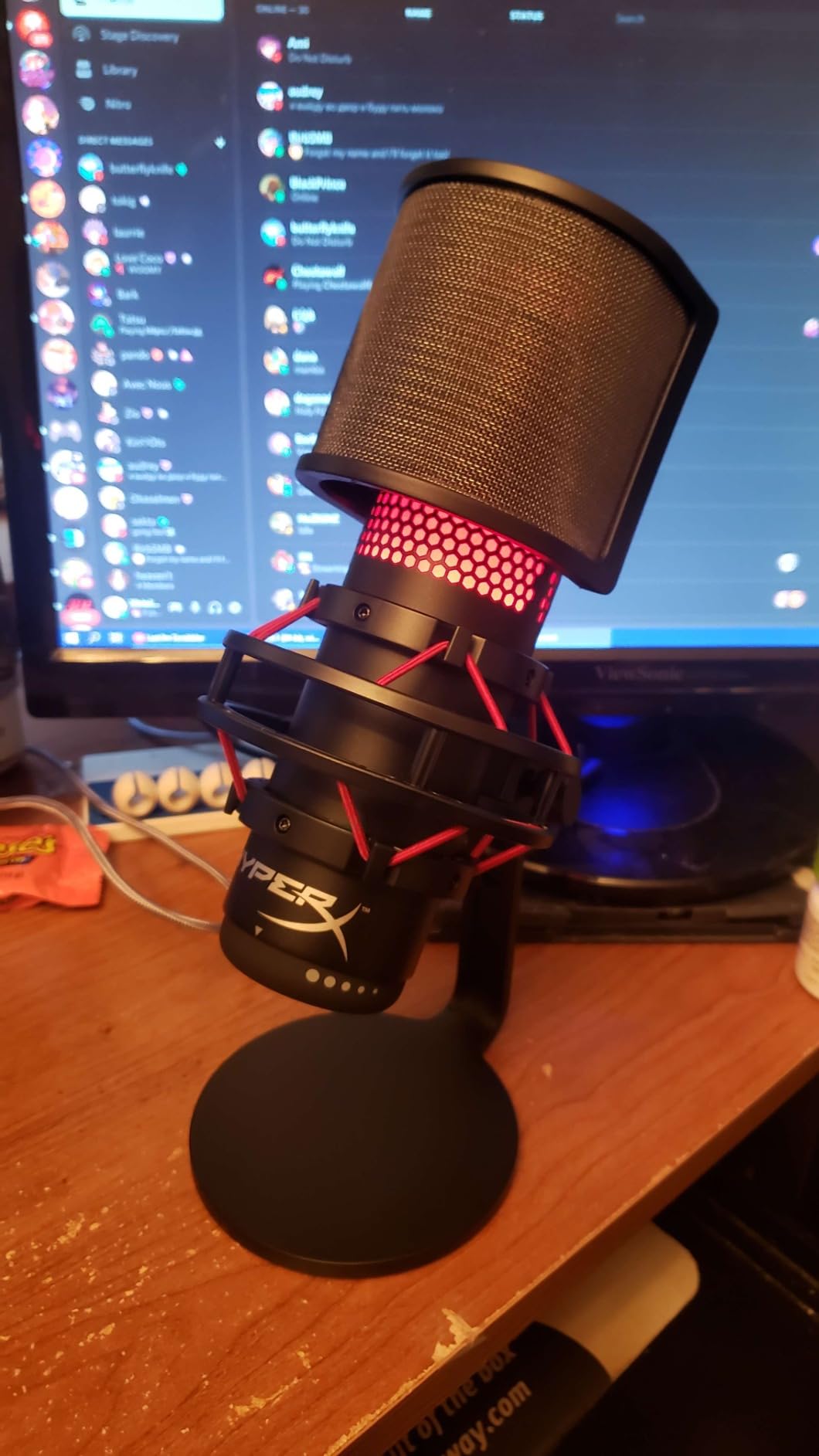
Like the Blue Yeti, the QuadCast 2 offers four selectable polar patterns: cardioid, omnidirectional, bidirectional, and stereo. The gain control dial on the bottom is smooth and precise, and the headphone jack on the back provides zero-latency monitoring. Everything is controlled on the mic itself, so you do not need to fiddle with software during a live stream.
My only real gripe is that the QuadCast 2 is USB-only. There is no XLR output for upgrading to a professional audio chain later. For most gaming YouTubers and streamers, the USB connection is all you will ever need, but if you think you might want XLR flexibility down the road, consider the Shure MV7+ or FIFINE AM8 instead.
Who the QuadCast 2 Is Perfect For
Gaming YouTubers and streamers who want a complete USB microphone solution without buying separate accessories will love the QuadCast 2. The built-in shock mount, tap-to-mute, and four polar patterns cover every content type from solo commentary to group discussions. If you stream on console (PS4 or PS5), this is one of the few USB mics that works natively with your system.
Creators who want their setup to look as good as it sounds will appreciate the sleek design with the LED ring that glows when active and dims when muted.
Polar Pattern Selection Tips
For solo gaming commentary and streaming, keep the QuadCast 2 in cardioid mode. It focuses on your voice and rejects keyboard and PC noise from the sides and back. Switch to omnidirectional if you are recording a group discussion around a table. Bidirectional works for face-to-face interviews with someone sitting across from you. Stereo mode captures spatial audio, which is useful for music or immersive environment recordings. The dial on the mic lets you switch between patterns on the fly, even during a live stream.
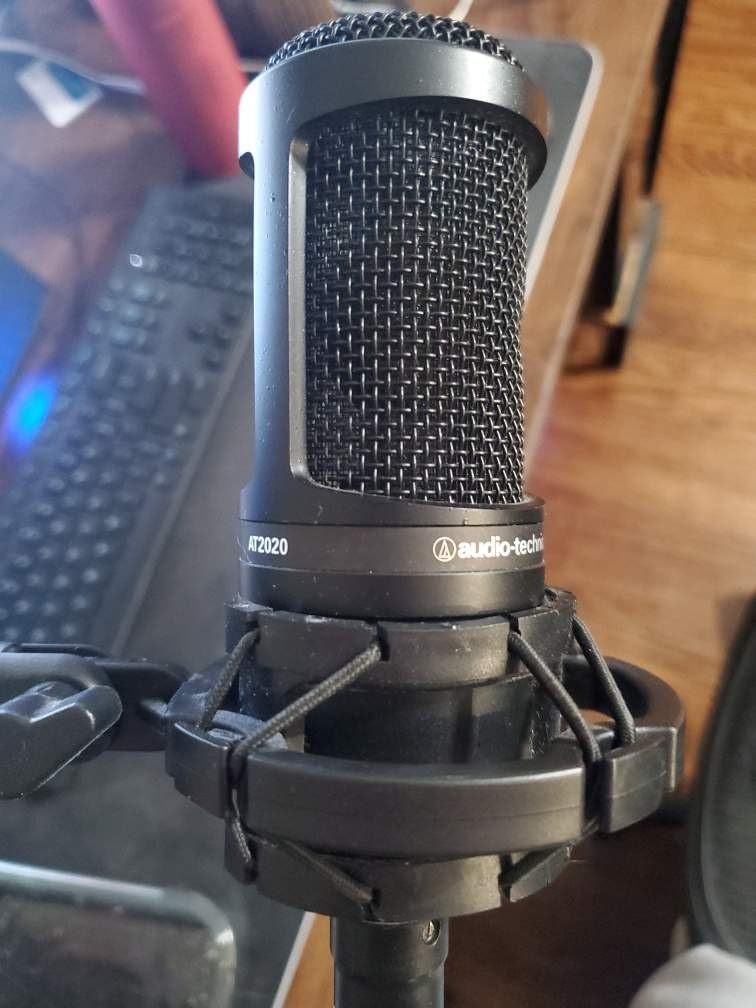
8. Audio-Technica AT2020 – Legendary Studio XLR Condenser Microphone
Audio-Technica AT2020 Cardioid Condenser Studio XLR Microphone, Ideal for Project/Home Studio Applications, Black
Condenser XLR
Cardioid
20Hz-20kHz
Requires 48V Phantom
Pros
- Professional studio sound quality
- Competes with mics 2-3x the price
- Extremely durable all-metal build
- Excellent for vocals and instruments
- Wide dynamic range
Cons
- Requires audio interface with 48V phantom power
- Sensitive to room noise without treatment
- No XLR cable included
- Picks up plosives without pop filter
The Audio-Technica AT2020 has been a studio staple for over a decade, and after testing one for my voiceover work, I understand why it has lasted this long. This condenser microphone delivers professional-grade audio clarity that genuinely competes with microphones costing two to three times as much. The custom-engineered low-mass diaphragm captures vocal detail with a level of precision that makes your commentary sound crisp and articulate.
I handed this mic to a friend who runs a gaming channel, and he could not believe the sound quality improvement over his previous USB setup. The AT2020 brings out nuances in your voice that cheaper mics simply miss. Highs are clear without being harsh, mids are present and warm, and the low end has enough body to give your recordings a professional weight. It handles high sound pressure levels well too, so sudden volume spikes during intense gaming moments do not distort.
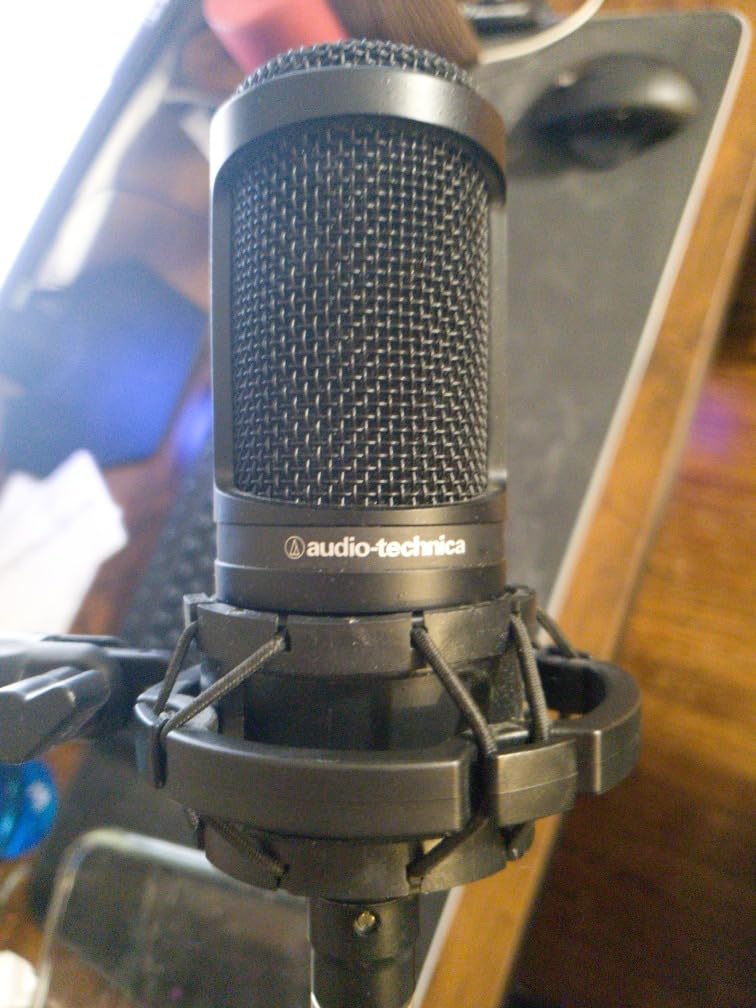
As an XLR condenser microphone, the AT2020 requires two things: an audio interface with 48V phantom power and a reasonably quiet recording space. The cardioid pattern does a decent job rejecting sounds from the sides and rear, but condensers are inherently more sensitive than dynamic microphones. In my untreated office with a gaming PC running, I could hear the fan noise faintly in recordings. Adding a simple acoustic panel behind the mic helped a lot.
The build quality is exceptional for the price. All-metal construction with a solid feel that inspires confidence. Many users report their AT2020 units lasting 10+ years with regular use, which speaks to the durability. Audio-Technica also backs it with a 2-year warranty on parts and labor.
Who Should Invest in the AT2020
YouTubers who are building an XLR audio chain and want studio-quality sound without the studio price tag will find the AT2020 to be an outstanding investment. It is ideal for commentary, voiceover work, and even recording instruments or game audio. If you already have an audio interface with phantom power, this mic plugs in and immediately elevates your production quality.
Creators who produce both YouTube content and music will appreciate the AT2020 because it handles vocals and instruments with equal competence, making it a versatile tool in your recording setup.
What Else You Need to Get Started
You will need an audio interface that provides 48V phantom power (the Focusrite Scarlett series is the most popular pairing), an XLR cable, a mic stand or boom arm, and a pop filter. The AT2020 does not include any of these accessories. I also recommend some basic acoustic treatment for your recording space, even just a couple of foam panels placed behind the microphone to reduce room reflections.
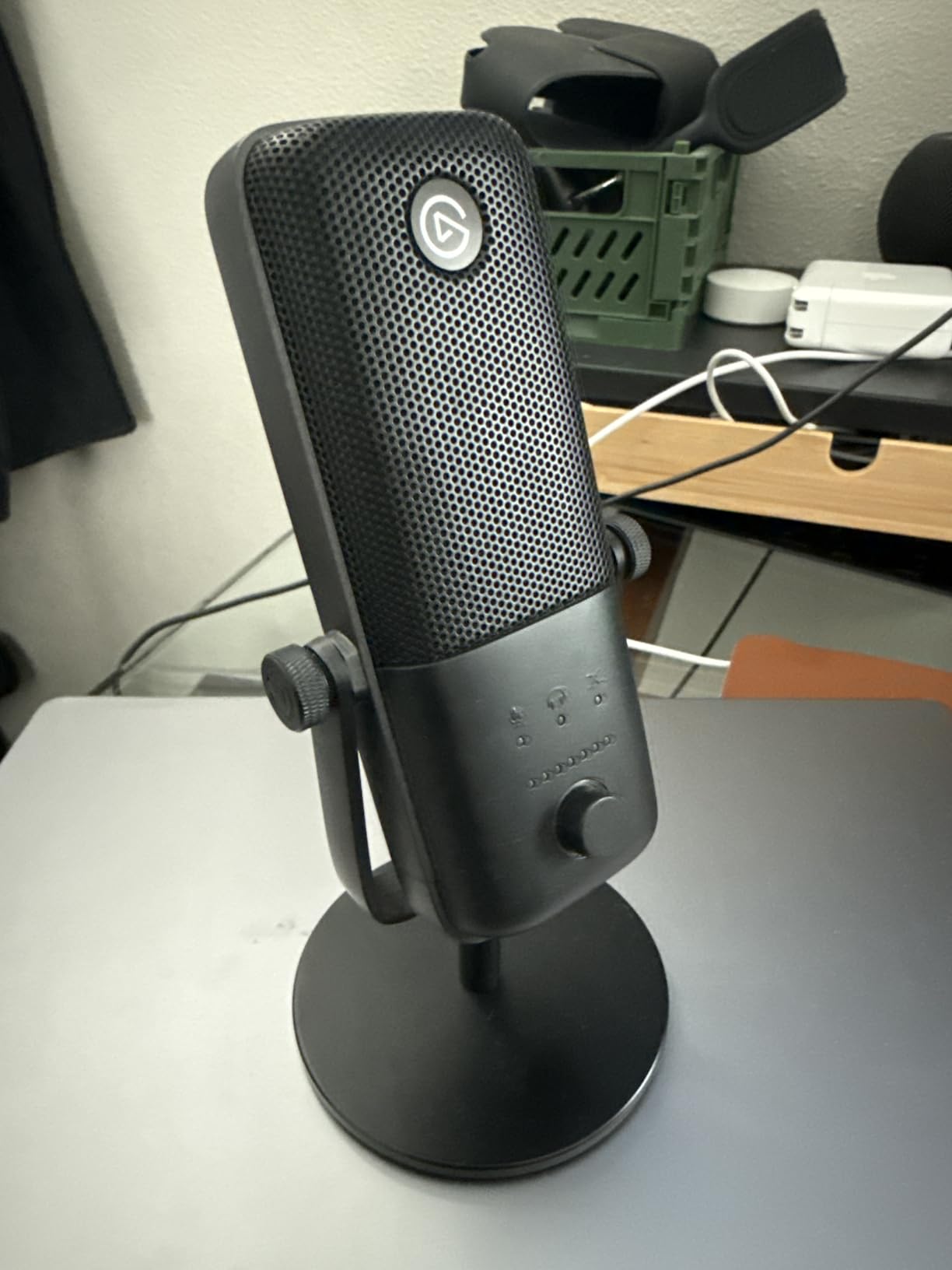
9. Elgato Wave:3 – Software-Powered USB Condenser for Streamers
Elgato Wave:3 USB Condenser Microphone for Streaming
Condenser USB-C
Cardioid
24-bit/96kHz
Clipguard Tech
Pros
- Clipguard prevents distortion
- Wave Link software for multi-source mixing
- 24-bit/96kHz audio quality
- Touch-sensitive mute button
- Compact desk-friendly design
Cons
- Cardioid pattern only
- Wave Link software has learning curve
- Pop filter and shock mount sold separately
- Bass slightly under-emphasized
The Elgato Wave:3 is built specifically for streamers and content creators who want software-driven audio control. After using it for two weeks of streaming sessions, I can say the hardware is solid, but the real magic is in the Wave Link software. Being able to control your mic volume, game audio, Discord chat, and music as separate audio sources with independent mixes is a game-changer for multi-tasking content creators.
Clipguard technology is the standout hardware feature. It uses a dual-analog-to-digital converter system that essentially makes distortion impossible. I tested this by deliberately yelling into the mic during a rage-quit moment, and the audio never clipped. For gaming YouTubers who get loud during intense moments, this feature alone is worth the price of admission. The 24-bit/96kHz analog-to-digital conversion delivers broadcast-quality audio that sounds clean and professional.
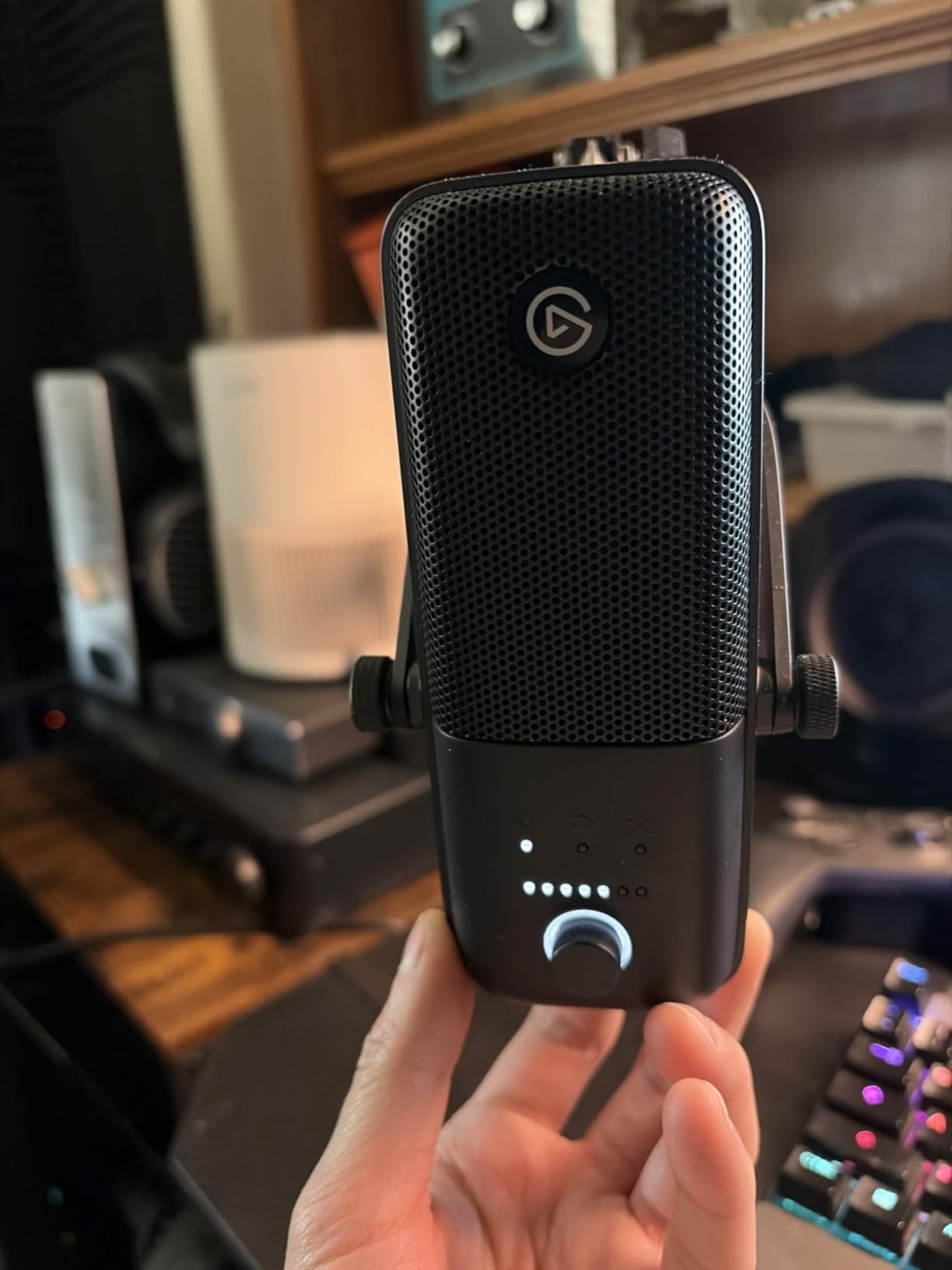
The touch-sensitive mute button on top with its LED status indicator is a nice touch. A quick tap silences the mic and changes the LED color so you always know your mute status at a glance. The compact design takes up minimal desk space, which is appreciated when your desk is already crowded with monitors, controllers, and gaming peripherals.
The Wave:3 is limited to a cardioid polar pattern, which is fine for most solo content creation. However, if you need omnidirectional or bidirectional recording for group content, you will need a different mic. The bass response is also slightly under-emphasized compared to mics like the Blue Yeti, giving the Wave:3 a brighter, more articulate sound that works well for speech but less so for deeper voices wanting warmth.
Who Benefits Most from the Wave:3
Streamers who juggle multiple audio sources (game sound, chat, music, alerts) will benefit enormously from the Wave Link software. If you regularly stream gameplay while on Discord with friends and playing background music, the Wave:3 gives you independent volume control over each source with the ability to create separate mixes for your stream and your headphones.
YouTubers who tend to get loud during recordings will appreciate the Clipguard technology. It removes the anxiety of accidentally clipping your audio during high-energy moments.
Wave Link Software Deep Dive
Wave Link lets you create up to nine audio channels and route any application to any channel. You can then create two independent output mixes: one for your stream and one for your local monitoring. For example, you can hear your Discord friends at full volume in your headphones while reducing their volume in the stream mix. The software also includes free sound effect plugins for adding reverb, EQ, and noise gate to your microphone input. There is a learning curve, but once set up, it transforms your streaming workflow.
10. FIFINE AmpliGame AM8 – Budget Dual USB/XLR Dynamic Microphone
FIFINE AmpliGame AM8 USB/XLR Dynamic Microphone for Gaming Streaming
Dynamic USB/XLR
Cardioid
50Hz-16kHz
Tap-to-Mute + RGB
Pros
- Dual USB and XLR connectivity
- Near studio-quality sound at budget price
- Tap-to-mute with LED indicator
- RGB lighting with memory function
- Headphone monitoring jack included
Cons
- XLR cable not included
- RGB only works in USB mode
- Can pick up background noise
- May need boom arm for best positioning
The FIFINE AmpliGame AM8 punches so far above its weight class that it almost feels unfair to the competition. For under $55, you get a dynamic microphone with both USB and XLR connectivity, tap-to-mute functionality, headphone monitoring, and controllable RGB lighting. I tested it side by side with microphones costing three times as much, and the AM8 held its own in terms of raw vocal clarity and warmth.
The dual connectivity is what makes the AM8 such a smart buy for YouTubers on a budget. You can start with USB plug-and-play and upgrade to an XLR setup with an audio interface when your channel grows. This is the same flexibility that the Shure MV7+ offers at a fraction of the cost. The dynamic cardioid capsule does a respectable job rejecting background noise too, which matters for gaming setups with loud keyboards and PC fans.
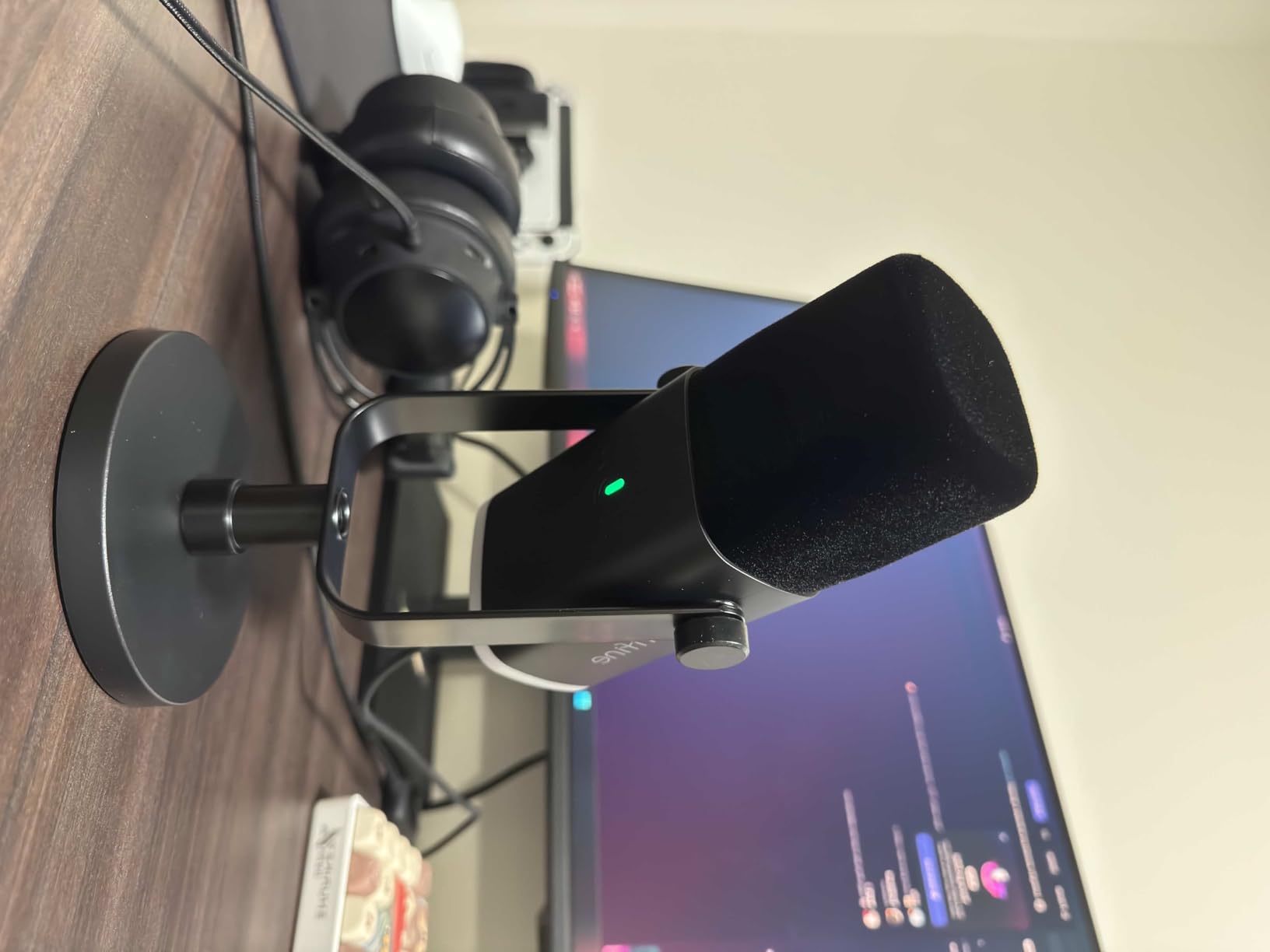
The tap-to-mute button on top works reliably and has an LED indicator that changes color so you always know your recording status. The gain knob on the front gives you real-time audio adjustment without digging into software settings. The headphone jack on the bottom provides zero-latency monitoring, which is remarkable to find at this price point.
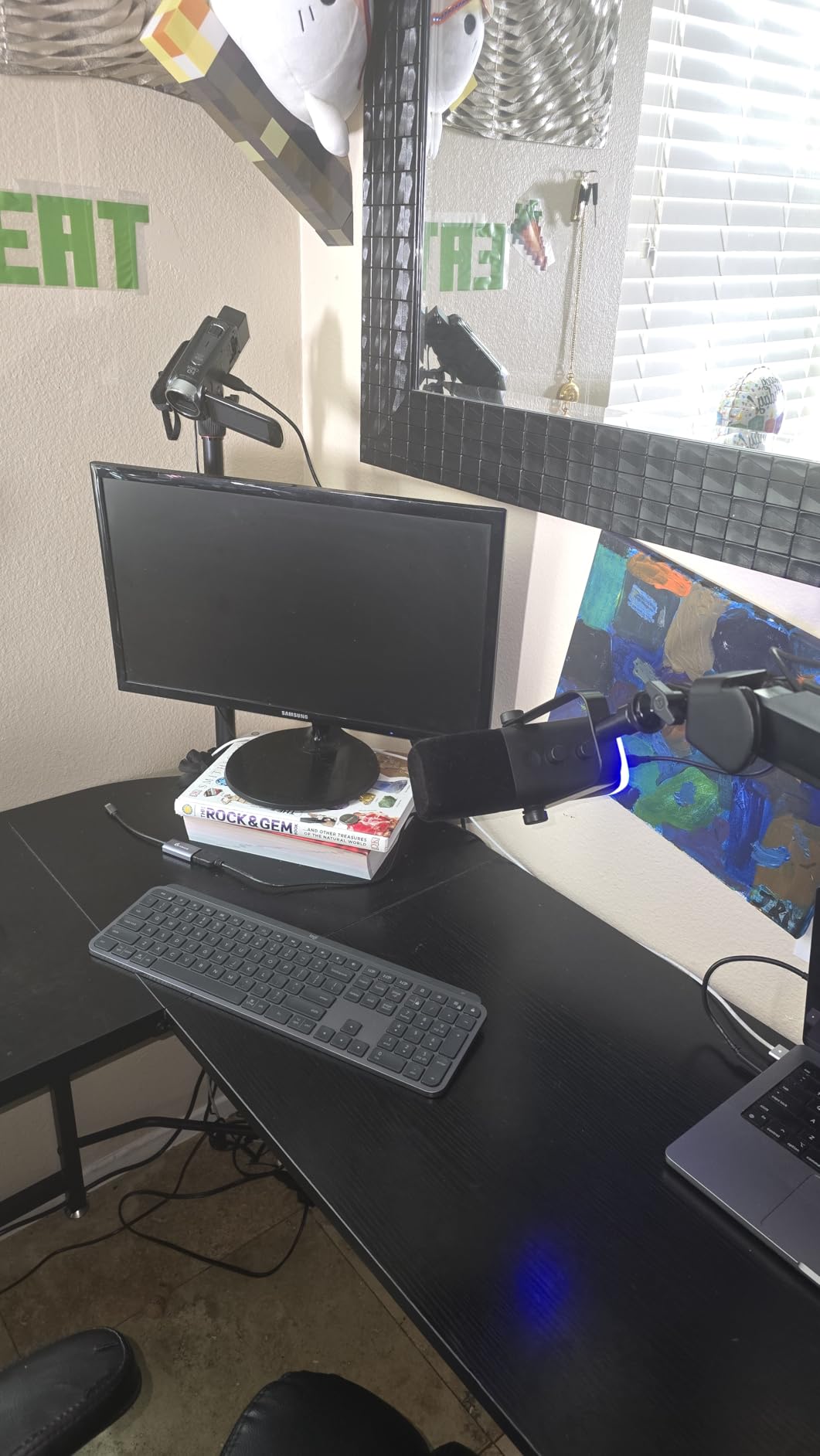
The RGB lighting is a fun touch for gaming setups. It offers three modes and over ten color options, and the memory function saves your preference between sessions. It is purely cosmetic, but it makes the mic look more expensive than it is. Keep in mind that the RGB and touch controls only work in USB mode.
Who the AM8 Is Built For
Beginning YouTubers and gaming content creators on a strict budget should look at the AM8 first. It delivers professional-sounding audio without requiring an audio interface, and the XLR output means you can upgrade your audio chain later without replacing the microphone. If you are starting a channel and want the best possible sound without spending more than $60, this is your mic.
Creators who want RGB aesthetics to match their gaming setup will appreciate the lighting options. The AM8 looks right at home next to a gaming keyboard and mouse with its compact, modern design.
USB vs XLR Mode on a Budget
In USB mode, you get the full feature set: tap-to-mute, gain knob, RGB lighting, and headphone monitoring. Plug it in, select it as your audio input, and start recording. Switch to XLR mode, and the AM8 becomes a straightforward dynamic microphone that works with any audio interface or mixer. The XLR path delivers slightly cleaner audio since you are bypassing the internal USB audio processing, but the difference is subtle. For most YouTube content, USB mode is more than sufficient.
11. HyperX SoloCast – Ultra-Affordable Plug-and-Play USB Condenser
HyperX SoloCast – USB Condenser Gaming Microphone, for PC, PS4, PS5 and Mac, Tap-to-Mute Sensor, Cardioid Polar Pattern, great for Streaming, Podcasts, Twitch, YouTube, Discord,Black
Condenser USB
Cardioid
24-bit/96kHz
Tap-to-Mute
Pros
- Plug-and-play USB-C setup
- Hi-Res 24-bit/96kHz recording
- Tap-to-mute sensor with LED
- Compact and lightweight design
- Compatible with mic stand threads
Cons
- No pop filter or shock mount included
- Picks up desk vibrations on stock stand
- Software can lower sensitivity randomly
- Optimal range is under 15cm
The HyperX SoloCast is about as simple as a microphone can get, and that simplicity is exactly why it works so well. I plugged it into my laptop via USB-C, opened OBS, and was recording clean audio in under 30 seconds. No drivers, no software, no audio interface. For YouTubers who just want to hit record and start making content, the SoloCast removes every barrier between you and your video.
Despite its compact size and low weight of just 261 grams, the SoloCast delivers surprisingly clear audio. The 24-bit/96kHz recording capability puts it above many budget microphones in terms of technical audio quality. The cardioid pattern focuses on your voice while rejecting a fair amount of background noise. For casual gaming commentary, Discord calls, and YouTube videos, the SoloCast sounds noticeably better than any headset mic I have tried.
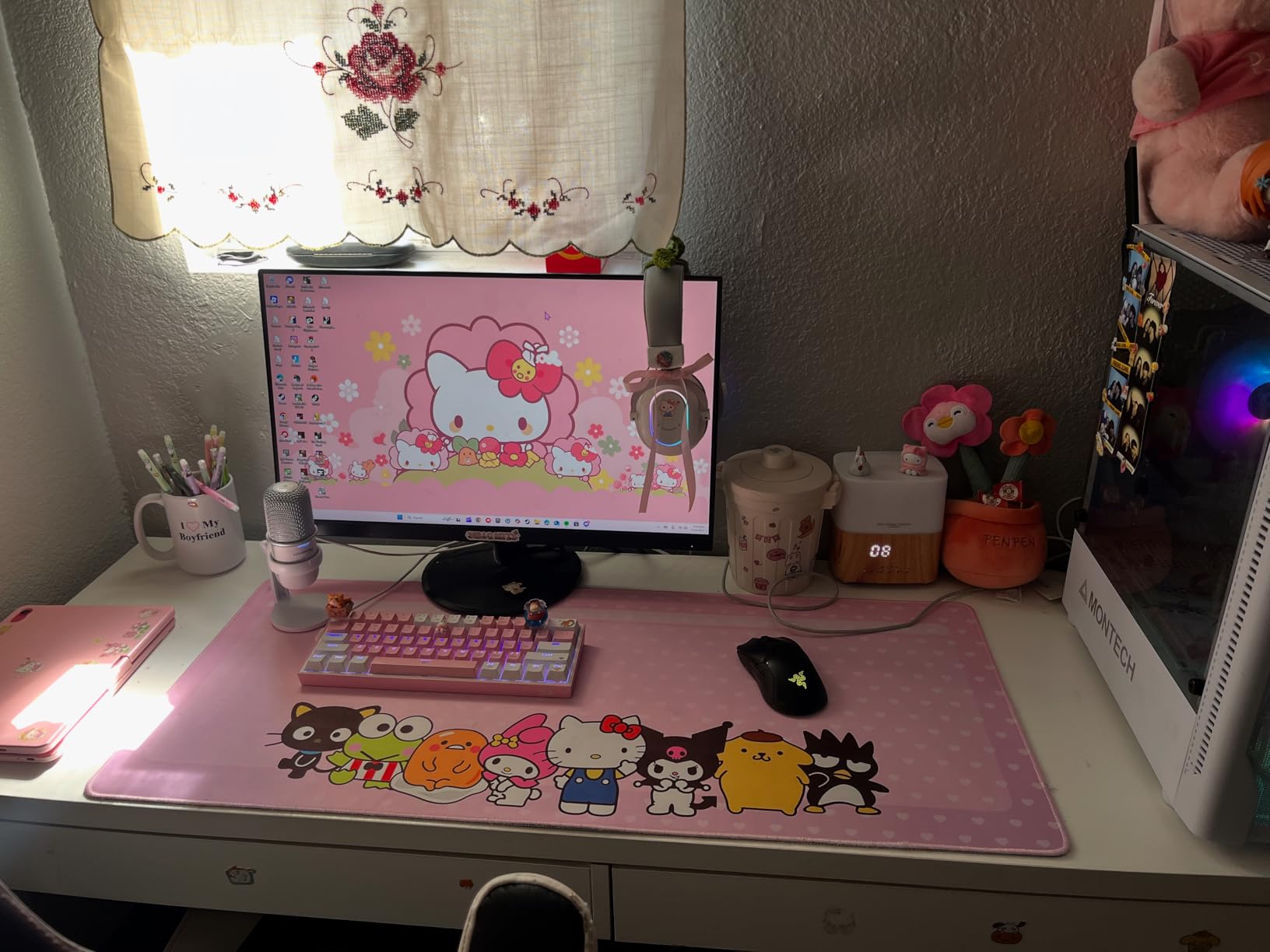
The tap-to-mute sensor on top is the best feature for live streamers. A quick tap silences the mic and the LED ring changes to red, giving you clear visual confirmation that you are muted. The included stand is adjustable and can swivel to fit under a monitor, plus it has standard 3/8-inch and 5/8-inch threading for mounting on a boom arm.
The main limitation is the included stand. Because the SoloCast sits directly on your desk, it picks up vibrations from typing, mouse clicks, and desk bumps. Moving it to a boom arm eliminates this issue completely and improves the audio quality dramatically. You will also want a pop filter since the SoloCast is sensitive to plosive sounds.
Who the SoloCast Works Best For
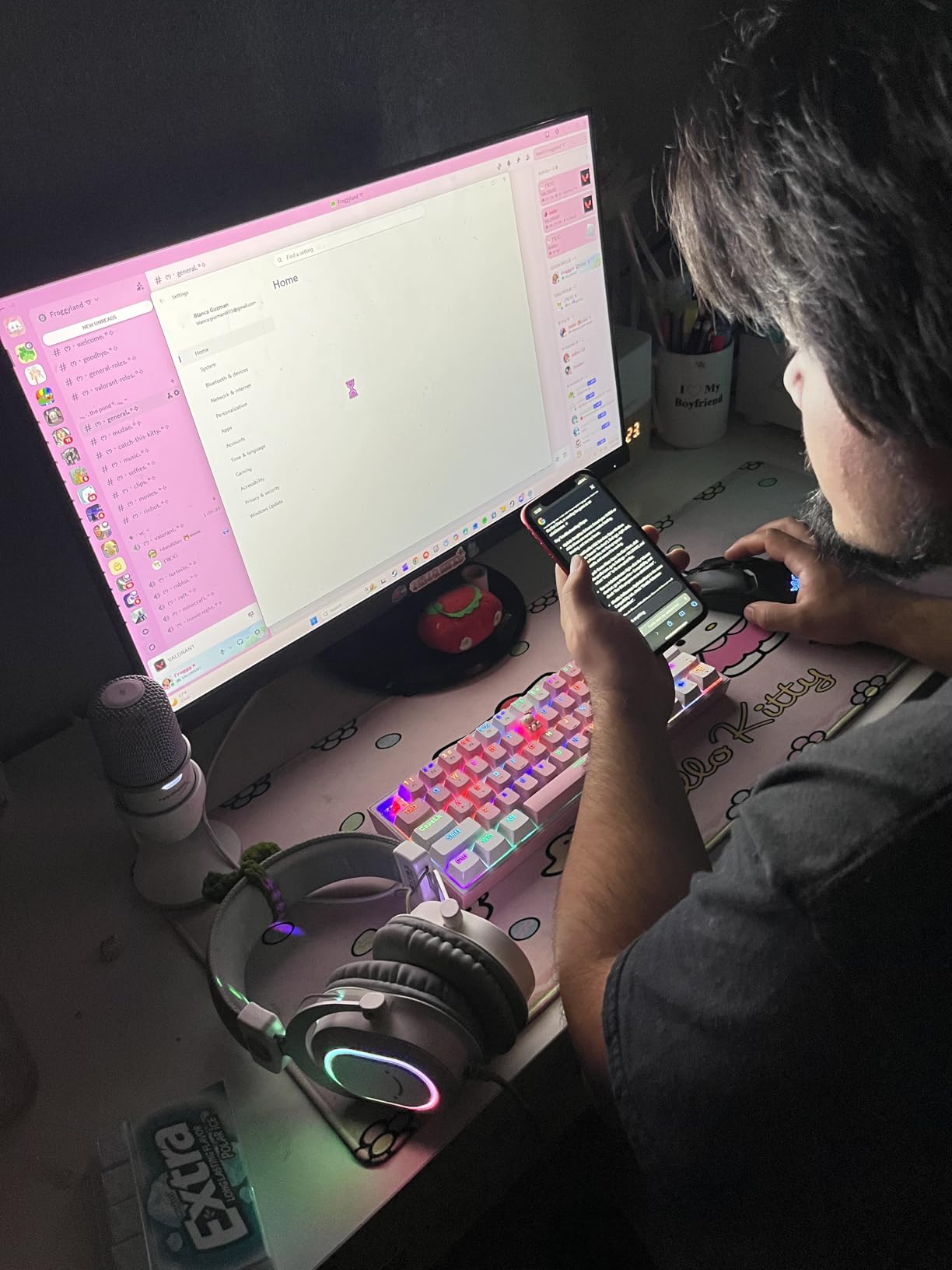
YouTubers who are just starting out and want the simplest possible setup will love the SoloCast. It is the definition of plug-and-play. If your budget is tight and you want to spend more time making content and less time configuring audio settings, this mic lets you do exactly that. It is also a strong option for creators who need a portable mic for recording on the go or at different locations.
Casual gaming content creators who do not need multiple polar patterns or advanced software features will find everything they need in the SoloCast.
Optimizing Your SoloCast Setup
For the best results, I recommend three upgrades. First, move the SoloCast to a boom arm to eliminate desk vibration noise. The built-in threading makes this easy. Second, add a simple pop filter to reduce plosive sounds, which the SoloCast is quite sensitive to. Third, keep the mic within 15 centimeters of your mouth for optimal sound quality. Beyond that distance, the audio starts to thin out and pick up more room noise.
12. FIFINE T669 – Complete Starter Kit with Boom Arm and Accessories
FIFINE T669 Studio Condenser USB Microphone for Recording Podcasting
Condenser USB
Cardioid
20Hz-20kHz
Full Kit with Boom Arm
Pros
- Complete kit with boom arm and pop filter
- USB plug-and-play simplicity
- Excellent sound quality for price
- All-steel boom arm construction
- Compatible with OBS
- Discord
- Zoom
Cons
- Boom arm can be wobbly over time
- No built-in mute button
- No headphone monitoring jack
- C-clamp may not fit round desk corners
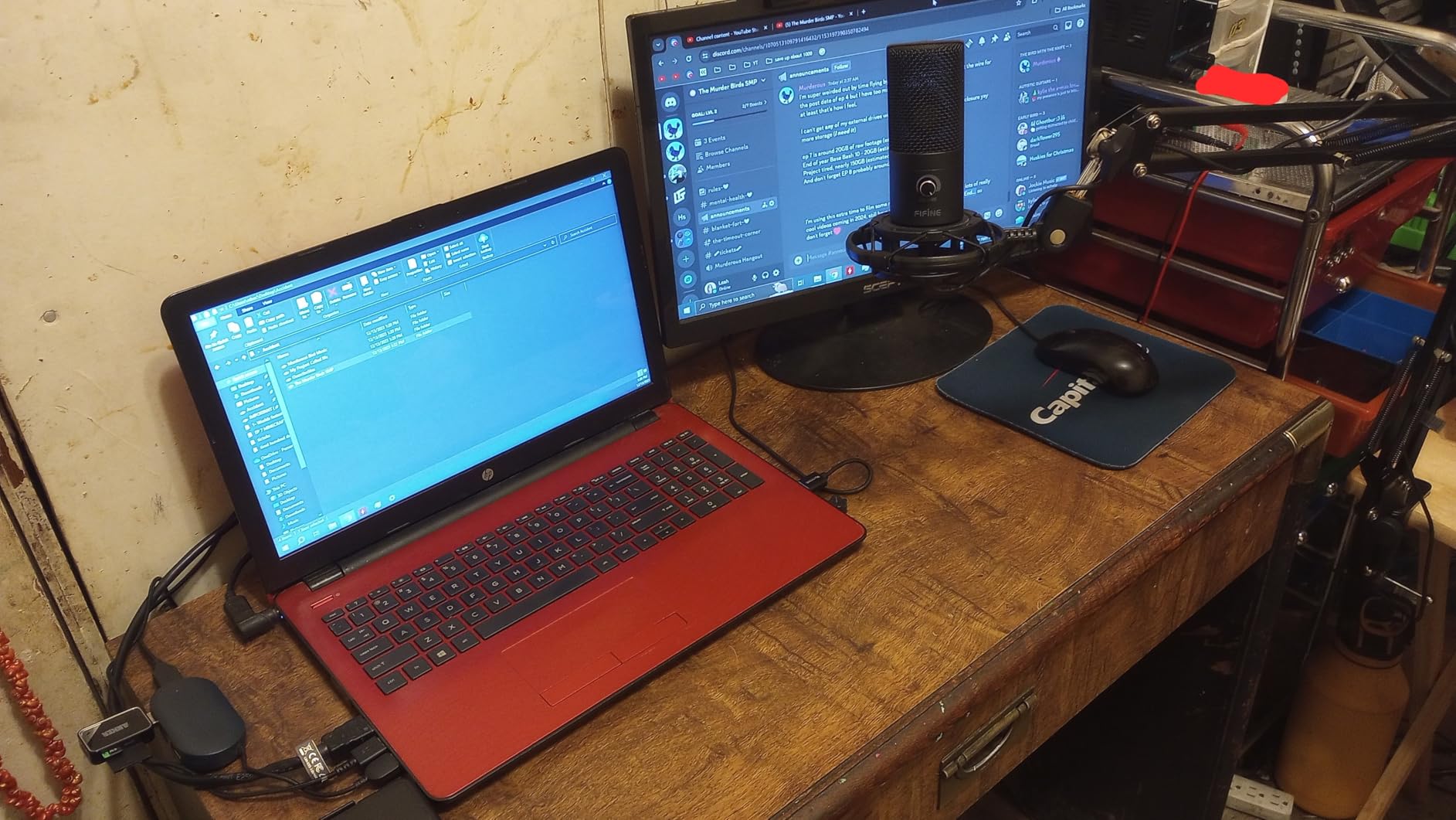
The FIFINE T669 is the starter kit I wish existed when I began my YouTube channel. For around $50, you get a condenser USB microphone, a boom arm, a shock mount, a double-layer pop filter, a windscreen, and a detachable USB cable. That is literally everything a new YouTuber needs to start recording professional-quality audio, all in one box. I tested the full kit over two weeks, and the convenience of having every accessory included cannot be overstated.
The microphone itself delivers clear, detailed audio with a frequency response of 20Hz to 20kHz. The cardioid condenser capsule focuses on sound from the front, producing clean vocals for commentary and voiceover work. The wide frequency response captures the full range of your voice, and the high SPL handling means you can get loud without distortion during intense gaming moments.
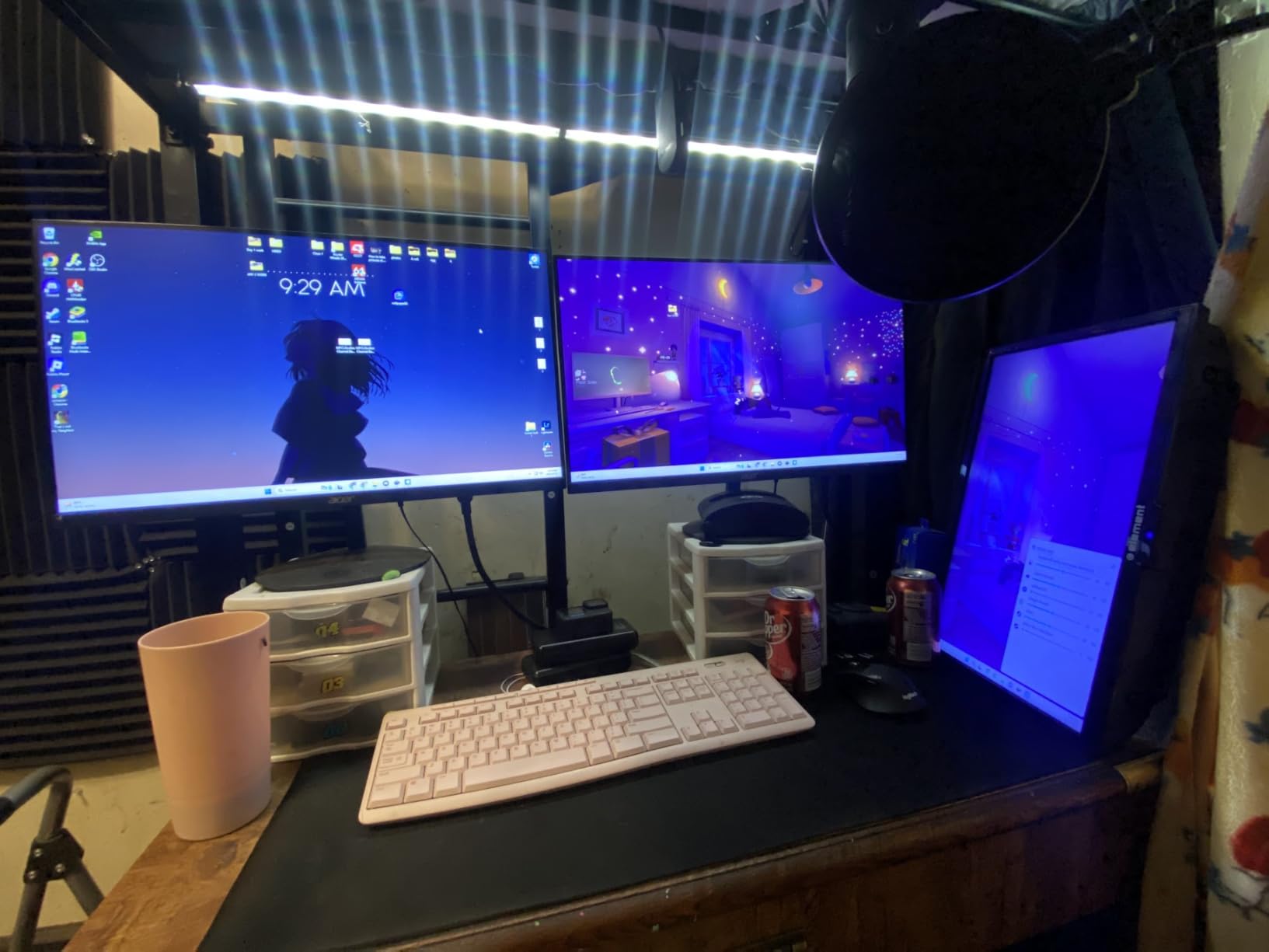
The included boom arm is an all-steel scissor arm that adjusts 180 degrees up and down and 135 degrees forward and backward. It gets the mic off your desk and into the optimal position close to your mouth. The C-clamp mount attaches firmly to most desk edges. The double-layer pop filter does an effective job reducing plosive sounds, and the shock mount isolates the mic from desk vibrations.
The weak link in the kit is the boom arm. While it works well out of the box, some users report it becoming wobbly over months of use. The C-clamp also works best on flat-edged desks and may not grip rounded desk corners securely. If you plan to use this setup long-term, budgeting for a higher-quality boom arm down the road is a smart move. The microphone itself, however, holds up well and delivers consistent quality.
Who Should Start with the T669 Kit
Absolute beginners who want to launch their YouTube channel with decent audio from day one should strongly consider the T669. Instead of buying a mic, boom arm, pop filter, and shock mount separately (which adds up quickly), you get everything in one affordable package. It is the lowest-friction entry point into content creation audio I have found.
Students, casual creators, and anyone making their first YouTube videos will appreciate not having to research and source individual accessories. Open the box, clamp the arm to your desk, plug in the USB cable, and start recording.
What to Upgrade First from the Kit
The boom arm is the first thing I would upgrade. A higher-quality arm like the Rode PSA1 or Blue Compass will provide more stability and smoother adjustment over time. After that, consider adding acoustic treatment to your recording space. Even a couple of acoustic foam panels placed behind the microphone will reduce room echo and improve the T669’s already solid recordings. The microphone itself is worth keeping as part of your setup even as you upgrade other components.
How to Choose the Best Microphone for YouTube
Picking the right microphone for your YouTube channel comes down to understanding your content type, your recording environment, and how much complexity you are willing to deal with. Here is a practical breakdown of the key decisions you need to make before buying.
USB vs XLR: Which Connection Is Right for You
USB microphones plug directly into your computer and work immediately. No audio interface, no extra cables, no configuration. If you are a beginner or someone who values simplicity, USB is the way to go. Mics like the HyperX QuadCast 2, Blue Yeti, and HyperX SoloCast are plug-and-play and deliver excellent results.
XLR microphones require an audio interface to connect to your computer, but they offer better audio quality, more headroom, and the ability to upgrade individual components over time. If you are building a serious content setup and do not mind the extra gear, XLR mics like the Shure SM7B, Rode PodMic, and Audio-Technica AT2020 deliver professional-grade sound.
Hybrid microphones with both USB and XLR outputs, like the Shure MV7+, Rode NT1 5th Gen, Rode PodMic USB, and FIFINE AM8, give you the best of both worlds. Start with USB simplicity and switch to XLR when you are ready.
Condenser vs Dynamic: The Short Answer
Condenser microphones are more sensitive and capture a wider, more detailed frequency range. They sound brighter and more detailed but also pick up more background noise. Choose a condenser if you have a quiet, treated recording space and want maximum detail in your recordings. The Blue Yeti, Rode NT1, Audio-Technica AT2020, and Elgato Wave:3 are all condensers.
Dynamic microphones are less sensitive, which makes them better at rejecting background noise like keyboard clicks, PC fan hum, and room echo. They are ideal for untreated rooms and gaming setups where you cannot control the noise environment. The Shure SM7B, Rode PodMic, and FIFINE AM8 are all dynamic mics. For most gaming YouTubers recording at their desk, I recommend dynamic microphones.
Polar Patterns Explained Simply
A polar pattern determines which directions a microphone picks up sound from. Cardioid is the most common and picks up sound from the front while rejecting noise from the sides and back. This is what you want for solo YouTube content. Omnidirectional captures sound from all directions, useful for group recordings. Bidirectional picks up from front and back for interviews. Stereo creates a wide spatial image for immersive audio.
Most microphones on this list use a cardioid pattern. The Blue Yeti and HyperX QuadCast 2 offer all four patterns, giving you the flexibility to switch based on your recording situation.
Acoustic Treatment on a Budget
No microphone, no matter how expensive, will sound good in a terrible room. Before buying a premium mic, consider investing $20 to $30 in basic acoustic treatment. A couple of acoustic foam panels behind your microphone can dramatically reduce room echo and reflections. Hanging a heavy blanket behind you while recording also works surprisingly well. If you want to explore other audio options, check out our guide to wireless headphones with microphone for portable recording setups.
The most impactful thing you can do is position your microphone close to your mouth (2 to 6 inches) and keep the gain as low as possible. This reduces the amount of room noise the mic captures while keeping your voice clear and present.
Frequently Asked Questions
Which mic do most YouTubers use?
The Shure SM7B is the most popular microphone among professional YouTubers and podcasters thanks to its warm broadcast-quality sound and excellent background noise rejection. For beginners and mid-level creators, the Blue Yeti and HyperX QuadCast 2 are the most commonly used USB microphones because they offer great sound quality with simple plug-and-play setup.
What’s the best microphone for YouTube?
The best microphone for YouTube depends on your content type and budget. The Shure SM7B is the overall best for professional-quality audio, while the HyperX QuadCast 2 offers the best balance of features and value for most creators. For beginners on a tight budget, the FIFINE AmpliGame AM8 delivers impressive sound with dual USB/XLR connectivity at a fraction of the cost.
What is the 3:1 rule for mics?
The 3:1 rule states that the distance between two microphones should be at least three times the distance from each microphone to its sound source. For example, if you are 6 inches from your mic, a second mic should be at least 18 inches away. This rule prevents phase cancellation and comb filtering that occurs when two mics pick up the same sound at slightly different times, which produces a thin or hollow audio quality.
What do YouTubers use to record their mic?
Most YouTubers use either a USB microphone connected directly to their computer or an XLR microphone paired with an audio interface like the Focusrite Scarlett series. For software, OBS Studio is the most popular free option for recording and streaming. Other common choices include Audacity for audio editing, Adobe Audition for professional post-production, and Elgato Wave Link for multi-source audio mixing during livestreams.
Final Thoughts on the Best Microphones for YouTubers
Finding the best microphones for YouTubers in 2026 comes down to matching your content style, budget, and technical comfort level with the right tool. The Shure SM7B remains the gold standard for professional audio, the HyperX QuadCast 2 delivers the best all-around value for gaming creators, and the FIFINE AM8 proves you do not need to spend much to sound great on YouTube.
Start with the mic that fits your current setup and upgrade as your channel grows. Good audio is one of the fastest ways to make your content stand out, and any microphone on this list will be a massive step up from your headset or laptop mic. Pick one, set it up, and start creating.