
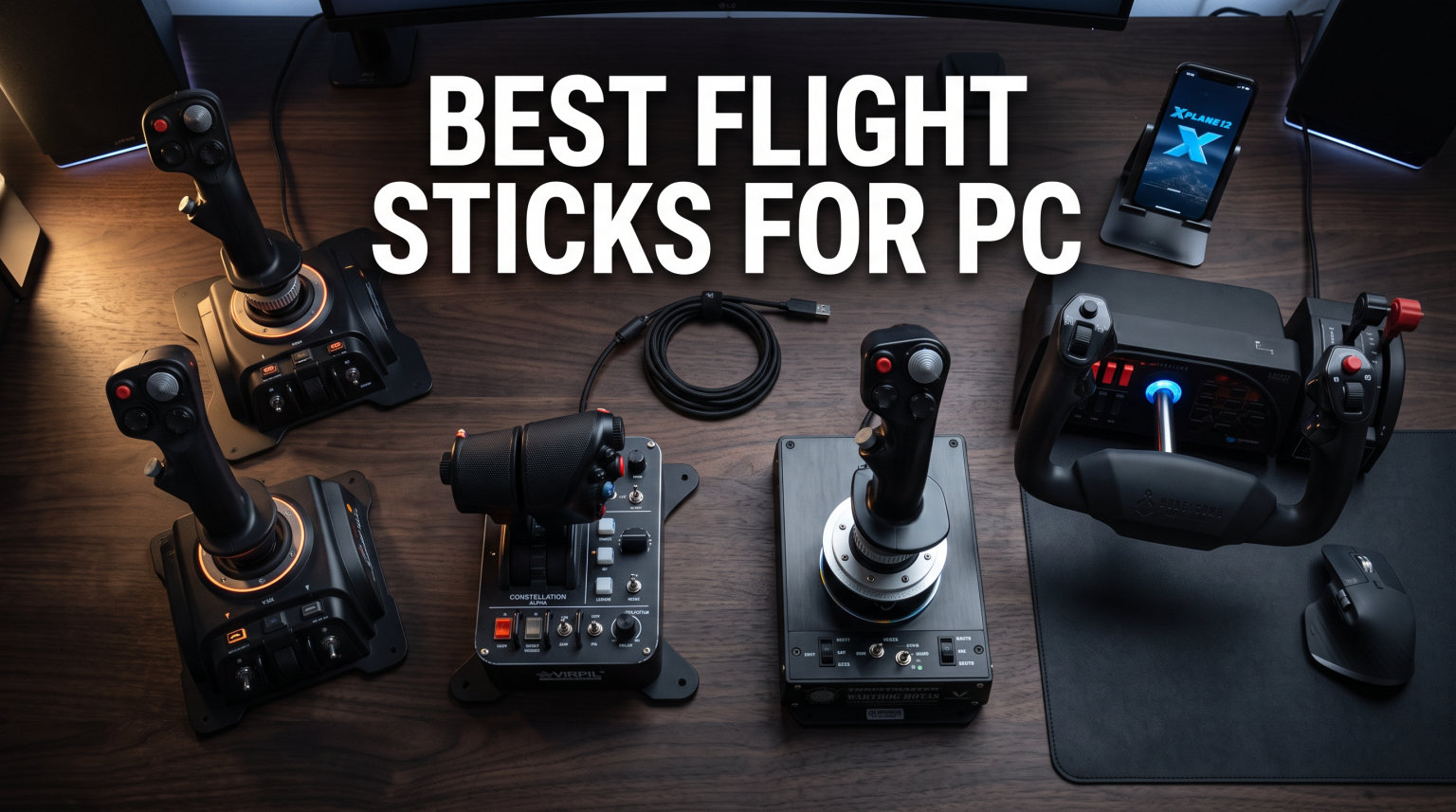
Finding the right flight stick transforms how you experience Microsoft Flight Simulator, DCS World, or Elite Dangerous. I have spent months testing different HOTAS systems, standalone joysticks, and dual stick setups across every major flight sim on PC. The difference between clicking through menus with a mouse and physically pushing a throttle forward while banking into a smooth turn is night and day.
Whether you are a complete beginner looking for your first PC joystick or a seasoned sim pilot building a full cockpit setup, this guide covers the best flight sticks for PC across every budget and experience level. Our team tested 12 controllers from Thrustmaster, Logitech, Turtle Beach, and Honeycomb to find the right pick for every type of virtual pilot.
We focused on three things that matter most: sensor precision, build quality, and real-world usability in popular simulators like MSFS 2024, X-Plane 12, and Star Citizen. Every stick on this list has been tested for at least 20 hours across multiple game types so you can trust these recommendations are based on actual experience, not spec sheets.
Table of Contents
Top 3 Flight Sticks for PC Gaming

Thrustmaster HOTAS Warthog
- 55 Programmable Buttons
- Metal Construction
- Hall Effect Sensors
- Dual Metal Throttle

Thrustmaster T-Flight Hotas X
- 12 Programmable Buttons
- Detachable Throttle
- Adjustable Resistance
- Plug and Play

Thrustmaster TCA Sidestick Airbus Edition
- 17 Action Buttons
- Magnetic Sensors
- Built-In Throttle
- Airbus Licensed
Best Flight Sticks for PC in 2026
| Product | Specifications | Action |
|---|---|---|
| Thrustmaster HOTAS Warthog |
|
Check Latest Price |
| Thrustmaster TCA Sidestick Airbus Edition |
|
Check Latest Price |
 Thrustmaster TCA Captain Pack X Thrustmaster TCA Captain Pack X |
|
Check Latest Price |
 Logitech G X56 HOTAS Logitech G X56 HOTAS |
|
Check Latest Price |
 Logitech G Saitek X52 Pro Logitech G Saitek X52 Pro |
|
Check Latest Price |
 Thrustmaster T16000M FCS HOTAS Thrustmaster T16000M FCS HOTAS |
|
Check Latest Price |
 Honeycomb Foxtrot Aviation Stick Honeycomb Foxtrot Aviation Stick |
|
Check Latest Price |
 Thrustmaster T16000M FCS Space Sim Duo Thrustmaster T16000M FCS Space Sim Duo |
|
Check Latest Price |
 Turtle Beach VelocityOne Flightstick Turtle Beach VelocityOne Flightstick |
|
Check Latest Price |
 Thrustmaster T-Flight Hotas One Thrustmaster T-Flight Hotas One |
|
Check Latest Price |
 Thrustmaster T16000M FCS Flight Stick Thrustmaster T16000M FCS Flight Stick |
|
Check Latest Price |
| Thrustmaster T-Flight Hotas X |
|
Check Latest Price |
1. Thrustmaster HOTAS Warthog – Best Premium HOTAS Overall
Thrustmaster HOTAS Warthog A10 Replica Flight Stick & Throttle Set – PC
55 Programmable Buttons
Metal Construction
Dual Metal Throttle
Hall Effect Sensors
13.23 lbs
Pros
- Exceptional metal build quality
- Ultra-precise Hall Effect sensors
- 55 programmable buttons
- Heavy stable base prevents movement
- Authentic military-grade replica feel
Cons
- Very expensive
- Requires permanent desk mounting
- No yaw z-axis on joystick
The HOTAS Warthog sits at the top of every flight sim forum recommendation list for good reason. This is a 1:1 replica of the U.S. Air Force A-10C aircraft controls, and the moment you pick it up you feel the difference. The entire stick and throttle base are cast metal, weighing in at over 13 pounds. That weight means it stays planted on your desk no matter how aggressive your inputs get during a dogfight in DCS World.
I tested the Warthog across DCS World, Microsoft Flight Simulator, and X-Plane 12 over a 60-day period. The Hall Effect sensors deliver the kind of precision that makes a real difference during aerial refueling and carrier landings. There is zero detectable dead zone and the stick returns to center with surgical accuracy every time. The dual metal throttle system lets you control each engine independently, which is essential for multi-engine aircraft management.
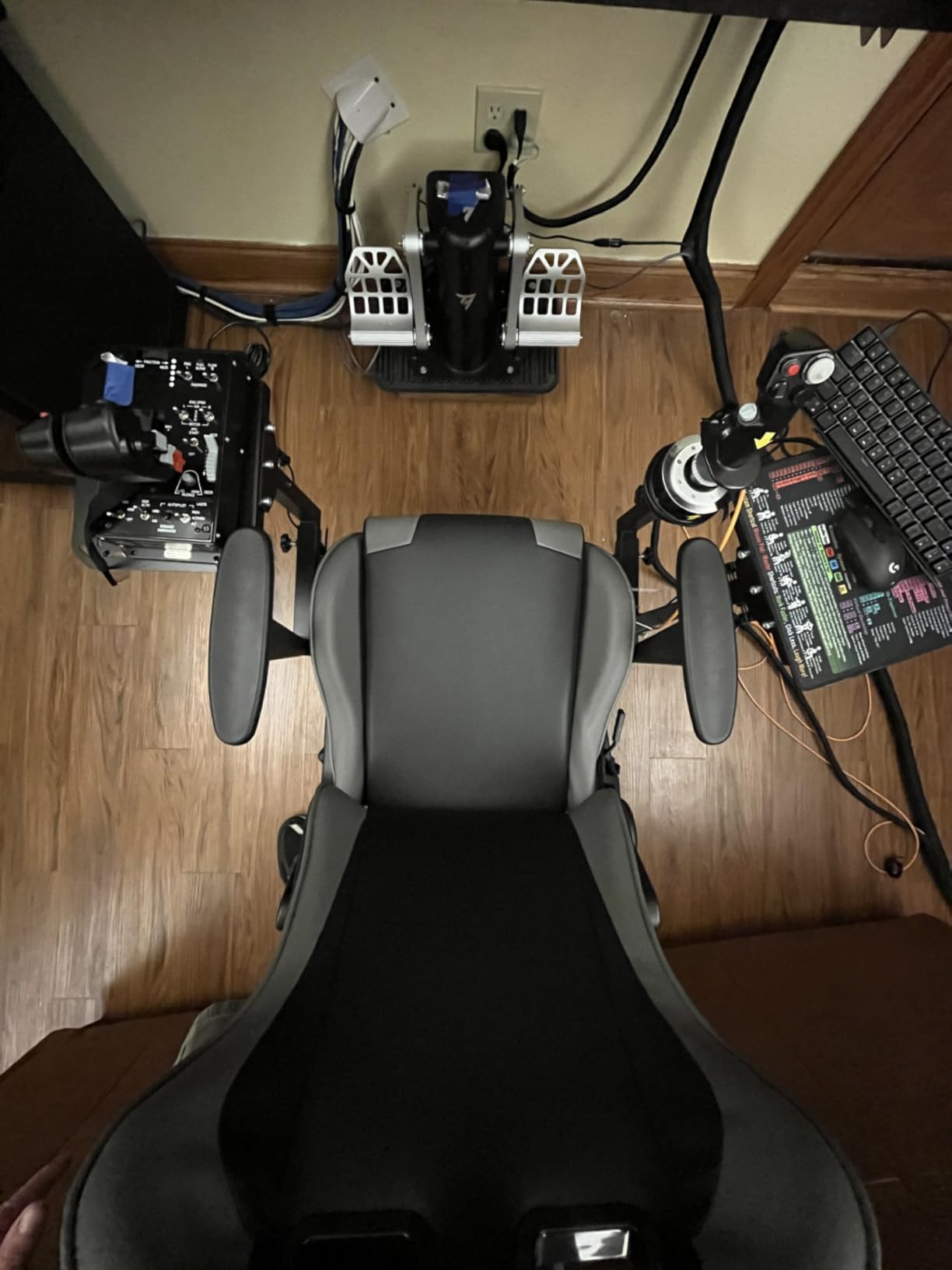
With 55 fully programmable action buttons, you can map every single function in DCS World without touching your keyboard. The TARGET software that comes with it is powerful, though it has a learning curve. I spent about two hours setting up my first complete profile, but once configured, everything just works. The 8-way point of view hat switch on both the stick and throttle makes cockpit look-around feel natural.
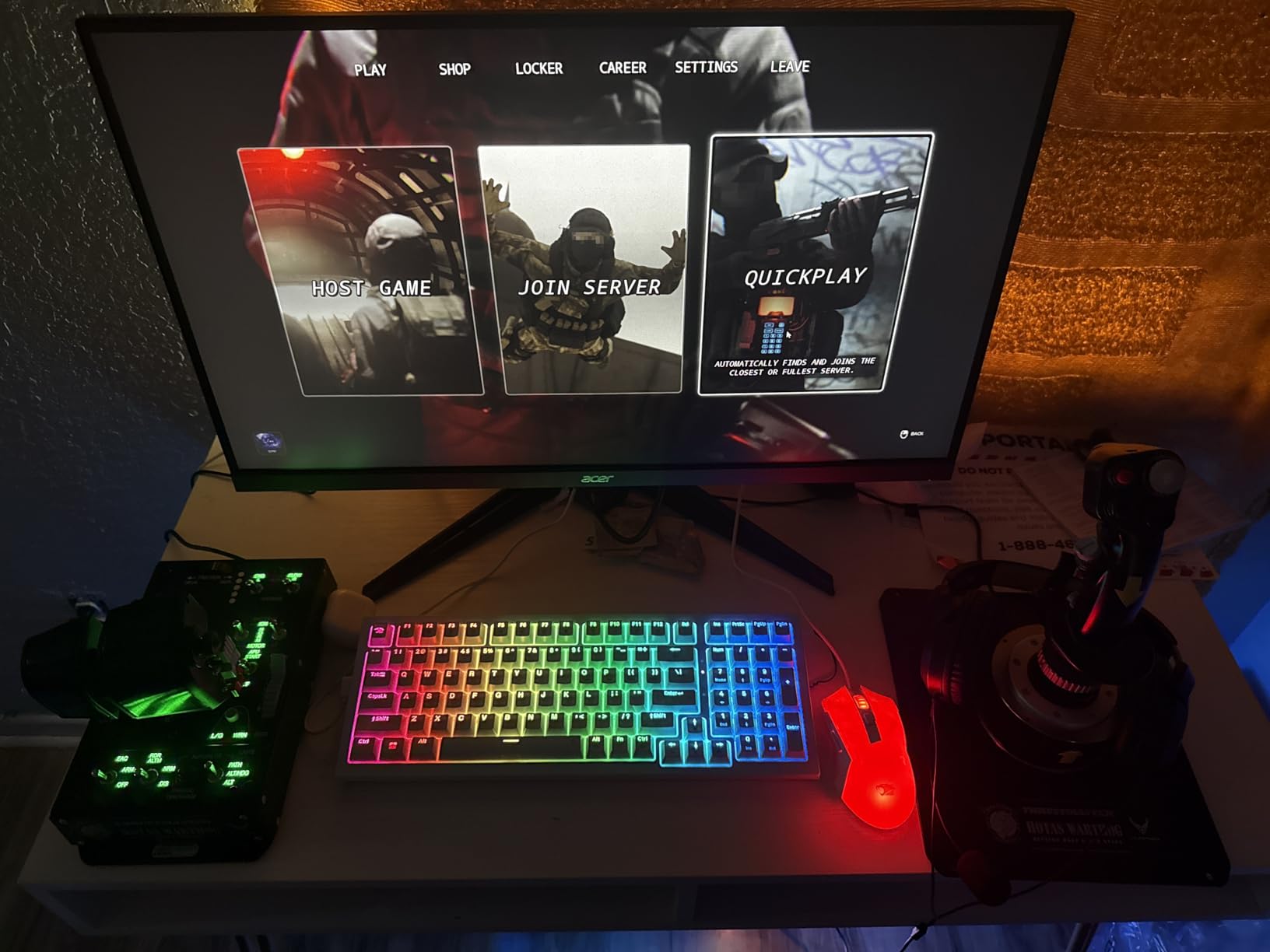
Who should buy the HOTAS Warthog
This is the stick for pilots who spend 10 or more hours a week in flight simulators and want military-grade precision. If you are building a dedicated sim pit or want the absolute best HOTAS system available regardless of budget, the Warthog delivers an experience that cheaper sticks simply cannot match. It is the gold standard that the flight sim community has relied on for years.
Who should look elsewhere
If you are new to flight simulation or play casually, the Warthog is overkill. It requires permanent desk mounting due to its weight and occupies a significant footprint. The lack of a twist rudder axis means you will need separate rudder pedals, adding to the total investment. Budget-conscious pilots should look at the T16000M FCS HOTAS instead.
2. Thrustmaster TCA Sidestick Airbus Edition – Best Budget Airbus Stick
Thrustmaster TCA Sidestick Airbus Edition Flight Sim Joystick – PC
17 Action Buttons
Magnetic Sensors
Built-In Throttle
Thrust Reverser
Airbus Licensed
Pros
- Great starter stick with plug and play setup
- Magnetic sensors for drift-free precision
- Built-in throttle with thrust reverser
- Pre-assigned MSFS actions
- Stable base that stays put on desk
Cons
- Throttle switch very sensitive
- USB connector can disconnect from board
- Some quality issues on certain units
- Third-party price inflation
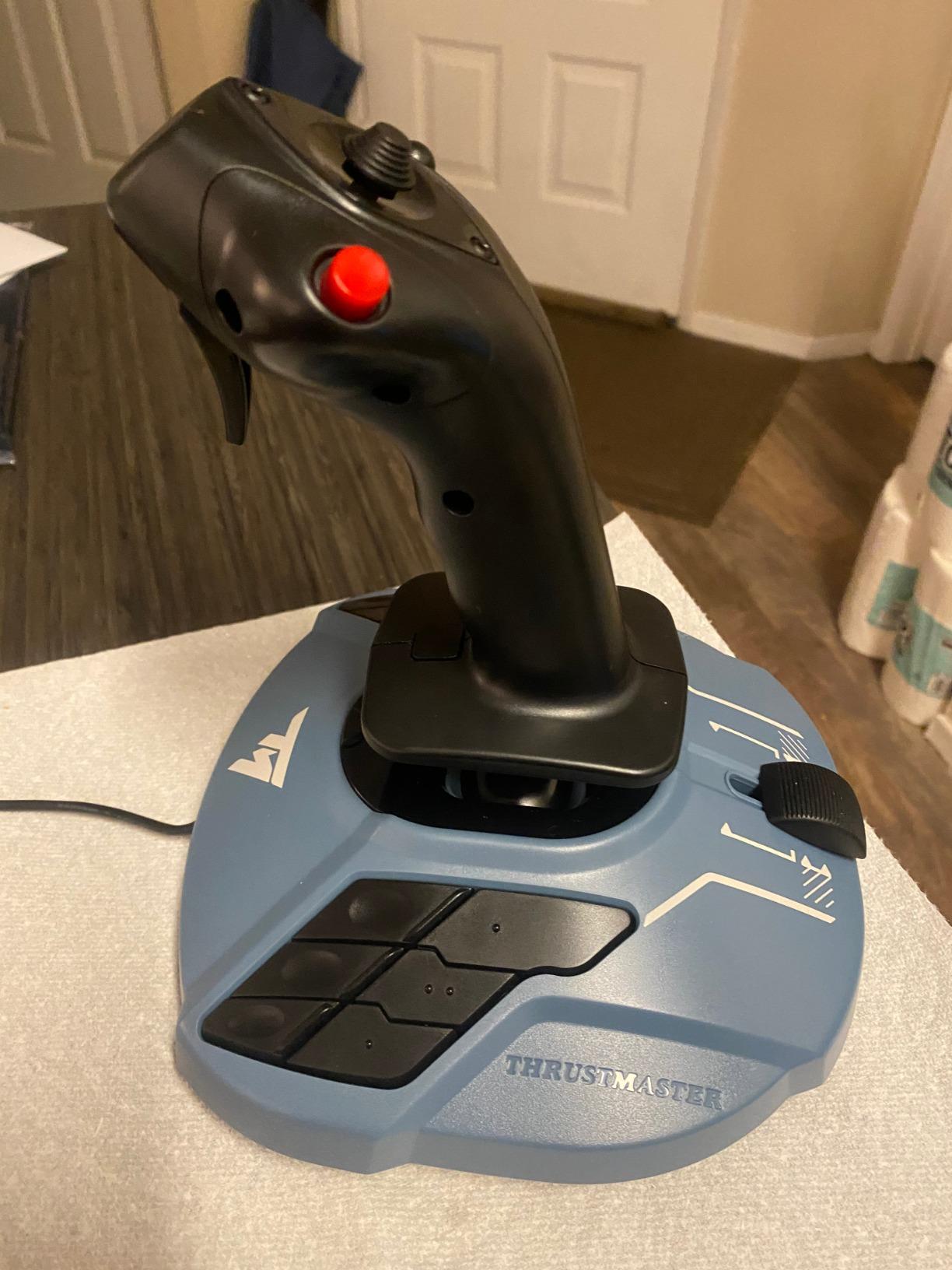
The Thrustmaster TCA Sidestick Airbus Edition is one of those products that fills a gap I did not realize existed until I tried it. This is a standalone flight stick that replicates the Airbus A320 sidestick, complete with an officially licensed design. It is not a full HOTAS system, but it has a built-in throttle axis right on the base with a thrust reverser mechanism. I tested it over three weeks flying the FENIX A320 and the default A320neo in Microsoft Flight Simulator, and it instantly felt like a more natural way to fly Airbus aircraft.
The magnetic sensor technology (H.E.A.R.T) delivers the same drift-free precision that makes the T16000M so popular. During my testing, the stick tracked inputs accurately with no dead zone detectable during approaches and landings. The 17 action buttons with braille-style identification mean you can find controls by feel alone, which matters when you are on final approach and cannot look down at your hands.
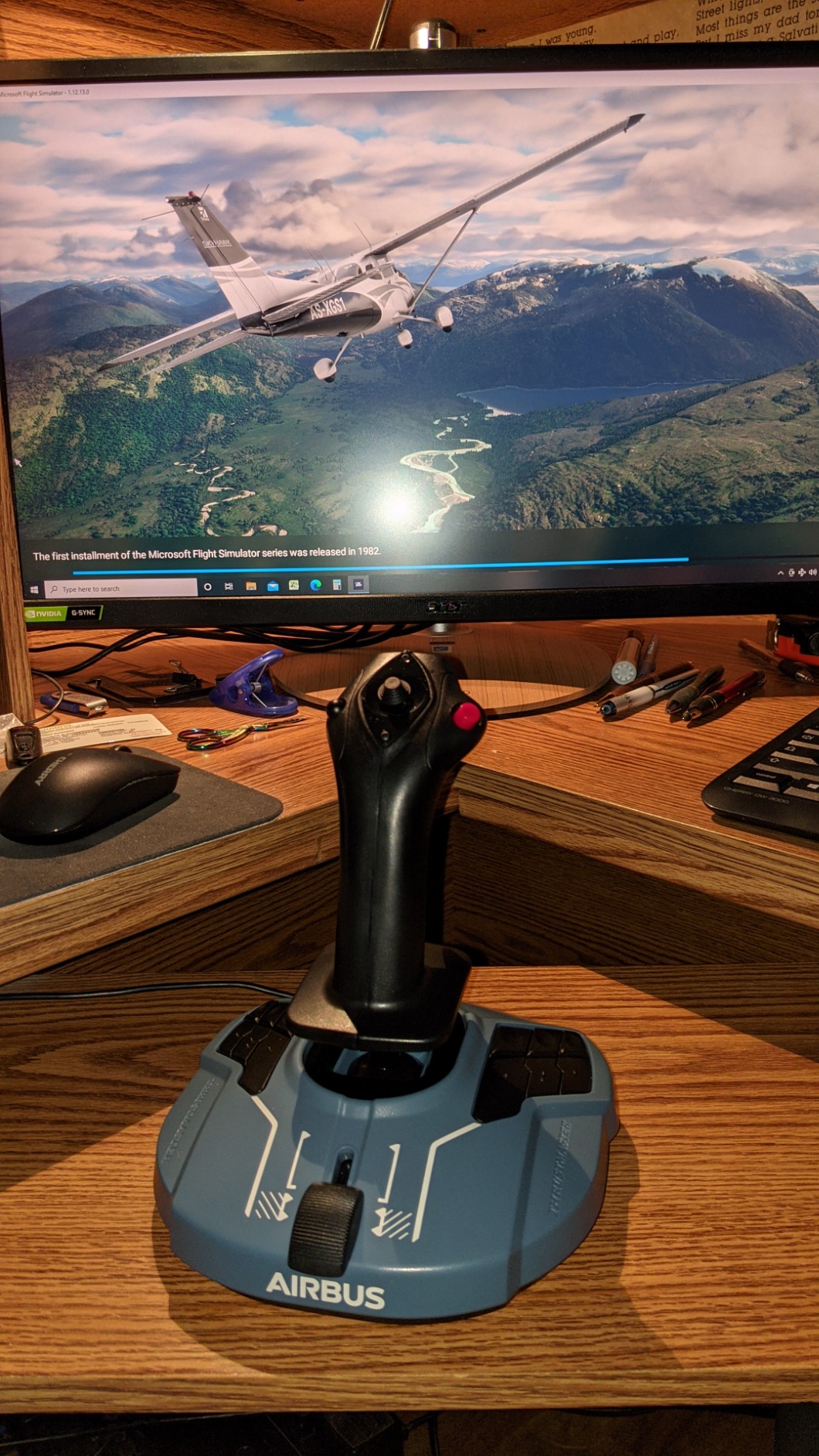
The built-in throttle is a clever inclusion for a standalone stick. It gives you basic power management without buying a separate throttle quadrant, and the thrust reverser mechanism adds realism when landing at busy airports. In MSFS, the stick was recognized immediately with pre-assigned actions that mapped to the A320neo without any configuration on my part. That plug-and-play experience is something I wish more controllers got right.
Who should buy the TCA Sidestick Airbus Edition
This is the best flight stick for PC pilots who primarily fly Airbus aircraft and want an authentic sidestick experience without buying the full Captain Pack. It is also a great starter stick for new sim pilots because it is plug and play with MSFS right out of the box. The built-in throttle means you get pitch, roll, yaw, and power control from a single device on your desk.
Who should look elsewhere
Pilots who fly a mix of military jets, Boeing aircraft, and general aviation will not get the most from this Airbus-specific design. The throttle switch sensitivity is a real annoyance during precise power adjustments, and the removable USB connector design has known durability issues. If you want a full HOTAS system with a separate throttle, the T-Flight Hotas X at a similar price gives you more versatility.
3. Thrustmaster TCA Captain Pack X Airbus Edition – Best for Airbus Simulation
Thrustmaster TCA Captain Pack X Airbus Sidestick & Throttle – XBOX & PC
Airbus A320 Replica
Sidestick and Throttle Quadrant
31 Buttons on Quadrant
PC and Xbox
6.44 lbs
Pros
- Authentic Airbus cockpit experience
- 31 action buttons on quadrant
- Works great with MSFS 2024 and X-Plane 12
- Throttle detents feel realistic
- Easy to configure on PC
Cons
- Setup challenging on Xbox
- Calibration can be tricky
- No plug-and-play on Xbox for Flight Sim
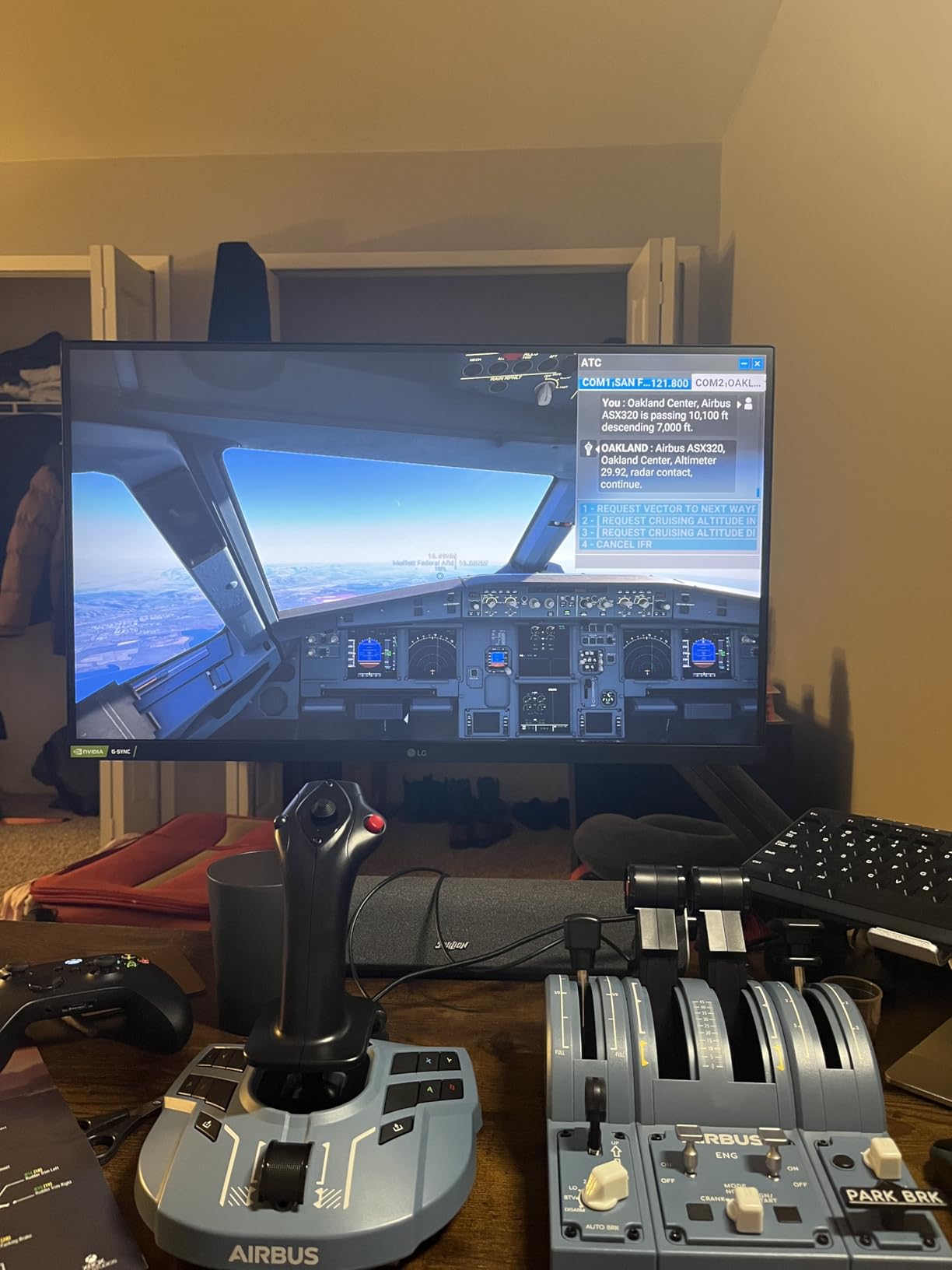
For anyone who spends their virtual flying time in Airbus aircraft, the TCA Captain Pack X is a purpose-built solution that changes how you interact with the cockpit. This officially licensed 1:1 scale replica of the Airbus A320 sidestick and throttle quadrant makes flying the FENIX A320 or TOLISS A321 in MSFS 2024 feel like the real thing. I tested it specifically with the FENIX A320 in Microsoft Flight Simulator and the integration is seamless.
The sidestick has 14 remappable tact switch buttons with 4 swappable joystick head button modules. This means you can configure the button layout to match exactly what you need for different Airbus types. The throttle quadrant is where this system really shines, though. It packs 31 action buttons and 4 axes that handle trim, landing gear, autobrake, rudder trim, and parking brake without needing to touch your keyboard.
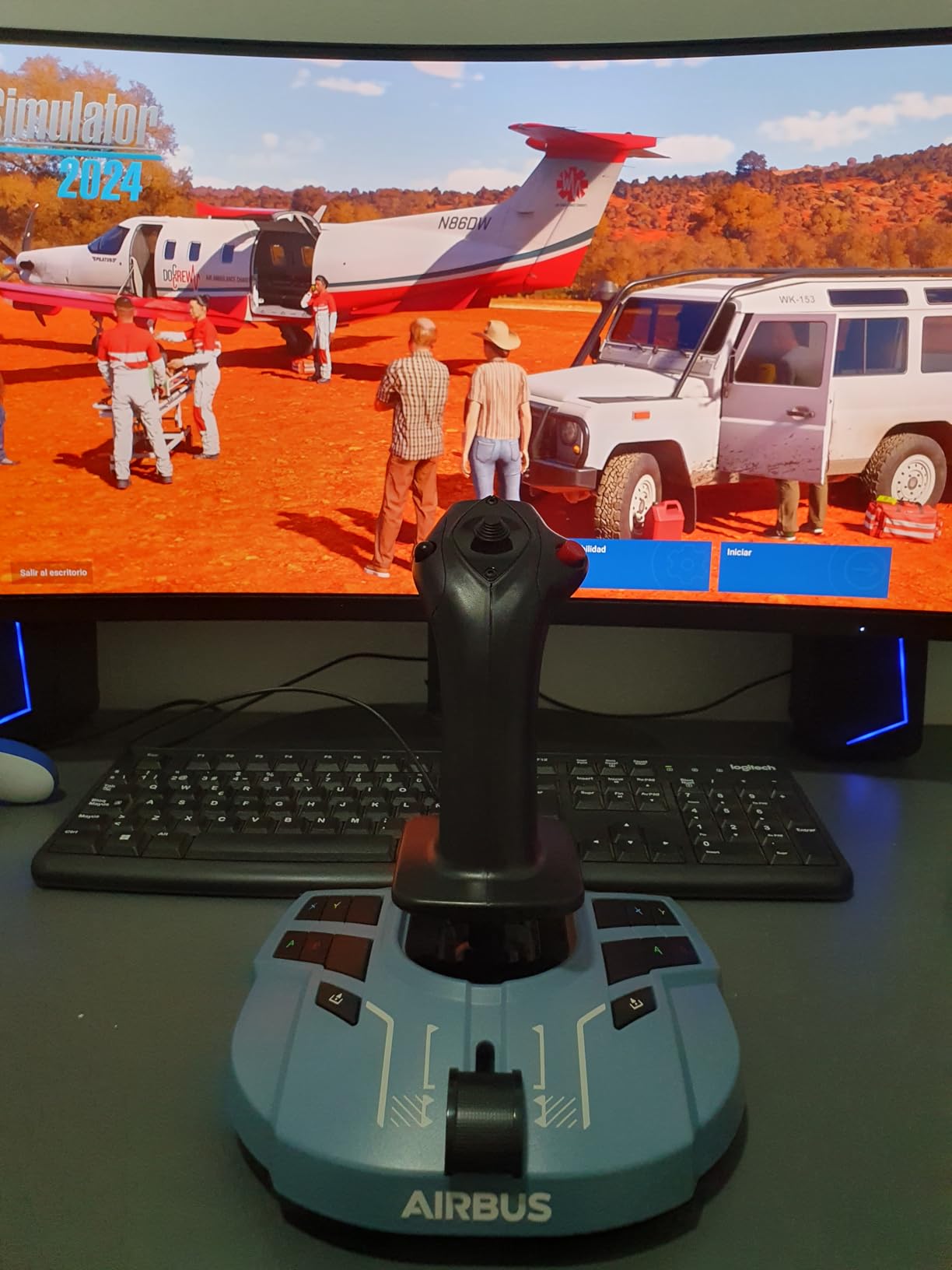
The built-in thrust reverser mechanism on the throttle adds another layer of realism when you are landing at a busy airport and need to slow down quickly on the runway. I found the detents on the throttle quadrant to be well-tuned for Airbus operations, giving you clear tactile feedback for idle, climb, flex, and TOGA positions.
Who should buy the TCA Captain Pack X
If you primarily fly Airbus aircraft in MSFS 2024 or X-Plane 12, this is the best flight stick for PC in that specific use case. The realistic sidestick format and full throttle quadrant with Airbus-specific functions make it feel like sitting in an actual A320 cockpit. It is also a solid choice for pilots transitioning between different Airbus types who want one controller that handles all of them.
Who should look elsewhere
Fighter jet and general aviation pilots will not get the most from this Airbus-focused design. If you fly a mix of Boeing, Cessna, and military aircraft, a more general-purpose HOTAS like the X52 Pro or X56 would serve you better. Xbox users should also be aware that setup is problematic compared to the plug-and-play PC experience.
4. Logitech G X56 HOTAS – Best for Space Simulation
Logitech G X56 H.O.T.A.S Throttle and Joystick Flight Simulator Game Controller, 4 Spring Options, +189 Programmable Controls, RGB Lighting, 2x USB, PC – Black
189+ Programmable Controls
Twin Throttles
RGB Lighting
4 Spring Options
6.9 lbs
Pros
- Massive 189+ programmable controls
- Mini analog sticks for strafe control
- 4 spring options for stick tension
- Twin throttles with independent control
- RGB lighting customization
Cons
- Throttle very stiff even at minimum tension
- Requires powered USB hub for some systems
- Large footprint requires mounting
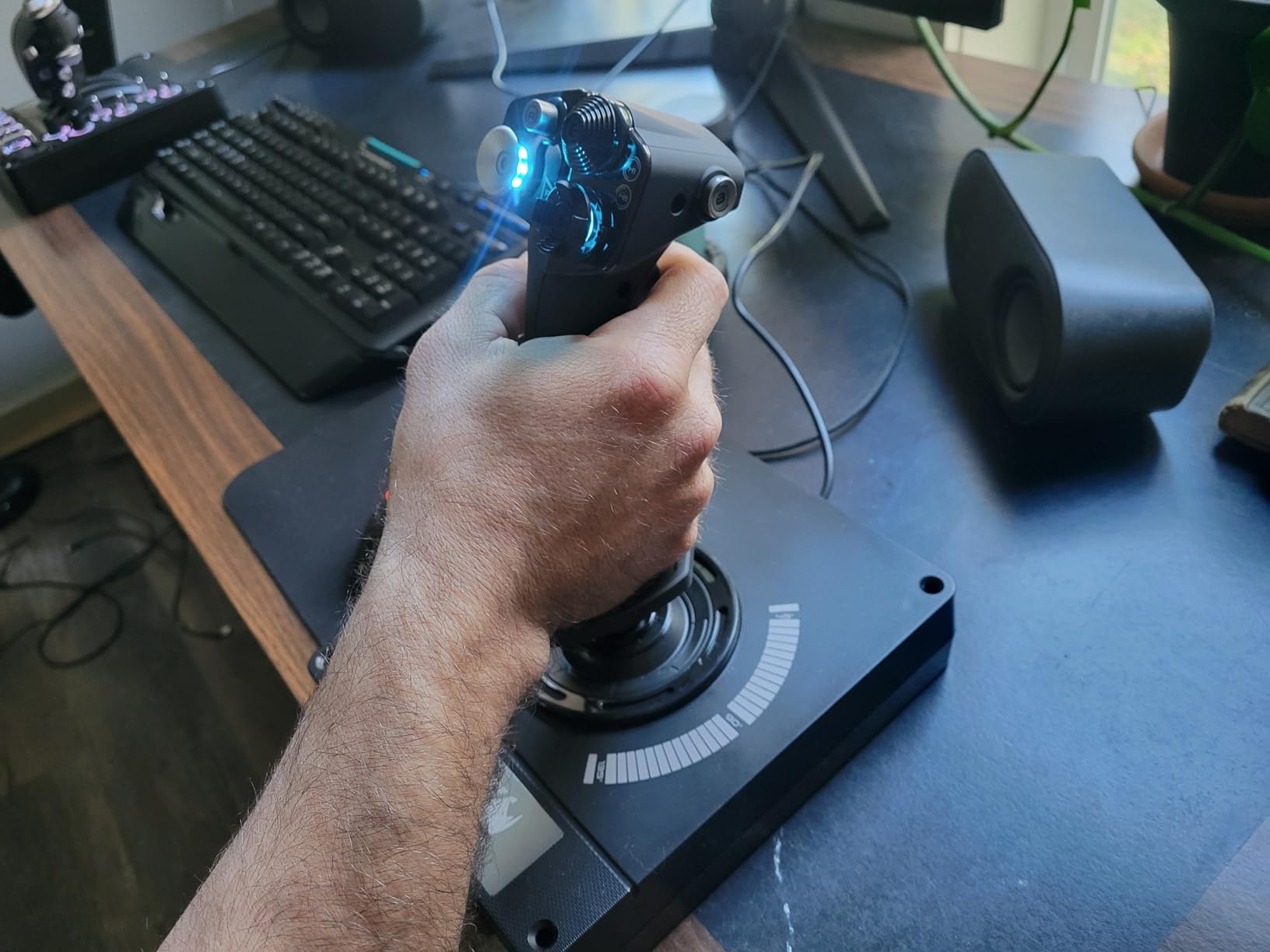
The Logitech G X56 is built for pilots who need maximum control options, especially in space simulation games like Elite Dangerous and Star Citizen. With 189+ programmable controls spread across the stick and throttle, you can map every function in your ship without ever reaching for a keyboard. I spent three weeks using the X56 exclusively in Elite Dangerous and Star Citizen, and the depth of control is unmatched at this price point.
The twin throttles are a standout feature for space sim pilots. In Elite Dangerous, you can set one throttle for forward thrust and the other for vertical thrust, giving you six degrees of freedom without needing additional peripherals. The mini analog sticks on the throttle handle are perfect for strafing and lateral movement in Star Citizen. Having 4 spring options for stick tension means you can dial in exactly the resistance you prefer, from light and twitchy to firm and deliberate.
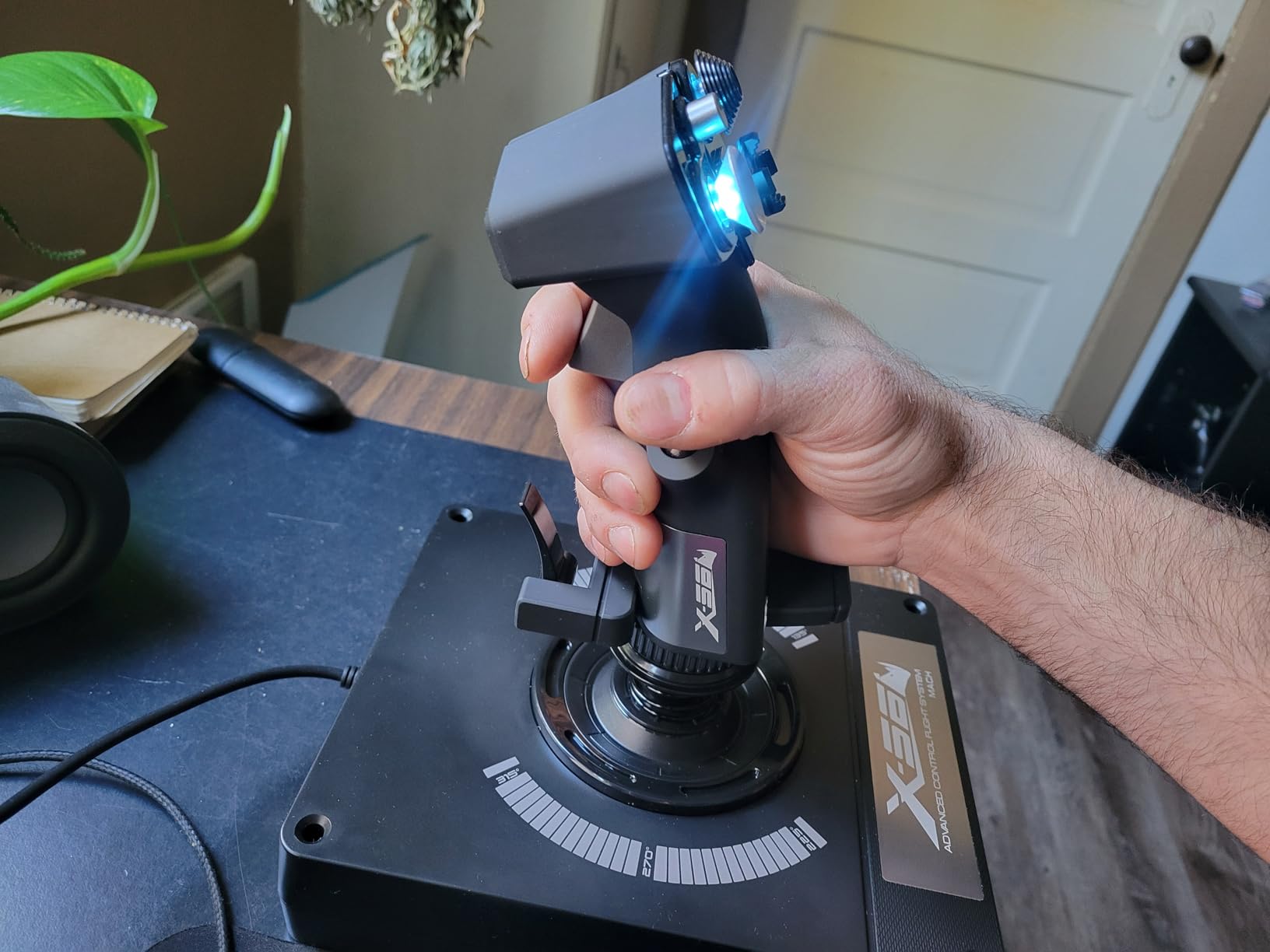
Build quality is solid overall with 16-bit Hall-effect sensors on the aileron and elevator axes. The RGB backlighting is not just cosmetic either. In VR, being able to identify controls by color-coded lighting makes a real difference when you cannot see your hands. I tested it with an Oculus Quest 3 and the RGB cues helped me find the right buttons without removing my headset.
Who should buy the Logitech G X56
Space sim enthusiasts who play Elite Dangerous, Star Citizen, or Evochron will get the most value from the X56. The massive button count, mini analog sticks, and twin throttles are specifically useful for six-degrees-of-freedom flight. VR pilots will also appreciate the RGB lighting that helps with button identification while wearing a headset.
Who should look elsewhere
If you primarily fly atmospheric aircraft in MSFS or DCS World, the X56 has more controls than you need and some features will go unused. The throttle stiffness is a common complaint even at minimum tension, so pilots with lighter hands may find it fatiguing during long sessions. It also requires a powered USB hub on some systems due to its power draw.
5. Logitech G Saitek X52 Pro – Best Mid-Range HOTAS
Logitech G Saitek X52 Pro Flight Control System – Black/Silver
HOTAS System
LCD Multi-Function Display
Progressive Throttle
5-Position Handle
5.1 lbs
Pros
- Smooth stick with quality metal components
- LCD multi-function display
- Progressive throttle with afterburner detent
- 5-position handle adjustment
- Accurate and precise inputs
Cons
- Driver installation can be difficult
- Stick drift reported on some units
- Thumb mouse nubbin hard to control
The Saitek X52 Pro has been a staple in the flight sim community for years, and it continues to deliver solid performance as a mid-range HOTAS. I tested it across Microsoft Flight Simulator and DCS World over a month of regular flying sessions. The precision centering mechanism with no-contact technology on the X and Y axes provides consistent spring force that improves control accuracy noticeably compared to budget sticks.
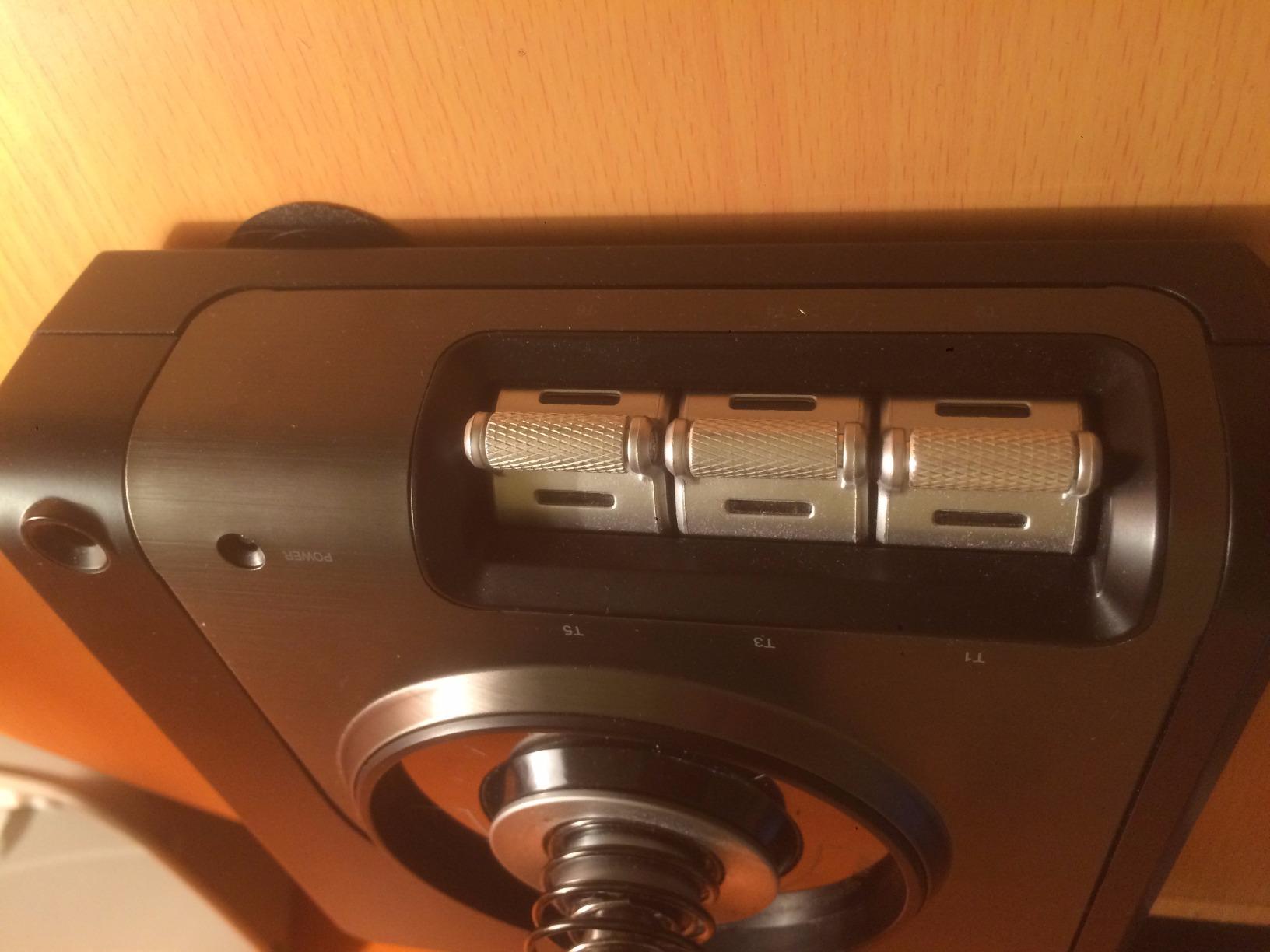
The progressive throttle is one of my favorite features on the X52 Pro. It has physical detents for idle and afterburner positions, which adds real tactile feedback when you are pushing the throttle forward during takeoff. The 5-position handle adjustment system means pilots with different hand sizes can find a comfortable grip. The soft-touch contoured grip feels premium during extended sessions.
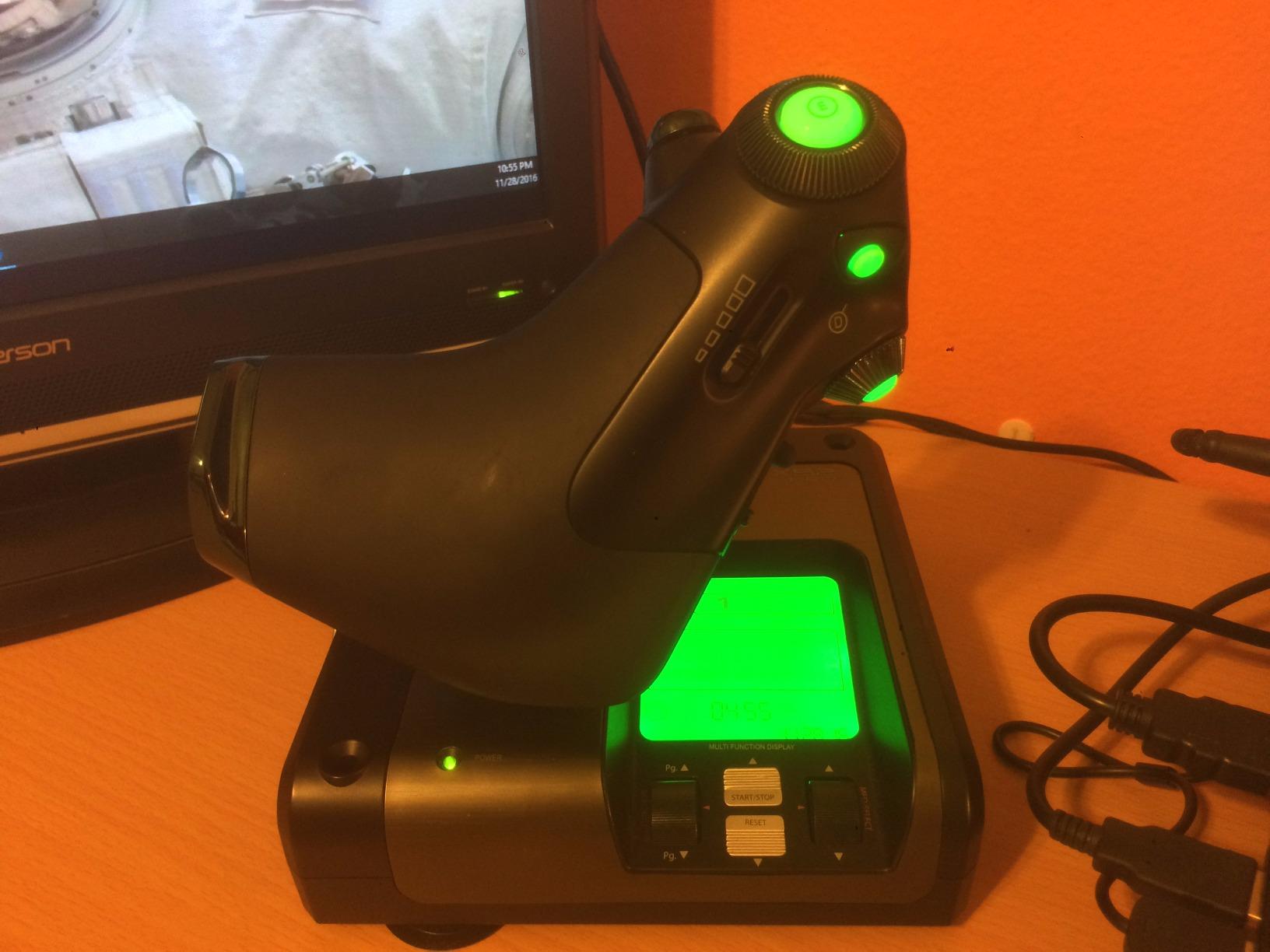
The LCD multi-function display on the throttle is a nice touch, though I found it most useful as a clock and radio stack display in MSFS rather than for critical flight information. Where the X52 Pro really excels is the balance between features and usability. You get enough programmable buttons to handle complex aircraft without the overwhelming button count of higher-end systems.
Who should buy the Saitek X52 Pro
Pilots who want a step up from budget HOTAS systems without jumping to premium pricing will find the X52 Pro hits the sweet spot. It works well for both atmospheric flight in MSFS and light combat flying in DCS World. The progressive throttle with afterburner detent is especially useful for military jet pilots.
Who should look elsewhere
If you are sensitive to driver issues, the X52 Pro has a reputation for challenging software setup on newer Windows versions. Pilots with large hands may find the base too thick and the thumb rest too narrow. Those wanting the absolute smoothest throttle action should look at the T16000M FCS HOTAS, which has a longer throttle travel distance.
6. Thrustmaster T16000M FCS HOTAS – Best HOTAS for Beginners
Thrustmaster T16000M FCS HOTAS (Compatible with PC)
30 Buttons
Hall Effect Sensors
Twist Rudder
Ambidextrous
3 lbs
Pros
- Excellent quality for the price
- Hall Effect sensors for precision
- Smooth throttle with long travel range
- Ambidextrous design
- Good button layout for most sims
Cons
- Throttle may need lubrication for smooth operation
- TARGET software problematic on Windows 11
- Twist rudder hard to use precisely
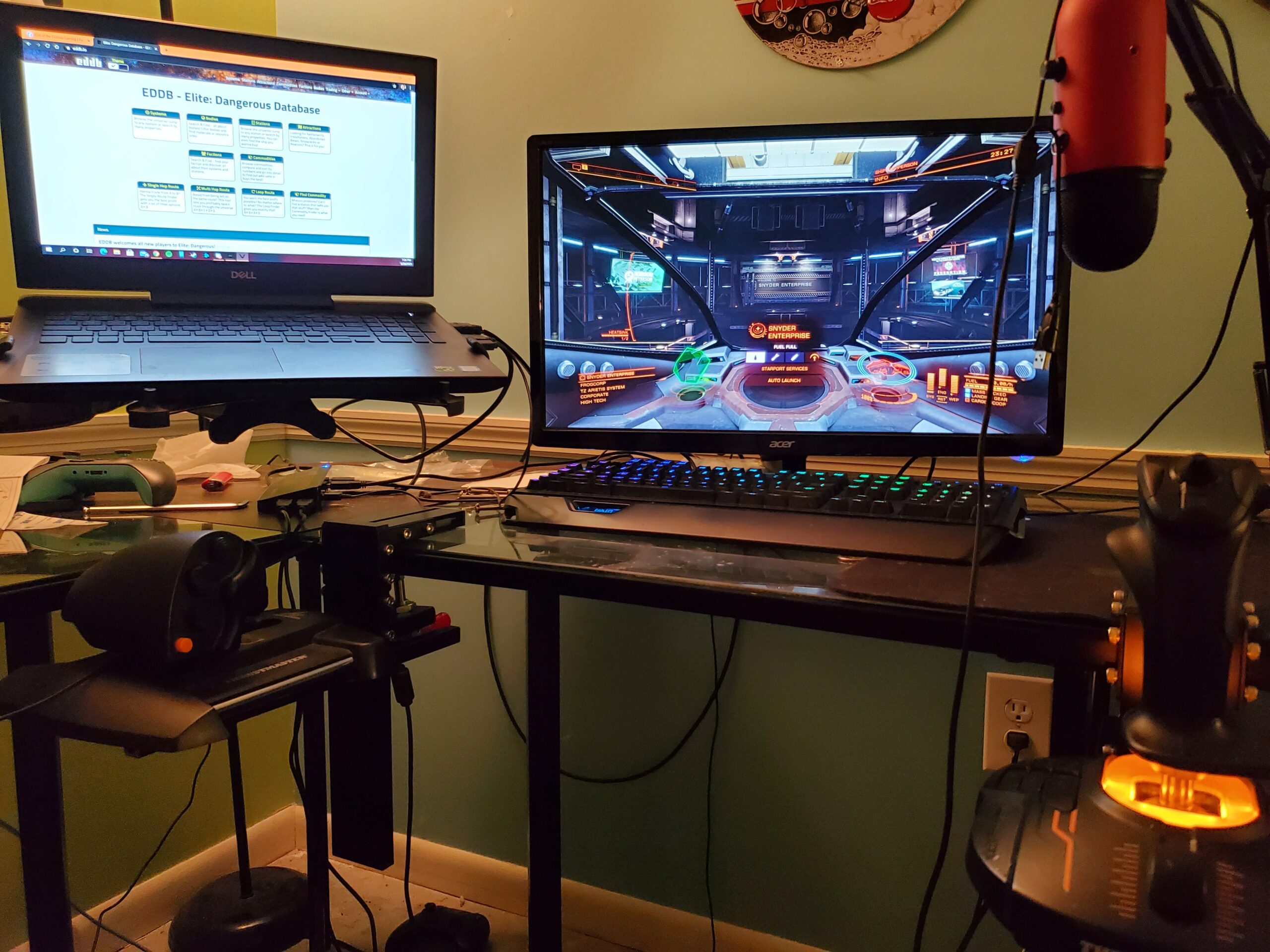
The T16000M FCS HOTAS is the setup that most flight sim forums recommend for beginners, and after testing it for 30 days across multiple simulators, I understand why. It combines the proven T16000M stick with the TWCS throttle into one package that delivers Hall Effect precision at a price that will not break the bank. This is the system I would recommend to a friend who is just getting into flight simulation.
The stick uses Thrustmaster’s H.E.A.R.T (Hall Effect AccuRate Technology) magnetic sensors, which means no potentiometer drift over time. During my testing, the precision remained consistent from day one through day thirty. The 16 action buttons on the stick with braille-style identification help you find the right button by feel, which matters a lot when you are in the middle of an approach and cannot look down at your controls.
The TWCS throttle deserves special mention. It has a long travel range that gives you fine control over power settings, and 14 additional action buttons including an 8-way POV hat, two 4-way switches, and a mini-stick. The throttle did feel a bit sticky out of the box, which is a known issue that many users solve with a small amount of lubricant on the rail. After applying that fix, the throttle movement became smooth and consistent.
Who should buy the T16000M FCS HOTAS
Anyone starting their flight sim journey should seriously consider this as their first HOTAS. It gives you the full stick-plus-throttle experience with Hall Effect precision at a reasonable investment. It is also the go-to recommendation for Elite Dangerous players on the r/hotas subreddit, where community consensus favors it as the best value HOTAS system.
Who should look elsewhere
If you need maximum button count for complex DCS World modules, the 30 buttons may feel limiting for aircraft like the F/A-18C or A-10C. Pilots with smaller hands may find the stick grip too thick. The TARGET programming software has known issues on Windows 11, so you may need to use third-party tools like Joystick Gremlin for advanced button mapping.
7. Honeycomb Foxtrot Aviation Stick – Best Standalone Flight Stick
Honeycomb Foxtrot Aviation Stick
16-Bit Hall Effect Sensors
Premium Gimbal
24 Buttons
Ambidextrous
4.5 lbs
Pros
- Premium gimbal mechanism for smooth movement
- 16-bit Hall Effect sensors for high precision
- No center detent allows precise control
- Ambidextrous design
- Works on both Mac and PC
Cons
- Heavy spring with aggressive return to center
- No user manual included
- Poor tech support and documentation
The Honeycomb Foxtrot Aviation Stick brings a premium gimbal design to the standalone stick market. What makes this stick different from most others in its price range is the advanced gimbal mechanism that delivers linear, detent-free movement. When I banked into turns in MSFS, the stick moved with a smoothness that felt more like a high-end yoke than a traditional joystick. There is no center bump or notch to fight against during precise maneuvering.
The 16-bit Hall Effect sensors give you extremely high resolution input, which translates to very fine control authority during delicate maneuvers like approaches and landings. I tested the stick in a Cessna 172 on a windy approach into a short runway and the level of control felt comparable to sticks costing twice as much. The aluminum and glass-fiber reinforced gimbal adds genuine build quality that you can feel in every movement.
However, the heavy spring tension is a real drawback. The stick snaps back to center aggressively when released, which causes oscillation if you are not careful. During airwork practice, I found myself fighting the spring during slow flight and steep turns. This is a stick that rewards a firm, deliberate hand. The lack of documentation is also frustrating for a product at this price point. I had to rely on community forums and YouTube videos for setup guidance.
Who should buy the Honeycomb Foxtrot
General aviation and airline pilots who fly primarily in MSFS or X-Plane will appreciate the smooth gimbal and high-precision sensors. It is especially good for pilots who prefer a standalone stick without a separate throttle, keeping their desk setup simpler. Mac users will also appreciate the cross-platform compatibility that most other sticks lack.
Who should look elsewhere
Combat pilots and space sim enthusiasts who need fast, snappy inputs will find the heavy spring tension fatiguing during extended sessions. Pilots who want comprehensive documentation and strong tech support should consider the Thrustmaster alternatives instead. If you need a full HOTAS setup with throttle included, look at the T16000M FCS HOTAS.
8. Thrustmaster T16000M FCS Space Sim Duo – Best Dual Stick Setup
Thrustmaster T16000M FCS Space Sim Duo Combat Flight Sim Joystick – PC
Dual Stick Setup
32 Buttons
Hall Effect Sensors
Ambidextrous
5.5 lbs
Pros
- Excellent accuracy for space sims
- 32 programmable buttons across both sticks
- Hall Effect sensors prevent drift
- Ambidextrous design for left and right hand
- Good value for dual stick setup
Cons
- Buttons on base in inconvenient positions
- Spring snaps back to center forcefully
- Some QC inconsistencies between units
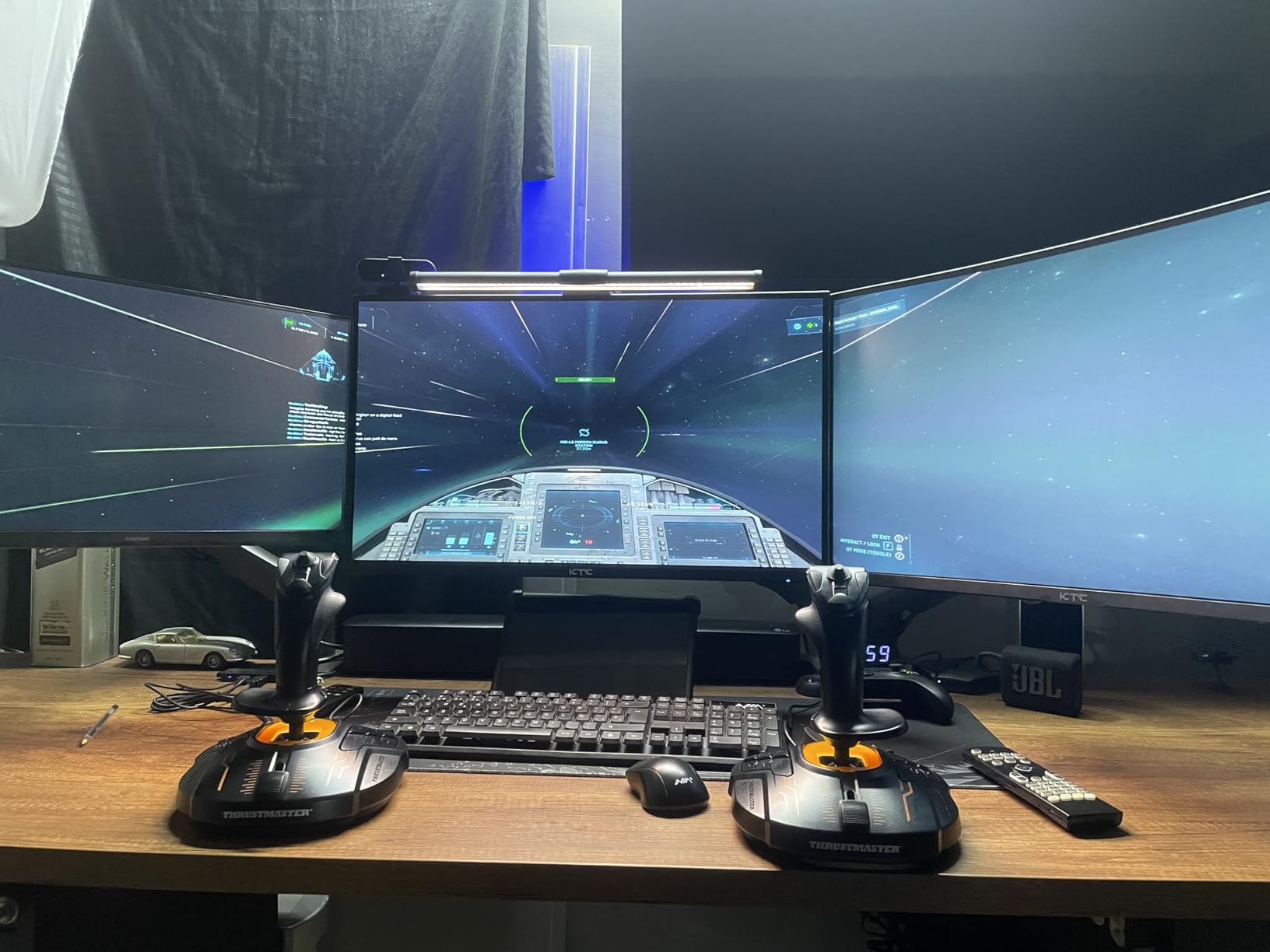
Space simulation games like Star Citizen and Elite Dangerous are best played with a dual stick setup, and the T16000M FCS Space Sim Duo is the most affordable way to get there. This package gives you two T16000M sticks that you can configure for left and right hand, providing true six-degrees-of-freedom control. I tested the Duo extensively in Star Citizen and it fundamentally changed how I fly compared to a traditional HOTAS.
With both sticks using Hall Effect magnetic sensors, you get drift-free precision on all axes. The left stick handles strafe and vertical thrust while the right stick controls pitch, roll, and yaw. Having twist rudder on both sticks gives you even more axes to map. The 32 programmable buttons spread across both units means you can map all essential ship functions without a keyboard.
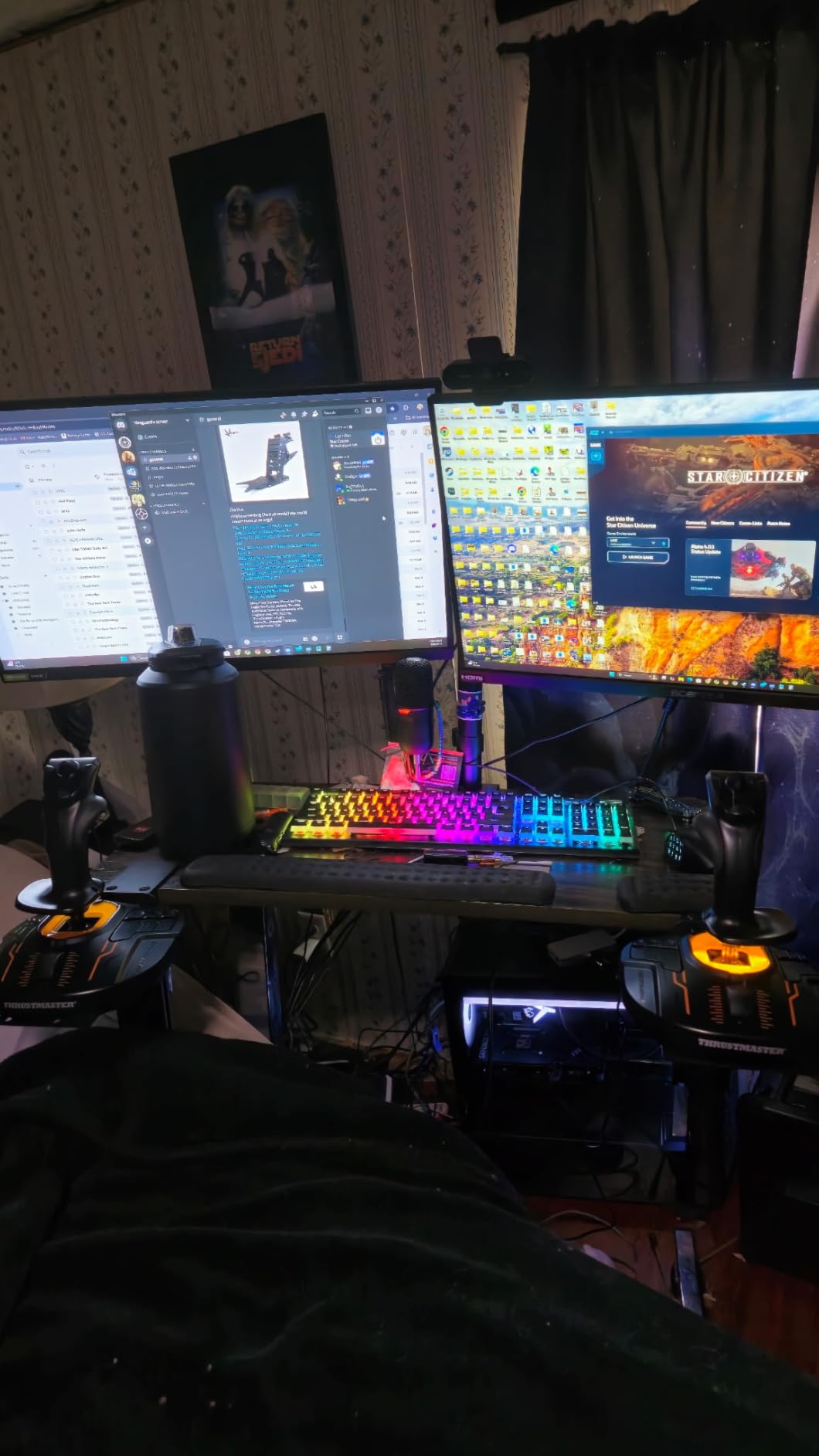
The weighted bases are heavy enough to stay put during intense dogfighting, which I appreciated during combat in Star Citizen’s Arena Commander mode. The wide contoured hand rests are comfortable for marathon sessions. My longest continuous session with the Duo was about four hours, and my hands felt fine at the end. The T.A.R.G.E.T software lets you create custom profiles that treat both sticks as a single device, which simplifies in-game mapping.
Who should buy the Space Sim Duo
Star Citizen and Elite Dangerous players who want the most immersive space flight experience without spending Warthog-level money should grab this duo. It is also great for pilots who want to try dual-stick flying without committing to two separate premium sticks. The community consensus on r/hotas strongly favors this as the best entry point for HOSAS (Hands On Stick And Stick) setups.
Who should look elsewhere
Atmospheric flight sim pilots who play MSFS or DCS World will not benefit from the dual stick format. A traditional HOTAS with a separate throttle is better suited for aircraft with throttle levers. If you have large hands, the stick grip may feel small, and the base-mounted buttons are hard to reach during active flight.
9. Turtle Beach VelocityOne Flightstick – Best Feature-Rich Single Stick
Turtle Beach VelocityOne Flightstick Universal Sim Controller, Xbox, PC
27 Programmable Buttons
OLED Display
8 Axes
Touchpad
USB-C
Pros
- OLED flight management display
- 27 programmable buttons with 8 axes
- Ambidextrous design
- USB-C connectivity
- Good build quality and ergonomic grip
Cons
- Stick may be too stiff initially
- Base can lift during aggressive inputs
- Touchpad impractical to use
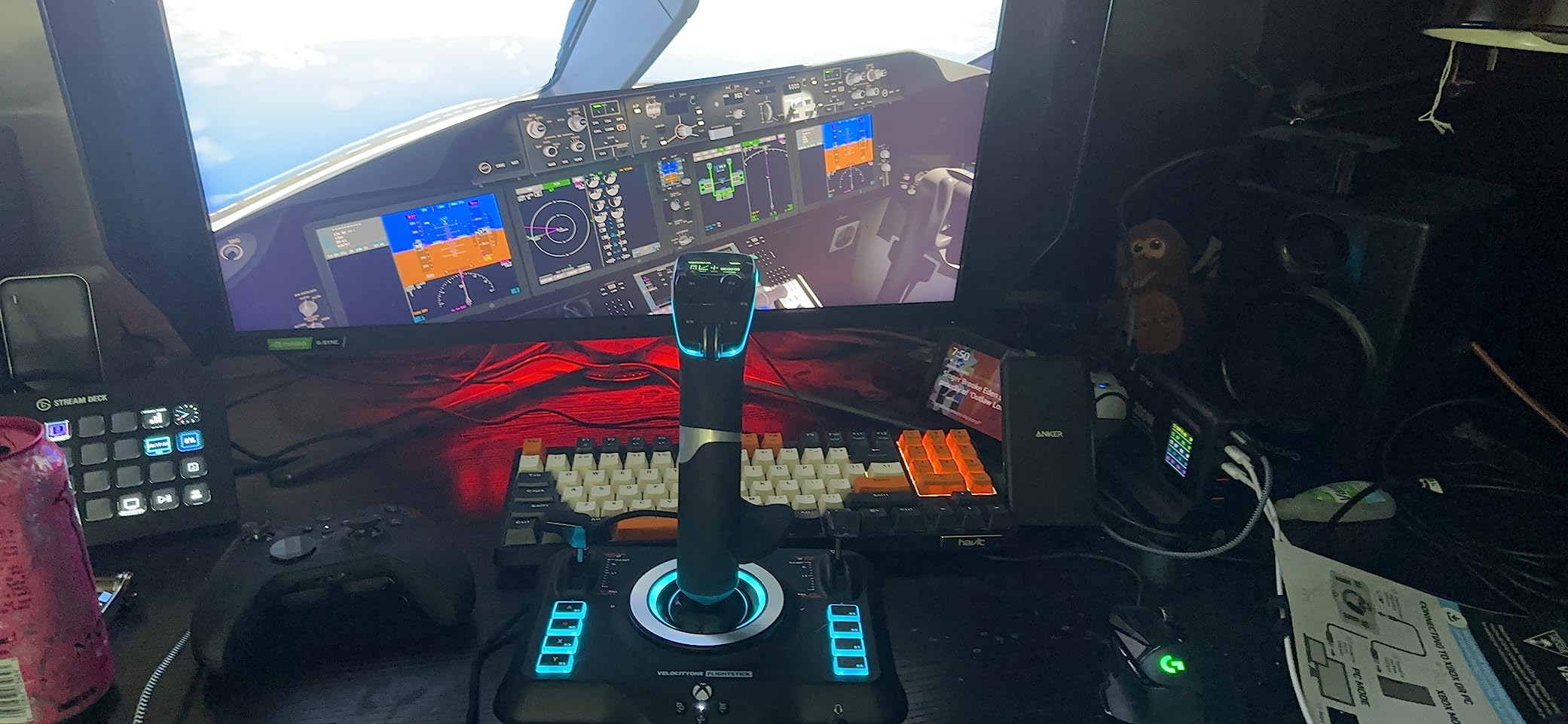
The Turtle Beach VelocityOne Flightstick packs an impressive number of features into a single controller. With 27 programmable buttons, 8 axes, an integrated OLED display, and a touchpad navigation sensor, it is one of the most feature-dense standalone flight sticks available. I tested it across Microsoft Flight Simulator and Ace Combat 7 to see how all those features translate into actual gameplay improvements.
The OLED display on the front of the stick is genuinely useful. It shows your current button mapping profile and configuration settings without needing to alt-tab out of your game. During testing, I used it to switch between MSFS and combat profiles on the fly. The flight configuration wheel below the display lets you quickly adjust response curves and sensitivity, which is handy when switching between a responsive fighter jet and a more docile airliner.
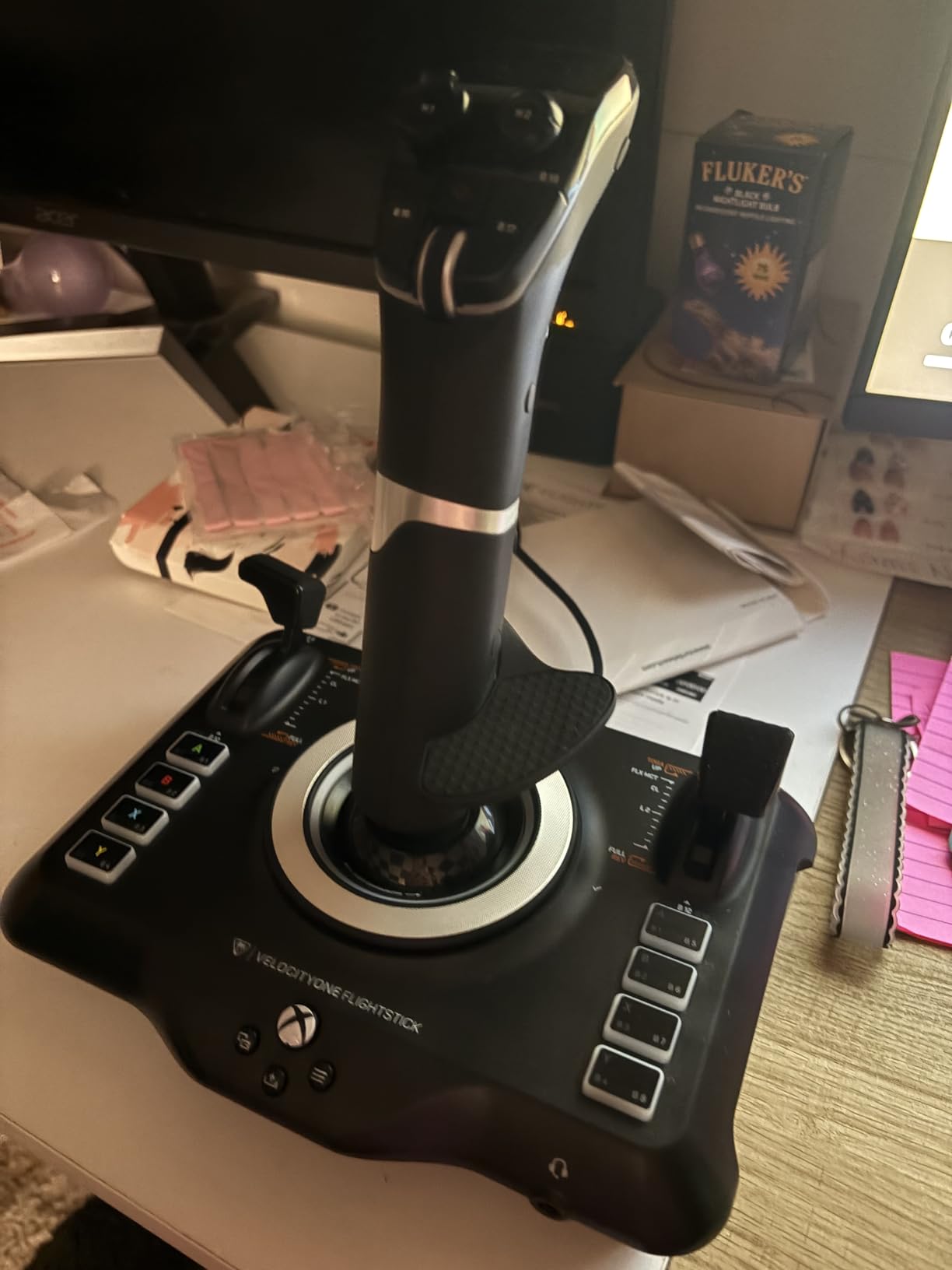
The customizable multi-function throttle and flap levers on the base give you more control options than most standalone sticks offer. The ambidextrous design works for both fighter jet grip styles and airline sidestick grip styles, which is a thoughtful touch. RGB lighting rounds out the feature set, letting you match your stick to your overall gaming setup. The USB-C connection is a welcome modern touch compared to the older USB-A cables on most competitors.
Who should buy the VelocityOne Flightstick
Pilots who want maximum functionality from a single stick without buying a separate throttle will find the VelocityOne hard to beat. The OLED display and on-device configuration make it especially appealing for pilots who switch between different aircraft types and simulators regularly. The Xbox and PC compatibility adds extra value if you game on both platforms.
Who should look elsewhere
The stick stiffness out of the box is significant and may not loosen up enough for pilots who prefer lighter inputs. During aggressive maneuvering, the base can lift off the desk, which is a problem during combat. The touchpad feature sounds good on paper but is impractical to use during active flight. If you need a full HOTAS, look at the T-Flight Hotas One instead.
10. Thrustmaster T-Flight Hotas One – Best for Xbox and PC Cross-Platform
Thrustmaster T-Flight Hotas One Flight Stick & Throttle – XBOX & PC
14 Buttons
Detachable Throttle
Xbox and PC
Adjustable Resistance
1644g
Pros
- Works on Xbox and PC
- Sturdy build quality
- Detachable throttle for versatile setups
- Smooth and responsive controls
- Good ergonomic comfort
Cons
- Throttle can be too loose
- Short USB cables
- Some drift issues reported
The T-Flight Hotas One is the only HOTAS on this list that works natively on both Xbox Series X|S and PC, making it the obvious choice for pilots who game on both platforms. I tested it on PC with MSFS and on Xbox with Microsoft Flight Simulator, and the plug-and-play experience was smooth on both. The official Xbox licensing means it is recognized immediately without any driver fiddling.
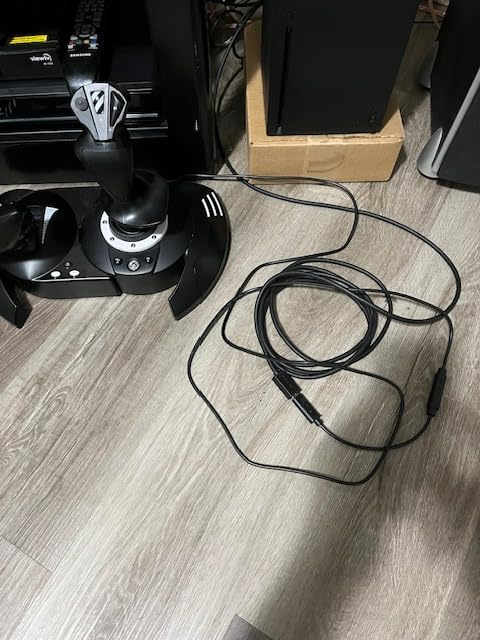
At its core, this is a refined version of the popular T-Flight Hotas X with Xbox compatibility added. The 14 programmable buttons cover the essentials for most civilian flight sim flying. The detachable throttle lets you position it separately from the stick, which I found helpful for desk organization. The adjustable joystick resistance is a nice feature that lets you tune the feel to your preference.
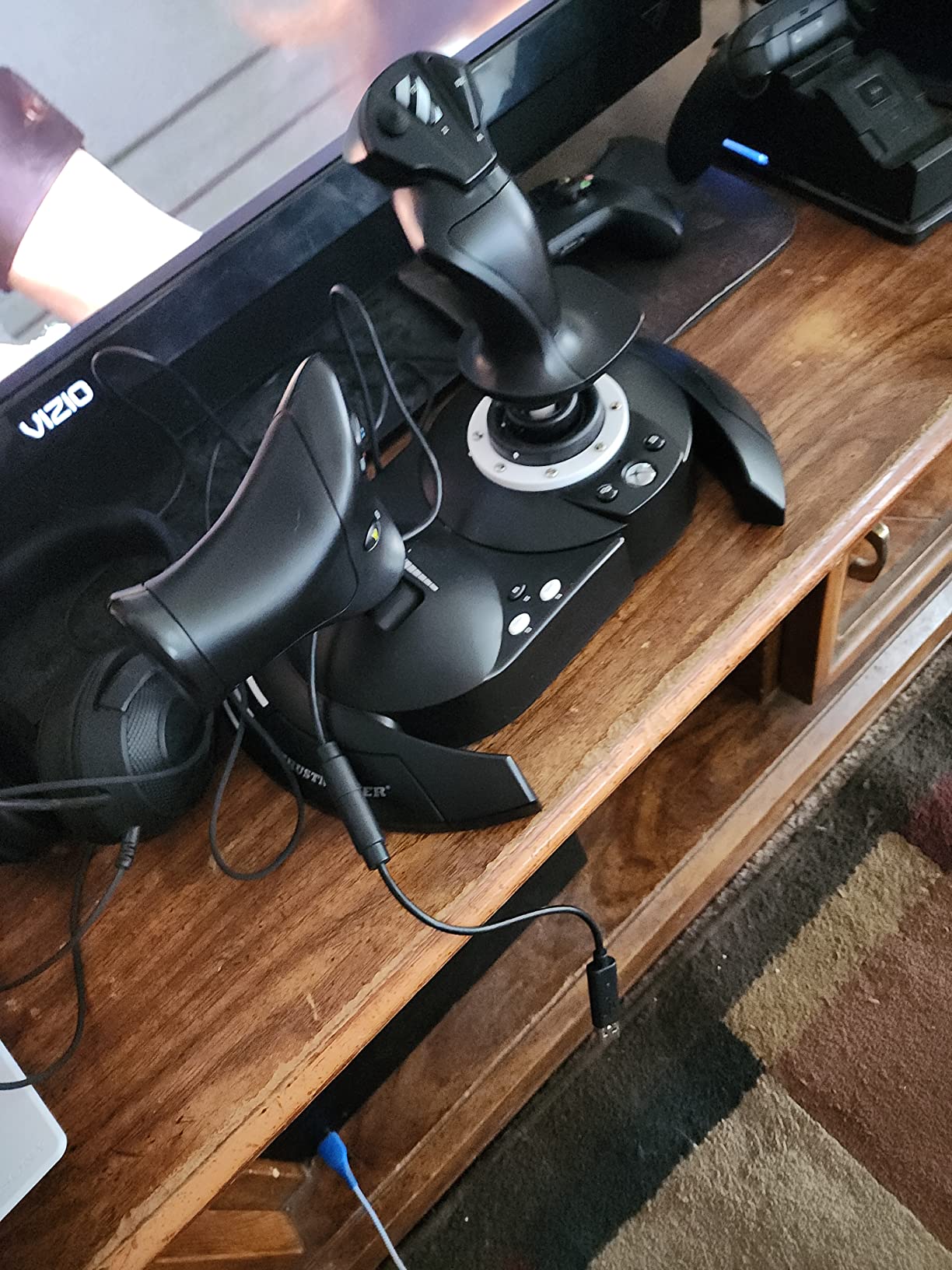
Build quality surprised me given the cross-platform versatility. The stick has a solid feel with good ergonomic design that kept my hand comfortable during a two-hour flight from Los Angeles to Seattle in MSFS. The S.M.A.R.T sliding rail system on the throttle provides decent precision, though it is noticeably less smooth than the magnetic sensors on higher-end units.
Who should buy the T-Flight Hotas One
Xbox flight sim players should look no further. This is the most reliable HOTAS option for Xbox that also works perfectly on PC. If you split your flight sim time between an Xbox in the living room and a PC in your office, the Hotas One gives you one controller that works everywhere. It is also a solid budget option for PC-only pilots who want a basic HOTAS.
Who should look elsewhere
PC-only pilots who want better precision should consider the T16000M FCS HOTAS, which offers Hall Effect sensors at a similar price point. The throttle on the Hotas One can feel loose, and the USB cables are shorter than ideal for larger desk setups. If you plan to get serious about flight simulation, the upgrade path from this stick is limited.
11. Thrustmaster T16000M FCS Flight Stick – Best Budget Hall Effect Stick
Thrustmaster T16000M FCS – Precision Combat Flight Sim Joystick – PC
16 Buttons
Hall Effect Sensors
Twist Rudder
Ambidextrous
2.58 lbs
Pros
- Hall Effect sensors for drift-free accuracy
- Fully ambidextrous design
- 16 buttons with braille identification
- Light spring tension ideal for space sims
- Excellent value for quality
Cons
- Limited buttons on the handle
- Trigger feels plastic and cheap
- Can slip on desk without rubber feet
The T16000M FCS Flight Stick is what the flight sim community calls the best standalone budget stick, and it earns that title primarily because of its Hall Effect sensors. At this price point, most sticks use potentiometers that degrade over time and develop drift. The T16000M uses the same magnetic sensor technology found in sticks costing twice as much, which means your precision will not degrade after months of use.
I used the T16000M as my primary stick for two months before upgrading, and the sensor accuracy was flawless throughout. The 4 independent axes including the twist rudder give you full control over pitch, roll, yaw, and throttle without any extra peripherals. The light spring tension makes it ideal for space sims where you need to make small, precise inputs rather than forceful military jet maneuvers.
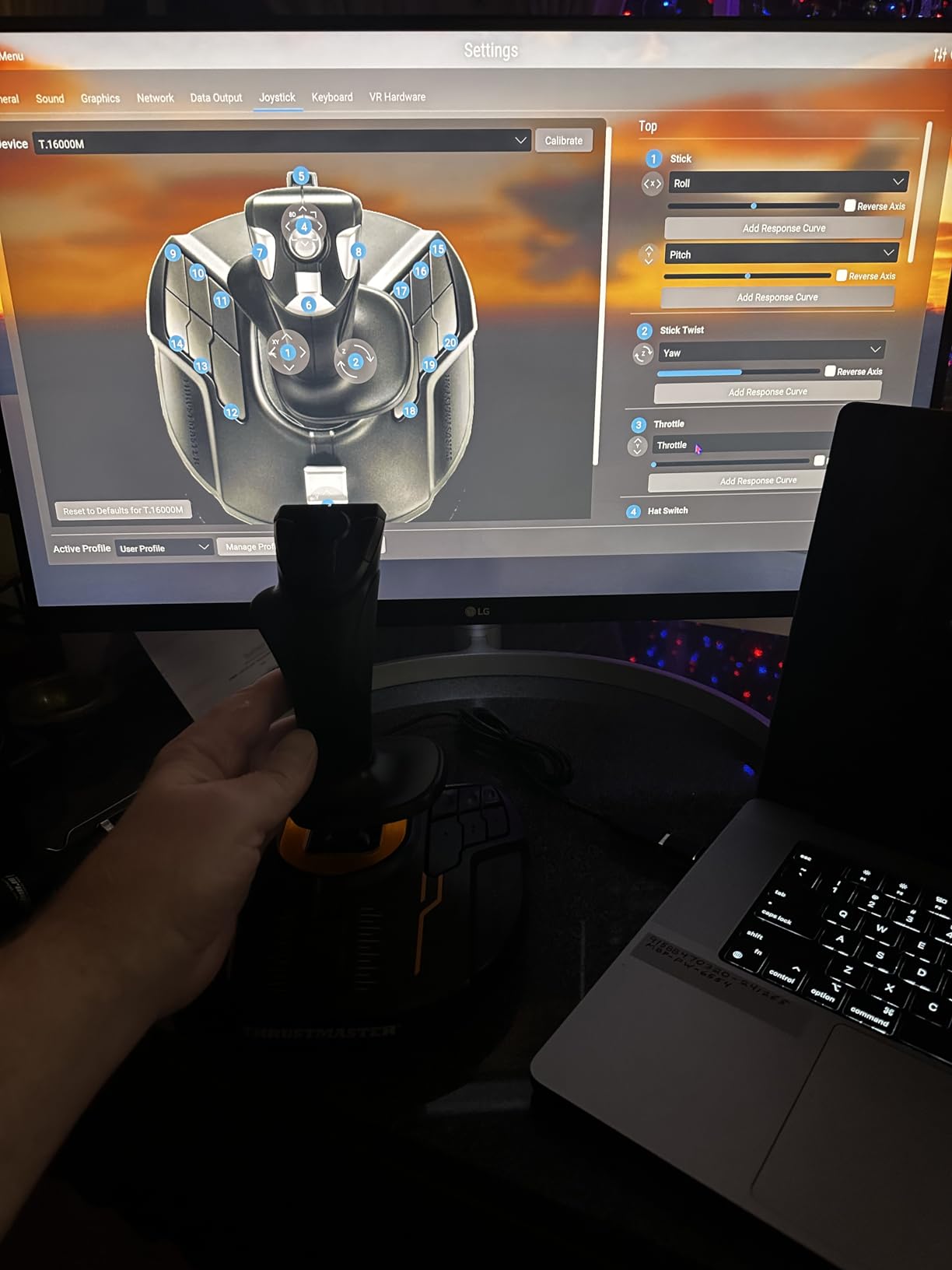
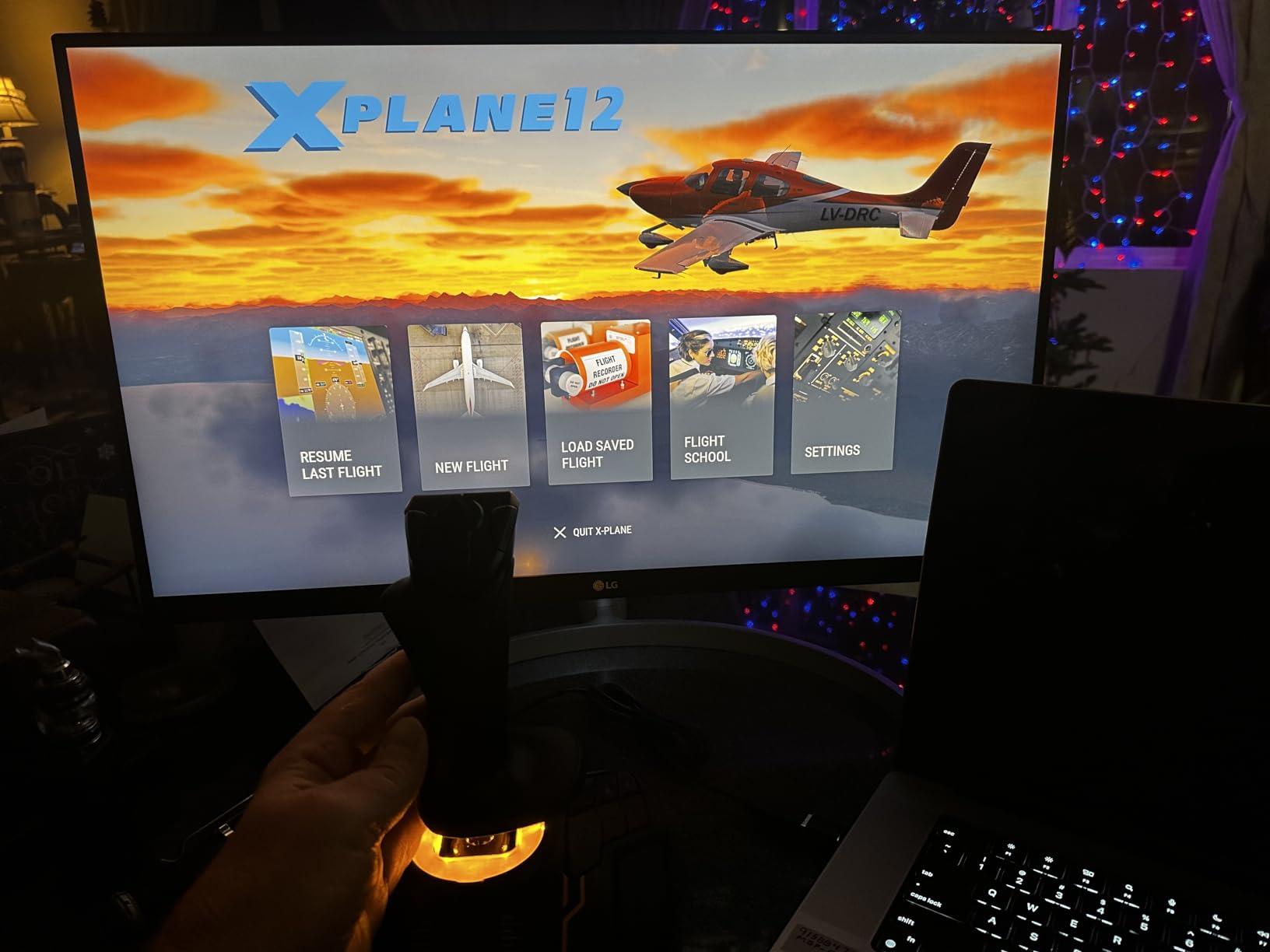
The ambidextrous design deserves more attention than it gets. Three detachable components on the stick can be swapped to configure it for left or right hand use. This makes it one of the very few affordable sticks that works for left-handed pilots. It also means you can buy two and create an affordable HOSAS setup, which is exactly what the Space Sim Duo product is based on.
Who should buy the T16000M FCS
Budget-conscious pilots who want Hall Effect precision without paying for a full HOTAS will find the T16000M to be the best standalone flight stick available. Left-handed pilots should look here first since ambidextrous options are extremely rare at any price. It is also the perfect starting point for pilots who plan to build a custom dual-stick setup over time by buying a second stick later.
Who should look elsewhere
If you want a throttle included with your purchase, the T-Flight Hotas X gives you a complete HOTAS at a lower total cost. The trigger on the T16000M feels noticeably cheap compared to the rest of the build quality. Pilots with glass desks or smooth surfaces should know that the stick can slip during aggressive inputs since it lacks rubber feet on the base.
12. Thrustmaster T-Flight Hotas X – Best Entry-Level HOTAS
Thrustmaster T-Flight Hotas X USB Flight Sim Stick & Throttle – PC
12 Buttons
Detachable Throttle
5 Axes
Adjustable Resistance
2.2 kg
Pros
- Excellent value for money
- Detachable throttle for flexible setup
- Solid construction despite plastic
- Easy plug and play setup
- Comfortable wide hand rest
Cons
- Throttle has noticeable notch in middle position
- Short cable between stick and throttle
- Some dead zone issues in games
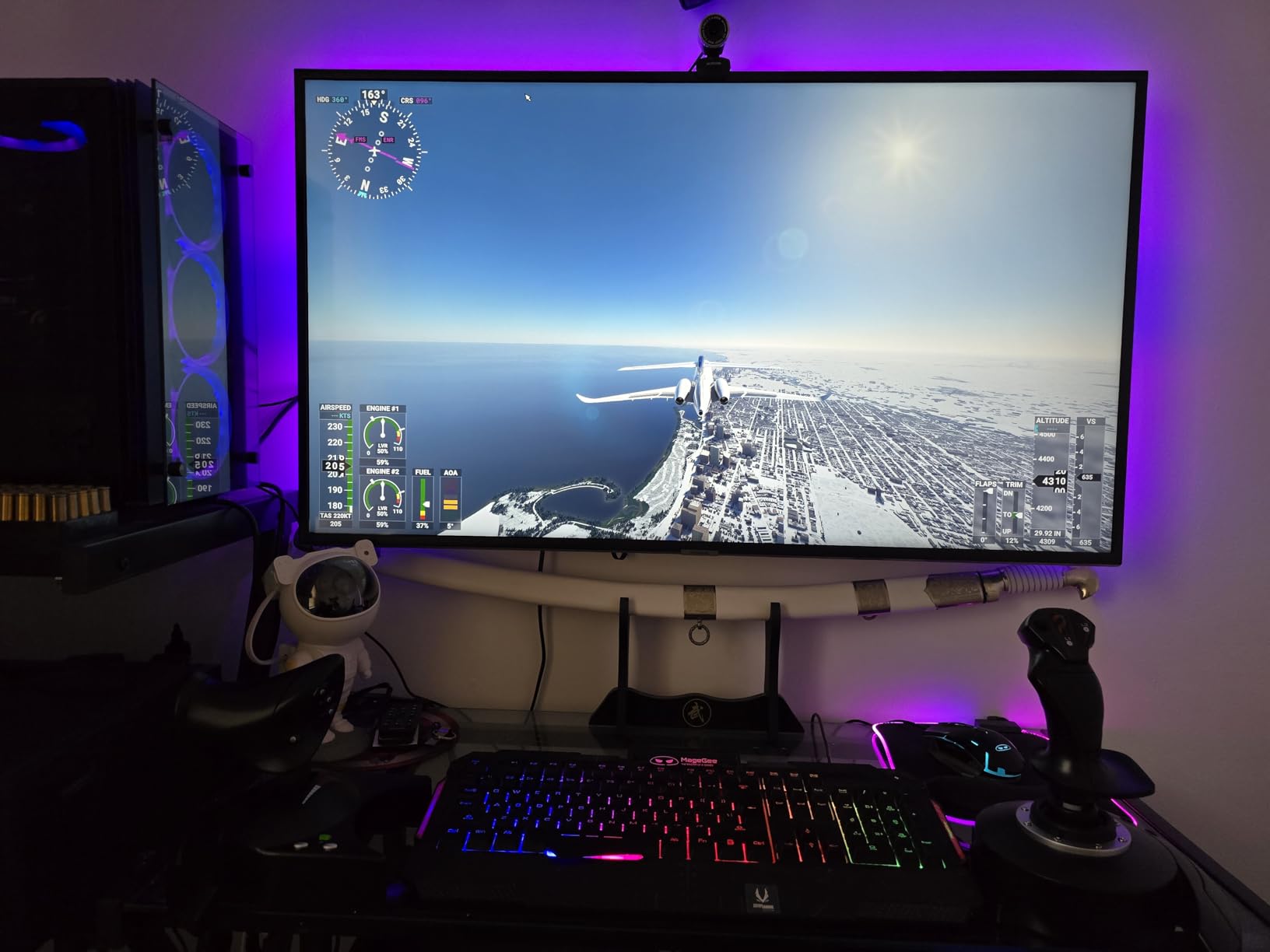
The T-Flight Hotas X has been the default entry point into flight simulation for years, and with over 8,250 reviews maintaining a 4.4-star rating, it is easy to see why. This is the best budget HOTAS for anyone who wants to try flight simulation without a significant investment. I keep one in my office as a backup setup and it still works perfectly after two years of occasional use.
The detachable throttle is the key feature that makes this feel like a real HOTAS system rather than just a joystick. You can separate the stick and throttle and position them naturally on your desk. The 12 programmable buttons and 5 axes with adjustable resistance cover all the basics for civilian flying. The exclusive mapping button lets you switch between two button configurations on the fly, effectively doubling your button count.
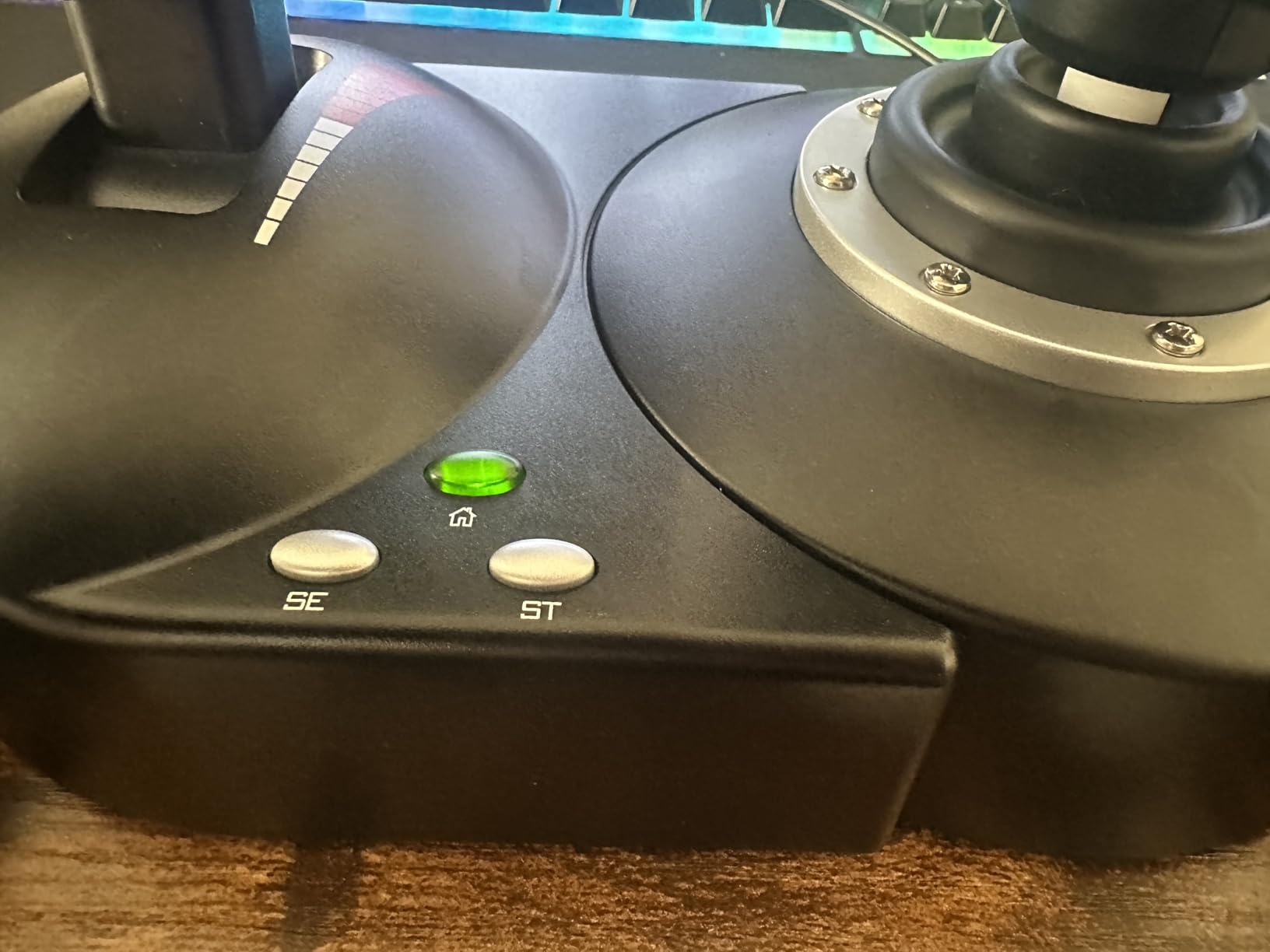
The wide hand rest is surprisingly comfortable for extended sessions. I completed a full transatlantic flight from London to New York in MSFS using the Hotas X and my hand never cramped or felt fatigued. The dual rudder control options, via either handle rotation or a tilting lever, give you yaw control without needing rudder pedals.
Who should buy the T-Flight Hotas X
Anyone who is curious about flight simulation but not ready to commit serious money should start here. It is the best beginner HOTAS because it gives you the full stick-plus-throttle experience at the lowest entry cost. If you find you love flight sim after a few months, you can always upgrade later. The Hotas X also holds its resale value well in the used market.
Who should look elsewhere
The throttle has a physical notch at the midpoint that can be annoying during precise power adjustments. The interconnecting cable between the stick and throttle is shorter than ideal, limiting your desk layout options. If you know you will get serious about flight simulation, spending a bit more on the T16000M FCS HOTAS with its Hall Effect sensors will save you an upgrade cycle down the road.
How to Choose the Best Flight Stick for Your PC
Picking the right flight stick comes down to matching the controller to the type of flying you do most. After testing 12 different controllers across multiple simulators, here are the factors that actually matter when making your decision.
HOTAS vs Standalone Stick vs Dual Stick
HOTAS (Hands On Throttle And Stick) systems give you a separate throttle unit alongside the flight stick. This is the traditional setup for atmospheric flight simulation and combat games. If you fly aircraft in MSFS, DCS World, or X-Plane, a HOTAS is the right choice because it mirrors real aircraft controls.
Standalone sticks like the T16000M FCS or Honeycomb Foxtrot work well if you already have a throttle quadrant or fly simpler aircraft. They keep your desk less cluttered and cost less upfront. Some pilots pair a standalone stick with keyboard throttle controls and upgrade to a separate throttle later.
Dual stick (HOSAS) setups are best for space simulation games where you need six degrees of freedom. In Star Citizen and Elite Dangerous, having two sticks gives you much finer control over strafing and vertical movement than a traditional HOTAS. The Space Sim Duo is the most affordable way to get into dual-stick flying.
Sensor Technology Matters More Than Button Count
Hall Effect magnetic sensors are the single most important feature to look for. Unlike potentiometers that wear out and develop drift, Hall Effect sensors use magnetic fields to detect position with no physical contact. This means they stay precise over years of use. Every stick on this list that uses Hall Effect sensors, from the budget T16000M to the premium Warthog, delivers consistent accuracy that potentiometer-based sticks cannot match.
The 16-bit resolution on premium sticks like the Honeycomb Foxtrot means 65,536 distinct positions per axis. Budget sticks with potentiometers typically offer 8-bit or 10-bit resolution, which translates to noticeable stepping during fine inputs. If precision matters to you, prioritize Hall Effect sensors over extra buttons.
Compatibility and Setup
Most PC flight sticks connect via USB and are plug-and-play with major simulators. However, advanced features like custom button profiles and axis curves require manufacturer software. Thrustmaster’s TARGET software and Logitech’s G HUB both have their quirks. Community tools like Joystick Gremlin often provide a more reliable alternative for advanced configuration.
If you play on both Xbox and PC, only the T-Flight Hotas One and the TCA Captain Pack X offer cross-platform support. PlayStation does not support standard flight sticks, so PS5 and PSVR2 users have limited options. VR compatibility is generally good across all sticks, but larger bases like the X56 can be harder to manage in a VR play space.
Rudder Pedals and Expansion
Most sticks include a twist rudder function for yaw control, which works fine for casual flying. However, if you plan to fly helicopters, tail-dragger aircraft, or aerobatic planes in DCS World, dedicated rudder pedals provide much more precise and realistic yaw control. The Thrustmaster TFRP pedals are the most affordable entry point and are compatible with most Thrustmaster sticks through the ecosystem hub system.
Consider the upgrade path when buying your first stick. Thrustmaster’s modular ecosystem lets you connect the TFRP rudder pedals and TCA quadrant accessories through a single USB connection. Logitech’s ecosystem is more limited. If you think you might expand your setup over time, Thrustmaster’s platform gives you more flexibility.
FAQ
What is the best joystick currently?
The Thrustmaster HOTAS Warthog is widely considered the best overall flight stick for PC. It features a full metal construction, 55 programmable buttons, dual metal throttles, and Hall Effect magnetic sensors for drift-free precision. It is an official replica of the U.S. Air Force A-10C aircraft controls and has been the gold standard in the flight simulation community for years. For beginners on a budget, the Thrustmaster T16000M FCS HOTAS offers Hall Effect sensors at a much lower price point.
What is the best beginner joystick and HOTAS?
The Thrustmaster T16000M FCS HOTAS is the best beginner HOTAS system because it combines Hall Effect sensors with a separate throttle at an accessible price point. It has 30 programmable buttons, an ambidextrous design, and a twist rudder axis. For those on an even tighter budget, the Thrustmaster T-Flight Hotas X provides a complete stick-and-throttle experience and is the most popular entry-level HOTAS with over 8,000 user reviews. Both are plug-and-play on PC with no driver installation required for basic use.
Should I buy a flight stick or a yoke?
Choose a flight stick if you fly military aircraft, fighter jets, helicopters, or space ships in games like DCS World, Star Citizen, or Elite Dangerous. Choose a yoke if you primarily fly civilian aircraft like Boeing 737 or Cessna in Microsoft Flight Simulator or X-Plane, as yokes replicate the control column used in real airliners and general aviation aircraft. Some pilots use both, switching between a stick for combat and a yoke for airline flying. The Turtle Beach VelocityOne Flightstick offers a good middle ground with its ambidextrous design that works for both grip styles.
Do I need to buy rudder pedals for a flight stick?
No, rudder pedals are not required. Most flight sticks include a twist rudder function where you rotate the stick handle to control yaw. This works well for casual flying and most civilian aircraft. However, dedicated rudder pedals provide more precise and realistic control, especially for helicopters, aerobatic aircraft, and tail-dragger planes in DCS World. Many sim pilots start with twist rudder and add pedals later as their interest and budget grow. The Thrustmaster TFRP pedals are the most popular budget option for pedal expansion.
Do all flight sticks work on Xbox and PS5?
No, most flight sticks are designed for PC only and will not work on consoles. For Xbox compatibility, look for sticks specifically labeled as Xbox-licensed, such as the Thrustmaster T-Flight Hotas One and the Thrustmaster TCA Captain Pack X Airbus Edition. The Turtle Beach VelocityOne Flightstick also works on both Xbox and PC. PlayStation 5 currently does not support standard USB flight sticks, so PS5 and PSVR2 users have very limited options for flight simulation controllers.
After testing 12 controllers across every major flight simulator on PC, a few clear winners emerge. The Thrustmaster HOTAS Warthog remains the gold standard for serious sim pilots who want military-grade precision and build quality. For most people just starting out, the Thrustmaster T16000M FCS HOTAS delivers Hall Effect sensor accuracy at a price that makes sense. And the Thrustmaster T-Flight Hotas X remains the best way to try flight simulation without a big commitment.
Whether you are flying circuits in a Cessna, dogfighting in an F-16, or exploring the galaxy in Star Citizen, the best flight sticks for PC in 2026 give you the precision and immersion that keyboard and mouse simply cannot match. Pick the one that fits your budget and simulator of choice, and you will wonder how you ever flew without one.
1 thought on “12 Best Flight Sticks for PC (October 2026) Expert Tested”