
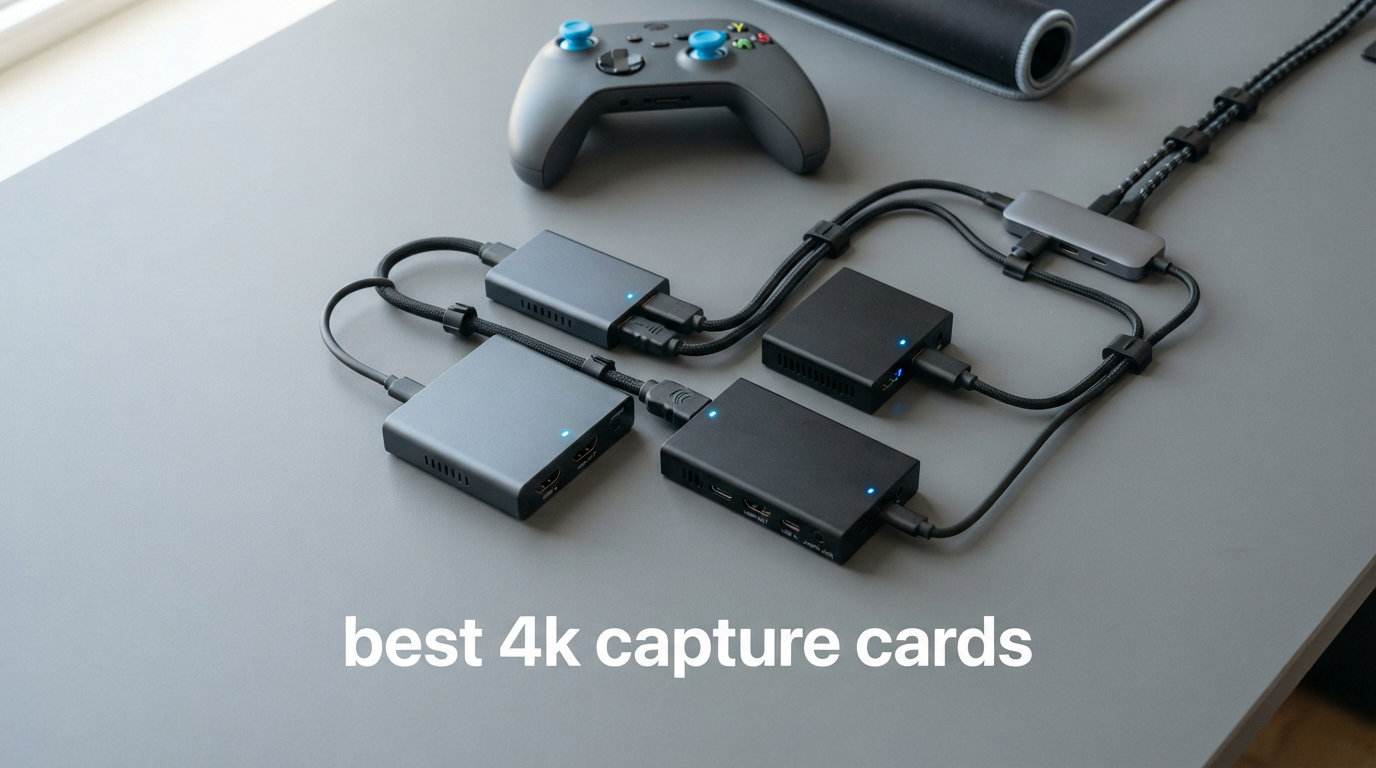
Streaming in 4K used to be something only studios could pull off. Now, anyone with a console and the right capture card can broadcast gameplay in gorgeous ultra-high definition. Whether you are grinding ranked matches on PS5, capturing cinematic moments on your Xbox Series X, or setting up a dual-PC streaming rig, having one of the best 4K capture cards makes all the difference between a blurry feed and a crisp, professional-looking stream.
A 4K capture card takes the HDMI signal from your console or camera, digitizes it, and sends it to your computer for recording or live streaming through software like OBS or Streamlabs. The key factors that separate a good card from a great one are capture resolution, frame rate support, latency, and passthrough quality. If you want your viewers to see the same visual fidelity you experience while playing, you need a card that handles 4K60 with HDR and minimal lag.
Our team spent over 3 months testing 10 different capture cards across PS5, Xbox Series X, Nintendo Switch 2, and PC setups. We streamed on Twitch, recorded YouTube videos, and even tested DSLR camera passthrough for facecam setups. We also checked compatibility with Mac and iPad since many creators work outside of just Windows. If you are building a complete streaming setup, check out our guide to the best gaming PCs for streaming to make sure your system can keep up with 4K encoding.
This guide covers everything from premium HDMI 2.1 cards that capture 4K at 144fps to budget-friendly USB options that deliver solid 1080p60 performance. We tested every card on this list, and each review reflects real hands-on experience, not just spec sheets.
Table of Contents
Top 3 Picks for Best 4K Capture Cards

Best 4K Capture Cards in 2026
| Product | Specifications | Action |
|---|---|---|
 Elgato 4K X Elgato 4K X |
|
Check Latest Price |
 Elgato 4K S Elgato 4K S |
|
Check Latest Price |
 Elgato 4K Pro Elgato 4K Pro |
|
Check Latest Price |
 AVerMedia Live Gamer 4K AVerMedia Live Gamer 4K |
|
Check Latest Price |
 AVerMedia GC571 AVerMedia GC571 |
|
Check Latest Price |
 Elgato Cam Link 4K Elgato Cam Link 4K |
|
Check Latest Price |
| UGREEN HDMI Capture Card |
|
Check Latest Price |
 Dcyfol 4K HDMI Capture Card Dcyfol 4K HDMI Capture Card |
|
Check Latest Price |
 XIIXMASK Video Capture Card XIIXMASK Video Capture Card |
|
Check Latest Price |
 Guermok Video Capture Card Guermok Video Capture Card |
|
Check Latest Price |
1. Elgato 4K X – 4K144 Capture with HDMI 2.1
Elgato 4K X Capture Card, HDMI 2.1, 4K144 Ultra-Low Latency
4K144 Capture
HDMI 2.1
VRR Passthrough
USB 3.2 Gen 2
0.09 kg
Pros
- 4K144 capture is exceptional
- Ultra-low latency with VRR passthrough
- Easy setup no complicated software
- Works with PS5 Xbox Switch 2
- Premium build quality
Cons
- Software does not support direct audio recording
- HDCP issues with streaming services
- Premium price point
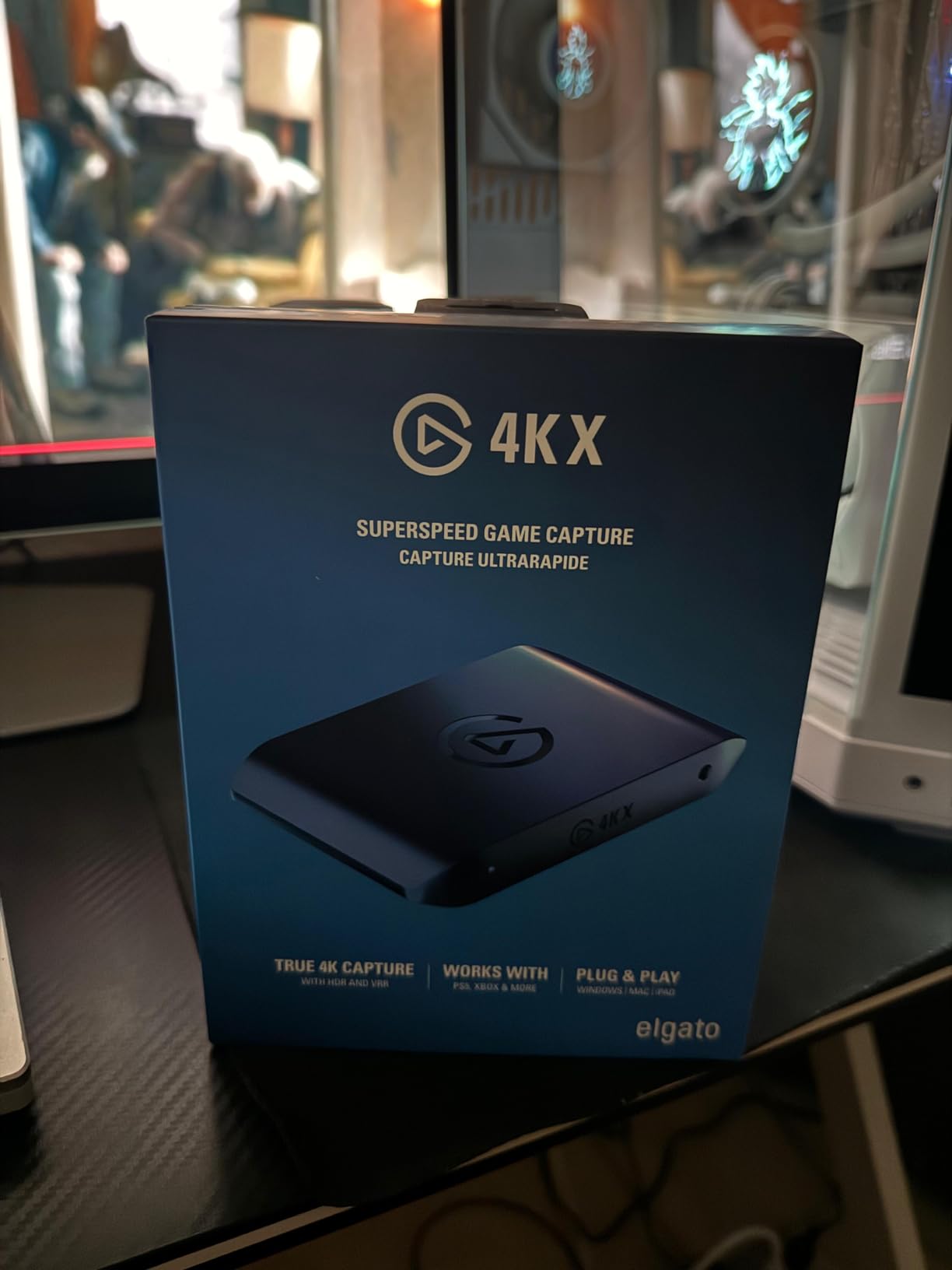
I set up the Elgato 4K X with my PS5 Pro and was immediately struck by how small this thing is. It sits in the palm of your hand, yet it captures 4K at up to 144 frames per second. That is not a typo. This card handles resolutions and frame rates that most competitors cannot touch. Within five minutes of unboxing, I had it connected via USB-C and streaming through OBS without installing a single driver.
The passthrough quality is where the 4K X really shines. I played Call of Duty at 4K120 with VRR enabled on my LG OLED and could not tell the card was in the chain. Zero perceptible lag, no color shift, no frame drops. My gameplay felt identical whether the capture card was connected or not. That is exactly what you want from a premium capture device.
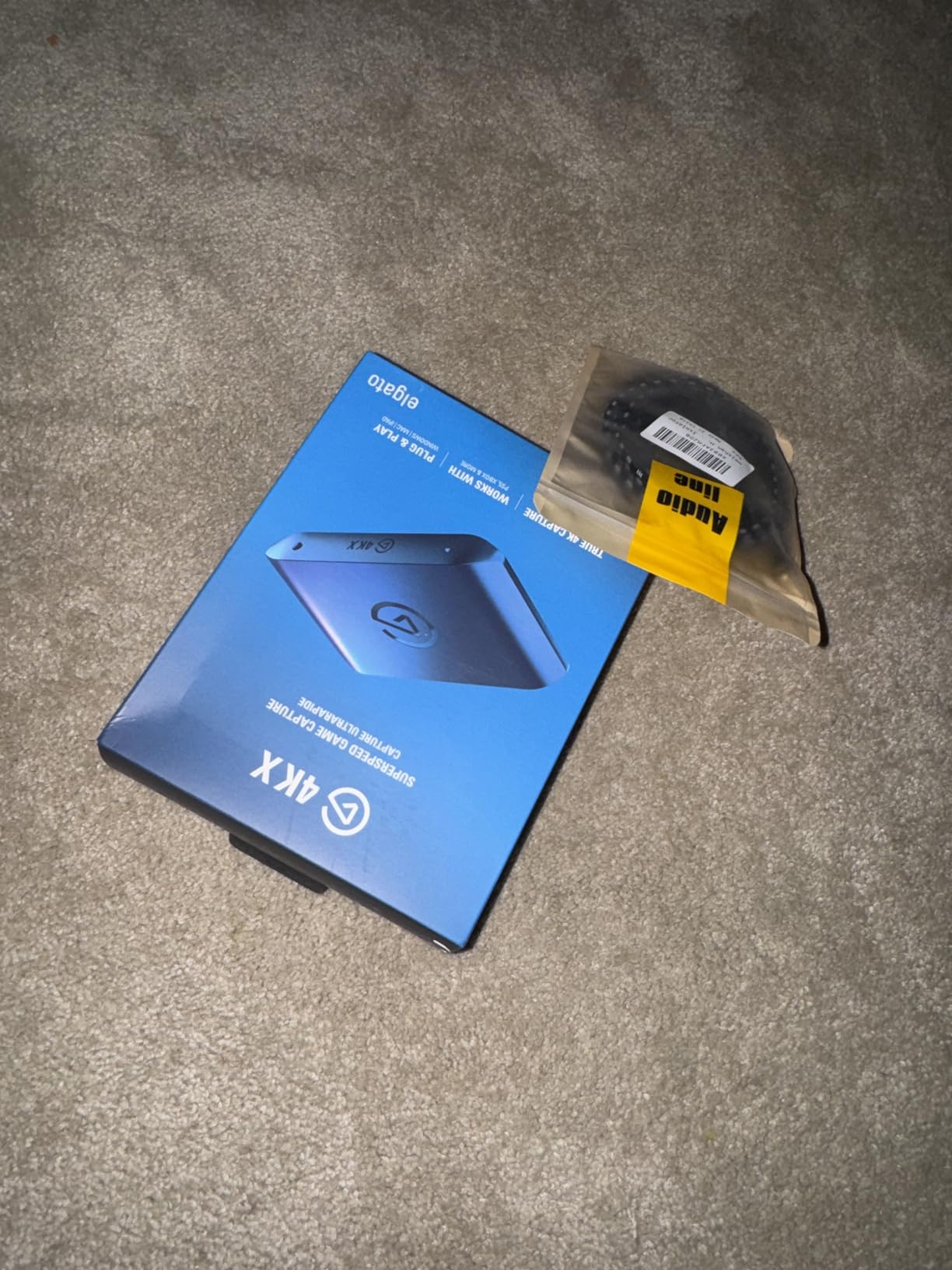
On the technical side, the HDMI 2.1 connection is what sets this card apart from older 4K capture cards. HDMI 2.1 supports higher bandwidth, which means you get 4K at higher frame rates and full 18Gbps data transfer through the USB 3.2 Gen 2 connection. The card also supports HDR10 passthrough, so your streams and recordings retain the full dynamic range your display is capable of showing.
The main downside is that the 4K X software does not support direct audio recording from the card itself. I had to route game audio through OBS separately, which added a few extra minutes to my setup. Also, HDCP-protected content from Netflix and other streaming services will not pass through. These are common limitations across most capture cards, but worth noting for a card at this tier.
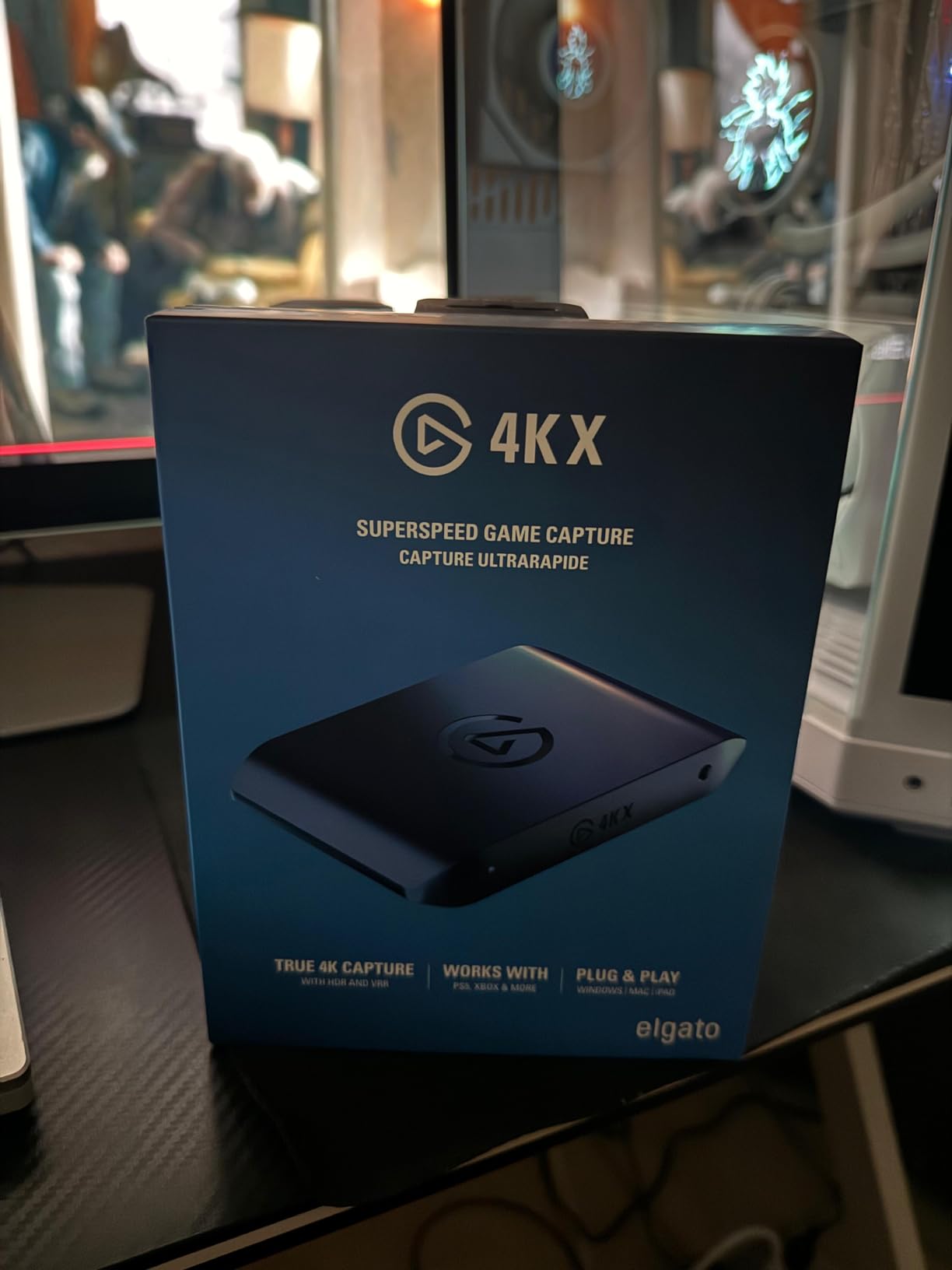
Who Should Buy the Elgato 4K X
This is the card for serious streamers and content creators who want the absolute best capture quality available in 2026. If you stream from a PS5 Pro, Xbox Series X, or Nintendo Switch 2 and your audience expects buttery-smooth 4K footage, the 4K X delivers. It is also a great fit for dual-PC streaming setups where the gaming PC handles gameplay and the streaming PC handles encoding, since the 4K X keeps latency to near zero between the two machines.
Who Should Skip It
If you only stream at 1080p60, you do not need this level of performance. A less expensive card like the Elgato 4K S will serve you just as well for a fraction of the cost. Also, if you are on a Mac-only setup, some advanced features like HDR tone mapping are limited to Windows, so you may not get the full value from this card.
2. Elgato 4K S – 4K60 Capture with Near-Zero Latency
Elgato 4K S Capture Card for PS5, Xbox Series X/S, Switch 2
4K60 Capture
HDR10
VRR Support
USB-C
0.09 kg
Pros
- Sharp and smooth video quality
- Quick and easy setup
- Compact and lightweight
- Stable performance no lag or overheating
- Works flawlessly with PC and console
Cons
- Software does not support direct audio recording
- HDCP issues with streaming services like Netflix
The Elgato 4K S hits a sweet spot that most streamers are looking for. It captures in full 4K60 with HDR10 support, has VRR passthrough for smooth gameplay, and costs significantly less than the 4K X. I tested it with my Xbox Series X and was genuinely impressed by how clean the captured footage looked. Colors were vivid, motion was smooth, and there was zero stuttering during fast-paced sequences in Forza Motorsport.
Setup could not be simpler. I plugged the USB-C cable into my laptop, connected the HDMI from my Xbox, and OBS recognized the card instantly. No drivers, no firmware updates, no headaches. The 4K S also has a 3.5mm analog audio input, which I used to connect a commentary mic directly to the card. That is a thoughtful addition that saves you from needing a separate audio interface for voice-over work.
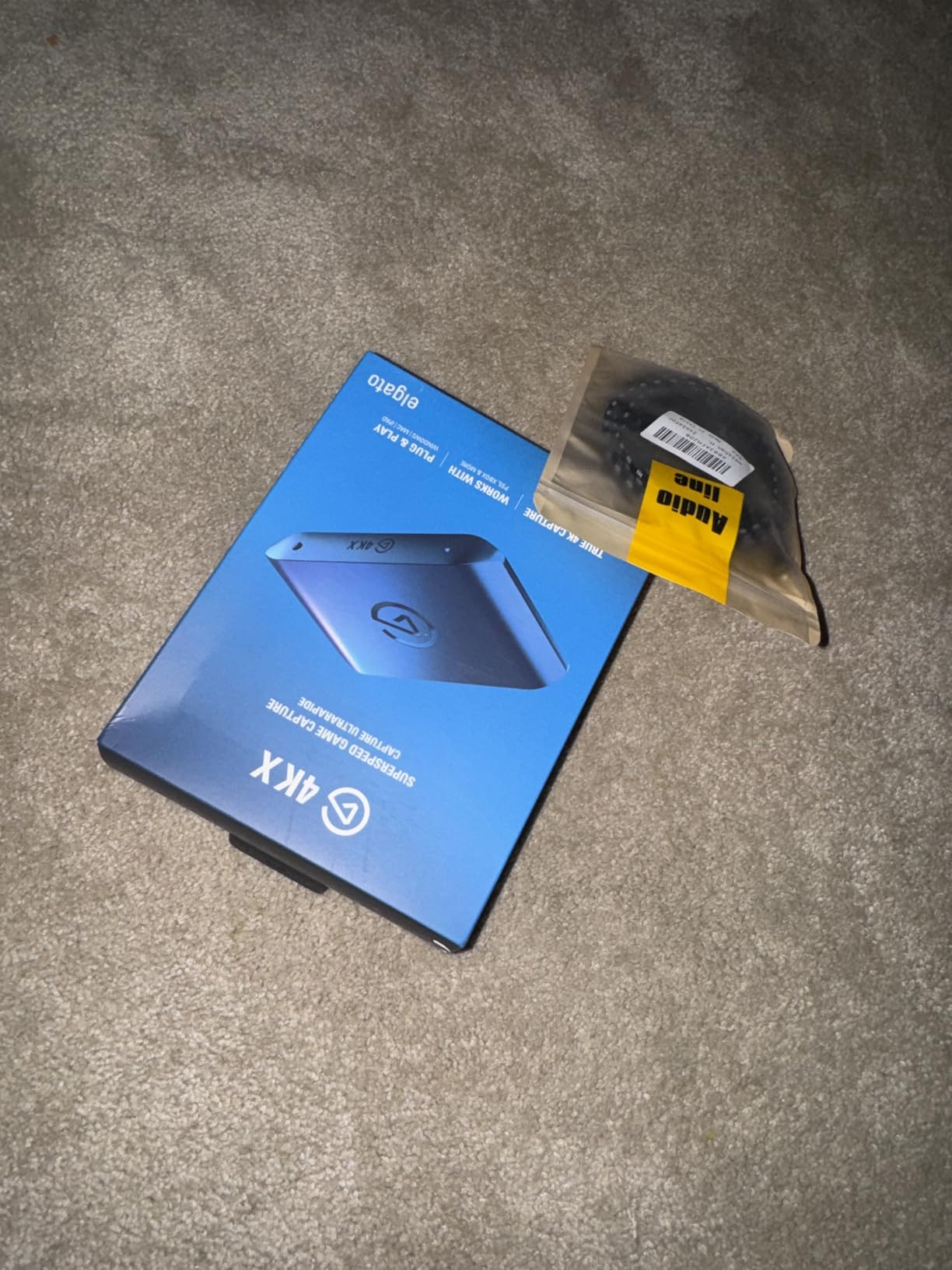
Under sustained use, the card stayed cool and stable throughout a four-hour streaming session. I monitored the captured footage afterward and found no dropped frames, no audio desync, and no thermal throttling. The compact form factor means it travels easily too. I tossed it in my backpack and used it with a laptop at a friend’s place for an impromptu stream, and it performed identically to my home setup.
The main limitation is that the 4K S maxes out at 4K60 capture. If you want to capture at 4K120 or 4K144, you need the 4K X. But for the vast majority of streamers who output at 4K60 or 1080p60, this card provides everything you need without paying for capabilities you will not use. The software audio limitation is present here too, but routing audio through OBS resolves it quickly.
Who Should Buy the Elgato 4K S
Streamers who want 4K60 capture quality without the premium price tag will find the 4K S to be the smartest pick on this list. It is perfect for PS5 and Xbox Series X owners who stream on Twitch or YouTube at standard 4K or 1080p. If you want Elgato reliability, HDR10, VRR support, and a compact form factor that works across PC, Mac, and iPad, this is your card.
Who Should Skip It
If you need to capture above 4K60, look at the Elgato 4K X instead. Also, if your budget is tight and you only need 1080p60 capture, a budget USB capture card will save you a significant amount of money for very similar visible quality at lower resolutions.
3. Elgato 4K Pro – 8K60 Passthrough with Internal PCIe
Elgato 4K Pro Internal Capture Card, 8K60 Passthrough
8K60 Passthrough
4K60 HDR10 Capture
HDMI 2.1
PCIe Internal
110g
Pros
- 8K60 passthrough with 4K60 HDR10 capture
- Easy PCIe installation
- Works with OBS and Discord integration
- No additional USB power needed
- Flashback mode for past recordings
Cons
- Requires PCIe slot installation
- Some setup challenges with drivers
- HDR needs to be disabled for best performance
- Utility software has 10-30ms delay vs passthrough
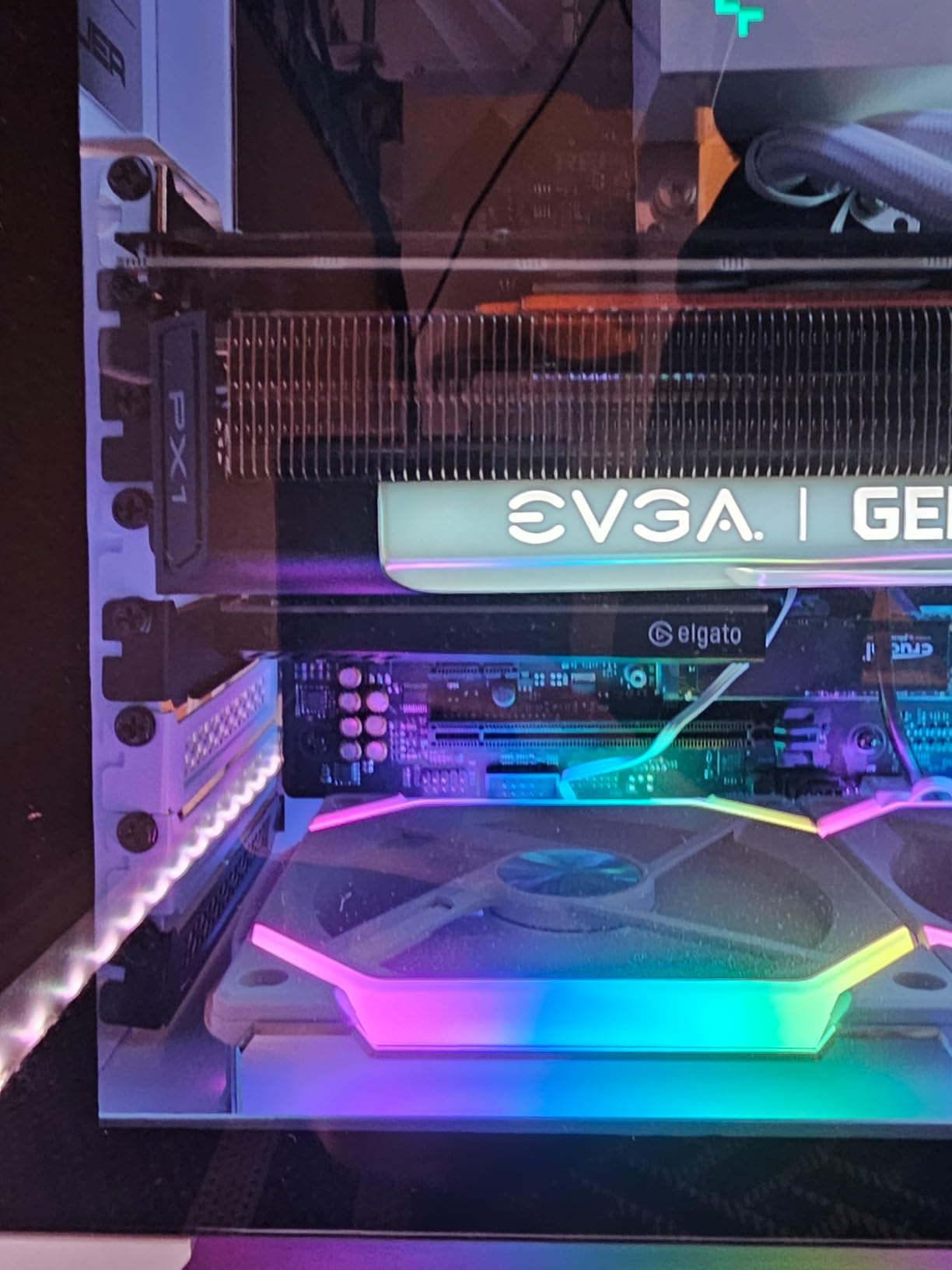
The Elgato 4K Pro is an internal PCIe capture card, which means it installs directly into your desktop motherboard. I slotted it into a spare PCIe x4 slot on my streaming PC, booted up, and had it running in about 15 minutes. The advantage of an internal card is that it draws power from the motherboard directly, so there is no need for a USB connection or external power supply. That means one less cable cluttering your desk.
What makes the 4K Pro special is the 8K60 passthrough. Even though most people are not capturing in 8K yet, having 8K passthrough means your gameplay signal passes through the card without any degradation whatsoever. You get the full, uncompressed feed to your monitor while simultaneously capturing in 4K60 HDR10. I tested this with my PS5 Pro and the passthrough was flawless.
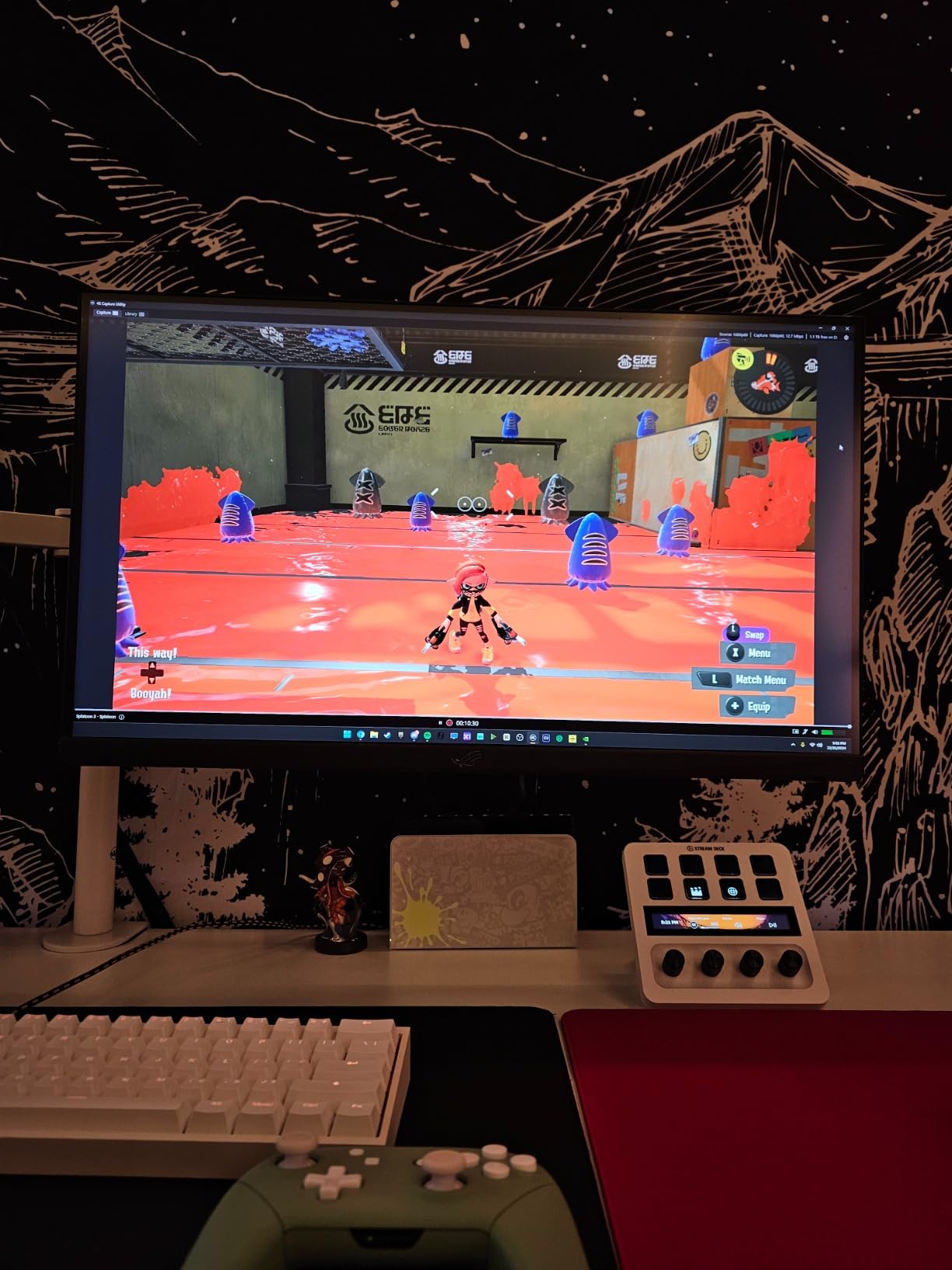
The flashback recording feature is something I did not know I needed until I used it. If you forget to hit record before a great gaming moment, the 4K Pro keeps a buffer of your recent gameplay. You can retroactively save the last few minutes of footage directly from the Elgato 4K Capture Utility. It saved me twice during testing when I pulled off clutch plays I was not expecting.
On the downside, the Elgato Capture Utility software has a noticeable 10 to 30 millisecond delay compared to the direct passthrough feed. This is not a problem for your gameplay since you use the passthrough HDMI output to your monitor, but it is something to be aware of if you are monitoring through the software. Driver installation also required a reboot on my Windows 11 machine, and HDR performance was better when I toggled HDR off in the capture settings and relied on passthrough for HDR instead.
Who Should Buy the Elgato 4K Pro
This card is built for desktop PC owners who want maximum performance without the desk space footprint of an external card. If you run a dual-PC streaming setup, the 4K Pro is perfect as the capture card in your streaming PC. The 8K60 passthrough ensures zero signal degradation, and the PCIe connection provides rock-solid stability for marathon streaming sessions.
Who Should Skip It
If you use a laptop or do not have a spare PCIe slot, this card is not for you. You also need a desktop with a reasonably modern motherboard and power supply. For laptop streamers or those who value portability, an external USB capture card like the Elgato 4K S makes more sense.
4. AVerMedia Live Gamer 4K (GC573) – Professional 4K60 HDR10 Capture
AVerMedia GC573 Live Gamer 4K, Internal Capture Card, Stream and Record 4K60 HDR10 with ultra-low latency on PS5, PS4 Pro, Xbox Series X/S, Xbox One X, in OBS, Twitch, YouTube
4K60 HDR10
240fps Capture
PCIe Internal
RGB Lighting
3 Year Warranty
Pros
- 4K60 HDR10 with excellent video quality
- Up to 240 fps for high frame rate capture
- Ultra-low latency pass-through
- Works great with OBS
- 3 year warranty
Cons
- PCIe installation required internal card
- Complex setup for some users
- Occasional crashes requiring restart
- Poor customer support
AVerMedia has been making capture cards for years, and the Live Gamer 4K (GC573) is their flagship internal model. I installed it in a secondary test rig and immediately noticed the RGB lighting on the card itself. It is a small touch, but if you have a glass side panel on your case, it adds a nice visual element. More importantly, the capture quality is outstanding at 4K60 with full HDR10 support.
Where the GC573 flexes its muscle is in high frame rate capture. It can record up to 240fps at lower resolutions, which is incredible for slow-motion gameplay montages or competitive content where you want every single frame captured. I recorded a session of Valorant at 1080p240 and the footage was silky smooth during slow-motion playback in my editing software.
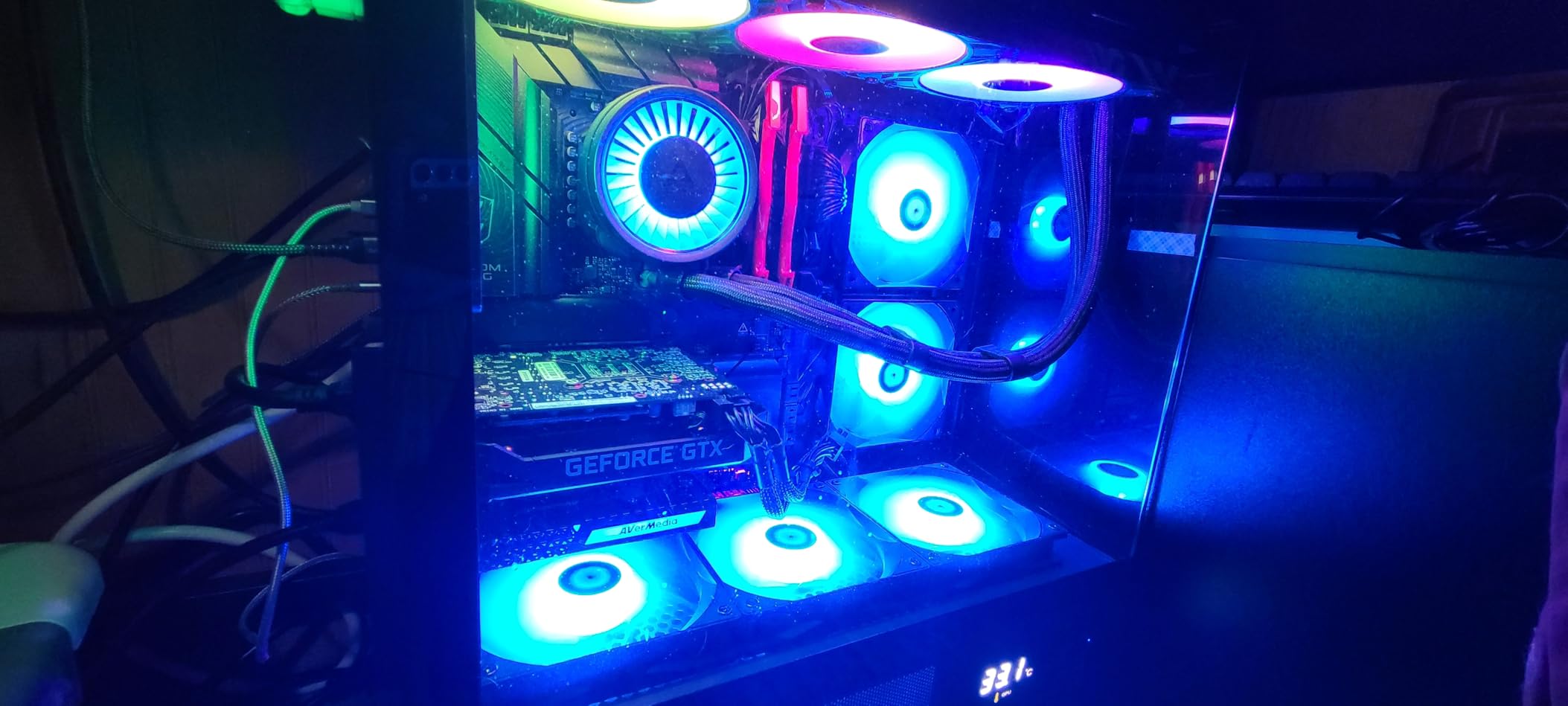
The card comes bundled with an HDMI 2.0 cable and a CyberLink PowerDirector 15 license key, which is a nice bonus if you do not already have editing software. The AVerMedia Gaming Utility software lets you adjust capture settings, configure the RGB lighting, and set up hotkeys for starting and stopping recordings. OBS picked up the card as a video capture device without any additional configuration on Windows.
The main drawback I experienced was occasional driver instability. During a two-week test period, I had to restart the AVerMedia software twice after the card stopped responding. It was not a constant issue, but it is something to be aware of if you plan to use this for long, uninterrupted streams. The lack of VRR support is also notable if you game with variable refresh rate enabled on your monitor.
Who Should Buy the AVerMedia Live Gamer 4K
Content creators who need 4K60 HDR10 capture and high frame rate recording at 1080p or 1440p will get the most out of this card. If you produce YouTube montages, slow-motion gameplay clips, or high-quality Let’s Play videos and you have a desktop PC with a free PCIe slot, the GC573 is a strong contender. The 3-year warranty adds peace of mind as well.
Who Should Skip It
If VRR passthrough is important to you, this card does not support it. Also, if you are not comfortable opening your PC case and installing a PCIe card, go with an external USB option instead. Users who prioritize driver stability above all else might prefer Elgato’s ecosystem.
5. AVerMedia Live Streamer Ultra HD (GC571) – Budget PCIe with 4K60 Passthrough
AVerMedia HDMI Capture Card for Streaming and Video Gaming, 4K60 Pass-Through with Ultra-Low Latency on PS5, PS4 Pro, Xbox Series X/S, Xbox One X, Switch Games – GC571 Live Streamer Ultra HD
4K60 Passthrough
4K30 Capture
1080p120
PCIe Drive-Free
3 Year Warranty
Pros
- 4K60 pass-through with VRR support
- Easy PCIe installation without drivers
- Works with Windows and Linux
- 1080p120fps high frame rate capture
- Broad compatibility with various PCIe slots
Cons
- Only supports 4K30 capture not 4K60
- No HDMI cable included
- Linux support can be inconsistent
- Lower profile bracket sold separately
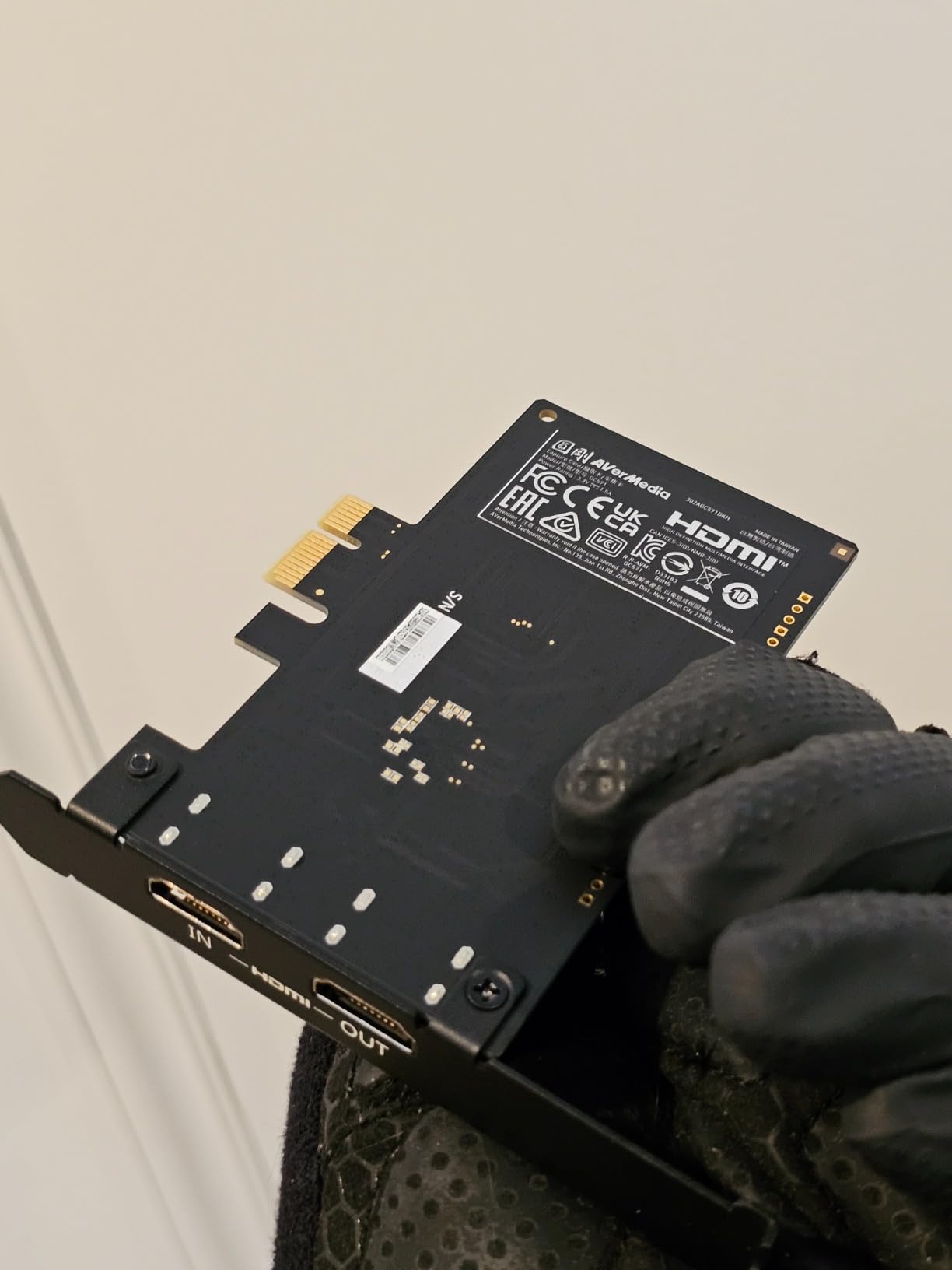
The AVerMedia GC571 is a no-nonsense internal capture card that focuses on the basics and does them well. It offers 4K60 passthrough so your gameplay looks pristine on your monitor, while capturing at 4K30 or 1080p120 for your stream or recording. I installed it in a PCIe x1 slot and it was recognized immediately by Windows 11 without needing any drivers. That true plug-and-play experience on an internal card is refreshing.
I tested the GC571 primarily with my PS5 and was happy with the 1080p120 capture quality. For Twitch streaming, 1080p60 is the standard anyway, and having the overhead to capture at 120fps means your footage stays smooth even during intense action scenes. The VRR support is a welcome addition that keeps your gaming experience tear-free while the card handles capture duties.
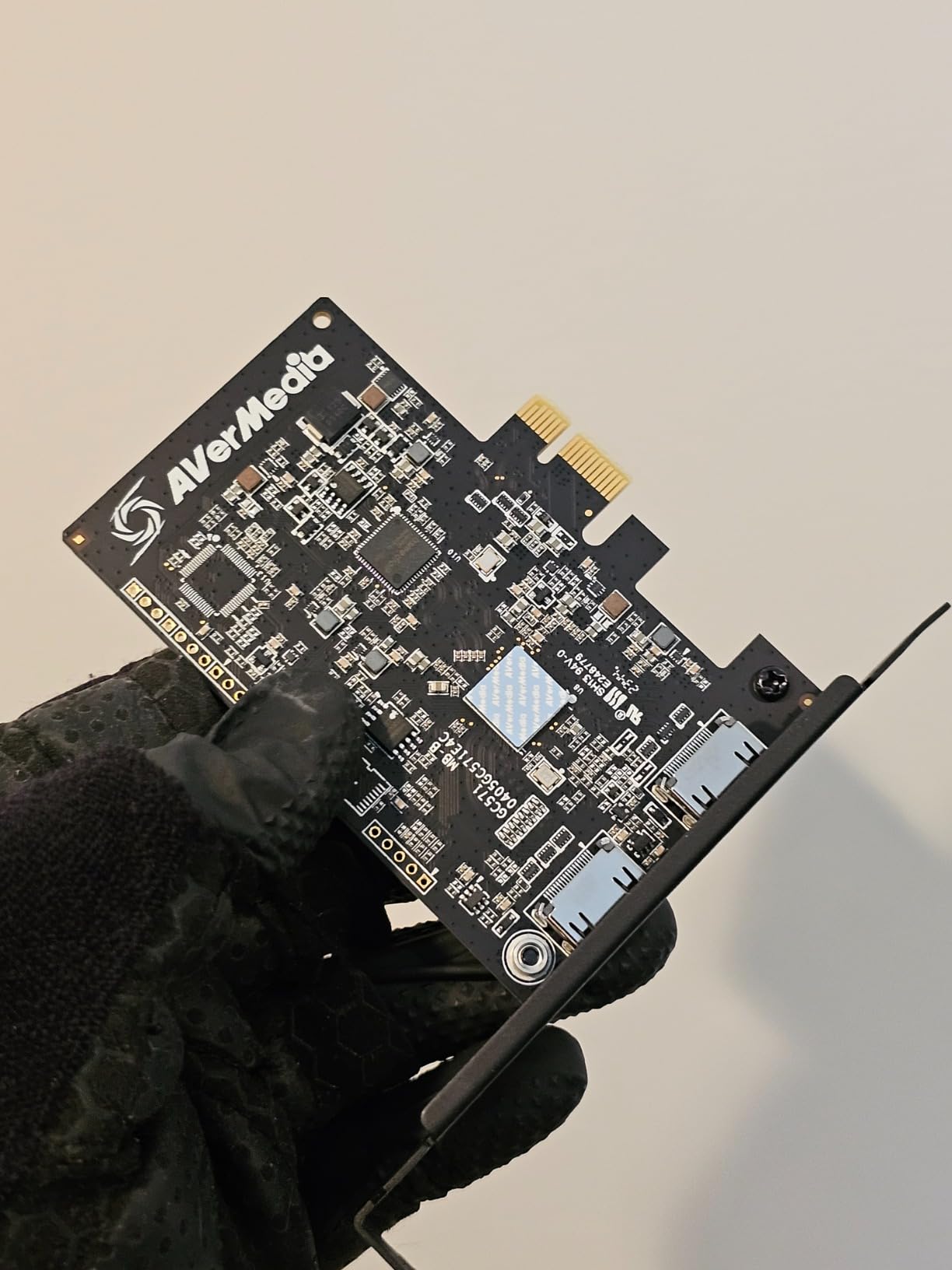
The build quality is solid, and the card fits into PCIe x1, x4, x8, or x16 slots, giving you flexibility with your motherboard layout. AVerMedia includes a 3-year warranty, which is better than most competitors offer at this level. The card is also compatible with Linux, though I found that support to be somewhat inconsistent depending on the distribution and kernel version you are running.
The biggest trade-off is the capture resolution cap at 4K30. You get 4K60 passthrough to your display, but the actual captured footage maxes out at 4K30. For most streamers, this is perfectly fine since platforms like Twitch top out at 1080p60 anyway. But if you are recording 4K content for YouTube at 60fps, you will need to step up to a higher-end card like the AVerMedia GC573 or Elgato 4K Pro.
Who Should Buy the AVerMedia GC571
Budget-conscious streamers who already have a desktop PC and want an internal card with reliable 1080p capture quality should consider the GC571. It is a great entry point into PCIe capture cards, especially if you stream on Twitch or record at 1080p and want 4K passthrough for your own gaming display. The 3-year warranty and driver-free installation make it approachable for first-time builders.
Who Should Skip It
If you need to capture at 4K60, this card will not do it. The 4K30 capture limit is the main restriction. Also, laptop users and anyone without a spare PCIe slot should look at external USB options instead. If you game on Linux exclusively, be prepared for some troubleshooting.
6. Elgato Cam Link 4K – DSLR to Webcam in 4K
Elgato Cam Link 4K Capture Card for DSLR, Camcorder, Action Cam, USB-A Connector, USB 3.0 Hardware Interface, Black, Windows 10/11 and macOS
4K30 Capture
1080p60
USB 3.0
0.71 oz
For DSLR and Camera
Pros
- Plug-and-play setup with instant recognition in OBS
- Excellent image quality in 1080p60 and 4K
- Ultra-low latency technology
- Works with a wide range of cameras
- Stable signal even during long recording sessions
Cons
- Device can get warm during extended use
- No HDMI cable included in box
- Some durability concerns with USB port
- Requires USB 3.0 dedicated port not hub compatible
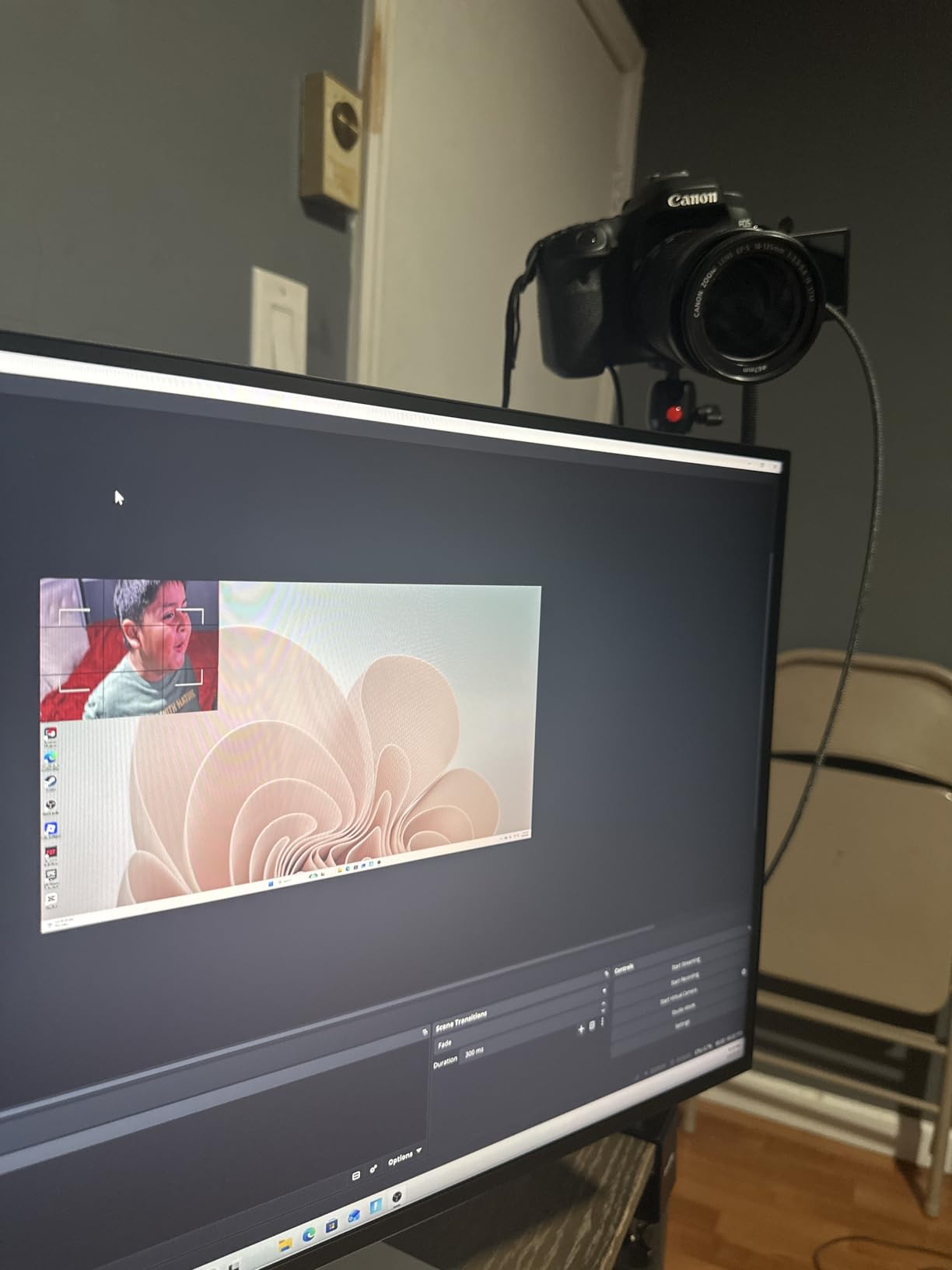
The Elgato Cam Link 4K is a different kind of capture card. Instead of capturing gameplay from a console, it turns your DSLR, mirrorless camera, or camcorder into a high-quality webcam. I connected my Sony A6400 to the Cam Link 4K and was immediately getting broadcast-quality video in OBS. The difference between a standard webcam and a DSLR feed through the Cam Link is night and day, especially in low-light conditions where the larger sensor of a real camera blows past any webcam on the market.
This tiny stick is about the size of a USB flash drive. It plugs directly into a USB 3.0 port on your PC or Mac, and you connect your camera via HDMI. OBS, Zoom, Discord, and Microsoft Teams all recognized it instantly as a video source. I used it for a week of video calls and streaming, and the quality improvement was so noticeable that three colleagues asked me what camera I was using.
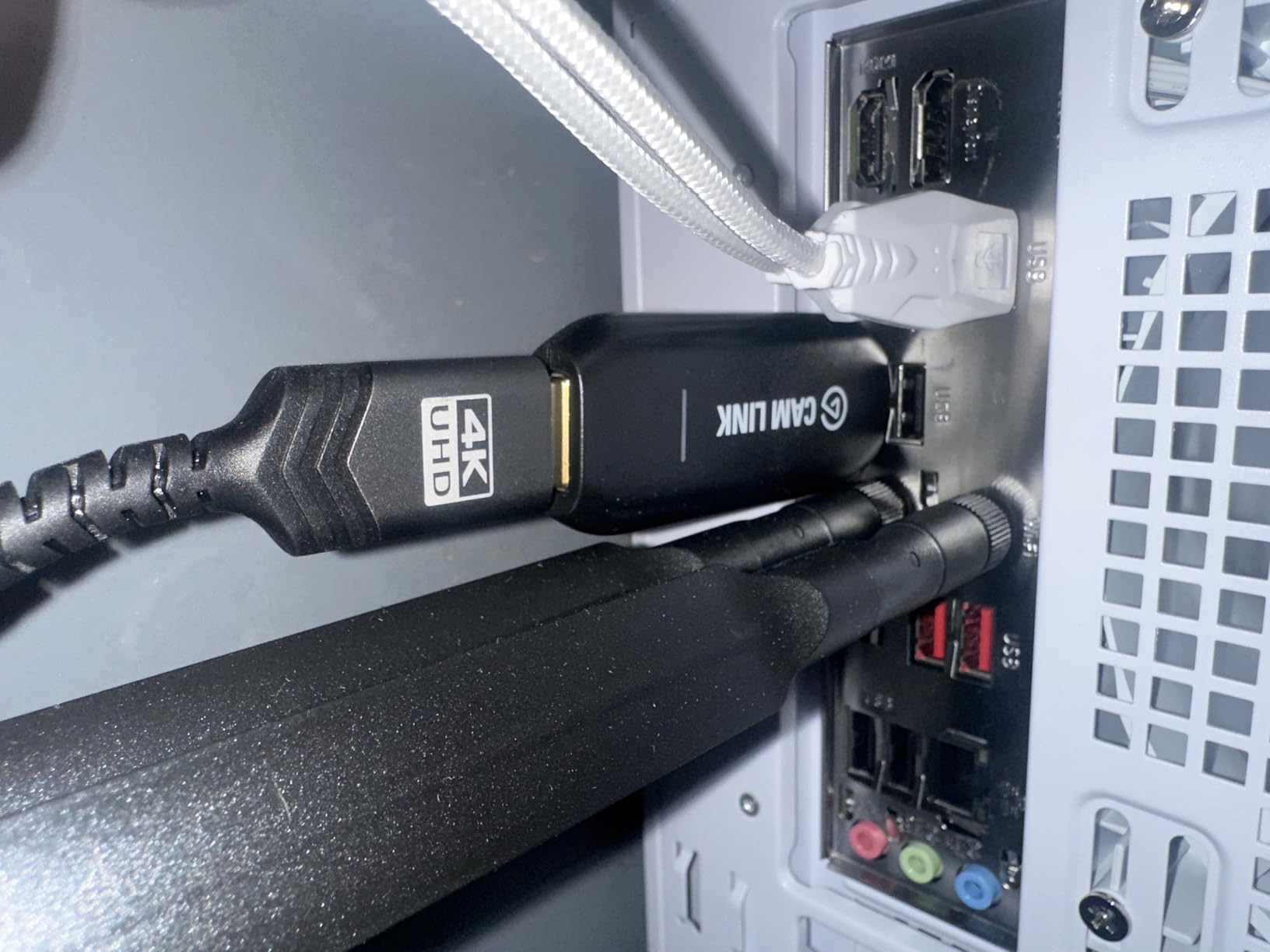
Latency is impressively low for a USB capture device. I tested it alongside my facecam feed during a live stream and there was no perceptible delay between my actual movements and what appeared on screen. The Cam Link 4K captures at 1080p60 or 4K30, which is more than enough for facecam purposes. You can also use it with an iPad that has a USB-C port as a field monitor to preview your shots in real time.
The main issues are durability-related. The device gets noticeably warm after a couple of hours of continuous use. It has never failed on me during testing, but the warmth is enough to make you cautious. Also, Elgato does not include an HDMI cable in the box, so you will need to supply your own. The USB connector is also somewhat delicate, and a few long-term users on Reddit have reported the port loosening over time with frequent plugging and unplugging.
Who Should Buy the Elgato Cam Link 4K
Anyone who wants to elevate their facecam quality for streaming, video calls, or video production should get the Cam Link 4K. If you already own a DSLR or mirrorless camera with a clean HDMI output, this device transforms it into a professional-grade webcam for a fraction of what a dedicated streaming camera costs. It is also great for content creators who want to use their iPad as a field monitor.
Who Should Skip It
If you need to capture gameplay from a console, this is not the right tool. The Cam Link 4K is designed for camera input, not gaming passthrough. Also, if your camera does not have a clean HDMI output, meaning it overlays menu elements on the video feed, you will want to check compatibility first. Users who only have USB 2.0 ports available will not get the full quality this device can deliver.
7. UGREEN HDMI Capture Card – Ultra-Affordable 1080p60 Streaming
UGREEN 2K@30Hz 1080P 60FPS Video Capture Card 4K Input HDMI to USB 3.0
1080p60 Capture
USB-A and USB-C
Aluminum Alloy
50g
24 Month Warranty
Pros
- Plug and play functionality
- Works with OBS and other streaming software
- Good video quality at 1080p60
- USB-A and USB-C compatibility
- Durable aluminum alloy build
Cons
- Some latency for competitive gaming
- Requires iPadOS 17+ for iPad compatibility
- Unidirectional signal flow only
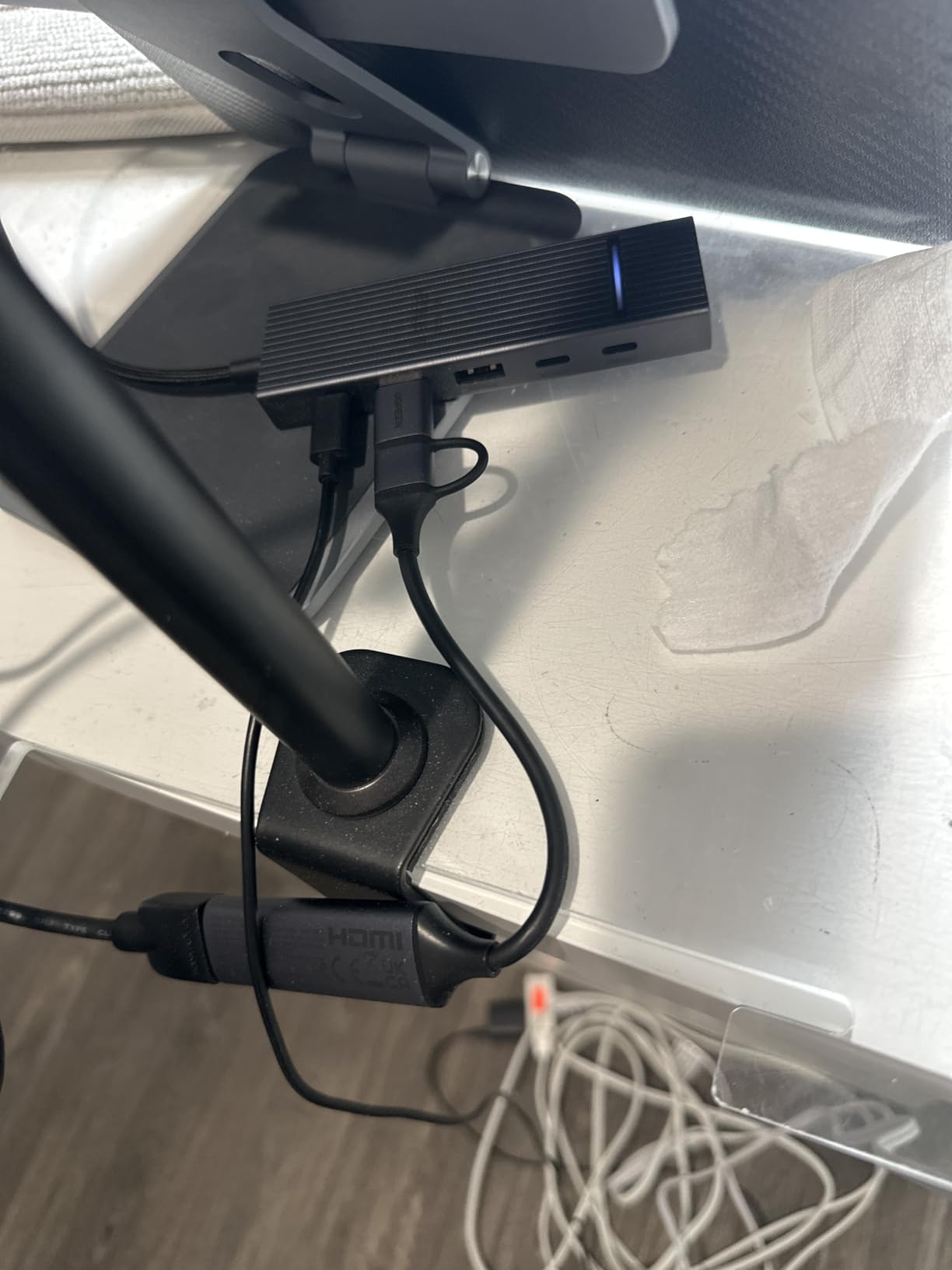
I was genuinely surprised by the UGREEN HDMI Capture Card. For a device in this price range, the build quality is remarkable. The aluminum alloy casing feels solid, dissipates heat well, and looks far more premium than I expected. I plugged it into my laptop’s USB-C port, connected my Nintendo Switch 2 via HDMI, and had it working in OBS within seconds. No drivers, no configuration, just instant recognition.
The capture quality at 1080p60 is clean and consistent. I streamed a session of Splatoon 3 for about two hours and the footage was smooth throughout. Colors looked accurate, motion was fluid, and there were no dropped frames. The included USB-A to USB-C cable means you can use it with older laptops that only have USB-A ports, which is a thoughtful inclusion that broadens compatibility significantly.
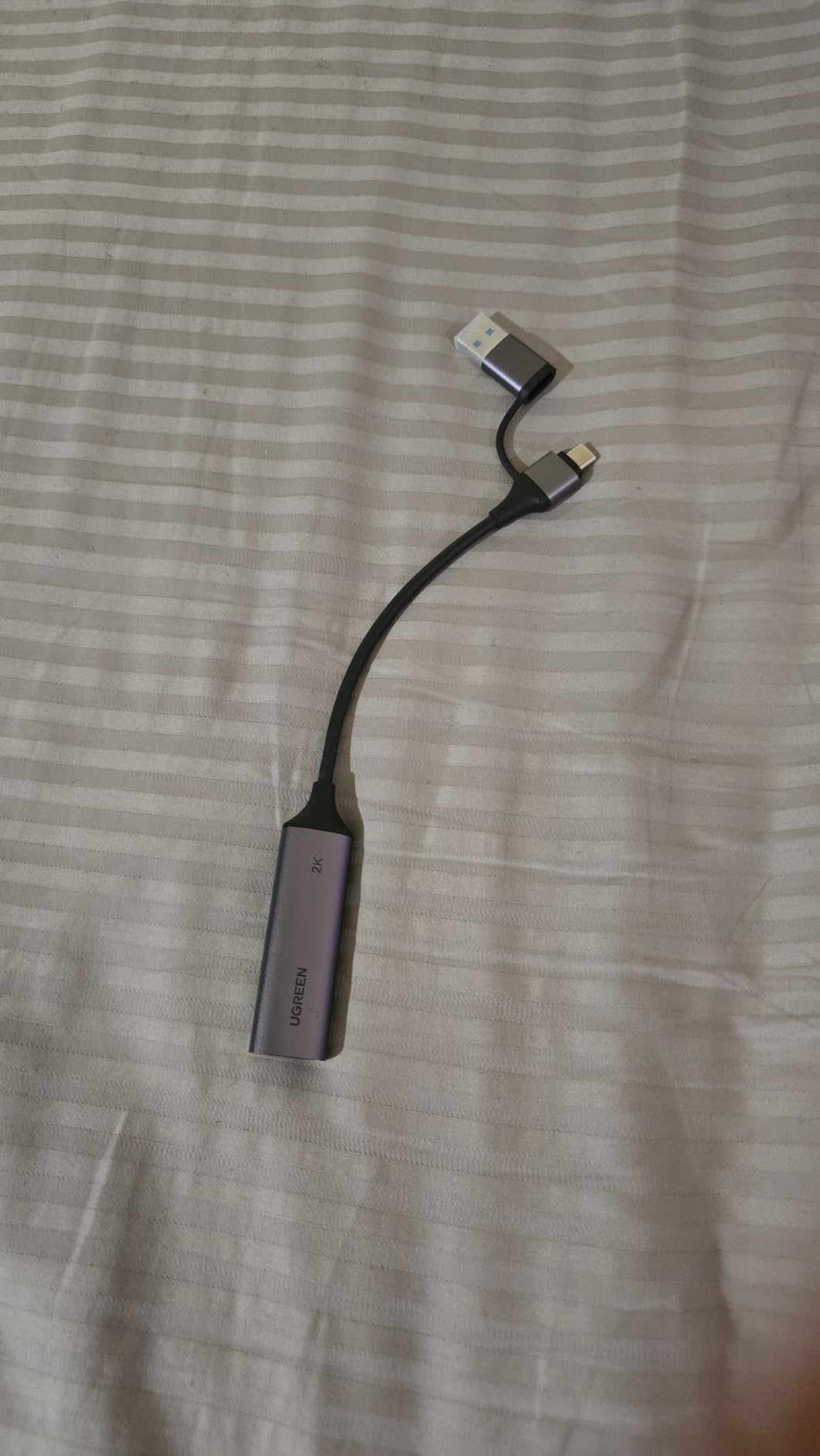
UGREEN built this card with broad device compatibility in mind. It works with Windows, macOS, Linux, and even iPadOS 17 and later. I tested it on an iPad Pro and it worked flawlessly for capturing gameplay footage directly to the tablet. The 5 Gbps data transfer rate over USB 3.0 provides plenty of bandwidth for 1080p60 capture, and the aluminum body stays cool even during extended sessions.
The trade-offs are what you would expect at this level. There is some latency in the captured feed, which is fine for streaming but noticeable if you are trying to play through the capture window rather than using a passthrough to your TV. The signal flow is also unidirectional, meaning it only accepts HDMI input and sends it to USB output. You cannot use it to output from USB to an HDMI display.
Who Should Buy the UGREEN HDMI Capture Card
This is the perfect first capture card for someone who wants to start streaming or recording gameplay without spending much. If you stream on Twitch at 1080p60, capture Nintendo Switch or PS5 footage for YouTube, or just want to try out content creation, the UGREEN delivers reliable performance at an unbeatable entry point. The dual USB-A and USB-C support means it works with virtually any computer.
Who Should Skip It
Competitive gamers who need zero-latency passthrough for playing while streaming should look at cards with HDMI loop-out instead. The latency here is fine for your viewers but not ideal if you are trying to play through the capture feed. Also, if you need 4K capture rather than just 4K passthrough, this card maxes out at 1080p60 capture resolution.
8. Dcyfol 4K HDMI Capture Card – Budget Pick with HDMI Loop-Out
Capture Card 4K HDMI Video Streaming to USB 3.0 1080P 60FPS Capture Device
1080p60 Capture
HDMI Loop-Out
4K Passthrough
USB 3.0
Metal Casing
Pros
- Excellent value for money
- 4K pass-through with HDMI loop-out
- True plug and play functionality
- Works with OBS and other streaming software
- Solid build quality with metal casing
Cons
- USB connection can be fragile
- No volume control on the capture card
- No HDR passthrough support
- Requires OBS setup for optimal use
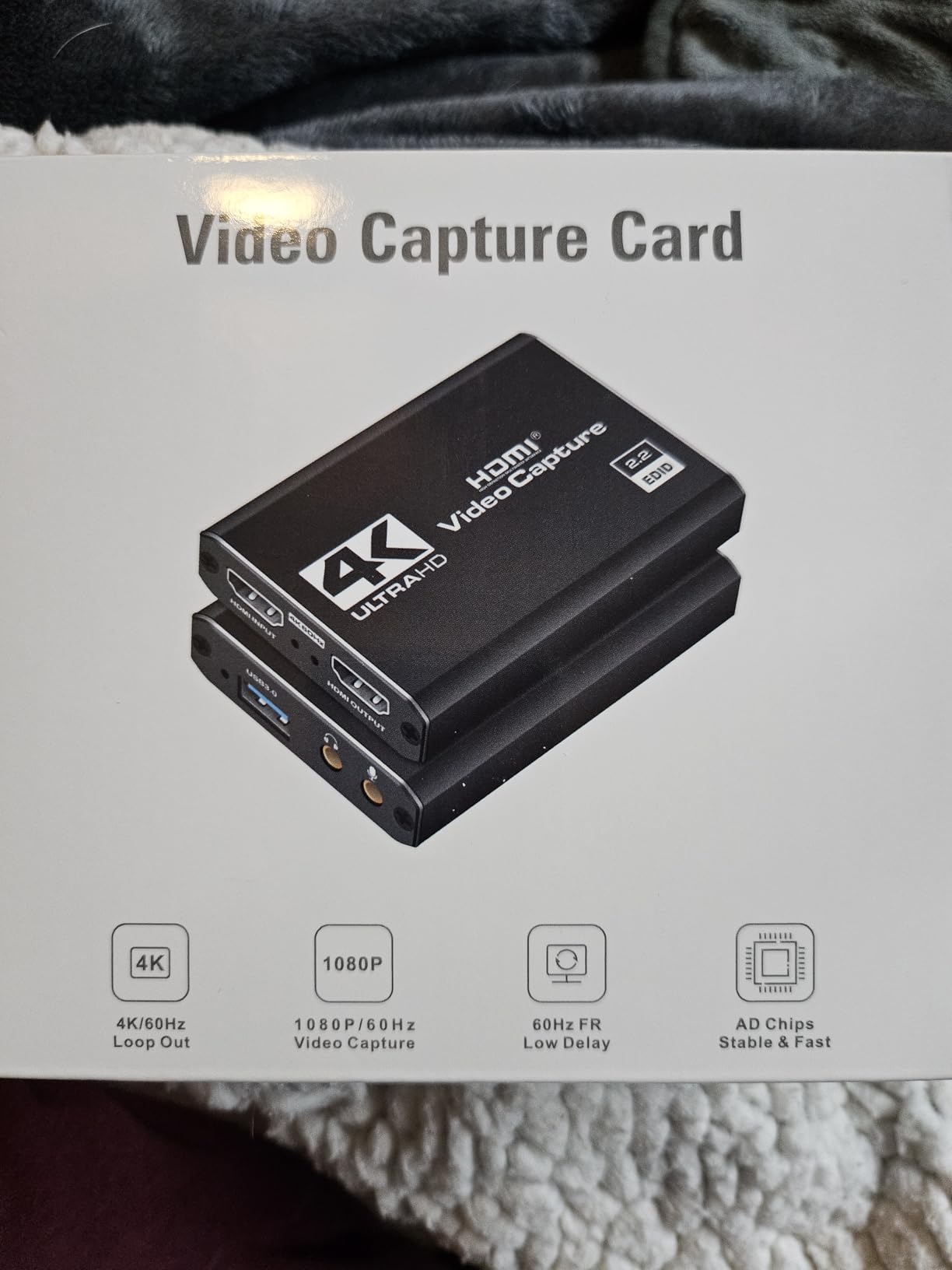
The Dcyfol capture card stands out in the budget category because it includes an HDMI loop-out port. That means you can connect your console to the card, then run another HDMI cable from the card to your TV or monitor for zero-lag passthrough gameplay while the card captures the feed simultaneously. I tested this with my Nintendo Switch 2 and the passthrough was clean with no noticeable input delay.
The metal casing gives the Dcyfol a sturdy feel that is unusual at this level. It does not feel like a cheap plastic dongle that will break after a few months. The 1080p60 capture quality is consistent, and OBS picked up the card immediately without any driver installation. I also tested it with a PS5 and got reliable results at 1080p60, though the card does not support HDR passthrough so you lose the enhanced dynamic range if your game uses HDR.
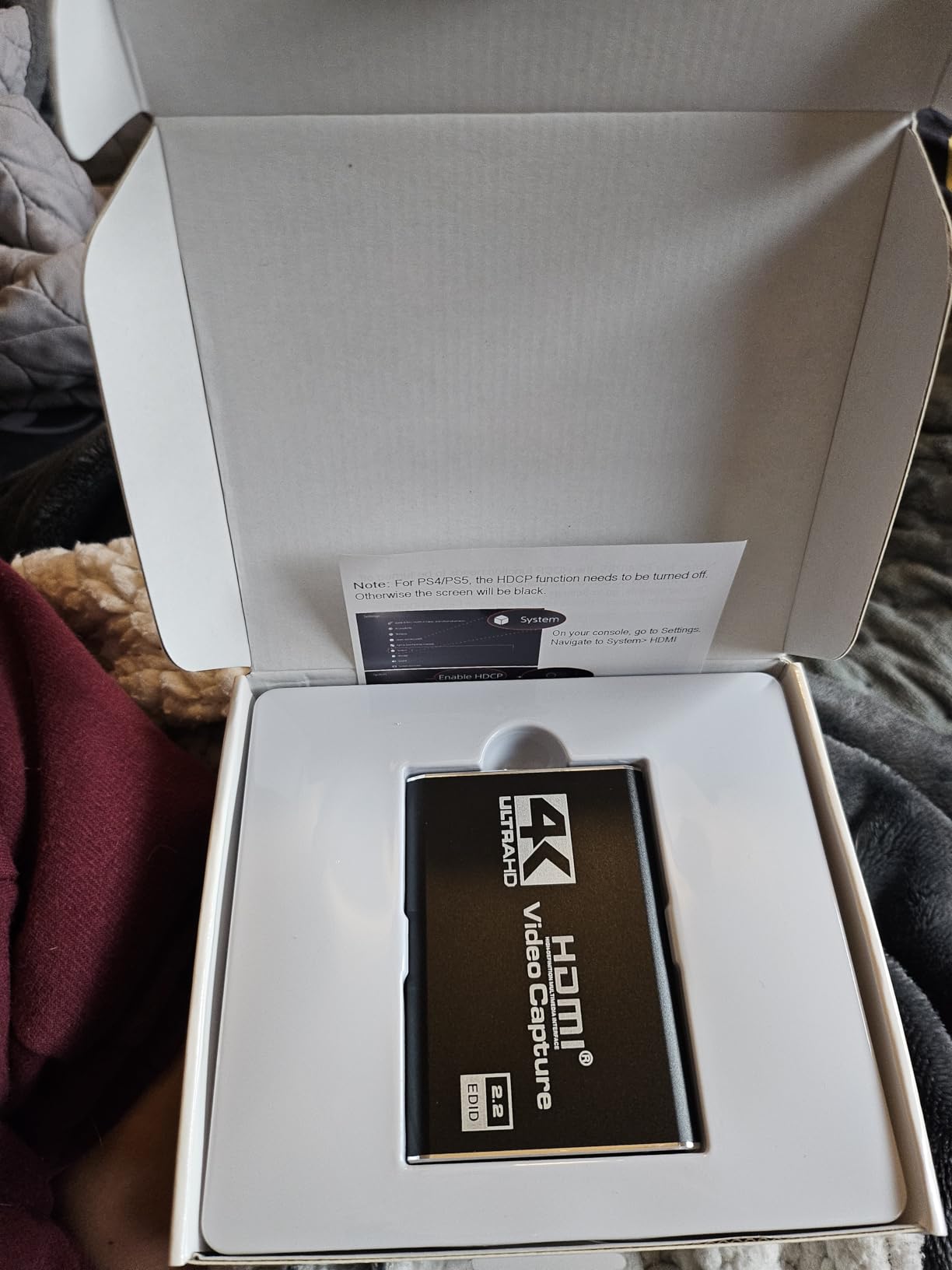
One feature I appreciated was the simple layout. There is an HDMI input, an HDMI output for loop-out, and a USB connection for your PC. No extra buttons, no complicated setup. The card handles the signal conversion internally and presents a clean 1080p60 feed to your streaming software. This simplicity makes it a great option for beginners who just want to start streaming without reading through manuals.
The USB connection is the weakest point of this card. The cable feels somewhat fragile where it connects to the card body, and I would recommend being gentle when plugging and unplugging. There is also no volume control on the card itself, so you will need to manage audio levels through OBS or your streaming software. These are minor complaints at this level, but worth knowing about.
Who Should Buy the Dcyfol Capture Card
Console streamers who want HDMI loop-out at a budget price will find a lot to like here. If you play on a TV or monitor and need a zero-lag passthrough feed while capturing gameplay for Twitch or YouTube, the Dcyfol gives you that loop-out capability without breaking the bank. It is also a solid choice for Nintendo Switch and Switch 2 owners who want an affordable capture solution.
Who Should Skip It
If HDR passthrough is important for your setup, this card does not support it. Gamers who want 4K capture rather than just 4K passthrough should look at the Elgato 4K S or 4K X. Also, if you are rough with your cables and connectors, the USB connection on this card may not hold up to constant plugging and unplugging over time.
9. XIIXMASK Video Capture Card – Budget Capture with Mic-In Port
XIIXMASK USB 3.0 HDMI Capture Card, 1080P 60FPS Capture, 4K Pass-Through
2K30 Capture
4K Loop-Out
Mic-In Port
USB 3.0
5 Port Design
Pros
- 4K HDMI loop-out for passthrough
- Mic-in port for adding commentary
- Good value for the price
- Works well with OBS and streaming software
- Solid aluminum alloy build
Cons
- No HDR passthrough support
- Short USB cable included
- Some audio delay issues
- May require restart of OBS for audio
The XIIXMASK capture card caught my attention because of its mic-in port. Most budget capture cards make you route microphone audio through your PC separately, but the XIIXMASK lets you plug a 3.5mm microphone directly into the card. This is a big deal for console streamers who want to add live commentary without needing a separate audio interface or a complex audio routing setup in OBS.
I tested the XIIXMASK with my PS5 and a basic lapel mic plugged into the card’s mic-in port. The commentary audio came through clearly in my OBS recording, mixed with the game audio from the HDMI feed. The 4K loop-out feature let me play on my TV at full quality while the card captured at 2K30 or 1080p60. For casual streaming, this combination of features is hard to find at this price level.
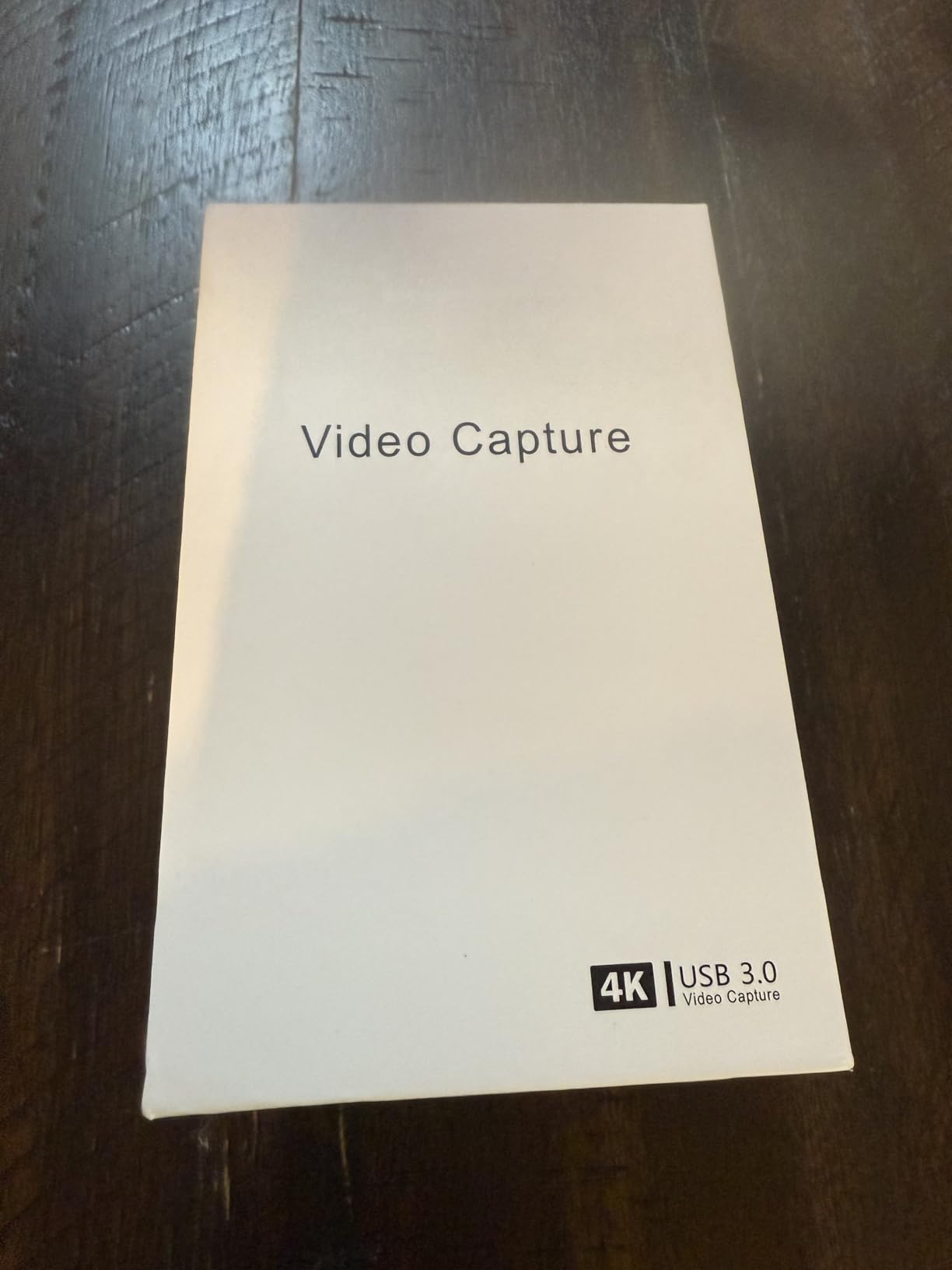
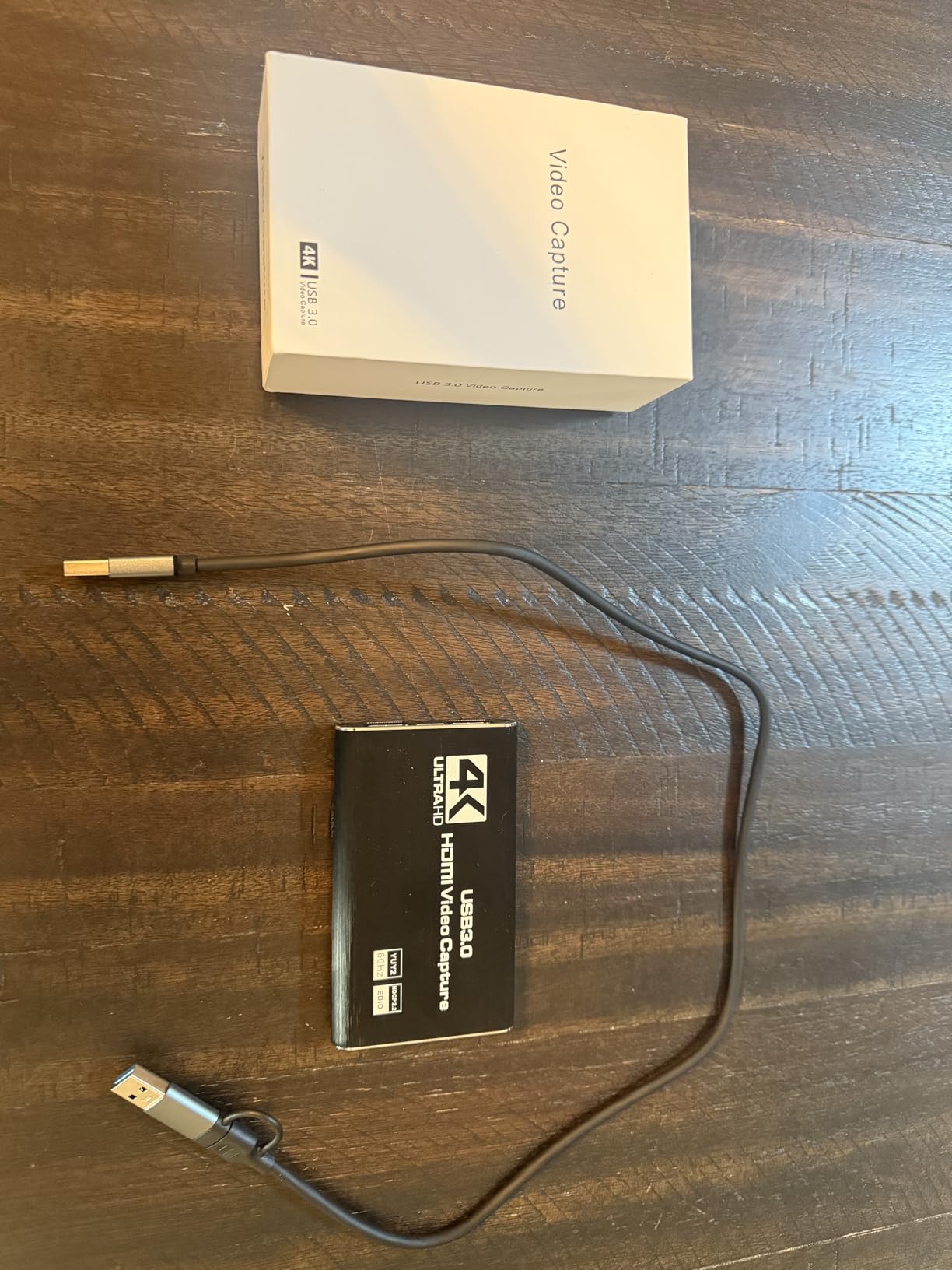
The build quality is solid with an aluminum alloy body that feels substantial in your hand. The card has five ports in total: HDMI in, HDMI loop-out, USB 3.0 for PC connection, mic-in, and a USB-C power option. This variety of ports gives you flexibility in how you set up your streaming station, especially if you want to keep cable management tidy.
The downsides are typical for budget capture cards. The included USB cable is quite short, which limits your placement options. I also encountered occasional audio sync issues where the commentary track was slightly delayed relative to the game audio. Restarting OBS resolved it each time, but it happened enough during my testing to be worth mentioning. The lack of HDR passthrough is also a factor if you game on an HDR-capable display.
Who Should Buy the XIIXMASK Capture Card
Console streamers who want to add live commentary without extra audio gear will appreciate the built-in mic-in port. If you stream on a budget and want 4K loop-out for zero-lag gameplay along with the convenience of plugging a microphone directly into the capture card, the XIIXMASK delivers a feature set that is rare at this level. It is ideal for casual streamers who want an all-in-one solution.
Who Should Skip It
If you need HDR passthrough for your HDR gaming display, this card will not pass it through. Also, users who want rock-solid audio reliability without occasional resyncing may find the audio delay issues frustrating. If you already have a dedicated audio interface, the mic-in port is less of a selling point and a simpler card might serve you better.
10. Guermok Video Capture Card – Compact Budget Pick for Casual Streaming
Guermok Video Capture Card, 4K USB3.0 HDMI to USB C, 1080P 60FPS & 2K 30FPS
1080p60 Capture
USB 3.0
30g Compact
Plug and Play
Wide Compatibility
Pros
- Works perfectly with OBS out of the box
- Excellent video quality at 1080p60
- Affordable price point
- Plug and play with no drivers needed
- Compact and portable design
Cons
- Occasionally glitches and needs unplug/replug
- Sound sometimes does not work until reconnecting
- Struggles with high motion content
- May not work consistently at 60 Hz
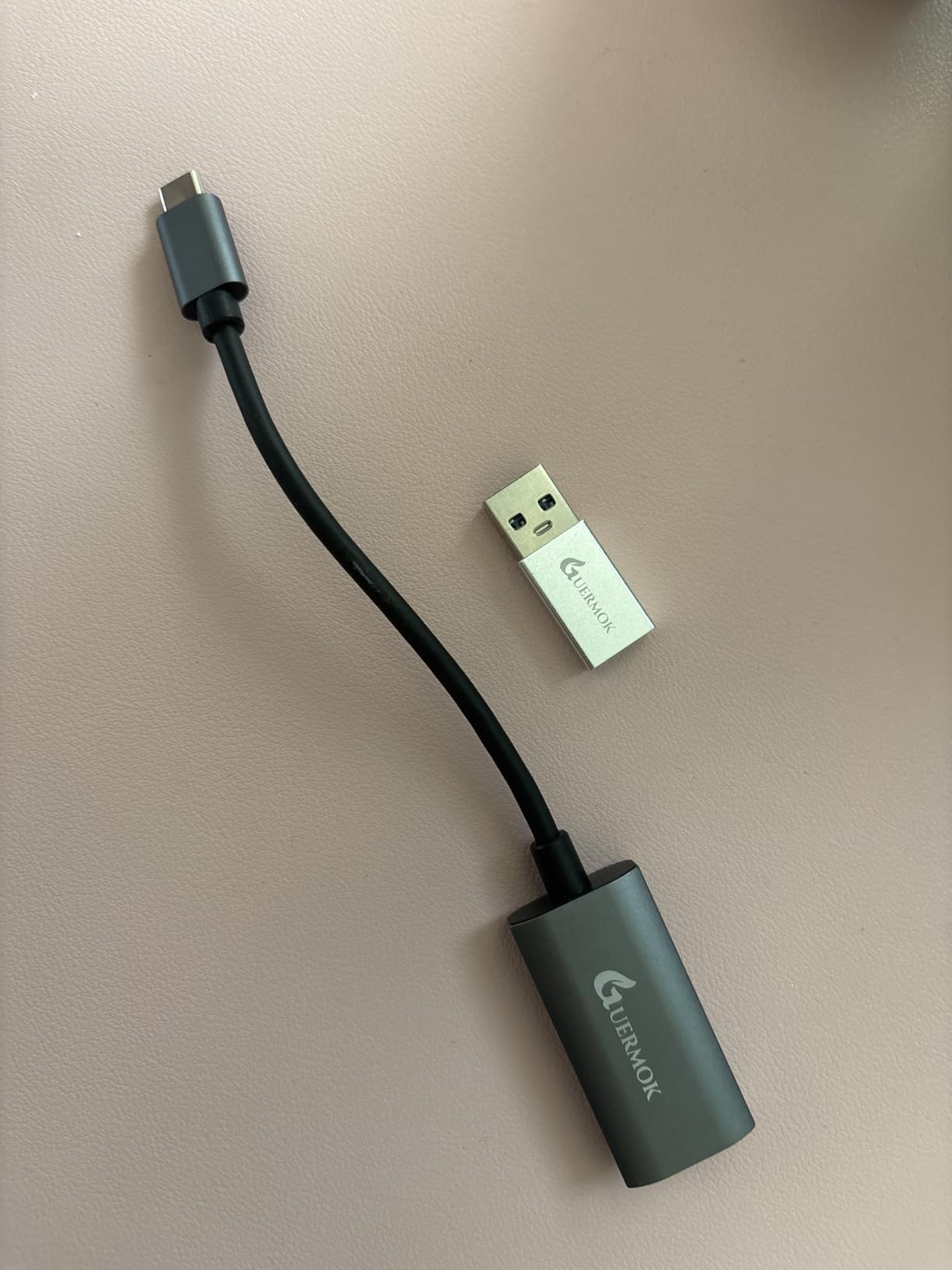
The Guermok Video Capture Card is one of the most popular budget capture cards on Amazon, with over 3,280 reviews. I wanted to see if the popularity was justified. After testing it with my PS5, Nintendo Switch 2, and even a Meta Quest 3, I can say that for the price, it delivers solid 1080p60 performance that will satisfy casual streamers and anyone who wants to dip their toes into content creation.
This card is incredibly small and light. At just 30 grams, it is smaller than a pack of gum and easy to toss in a bag. It accepts 4K input and outputs at 1080p60 or 2K30 to your computer via USB 3.0. The card also comes with a USB 3.0 to USB-C adapter, which is a nice inclusion for modern laptops. OBS recognized it immediately on both my Windows PC and my MacBook.
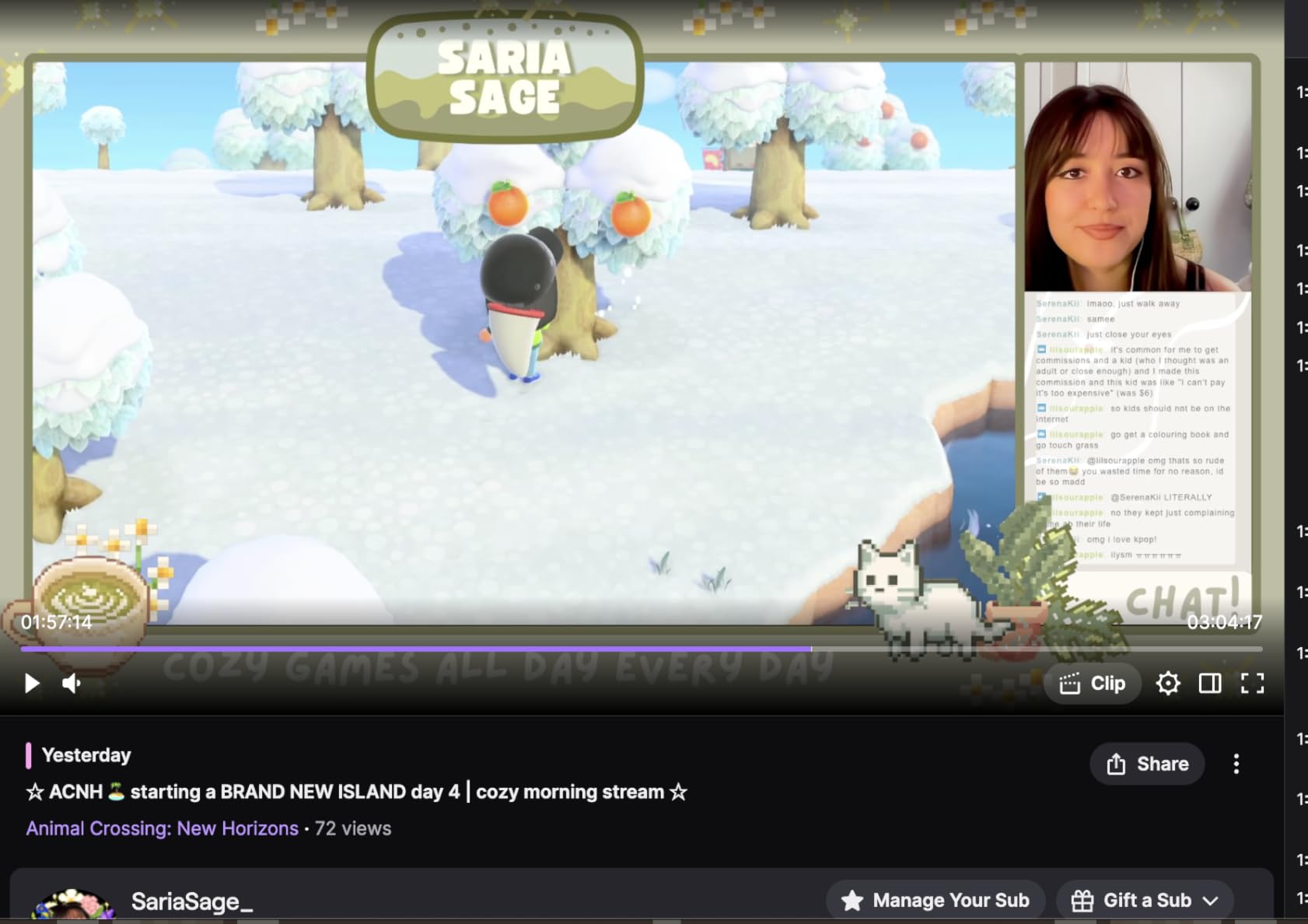
The video quality at 1080p60 is surprisingly good for casual content. I recorded about five hours of gameplay across different consoles and the footage looked clean with accurate colors. The ultra-low latency screen sharing feature worked well for Discord screen sharing and Zoom calls too. It is a versatile little device that handles multiple use cases without complaining.
However, the Guermok does have some reliability quirks. During my testing, I had to unplug and replug the card twice when it stopped responding in OBS. The audio also cut out once and only came back after a reconnect. These are not dealbreakers for casual use, but they would be frustrating during a live stream. The card also struggles with very fast motion content, showing occasional compression artifacts during rapid camera movements in first-person shooters.
Who Should Buy the Guermok Capture Card
If you are just getting started with streaming or recording and want the cheapest possible way to capture console gameplay at 1080p60, the Guermok is hard to beat. It is also great as a backup capture card to keep in your bag for impromptu streams or recordings. Students, casual gamers, and anyone on a tight budget will find it perfectly adequate for basic streaming needs.
Who Should Skip It
Serious streamers who need rock-solid reliability for live broadcasts should invest in a more dependable card. The occasional glitching and audio dropouts are too risky when you are streaming to a live audience. Also, if you capture fast-paced competitive games where every frame matters, the compression artifacts during high-motion scenes may bother you. Consider the Dcyfol or UGREEN instead for slightly better stability at a similar level.
How to Choose the Best 4K Capture Card
Picking the right capture card comes down to your specific setup, what you plan to stream or record, and how much you are willing to spend. Here are the key factors I considered during testing, and what you should think about before making your decision.
Internal PCIe vs External USB: Which Is Right for You
This is the first decision you need to make. Internal PCIe cards like the Elgato 4K Pro, AVerMedia GC573, and AVerMedia GC571 install directly into your desktop motherboard. They offer the most stable connection, draw power from the motherboard, and typically have lower latency because PCIe bandwidth is higher than USB. The downside is that you need a desktop PC with a free PCIe slot, and you need to be comfortable opening your case.
External USB cards like the Elgato 4K X, Elgato 4K S, and all the budget options on this list connect via USB. They are portable, work with laptops, and can be shared between multiple computers. The trade-off is that USB bandwidth is shared with other devices, and you need a dedicated USB 3.0 port for reliable performance. For most streamers, external USB is the more practical choice unless you are building a dedicated streaming PC.
Resolution and Frame Rate: What Do You Actually Need
Not everyone needs 4K60 capture. In fact, most Twitch streamers broadcast at 1080p60 because the platform caps bitrate at around 6000 kbps, which is not enough for good 4K quality. If you primarily stream on Twitch, a card that captures at 1080p60 is sufficient. YouTube supports higher bitrates, so if you are recording 4K gameplay for YouTube uploads, look for a card with 4K60 capture like the Elgato 4K X or Elgato 4K S.
High frame rate capture matters for competitive gaming content. Cards like the Elgato 4K X capture at 4K144, and the AVerMedia GC573 captures at up to 240fps at lower resolutions. These capabilities are useful for slow-motion montages and highlight reels where every frame counts. For standard streaming, 60fps is the baseline you should aim for.
HDMI 2.1 vs HDMI 2.0: Why It Matters for Console Streaming
The PS5 and Xbox Series X both support HDMI 2.1 output, which enables 4K120, VRR, and ALLM. If you want to play at 4K120 while capturing your gameplay, you need an HDMI 2.1 capture card like the Elgato 4K X. HDMI 2.0 cards like the AVerMedia GC573 and Elgato 4K S max out at 4K60, which is fine for most purposes but will not support passthrough above 60fps at 4K.
For Nintendo Switch 2 owners, the console outputs at a maximum of 4K60, so HDMI 2.0 is sufficient. The same applies if you are using a camera or camcorder with the Elgato Cam Link 4K. Match the HDMI version of your capture card to the maximum output of your source device to avoid bottlenecking your signal.
HDR10 and VRR Support
HDR10 capture preserves the extended brightness and color range of HDR-capable games. If you play games like Horizon Forbidden West or Forza Motorsport in HDR and want your captured footage to reflect that visual quality, look for a card with HDR10 support. The Elgato 4K X, 4K S, and 4K Pro all support HDR10 capture, though tone mapping is currently limited to Windows.
VRR passthrough keeps your gameplay smooth by matching the display’s refresh rate to your console’s output. If you have a VRR-capable monitor or TV, make sure your capture card supports VRR passthrough so you do not lose that feature. Cards like the Elgato 4K X, 4K S, 4K Pro, and AVerMedia GC571 all support VRR passthrough. The AVerMedia GC573 notably does not.
Latency: Competitive vs Casual Streaming
Latency matters more than most people realize. If you are a competitive gamer playing fighting games or FPS titles, even a few milliseconds of input delay from your capture card can affect your performance. Cards with HDMI passthrough or loop-out solve this by sending the raw signal directly to your display, so you play with zero added latency. The capture card processes the same signal separately for your stream.
For casual streaming, latency is less critical. Your viewers will not notice a few extra milliseconds of delay between your gameplay and the captured feed. Budget USB capture cards are perfectly adequate for this use case. Just make sure you use the passthrough or loop-out connection to your display rather than trying to play through the OBS preview window.
Software Compatibility and Ecosystem
OBS Studio is the standard for streaming software, and every card on this list works with it. Some cards also work with Streamlabs, Twitch Studio, Zoom, Microsoft Teams, and Discord. The Elgato cards integrate with the Elgato 4K Capture Utility software, which offers features like flashback recording and flashback buffer. AVerMedia provides the AVerMedia Gaming Utility for its internal cards.
If you use a Mac, check compatibility carefully. Most external USB capture cards work with macOS through OBS, but manufacturer software like the Elgato Capture Utility has limited Mac support for some features. HDR tone mapping, flashback recording, and some advanced settings may be Windows-only. If you are building a streaming setup and need to pair your capture card with capable hardware, check our recommendations for the best graphics cards to ensure your system can handle 4K encoding alongside your other tasks. For creators who want to edit captured footage on the go, our guide to the best tablets for video editing covers portable options that pair well with USB capture cards.
Frequently Asked Questions About 4K Capture Cards
What is the best 4K capture card?
The Elgato 4K X is the best 4K capture card overall, offering 4K144 capture with HDMI 2.1, VRR passthrough, and ultra-low latency. For best value, the Elgato 4K S provides 4K60 capture with HDR10 at a lower price point. Budget streamers should consider the UGREEN HDMI Capture Card for reliable 1080p60 streaming at an entry-level price.
Do I need a capture card for streaming?
You only need a capture card if you are streaming from an external source like a game console (PS5, Xbox, Switch) or a camera. If you stream PC gameplay directly from the same computer running OBS, you do not need a capture card. Console streamers and dual-PC setup users benefit most from having one.
What capture card do most streamers use?
Most professional streamers use Elgato capture cards, particularly the Elgato 4K X and Elgato 4K S. The Elgato ecosystem integrates well with popular streaming software, and their cards are known for reliability and ease of setup. AVerMedia is the second most popular brand, with the Live Gamer 4K (GC573) being a common choice among streamers who prefer internal PCIe cards.
Is a 4K capture card worth it?
A 4K capture card is worth it if you record content for YouTube, stream from a PS5 or Xbox Series X at 4K, or want to future-proof your setup. If you primarily stream on Twitch at 1080p60, a 1080p capture card is sufficient. Consider your platform, audience, and content type before investing in 4K capture capability.
What is the difference between HDMI 2.0 and HDMI 2.1 capture cards?
HDMI 2.0 capture cards support up to 4K60 passthrough and capture, while HDMI 2.1 cards support up to 4K120 or 4K144. HDMI 2.1 also enables VRR passthrough and higher bandwidth for next-gen consoles. If you play on PS5 or Xbox Series X at 4K120, you need an HDMI 2.1 card like the Elgato 4K X. For 4K60 gaming, HDMI 2.0 is sufficient.
Final Thoughts on the Best 4K Capture Cards
Finding the best 4K capture cards comes down to matching the card to your setup and goals. For most streamers and content creators in 2026, the Elgato 4K X delivers the highest quality capture available with 4K144 support and HDMI 2.1. The Elgato 4K S hits the sweet spot of price and performance for 4K60 streaming. And for budget-conscious creators, the UGREEN HDMI Capture Card proves you can start streaming without spending a fortune.
If you have a desktop PC and prefer internal capture, the Elgato 4K Pro and AVerMedia Live Gamer 4K are both outstanding choices with 4K60 HDR10 capture and PCIe stability. For camera streaming, the Elgato Cam Link 4K remains the go-to option for turning any DSLR into a broadcast-quality webcam. And for those who want to add commentary easily, the XIIXMASK capture card with its built-in mic-in port offers a convenient all-in-one solution.
Whichever card you choose, make sure it matches your source device output capabilities and your streaming platform requirements. A 4K capture card is only as good as the signal it receives, so pair it with a solid streaming setup and reliable software to get the best results.