
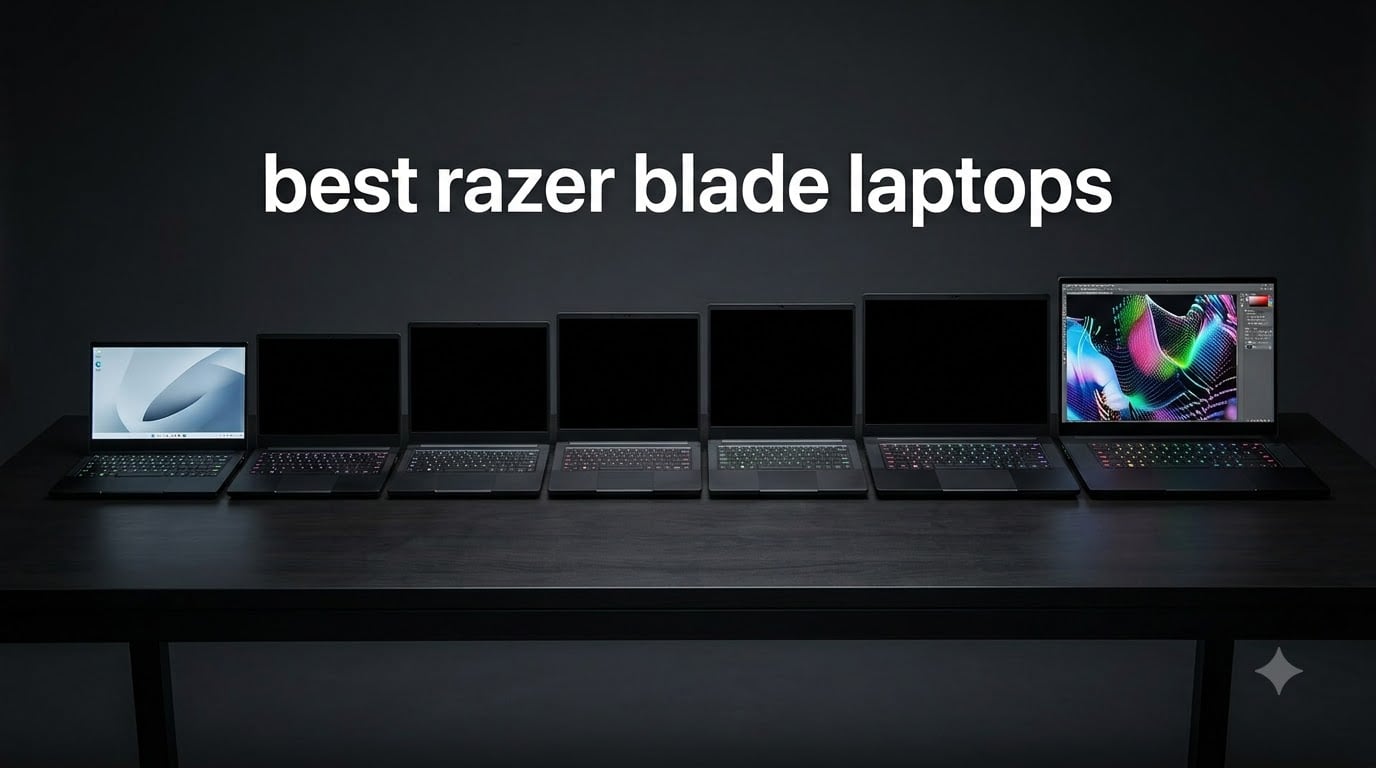
The best Razer Blade laptop is the Blade 14 (2025) for most people because it combines an RTX 5070, a 3K 120Hz OLED display, 32GB of memory, and a 4.4-pound aluminum chassis. The Blade 18 is the better choice when maximum gaming and creator performance matters more than portability, while the Blade 15 Base is the strongest value pick for buyers willing to accept an older platform.
I compared all eight models in this guide using their supplied specifications and customer feedback. This list spans current hardware, older discontinued configurations, and renewed machines, so I weigh age, warranty coverage, repairability, thermals, display quality, and real-world ownership risk alongside raw speed.
If battery endurance is a priority, our guide to gaming laptops with longest battery life gives useful wider context. For a broader work-and-play shortlist, see our laptops for gaming and work.
Top 3 Picks for Razer Blade Laptops (October 2026)
Razer Blade Laptops in 2026
| Product | Specifications | Action |
|---|---|---|
 Razer Blade 14 (2025) Razer Blade 14 (2025) |
|
Check Latest Price |
 Razer Blade 18 Razer Blade 18 |
|
Check Latest Price |
 Razer Blade 15 Advanced Razer Blade 15 Advanced |
|
Check Latest Price |
 Razer Blade 14 Renewed Razer Blade 14 Renewed |
|
Check Latest Price |
 Razer Blade 15 Base Razer Blade 15 Base |
|
Check Latest Price |
 Razer Blade 15 360Hz Razer Blade 15 360Hz |
|
Check Latest Price |
| Razer Blade 15 Renewed |
|
Check Latest Price |
 Razer Blade Stealth 13 Razer Blade Stealth 13 |
|
Check Latest Price |
1. Razer Blade 14 (2025) — Best Overall
Razer Blade 14 (2025) Gaming Laptop, RTX 5070, 32GB DDR5 RAM, 1TB, Black
RTX 5070
3K 120Hz OLED
4.4 pounds
Pros
- Portable 4.4-pound design
- Sharp 3K OLED display
- 32GB fast memory
- Wi-Fi 7
Cons
- Fixed 32GB RAM
- Fans can be audible
The Blade 14 is the model I would carry every day. Its 72Wh battery is listed for up to 11 hours of screen time, and the 0.64-inch-thick chassis feels much closer to a premium ultraportable than to the larger Blade 18.
Performance is serious for its size. The Ryzen AI 9 365 and RTX 5070 at up to 115W suit high-refresh 1440p gaming, coding, photo work, and light 3D rendering, while DLSS 4 helps demanding games use the GPU more efficiently.
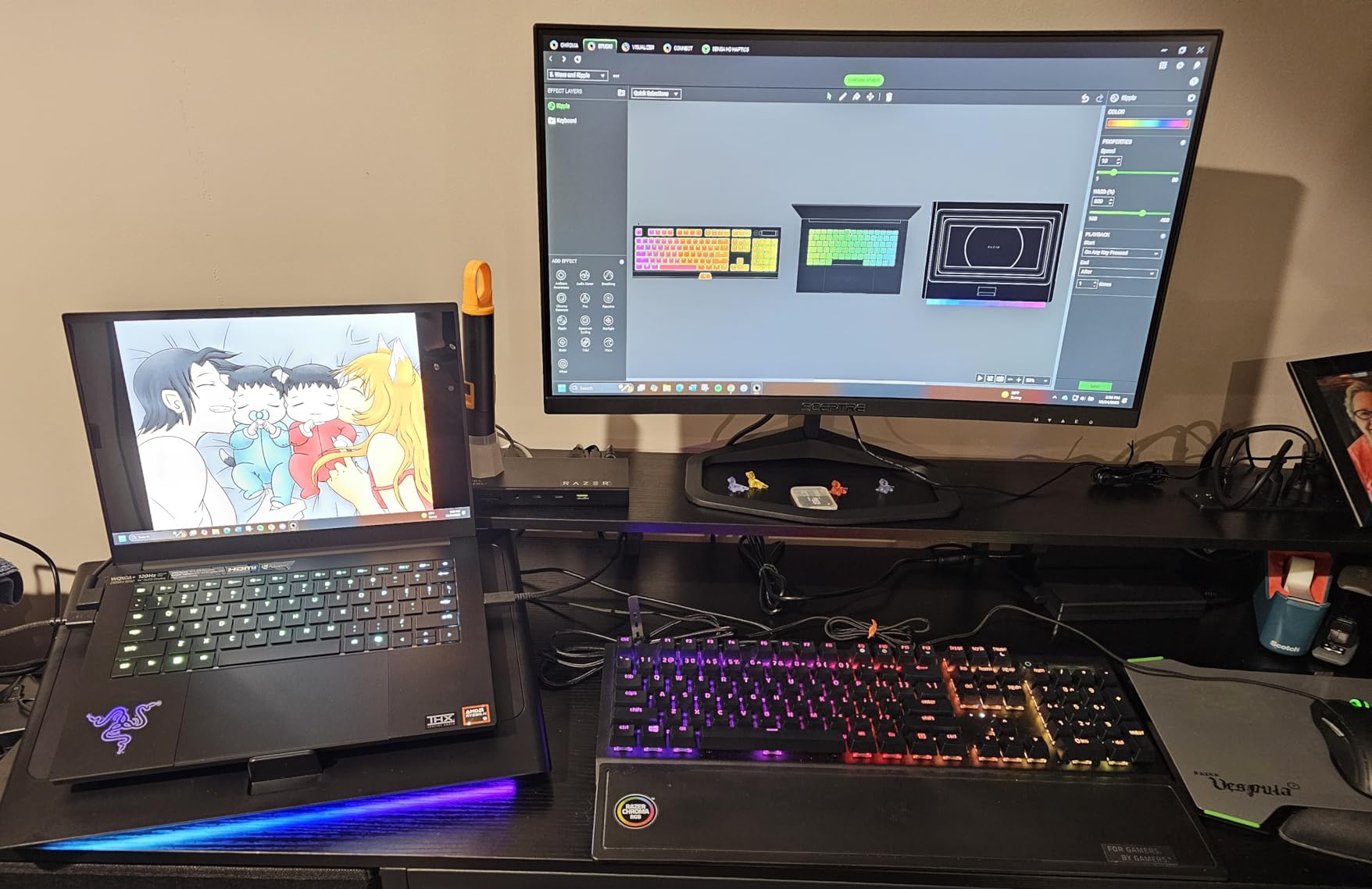
The 2880-by-1800 OLED panel reaches 400 nits and has a 0.2ms response time. I value the sharpness for creative work, although competitive players who only care about maximum refresh may prefer an IPS screen at a lower price.
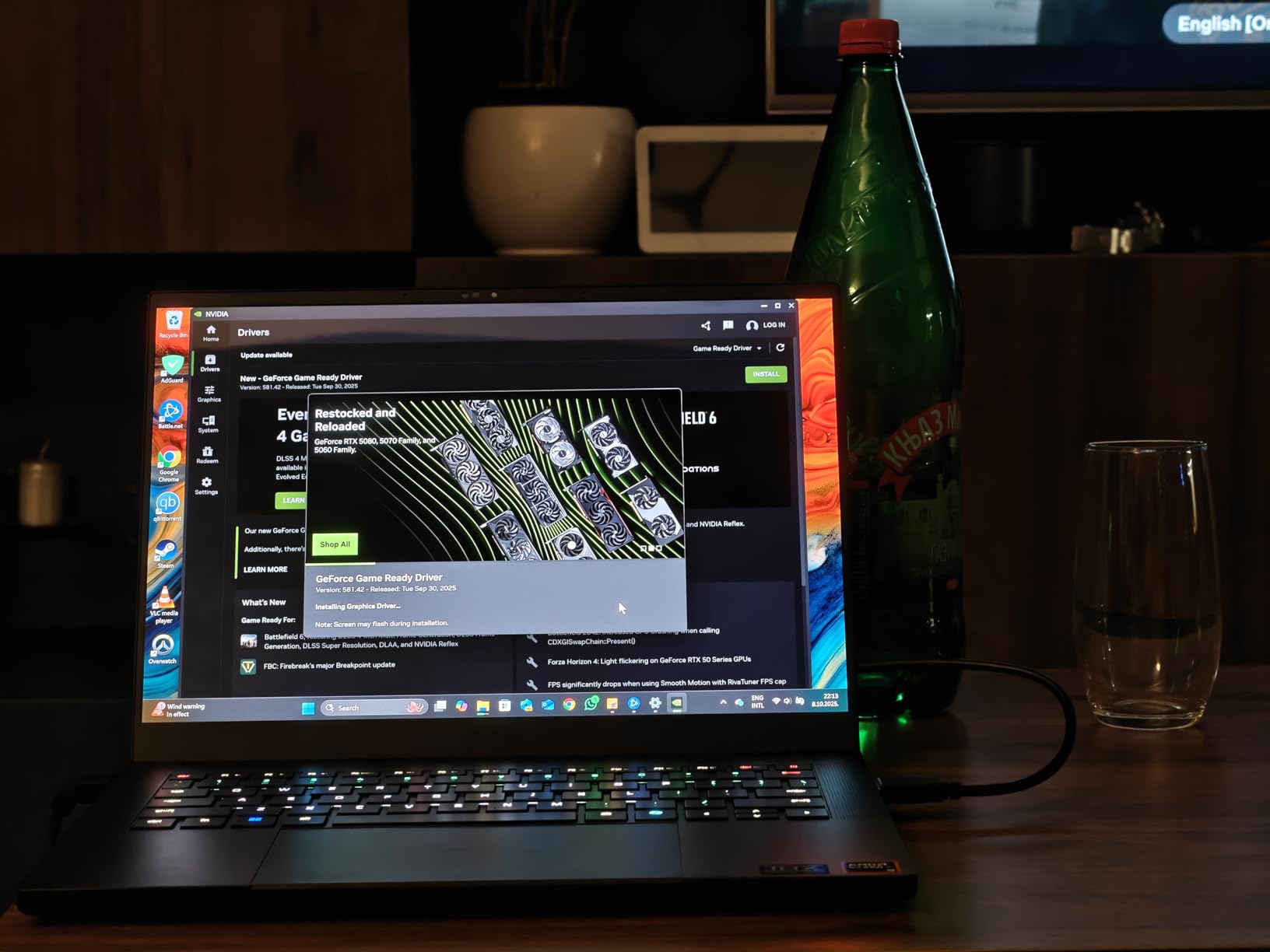
Customer feedback praises the build, display, and portability, but recurring complaints mention system instability, Windows Update trouble, software prompts, and fans during light work. I would update Windows and Synapse immediately, then test sleep, external displays, speakers, keyboard, and trackpad during the return window.
Who the Blade 14 is good for
This is the best Razer Blade laptop for students, commuters, programmers, and gamers who want one machine for work and play. Its 32GB LPDDR5X configuration is ample today, but it is soldered and cannot grow later.
Who the Blade 14 is bad for
It is not right for buyers needing sustained high-end rendering in a desktop-class chassis. It also suits users who accept USB-C charging and Balanced-mode limits on battery more than buyers who demand the quietest idle experience.
2. Razer Blade 18 — Best Desktop Replacement
Razer Blade 18 Gaming Laptop: NVIDIA GeForce RTX 4090-13th Gen Intel 24-Core i9 HX CPU – 18″ QHD+ 240Hz – 32GB RAM – 2TB SSD – CNC Aluminum – Compact GaN Charger – Windows 11 – Chroma RGB
RTX 4090
18-inch QHD+ 240Hz
64GB RAM support
Pros
- Desktop-class RTX 4090
- Large 240Hz display
- Upgradeable RAM
- 3-fan cooling
Cons
- 6.8-pound weight
- Loud under load
- No listed Prime delivery
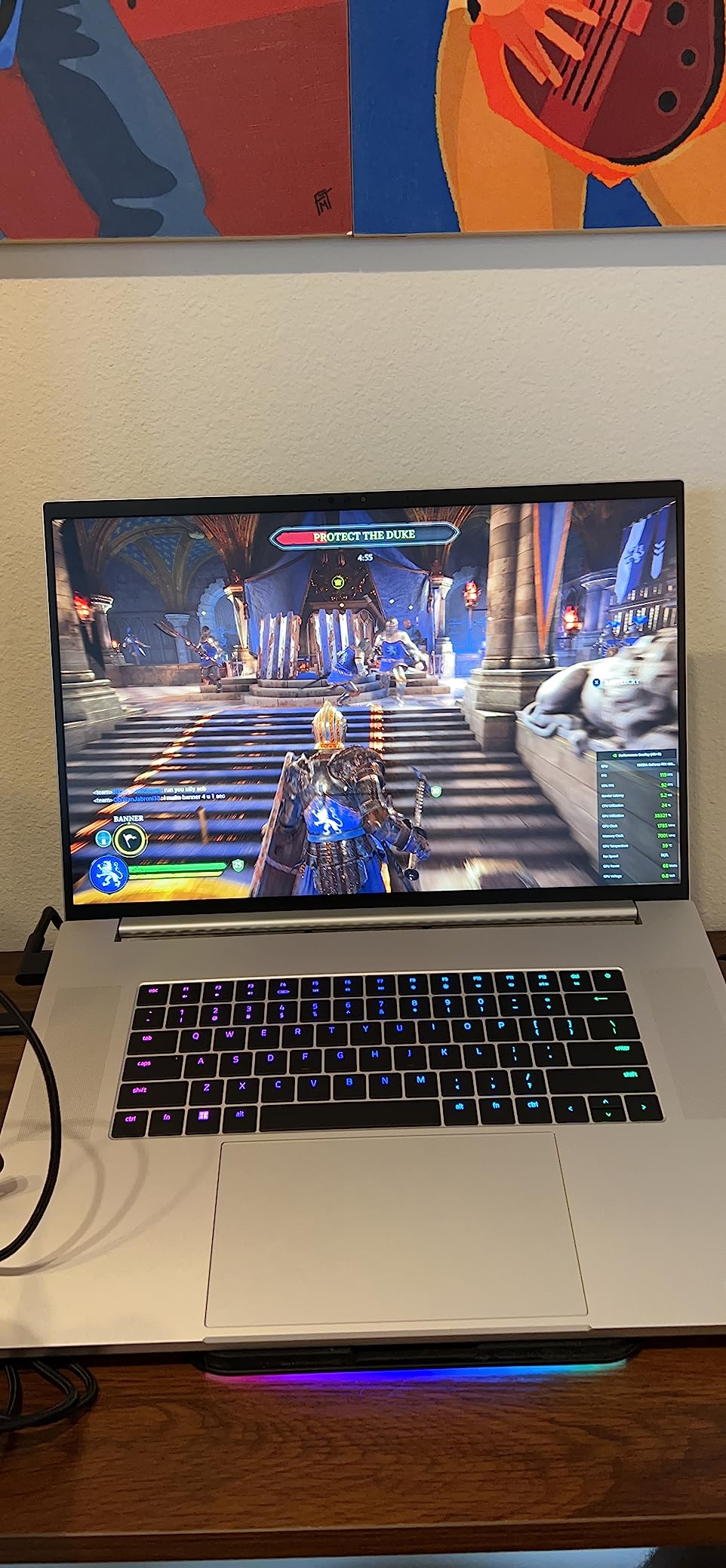
The Blade 18 is the performance winner in this list. An RTX 4090 running up to 175W and a 24-core i9-13950HX give it the hardware headroom for 4K gaming, 3D work, local AI tasks, video editing, and heavy multitool production.
The 18-inch 2560-by-1600 panel runs at 240Hz and covers 100% of DCI-P3. Its roomy 91.7Wh battery and six-speaker THX system help it serve as a temporary workstation, but the 6.8-pound weight and 0.86-inch body make movement a two-handed job.
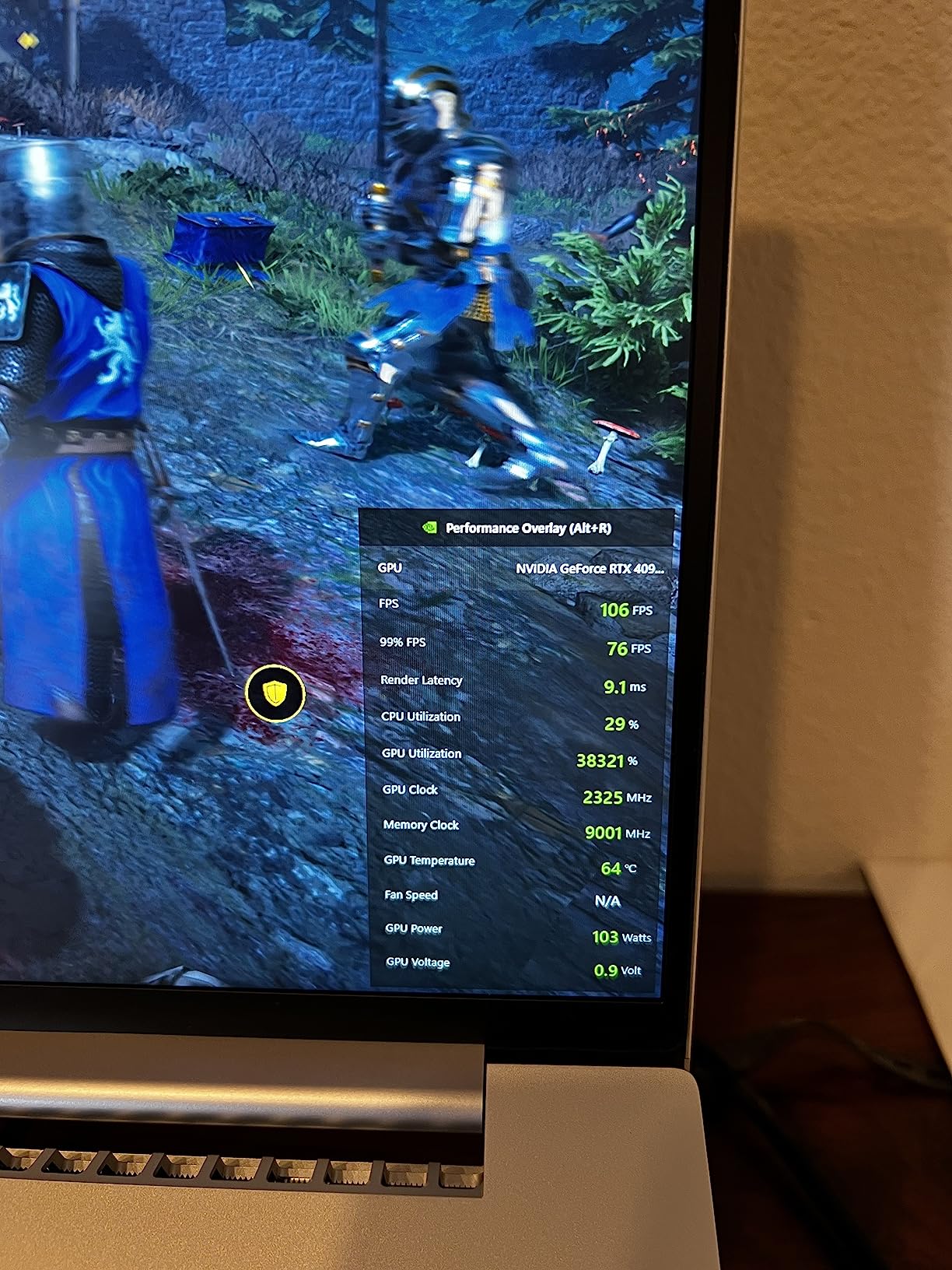
Unlike the smaller Blade 14, this model can take memory up to 64GB and storage up to 8TB. That makes it more useful for creators who expect projects to expand over time.
The supplied feedback is mixed, including reports of screen blooming, display failure, loud fans, and a proprietary warranty path not being honored for this Amazon listing. I would inspect the panel in a dark scene, test every key, and confirm the seller and warranty terms before keeping it.
Who the Blade 18 is good for
Choose it when it will spend most of its life on a desk and replace a gaming PC. It is best for enthusiasts, engineers, renderers, and video editors who need the widest screen and fastest GPU rather than the lightest bag.
Who the Blade 18 is bad for
It is a poor travel companion and a risky purchase for anyone uncomfortable troubleshooting support. The review rating also makes a return-window inspection especially important.
3. Razer Blade 15 Advanced — Best Older 300Hz Pick
Razer Blade 15 Advanced Gaming Laptop 2020: Intel Core i7-10875H 8-Core, NVIDIA GeForce RTX 2070 Super Max-Q, 15.6” FHD 300Hz, 16GB RAM, 512GB SSD, CNC Aluminum, Chroma RGB Lighting, Thunderbolt 3
RTX 2080 Super
15.6-inch 300Hz
4.4 pounds
Pros
- Fast 300Hz display
- Premium aluminum chassis
- Upgradeable RAM and storage
- Thunderbolt 3
Cons
- Weak speakers
- Very hot under load
- Older CPU and GPU
The title supplied for this listing says RTX 2070 Super, while its technical details identify an RTX 2080 Super Max-Q. I would verify the exact GPU on the box and system information before ordering, because that difference affects performance and the reliability of any listing description.
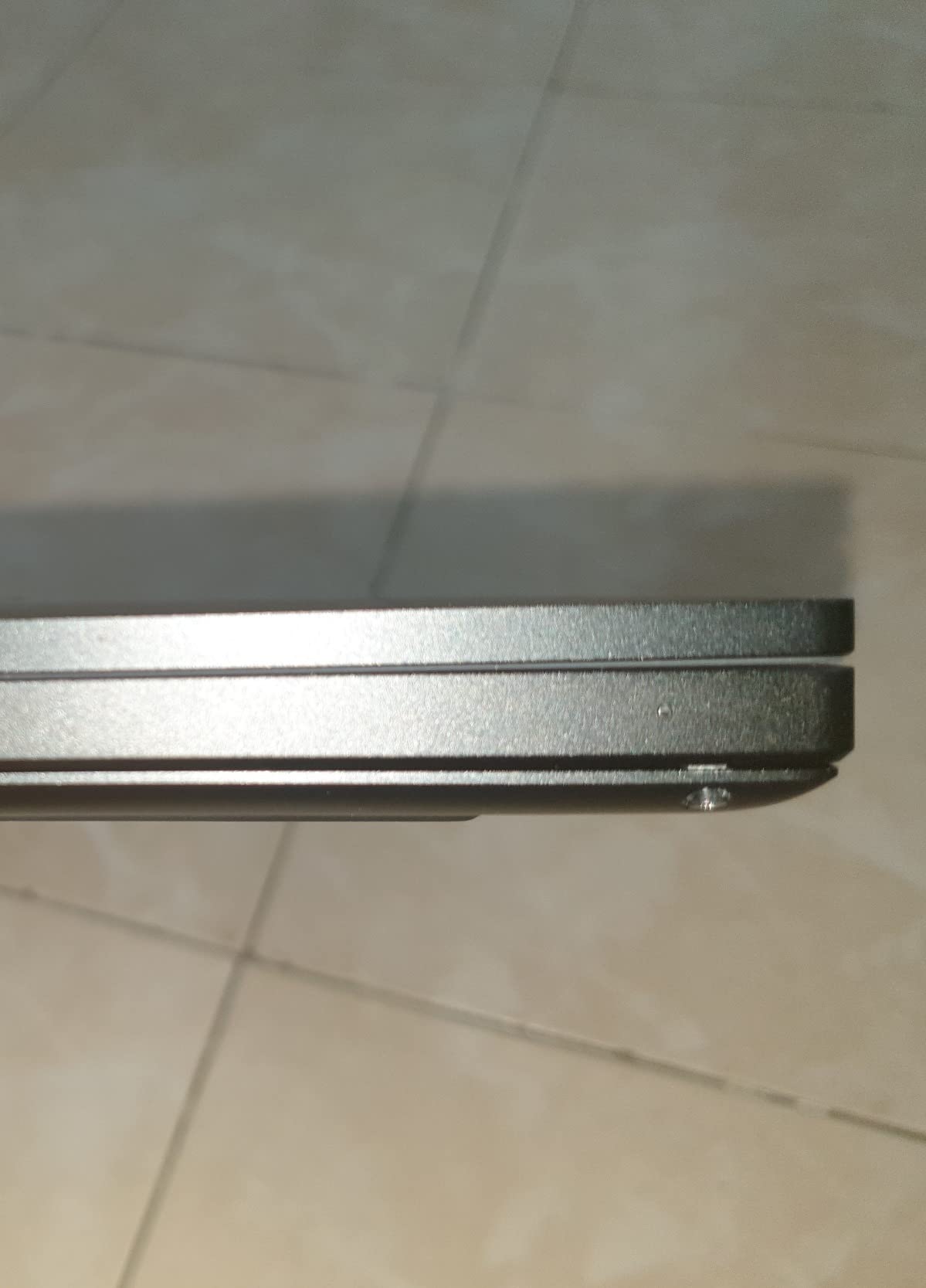
Its 15.6-inch Full HD screen at 300Hz remains useful for fast-paced games, and the eight-core i7 can still handle everyday productivity. The 4.4-pound CNC-aluminum body is rigid and looks appropriate in an office or lecture hall.
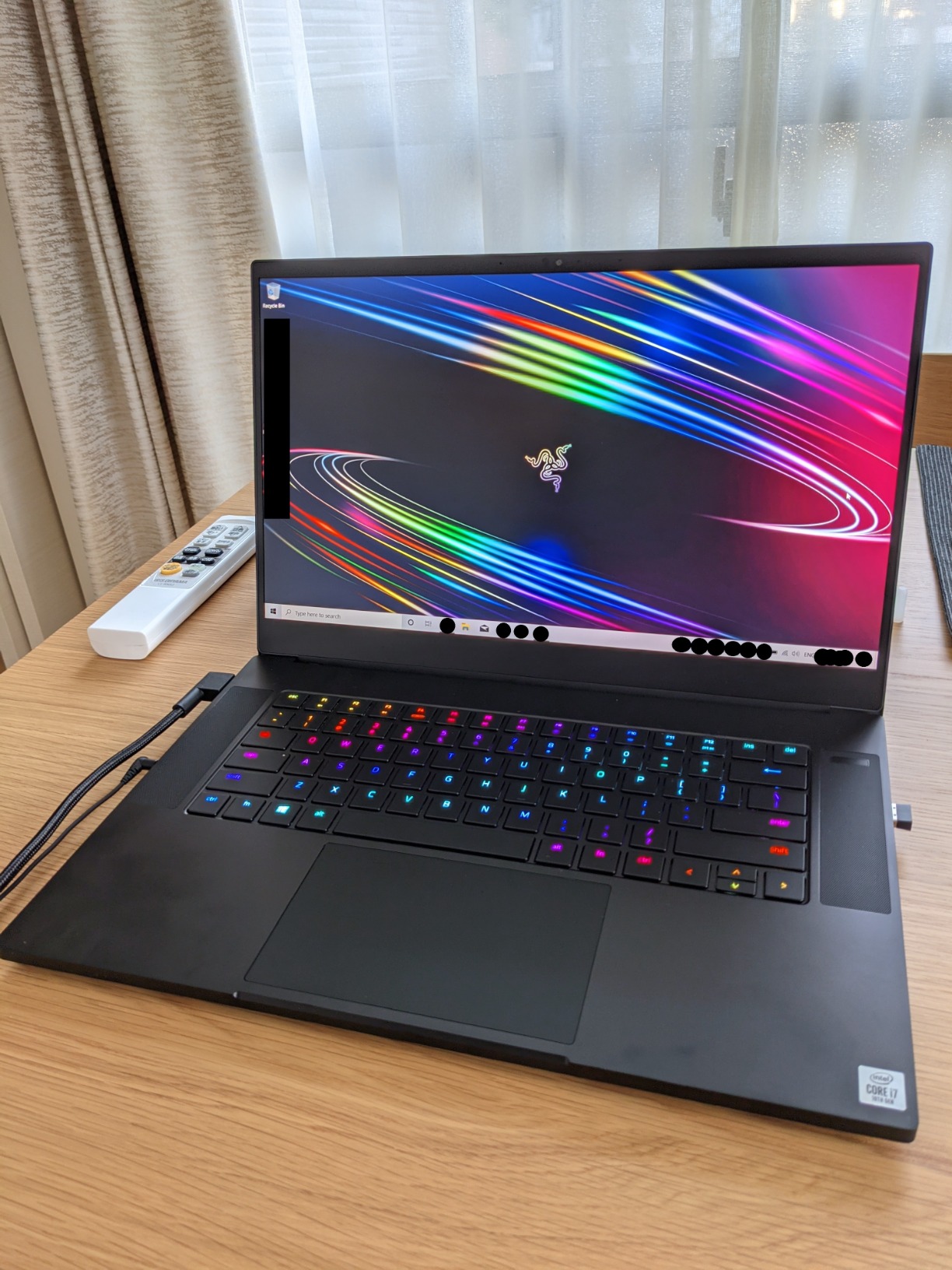
RAM and storage can be expanded, which is a major advantage over modern thin machines. The system also offers Thunderbolt 3, USB-C charging, Windows Hello, and per-key Chroma lighting.
The feedback is blunt about comfort. The laptop can become too hot for lap use, the speakers are poor, battery life is around three hours, and the proprietary charger connector is costly to replace.
Who the Blade 15 Advanced is good for
This model fits an esports-focused buyer who values a 300Hz panel and repairability over modern ray-tracing power. It is also a good refurbished candidate when the battery, charger, and display have been tested.
Who the Blade 15 Advanced is bad for
Avoid it as a primary AAA-gaming machine if a newer GPU is available near the same cost. The heat, weak audio, and limited battery make it better as a desk-bound system than a travel laptop.
4. Razer Blade 14 Renewed — Best Small Renewed Option
Razer Blade 14 Gaming Laptop: AMD Ryzen 9 5900HX 8 Core, NVIDIA GeForce RTX 3070, 14″ QHD 165Hz, 16GB RAM, 1TB SSD – CNC Aluminum – Chroma RGB – THX Spatial Audio – Vapor Chamber Cooling (Renewed)
RTX 3070
14-inch QHD 165Hz
3.9 pounds
Pros
- Compact 3.9-pound chassis
- QHD 165Hz display
- Strong 1080p performance
- Aluminum build
Cons
- 90-day warranty
- Renewed condition varies
- Poor endurance
This renewed Blade 14 combines a Ryzen 9 5900HX and RTX 3070 in a 3.9-pound body. That remains a capable combination for 1080p gaming, emulation, programming, and general creative work, though it is several generations behind the current lineup.
The 14-inch QHD 165Hz panel strikes a useful middle ground between clarity and speed. Its aluminum enclosure, glass trackpad area, Chroma keyboard, and vapor-chamber cooling preserve the premium Blade feel despite the older platform.
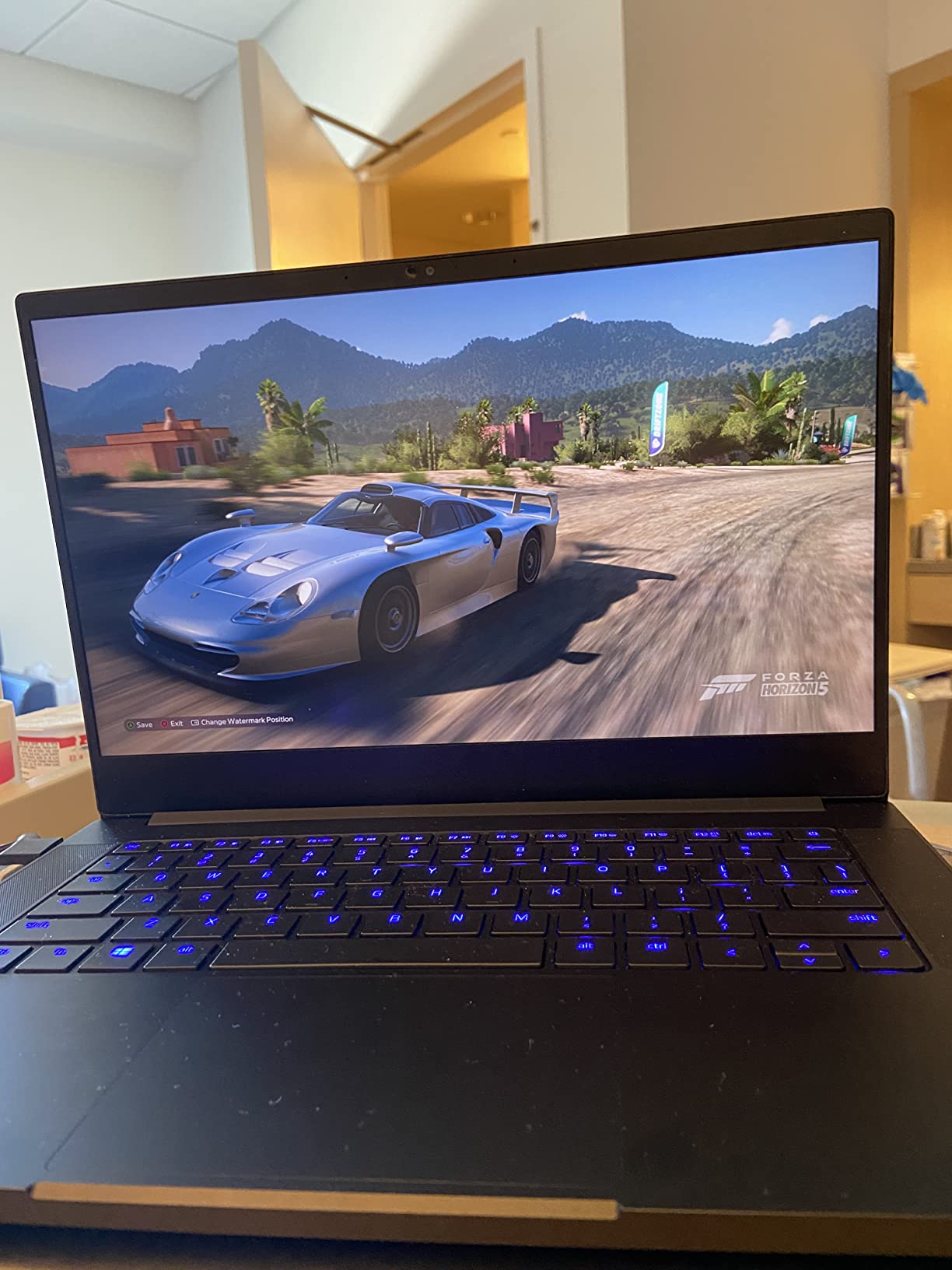
The tradeoff is ownership risk. The supplied reviews mention short battery life, heat, missing or outdated drivers, display failures, and only a 90-day renewed warranty. I would treat the battery as a consumable and test the display on arrival.
Who the renewed Blade 14 is good for
It suits a buyer who wants a compact gaming laptop and accepts older silicon to save money. It is also sensible for someone comfortable opening the machine to clean it, replace storage, or replace the battery.
Who the renewed Blade 14 is bad for
It is not the right choice for someone who needs all-day portability or dependable long-term coverage. If a failure happens after the short warranty, a motherboard or display repair could erase the value quickly.
5. Razer Blade 15 Base — Best Established Value
Razer Blade 15 Base Gaming Laptop 2020: Intel Core i7-10750H 6 Core, NVIDIA GeForce RTX 2070 Max-Q, 15.6″ FHD 1080p 144Hz, 16GB RAM, 512GB SSD, CNC Aluminum, Chroma RGB Lighting, Thunderbolt 3, Black
RTX 2070 Max-Q
15.6-inch 144Hz
Upgradeable memory
Pros
- 4.4 customer rating
- Upgradeable RAM and SSD
- Wi-Fi 6 and Ethernet
- Good 144Hz display
Cons
- Runs extremely hot
- Loud fans
- Custom charger connector
The Blade 15 Base has the strongest rating in this roundup, with 4.4 stars from 519 reviews. Its six-core i7 and RTX 2070 Max-Q remain suitable for 1080p gaming, but the supplied reports of 95–98°C temperatures mean this is not a lap machine during heavy play.
It includes features that are easy to overlook: a 144Hz screen, Wi-Fi 6, Gigabit Ethernet, Thunderbolt 3, HDMI, USB-A, USB-C, and Windows Hello. RAM and storage are also upgradeable.
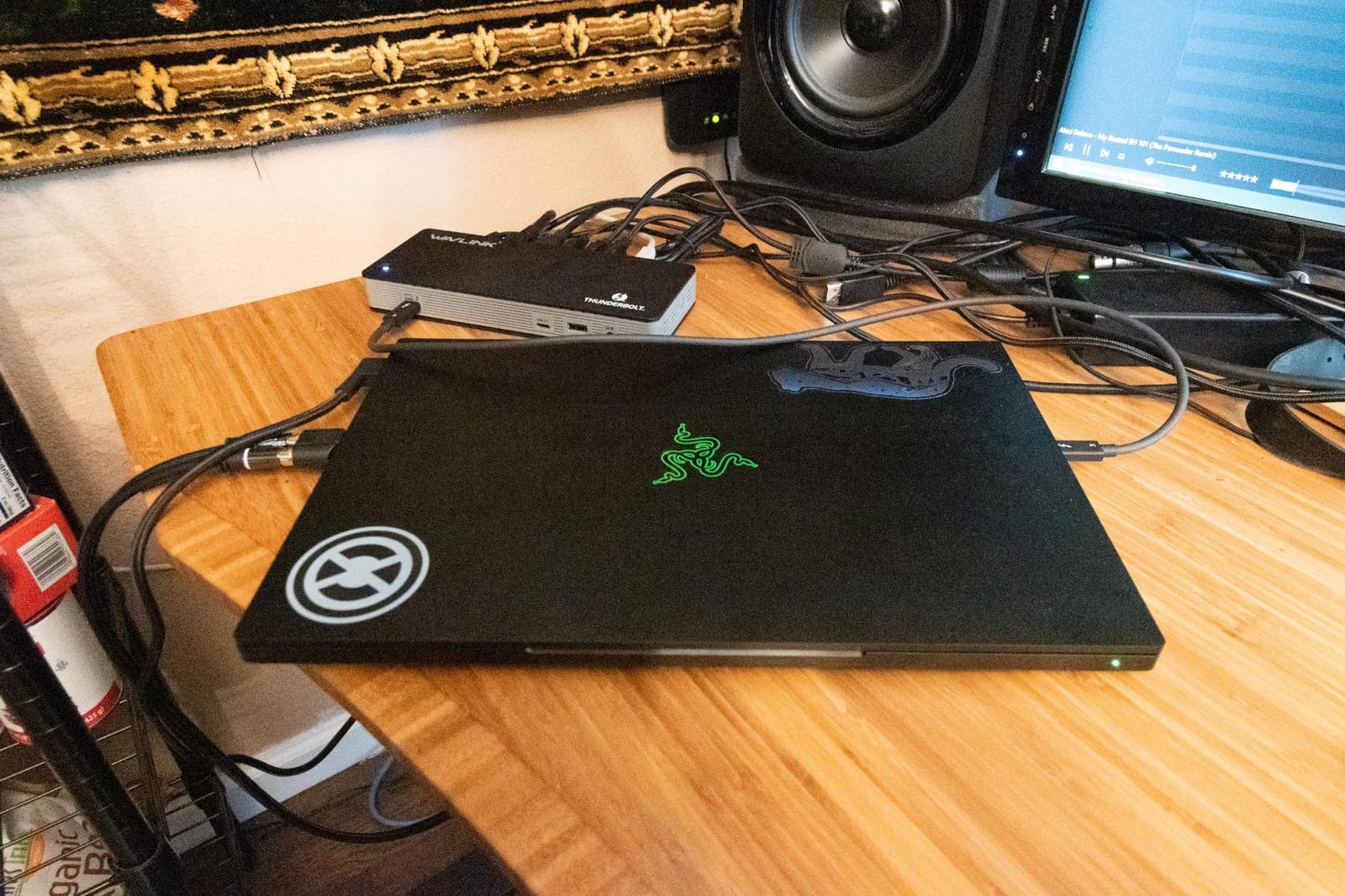
Customer summaries mention loud fans, short gaming battery life, a fragile-feeling vent, rattling fans, and swelling batteries. Those issues make a cooling pad and careful battery inspection sensible precautions.
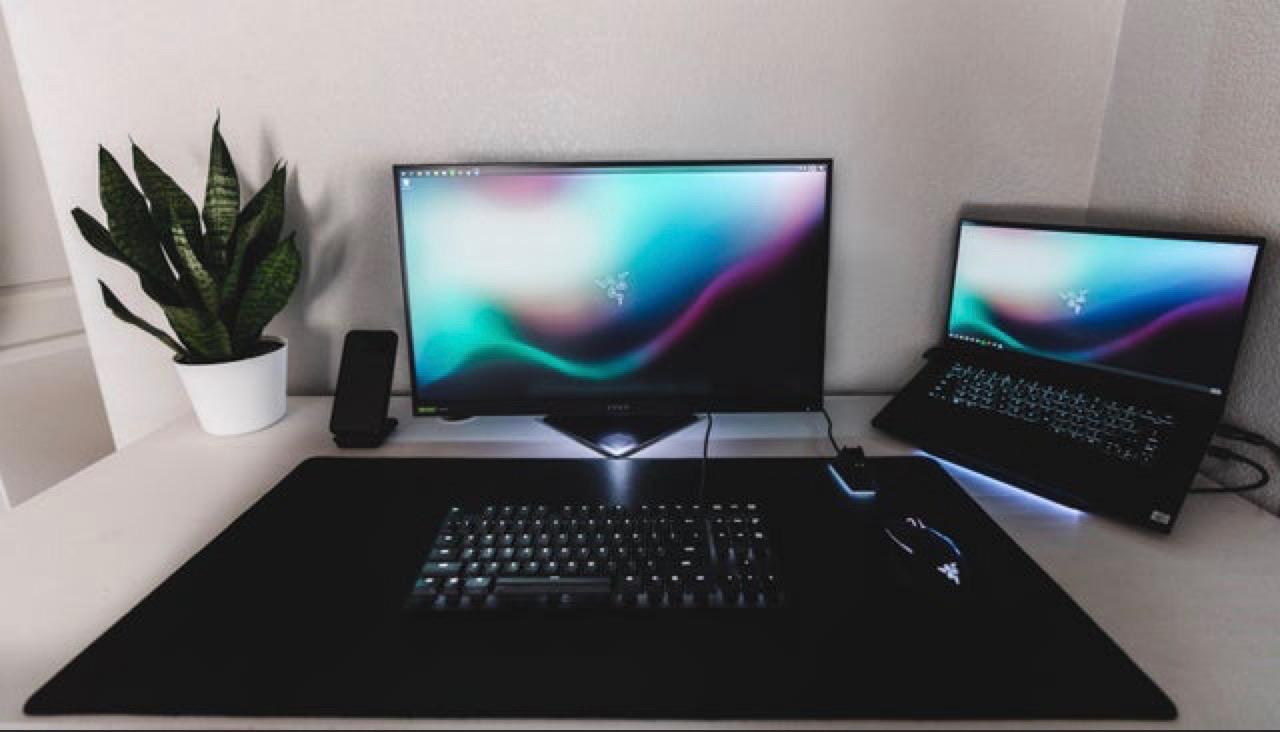
The body is 4.6 pounds, but the proprietary power connector and bulky adapter reduce travel convenience. If it will remain on one desk, its strong connectivity and upgradability still make it a practical older system.
Who the Blade 15 Base is good for
Choose it for 1080p gaming, office work, and a chassis that looks restrained. It is a good fit for buyers who plan to keep it stationary and maintain the cooling system.
Who the Blade 15 Base is bad for
Pass if quiet operation, cool skin temperatures, or unplugged gaming matter. The older hardware also offers less future headroom than any RTX 50 Series model.
6. Razer Blade 15 360Hz — Best Competitive Display
Razer Blade 15 Gaming Laptop: NVIDIA GeForce RTX 3070-10th Gen Intel 8-Core i7 CPU – 15.6” FHD 360Hz – 16GB RAM – 1TB SSD – CNC Aluminum – Chroma RGB – THX Spatial Audio – Thunderbolt 3
RTX 3070
15.6-inch 360Hz
1TB SSD
Pros
- Extremely fast display
- Thin aluminum body
- Good trackpad
- RAM upgrade support
Cons
- Reported flicker and freezing
- Battery concerns
- Very loud fans
The 360Hz display is the reason to consider this older Blade 15. It targets competitive players, while the RTX 3070 and eight-core i7 still provide enough power for high-frame-rate 1080p play when settings are tuned.
The CNC-aluminum body is only 0.67 inches thick and weighs 4.4 pounds. The trackpad earns praise in the supplied feedback, and the keyboard supports per-key Chroma customization through Synapse.
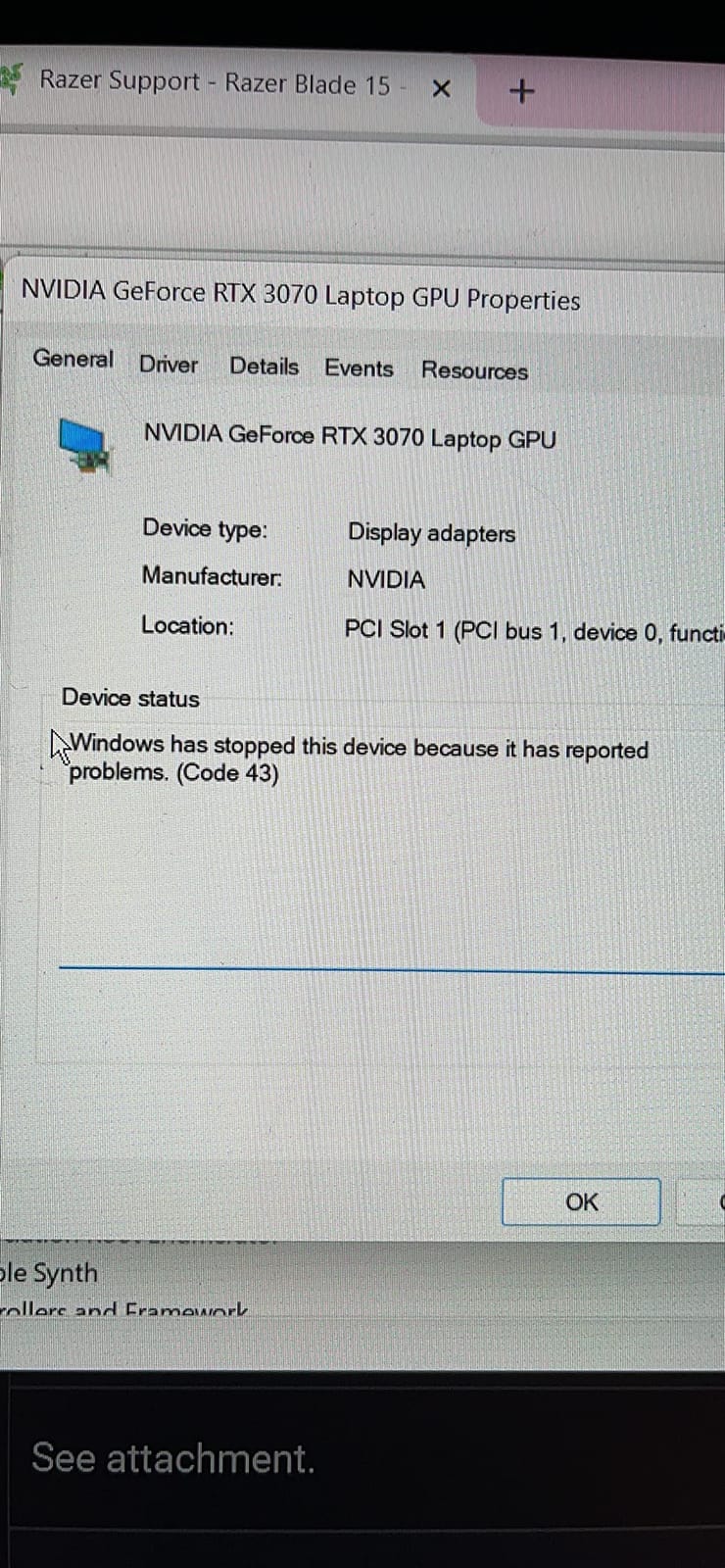
Several reports describe screen flickering, freezing, or needing a 60Hz workaround in demanding games. I would run a long refresh-rate test and inspect the panel before committing, since the feature is pointless if the implementation is unstable.
Other complaints include loud fans, high temperatures, startup recovery trouble, battery expansion, and systems failing after several months. The machine should be bought only with a clear return path and battery-health information.
Who the 360Hz Blade 15 is good for
It makes sense for a competitive gamer who can actually sustain frame rates close to the panel limit. The 1TB SSD and thin chassis also help it serve as a portable desk replacement.
Who the 360Hz Blade 15 is bad for
It is a weak choice for HDR media and a risky one for buyers unwilling to test the display extensively. Most users will get a steadier experience from a modern 120Hz or 165Hz OLED machine.
7. Razer Blade 15 Renewed — Best Lower-Cost Entry
Razer Blade 15 Base Gaming Laptop 2020: Intel Core i7-10750H 6-Core, NVIDIA GeForce RTX 2060, 15.6″ FHD 1080p 144Hz, 16GB RAM, 512GB SSD (Renewed)
RTX 2060
15.6-inch 144Hz
16GB RAM
Pros
- Expandable memory and storage
- 144Hz display
- Thin aluminum chassis
- Good used-value potential
Cons
- 90-day warranty
- Short battery life
- Refurbishment quality varies
The renewed Blade 15 is the least expensive way into a Razer aluminum chassis in this list. Its RTX 2060, six-core i7, 16GB of RAM, and 144Hz screen are still workable for esports, older games, study, and office tasks.
It weighs about 4.7 pounds and includes a strong port mix with Ethernet, HDMI, Thunderbolt 3, USB-A, and USB-C. Memory and storage are expandable, so a careful owner can extend its useful life.
The supplied data is based on only 11 reviews. Reports mention cosmetic marks, a nonworking keyboard backlight, limited battery life, standard speakers and camera, and a 90-day warranty, so condition matters more than the headline specifications.
Who the renewed Blade 15 is good for
Choose it for light gaming, schoolwork, and a premium-looking body at a lower cost. It is most attractive when the refurbisher documents battery health, SSD wear, display testing, and charger condition.
Who the renewed Blade 15 is bad for
It is not for a buyer needing a new-machine safety net or strong 3D performance. The RTX 2060 also has only 6GB of VRAM, which can become a limit in newer games.
8. Razer Blade Stealth 13 — Best Ultra-Portable Pick
Razer RZ09-01963E32-R3U1 Blade Stealth 13.3″ QHD+ Touchscreen Ultrabook (7th Generation Intel Core i7, 16GB RAM, 512GB SSD, Windows 10)
13.3-inch QHD+ touch
2.9 pounds
16GB RAM
Pros
- Very light 2.9-pound body
- Sharp touchscreen
- Aluminum construction
- eGPU support
Cons
- No modern gaming GPU
- Old processor
- Short battery life
The Stealth 13 is not a modern gaming laptop; it is a 2017 ultrabook with Intel HD 620 graphics. I see it as a collectible or specialized productivity machine, not a sensible recommendation for anyone expecting current games to run smoothly.
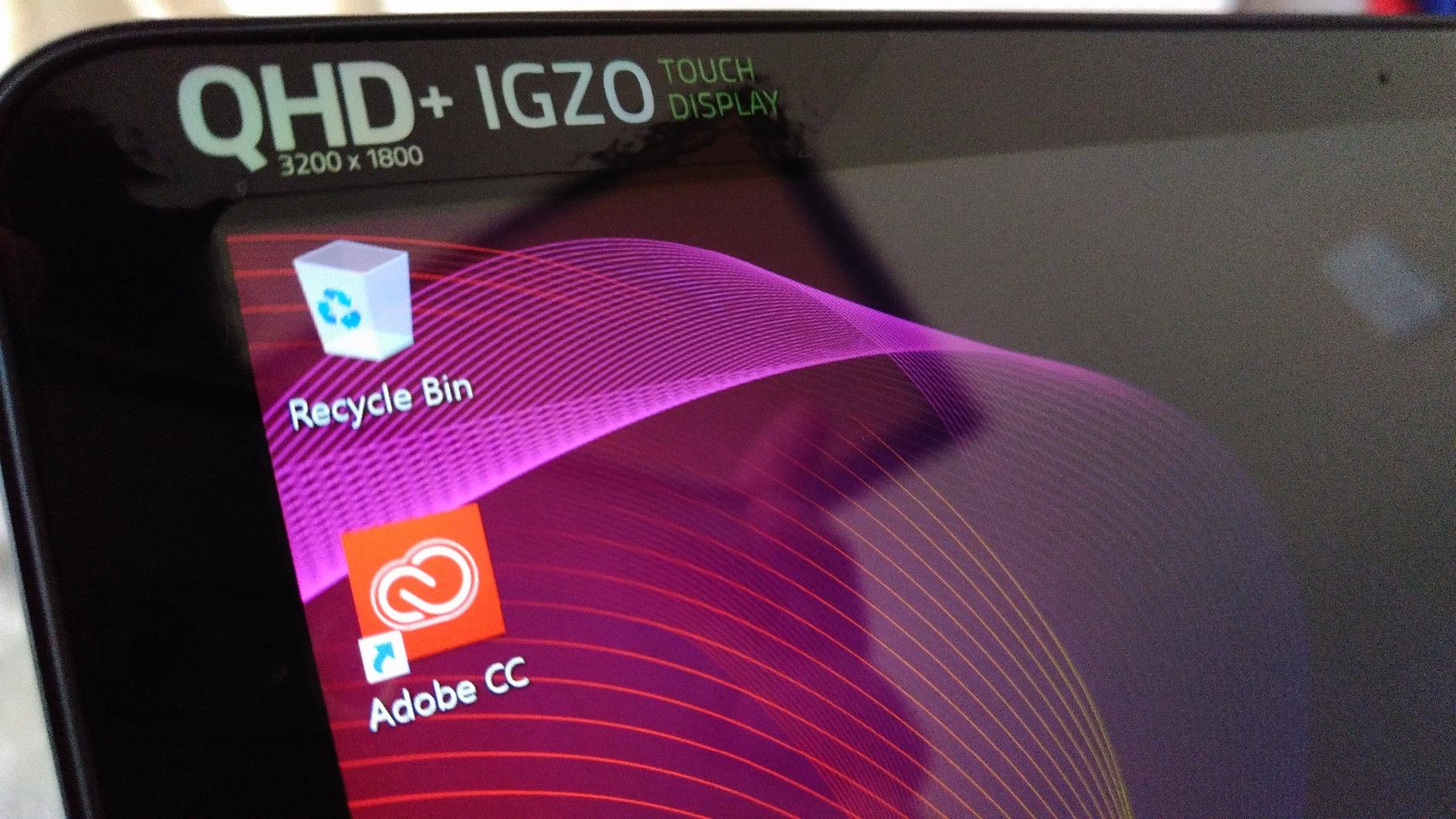
Its 2.9-pound CNC-milled aluminum body, 3200-by-1800 touchscreen, RGB keyboard, and 16GB of memory remain pleasant for writing, design, and general travel. The resolution can make text and old applications look small, though.
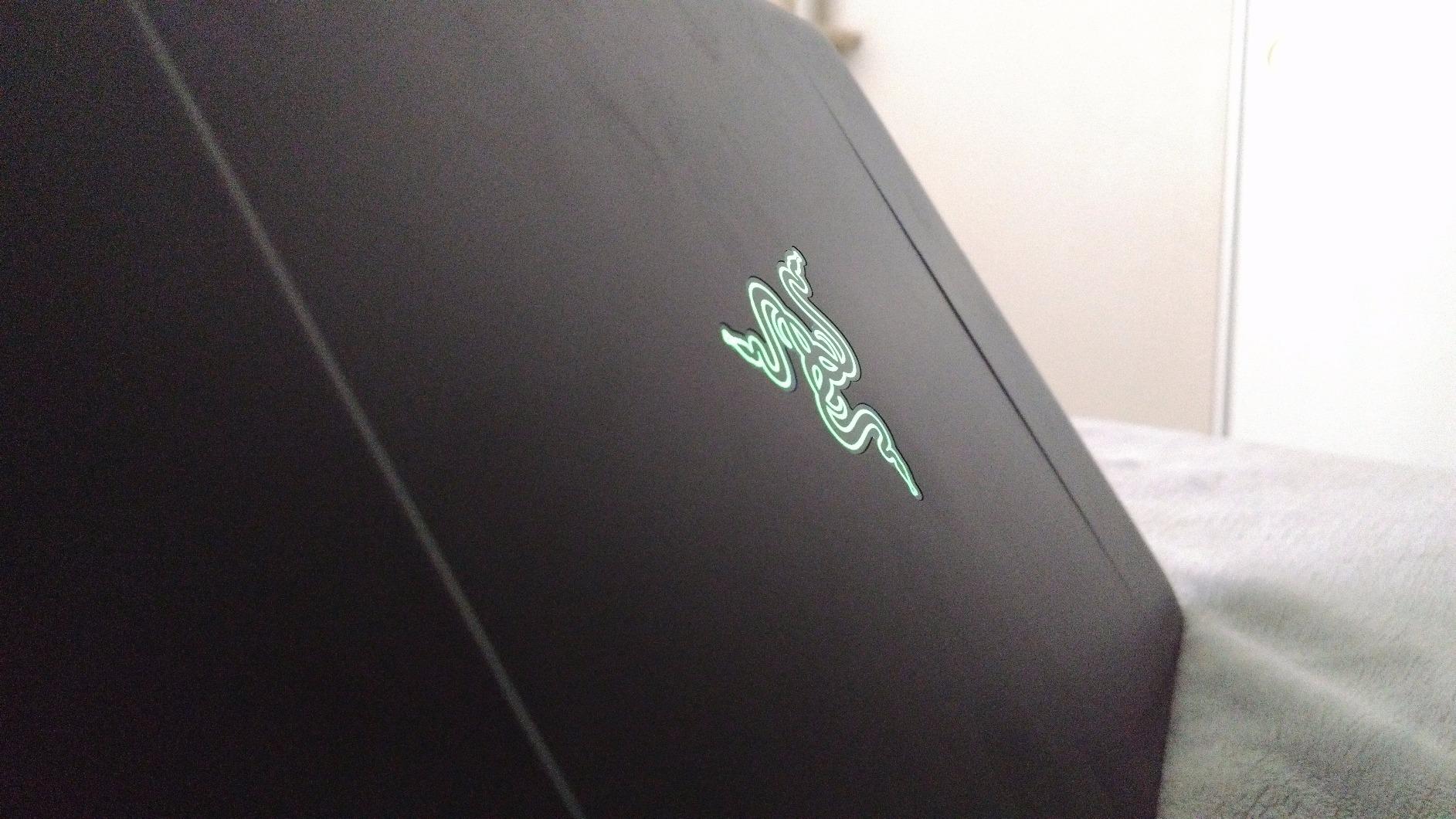
The included software bundle and eGPU support are interesting for a retro setup. The performance of any graphics dock would still depend on the enclosure, connection, and game requirements.
Customer feedback highlights a charging-port failure, motherboard trouble after about two years, short battery life, and slow support. I would check the USB-C port, battery, hinge, and keyboard before using it as a daily computer.
Who the Stealth 13 is good for
It fits a buyer who wants the lightest Razer design, enjoys legacy hardware, or has a specific eGPU project. It can also be useful as a compact travel notebook with remote-desktop access.
Who the Stealth 13 is bad for
Do not choose it for new gaming, video editing, security-sensitive daily work, or long support life. Its age creates more failure risk than performance value.
How to Choose the Right Razer Blade Laptop
The right Razer Blade depends on whether you prioritize portability, frame rate, screen size, or repairability. Start with the workload, then match GPU power, display technology, memory, and chassis size; buying the largest screen by default often creates daily friction.
Prioritize the GPU and intended resolution
An RTX 5070 in the Blade 14 is the strongest modern balance for 1440p gaming in a portable body. The RTX 4090 Blade 18 is justified for 4K, rendering, and desktop-replacement duties, while RTX 20 Series and RTX 30 Series models target 1080p.
Older GPUs can still run esports and older titles, but newer games may exceed 6GB or 8GB VRAM. Our gaming laptops under $2500 roundup can help you compare modern alternatives before accepting older hardware.
Choose OLED for color, IPS for speed and simplicity
The 3K 120Hz OLED Blade 14 offers deep contrast, fast response, and a sharp creative workspace. Older Full HD panels trade resolution and contrast for high refresh rates, but the supplied 360Hz reports show that headline speed does not help if the panel flickers or freezes.
For office use, I would inspect text scaling before buying a high-resolution older model. OLED care also matters: use dark interfaces, enable automatic hiding, and avoid leaving static images at maximum brightness for long periods.
Weigh battery capacity against chassis size
The Blade 14’s 72Wh battery and listed 11-hour screen time are the most convincing portability figures here. The older 14-inch renewed model has a 61.6Wh battery and feedback that it cannot reach four hours, while the 15-inch models fall sharply under gaming load.
Use battery savings conservatively because review claims are not standardized. Lowering refresh rate, reducing screen brightness, and switching out of high GPU modes matters more than a benchmark headline.
Check upgrade access before buying
The Blade 14 has fixed LPDDR5X memory, so buying 32GB is a long-term commitment. The Blade 15 and Blade 18 systems support user-accessible memory and storage, but an M.2 slot alone does not guarantee easy service.
Ask whether the bottom panel is easy to remove, how the battery is secured, and whether a fresh thermal pad and fan cleaning are practical. For gaming, our cooling pads for gaming laptops guide explains when an external stand is useful, but it cannot fix a blocked internal fan.
Compare Razer with less expensive alternatives
Razer’s advantage is a dense aluminum chassis, restrained styling, a good trackpad and keyboard, and a full selection of display, CPU, and GPU options. Lenovo Legion and ASUS Zephyrus systems may offer better cooling headroom, stronger value, or easier service, so compare them rather than paying for design alone.
For shoppers with a strict ceiling, our gaming laptops under $2000 guide shows what compromises non-Razer machines make. If Razer is the priority, a smaller SSD or renewed configuration can be smarter than a new high configuration you do not need.
Reliability, Support, and Quality Control
Razer Blades can be good laptops, but ownership reports justify a cautious buying process. The recurring concerns are battery swelling, hinge trouble, keyboard or trackpad faults, heat, fan noise, Synapse issues, crashes, external-display trouble, and expensive out-of-warranty repairs.
Community sentiment often sounds like “great when it works, terrible when it doesn’t,” and several owners favor ASUS Zephyrus or Lenovo Legion for reliability. That does not mean every Blade fails, but it means the premium should buy more than appearance: inspect, register, update, and protect the machine from day one.
Forum feedback is anecdotal, not a failure-rate study. A large review base on the Blade 15 Base provides more confidence than the small sample on the renewed or older models, and a low Amazon rating on the Blade 18 deserves more weight than a sleek product image.
Inspect the unit during the return window
Test every key and port, run the display at its advertised refresh rate, connect an external monitor, check the webcam and speakers, and sleep and wake the system repeatedly. For a renewed unit, inspect the battery, charger, SSD health, hinge, and cosmetic condition immediately.
A swollen battery can push against the touchpad or case and should not be used. A rattling fan, intermittent flicker, or hot charging connector also deserves immediate support rather than weeks of troubleshooting.
Protect the purchase with evidence
Register the serial number, save the invoice, record setup tests, install updates, and keep the original packaging until the return period closes. Razer’s supplied warranty is generally one year for new products, while the renewed listings here offer only 90 days.
For an older model, set aside money for battery service and avoid travel with it as your only computer. I would also compare support and warranty terms with the alternatives in our gaming laptops under $2500 guide before spending on a machine whose seller may complicate a claim.
Frequently Asked Questions
Are Razer Blades good laptops?
Yes. Razer Blades are good for buyers who want a premium aluminum chassis, strong gaming performance, and a professional appearance. The tradeoffs are high cost, fan noise under load, limited memory upgradeability on some models, and quality-control and support concerns reported by owners.
Which Razer laptop is the best?
The Razer Blade 14 (2025) is the best overall because it combines an RTX 5070, a 3K 120Hz OLED display, 32GB of memory, Wi-Fi 7, and a 4.4-pound body. The Blade 18 is best for maximum performance, while the Blade 15 Base is the value choice for buyers open to older hardware.
Which Razer Blade is best?
Choose the Blade 14 for travel, study, programming, and mixed gaming and work. Choose the Blade 18 for 4K gaming, rendering, and desktop-replacement power; choose an older Blade 15 only when upgradeability and a lower cost matter more than current performance.
What is the No. 1 gaming laptop?
There is no single winner for every buyer. The Razer Blade 14 is a strong overall contender because it balances modern RTX 50 Series graphics, an OLED display, and portability, while the Blade 18 suits buyers who want the highest performance regardless of weight.
Our Final Verdict
The best Razer Blade laptop for most people is the Razer Blade 14 (2025). It delivers the best mix of portability, modern graphics, OLED image quality, memory, and battery capacity, while its fixed RAM and fan behavior are the main compromises.
Choose the Blade 18 when you want desktop-class RTX 4090 power, or the Blade 15 Base when value and upgrade access matter more than current hardware. Treat every older or renewed purchase as a condition-sensitive machine, test it immediately, and keep the return window in mind.