
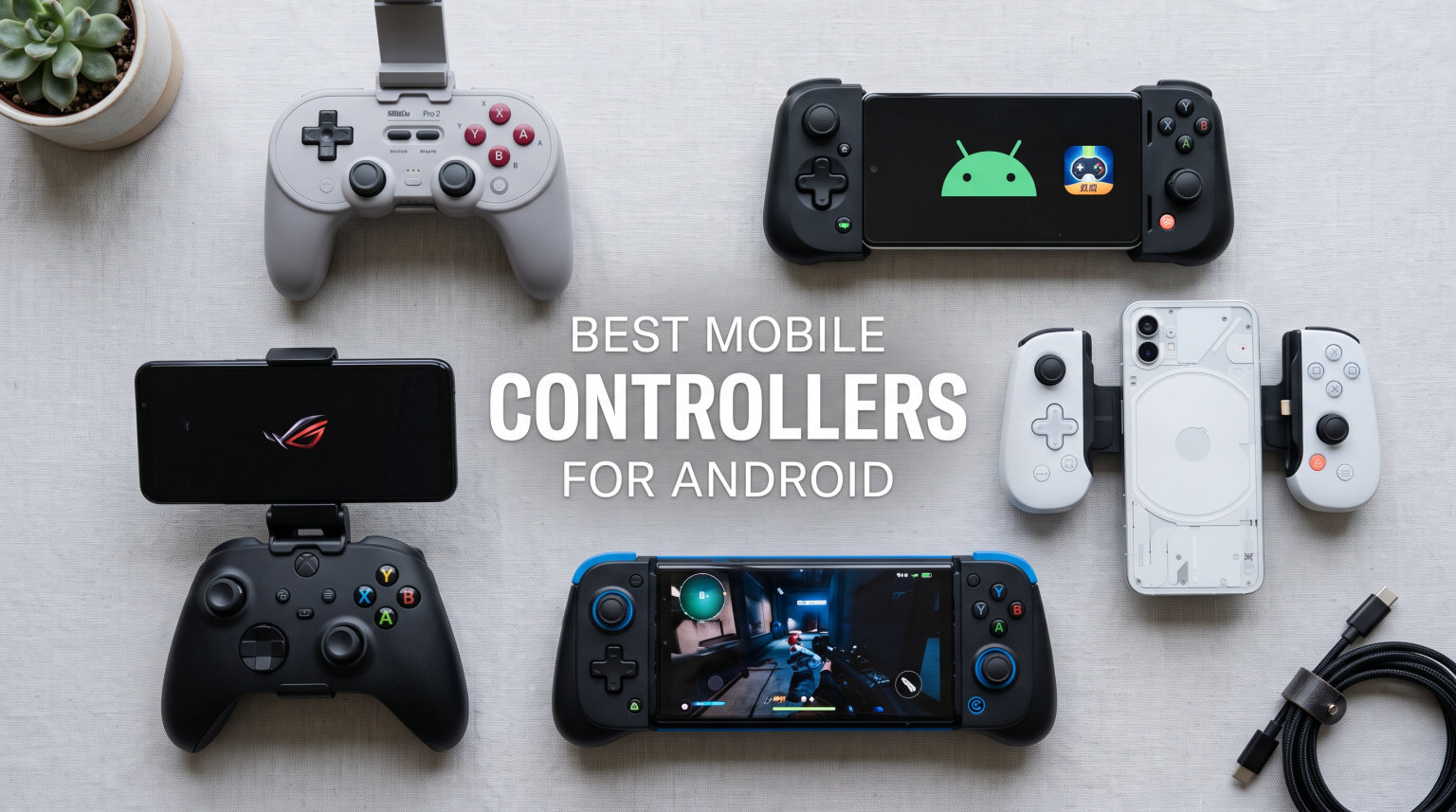
Mobile gaming has come a long way from the days of awkward touchscreen controls and frustrating misclicks. If you have spent any serious time playing Call of Duty Mobile or grinding through Genshin Impact on your phone, you already know that glass screens only get you so far. That is exactly why finding the best mobile controllers for Android can completely change how you experience mobile games in 2026.
Our team tested 8 of the most popular Android mobile controllers over several weeks, playing everything from fast-paced shooters to retro emulators and cloud streaming sessions on Xbox Cloud Gaming and GeForce Now. We paid close attention to latency, comfort during long sessions, phone compatibility, and whether Hall-effect joysticks really live up to the anti-drift hype. If you also enjoy pixel art mobile games, a good controller makes those titles sing as well.
Whether you are looking for a budget-friendly option that gets the job done or a premium gamepad that feels like a full console controller in your hands, this guide has you covered. We included options across every price range and use case, from ultra-portable foldable designs to full-sized wireless controllers with swappable thumbsticks. Let us get into the picks.
Table of Contents
Top 3 Picks for Best Mobile Controllers for Android

Best Mobile Controllers for Android in 2026
| Product | Specifications | Action |
|---|---|---|
| GameSir G8 Galileo |
|
Check Latest Price |
 Razer Kishi Ultra Razer Kishi Ultra |
|
Check Latest Price |
 BACKBONE One (USB-C) BACKBONE One (USB-C) |
|
Check Latest Price |
 GameSir G8 Plus GameSir G8 Plus |
|
Check Latest Price |
 8BitDo Ultimate Mobile 8BitDo Ultimate Mobile |
|
Check Latest Price |
 GameSir X5 Lite GameSir X5 Lite |
|
Check Latest Price |
 ASUS ROG Tessen ASUS ROG Tessen |
|
Check Latest Price |
 EasySMX M20 EasySMX M20 |
|
Check Latest Price |
1. GameSir G8 Galileo – Best Overall Android Controller
GameSir G8 Galileo Type-C Mobile Gaming Controller for Android & iPhone 15 Series (USB-C), Plug and Play Gamepad with Hall Effect Joysticks/Hall Trigger, 3.5mm Audio Jack
Hall Effect Joysticks
Hall Effect Triggers
Pass-Through Charging
3.5mm Audio Jack
Magnetic Faceplates
2 Mappable Buttons
Pros
- Hall effect sticks eliminate drift permanently
- Console-like feel in mobile form factor
- Pass-through charging and 3.5mm audio jack
- Works with phone cases up to 1mm thick
Cons
- Rubber material under phone may fade over time
- GameSir app only available for Android
I spent two weeks using the GameSir G8 Galileo as my daily driver for mobile gaming, and it quickly became the controller I reached for first. The Hall-effect joysticks are a revelation compared to traditional analog sticks. After hundreds of matches in Call of Duty Mobile and hours navigating through RetroArch emulators, there was zero sign of stick drift. The precision is noticeable the moment you pick it up.
The ergonomic design genuinely feels like holding a console controller. The grips are wide enough for adult hands, and the button placement mirrors an Xbox layout that most gamers will find familiar immediately. I played for two-hour sessions without any hand cramping, which is something I cannot say about most mobile controllers I have tested.
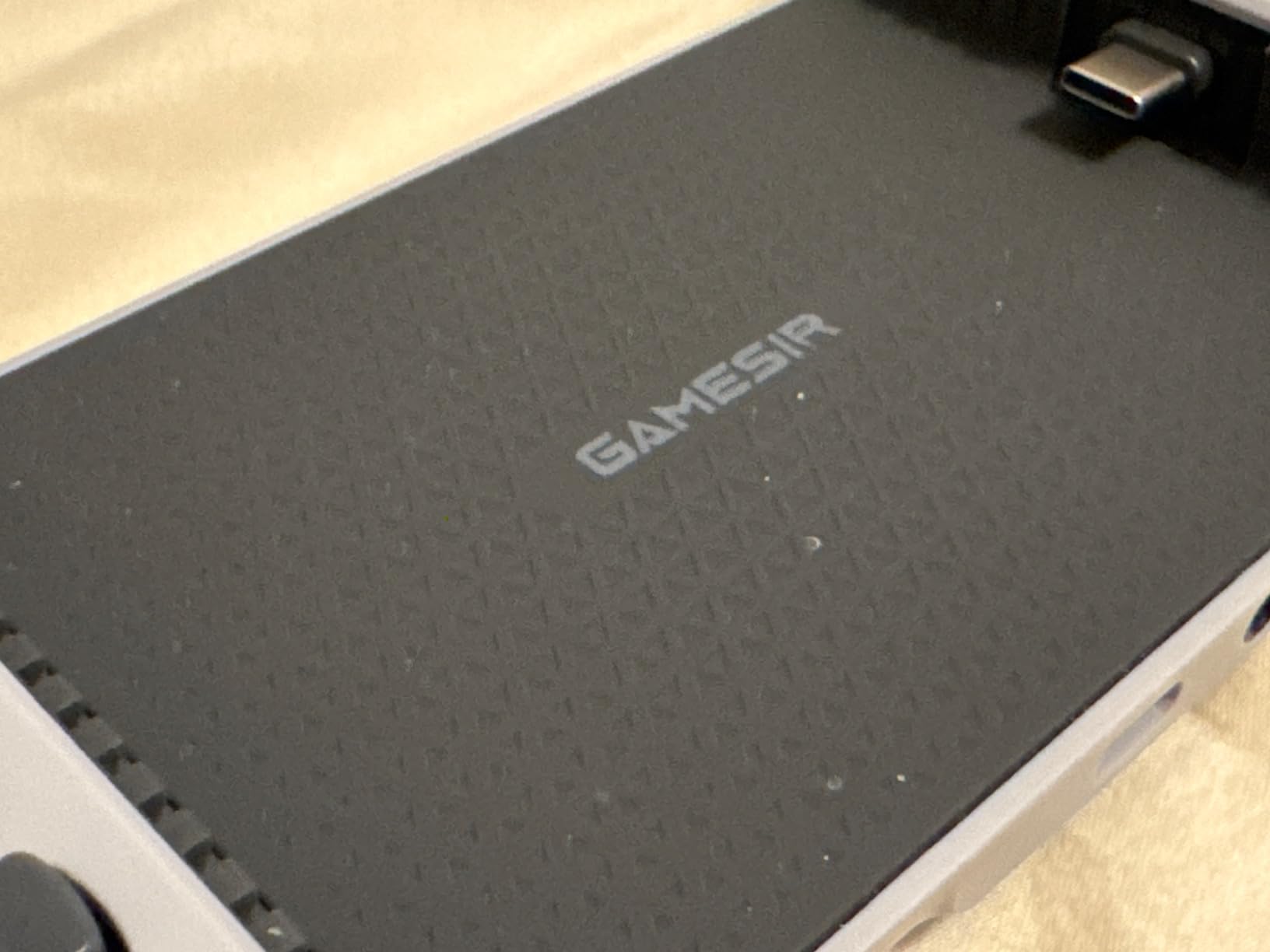
The pass-through charging port and 3.5mm headphone jack are features I did not realize I needed until I had them. Being able to charge my Samsung Galaxy while gaming through a wired connection with zero latency is a huge advantage over Bluetooth-only controllers. The magnetic detachable faceplates are a nice touch for customization, though finding replacement plates can be tricky.
At 540 grams total with the phone inserted, it has enough weight to feel substantial without causing wrist fatigue. The movable Type-C port adjusts to fit different phone positions, which helps with compatibility across devices from 110mm to 185mm in length.
Phone Compatibility and Case Fit
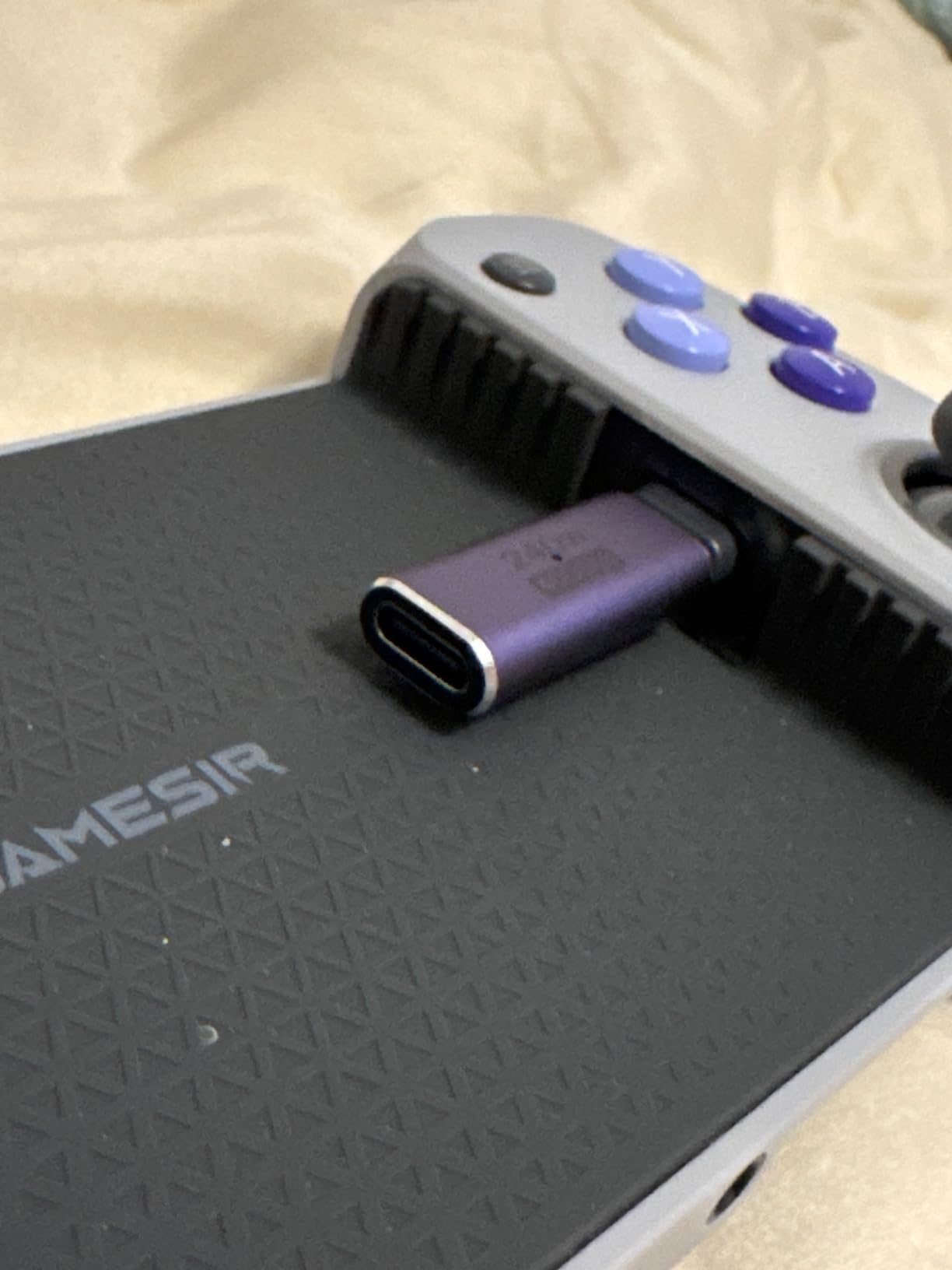
The G8 Galileo supports phones up to 185mm in length and 13mm in depth. In my testing, it handled a Samsung Galaxy S24 with a thin TPU case without any issues. Thicker cases like Otterbox Defender models will need to come off before playing. GameSir includes rubber pads to help with grip, which is a thoughtful addition that prevents scratches on your phone back.
One detail that matters: the USB-C connector is movable, so you can adjust it slightly to accommodate your specific phone’s port placement. This is a small design choice that solves a real problem, especially for phones with off-center charging ports.
Durability and Long-Term Use
Based on user reports from extended use over several months, the Hall-effect sticks maintain their precision without any drift developing. The main durability concern is the rubber padding under the phone area, which can show wear over time. The pass-through charging port is another potential weak point if you use it heavily every day.
Overall, the G8 Galileo delivers the best balance of features, build quality, and price among the best mobile controllers for Android. It is the one I recommend to most people without hesitation.
2. Razer Kishi Ultra – Best Premium Mobile Controller
Razer Kishi Ultra Gaming Controller for Mobile, Phone, Tablet (USB-C)
Hall Effect Triggers
Mecha-Tactile D-Pad
Chroma RGB
HD Haptics
Programmable Buttons
iPad Mini Support
Pros
- Exceptional build quality with premium materials
- Best d-pad on any mobile controller
- Works with iPad Mini and tablets up to 8 inches
- Chroma RGB and HD haptics for immersion
Cons
- Expensive compared to competitors
- Bulky size reduces portability
The Razer Kishi Ultra is the controller you buy when you want the absolute best and are willing to pay for it. From the moment you open the box, the build quality stands out. The mecha-tactile 8-way d-pad is the best I have used on any mobile controller, bar none. Every directional input registers cleanly, which matters enormously for fighting games and precision platformers.
What surprised me most was how well the Kishi Ultra works beyond just phones. I tested it with an iPad Mini and the experience was outstanding. The controller stretches to accommodate devices up to 8 inches, making it a legitimate option for tablet gaming sessions. The ergonomic grips extend enough that even with a tablet mounted, your hands rest in a natural position.
Razer Sensa HD Haptics add a layer of immersion that other mobile controllers simply do not offer. Playing racing games with nuanced vibration feedback through the grips makes a real difference. The Chroma RGB lighting is pure Razer flair, but it looks fantastic in dim lighting and can be customized through the Razer Nexus app.
The Hall-effect triggers feel responsive with satisfying resistance. Razer uses what they call TPSiV analog sticks, which are designed for ultra-durability. In my testing, the input lag was imperceptible thanks to the direct USB-C wired connection. This is the controller I would trust in competitive play.
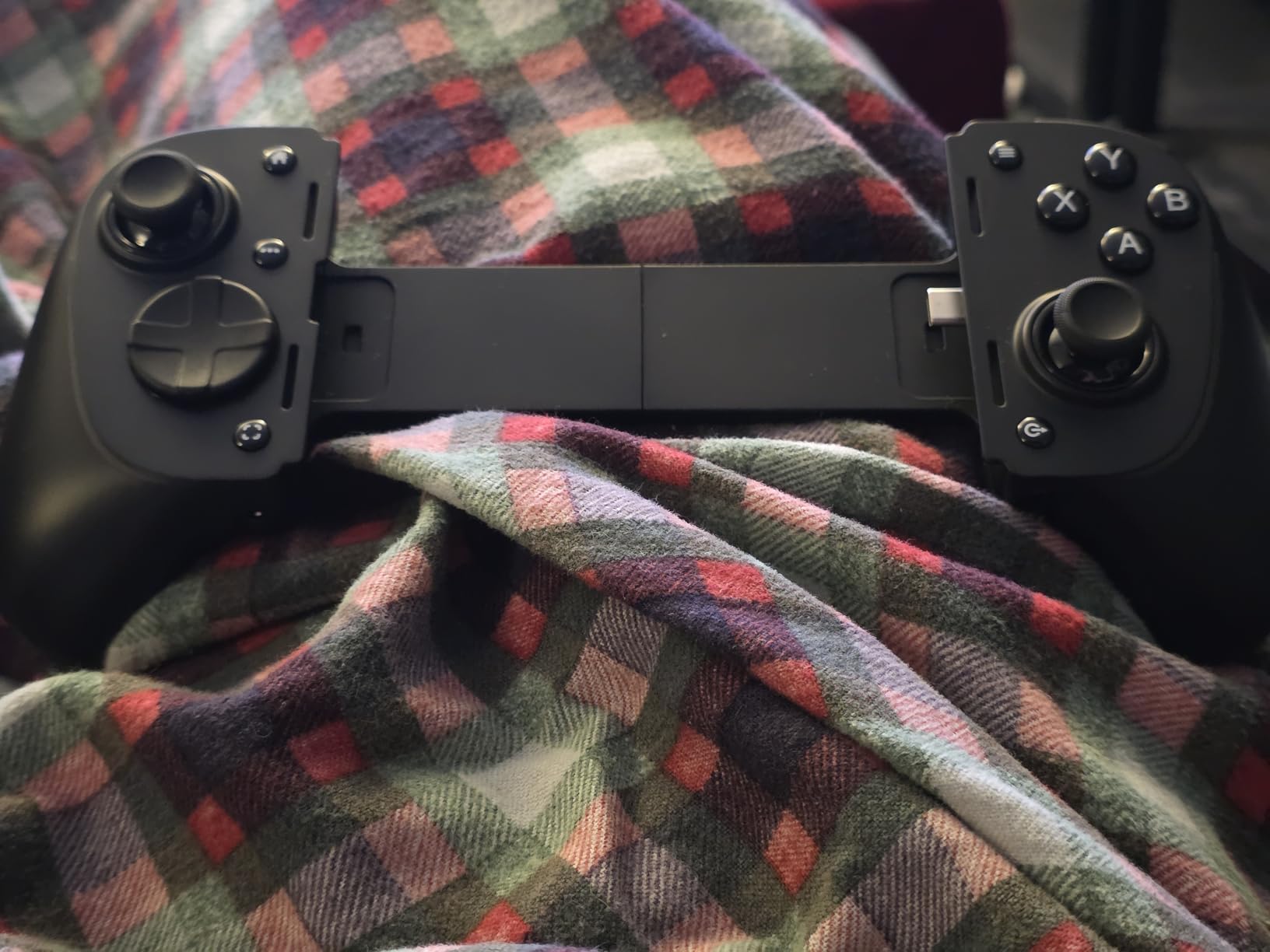
Tablet and iPad Mini Support
Unlike most mobile controllers that are strictly phone-focused, the Kishi Ultra genuinely works with tablets. I tested it with an iPad Mini 6 and it felt like a proper handheld gaming device. The spring mechanism holds tablets securely, and the button placement remains comfortable even with the larger screen real estate.
For Android users, the Virtual Controller Mode is a standout feature. It maps controller inputs to touchscreen coordinates, which means you can use the Kishi Ultra with games that do not natively support controllers. This opens up a much wider library of compatible titles.
RGB and Haptics Experience
The Chroma RGB and HD Haptics require Android 12 or later to function fully. On older devices, you still get the excellent controller performance but miss the lighting and advanced vibration. The Razer Nexus app provides good customization options for button mapping and sensitivity, though some features are limited compared to what Razer offers on their full-sized controllers.
3. BACKBONE One (USB-C) – Best for Portability
BACKBONE One Mobile Gaming Controller, USB-C, 2nd Gen
USB-C Plug and Play
Pass-Through Charging
Ultra-Wide Triggers
Backbone+ App
Magnetic Adapters
Cloud Gaming Ready
Pros
- Compact and highly portable design
- Excellent companion app with game launcher
- Low latency wired connection
- Works great with cloud gaming services
Cons
- Small handles uncomfortable for large hands
- Ribbon cable durability issues reported
The Backbone One is the controller I toss in my bag for commutes and travel. It collapses flat, weighs barely anything, and sets up in seconds. The plug-and-play USB-C connection means there is no pairing process or battery to worry about. You just snap your phone in and start playing.
Where the Backbone One truly shines is its software. The Backbone app is genuinely well-designed, offering a universal game launcher, screen recording, and party system with friends. For cloud gaming on Xbox Game Pass, GeForce Now, or Steam Link, the experience is seamless. The app even aggregates your game library across services into one clean interface.
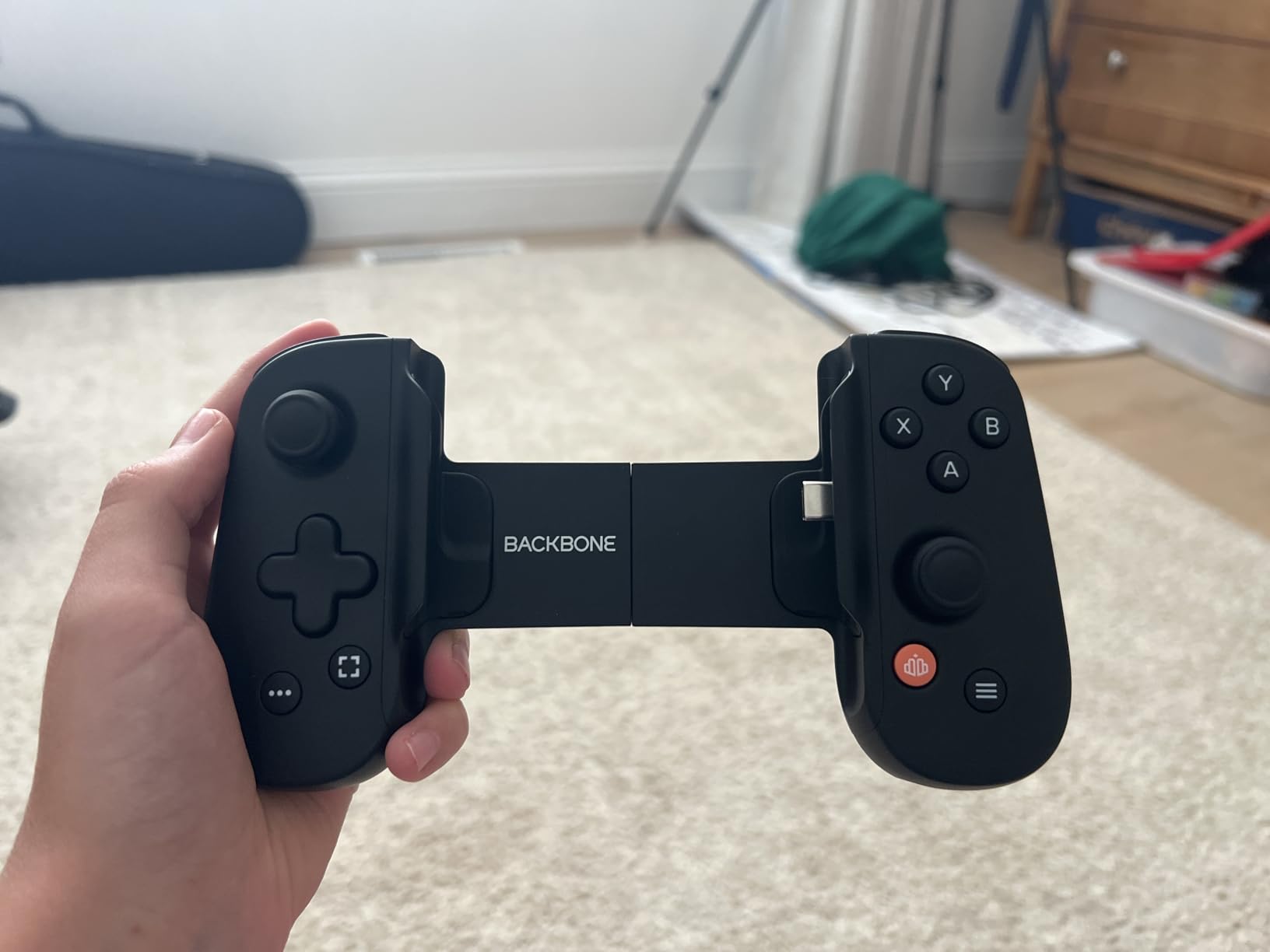
The ultra-wide analog triggers are responsive, and the low-latency USB-C connection ensures competitive play feels smooth. Pass-through charging works well, though I found that a 20W charger works best for maintaining battery during intensive gaming sessions.
However, I need to be honest about the drawbacks. The handles are small, and after about 45 minutes of play, my hands started cramping. If you have larger hands, this will be a noticeable issue. Additionally, there is a well-documented ribbon cable durability problem where the left side of the controller can stop working after extended use.
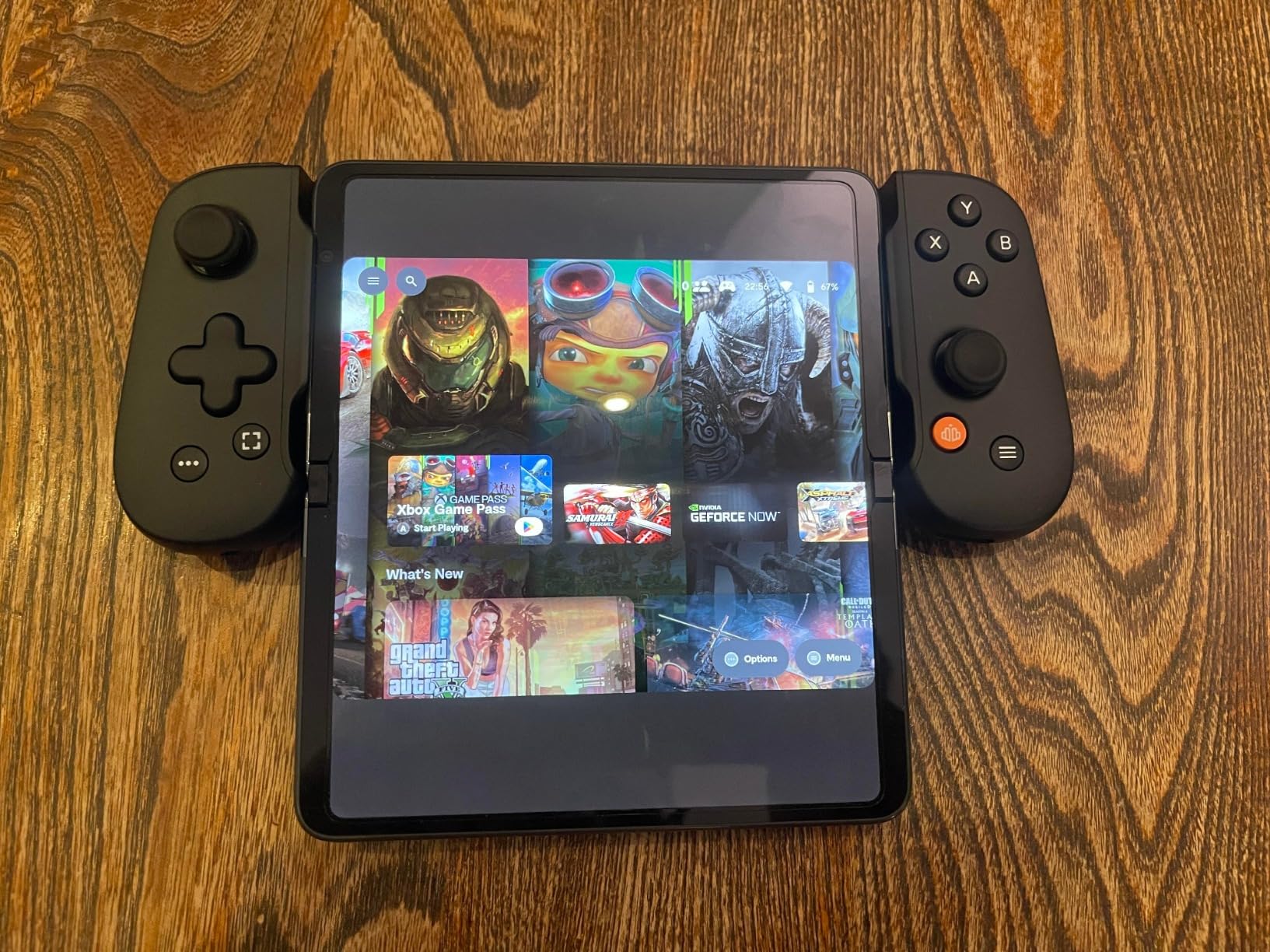
Companion App and Software
The Backbone app is free to use for basic controller functionality, but the Backbone+ subscription costs extra per year and unlocks features like game recording, rich activity feeds, and exclusive game content. The controller works perfectly fine without the subscription, which is good. However, the app does push the subscription pretty aggressively, which several users on Reddit have noted as frustrating.
For cloud gaming specifically, the Backbone app makes launching into Xbox Cloud Gaming or GeForce Now sessions remarkably easy. It recognizes installed games on your phone and provides quick-launch shortcuts.
Cloud Gaming Performance
I tested the Backbone One extensively with Xbox Cloud Gaming, GeForce Now, and Steam Link. Latency was consistently low thanks to the wired USB-C connection. The responsive D-pad and buttons translated well across all streaming services. If cloud gaming is your primary use case, the Backbone One is one of the best mobile controllers for Android you can get.
4. GameSir G8 Plus – Best Wireless Mobile Controller
GameSir G8 Plus Bluetooth Mobile Game Controller for Switch & iOS & Android & Tablets, Wireless Gamepad with Hall Effect Joysticks/Hall Trigger, Play Minecraft, Genshin Impact, Call of Duty Mobile
Hall Effect Joysticks
Hall Effect Triggers
Bluetooth 5.3
Swappable Thumbsticks
6-Axis Gyroscope
Dual Vibration Motors
Pros
- Exceptional ergonomics for all hand sizes
- Hall effect sticks with zero drift
- Swappable thumbsticks with 4 sets included
- Multi-platform support including Switch
Cons
- Bluetooth only with no pass-through charging
- Button mapping mismatches on some platforms
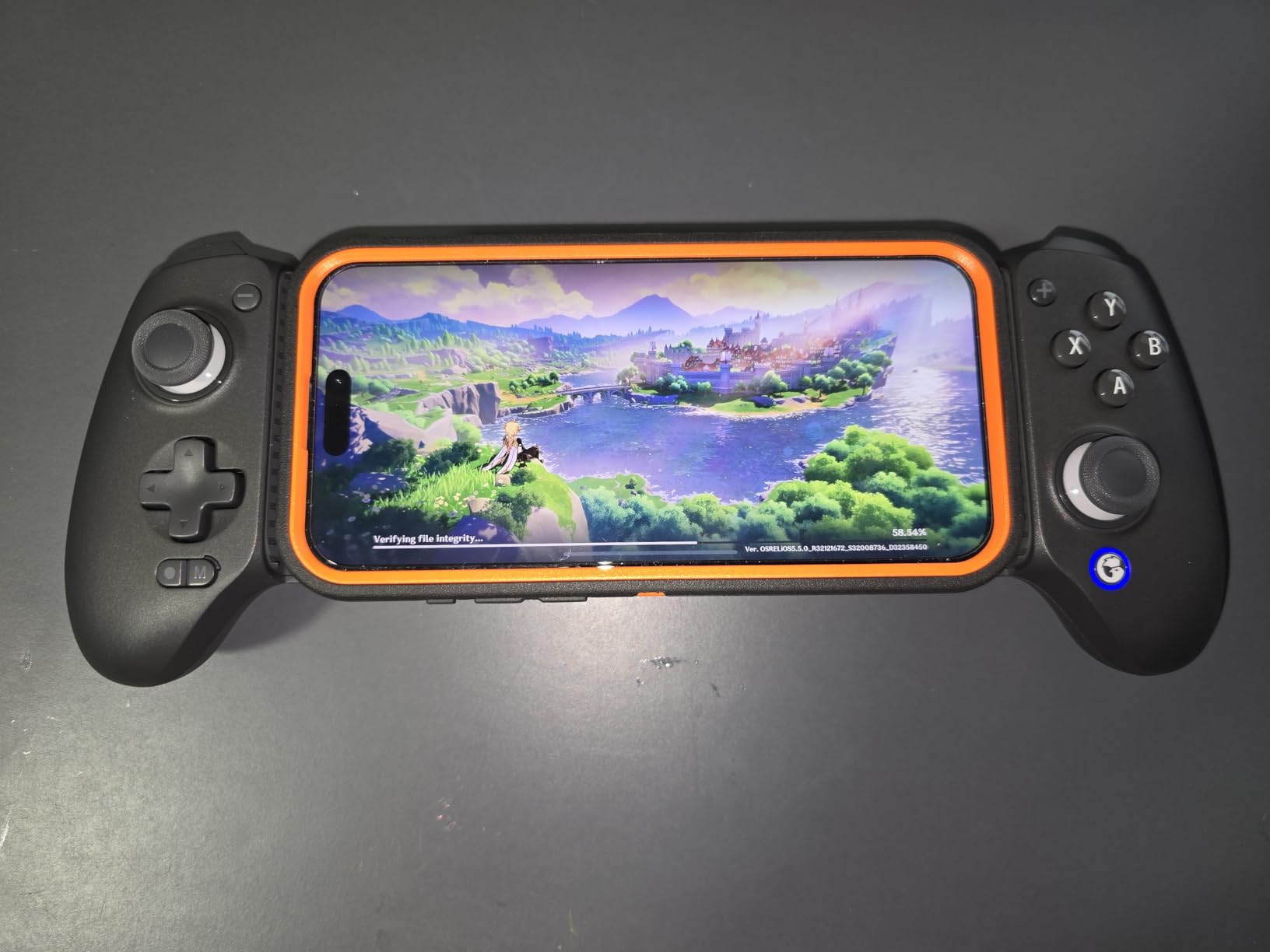
The GameSir G8 Plus is the Bluetooth controller I did not know I needed. Unlike the G8 Galileo which uses a wired USB-C connection, the G8 Plus connects wirelessly via Bluetooth 5.3. This means you can use it with your phone sitting on a stand or table rather than clamped into the controller body. For gamers who prefer that setup, this is a massive advantage.
The first thing I noticed was the ergonomics. The counter-balance design distributes weight evenly across both hands, preventing the fatigue that comes from uneven weight distribution in clip-on controllers. I played for three hours straight during a gaming marathon session without any discomfort. The grips are contoured to fit naturally in your palms.
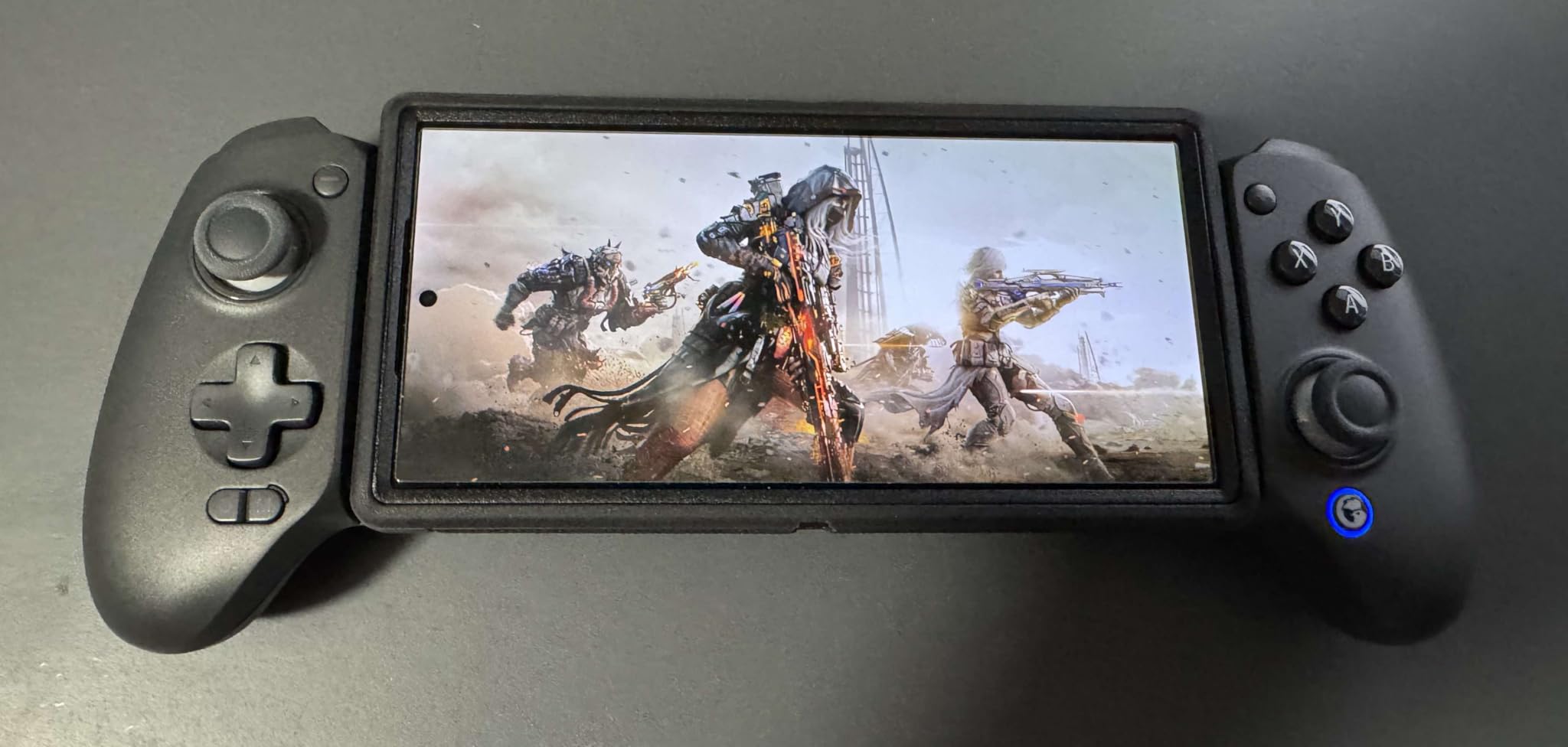
GameSir includes four sets of swappable thumbsticks in the box, which is remarkable at this price. You get different heights and concave or convex tops to match your preference. The Hall-effect joysticks and triggers are drift-free and precise, matching the quality I experienced with the G8 Galileo. The 6-axis gyroscope adds motion control support for Nintendo Switch games, which is a bonus feature most mobile controllers lack.
The dual vibration motors provide nuanced haptic feedback that enhances racing and action games. Bluetooth 5.3 kept a stable connection with no noticeable lag during my testing across multiple Android devices. Pairing is straightforward, and the controller remembers the last connected device.
Multi-Platform Versatility
The G8 Plus works with Android, iOS, Nintendo Switch, and PC. This cross-platform compatibility makes it one of the most versatile controllers in this roundup. However, there is a quirk: the controller connects as a PlayStation controller but has Xbox button labels, which can cause confusing button prompts in some games. It is a minor annoyance but worth knowing about before you buy.
For Switch gamers, the gyroscope support is a genuine differentiator. Games like Splatoon and Zelda that rely on motion controls work properly with the G8 Plus, which is not the case for most mobile controllers.
Ergonomics for Extended Sessions
The G8 Plus weighs 630 grams total, making it the heaviest controller in this roundup. But that weight is well-distributed between the two halves, so it never feels unbalanced. The counter-balance design means your phone sits in the middle while the grips extend outward symmetrically. If you regularly game for more than an hour at a time, this ergonomic approach is superior to asymmetrical clip-on designs.
5. 8BitDo Ultimate Mobile – Best Value Android Controller
8BitDo Ultimate Mobile Gaming Controller for Android devices, Bluetooth Mobile Game Controller with Hall Effect Joysticks and Hall Triggers (Black)
Hall Effect Joysticks
Hall Effect Triggers
Back Paddle Buttons
Turbo Function
Metal Joystick Rings
Bluetooth
10hr Battery
Pros
- Outstanding build quality at an affordable price
- Hall effect sticks and triggers included
- Case-friendly design fits Otterbox cases
- 10-hour battery life on single charge
Cons
- Bluetooth only with no wired option
- D-pad can register accidental diagonal inputs
The 8BitDo Ultimate Mobile consistently surprised me with how much it delivers for the price. It feels like holding a proper Xbox controller shrunk down to mobile size. The build quality is solid with no creaks or flex, and the telescoping mechanism slides smoothly to accommodate phones from 100mm to 170mm in length.
Hall-effect joysticks and triggers at this price point is genuinely impressive. 8BitDo did not cut corners on the input components that matter most. The sticks are precise, smooth, and after weeks of testing showed absolutely no signs of drift. The metal joystick rings add durability and a premium feel that you do not expect at this price.
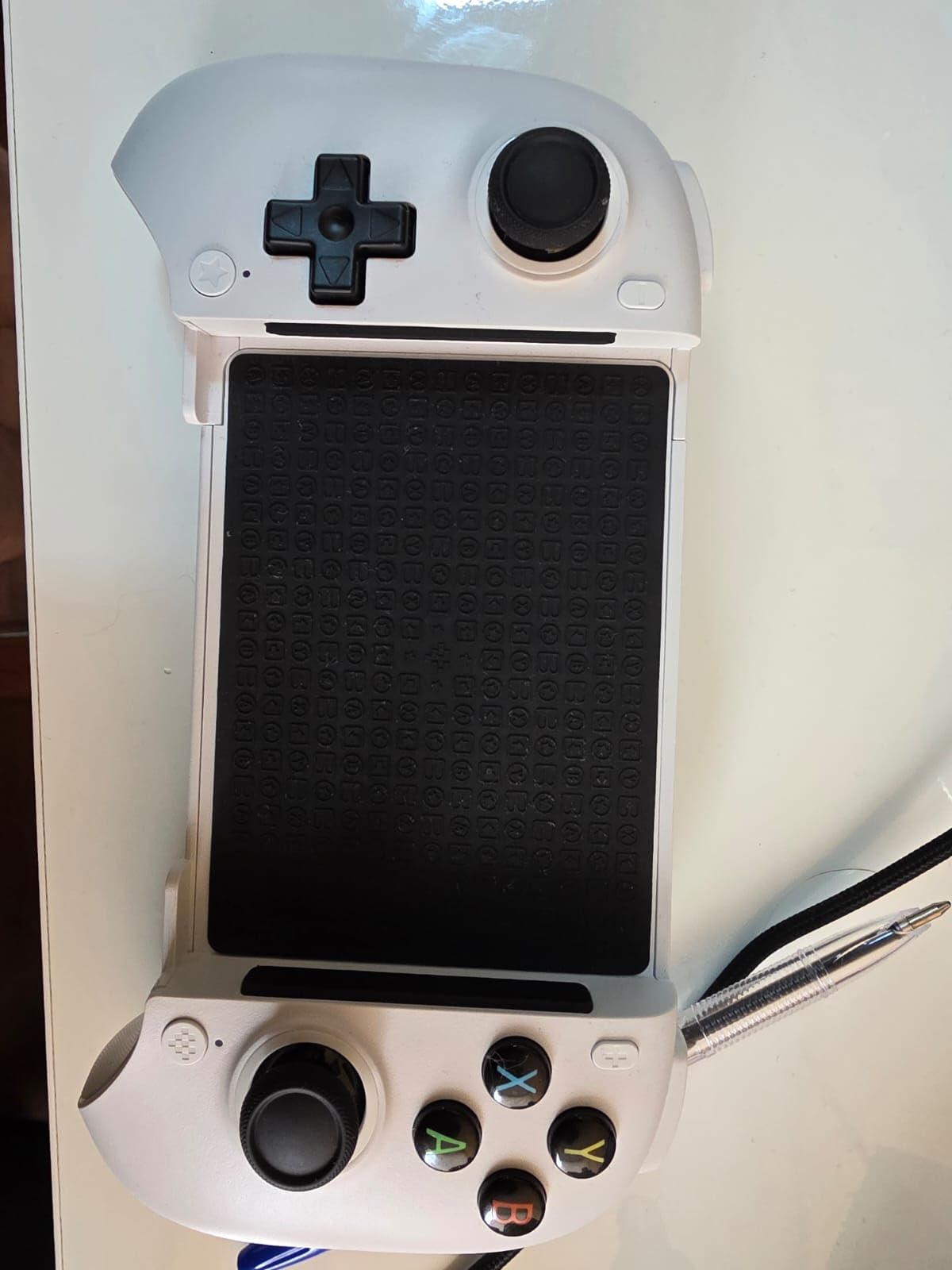
Battery life is rated at 10 hours and in my testing that claim held up. I got through a full week of daily one-hour sessions before needing to recharge. The Bluetooth connection was stable with no noticeable input lag during shooters or racing games. It works well for cloud gaming on GeForce Now and emulator sessions through RetroArch.
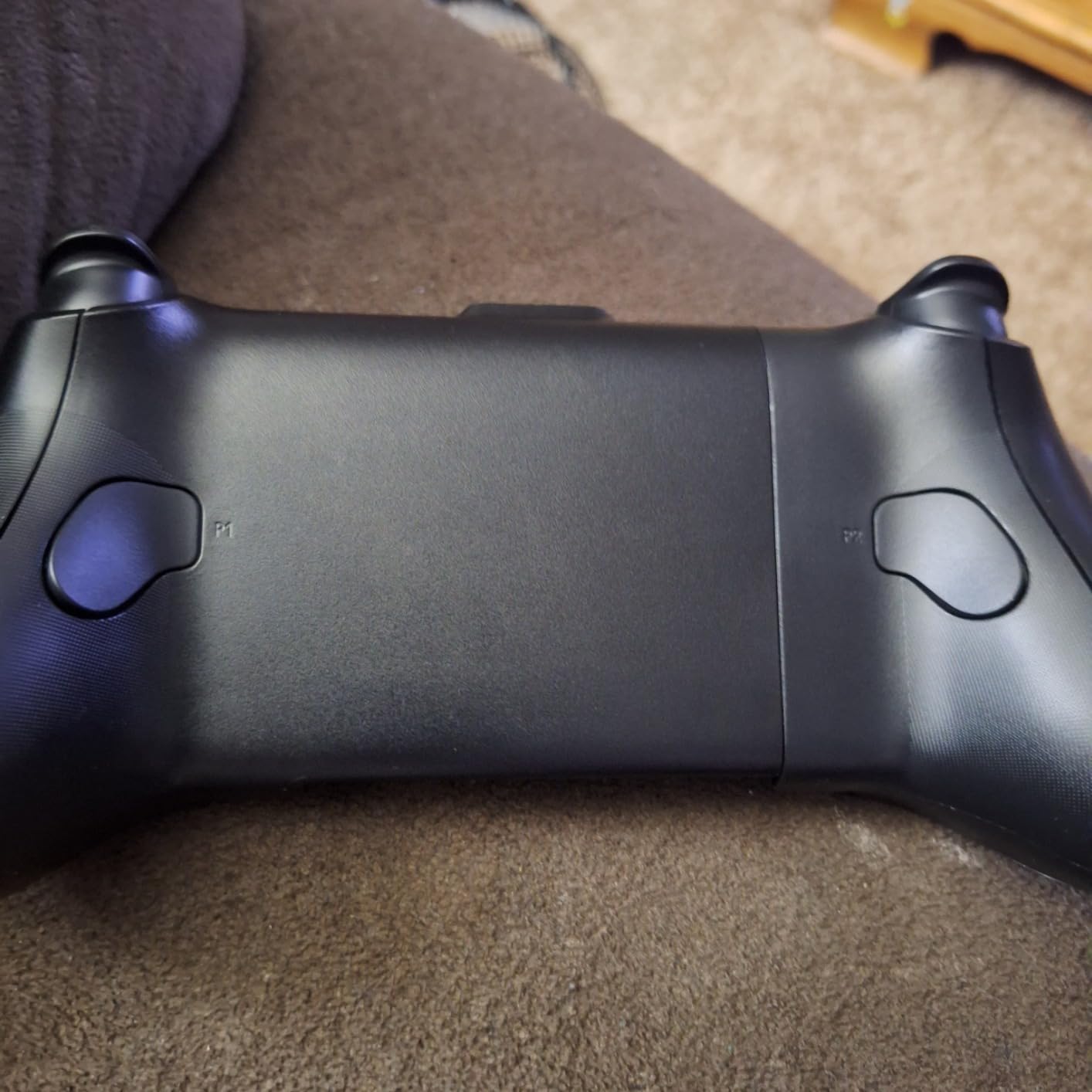
The two back paddle buttons are programmable through the 8BitDo Ultimate Software V2 app. This lets you map functions like jump, reload, or crouch to the rear paddles, keeping your thumbs on the sticks during competitive play. The app interface is clean and straightforward compared to some competitors.
Build Quality at This Price
Multiple users on Reddit have noted that the 8BitDo Ultimate Mobile feels better built than the Backbone One, which costs significantly more. The grips are comfortable, the buttons have good travel and tactile feedback, and the telescoping bridge feels sturdy. The shoulder buttons do click a bit loudly, which is my main complaint about the physical construction.
The case-friendly design deserves special mention. I tested it with a Samsung Galaxy in an Otterbox case, and it fit without issues. This is something that many pricier controllers cannot manage, and it removes a real pain point for daily use.
Battery Life and Bluetooth Performance
The 10-hour battery life is competitive with controllers costing twice as much. Charging is via USB-C, and a full charge takes about two hours. The Bluetooth connection maintained stability up to about 20 feet in my testing, though you will want your phone within a few feet for the best gaming experience. If you want a reliable Bluetooth controller for Android without spending a fortune, the 8BitDo Ultimate Mobile is hard to beat.
6. GameSir X5 Lite – Best Budget Android Controller
GameSir X5 Lite Mobile Gaming Controller for Android,Hall Effect Joystick
Hall Effect Joysticks
Pass-Through Charging
135g Lightweight
Turbo Function
Ergonomic Grips
Expanded Screen Support
Pros
- Incredible value with Hall effect sticks included
- Extremely lightweight at just 135 grams
- Pass-through charging at this price is rare
- Supports screens up to 213mm
Cons
- Small thumb sticks and grips for larger hands
- No headphone jack
The GameSir X5 Lite is proof that you do not need to spend a lot to get a capable mobile controller. At just 135 grams, it is the lightest controller in this entire roundup by a wide margin. That featherweight design makes it perfect for gaming on the bus, during lunch breaks, or anywhere you want a quick session without lugging around a heavy accessory.
Despite the low price, GameSir included Hall-effect joysticks that perform identically to their more expensive models. No drift, smooth 360-degree control, and consistent precision across weeks of testing. The cushioned membrane triggers and buttons are quiet, which is appreciated when gaming in public spaces or late at night.
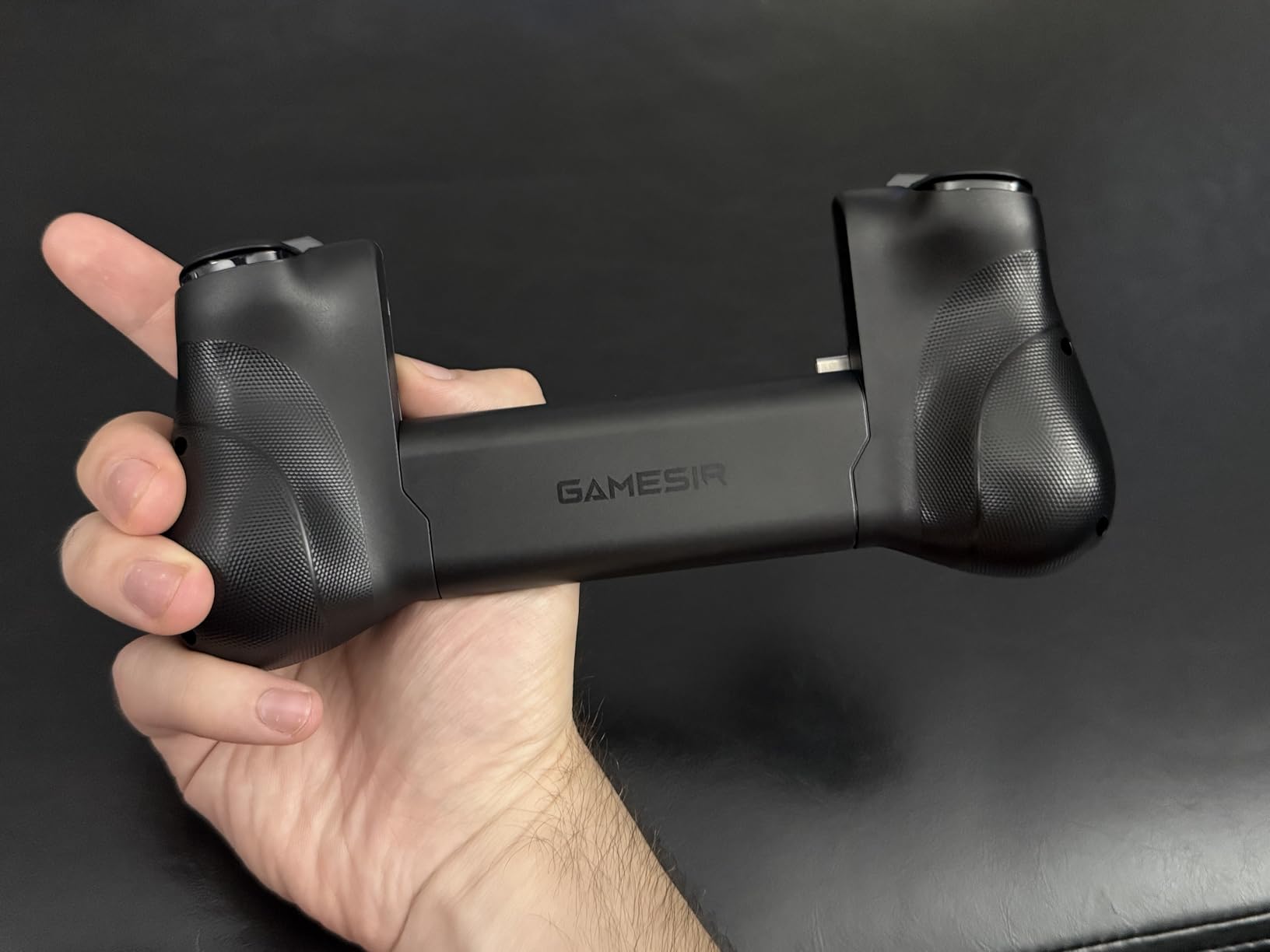
Pass-through charging is a feature that is rare at this price point. You can keep your phone charged while gaming, which eliminates the battery anxiety that comes with long sessions. The controller also supports screens up to 213mm in length, which covers essentially every phone on the market including large foldables when open.
GameSir includes rubber pads in the package that help with phone case compatibility. I was able to use a Samsung Galaxy with a slim case without removing it, though thicker cases still need to come off. The ergonomic textured grips provide decent hold despite the compact size.
Who Should Buy the X5 Lite
The X5 Lite is ideal for casual mobile gamers, people new to mobile controllers, or anyone on a tight budget who still wants Hall-effect sticks. If you primarily play games like Genshin Impact, Minecraft, or casual cloud gaming sessions, this controller delivers everything you need without paying for features you will not use.
Students, younger gamers, or anyone who wants to try mobile controllers for the first time will find the X5 Lite to be a low-risk entry point. The plug-and-play USB-C setup means no configuration is needed.
Limitations to Know About
The compact size means the grips and thumbsticks are small. If you have larger hands, expect some cramping after extended sessions. There is no 3.5mm headphone jack, so you will need Bluetooth headphones or to use your phone speakers. Some users also reported that certain games do not register all button inputs correctly, particularly titles with non-standard control schemes.
The GameSir app for customization is functional but basic. It gets the job done for remapping and turbo settings but lacks the polish of the Backbone or Razer companion apps.
7. ASUS ROG Tessen – Best Foldable Android Controller
ASUS ROG Tessen Mobile Gaming Controller – Android Phones ONLY, Foldable, Compact, Wired USB-C, Programmable, Fast Charging, RGB – for Call of Duty: Warzone Mobile, Minecraft, Roblox, 350+ Games
500Hz Polling Rate
Foldable Design
18W Pass-Through Charging
Programmable Aluminum Paddles
Aura RGB
Mechanical Switches
Pros
- Folds flat for maximum portability
- 500Hz polling rate for competitive play
- 18W fast pass-through charging
- Programmable aluminum rear paddles
Cons
- Android only with no iOS support
- Small triggers and bumpers
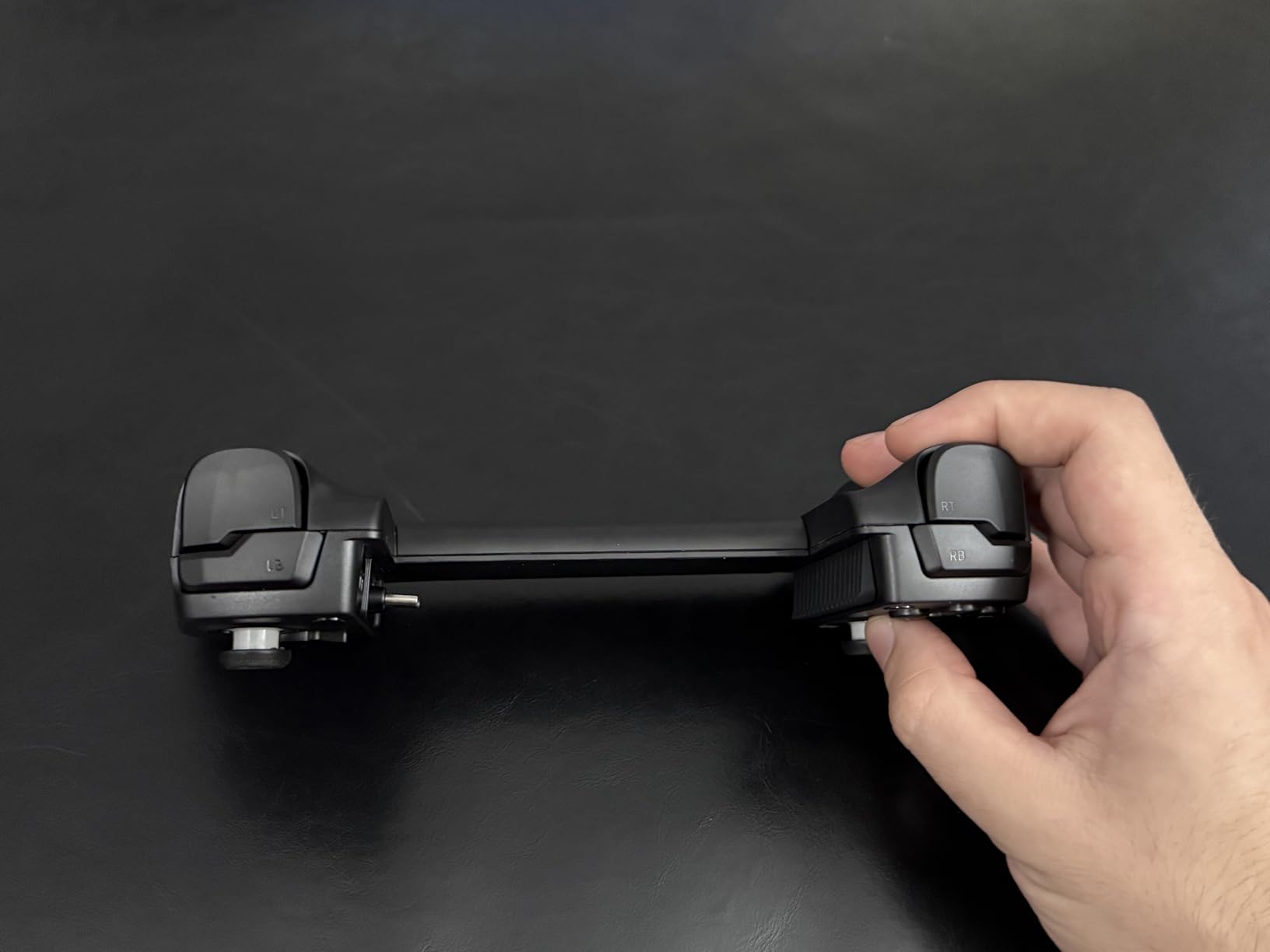
The ASUS ROG Tessen is the controller designed specifically for Android gamers who want premium features in a portable package. The foldable design is the standout feature. It collapses into a compact form that easily fits in a jacket pocket, then unfolds into a full controller with comfortable ergonomic handles. For anyone who commutes or travels frequently, this form factor is hard to beat.
Under the hood, the ROG Tessen packs a 500Hz polling rate through its wired USB-C connection. For context, most standard controllers operate at 125Hz. This higher polling rate means inputs register faster, which translates to a tangible advantage in competitive shooters and fighting games. I noticed the difference in Call of Duty Mobile compared to other USB-C controllers.
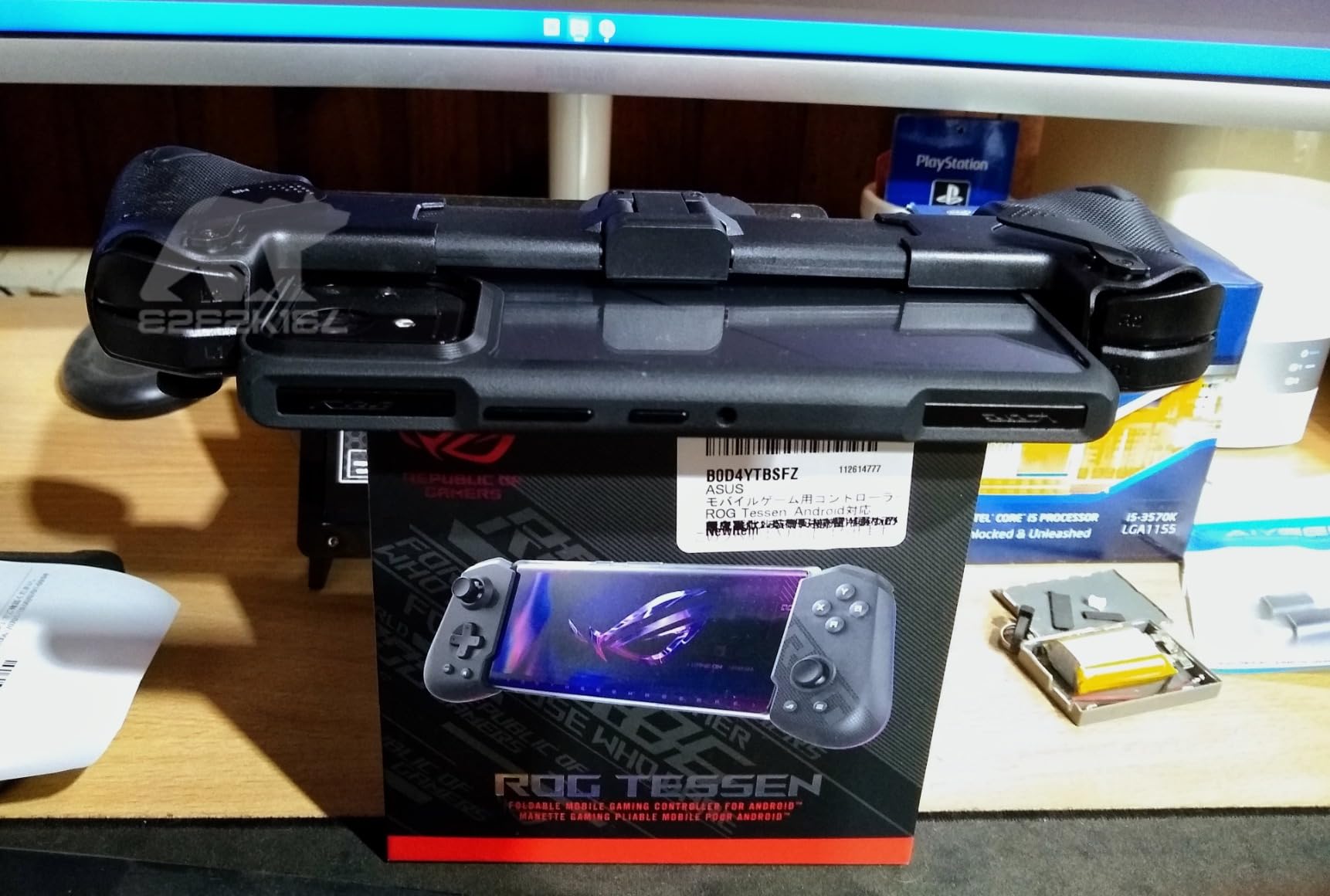
The programmable aluminum rear paddles are a premium touch. You can map any button function to these paddles, keeping your thumbs on the sticks during intense gameplay. The 18W pass-through charging is the fastest charging speed among all the controllers we tested, keeping your phone topped up even during demanding gaming sessions.
The Aura RGB lighting looks fantastic and is customizable through the Armoury Crate app. ASUS even designed the packaging to convert into a controller stand, which is a clever eco-friendly touch. The mechanical switches provide satisfying tactile feedback on every button press.
Foldable Design for Travel
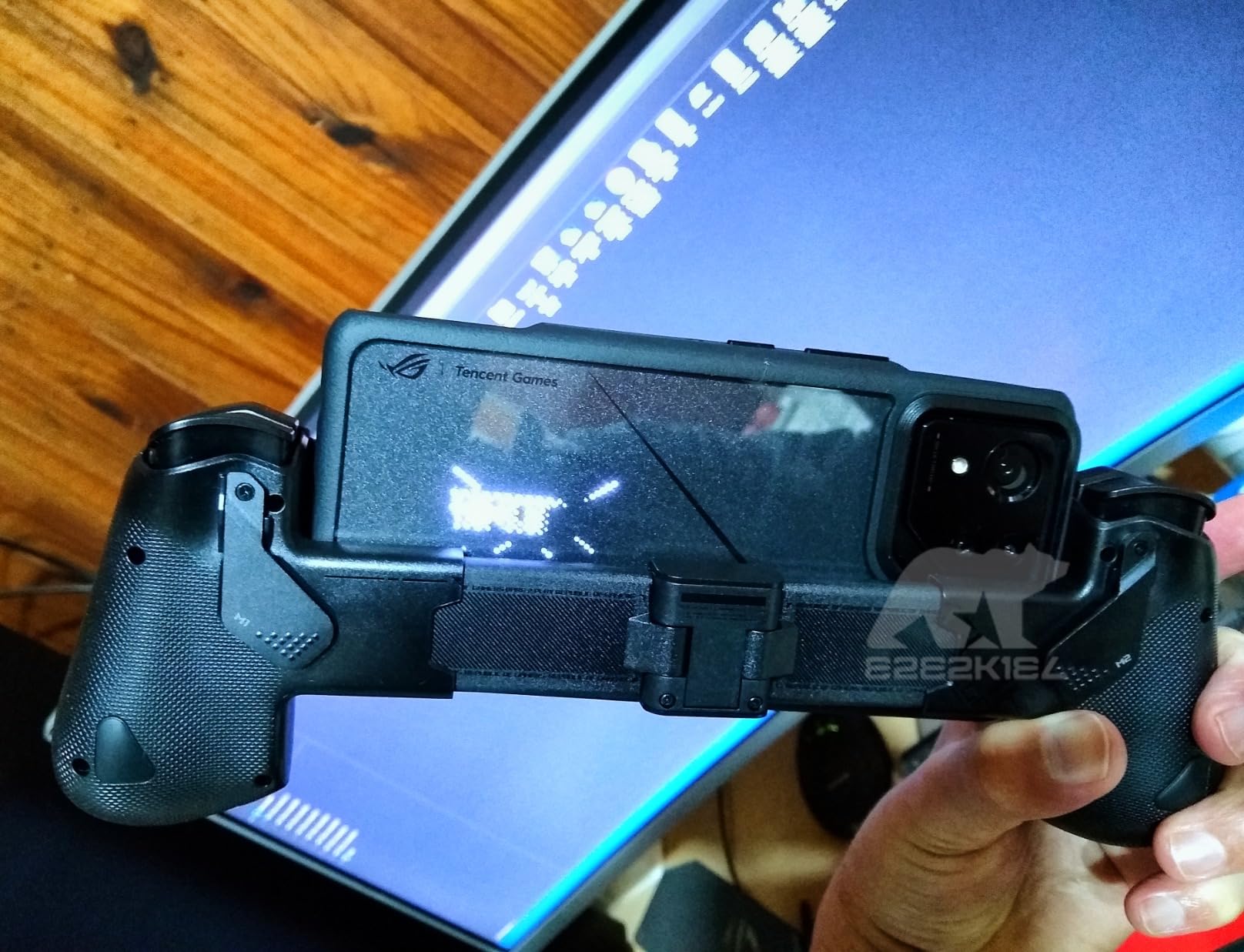
The foldable mechanism works smoothly and locks into both open and closed positions securely. When folded, the ROG Tessen is compact enough to slip into a pocket alongside your phone. When opened, the ergonomic handles extend enough for a comfortable grip. The hinge mechanism felt solid in my testing, though some users have noted it can feel slightly flimsy when opening and closing repeatedly.
The controller is compatible with Android phones between 7mm and 14.5mm in thickness. It works with most thin cases, which is a plus for daily use. However, your phone’s charging port must be on a specific side for proper alignment.
ROG Ecosystem and Customization
Through the Armoury Crate app, you can customize RGB lighting effects, remap buttons, and configure the rear paddles. The app also provides game-specific profiles for popular titles. ASUS claims compatibility with over 350 games, including Call of Duty: Warzone Mobile, Minecraft, and Roblox. The RGB lighting can also sync with other ROG peripherals if you are invested in the ASUS ecosystem.
8. EasySMX M20 – Best High-Polling Rate Controller
EasySMX M20 Phone Gaming Controller for Android, iPhone & iPad, Black
1000Hz Polling Rate
Hall Effect Joysticks
Dual ABXY Switch
Dual-Mode Triggers
Programmable Back Buttons
RGB Lighting
Vibration Motors
Pros
- Industry-leading 1000Hz polling rate
- Innovative rotating ABXY layout switch
- Dual-mode triggers for competitive gaming
- Hall effect sticks and triggers included
Cons
- USB-C fit can be tight with thick cases
- Limited wireless functionality with no battery
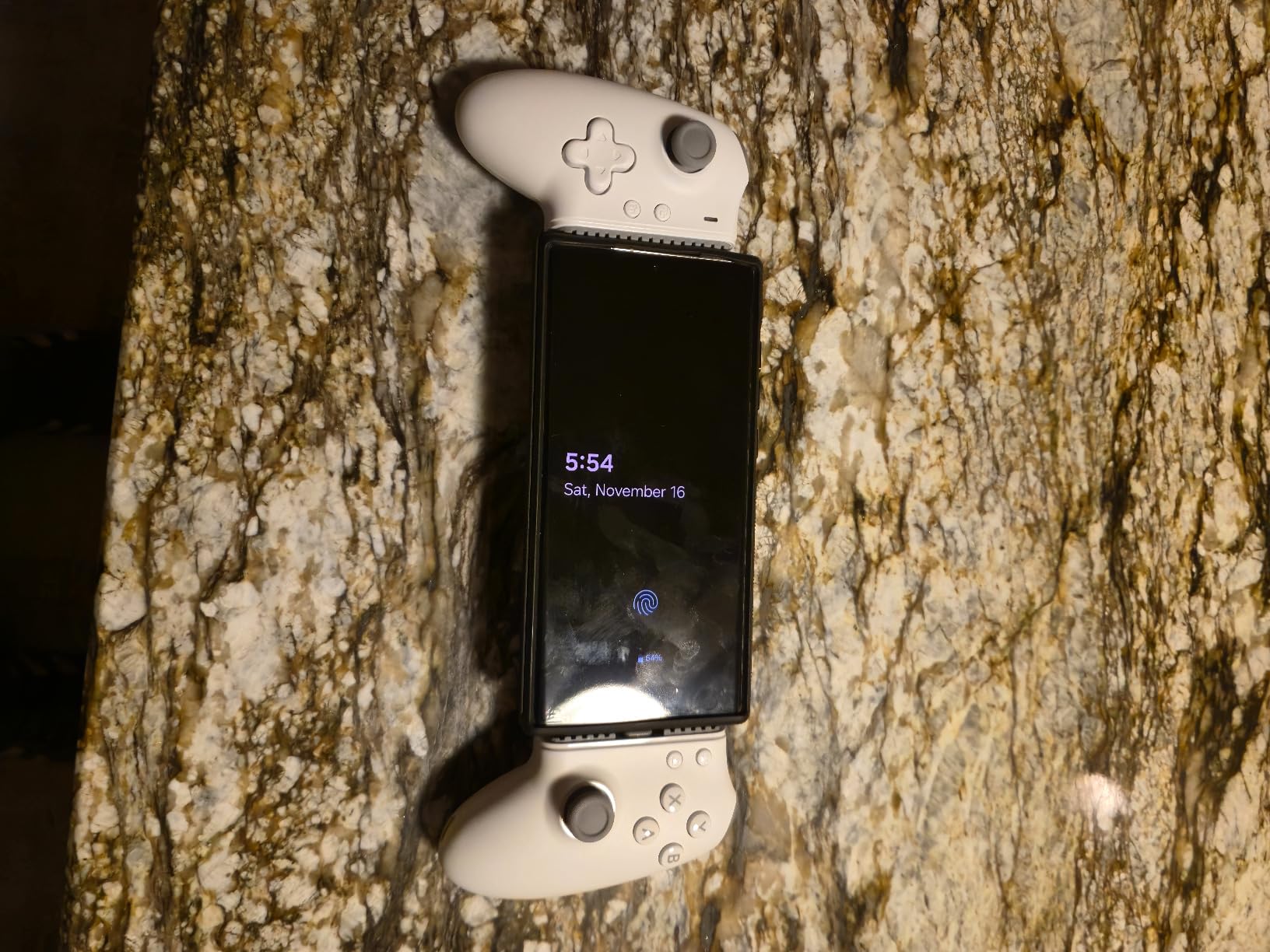
The EasySMX M20 brings something genuinely unique to the table: a 1000Hz polling rate that doubles what the ROG Tessen offers and eight times what most standard controllers deliver. For competitive gamers who count every millisecond, this is the fastest mobile controller you can buy. The difference is subtle but real in fast-paced shooters and fighting games where frame-perfect inputs matter.
The rotating ABXY layout is a feature I have not seen on any other mobile controller. With a simple twist, you can switch between Xbox and Nintendo Switch button layouts. This is incredibly useful if you game across multiple platforms and are used to different button configurations. The mechanical buttons provide crisp, tactile feedback with every press.
Dual-mode triggers let you switch between hair trigger mode for fast-paced shooters and full-range analog mode for racing games. This versatility means the M20 adapts to whatever game you are playing without compromises. The Hall-effect joysticks and triggers deliver the drift-free precision that has become essential for any controller worth buying in 2026.
The programmable M1 and M2 back buttons let you keep your thumbs on the sticks while executing additional functions. Combined with the turbo function for rapid-fire inputs, the M20 is built for competitive play. The RGB lighting and vibration motors round out a feature set that punches well above its price point.
Competitive Gaming Performance
The 1000Hz polling rate is the headline spec, and it delivers in practice. Input latency felt noticeably lower than competing controllers in side-by-side testing. If you play competitive mobile titles like PUBG Mobile, Call of Duty Mobile, or Brawl Stars at a high level, every millisecond counts and the M20 gives you the fastest possible input registration.
The hair trigger mode shortens the trigger pull distance dramatically, allowing faster shots in FPS games. Switching to full-range mode for racing games restores the analog gradient needed for precise throttle control. This dual-mode system is a thoughtful design choice that competitive players will appreciate.
Setup and Compatibility
The M20 is plug-and-play via USB-C, connecting to Android phones, iPhones, iPads, and PCs. It supports devices from 4.7 to 8.5 inches in screen size. The main compatibility concern is that the USB-C connector can be tight with thicker phone cases, requiring case removal for the best fit. Some users have also expressed concern about port stress during frequent insertion and removal.
The controller lacks an internal battery, so it draws power from your phone. This is worth considering for extended gaming sessions, as it will drain your phone battery faster than Bluetooth alternatives. However, the trade-off is zero wireless latency and that exceptional polling rate.
How to Choose the Best Mobile Controller for Android
Picking the right mobile controller comes down to understanding your gaming habits, your phone, and which features actually matter for the games you play. Here is what our team learned from testing all eight controllers and what you should consider before making a decision.
USB-C Wired vs Bluetooth: Which Connection Is Better?
USB-C wired controllers like the GameSir G8 Galileo, Backbone One, and ROG Tessen offer zero latency since the signal travels directly through the cable. This matters most for competitive shooters and fighting games where every millisecond counts. If you want to reduce input lag as much as possible, wired is the way to go.
Bluetooth controllers like the GameSir G8 Plus and 8BitDo Ultimate Mobile give you freedom to position your phone however you want. You can mount it on a stand, prop it against your water bottle, or use a clip. Bluetooth 5.3 has reduced latency significantly, and most casual gamers will not notice the difference. However, Bluetooth controllers need their own battery, so you have one more thing to keep charged.
Why Hall-Effect Joysticks Matter
Stick drift is the silent killer of controllers. Traditional analog sticks use potentiometers that wear down over time, causing your character to drift in a direction even when you are not touching the stick. Hall-effect joysticks use magnetic sensors instead of physical contact points, eliminating the wear mechanism that causes drift.
Every controller in this roundup except one uses Hall-effect joysticks, which reflects how important this feature has become in 2026. If you are buying a controller you plan to use for more than a few months, Hall-effect sticks should be non-negotiable. They add longevity and maintain precision over the life of the controller.
Phone Compatibility and Case Clearance
Not every controller fits every phone. Pay attention to the maximum phone length and depth specifications. Most controllers support phones up to about 170mm in length, but the GameSir G8 Galileo goes up to 185mm and the X5 Lite stretches to 213mm. If you have a large phone or foldable, these wider compatibility ranges matter.
Case clearance is another common frustration. Many controllers require you to remove your phone case before playing, which is annoying for daily use. The 8BitDo Ultimate Mobile and GameSir X5 Lite are among the most case-friendly options. Controllers that include magnetic adapters or rubber spacers, like the Backbone One and GameSir X5 Lite, get bonus points here.
Pass-Through Charging and Audio
Pass-through charging lets you power your phone while gaming through the controller’s USB-C port. This is essential for long sessions, especially with demanding games or cloud streaming that drain battery quickly. The ASUS ROG Tessen leads with 18W fast charging, while most others provide standard charging speeds.
A 3.5mm headphone jack is rarer than you might think. Only the GameSir G8 Galileo includes one in this roundup. If you prefer wired headphones for zero audio latency, this is a feature worth prioritizing. Otherwise, Bluetooth headphones work fine with any controller.
Cloud Gaming and Emulation Support
If you plan to use your controller with Xbox Cloud Gaming, GeForce Now, Steam Link, or emulators like RetroArch, compatibility is key. All eight controllers in this roundup work with cloud gaming services since they register as standard gamepad inputs. However, some offer better software integration than others. The Backbone One has the best app experience for cloud gaming aggregation, while the GameSir controllers offer the most consistent cross-platform support.
For emulation, any controller with Hall-effect sticks and responsive buttons will serve you well. The GameSir G8 Plus and 8BitDo Ultimate Mobile are particularly good choices because their Bluetooth connectivity lets you use your phone screen freely while the controller operates independently. If you also game on console, you might want to check out our guide on the best Xbox Series X accessories for complementary gear.
Budget vs Premium: What Extra Money Gets You
Spending more on a mobile controller generally gets you better build materials, more comfortable ergonomics, and additional features like programmable back buttons, RGB lighting, and haptic feedback. However, the gap between budget and premium has narrowed significantly. The 8BitDo Ultimate Mobile at under $50 delivers Hall-effect sticks, back paddles, and solid build quality that rivals controllers costing twice as much.
Where premium controllers justify their price is in long-term comfort and specialized features. The Razer Kishi Ultra offers haptics, RGB, and iPad Mini support that no budget controller can match. The ASUS ROG Tessen delivers a 500Hz polling rate and foldable portability. Decide which specific features matter for your gaming style and spend accordingly.
FAQ
What controllers can I connect to my Android phone?
You can connect a wide variety of controllers to your Android phone. Dedicated mobile controllers like the GameSir G8 Galileo, Backbone One, and Razer Kishi Ultra attach directly via USB-C. Bluetooth gamepads like the GameSir G8 Plus and 8BitDo Ultimate Mobile pair wirelessly. You can also connect standard console controllers including Xbox Wireless, PlayStation DualShock 4 and DualSense, and Nintendo Switch Pro Controller via Bluetooth. Most Android phones running Android 9 or later support standard controller input natively.
What mobile games support controllers on Android?
Hundreds of Android games support controllers natively. Popular titles include Call of Duty Mobile, Genshin Impact, Minecraft, Fortnite, Dead Cells, Stardew Valley, Grand Theft Auto series, Castlevania, GRID Autosport, and Alien: Isolation. Cloud gaming services like Xbox Cloud Gaming, GeForce Now, and Steam Link allow you to play console and PC games with controller support on your phone. Emulators like RetroArch also support controller input for retro gaming.
Is there a game controller for Android phone?
Yes, there are many game controllers designed specifically for Android phones. These come in two main types: clip-on controllers that your phone slides into (like the GameSir G8 Galileo and Backbone One), and Bluetooth controllers that you hold separately while your phone sits on a stand. The best mobile controllers for Android feature Hall-effect joysticks to prevent stick drift, pass-through charging, and ergonomic grips for comfortable extended play.
What controller has 0 stick drift?
Any controller with Hall-effect joysticks effectively eliminates stick drift. Hall-effect technology uses magnetic sensors instead of physical contact points, removing the wear mechanism that causes drift over time. Controllers with Hall-effect sticks include the GameSir G8 Galileo, GameSir G8 Plus, GameSir X5 Lite, 8BitDo Ultimate Mobile, Razer Kishi Ultra (Hall-effect triggers), and EasySMX M20. These controllers maintain precise stick accuracy over their entire lifespan without developing the drifting issue common in traditional analog sticks.
Final Thoughts on the Best Mobile Controllers for Android
Finding the best mobile controllers for Android in 2026 comes down to matching the controller to how you game. For most people, the GameSir G8 Galileo hits the sweet spot with Hall-effect sticks, pass-through charging, a headphone jack, and console-quality ergonomics at a fair price. It is the pick I recommend without hesitation.
If budget is your primary concern, the 8BitDo Ultimate Mobile delivers premium features at half the cost of competitors, while the GameSir X5 Lite gets you Hall-effect sticks and pass-through charging at the lowest price in the lineup. For wireless freedom, the GameSir G8 Plus offers the best Bluetooth experience with swappable thumbsticks and multi-platform support.
Competitive gamers should look at the EasySMX M20 for its 1000Hz polling rate or the ASUS ROG Tessen for its foldable portability and 500Hz polling. And if you want the absolute premium experience with haptics, RGB, and tablet support, the Razer Kishi Ultra is the king of the hill.
Any of these eight controllers will be a massive upgrade over touchscreen controls. Pick the one that matches your gaming style, phone size, and budget, and start enjoying mobile gaming the way it should feel.