
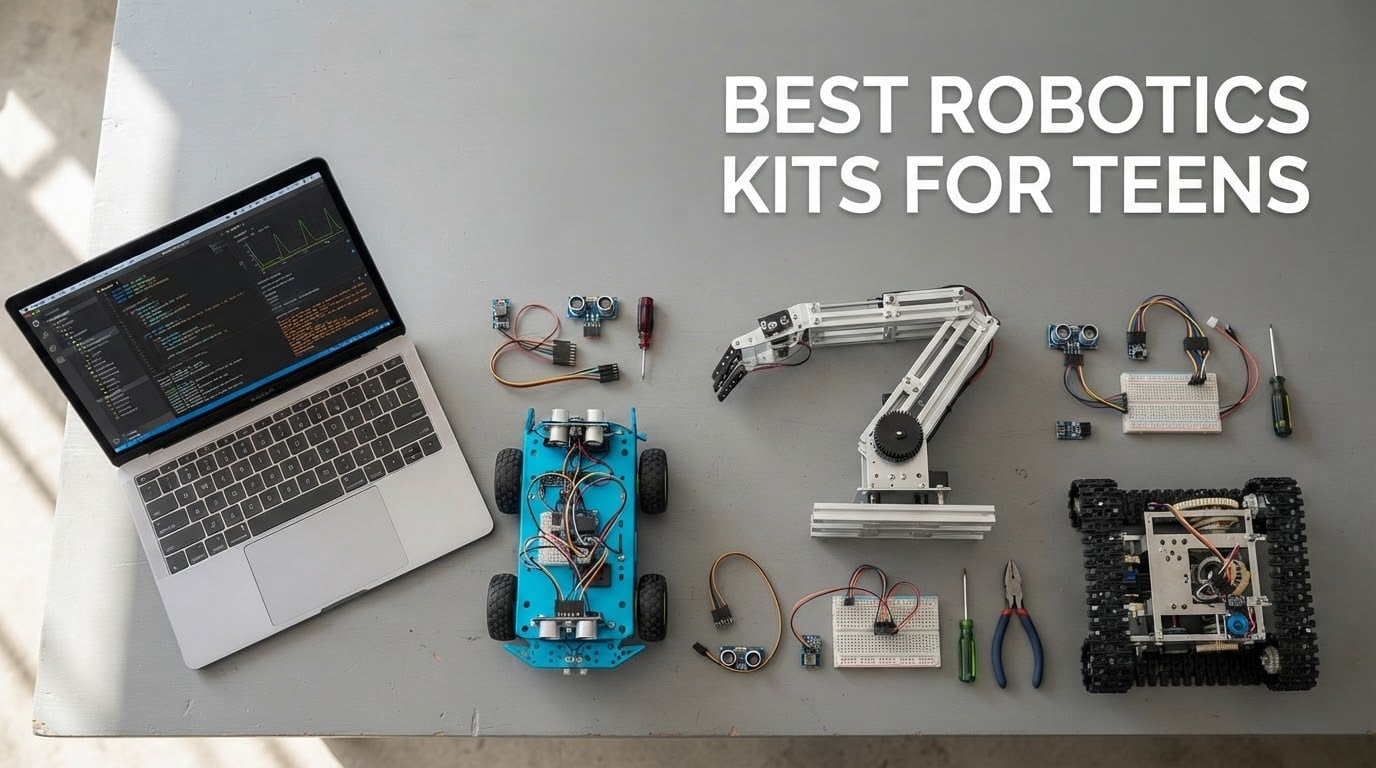
If your teen already writes Python or Scratch, the best robotics kit for them is the ELEGOO UNO R3 Smart Robot Car Kit V4 — it runs real Arduino code, streams live video from an on-board camera, needs no soldering, and its documentation is the most complete of any kit we looked at. Most kits marketed to teenagers are drag-and-drop block-coding toys, and a smart 13-year-old will finish them in a weekend.
That gap between what a kit advertises and what it teaches is the biggest source of disappointment in this category. We sorted the shelf by two questions only: can the teen write text-based code, and will the platform still exist in three years?
For a broader gift idea that pairs well with a robotics kit, our picks for the best survival kits cover the outdoor half of a teen’s STEM hobby, while the best microgreens kits add a real growing experiment to the same project.
Ten kits survived that filter, from a metal ten-in-one build set to a screen-free mechanical crab. Every entry below flags the programming language, whether soldering is needed, and how far the kit goes after the first three models are finished.
Top 3 Best Robotics Kit Picks for Teens (October 2026)

ELEGOO UNO R3 Robot Car Kit V4
- Real Arduino IDE code
- ESP32 Wi-Fi camera
- No soldering
- Best instructions

Makeblock mBot Ultimate 10-in-1
- Aluminum metal build
- 10 models
- Robotic arm
- Arduino and Raspberry Pi

Teach Tech Mech-5 Coding Robot
- Mechanical coding wheel
- Five action modes
- No screen needed
- Multi-hour build
Best Robotics Kits for Teens at a Glance (2026)
A table cannot show how quickly a kit runs out of ideas. The three builds listed in the box are the beginning, not the product, and the review below says what a teen builds next.
| Product | Specifications | Action |
|---|---|---|
| ELEGOO UNO R3 Smart Robot Car Kit V4 |
|
Check Latest Price |
| Makeblock mBot Ultimate 10-in-1 |
|
Check Latest Price |
| Teach Tech Mech-5 STEM Coding Robot |
|
Check Latest Price |
 Makeblock mBot Ranger 3-in-1 Makeblock mBot Ranger 3-in-1 |
|
Check Latest Price |
 Henoda 468-Piece Building Block Robot Henoda 468-Piece Building Block Robot |
|
Check Latest Price |
 Makeblock mBot2 Coding Robot Makeblock mBot2 Coding Robot |
|
Check Latest Price |
 ELEGOO Conqueror Robot Tank Kit ELEGOO Conqueror Robot Tank Kit |
|
Check Latest Price |
 OSOYOO Model 3 Arduino Robot Car OSOYOO Model 3 Arduino Robot Car |
|
Check Latest Price |
 4M 5576 Table Top Robot 4M 5576 Table Top Robot |
|
Check Latest Price |
 Adeept 5DOF Robotic Arm Kit Adeept 5DOF Robotic Arm Kit |
|
Check Latest Price |
1. ELEGOO UNO R3 Smart Robot Car Kit V4 – Best Overall for Teens
ELEGOO UNO R3 Smart Robot Car Kit V4 with Camera, Compatible with Arduino
UNO R3 board
2000 mAh battery included
Arduino IDE, no solder
1.23 kg
Pros
- Real Arduino IDE text code out of the box
- FPV camera and Wi-Fi stream to a phone
- Keyed connectors and an illustrated tutorial with example programs
- Boards arrive pre-programmed so it drives as soon as the build ends
Cons
- Pre-loaded firmware has no motor speed ramping so it starts and stops abruptly
- One expansion connector on this chassis
- No USB-C cable included for reprogramming the ESP32 module
This is the kit we put in front of a 14-year-old who wanted to skip block coding entirely. The UNO R3 controller is a standard Arduino board, so everything a teen learns in the IDE transfers to any other Arduino project later. That single fact is why it tops this list.
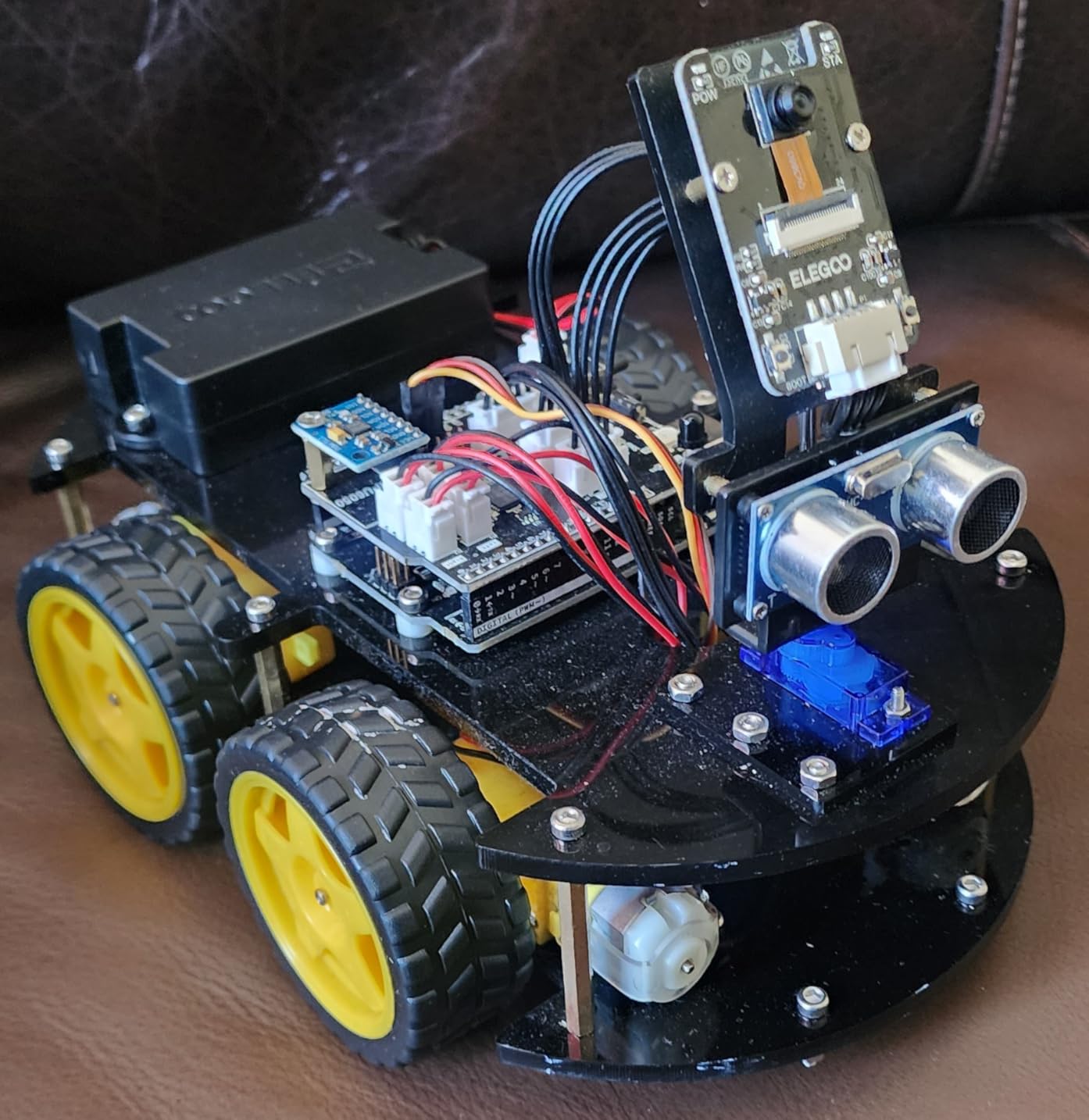
The hardware is unusually complete. You get an ESP32-WROVER module handling the camera and Wi-Fi, a line-tracking sensor, an ultrasonic rangefinder, four motors, an IR remote, an accelerometer with gyroscope, and a 2000 mAh rechargeable lithium-ion battery in the box. Our build arrived with labelled bags, small tools and spare parts, so nothing was lost during assembly.
Line tracking, obstacle avoidance, auto follow, FPV video and app control all work once the screws are tightened. Then the real work starts: opening the Arduino IDE, reading the example programs, and changing the motor direction thresholds until the car behaves the way the teen wants.
What a parent should check before buying
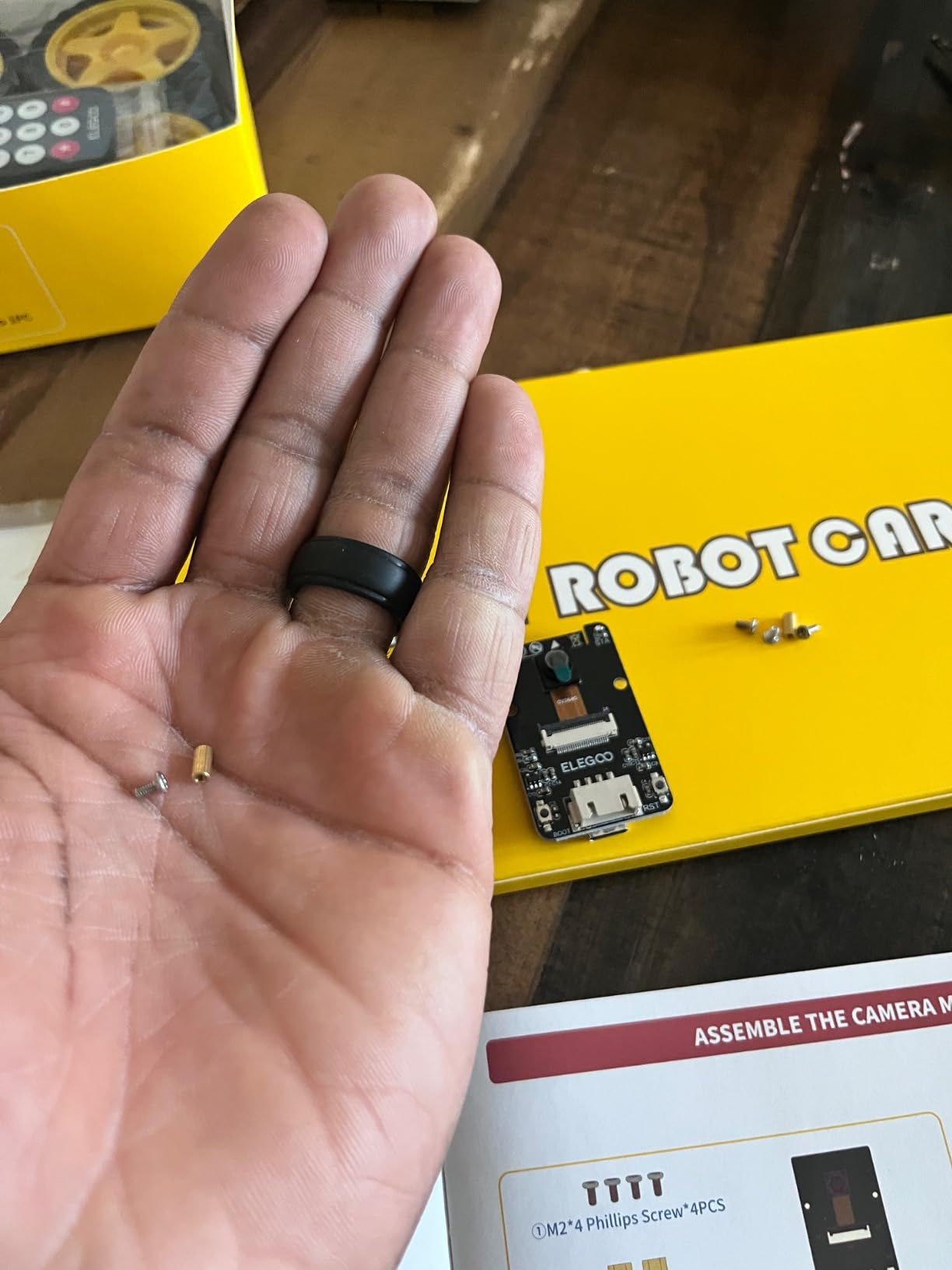
Count the expansion ports. This V4 chassis carries a single expansion connector, so a teen who plans to add a gripper, more sensors or a pan-tilt mount will hit a wall quickly, and a USB-C cable for the ESP32 module becomes essential. The camera mount also sits at roughly a 45-degree angle above horizontal, which works for obstacle work but not for a street-view project.
Who it fits and who it does not
It suits a teen who wants real code and will read the tutorial rather than skip it. The IDE is free and runs on Windows, macOS and Linux. Skip it for competition use, where a season of rebuilds will punish the plastic-and-acrylic chassis.
2. Makeblock mBot Ultimate 10-in-1 – Best Metal Build
Makeblock mBot Ultimate 10 in 1 Robot Building Kit for Teenagers & Adults
Aluminum alloy parts
10 buildable models
MegaPi board, 8 lb
Arduino IDE and Raspberry Pi
Pros
- Industrial-grade aluminum that survives repeated rebuilds
- Ten genuinely different models including a working robotic arm
- MegaPi board drives multiple motors and servos in sync
- Threaded grooves on the parts make reassembly painless
Cons
- Paper manual covers only 3 of the 10 designs
- Python and NodeJS APIs described as unstable by detailed reviewers
- Battery compartment has no cover so cells can pop loose
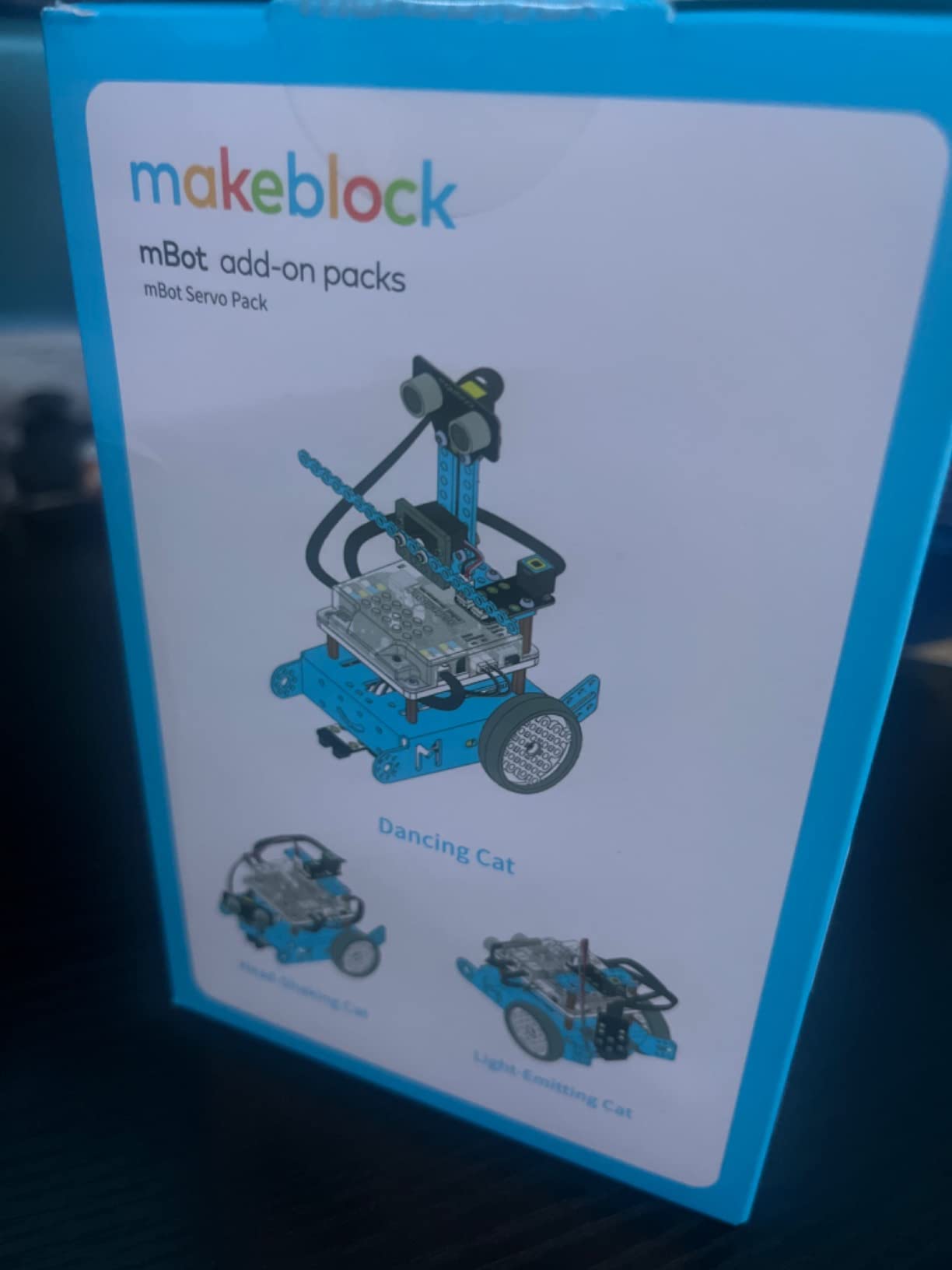
Everything in this kit is metal, and that changes the character of the build. The parts thread together properly, they take a beating on a workshop floor, and the finished models feel like machines. It weighs 8 pounds before batteries, and the box measures just over 20 inches long.
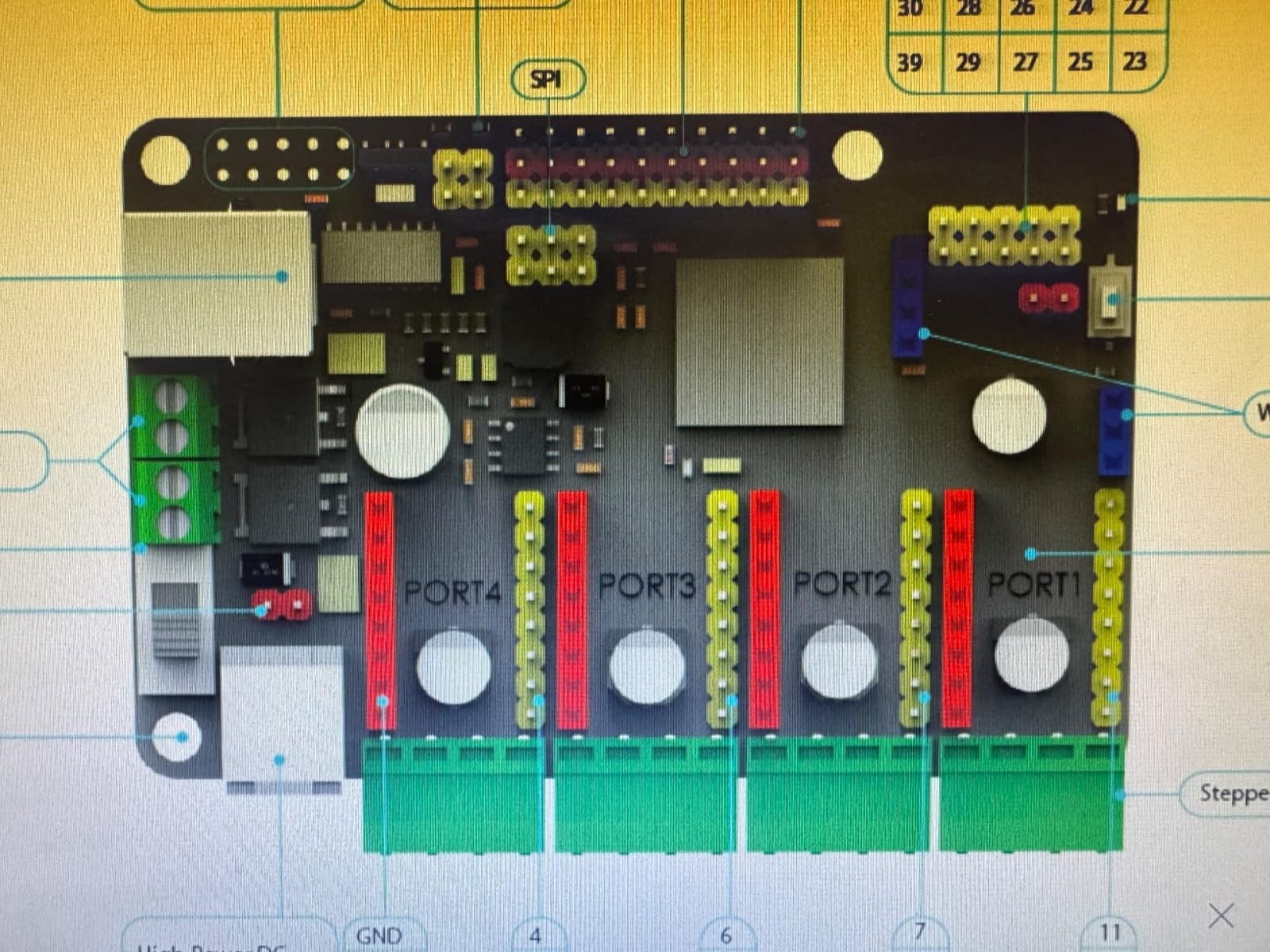
Ten models come with the set, from a remote-controlled tank to a functional robotic arm. The MegaPi controller is the technical centrepiece: it coordinates multiple motors and servos at once and reads several sensors simultaneously, which is exactly what a manipulator project needs and what most car chassis cannot do.
Coding runs through mBlock drag-and-drop first, then up to the Arduino IDE, and the board is also listed as compatible with Raspberry Pi. The weakness is documentation: the printed manual walks through three designs only, and detailed reviewers report the Python and NodeJS APIs are unstable, so treat the text-code path as experimental.
Where this kit earns its cost
The metal is the reason to spend more. A teenager who rebuilds the same mechanism a dozen times in a year will crack plastic parts at the mounting holes, while these aluminum parts held up under repeated disassembly in our build. Budget separately for six AA batteries, which are not included.
Who it fits and who it does not
It fits a teen who builds mechanisms rather than programs them. A robotic arm gives a teenager a reason to learn servo control, joint limits and inverse kinematics, which no car kit teaches. It is a poor fit for someone who wants a laptop-side code workflow on day one.
3. Teach Tech Mech-5 – Best Value Screen-Free Coding Kit
TEACH TECH Mech-5 STEM Coding Robot Building Kit for Kids Ages 10+
Mechanical coding wheel
Five action modes
Plastic build, ages 10+
1 year warranty
Pros
- Needs no computer
- software or electronics knowledge to start
- A genuine multi-hour build rather than a pre-assembled toy
- Five action modes add replay value from one robot
- One of the highest review volumes in this roundup
Cons
- No transferable coding skills since the programming is purely mechanical
- Plastic construction wears faster than metal kits
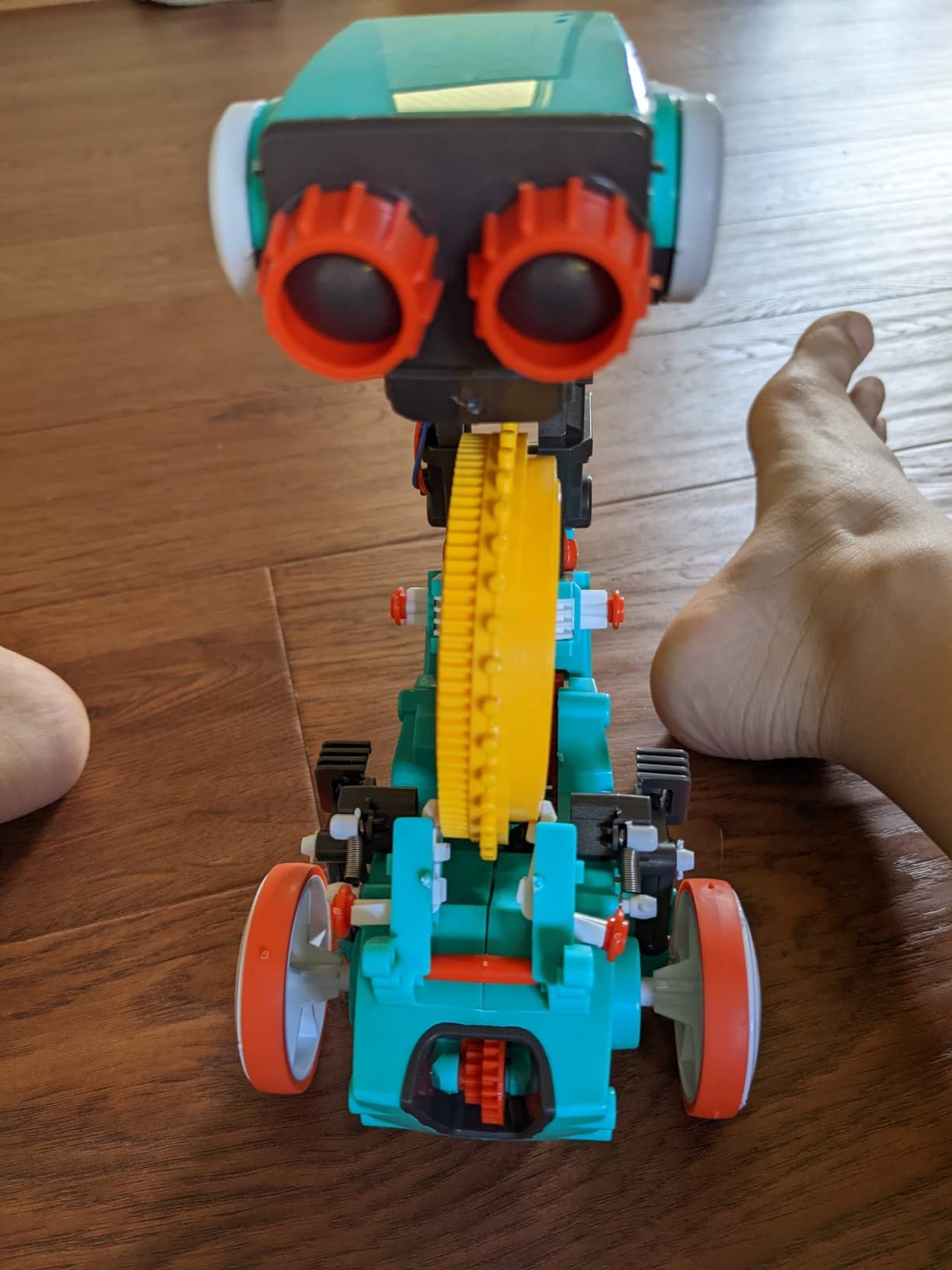
The Mech-5 has no microcontroller, no software and no app. You snap plastic coding tiles into a wheel, thread the wheel through the robot’s body and flip a switch. It throws, lifts, kicks and draws, and working out the sequence on paper before building is genuinely satisfying.
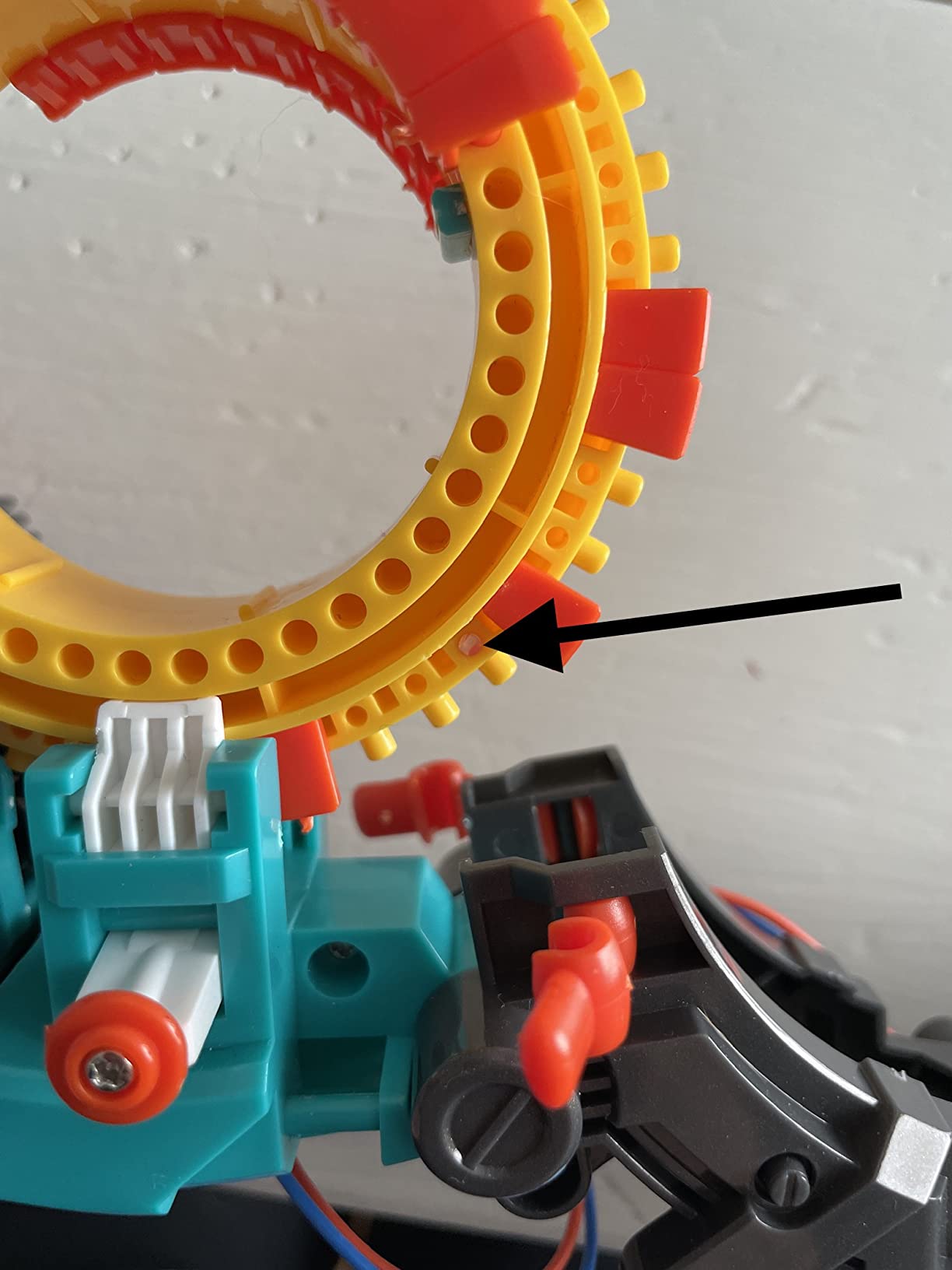
That makes it a low-cost engineering experience that still demands attention, and the build takes hours rather than an afternoon. Two AAA batteries power the motors, the whole thing weighs 16 ounces, and a one-year warranty covers defects.
It suits a 13-year-old who has never taken anything apart, or a family wanting a shared build with no screens involved. It does not teach code: there is no language, no sensor, and no way to make the robot react to its environment.
How to tell if it will bore your teen
Give it a weekend. A teenager still rearranging the coding wheel and inventing new sequences on day three will find mechanical programming satisfying. Someone who has moved on by then needs a kit with sensors and an editor, and should watch for plastic fatigue once the arms take repeated load.
Who it fits and who it does not
It fits first-time builders, younger teens, and any household wanting a screen-free activity that still teaches something real. It does not fit a teen chasing software or hardware, because nothing here maps onto a language, a datasheet or a class syllabus.
4. Makeblock mBot Ranger 3-in-1 – Best Scratch-to-Arduino Path
Makeblock mBot Ranger 3 in 1 Coding Robot Building Kit for Kids Ages 10+
Three builds in one kit
Me Auriga mainboard
Scratch plus Arduino IDE
Aluminum, 1600 g
Pros
- Three genuinely different builds including a self-balancing robot
- Five onboard sensors
- All-terrain grip tracks for indoor and rough ground
- Clear instructions a child and parent can work through
Cons
- Six AA batteries not included
- Sits between the entry-level and premium Makeblock kits in difficulty
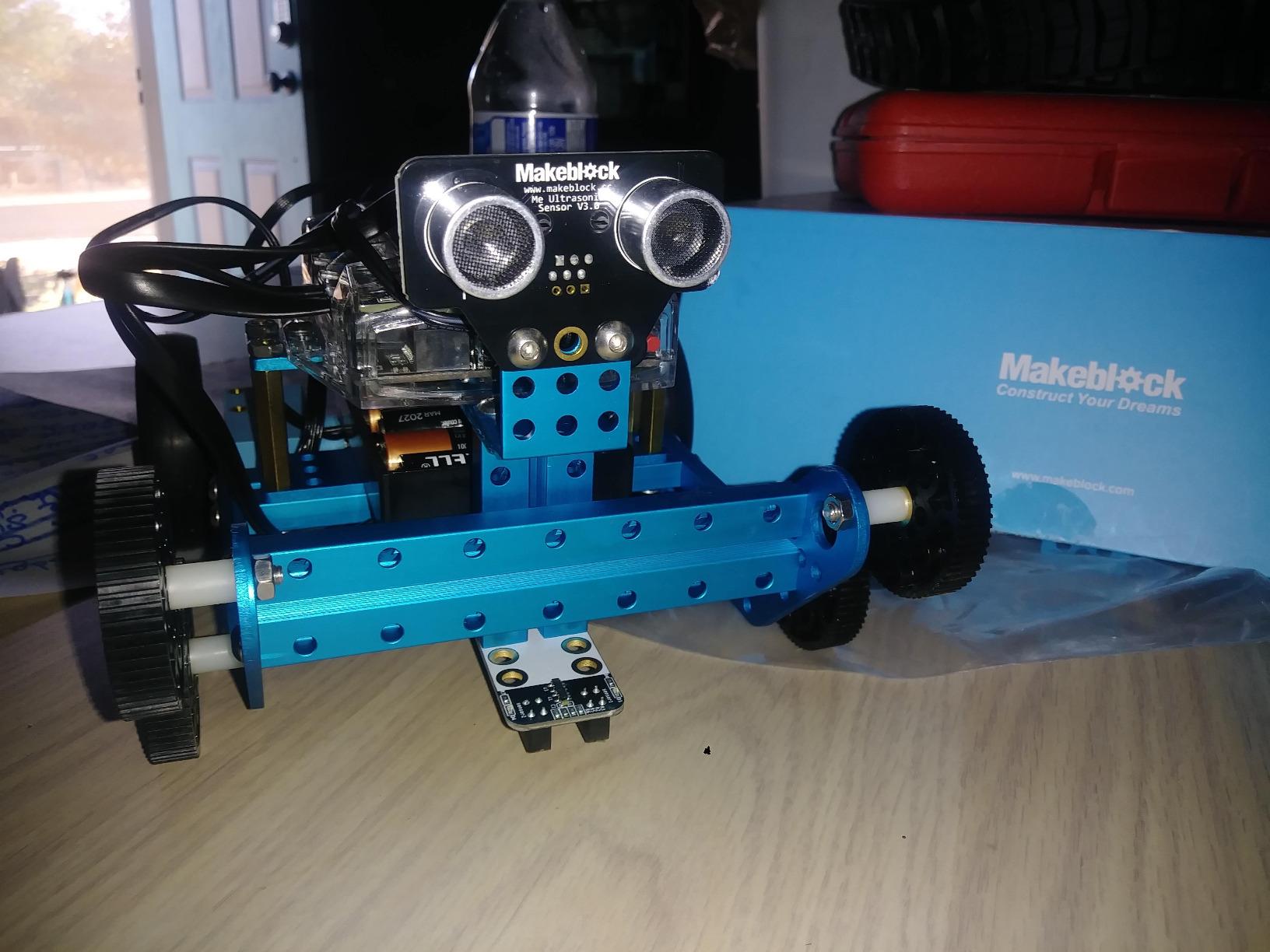
The Ranger builds a tracked tank, a self-balancing two-wheel robot and a three-wheel racer. The balancing model is the interesting one, because keeping a two-wheeler upright is a control problem and introduces feedback loops to a teenager who has only written straight-line code.
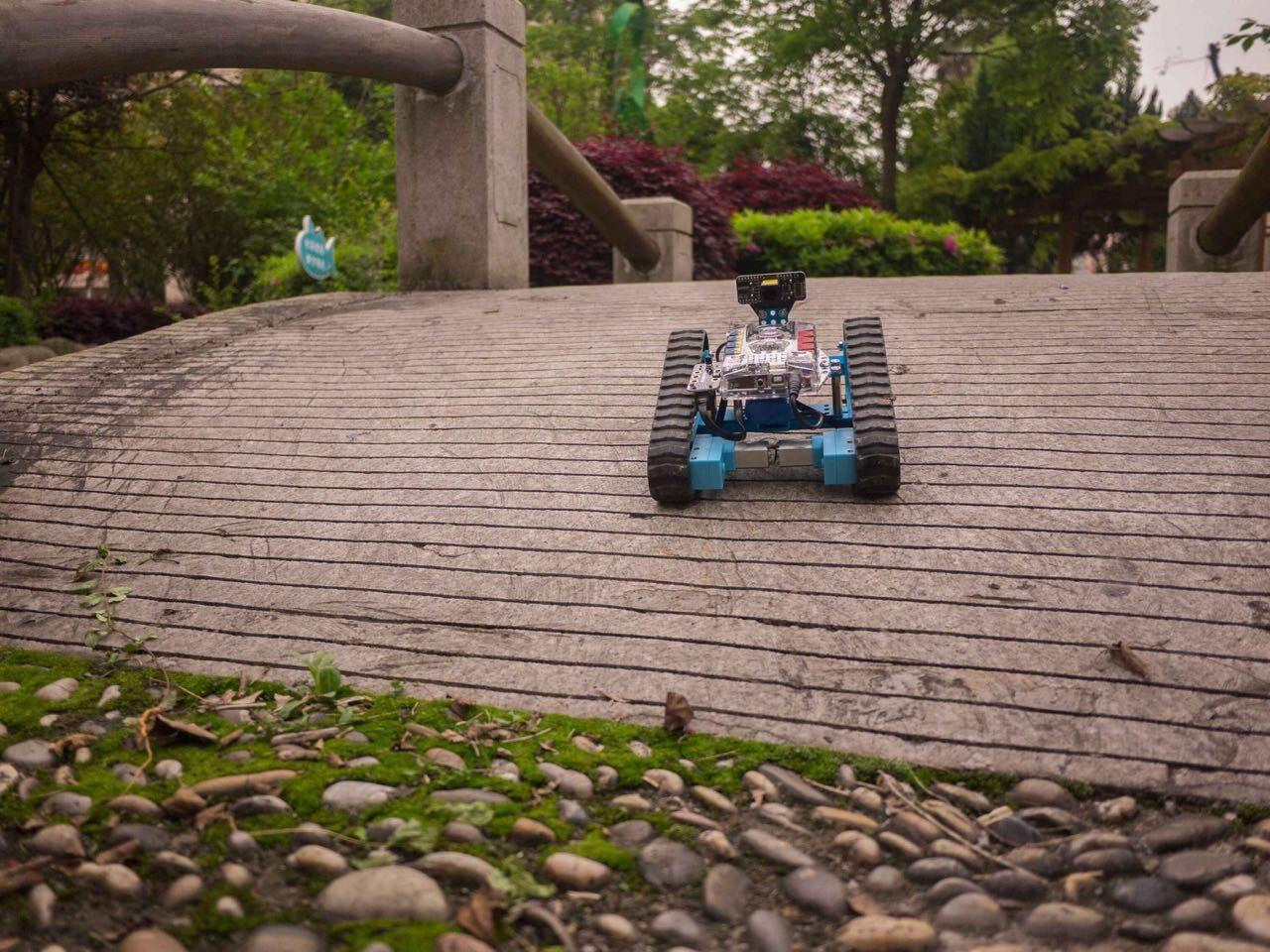
The Me Auriga mainboard carries ultrasonic, line-tracking, light, gyroscope and temperature sensors, plus 12 RGB LEDs, a buzzer and a Bluetooth module. Coding starts in Scratch through mBlock5 and ends in the Arduino IDE on the same board, which is a cleaner progression than most kits offer because the hardware never changes.
It needs six AA batteries, which are not in the box, and it carries a one-year warranty against manufacturer defects. The aluminum chassis and grip tracks handle carpet and hard floors alike.
What a teen can build after the three stock models
Everything the board exposes is fair game once the three builds are done: custom line-following logic, a remote-triggered stunt sequence, a temperature alert, or an LED pattern driven by the gyroscope. Because the board is Arduino-compatible, any standard shield can be wired in, which is why this kit outlasts five-in-one plastic sets.
Who it fits and who it does not
It fits a 12-to-15-year-old who likes vehicles and wants a project that runs indoors without a computer once code is uploaded. It is not the right pick for a pure coder who wants to write C or Python from day one.
5. Henoda 468-Piece Building Block Robot – Best Construction Kit
Henoda Robot Toys for 8-16 Year Old Boys Girls Kids with APP or Remote Control Science Programmable Building Block Kit, STEM Projects Educational Birthday Gifts
468 block pieces
Four control modes
Included battery and cable
Thick non-toxic ABS
Pros
- Highest average rating in the roundup
- 468 pieces hold attention for longer than small kits
- Four control modes including remote app path and voice
- Thick ABS with smooth edges plus a 90-day warranty
Cons
- Block building is less open-ended than an electronics kit for older teens
- Instructions rely on box and arrow markers instead of engineering diagrams
This is the highest-rated kit we tested, and the reason is not complexity — it is the 468-piece count. A teenager assembling that many pieces stays absorbed for hours, and the finished robot has enough surface area to look like a machine rather than a tray of parts with wheels.
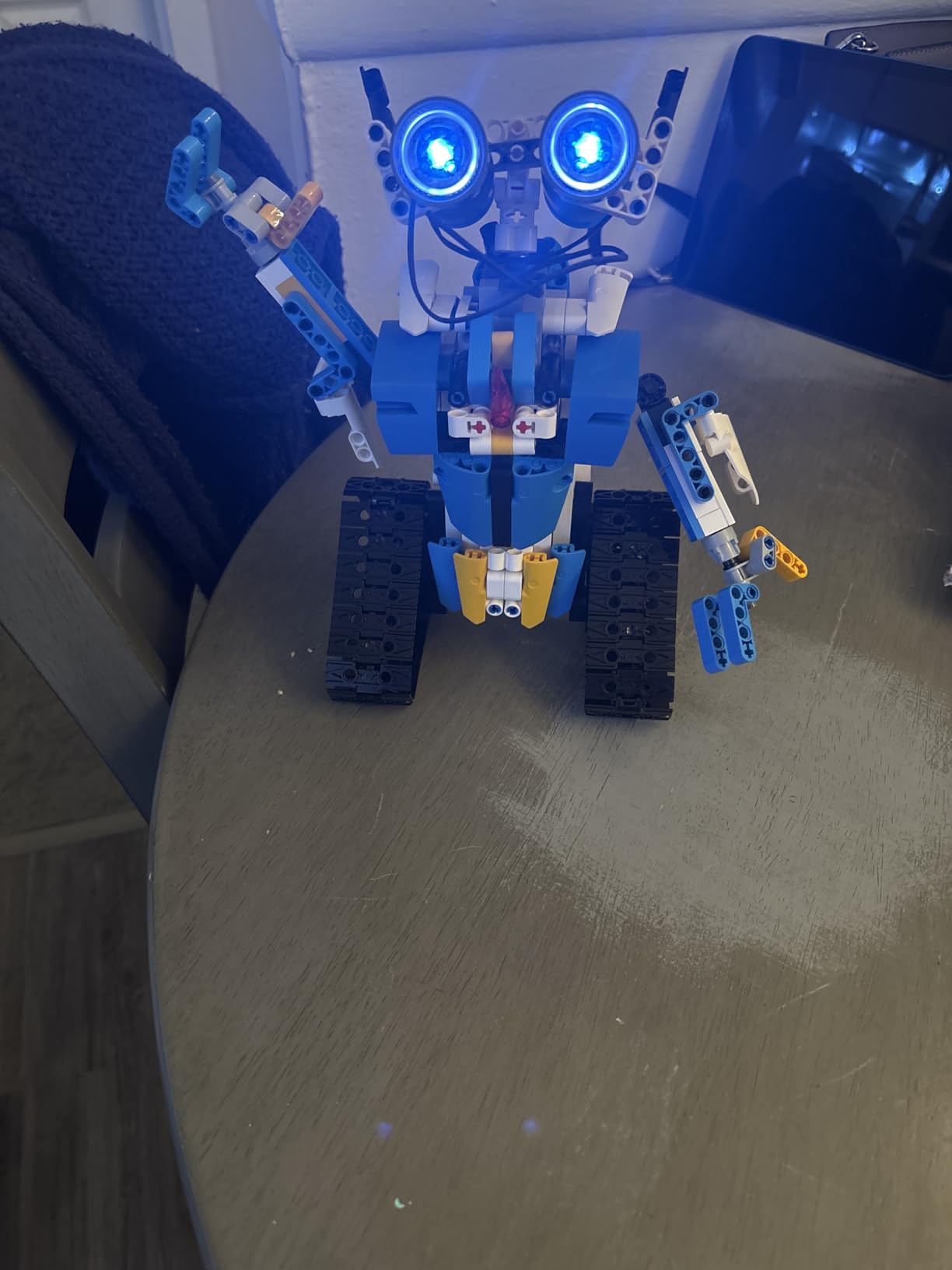
Control comes in four modes: a 2.4 GHz remote with more than 20 meters of range, a Bluetooth app, path following and voice control. A gravity-sensor STEM mode adds a tilt-responsive trick, the robot rotates through 360 degrees, and the lithium-ion battery plus USB cable are in the box.
What it is not is a coding platform. There is no language to learn, no sensor suite to query, and no way to change behaviour beyond the four presets. The appeal is building and driving, not writing code.
Setting honest expectations
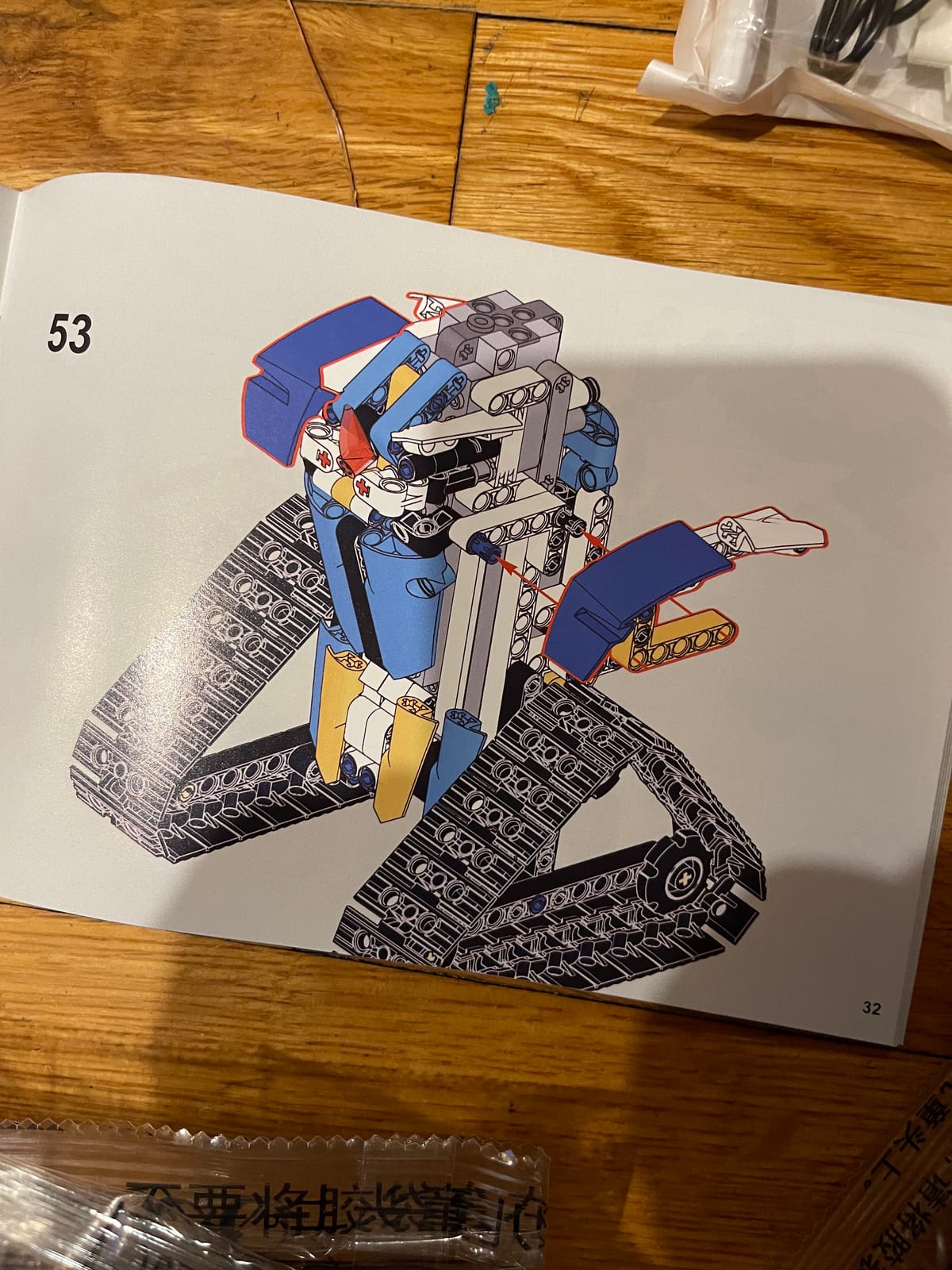
Treat this as a construction toy with electronics rather than a STEM platform. A teen who finishes the build in a weekend and cannot invent a new behaviour afterwards is the typical failure mode. Reviewers also note the instructions rely on red box and arrow markers rather than precise engineering diagrams, which slows down anyone past the beginner stage.
Who it fits and who it does not
It fits a 13-to-16-year-old who builds with bricks and wants remote-controlled play afterwards. It is a poor choice for a teen heading toward software or electronics, because none of the underlying skills transfer to a future course or project.
6. Makeblock mBot2 Coding Robot – Best First Robot for a Younger Teen
Makeblock mBot2 Coding Robot for Kids, Code Learning Support Scratch & Python Programming, Robotics Kit for Kids Ages 8-14 and up, Building STEM Robot Toys Gifts for Boys Girls
Scratch and Python
10+ sensors, 30+ modules
Builds in about 30 minutes
1.15 kg
Pros
- A 30-minute build that a child can finish unaided
- Ten-plus onboard sensors for line following obstacle avoidance and colour ID
- Free lifelong programming software with structured courses
- Bluetooth USB and Wi-Fi control in one small robot
Cons
- Entry-level difficulty that a fast teen will outgrow
- App-based control and the code card format feel limited once skills progress
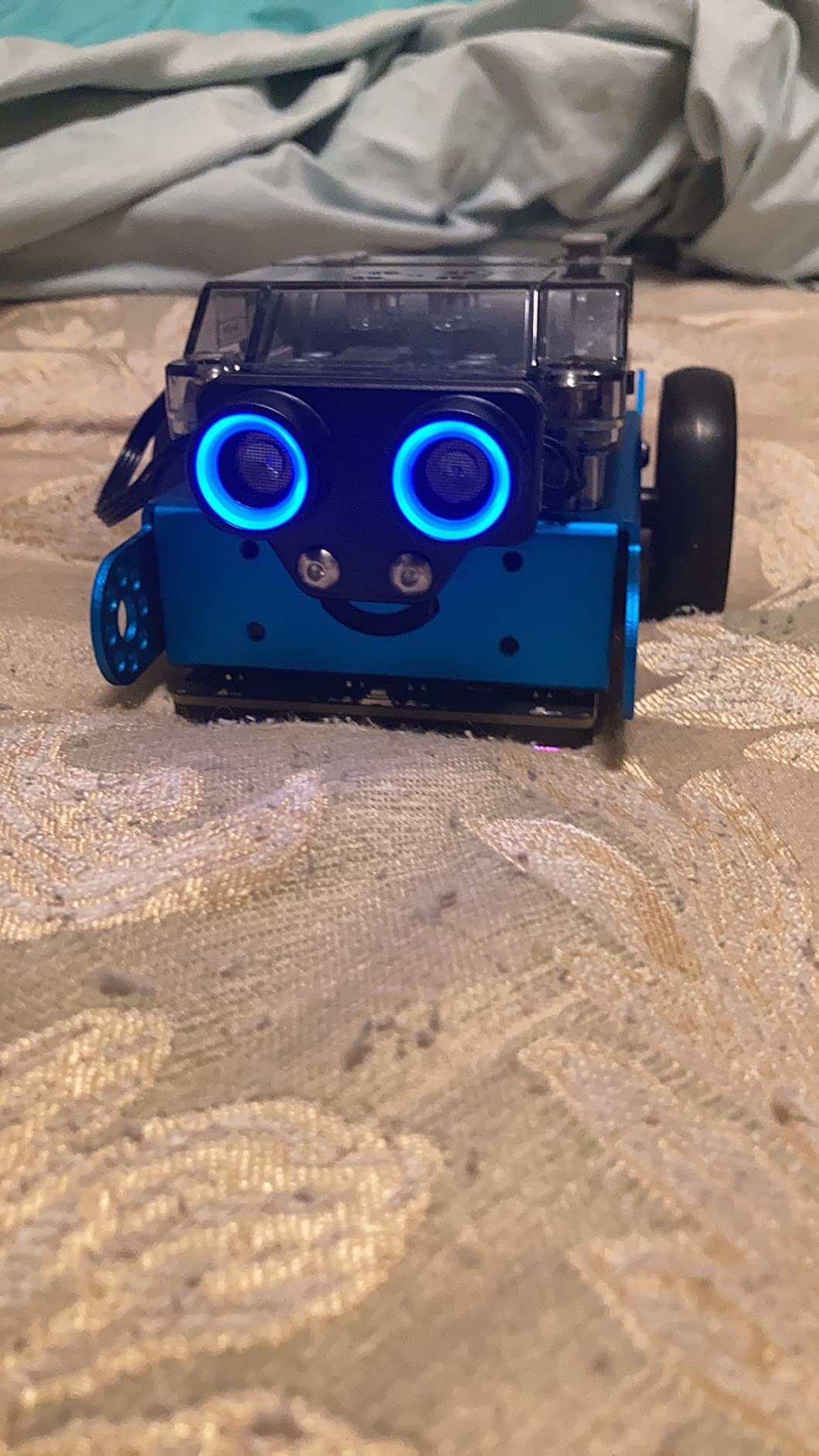
The mBot2 is among the most polished beginner robots here, holding a 4.4 average across well over a thousand reviews. It supports Scratch and Python, and the sensor suite is unusually rich for a robot this small: more than ten onboard sensors, expandable with 30-plus mBuild modules.
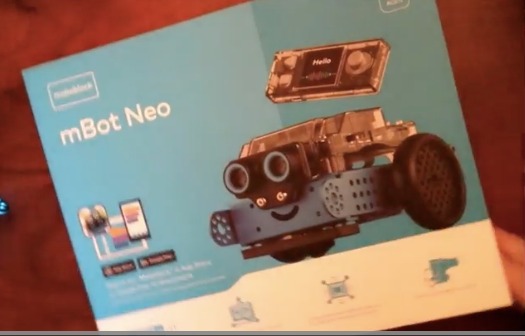
Eight-plus play modes cover driving, drawing, music, voice control, coding, building and Wi-Fi functions, with up to five hours of playtime per charge. It runs at 1.15 kg and takes a single included AAA battery, while the free software includes four project cards, more than 24 guided cases and eight or more courses.
It is the clearest example here of a kit a capable teenager will outgrow. The Python option is real, but the surrounding structure of cards, app control and guided cases is built for younger learners.
The right first step in a two-kit plan
For a 12- or 13-year-old this is an efficient way to spend a first kit, because the thirty-minute build means the robot runs the same afternoon. That is when a beginner decides whether robotics interests them at all, and the Makeblock ecosystem means they can later move to the Ranger or the Ultimate without discarding software or habits.
Who it fits and who it does not
It fits first-time builders and younger teens who need a fast win. It does not fit a 15-or-16-year-old who writes code already, or a competition team, because there is not enough hardware depth to sustain either.
7. ELEGOO Conqueror Robot Tank Kit – Best Tracked Chassis
ELEGOO Conqueror Robot Tank Kit with UNO R3, Compatible with Arduino
Stainless steel chassis
OV2640 camera with FPV
No soldering, 3.4 lb
Five drive modes
Pros
- Steel tracked chassis with real suspension feels far more robust than acrylic kits
- Servo-mounted adjustable camera plus live FPV streaming to a phone
- Five drive modes from teleoperation to line tracking and auto follow
- Complete kit includes battery tools and instructions
Cons
- Lighter review volume than the ELEGOO car kits so less long-term feedback
- Servo-mounted camera still limits the direct forward view
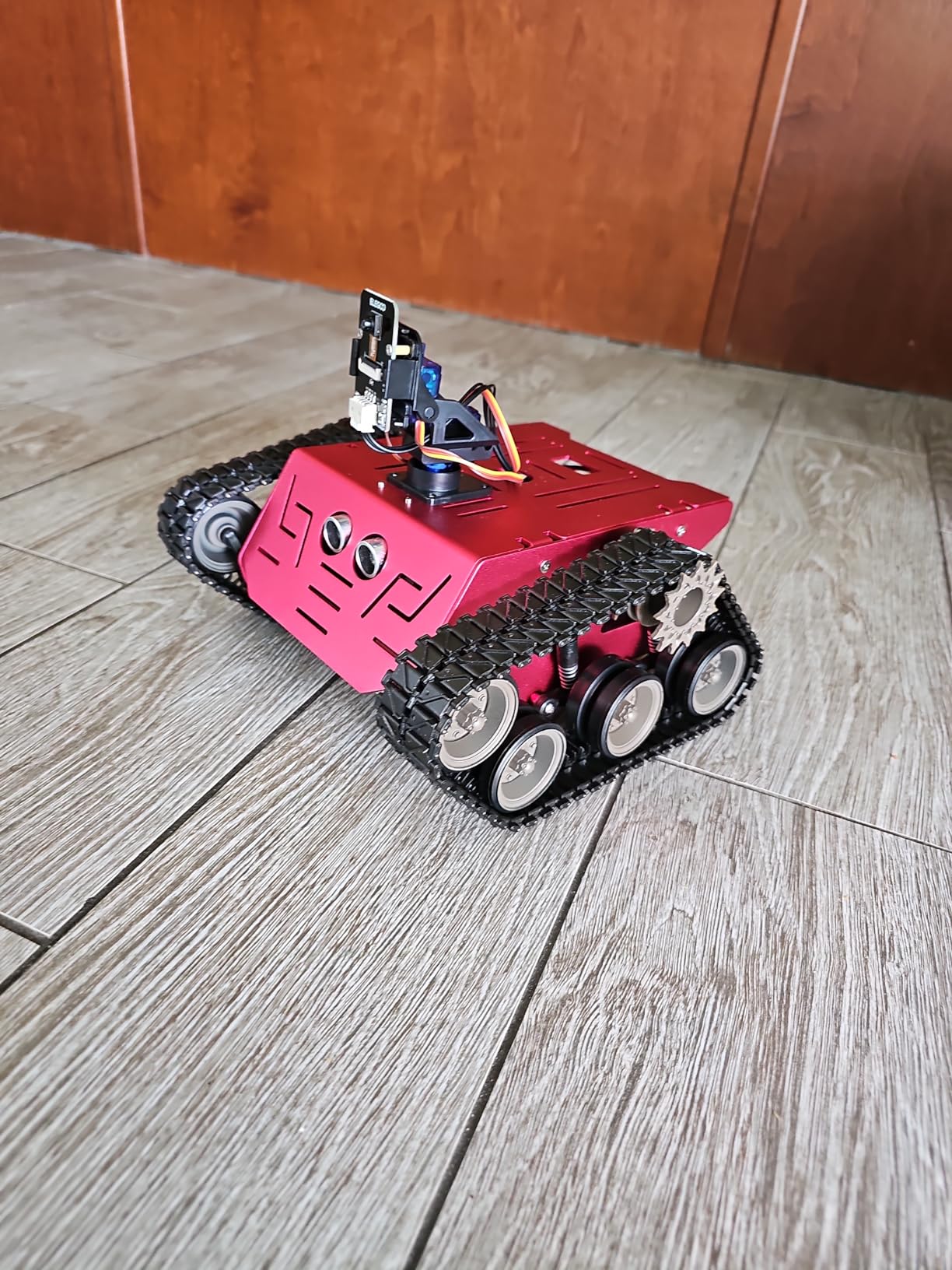
The difference between this tank and an acrylic chassis is obvious the moment you pick it up. At 3.4 pounds on a stainless steel frame with suspension, it handles kerbs and carpet edges that would flip a lighter kit.
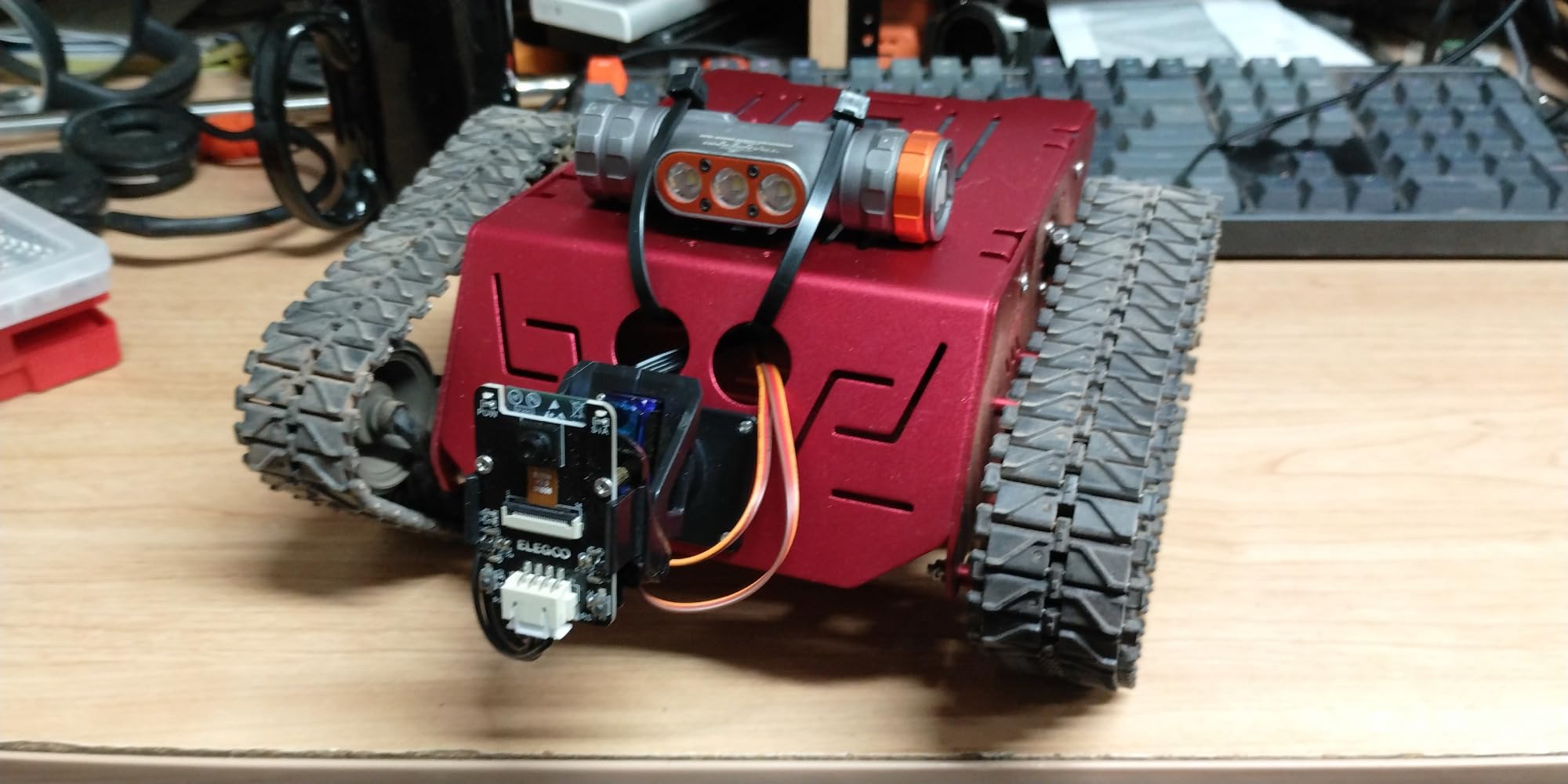
It runs five modes: FPV driving with live video, IR remote, obstacle avoidance, line tracking and auto follow. The OV2640 camera feeds an ESP32-WROVER module that streams video over Wi-Fi to a phone, and it sits on a servo so it can be aimed rather than fixed.
Coding follows the same two-stage path as the ELEGOO car: ElegooKit block coding in the app, then full Arduino IDE access for motor, servo and sensor logic. Assembly needs no soldering, and the box holds a 7.4 V battery, motors, servos, sensors, tools and illustrated instructions.
What the tracked format adds up
Tracks change what a teen can attempt. Traction on uneven ground means outdoor and carpet projects work, and the suspension lets a servo arm or sensor mast move without shifting the body. The camera still limits the direct forward view, and the 332-review history is thinner than the ELEGOO car’s.
Who it fits and who it does not
It fits a teen who wants a machine that survives being driven over carpet, a rug edge and a cable, and it makes good project footage thanks to FPV streaming. A teen focused on sensor experiments should start with the UNO R3 car instead.
8. OSOYOO Model 3 Arduino Robot Car – Most Versatile for Real Code
OSOYOO Model 3 Robot Car DIY Starter Kit for Arduino,Educational Motorized Robotics, Remote Control App, Learning How to Code, IOT Mechanical Coding for Teens and Adults
Arduino UNO compatible
Sensor bundle included
Acrylic chassis, 0.66 kg
Ages 14 and up
Pros
- An affordable route into real Arduino robot code
- Sensor bundle in one box covering ultrasonic servo tracking buzzer and IR
- Marks the kit for teens and adults rather than small children
- App control plus Arduino programming in the same chassis
Cons
- Average rating trails the other kits here
- with a 9% one-star share
- Lower review volume means less long-term build reliability feedback
- Some complaints about chassis and wiring component quality
This is the kit to buy when the goal is pure code learning on a tight budget. The board is Arduino UNO-compatible, so every tutorial, library and example written for an UNO applies directly. For a 16-year-old learning C++ for the first time, that alignment matters more than any sensor on the chassis.
The bundle covers motor shield, Bluetooth module, ultrasonic sensor and holder, servo motor, tracking module, buzzer, IR remote and receiver, a 9V battery box, a voltage meter and an acrylic car chassis, all under 300 grams once built. Control splits between a phone app for Android and iOS and direct Arduino programming for line tracking, motion following, obstacle avoidance and gravity sensing.
Who should accept the quality trade-off
A 4.2 average with roughly 9% one-star reviews sits well below the rest of this field, and reviewers point to variable component quality around the chassis and wiring. Accept the trade-off if the teen is self-directed: reading a wiring diagram, chasing a loose lead and rewriting a motor function is the lesson here, and the rating reflects exactly that difficulty.
Who it fits and who it does not
It fits a teen or adult who already writes code, has a laptop, and wants a full Arduino experience on a modest budget. It does not fit a first-time builder, who should spend the difference on an ELEGOO kit for better instructions and support.
9. 4M 5576 Table Top Robot – Best Quick Screen-Free Build
4M 5576 Table Top Robot – DIY Robotics Stem Toys, Engineering Edge Detector Gift for Kids & Teens, Boys & Girls (Packaging May Vary)
Analog edge detection
No electronics
Quick build
1 AA battery not included
Pros
- A quick build that produces a working robot in one sitting
- No phone tablet or computer needed at any point
- Lightweight plastic that tolerates rough play and pops back together
- Over 5300 reviews averaging 4.4
Cons
- No sensors microcontroller or coding so the learning depth is thin
- One AA battery not included and the compartment is awkward to open
- Confusing instruction layout and unreliable performance on tiled floors
The Table Top Robot is a mechanical crab with no electronics at all. A roller wheel senses a change in surface at a table edge and mechanically triggers a turn, so the robot walks to the rim and veers away. It weighs under 5 ounces, builds in roughly an hour, and needs a small cross-head screwdriver and one AA battery.
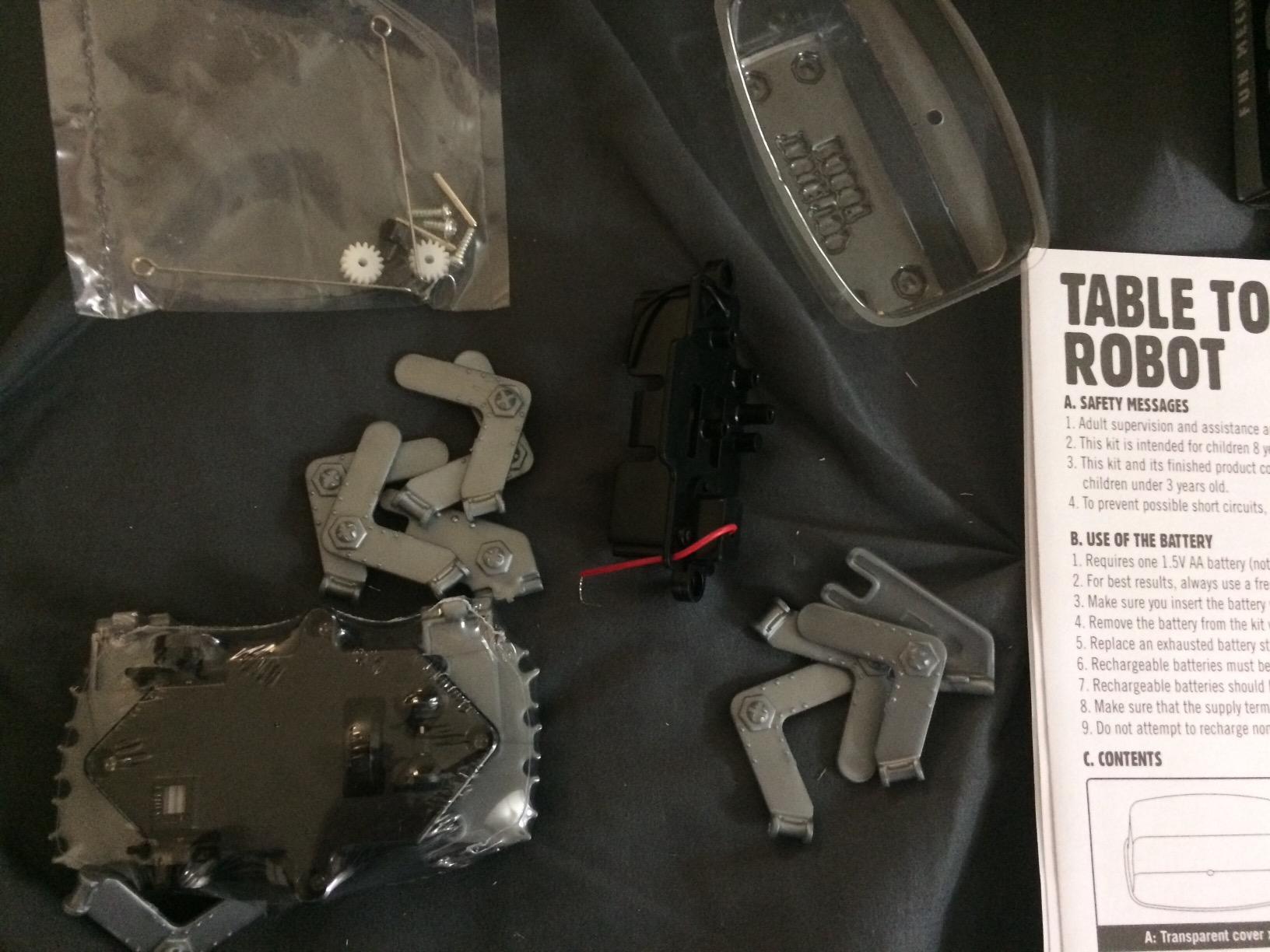
Its review volume is the highest in this roundup, and reviewers describe the same thing: the simplicity is the feature. A younger teen can finish it with light help and immediately understand that a sensor is just a mechanical response to a condition. Two practical warnings, though — the instruction layout is easy to misread, and the robot performs poorly on tiled floors where every grout line reads as an edge.
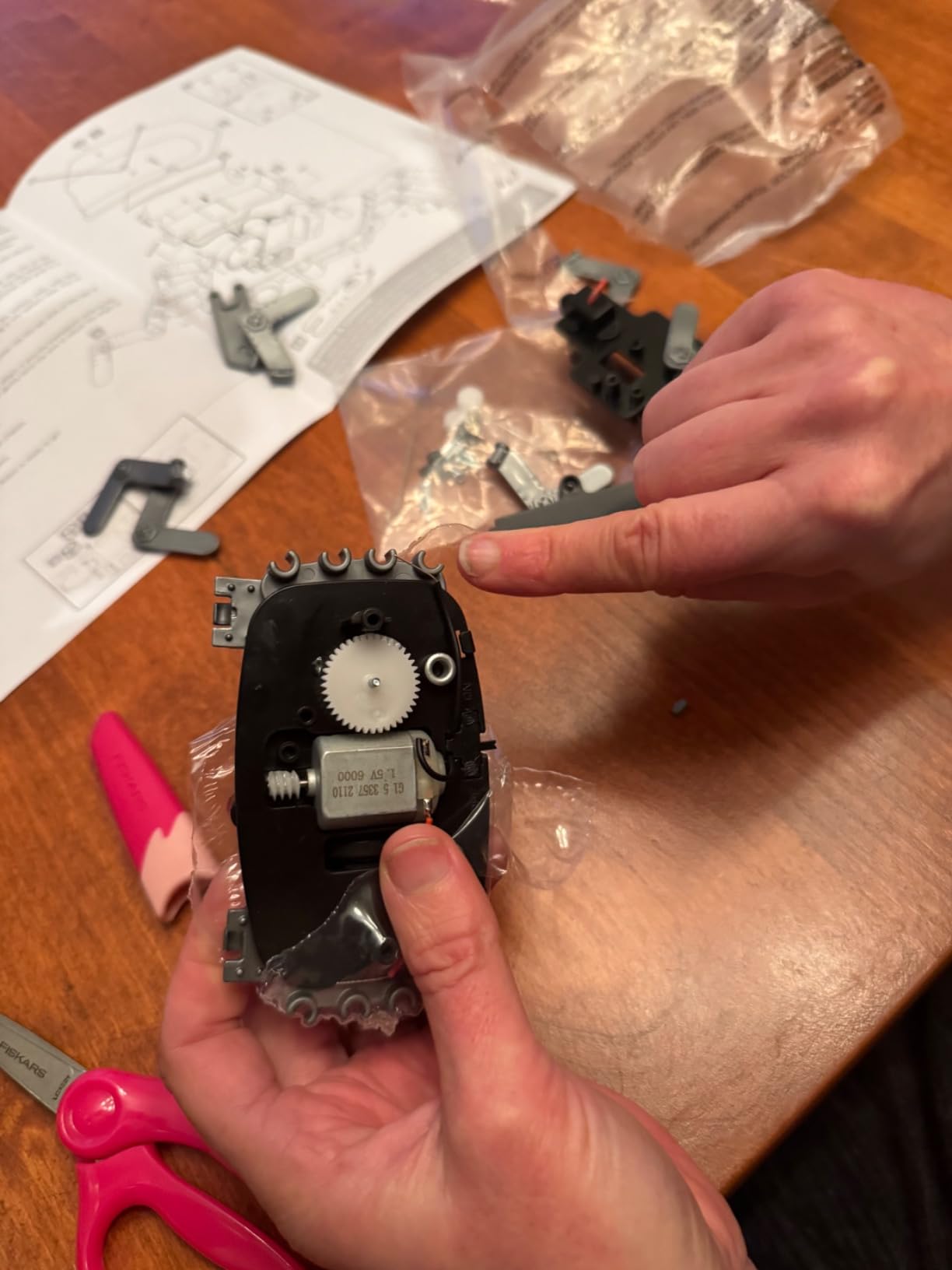
Why it still earns a place in a teen roundup
Not every teen should start with a laptop. This kit teaches the sensor-and-response loop with no software, no firmware and no driver, removing every barrier between opening the box and seeing a robot work. Paired with an Arduino kit, a teenager can compare a mechanical response with a software one, which is a better lesson than either teaches alone.
Who it fits and who it does not
It fits younger teens, families without a computer, and anyone building a gift basket on a tight budget, and it is easy for two people to assemble together. It does not fit a teen who wants to learn programming.
10. Adeept 5DOF Robotic Arm Kit – Best for Servo Programming
Adeept 5DOF Robotic Arm Kit for Arduino IDE, Programmable DIY Coding Kits
5-DOF arm, five servos
Arduino IDE
Polycarbonate, 0.68 kg
Manual control or PC software
Pros
- A genuine introduction to automation and servo programming in the Arduino IDE
- Good torque for its class with a quick program-then-run loop
- Support responds quickly and supplies replacement parts and boards
- Spare screws nuts and bolts are included in the box
Cons
- Weak grip strength and a low payload limit leave the arm fragile
- PDF tutorials omit key steps and sometimes contradict the models
- Hardware in the box does not always match the assembly video
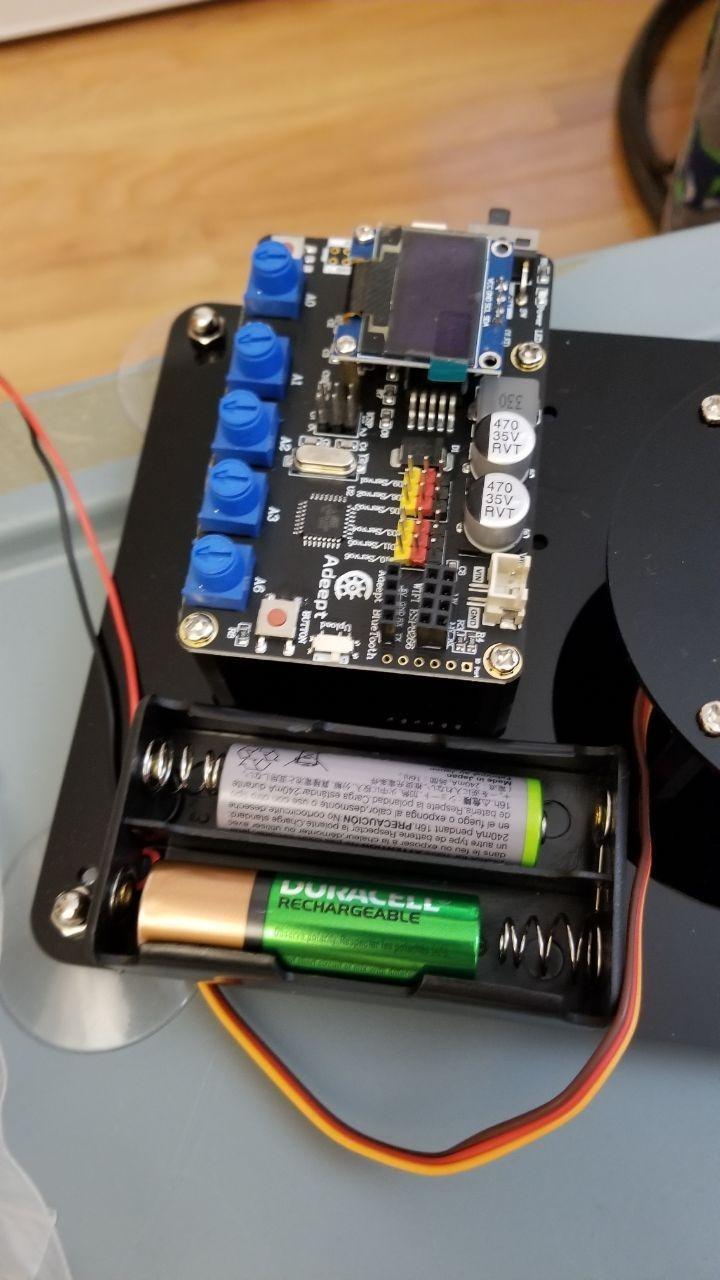
Every other kit in this roundup moves. This one manipulates. Five servo motors on a single Arduino-compatible board drive a five-axis arm, controlled either by manual potentiometer knobs on the base or by PC software through Processing. The included routines cover self-learning, drawing and imitation motion, all programmed in the Arduino IDE.
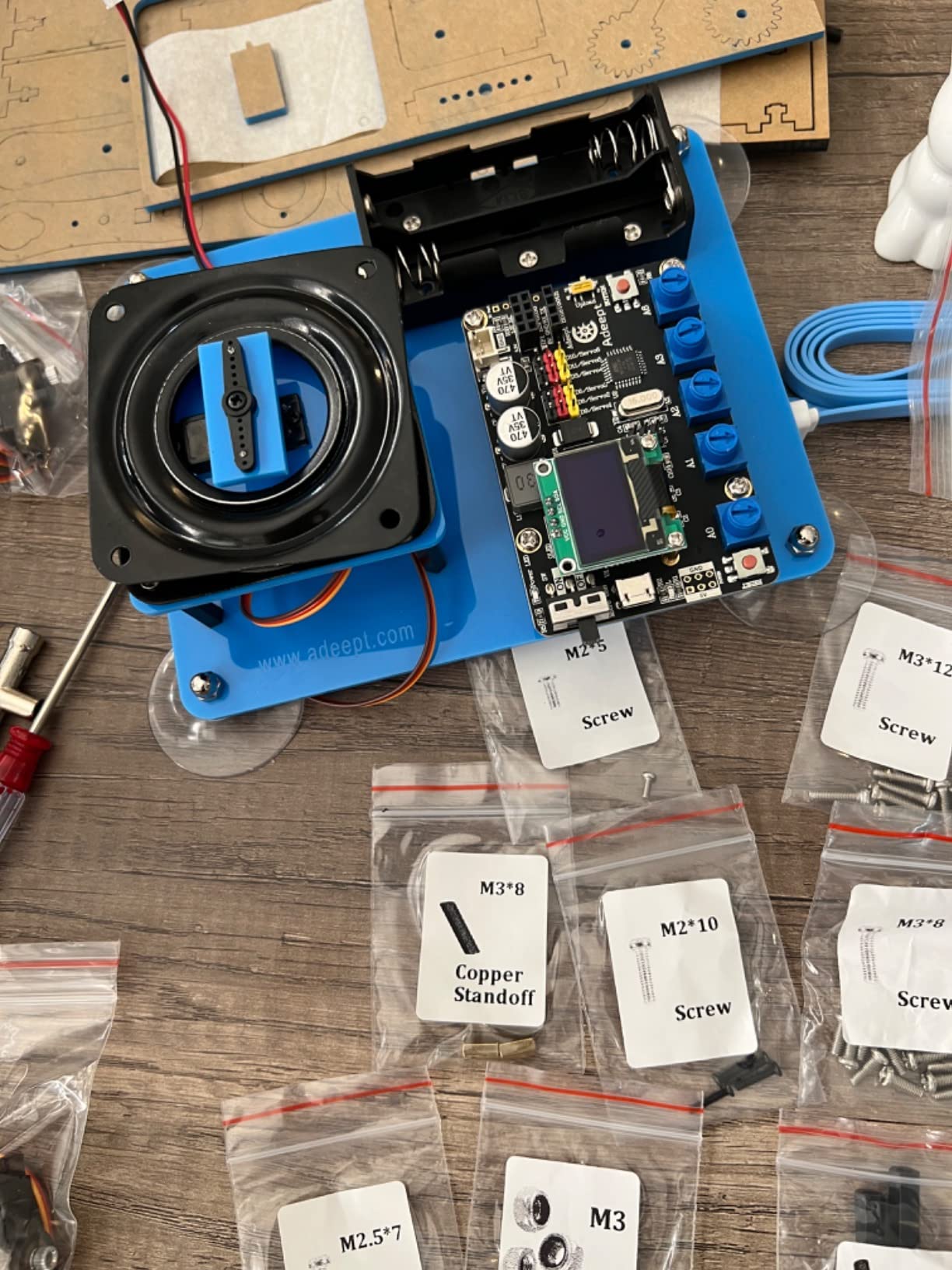
Build quality is mixed and the rating reflects it, sitting at 4.0 across 324 reviews with a sizeable one-star group. Recurring themes: grip strength is weak, the arm is fragile under load, and the PDF tutorials omit steps or contradict the models they illustrate. Two 18650 lithium-ion batteries and a charger are required and neither is included.
Why servo work is worth the extra setup
Servo control is where most self-taught coders first meet closed-loop thinking. An arm has no position feedback here, so the teen reasons about angles, timing and sequencing by hand, and the result is immediately visible in a joint that overshoots. That makes this the only kit here that teaches mechanisms directly.
Who it fits and who it does not
It fits older teens, aged 16 and up per the manufacturer rating, who are interested in hardware, animation and control systems and can troubleshoot an incomplete instruction set. It does not fit a younger builder or anyone who needs a finished mechanism quickly, and documented Wi-Fi and Bluetooth expansion support is weak.
How to Choose a Robotics Kit for a Teen
Start with the programming language, not the robot. A kit offering only drag-and-drop blocks holds a teenager for a weekend, while a kit running Python or C++ in a real editor holds attention for a year. The kits here that support genuine text code are the ELEGOO UNO R3 car, the ELEGOO Conqueror tank, the Makeblock Ultimate, Ranger and mBot2, the OSOYOO Model 3 and the Adeept arm.
Second, decide between a microcontroller and a single-board computer. A microcontroller such as the UNO R3 boots instantly and runs C++ in the Arduino IDE, while a single-board computer runs a full operating system and opens the door to computer vision and machine learning at the cost of higher power draw. Third, check the soldering question: every kit here except the Adeept arm assembles without an iron, and keyed connectors such as the XH2.54 plugs on the ELEGOO car stop a first-timer making wiring mistakes.
Fourth, count expansion ports. A kit with a single expansion connector limits a teenager to about three projects, while a large module ecosystem — the mBot2 with its 30-plus mBuild parts, or any UNO-compatible board — stays interesting far longer. Fifth, check the ecosystem lifespan. The Arduino platform has been stable for well over a decade and its libraries remain available, which makes it the safest bet for hardware a teen may still use in three years.
Sixth, confirm the computer. Every Arduino-based kit here needs a laptop or desktop with a USB port, and the Windows, macOS and Linux versions of the IDE are all free. App-controlled kits need a phone, while the 4M Table Top Robot and the Teach Tech Mech-5 need nothing at all. Finally, decide solo or team: most kits here suit one builder, whereas competition programmes assume a group of four to six working under a mentor.
Budget is the last filter, and it is the widest. Entry options sit well under the price of a premium metal set, and the money is usually better spent on expansion parts than on a bigger box. If the robotics kit is one piece of a larger hobby gift, our picks for the best canning kits and the best rotisserie kits cover other parts of a teen’s project list without competing with the robotics budget.
Frequently Asked Questions
What is the best robot kit for teenagers?
The best robot kit for a teenager who already codes is the ELEGOO UNO R3 Smart Robot Car Kit V4, because it runs real Arduino code, streams live video from an on-board camera, needs no soldering and includes an illustrated tutorial. For a metal build with the most models, the Makeblock mBot Ultimate 10-in-1 is stronger; for a first robot, the Makeblock mBot2 is the easiest starting point.
What is a good robot kit for a 14-year-old?
At 14 the deciding factor is whether the teen already writes code. A 14-year-old who programs in Python or Scratch should get a kit with a real text-based language, such as the ELEGOO UNO R3 Smart Robot Car Kit V4 or the OSOYOO Model 3 Arduino kit. A 14-year-old who has never built anything should start with the Makeblock mBot2, which takes about 30 minutes to assemble.
What are some good robotics kits for high school students?
For high school students the strongest options are the ELEGOO UNO R3 Smart Robot Car Kit V4 for real Arduino programming, the Makeblock mBot Ultimate 10-in-1 for metal mechanisms and a robotic arm, the Adeept 5DOF arm for servo control, and the Makeblock mBot Ranger for a clean Scratch-to-Arduino path. All four are solder-free and run on free software.
What is the best robotics kit for beginners?
The best beginner robotics kit is the Makeblock mBot2, which builds in roughly 30 minutes, supports Scratch and Python, and ships with free lifelong software, four physical project cards and more than 24 guided cases. For a screen-free introduction, the 4M Table Top Robot or the Teach Tech Mech-5 both work and need no computer at all.
What is a good robotics kit for a 13-year-old?
A 13-year-old who is moving out of block coding should get a kit that supports both a visual editor and a text language, which is exactly what the Makeblock mBot2 offers with Scratch and Python support. A 13-year-old who has never built anything will get more from a fast first build than from a complex kit, so avoid starting with the metal ten-in-one set.
Do robotics kits need a computer or laptop?
Most do. Every Arduino-based kit in this roundup, including the ELEGOO UNO R3 car and the OSOYOO Model 3, needs a laptop or desktop with a USB port and free Arduino IDE software, which runs on Windows, macOS and Linux. App-controlled kits need a phone. The 4M Table Top Robot and the Teach Tech Mech-5 are the exceptions and need no device at all.
Conclusion
For most teenagers, the best robotics kits for teens in 2026 come down to one choice: the ELEGOO UNO R3 Smart Robot Car Kit V4. It teaches real code on a standard Arduino board, includes a camera, avoids soldering, and comes with documentation good enough that a parent does not have to sit beside the build.
Go metal with the Makeblock Ultimate if the teen builds mechanisms rather than programs them, and start with the Makeblock mBot2 if this is a first robot. Whatever you choose, check that it runs text-based code and that the platform will still be supported years from now.