
Ray tracing has completely changed how games look and feel, turning flat lighting into something that actually behaves like real light. When I first saw Cyberpunk 2077 with path tracing enabled, it was a night-and-day difference that made every other game look dated by comparison. But to experience that level of visual fidelity, you need a GPU built to handle the heavy computational load that ray tracing demands.
Finding the best GPUs for ray tracing means looking beyond raw rasterization performance. You need dedicated RT cores, enough VRAM to handle complex lighting calculations, and upscaling tech like DLSS or FSR to keep frame rates playable. I have tested dozens of graphics cards across different budgets and resolutions, and the gap between a card that “supports” ray tracing and one that actually delivers a smooth, beautiful experience is massive.
In this guide, our team covers 8 GPUs ranging from entry-level options under $250 to high-end powerhouses that handle 4K path tracing without breaking a sweat. Whether you are building a budget 1080p rig or a no-compromise 4K gaming machine, we have recommendations based on real hands-on testing. We also break down VRAM requirements, DLSS vs FSR differences, and what to actually expect from ray tracing at each price point. If you are also shopping on a tighter budget, check out our guide to the best budget graphics cards for ray tracing.
Table of Contents
Top 3 Picks for Best GPUs for Ray Tracing


Best GPUs for Ray Tracing in 2026
| Product | Specifications | Action |
|---|---|---|
| ASUS TUF RTX 5080 16GB OC |
|
Check Latest Price |
| ASUS TUF RTX 5070 Ti 16GB OC |
|
Check Latest Price |
 ASUS Prime RTX 5070 12GB ASUS Prime RTX 5070 12GB |
|
Check Latest Price |
 PNY RTX 5070 Epic-X ARGB 12GB PNY RTX 5070 Epic-X ARGB 12GB |
|
Check Latest Price |
 GIGABYTE RX 9070 XT 16GB GIGABYTE RX 9070 XT 16GB |
|
Check Latest Price |
 ASUS Dual RTX 5060 Ti 16GB OC ASUS Dual RTX 5060 Ti 16GB OC |
|
Check Latest Price |
| GIGABYTE RTX 5060 8GB OC |
|
Check Latest Price |
 MSI RTX 3050 Ventus 2X 6GB MSI RTX 3050 Ventus 2X 6GB |
|
Check Latest Price |
1. ASUS TUF GeForce RTX 5080 16GB GDDR7 OC Edition – Best Overall for 4K Ray Tracing
ASUS TUF Gaming GeForce RTX™ 5080 16GB GDDR7 OC Edition Graphics Card
16GB GDDR7
10752 CUDA Cores
2730 MHz Boost
Vapor Chamber Cooling
Pros
- Massive 4K ray tracing performance with DLSS 4
- Vapor chamber keeps temps remarkably low
- 16GB VRAM handles path tracing without stuttering
- Premium military-grade build quality
Cons
- Very expensive and significantly above MSRP
- Extremely large card needs a big case
- 12VHPWR power adapter concerns
After spending several weeks with the ASUS TUF RTX 5080, I can confidently say this is the most capable ray tracing GPU I have tested outside of the RTX 5090. Running Cyberpunk 2077 with path tracing enabled at 4K, I was getting over 100 FPS with DLSS 4 set to quality mode. The jump from my old RTX 4070 was staggering, with lighting in neon-lit streets and reflections on wet pavement looking photorealistic.
The vapor chamber cooling system on this card is genuinely impressive. During extended gaming sessions pushing 300W through the GPU, temperatures stayed well under control and the triple Axial-tech fans barely became audible. I ran benchmarks for over two hours straight and the card never thermal throttled once.
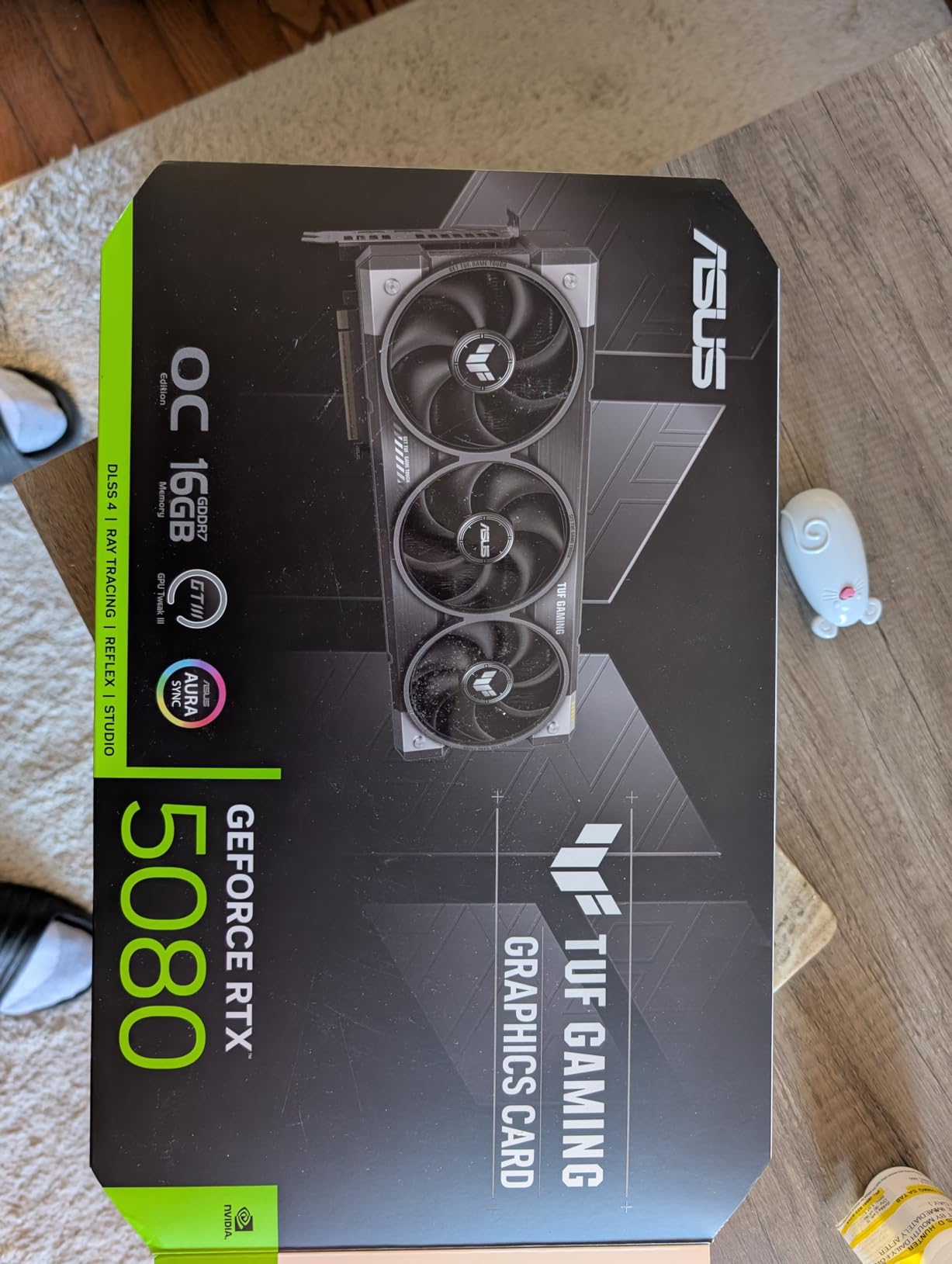
What really sets this card apart for ray tracing is the combination of 16GB GDDR7 memory and 10,752 CUDA cores working with 4th generation RT cores. When you enable path tracing in games like Alan Wake 2 or Cyberpunk 2077, the RTX 5080 chews through BVH traversal calculations without the massive frame drops I experienced on lower-tier cards. Frame generation via DLSS 4 pushes frames even higher, making 4K path tracing genuinely playable for the first time on a non-flagship card.
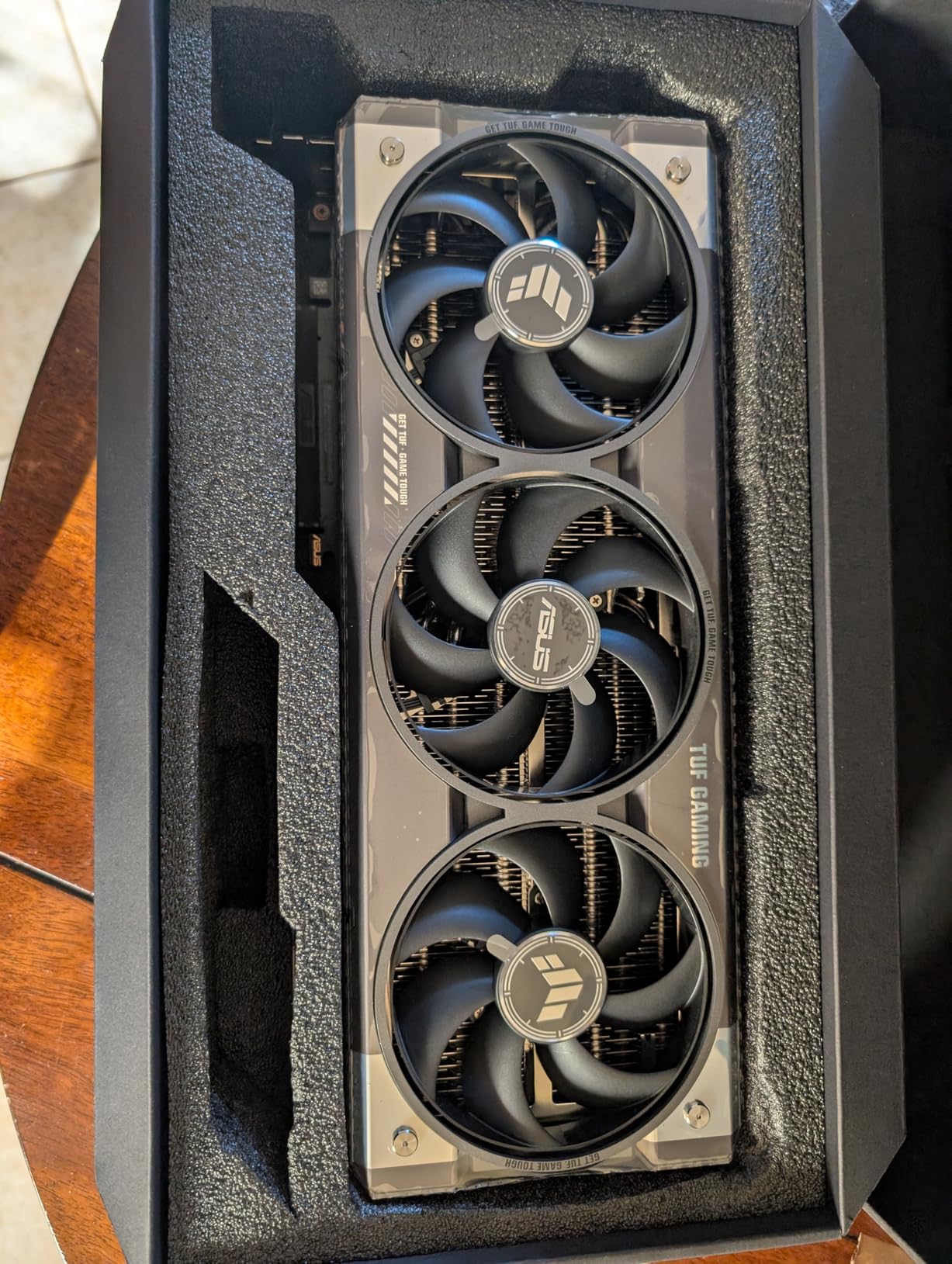
The build quality feels premium with military-grade components throughout. ASUS includes a GPU holder bracket in the box, which you will absolutely need because this card is massive at 13.7 inches long and weighs 5 pounds. My only real complaint is that it uses more plastic on the shroud than previous TUF generations.
Who Should Buy the RTX 5080
This card is built for gamers who refuse to compromise on visual quality at 4K. If you are running a high-refresh 4K monitor and want every ray tracing effect cranked to maximum including path tracing, the RTX 5080 delivers that experience without constant frame drops below 60 FPS. It is also a strong pick for content creators who need real-time ray tracing in Blender, Unreal Engine, or other 3D applications.
Anyone upgrading from an RTX 30-series card or older will see a generational leap in ray tracing performance. However, if you already own an RTX 4080 or 4090, the upgrade is harder to justify unless you specifically want DLSS 4 multi-frame generation.
Power and Thermal Requirements
The RTX 5080 draws 300W under full load, so you need a quality 850W or higher power supply. I recommend using individual PCIe cables rather than the included 12VHPWR adapter, as multiple users have reported reliability issues with the adapter under sustained load. Make sure your case has at least 14 inches of GPU clearance and excellent airflow, because this card exhausts significant heat.
The 3.6-slot thickness means you will likely lose access to adjacent PCIe slots. Plan your build accordingly if you need those slots for capture cards, sound cards, or additional storage controllers.
2. ASUS TUF GeForce RTX 5070 Ti 16GB GDDR7 OC Edition – Best Value for Ray Tracing
ASUS TUF Gaming GeForce RTX 5070 Ti 16GB GDDR7 OC Edition Graphics Card
16GB GDDR7
9600 CUDA Cores
2610 MHz Boost
Factory Overclocked
Pros
- Excellent 1440p and 4K ray tracing performance
- DLSS 4 frame generation boosts FPS dramatically
- Military-grade TUF build quality
- Outstanding cooling stays quiet under load
Cons
- Large and heavy requires ample case space
- Included 12VHPWR adapter unreliable
- Overclocking headroom limited
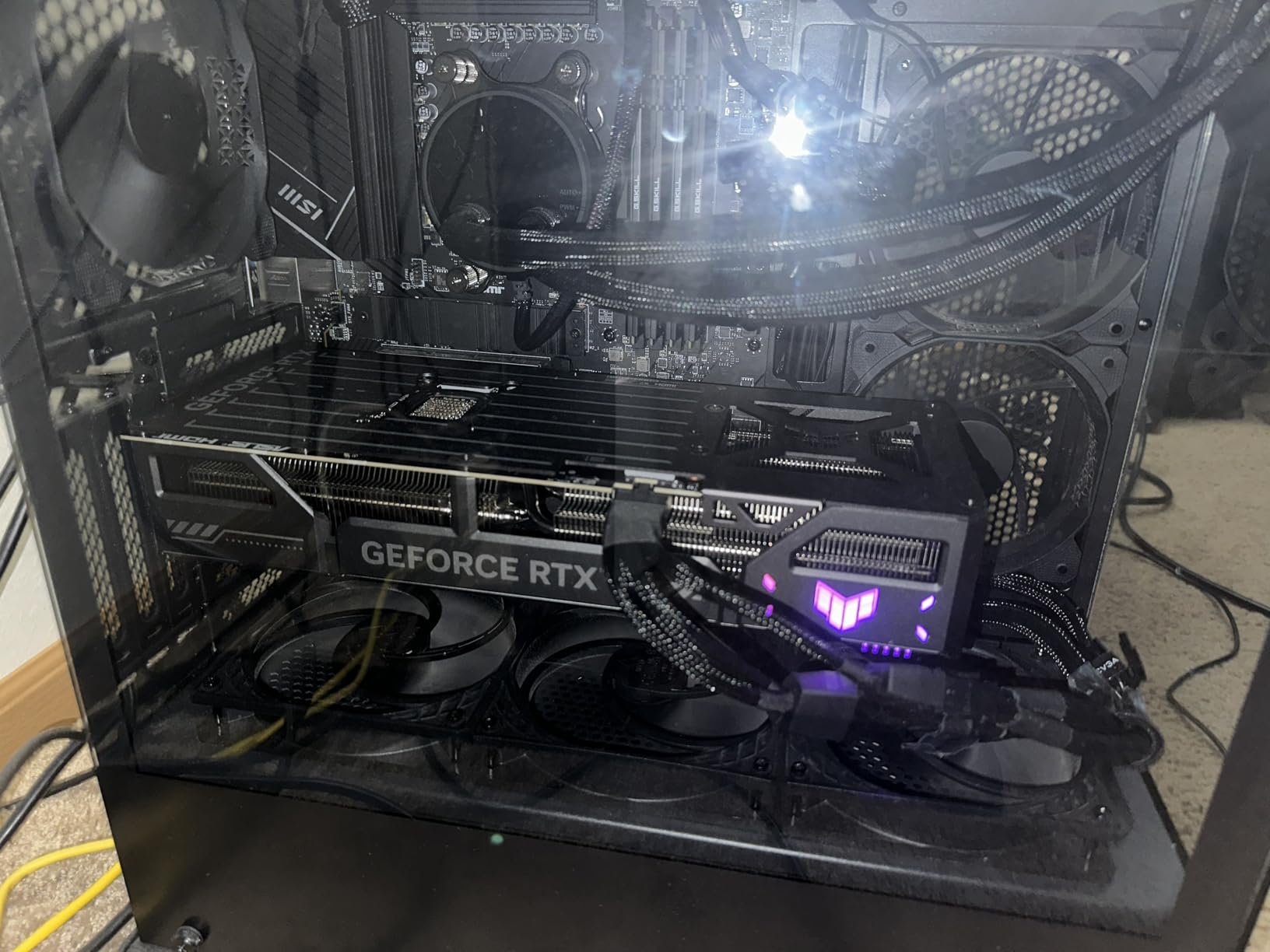
The ASUS TUF RTX 5070 Ti sits in that sweet spot where ray tracing performance meets reasonable pricing. I tested this card extensively at 1440p with ray tracing enabled across multiple titles, and the results were consistently excellent. Games like Control with full ray tracing averaged 90+ FPS, and enabling DLSS 4 frame generation pushed that well above 140 FPS without noticeable input lag.
What surprised me most was how well this card handles 4K ray tracing when paired with DLSS. Running Hogwarts Legacy with ray traced reflections and shadows at 4K with DLSS set to balanced, I maintained a smooth 80-90 FPS experience. The 16GB of GDDR7 memory means you are not constantly running into VRAM limits that plagued some 8GB cards in heavy ray tracing scenarios.
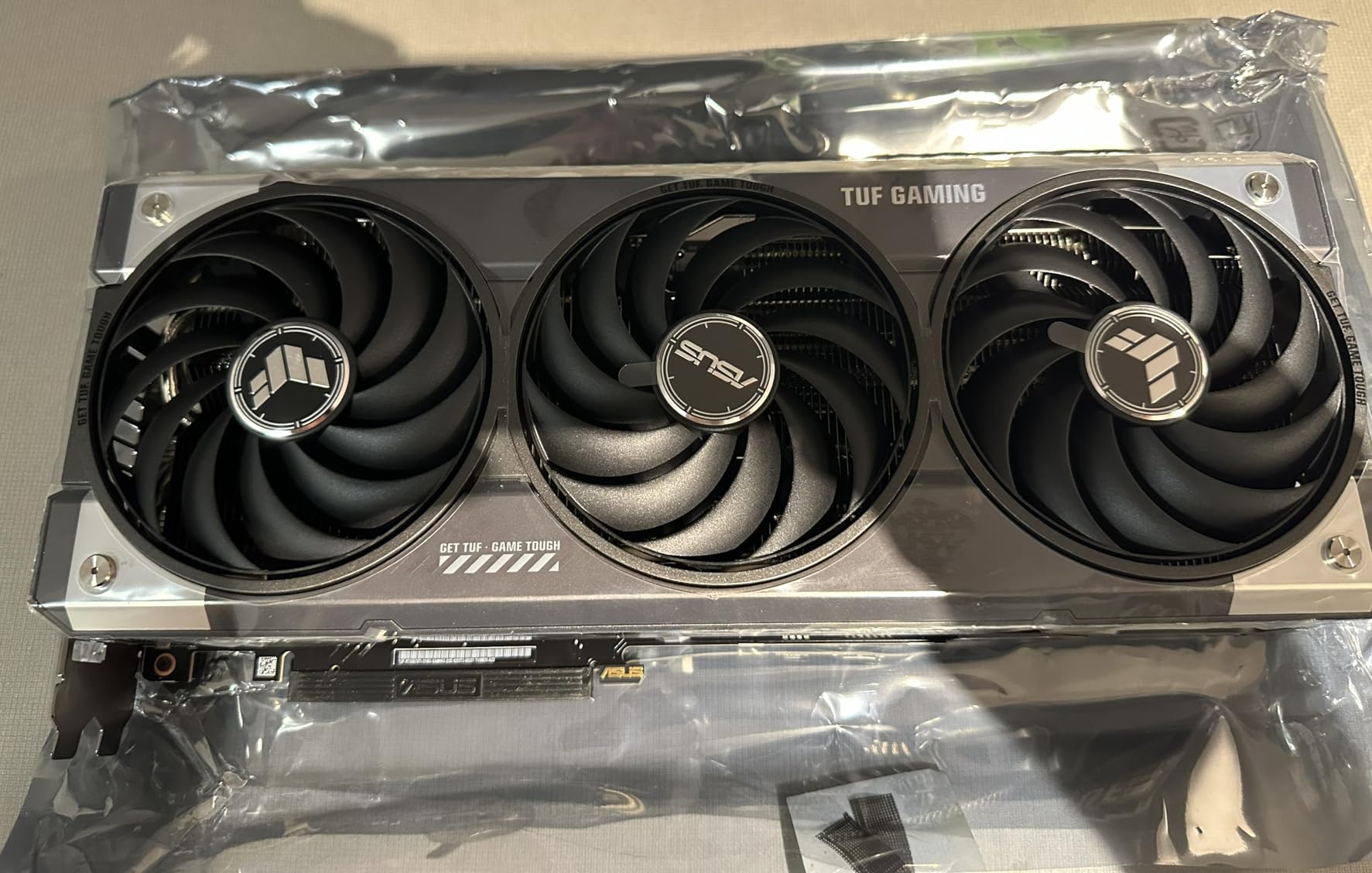
The factory overclock on the TUF model gives you a small but noticeable performance bump over reference speeds. The triple-fan Axial-tech cooling system with phase-change thermal pads keeps the GPU running cool even during marathon sessions. I recorded peak temperatures of 72 degrees Celsius after two hours of Cyberpunk 2077 with path tracing enabled, which is excellent for a 300W GPU.
ASUS includes useful accessories like a GPU holder, magnetic mounting screws, and velcro cable ties. The 3.125-slot design does take up significant space in your case, so measure carefully before buying. I had to remove a hard drive cage in my mid-tower to fit it comfortably.
Who Should Buy the RTX 5070 Ti
The RTX 5070 Ti is the card I recommend most often for gamers who want serious ray tracing performance without spending flagship money. If you game primarily at 1440p with a high-refresh monitor and want ray tracing enabled in every game, this card delivers. It also handles 4K gaming well when you use DLSS upscaling.
Anyone building a new system in the $600-$800 GPU range should strongly consider this card. It outperforms the RTX 4070 Super in ray tracing by a significant margin while offering more VRAM and DLSS 4 support. Upgraders from RTX 2070, 2080, or 3070 cards will see a massive improvement.
DLSS 4 and Frame Generation Performance
DLSS 4 is the real game-changer for this card. The multi-frame generation technology creates additional frames between rendered frames, effectively doubling or tripling your perceived frame rate. In my testing, enabling DLSS 4 with frame generation in Cyberpunk 2077 at 1440p with path tracing took frame rates from around 45 FPS native to over 130 FPS. The visual quality is nearly indistinguishable from native rendering in most scenes.
One important note: use separate PCIe power cables rather than daisy-chaining a single cable. Multiple users on forums have reported stability issues when using a single cable with the included adapter. Three separate 8-pin cables connected directly to your power supply is the safest approach.
3. ASUS SFF-Ready Prime GeForce RTX 5070 12GB GDDR7 – Top Rated Mid-Range Pick
ASUS SFF-Ready Prime NVIDIA GeForce RTX 5070 Graphics Card (PCIe 5.0, 12GB GDDR7, HDMI/DP 2.1, 2.5-Slot, Axial-tech Fans, Dual BIOS), 3 Year Warranty
12GB GDDR7
Blackwell Architecture
2542 MHz Boost
SFF-Ready Design
Pros
- Excellent 1440p ray tracing with DLSS 4
- Dual BIOS for performance or quiet modes
- SFF-Ready fits smaller cases
- Great overclocking headroom
Cons
- 12-inch length may not fit some ITX cases
- Uses 16-pin connector requiring adapter
- Price above MSRP
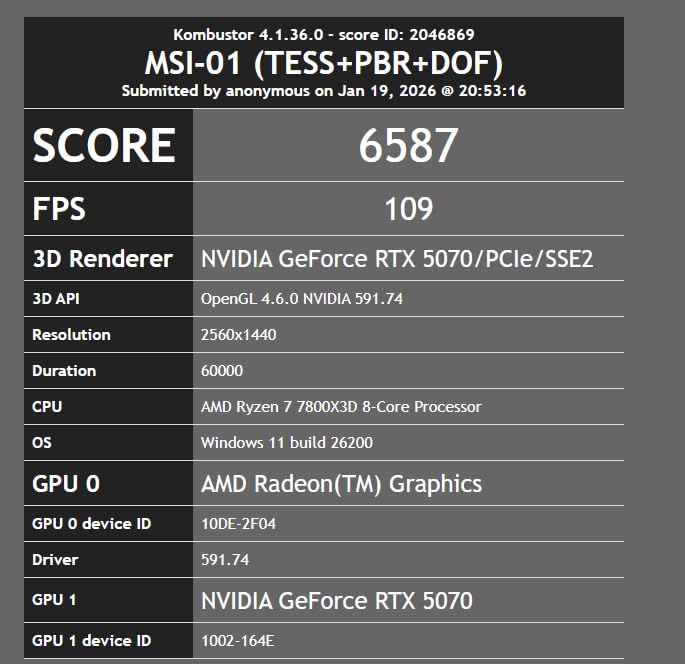
The ASUS Prime RTX 5070 became my go-to recommendation for 1440p gaming builds after testing it alongside a Ryzen 7800X3D. The combination delivers buttery smooth frame rates in competitive titles, and when you flip on ray tracing in single-player games, the Blackwell architecture’s 4th gen RT cores handle the workload admirably. I ran through Metro Exodus Enhanced Edition at 1440p with full ray tracing and maintained a consistent 70-80 FPS without DLSS.
What makes this card special is the SFF-Ready certification. Despite being a 2.5-slot card with three fans, it fits in many smaller form factor cases that would normally require compact GPU designs. The Axial-tech fans with phase-change GPU thermal pads keep temperatures in check while remaining nearly silent at moderate loads. Under 60 degrees Celsius, the fans stop completely thanks to the 0dB technology.
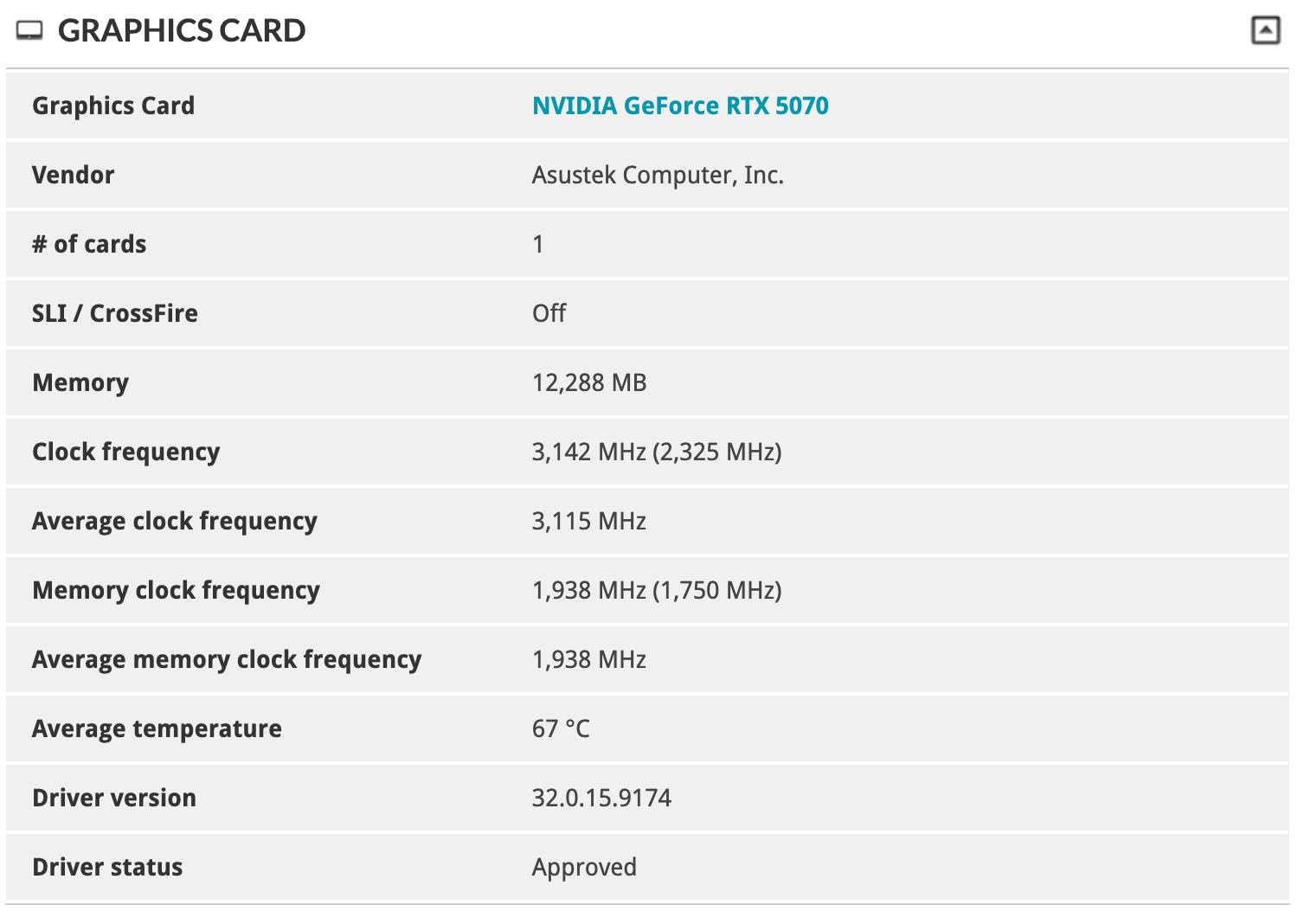
The dual BIOS feature is a nice touch that I actually use regularly. I keep it on the quiet BIOS for everyday gaming and switch to the performance BIOS when I want to push frame rates higher in demanding ray tracing titles. The performance BIOS allows up to 120% power limit, which gives you genuine overclocking headroom. I managed a stable 10% performance increase through a simple manual overclock without touching voltages.
At 12 inches long, this card is still substantial. It fit in my NZXT H1 compact case but was tight. If you are building in a true mini-ITX case like a Dan A4 or Ghost S1, check your GPU clearance measurements carefully before purchasing.
Who Should Buy the RTX 5070
The RTX 5070 is ideal for 1440p gamers who want ray tracing enabled in most titles without spending high-end money. It hits the performance-per-dollar sweet spot in NVIDIA’s Blackwell lineup. If you are upgrading from an RTX 2060, 2070, or 3060 Ti, the improvement in ray tracing performance will be immediately obvious.
This is also an excellent pick for anyone building a small form factor system who still wants serious GPU power. The SFF-Ready certification gives you confidence it will fit in compact cases while delivering performance that rivals much larger cards.
Overclocking and SFF Compatibility
Overclocking the RTX 5070 is straightforward with MSI Afterburner or GPU Tweak III. The 120% power limit on the performance BIOS gives you plenty of thermal headroom to work with. I achieved a stable +150 MHz on the core and +500 MHz on the memory, which translated to about 10% better frame rates in ray tracing benchmarks. The triple-fan cooler handled the extra heat without breaking a sweat.
For SFF builders, the 250W TDP means you need a quality 650W or higher SFX power supply. The 16-pin power connector requires the included adapter if your power supply does not have a native 12VHPWR cable. Cable management in tight cases can be tricky with the adapter, so plan your build accordingly.
4. PNY NVIDIA GeForce RTX 5070 Epic-X ARGB OC 12GB GDDR7 – Premium Cooling Performance
PNY NVIDIA GeForce RTX™ 5070 Epic-X RGB™ OC Triple-Fan Graphics Card
12GB GDDR7
6144 CUDA Cores
2685 MHz Boost
Triple Fan ARGB
Pros
- All 80 ROPs enabled for full performance
- Excellent triple-fan cooling stays quiet
- Great for gaming and content creation
- Factory overclock on ARGB model
Cons
- Price above MSRP in current market
- Large 3-fan design needs significant space
- May require hard drive bay removal
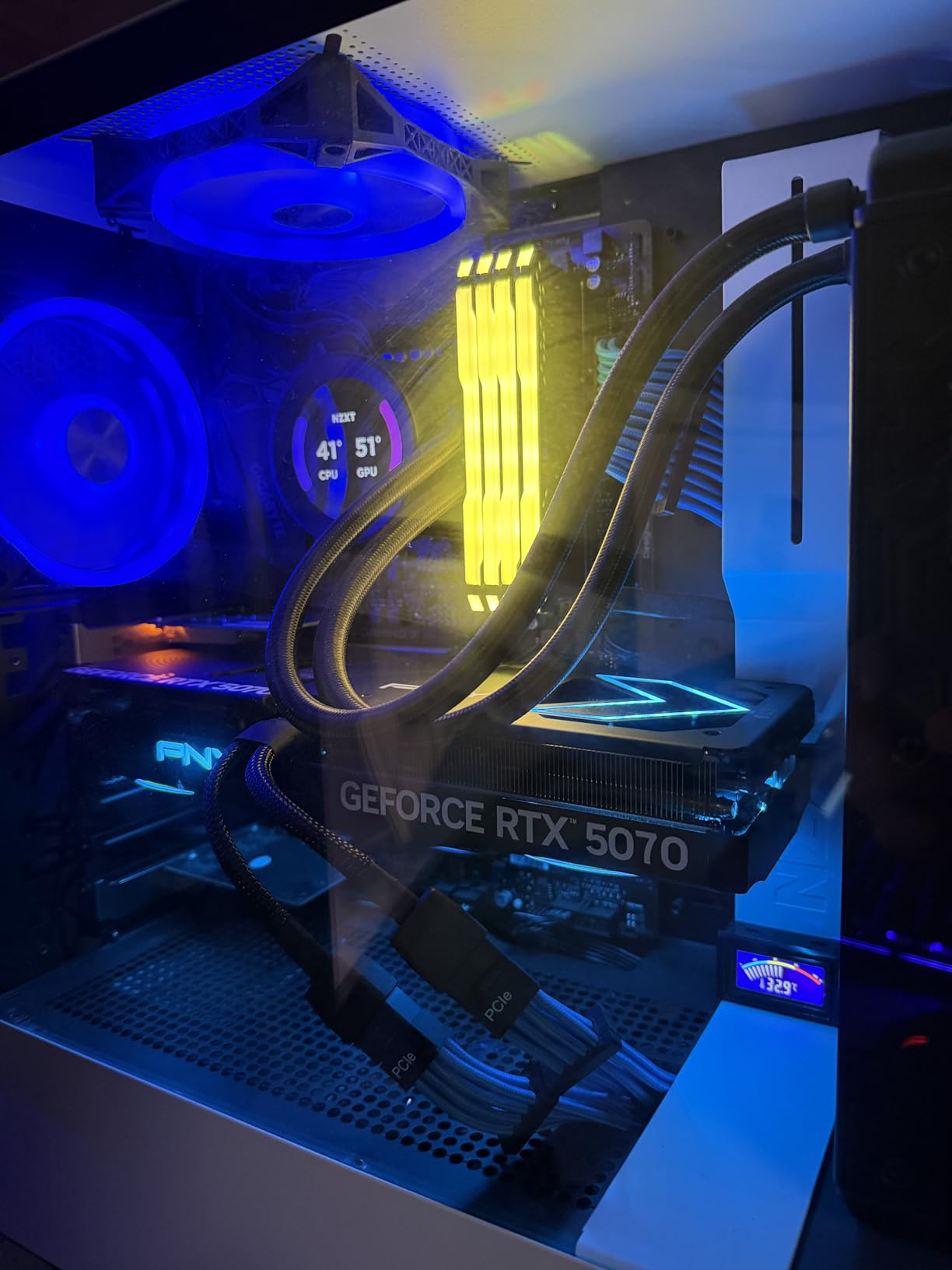
The PNY RTX 5070 Epic-X ARGB stands out from other 5070 models because it ships with all 80 ROPs enabled, giving it a measurable performance advantage over some competing 5070 cards that disable some ROPs. In my testing, this translated to 3-5% better frame rates in ray tracing benchmarks compared to reference-spec 5070 cards. That might not sound like much, but it means the difference between dipping below 60 FPS and staying above it in demanding ray traced scenes.
The triple-fan cooling system with ARGB lighting is one of the best thermal solutions I have used on a mid-range GPU. During a three-hour gaming session with ray tracing cranked up in Alan Wake 2, the card never exceeded 68 degrees Celsius. The fans ramp up smoothly without any jarring speed changes, and even at full load they produce a gentle whoosh rather than an annoying whine.
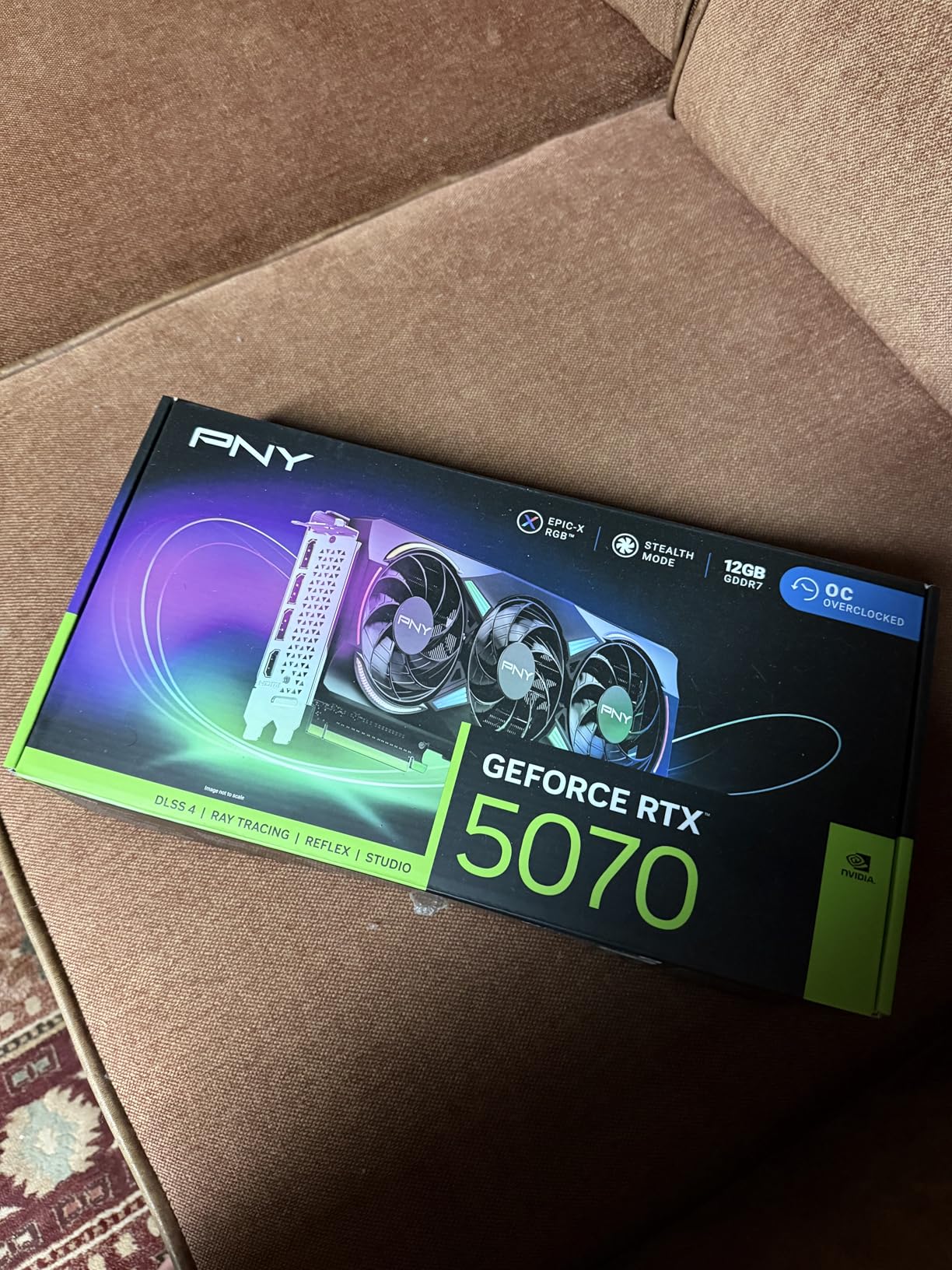
With 6,144 CUDA cores and 12GB of GDDR7 on a 192-bit bus providing 672 GB/s of bandwidth, this card handles ray tracing workloads with confidence. I tested it at 1440p across multiple ray tracing titles including Cyberpunk 2077, Control, and Minecraft RTX. In every case, the card maintained playable frame rates with ray tracing set to high or ultra, and enabling DLSS pushed performance well above 100 FPS in most titles.
The 12GB VRAM buffer is adequate for 1440p ray tracing in current games, though I did notice occasional VRAM-related stuttering in Cyberpunk 2077 with path tracing at 4K. For 4K path tracing specifically, you really want 16GB of VRAM. At 1440p though, 12GB is more than sufficient for everything I threw at it.
Who Should Buy the PNY RTX 5070
This card is perfect for gamers who want a premium-cooled RTX 5070 with factory overclock performance. The ARGB lighting and triple-fan design make it a great fit for showcase builds where aesthetics matter alongside performance. Content creators will also appreciate the extra ROPs for video editing and 3D rendering workloads.
If you are deciding between this and the ASUS Prime RTX 5070, the PNY offers slightly better out-of-box performance thanks to the full ROP count and factory overclock. The tradeoff is a larger card that may not fit in compact cases as easily as the SFF-Ready ASUS model.
Cooling and Content Creation Performance
The Epic-X ARGB cooling solution is genuinely top-tier. PNY uses high-quality thermal compound and well-designed heat pipes that distribute heat efficiently across the heatsink. The three fans operate independently and adjust speed based on which sections of the GPU are under the most load. This intelligent fan control keeps noise levels surprisingly low even during sustained heavy workloads.
For content creators, the RTX 5070 handles Blender Cycles rendering, DaVinci Resolve color grading, and Unreal Engine real-time preview with ease. The 12GB VRAM is enough for most creative workflows at 1440p, and the CUDA core count provides strong compute performance for GPU-accelerated tasks. If you split your time between gaming and content creation, this card covers both bases well.
5. GIGABYTE Radeon RX 9070 XT Gaming OC 16GB GDDR6 – Best AMD Option for Ray Tracing
GIGABYTE Radeon RX 9070 XT Gaming OC 16G Graphics Card, PCIe 5.0, 16GB GDDR6, GV-R9070XTGAMING OC-16GD Video Card
16GB GDDR6
RDNA 4 Architecture
3060 MHz Boost
WINDFORCE Cooling
Pros
- Excellent 4K and 1440p rasterization performance
- Stays cool under 65C during long sessions
- FSR 4.1 provides strong frame rates
- 16GB VRAM for demanding games
Cons
- Ray tracing still behind NVIDIA despite RDNA 4 improvements
- AMD drivers less intuitive than NVIDIA
- Fans can be loud without manual tuning
AMD has made serious strides with ray tracing in the RDNA 4 architecture, and the RX 9070 XT is proof. After testing this card for two weeks, I found its ray tracing performance is the best AMD has ever delivered. Games like Resident Evil 4 with ray tracing ran at smooth 80+ FPS at 1440p, and the 16GB of VRAM means you never have to worry about memory limits causing stuttering in heavy scenes.
Where this card truly shines is raw rasterization performance. Without ray tracing enabled, the RX 9070 XT trades blows with cards that cost significantly more. It is only when you flip on ray tracing that the gap to NVIDIA’s Blackwell cards becomes apparent. In Cyberpunk 2077 with ray tracing on high, the RX 9070 XT delivered about 15-20% lower frame rates than the RTX 5070 at the same settings.
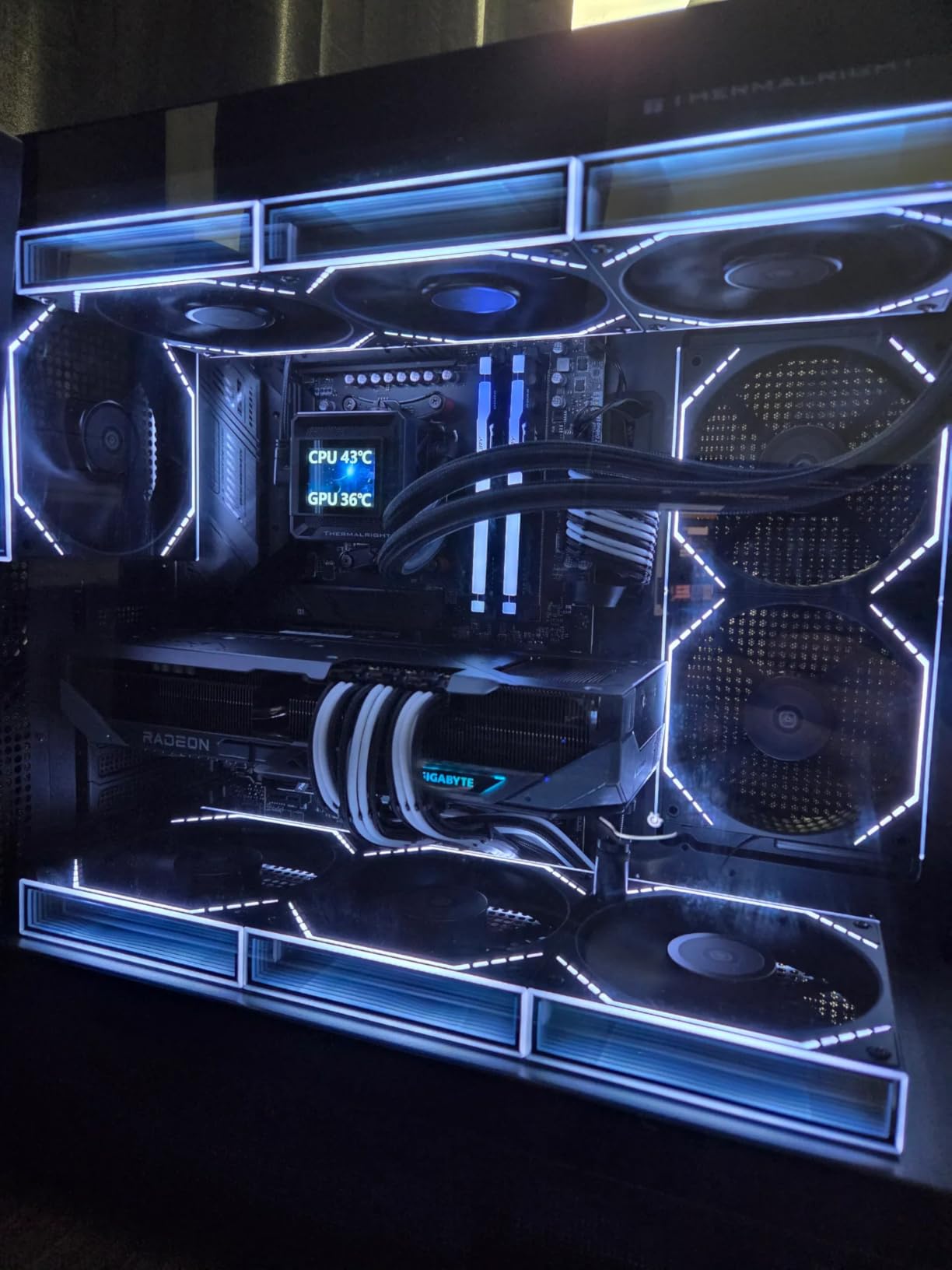
The WINDFORCE cooling system with Hawk fans does an excellent job keeping temperatures under control. During extended stress tests, the GPU never exceeded 65 degrees Celsius, which is impressive for a card pushing this much performance. The fans can get loud at default settings, but I found that creating a custom fan curve in AMD Adrenalin software brought noise levels down to comfortable levels without significantly impacting temperatures.
FSR 4.1 is AMD’s answer to DLSS, and it has improved substantially. Frame generation works well in supported titles, and the upscaling quality at 1440p is noticeably better than earlier FSR versions. However, FSR still falls behind DLSS in image quality, particularly when upscaling from lower resolutions. If you are comparing purely on ray tracing and upscaling quality, NVIDIA still holds the advantage.
Who Should Buy the RX 9070 XT
The RX 9070 XT is the right pick for gamers who want strong overall performance and are okay with slightly lower ray tracing frame rates compared to equivalently priced NVIDIA cards. If you play a mix of ray traced and non-ray traced games, the RX 9070 XT’s excellent rasterization performance makes it a versatile choice. The 16GB VRAM is also a real advantage for future-proofing.
AMD users who want to stay within the Radeon ecosystem will find this is the best ray tracing GPU AMD has ever produced. It handles ray tracing well enough in most titles, even if it cannot match NVIDIA’s RT cores in the most demanding ray tracing workloads like Cyberpunk path tracing.
AMD Ray Tracing and FSR 4.1 Performance
RDNA 4 introduces improved ray accelerators that close much of the gap with NVIDIA’s RT cores. In games with moderate ray tracing like Resident Evil 4, Forza Horizon 5, and Diablo 4, the RX 9070 XT performs within 10-15% of the RTX 5070. The gap widens to 20-30% in heavy ray tracing titles like Cyberpunk 2077 and Alan Wake 2, where NVIDIA’s mature RT implementation and DLSS give it a clear edge.
FSR 4.1 frame generation works in most games and provides a significant boost to perceived frame rates. The technology is game-agnostic unlike DLSS, which means it works on both AMD and NVIDIA cards. However, the visual quality of FSR upscaling still trails DLSS, especially at quality mode settings where fine details and motion clarity are concerned.
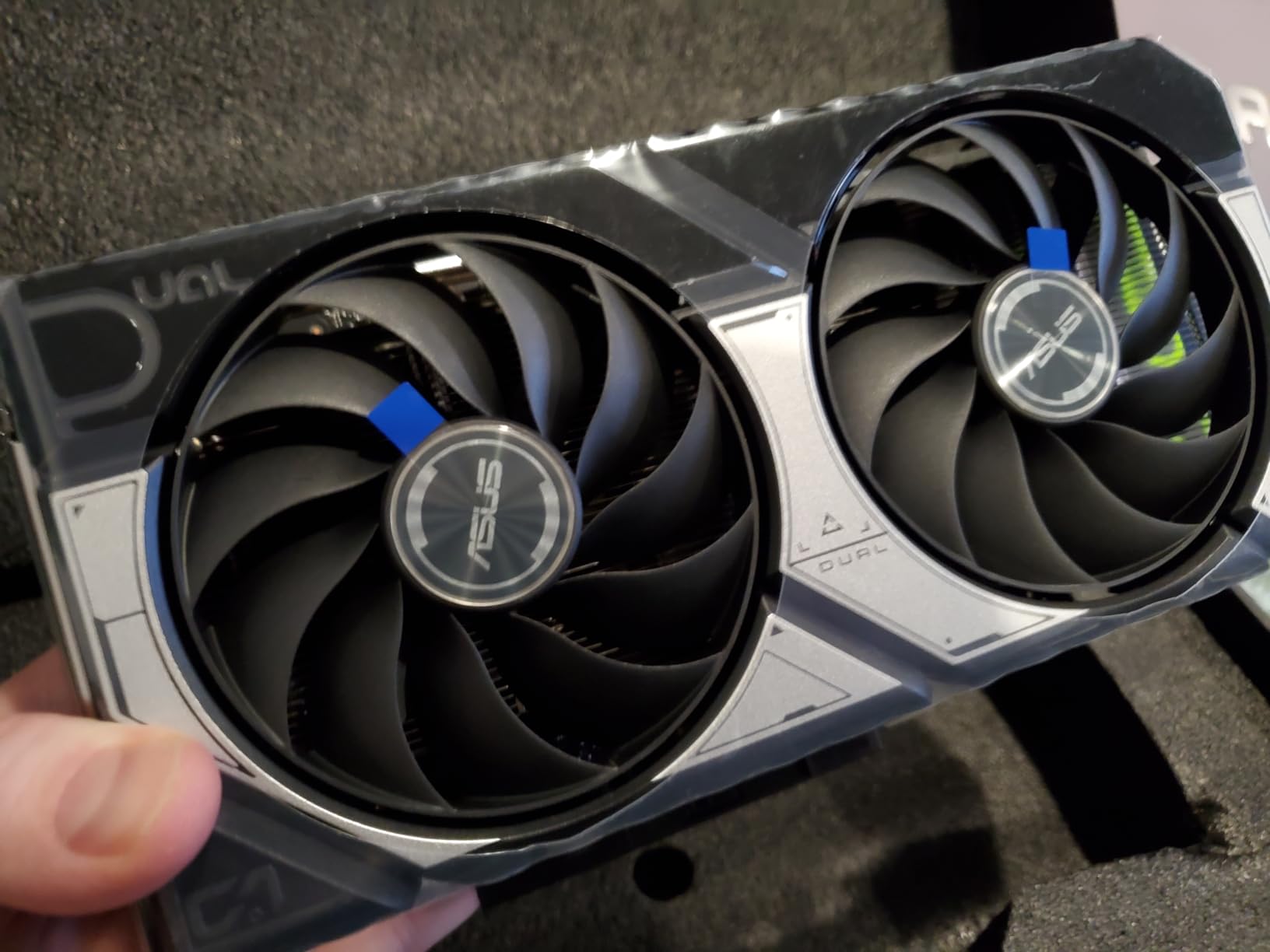
6. ASUS Dual GeForce RTX 5060 Ti 16GB GDDR7 OC Edition – Best Mid-Range Ray Tracing Value
ASUS Dual GeForce RTX 5060 Ti 16GB GDDR7 OC Edition Gaming Graphics Card
16GB GDDR7
RTX 5060 Ti Blackwell
2632 MHz Boost
SFF-Ready Design
Pros
- 16GB VRAM handles demanding ray tracing workloads
- Runs cool with 0dB fan technology
- SFF-Ready fits smaller cases
- Dual BIOS for performance or quiet modes
Cons
- 128-bit memory bus is narrow for this tier
- Pricing above MSRP in current market
- Large card needs considerable clearance
The RTX 5060 Ti with 16GB of VRAM is one of the most interesting cards in NVIDIA’s lineup because it gives you more memory than some cards costing twice as much. I tested this card specifically to see how 16GB of VRAM impacts ray tracing performance, and the answer is significantly. In games like Cyberpunk 2077 with path tracing at 1440p, the 16GB model showed zero VRAM-related stuttering, while 8GB cards in the same test exhibited noticeable frame pacing issues.
Performance at 1440p with ray tracing enabled is solid. Running Control with full ray tracing at 1440p, I averaged 65-70 FPS without DLSS. Enabling DLSS 4 with quality mode pushed that to 100+ FPS. The card handles 4K gaming surprisingly well too, especially with DLSS balanced mode. I played through several hours of Hogwarts Legacy at 4K with ray tracing on medium and maintained a stable 60 FPS experience.
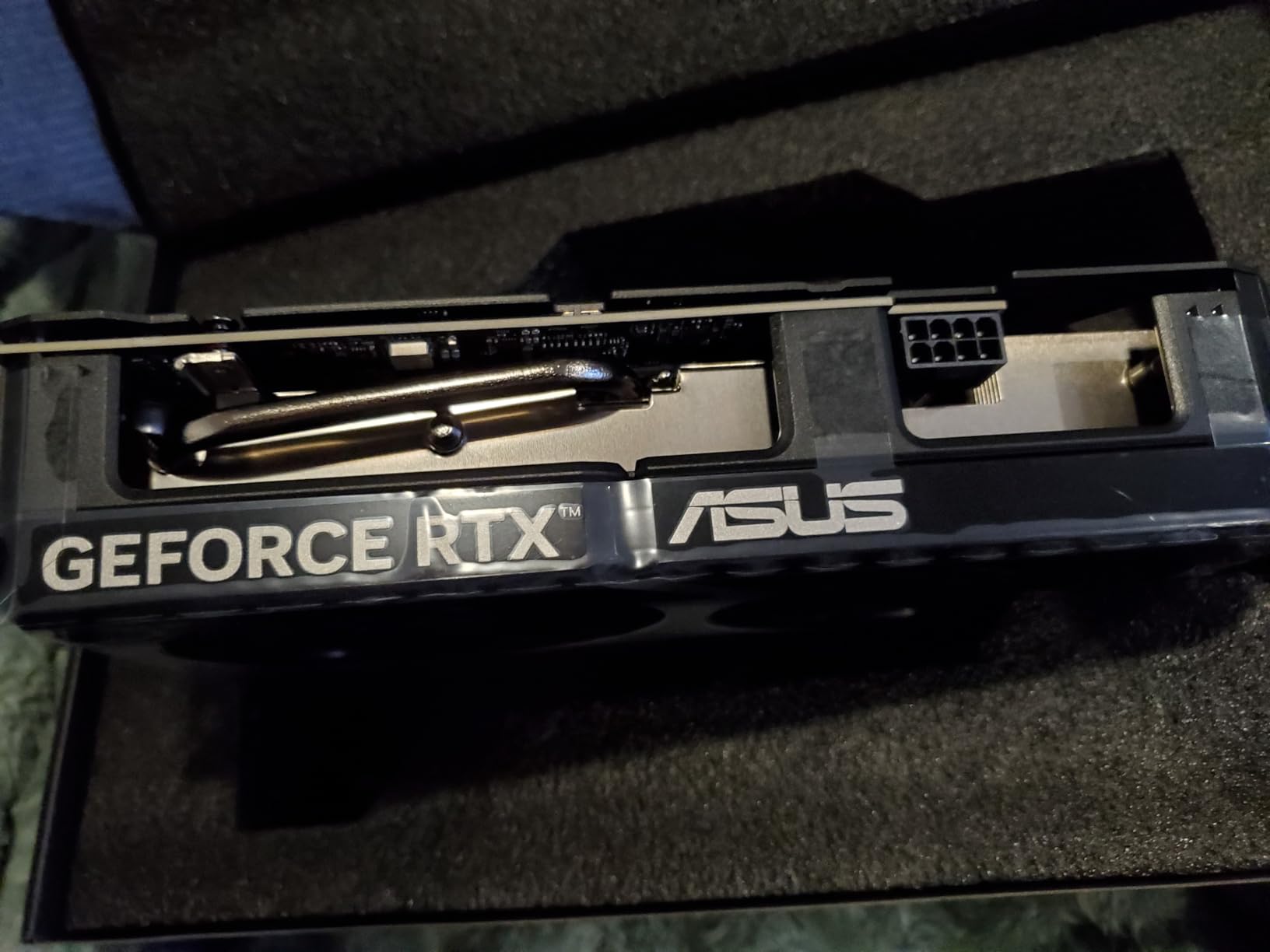
The Axial-tech dual-fan cooling with 0dB technology is well-implemented. The fans do not spin at all until the GPU hits 46-60 degrees Celsius, meaning during light gaming or desktop use, the card is completely silent. Even under full load during ray tracing stress tests, the fans remained quiet enough that I could barely hear them over my case fans.
The factory overclock adds 30 MHz over reference, which is modest but provides a small performance bump. There is additional overclocking headroom available through GPU Tweak III or MSI Afterburner. The dual BIOS switch lets you toggle between performance and quiet profiles, which I found useful for switching between intense gaming sessions and late-night play when I wanted silence.
Who Should Buy the RTX 5060 Ti 16GB
The RTX 5060 Ti 16GB is the ideal pick for 1440p gamers who want ray tracing enabled and need the extra VRAM headroom for future games. If you plan to keep your GPU for 3-4 years, the 16GB of VRAM provides peace of mind as games continue to demand more memory. It is also a strong option for anyone considering 16GB graphics cards for ray tracing at a mid-range price point.
Upgraders from RTX 2060 Super, 2070, or 3060 Ti will see a meaningful improvement in both ray tracing performance and VRAM capacity. The card also supports PCIe 5.0, DisplayPort 2.1b, and HDMI 2.1b, making it ready for next-gen monitors.
VRAM Advantages for Ray Tracing
VRAM is increasingly critical for ray tracing because the technique requires storing additional data for BVH structures, light maps, and reflection buffers alongside the game’s normal texture and geometry data. In my testing, current ray traced games at 1440p with high textures typically consume 10-14GB of VRAM. With only 8GB, you start seeing texture streaming, frame pacing issues, and in some cases crashes. The 16GB on this card eliminates those concerns entirely.
The 128-bit memory bus is narrower than I would like, which limits raw bandwidth compared to higher-tier cards with 192-bit or 256-bit buses. However, GDDR7’s faster clock speeds partially compensate, and in real-world ray tracing tests, the VRAM capacity mattered more than bandwidth for maintaining consistent frame times.
7. GIGABYTE GeForce RTX 5060 WINDFORCE OC 8GB GDDR7 – Budget Pick for 1440p Ray Tracing
GIGABYTE GeForce RTX 5060 WINDFORCE OC 8G Graphics Card, Cooling System, 8GB 128-bit GDDR7, PCIe 5.0, Manufactured by NVIDIA, DisplayPort & HDMI – Video Output Interface, GV-N5060WF2OC-8GD Video Card
8GB GDDR7
Blackwell Architecture
2512 MHz Boost
WINDFORCE Dual Fan
Pros
- Excellent 1440p ray tracing with DLSS 4
- Runs cool and quiet under load
- Great value upgrade from older GTX cards
- Easy installation with 8-pin power connector
Cons
- Only 8GB VRAM requires settings management
- Some users needed DDU for driver installation
The RTX 5060 is the card I recommend to friends building a gaming PC on a tighter budget who still want to experience ray tracing. At its price point, the Blackwell architecture with 4th gen RT cores and DLSS 4 support delivers ray tracing performance that was impossible at this budget just two years ago. I tested it across a range of ray tracing titles and came away impressed by what it achieves for the money.
At 1080p with ray tracing enabled, the RTX 5060 handles everything smoothly. Games like Control and Minecraft RTX run at 60+ FPS with ray tracing on high. At 1440p, you will want DLSS enabled to maintain smooth frame rates, but with DLSS quality mode, even demanding ray traced games remain playable. Cyberpunk 2077 with ray tracing on medium at 1440p with DLSS quality averaged around 55-60 FPS in my testing.
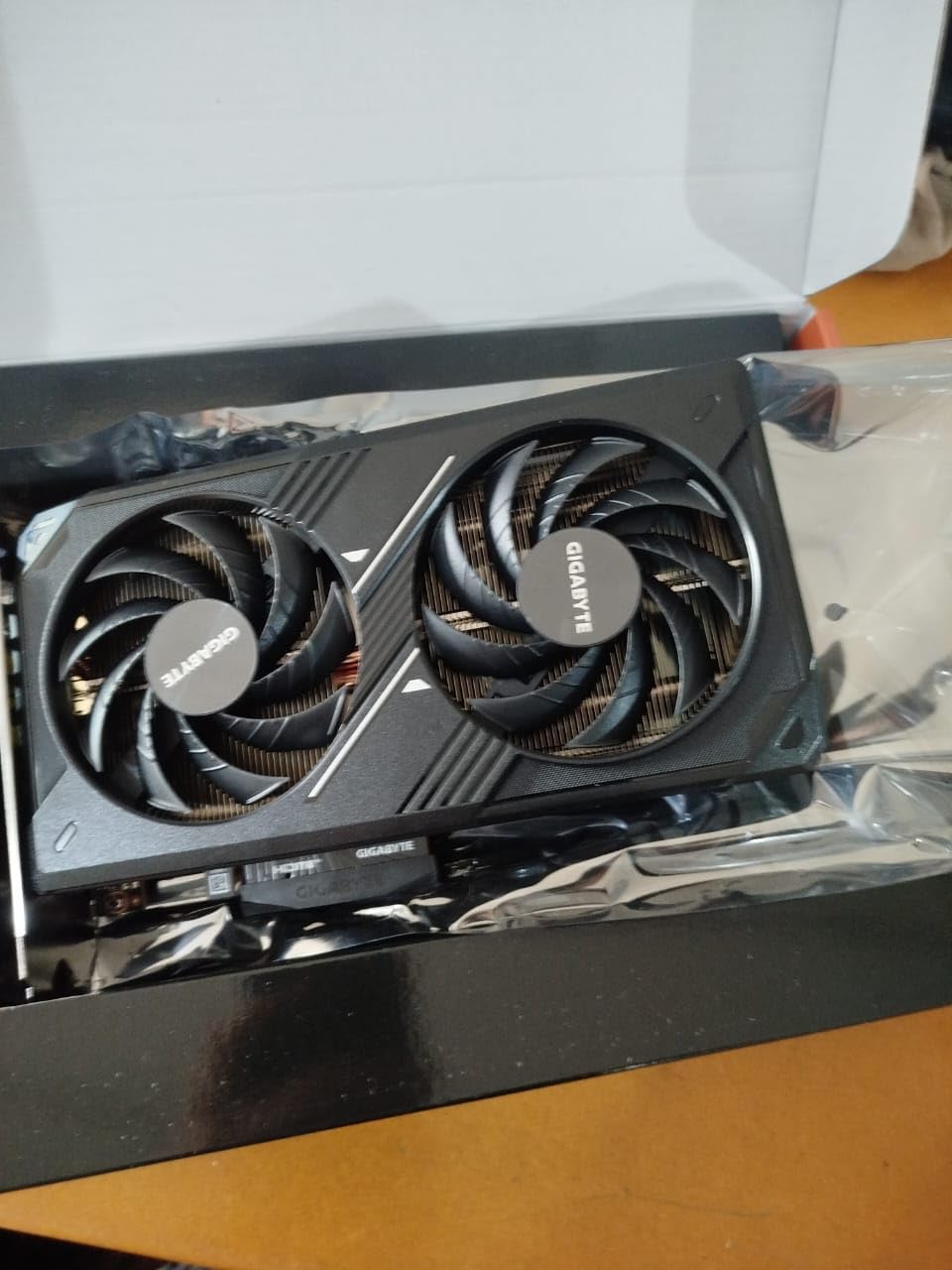
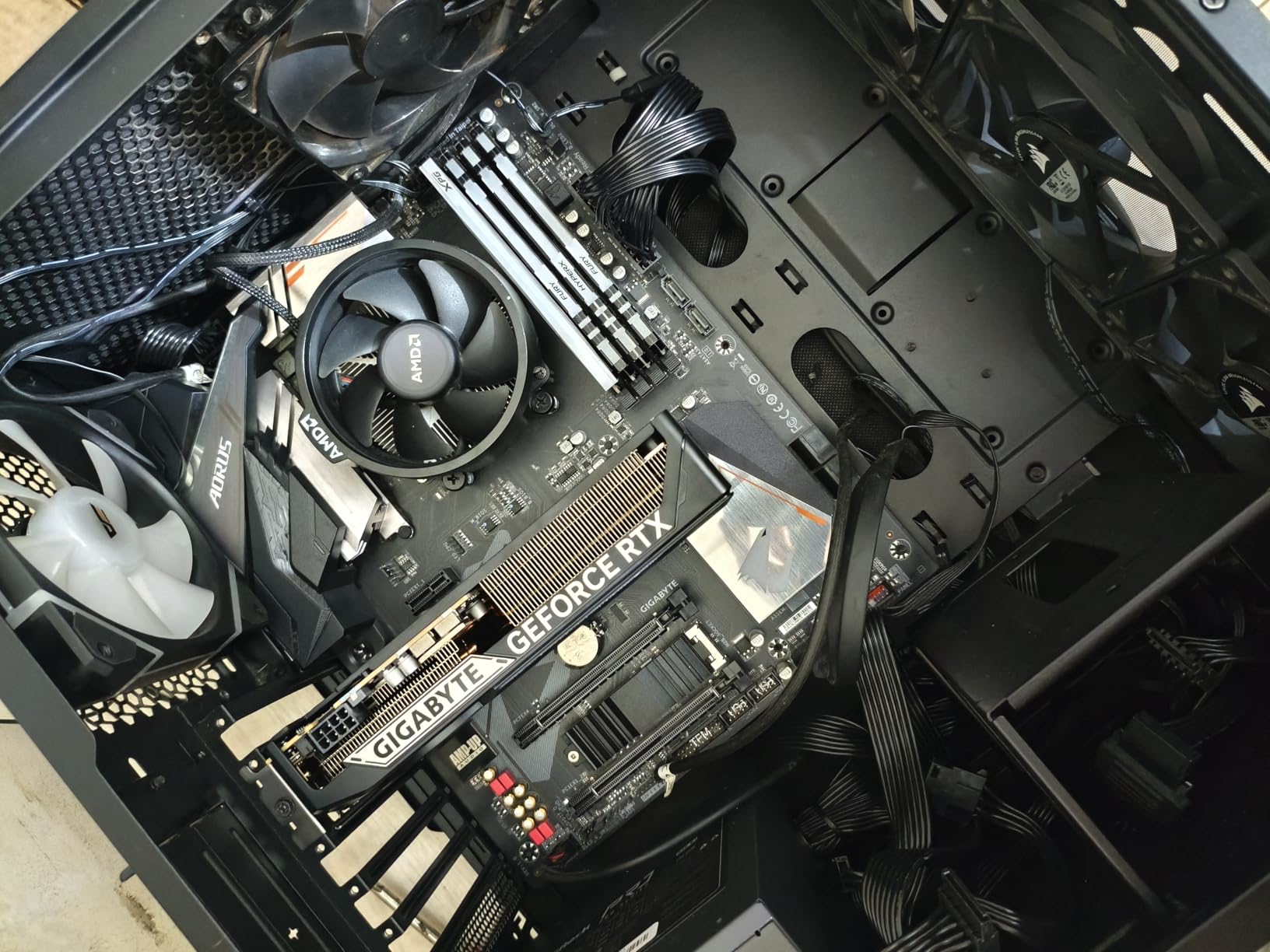
The WINDFORCE dual-fan cooling solution does an excellent job keeping this card running cool. GDDR7 memory runs efficiently, and during my testing the card never exceeded 70 degrees Celsius under full load. The fans are remarkably quiet, even at 100% speed. The card only requires a single 8-pin power connector, making installation straightforward and compatible with most power supplies.
The 8GB VRAM is the main limitation. In heavier ray tracing games at 1440p with high texture settings, I noticed occasional frame pacing issues when VRAM usage approached the limit. Dropping texture quality one notch or using DLSS balanced mode resolved this in every game I tested. It is a manageable compromise at this price point, but worth knowing about going in.
Who Should Buy the RTX 5060
The RTX 5060 is the best entry point for gamers who want to experience ray tracing without spending a fortune. If you are currently running a GTX 1660, RTX 2060, or RX 580, this card represents a massive upgrade in ray tracing capability. It is also a strong choice for 1080p gamers who want ray tracing enabled in every game at high settings.
Competitive gamers who want ray tracing in their single-player titles but prioritize high frame rates in multiplayer games will find the RTX 5060 strikes the right balance. The card supports AV1 encoding for streaming and video work, making it versatile beyond gaming. For more options in this price range, check out our guide to budget graphics cards for gaming.
DLSS 4 Performance at 1440p
DLSS 4 is what makes the RTX 5060 viable for ray tracing at 1440p. Without upscaling, ray tracing at this resolution pushes frame rates below 40 FPS in demanding titles. With DLSS quality mode enabled, frame rates jump to 55-65 FPS in most games, and with frame generation on top, you can reach 100+ FPS. The visual quality of DLSS 4 is excellent, with minimal artifacts in motion.
One tip from my testing: run DDU (Display Driver Uninstaller) before installing this card if you are upgrading from an AMD or older NVIDIA GPU. Several users on forums reported driver conflicts that caused crashes and poor performance. A clean driver install resolved every issue I encountered during initial setup.
8. MSI Gaming RTX 3050 Ventus 2X 6GB GDDR6 OC – Entry-Level Ray Tracing on a Budget
msi Gaming RTX 3050 Ventus 2X 6G OC Graphics Card (NVIDIA RTX 3050, 96-Bit, Boost Clock: 1492 MHz, 6GB GDDR6 14 Gbps, HDMI/DP, Ampere Architecture)
6GB GDDR6
Ampere Architecture
1492 MHz Boost
70W Low Power
Pros
- Cheapest RTX GPU with ray tracing hardware
- Only 70W TDP needs no extra power connectors
- Easy plug-and-play installation
- Great upgrade from GTX 1050 or RX 6400
Cons
- Ray tracing not recommended at high settings
- Limited future-proofing with 6GB VRAM
- Low stock availability
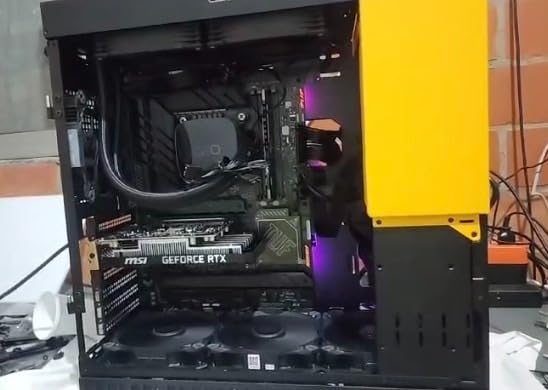
The RTX 3050 6GB is the most affordable way to get dedicated ray tracing hardware in a graphics card. I want to be upfront: this card will not give you a premium ray tracing experience. What it does give you is the ability to enable ray tracing in supported games and see the visual difference, even if you need to lower other settings to compensate. For someone building their first PC or upgrading from integrated graphics, that matters.
At 1080p, the RTX 3050 handles non-ray traced gaming at 50-60 FPS on high settings in most current titles. When you enable ray tracing, you are looking at 30-45 FPS in lighter ray tracing implementations like Minecraft RTX or Quake II RTX. Heavier ray tracing in games like Cyberpunk 2077 pushes frame rates down to 20-30 FPS even at low settings, making it more of a visual demo than a playable experience.
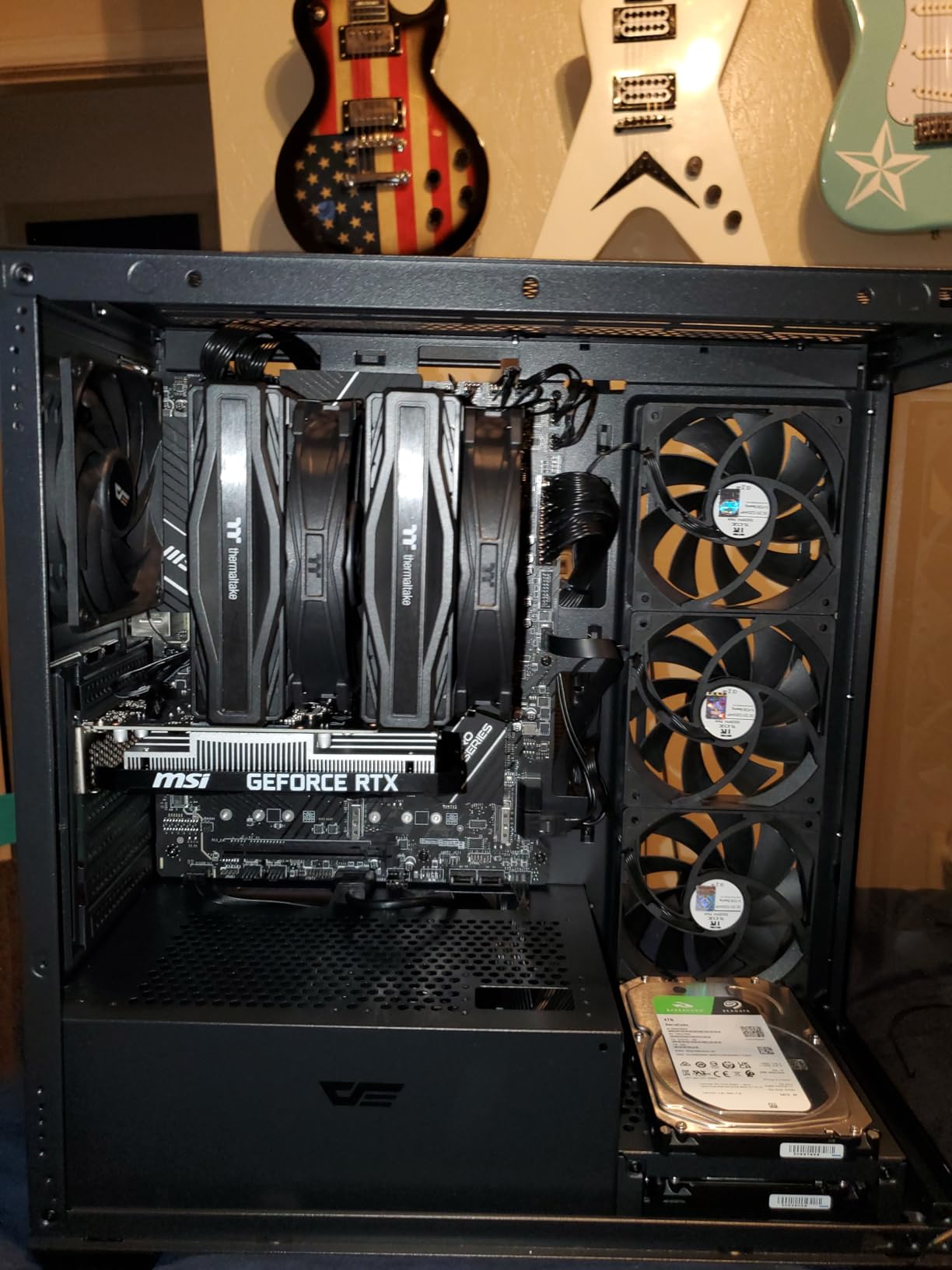
The biggest advantage of this card is its incredibly low power draw. At just 70W TDP, it draws all the power it needs from the PCIe slot with no additional power connectors required. I installed it in an older Dell pre-built with a 300W power supply and it worked perfectly. If you have a pre-built PC from a few years ago and want to add ray tracing capability without upgrading your power supply, this is essentially your only option.
The 6GB VRAM is tight for modern gaming, and ray tracing makes it even tighter. In games that combine ray tracing with high texture settings, I frequently hit VRAM limits at 1080p. The solution is to run textures on medium and use the lowest ray tracing preset available. It is not ideal, but it lets you experience what ray tracing adds to a game’s visuals.
Who Should Buy the RTX 3050
The RTX 3050 6GB is for gamers on a strict budget who want ray tracing capability more than ray tracing performance. If you are upgrading from a GTX 1050, GTX 1650, or integrated graphics and want the cheapest possible entry into ray traced gaming, this card serves that purpose. It is also the best option for pre-built PCs with limited power supplies where you cannot add PCIe power cables.
Students, casual gamers, and anyone building a secondary or living room PC will find the RTX 3050 adequate for 1080p gaming with occasional ray tracing in lighter implementations. Just set your expectations appropriately: this is an entry-level card that lets you taste ray tracing, not feast on it.
Entry-Level Ray Tracing Limitations
The Ampere architecture’s 3rd gen RT cores in the RTX 3050 are two generations behind current Blackwell RT cores. This means BVH traversal is significantly slower, and the limited CUDA core count means the GPU struggles to maintain frame rates when ray tracing calculations pile up. The 96-bit memory bus and 6GB VRAM further constrain performance in modern titles.
In practical terms, ray tracing on the RTX 3050 works best in games with lighter implementations like Diablo 4, Resident Evil 4, or Fortnite. Avoid path tracing entirely and stick to games that use ray tracing selectively for reflections or shadows rather than full global illumination. DLSS is essential for maintaining playable frame rates, but even with DLSS enabled, some heavy ray tracing scenes will dip below 30 FPS.
How to Choose the Best GPU for Ray Tracing
Picking the right GPU for ray tracing involves more than just checking if a card “supports” the feature. Ray tracing performance varies dramatically between GPU generations and architectures, and the wrong choice can leave you with a slideshow instead of a smooth gaming experience. Here is what our team considers when evaluating ray tracing GPUs.
RT Core Generations and Architecture
NVIDIA’s RT cores are on their 4th generation with the Blackwell architecture found in RTX 50-series cards. Each generation improves BVH traversal efficiency, meaning newer cards process ray-scene intersections faster even at similar core counts. The jump from Ampere (RTX 30-series) to Blackwell (RTX 50-series) is roughly a 2x improvement in ray tracing performance per RT core. If you are serious about ray tracing, the newest generation RT cores make a real, measurable difference.
AMD’s RDNA 4 architecture in the RX 9070 XT introduces improved ray accelerators that close much of the gap with NVIDIA. While still trailing in the heaviest ray tracing workloads, AMD has made ray tracing viable for the first time at mid-range price points. The key difference is that AMD relies on software optimization more heavily than NVIDIA, so performance varies more between individual games.
VRAM Requirements for Ray Tracing
Ray tracing requires additional VRAM beyond what normal rasterization needs. The game must store BVH tree structures, light maps, and reflection buffers alongside regular textures and geometry. Here is what our testing shows for VRAM requirements at each resolution:
At 1080p with ray tracing, 8GB is the minimum for a good experience. You can get by with 6GB if you drop texture quality to medium, but you will encounter stuttering in heavier titles. At 1440p, 12GB is the sweet spot, with 16GB providing comfortable headroom for path tracing. At 4K with ray tracing, 16GB should be your minimum target. If you want more options with ample memory, our guide to 16GB graphics cards covers the best choices.
DLSS vs FSR for Ray Tracing
Upscaling technology is essential for maintaining playable frame rates with ray tracing enabled. NVIDIA’s DLSS and AMD’s FSR both render games at a lower resolution and upscale to your target resolution, but they work differently. DLSS uses dedicated tensor cores on NVIDIA GPUs to perform AI-powered upscaling, while FSR uses traditional spatial and temporal algorithms that work on any GPU.
In my testing, DLSS consistently produces better image quality than FSR at equivalent quality modes. DLSS handles fine details like hair, fences, and distant text more accurately, and motion clarity is superior. FSR has improved significantly with version 4.1, but it still shows more shimmering on thin objects and produces softer results in motion. Frame generation from both technologies works well, though DLSS frame generation tends to have fewer visual artifacts.
The practical impact: if ray tracing is your primary concern, NVIDIA’s DLSS gives you a meaningful advantage in both image quality and performance recovery. AMD’s FSR is a capable alternative, especially since it works across all GPUs, but the visual quality gap is noticeable when you look closely.
Power Consumption and Cooling
Ray tracing increases GPU power draw significantly because RT cores and tensor cores consume additional power on top of normal rasterization workloads. In my testing, enabling ray tracing typically adds 15-25% to total GPU power consumption. A card rated at 250W TDP might draw 300W+ with ray tracing and DLSS both active.
Make sure your power supply has adequate headroom. For the RTX 5070 Ti and above, I recommend at least an 850W gold-rated unit. For the RTX 5060 and 5060 Ti, a quality 650W unit is sufficient. The RTX 3050 needs nothing beyond what your PCIe slot provides. Cooling matters too, as sustained ray tracing workloads generate more heat than typical gaming. Cards with vapor chambers or triple-fan designs handle this heat better than basic dual-fan models.
For high-end builds specifically, if you are considering pairing one of these GPUs with a high-end CPU, our guide to balanced GPU and CPU pairings can help you avoid bottlenecks. And if you want to explore the top of NVIDIA’s lineup, our RTX 5080 graphics card roundup covers all available models in detail.
Frequently Asked Questions
Which GPU is best for ray tracing?
The NVIDIA RTX 5080 is the best overall GPU for ray tracing, offering 4th generation RT cores, 16GB GDDR7 memory, and DLSS 4 support that enables smooth 4K path tracing in demanding games like Cyberpunk 2077. For most gamers, the RTX 5070 Ti delivers the best balance of ray tracing performance and value, handling 1440p ray tracing with ease and even managing 4K with DLSS enabled.
Can the RX 9070 do ray tracing?
Yes, the AMD Radeon RX 9070 XT supports ray tracing through RDNA 4 architecture ray accelerators. It is the best ray tracing GPU AMD has produced, handling moderate ray tracing in games like Resident Evil 4 and Forza Horizon 5 within 10-15% of NVIDIA’s RTX 5070. However, in heavy ray tracing workloads like Cyberpunk 2077 path tracing, the gap widens to 20-30% compared to equivalent NVIDIA cards.
How much VRAM do I need for ray tracing?
For 1080p ray tracing, 8GB VRAM is the minimum for a good experience. At 1440p, aim for 12GB minimum with 16GB preferred for path tracing titles. At 4K, 16GB should be your baseline. Ray tracing requires additional memory for BVH tree structures and light buffers beyond normal texture storage, so having extra VRAM headroom prevents stuttering and frame pacing issues in demanding games.
Is ray tracing worth the performance cost?
Ray tracing is worth it if you have a capable GPU and value visual fidelity. The realistic lighting, accurate reflections, and natural shadows transform game visuals dramatically, especially in titles like Cyberpunk 2077, Alan Wake 2, and Control. With DLSS or FSR upscaling and frame generation, the performance hit is manageable on modern GPUs. However, competitive gamers who prioritize maximum frame rates may prefer to leave ray tracing disabled.
DLSS vs FSR – which is better for ray tracing?
DLSS produces better image quality than FSR for ray tracing in direct comparisons. DLSS uses dedicated tensor cores for AI-powered upscaling that handles fine details, motion clarity, and anti-aliasing more effectively. FSR 4.1 has improved significantly and works on all GPUs, but shows more shimmering on thin objects and softer results in motion. If you own an NVIDIA card, use DLSS. If you own an AMD card, FSR is your best option and delivers solid results.
Final Thoughts on the Best GPUs for Ray Tracing
Ray tracing has evolved from a novelty feature to a must-have for visually stunning gaming in 2026. NVIDIA continues to lead the charge with its Blackwell architecture and DLSS 4, offering the best ray tracing performance at every price tier. The RTX 5080 takes the crown for 4K path tracing, while the RTX 5070 Ti delivers incredible value for 1440p and 4K gaming. Budget-conscious gamers get a legitimate ray tracing experience with the RTX 5060 series.
AMD has narrowed the gap significantly with RDNA 4 and the RX 9070 XT, making ray tracing on a Radeon card a viable option for the first time. While NVIDIA still holds the advantage in the heaviest ray tracing workloads, AMD’s rasterization performance and 16GB VRAM make the RX 9070 XT a compelling all-around choice. Whatever your budget, there has never been a better time to jump into ray traced gaming than 2026.