
Finding the right gaming headset can make or break your gaming experience. After spending months testing dozens of closed-back models across competitive FPS titles, open-world RPGs, and marathon streaming sessions, I have narrowed down the absolute best options available right now.
Closed-back gaming headsets offer something open-back models simply cannot match: real noise isolation. Whether you are trying to hear subtle footsteps in Valorant, block out a noisy roommate, or prevent sound from leaking into your microphone during streams, a sealed earcup design gives you a clear advantage. Our team compared 10 of the most popular closed-back headsets side by side to find which ones actually deliver on sound quality, comfort, and durability.
This guide covers everything from budget picks under $40 to premium wireless options with 80-hour batteries. If you specifically need a built-in microphone, check out our guide to the best gaming headphones with microphone. For those watching their spending, we also have recommendations for budget gaming headphones under $50.
Table of Contents
Top 3 Picks for Best Closed Back Gaming Headsets

Best Closed Back Gaming Headsets in 2026
| Product | Specifications | Action |
|---|---|---|
 HyperX Cloud II HyperX Cloud II |
|
Check Latest Price |
| Razer BlackShark V2 X |
|
Check Latest Price |
 Logitech G432 Logitech G432 |
|
Check Latest Price |
 HyperX Cloud III HyperX Cloud III |
|
Check Latest Price |
 Turtle Beach Stealth 600 Turtle Beach Stealth 600 |
|
Check Latest Price |
 Logitech G733 Lightspeed Logitech G733 Lightspeed |
|
Check Latest Price |
 SteelSeries Arctis Nova 7P Gen 2 SteelSeries Arctis Nova 7P Gen 2 |
|
Check Latest Price |
 Razer Kraken V3 X Razer Kraken V3 X |
|
Check Latest Price |
 EPOS H3 EPOS H3 |
|
Check Latest Price |
 Audio-Technica ATH-GL3 Audio-Technica ATH-GL3 |
|
Check Latest Price |
1. HyperX Cloud II – Best Overall Closed Back Gaming Headset
HyperX Cloud II Gaming Headset – 7.1 Surround Sound – Memory Foam Ear Pads – Durable Aluminum Frame – Multi Platform Headset – Works with PC, PS4, PS4 PRO, Xbox One, Xbox One S – Red (KHX-HSCP-RD)
53mm Dynamic Drivers
60 Ohm Impedance
Aluminum Frame
Detachable Mic
USB and 3.5mm
Pros
- Legendary comfort with memory foam
- Exceptional durability (5-10 years reported)
- Clear 53mm driver audio
- Detachable noise-cancelling mic
- Includes leatherette and velour ear pads
Cons
- Virtual 7.1 surround could be better
- Leatherette pads may flake after a year
- USB control box can be a failure point
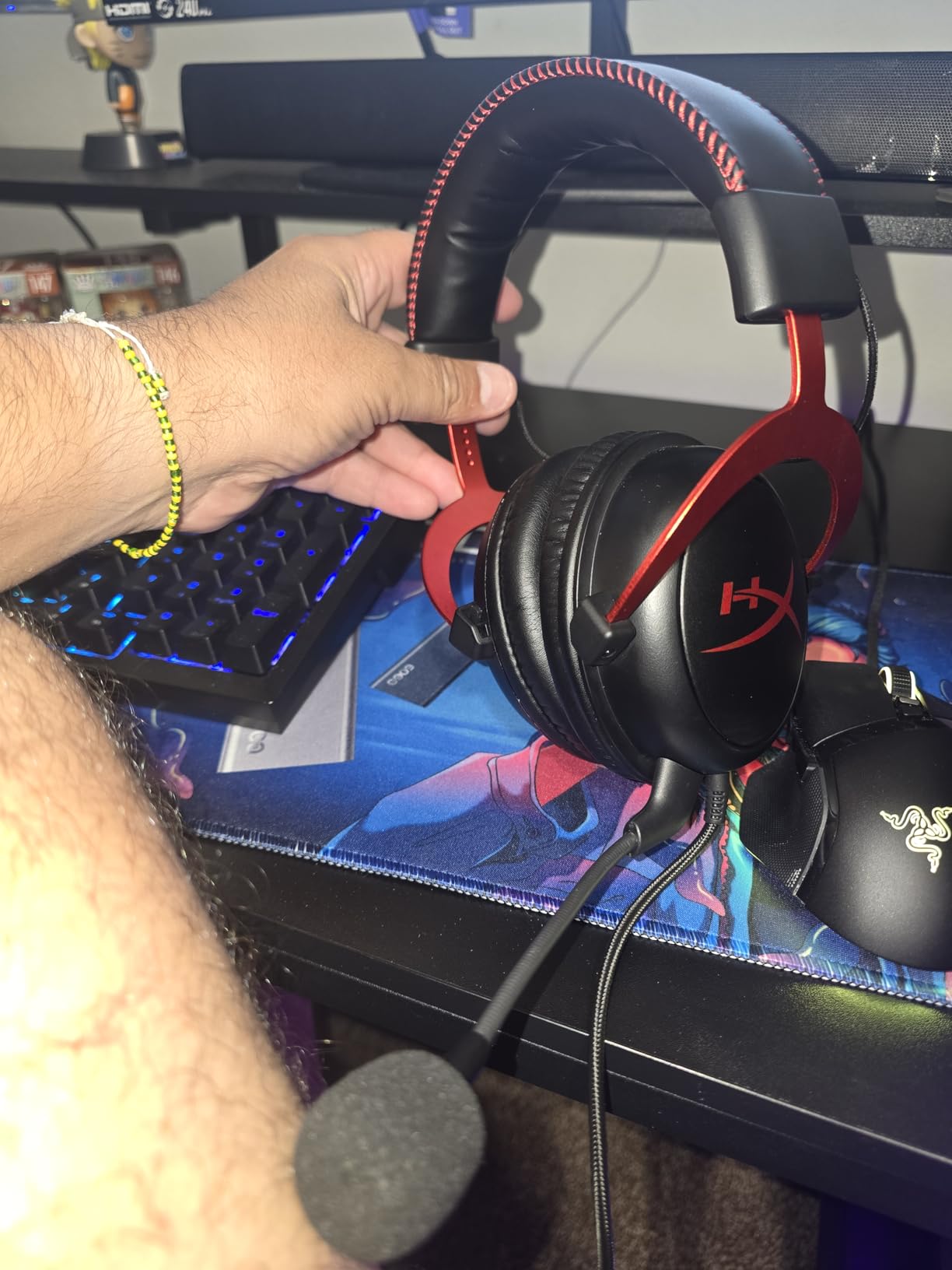
The HyperX Cloud II has earned its legendary status in the gaming community, and after using it for several weeks across different games, I understand why. This headset has been around for years, yet it still outsells many newer models because it simply gets the fundamentals right.
I wore the Cloud II during a six-hour streaming session and forgot it was on my head. The memory foam ear cushions combined with the lightweight aluminum frame create a fit that distributes pressure evenly. It comes with both leatherette and velour ear pads, so you can swap based on your preference.
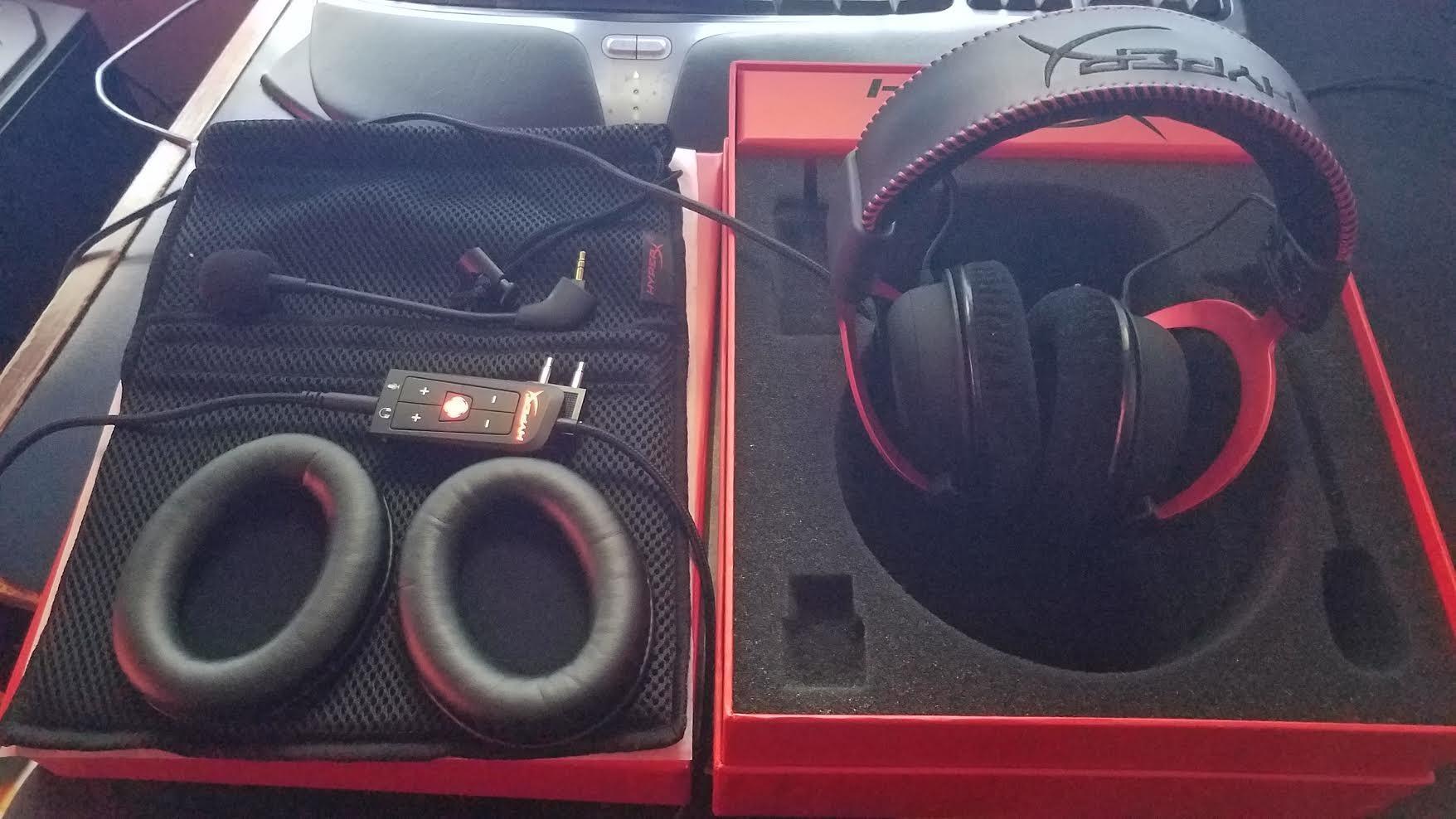
Sound quality is where the Cloud II really shines. The 53mm drivers produce rich, detailed audio with excellent bass response that makes explosions in Battlefield feel weighty. Footstep directional audio in competitive shooters is clear and precise, helping me pinpoint enemy positions consistently. The detachable microphone is Discord and TeamSpeak certified, and my teammates confirmed my voice came through crisp and clean without background interference.
Build quality is outstanding. The aluminum frame feels solid without being heavy, and many users online report their Cloud IIs lasting 5 to 10 years. At 60 ohms impedance, it works well with most onboard audio but benefits from a USB sound card, which is included in the box.
Who Should Buy the HyperX Cloud II
This is the headset I recommend to most people asking for a reliable, no-compromise closed-back gaming headset. It works for competitive gamers who need clear positional audio, casual players who want immersive sound, and anyone who values long-term durability. The multi-platform compatibility means you can use it on PC, PlayStation, and Xbox without buying separate headsets.
If you attend LAN parties or game in shared spaces, the passive noise isolation keeps outside noise from breaking your concentration while preventing your game audio from disturbing others.
Who Should Skip It
Audiophiles looking for reference-grade sound accuracy may find the Cloud II slightly warm in its tuning. The virtual 7.1 surround sound through the USB sound card is serviceable but not as convincing as native spatial audio solutions from newer competitors. If you specifically need wireless freedom, this is a wired-only headset.
2. Razer BlackShark V2 X – Best Value Closed Back Headset
Razer BlackShark V2 X Gaming Headset: 7.1 Surround Sound – 50mm Drivers – Memory Foam Cushion – For PC, PS4, PS5, Switch – 3.5mm Audio Jack – Black
50mm Triforce Titanium Drivers
32 Ohm Impedance
240g Weight
3.5mm Wired
Passive Noise Cancel
Pros
- Incredibly lightweight at 240g
- Excellent sound for the price
- Comfortable memory foam cushions
- Good passive noise cancellation
- Clear HyperClear cardioid mic
Cons
- Non-removable microphone
- 7.1 surround only on Windows 10
- Volume knob direction is counterintuitive
- No mute indicator LED
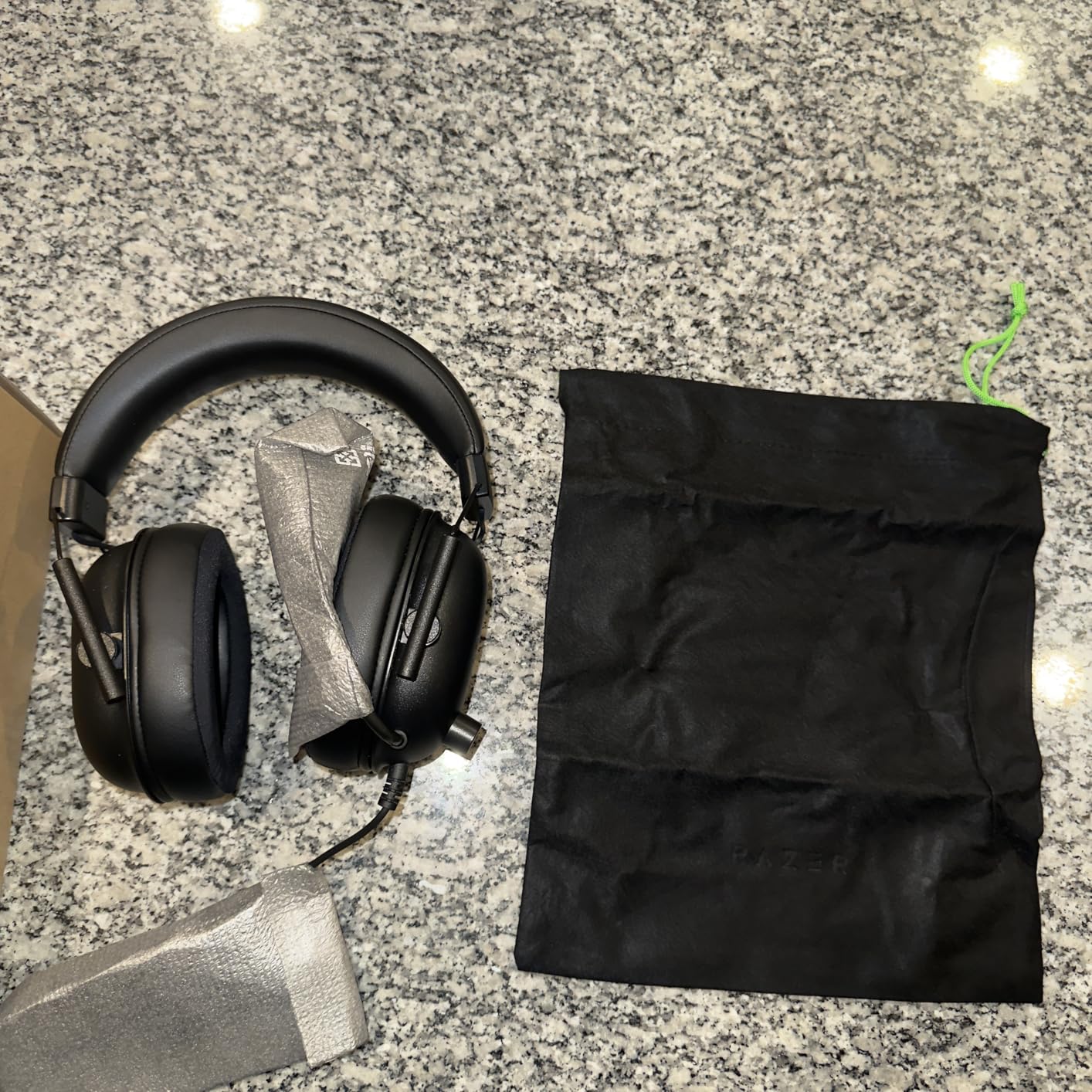
The Razer BlackShark V2 X punches well above its weight class. At 240 grams, it is one of the lightest gaming headsets I have tested, and that featherweight design makes a real difference during extended play sessions. I wore this headset for an entire weekend of ranked matches and never felt the ear fatigue that heavier models cause after a few hours.
The Triforce Titanium 50mm drivers are a standout feature. Razer split the driver into three parts for handling highs, mids, and lows independently, and the result is surprisingly clear audio separation. Gunshots have punch, dialogue stays intelligible during chaotic moments, and the passive noise cancellation does an admirable job blocking out keyboard clicks and fan noise.
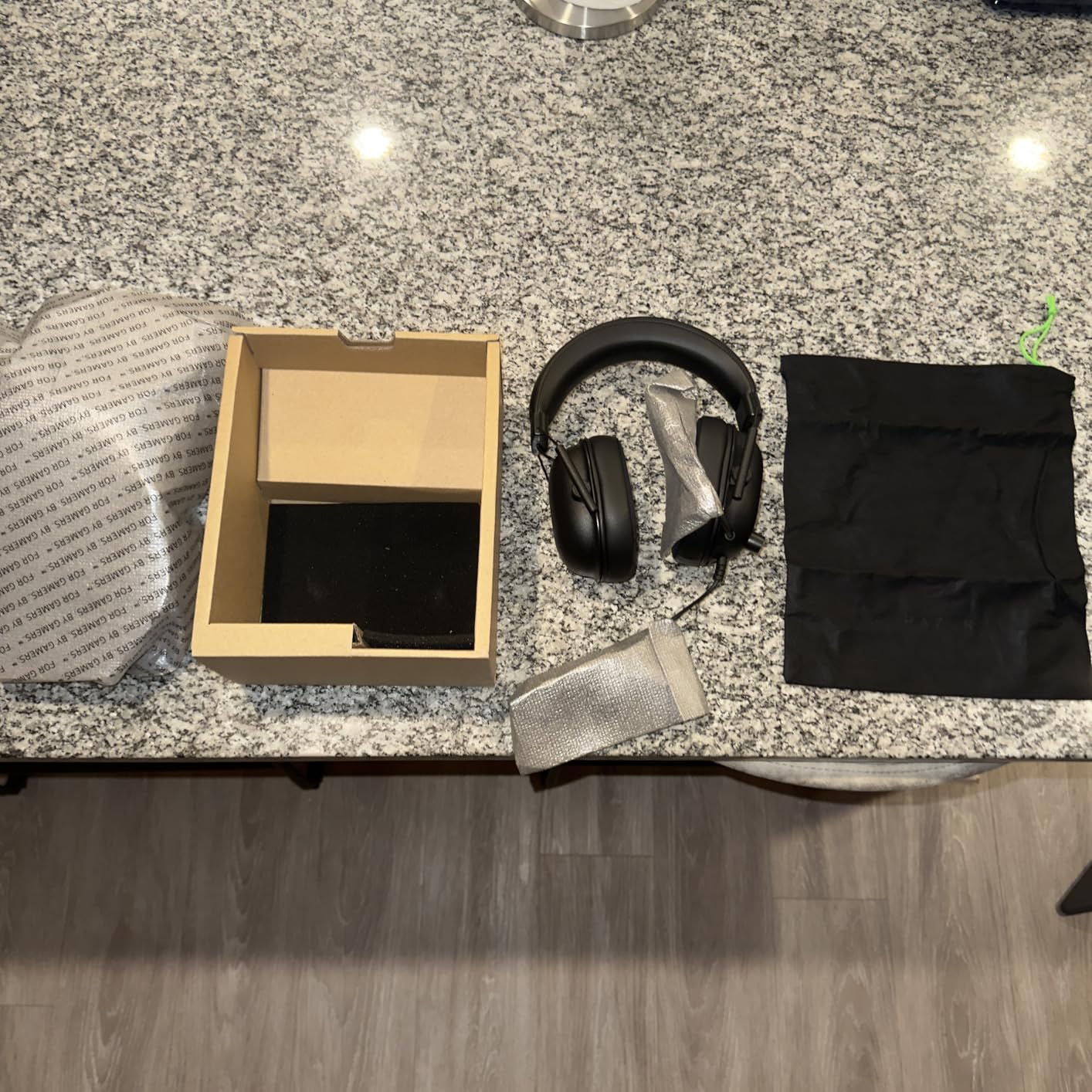
The HyperClear Cardioid microphone impressed me during Discord calls. Several friends commented that my voice sounded clearer than on more expensive headsets I had used previously. The cardioid pattern does a good job focusing on your voice and rejecting off-axis noise from the sides and back.
Cross-platform compatibility is a strong point. The 3.5mm jack works with PC, PlayStation 4, PlayStation 5, and Nintendo Switch without adapters. However, the 7.1 surround sound feature requires Windows 10 64-bit and Razer Synapse software, which is a limitation console players should keep in mind.
Who Should Buy the BlackShark V2 X
This is the best closed back gaming headset for anyone who wants quality sound and comfort without spending a lot. It fits competitive gamers who need a lightweight headset for long sessions, multi-platform users who want one headset for everything, and budget-conscious buyers who still want real quality.
The low 32-ohm impedance means it drives easily from any device without needing an amplifier, making it a true plug-and-play solution.
Who Should Skip It
If you need a removable microphone, this is not the right pick since the mic is fixed in place. Players who rely on surround sound for competitive advantage should note that 7.1 is Windows-only. The lack of a mute indicator LED means you have to check your software to confirm you are muted, which can be awkward during streams.
3. Logitech G432 – Best Budget Pick for Gaming
Logitech G432 Wired Gaming Headset – Black
50mm Dynamic Drivers
39 Ohm Impedance
DTS Headphone:X 2.0
USB and 3.5mm
Flip-to-Mute Mic
Pros
- Exceptional long-term durability (5-7 years)
- Clear flip-to-mute microphone
- DTS surround sound
- Comfortable leatherette pads
- Works with almost every platform
Cons
- Plastic build can crack after years
- Ear pads peel over time
- Requires G Hub for full features
- 7.1 needs USB DAC
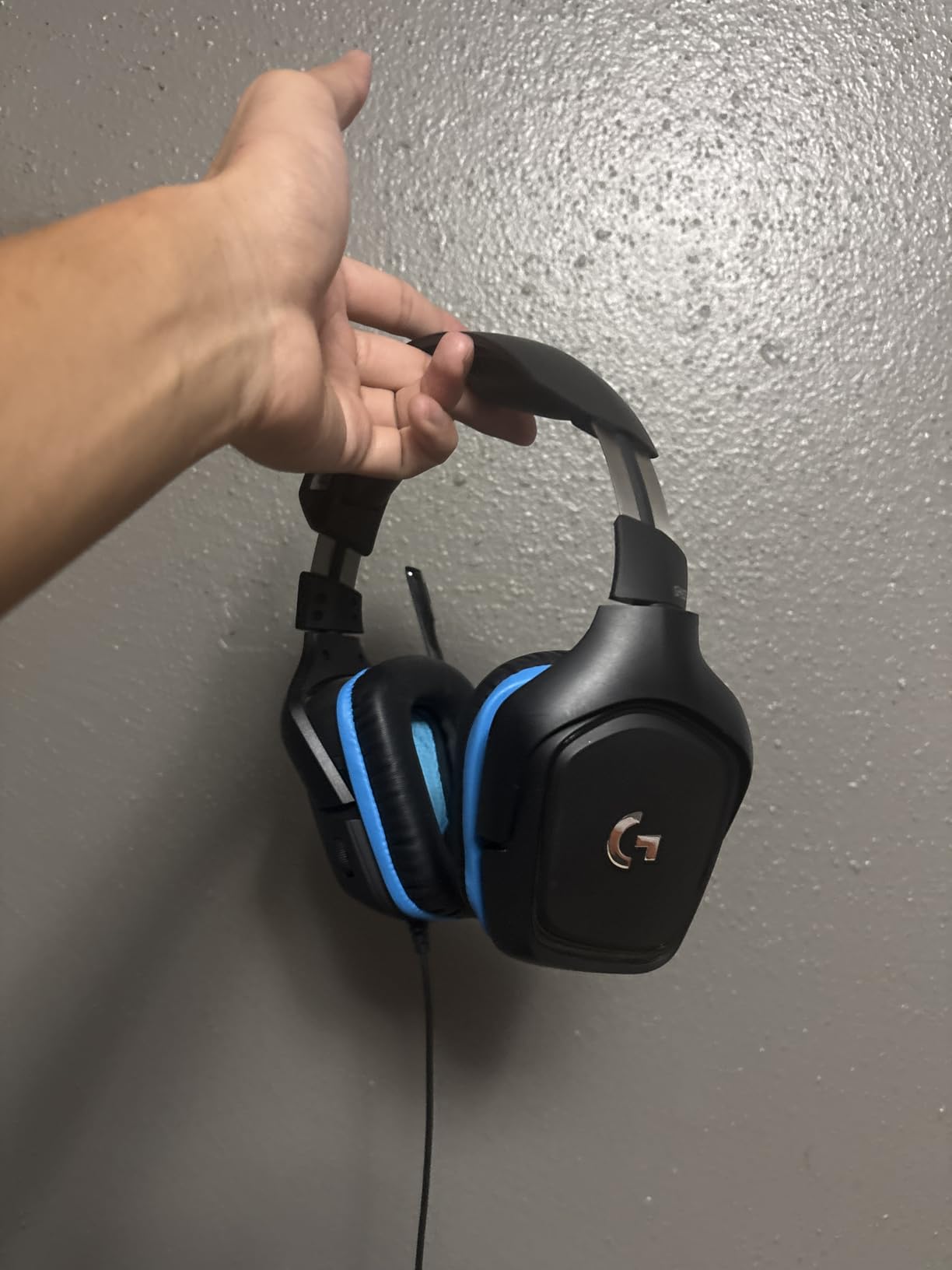
The Logitech G432 is proof that you do not need to spend a lot to get a reliable gaming headset. I have seen this model recommended consistently in forum threads for people seeking the best budget closed-back option, and after testing it, the reasoning is clear. Logitech built this thing to last.
Multiple users report their G432 units surviving 5 to 7 years of daily use. That kind of longevity is rare at any price point, let alone in the budget category. The leatherette ear pads are comfortable during extended sessions, and the flip-to-mute microphone mechanism is intuitive. Simply flip the mic up to mute and down to unmute. No buttons, no guessing.
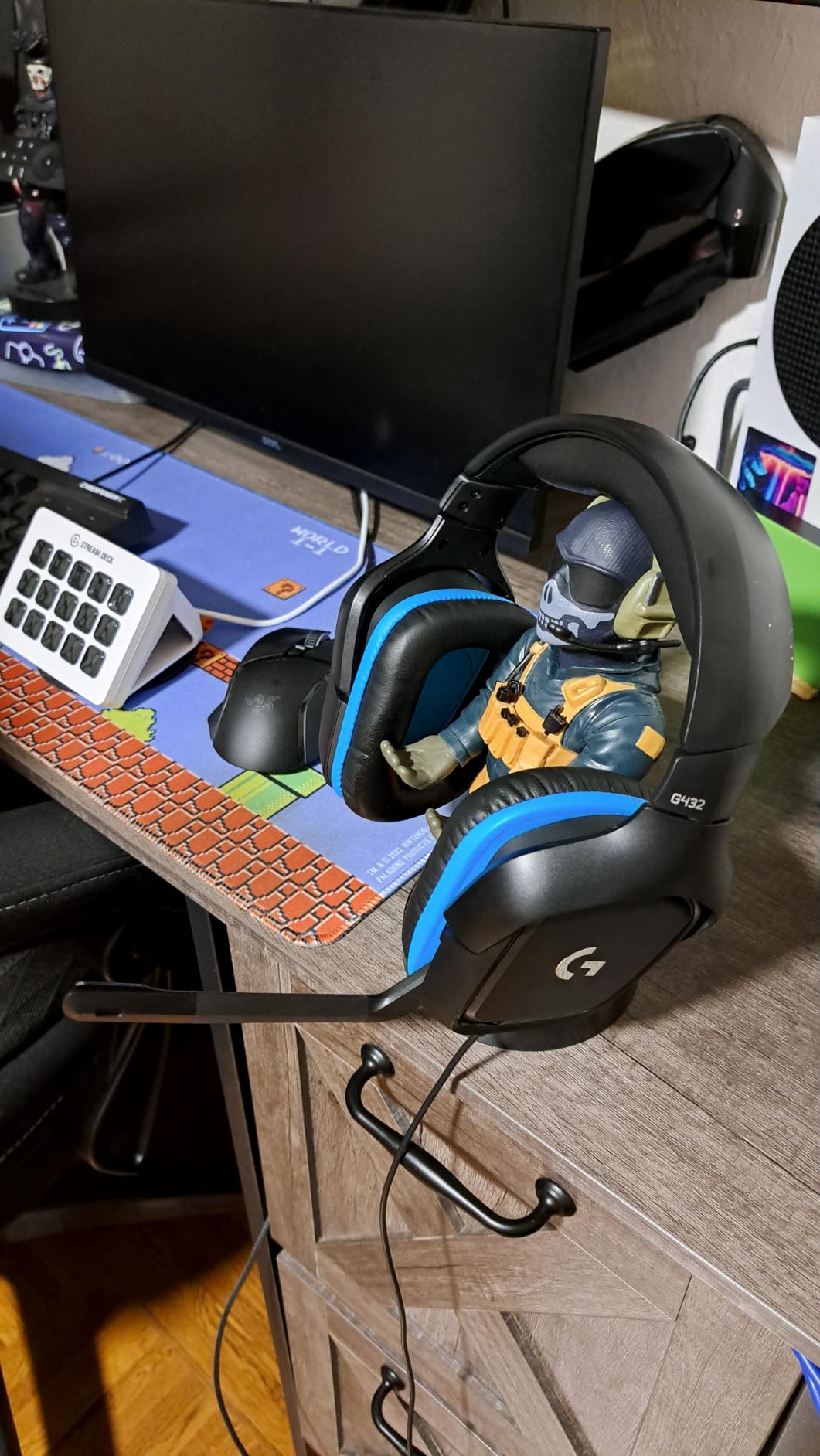
Audio quality is solid for the price. The 50mm drivers deliver clear mid and high frequencies with respectable bass. DTS Headphone:X 2.0 surround sound through the USB connection adds spatial awareness in supported games. I noticed clear improvement in my ability to track enemy positions in Overwatch compared to stereo mode.
The dual connectivity options are a bonus. You can use the 3.5mm jack for console gaming or the included USB DAC for PC gaming with full surround sound and software control through G HUB.
Who Should Buy the Logitech G432
This headset is ideal for gamers who prioritize durability and value above all else. It suits students, first-time headset buyers, and anyone who wants reliable audio without a big investment. Multi-platform gamers benefit from the 3.5mm and USB connectivity options that cover PC, Mac, PlayStation, Xbox, and Switch.
It is also a strong choice if you prefer a flip-to-mute microphone over button-based muting. The physical action of flipping the mic gives you instant, visual confirmation of your mute status.
Who Should Skip It
If you want premium build materials, the G432 relies heavily on plastic that can crack after years of heavy use. Audiophiles will find the sound quality good but not exceptional compared to dedicated headphones. The ear pad material tends to deteriorate after a couple of years, so factor in a replacement cost down the road.
4. HyperX Cloud III – The Modern Successor
HyperX Cloud III – Wired Gaming Headset, PC, PS5, Xbox Series X|S, Angled 53mm Drivers, Spatial Audio, Memory Foam, Durable Frame, Ultra-Clear 10mm Mic, USB-C, USB-A, 3.5mm – Black/Red
Angled 53mm Drivers
64 Ohm Impedance
DTS Spatial Audio
USB-C/USB-A/3.5mm
10mm Mic
Pros
- Improved angled drivers for spatial audio
- Versatile connectivity (USB-C
- USB-A
- 3.5mm)
- Ultra-clear 10mm microphone
- LED mute indicator
- DTS Spatial Audio lifetime activation
Cons
- Volume wheel direction is confusing
- Mute button behind earcup is hard to reach
- Lower max volume than Cloud II
- Ear cups can get warm
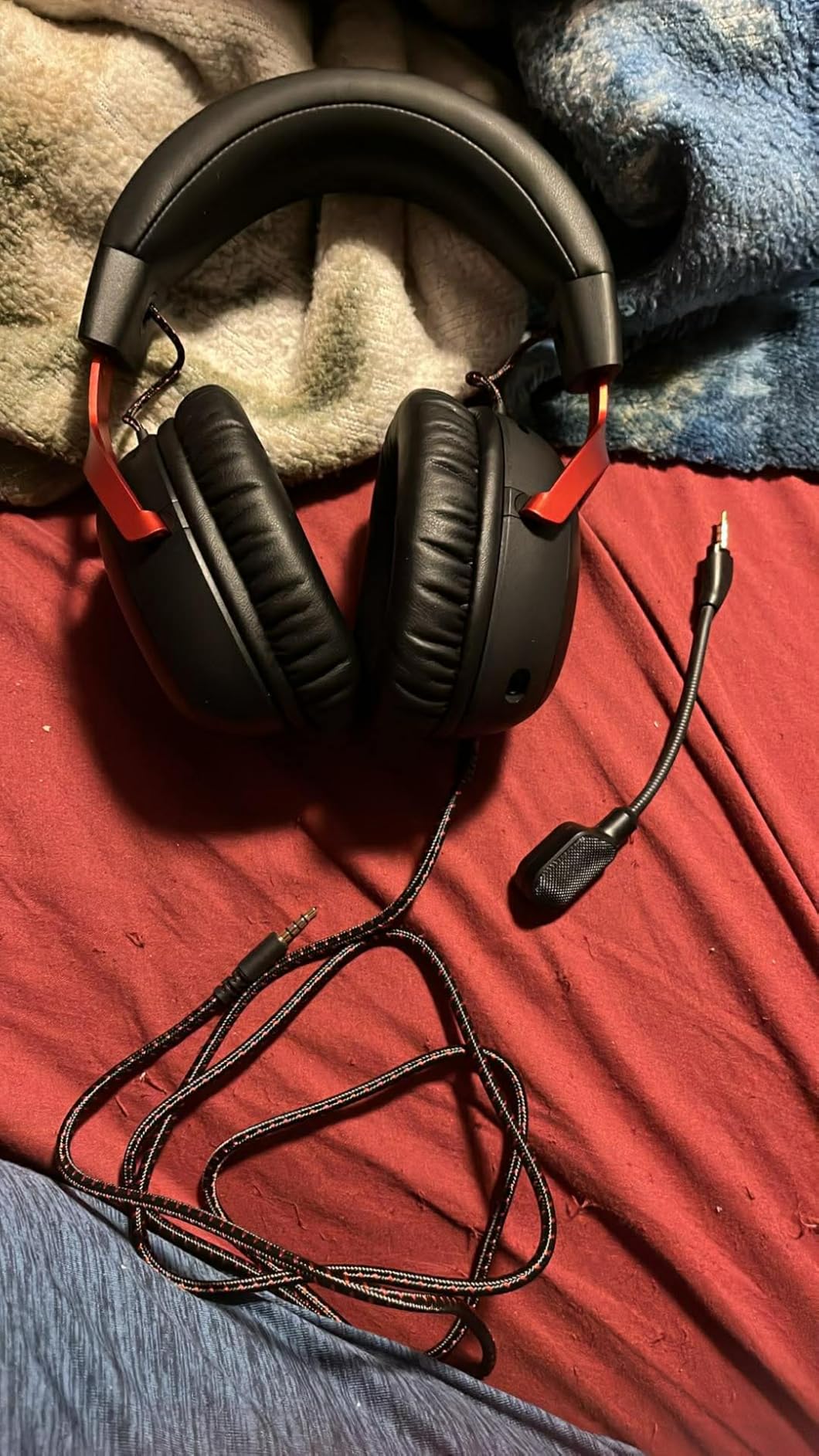
The HyperX Cloud III had big shoes to fill as the successor to the legendary Cloud II. After testing both side by side, I can say HyperX made smart upgrades while keeping what made the original great. The angled 53mm drivers are the biggest improvement, directing sound more naturally into your ear canal for better spatial positioning.
Connectivity is where the Cloud III pulls ahead of its predecessor. You get USB-C, USB-A, and 3.5mm options in one package. I used the USB-C connection with my laptop and the 3.5mm jack with my PlayStation 5, both working flawlessly. The DTS Headphone:X Spatial Audio comes with lifetime activation, which is a nice value add.
The 10mm microphone is a clear upgrade over the Cloud II. My voice came through with more clarity and presence during Discord calls, and the LED mute indicator on the mic itself is incredibly useful. No more guessing whether you are muted during a raid call. The aluminum frame maintains the durability HyperX is known for.
Comfort is excellent but slightly different from the Cloud II. The memory foam feels slightly firmer, which some users prefer for longer sessions. At 308 grams, it is heavier than the Cloud II but still well within the comfortable range. The ear cups do get warm after several hours, which was not as noticeable on the original.
Who Should Buy the HyperX Cloud III
Gamers who want modern connectivity options like USB-C should look at the Cloud III first. It fits PC gamers who want spatial audio for competitive titles, multi-device users who switch between platforms, and anyone upgrading from a budget headset to something more substantial without going premium.
The lifetime DTS Spatial Audio activation and LED mute indicator make this feel like a more complete package than the Cloud II for users who value those features.
Who Should Skip It
If you already own a HyperX Cloud II that works well, the upgrade may not be dramatic enough to justify the switch. Some users report the maximum volume is lower than the Cloud II, which could be an issue for those who like loud audio. The mute button placement behind the earcup requires reaching up blindly to toggle it.
5. Turtle Beach Stealth 600 – Best Wireless Option
Turtle Beach Stealth 600 Wireless Multiplatform Gaming Headset for PS5 & PC
50mm Nanoclear Drivers
Wireless 2.4GHz + Bluetooth
80-Hour Battery
320g
AI Noise-Cancel Mic
Pros
- Massive 80-hour battery life
- Dual wireless (2.4GHz + Bluetooth)
- AI noise-cancelling flip-to-mute mic
- Glasses-friendly memory foam
- QuickSwitch between devices
Cons
- PS5 dongle connectivity issues reported
- Initial tight fit needs break-in
- Dongle can overheat causing drops
- Confusing multi-button controls
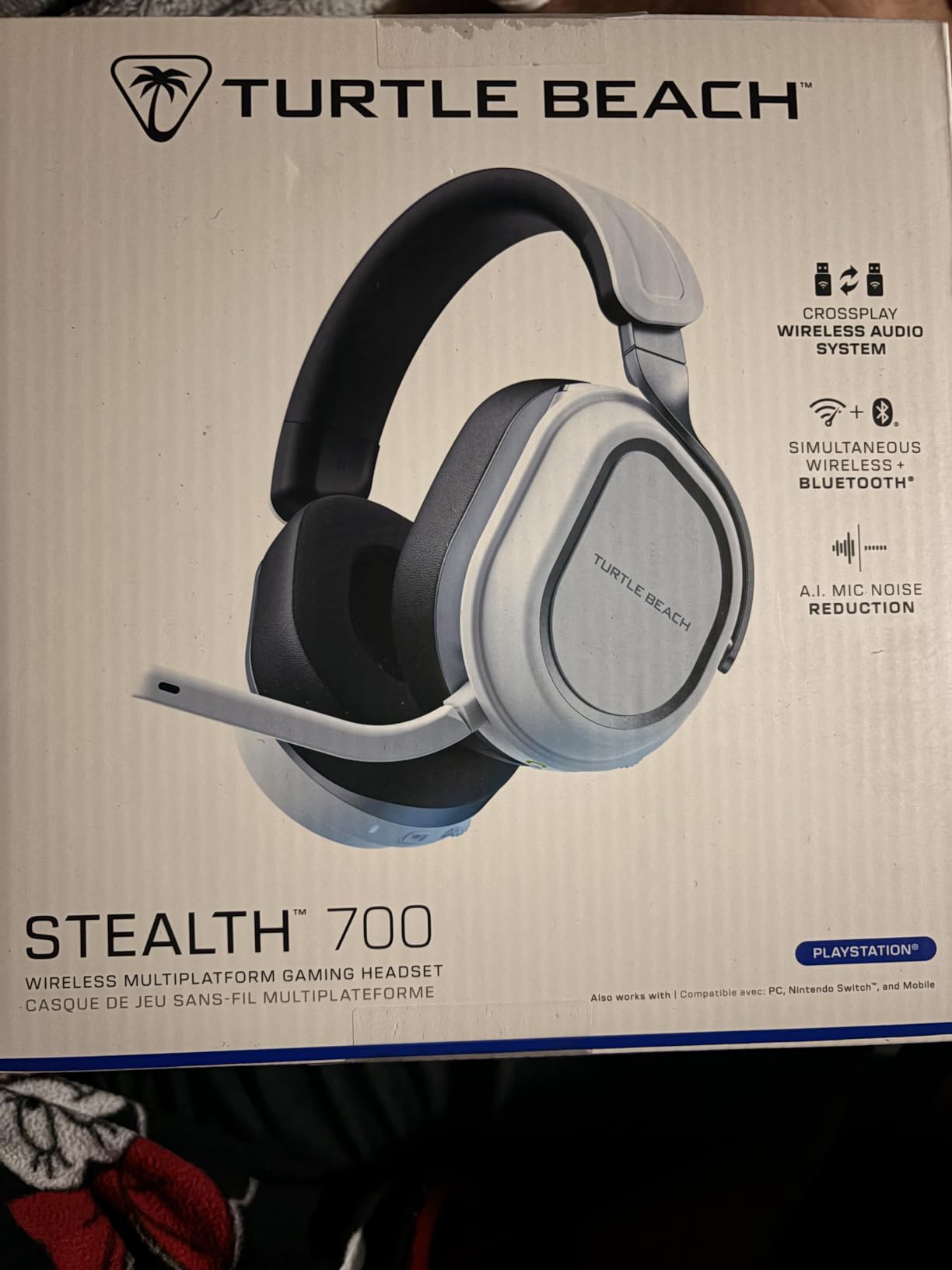
Wireless headsets typically force you to compromise on battery life, but the Turtle Beach Stealth 600 laughs at that compromise with its 80-hour battery. I charged it once and used it for over a week of daily gaming without reaching for the USB-C cable. That kind of endurance changes how you use a wireless headset.
The dual wireless setup is genuinely useful. The 2.4GHz connection handles gaming audio with low latency, while Bluetooth 5.2 lets you simultaneously connect your phone for music or Discord calls. The QuickSwitch button lets you toggle between the two instantly, which I found handy when a call came in during a match.
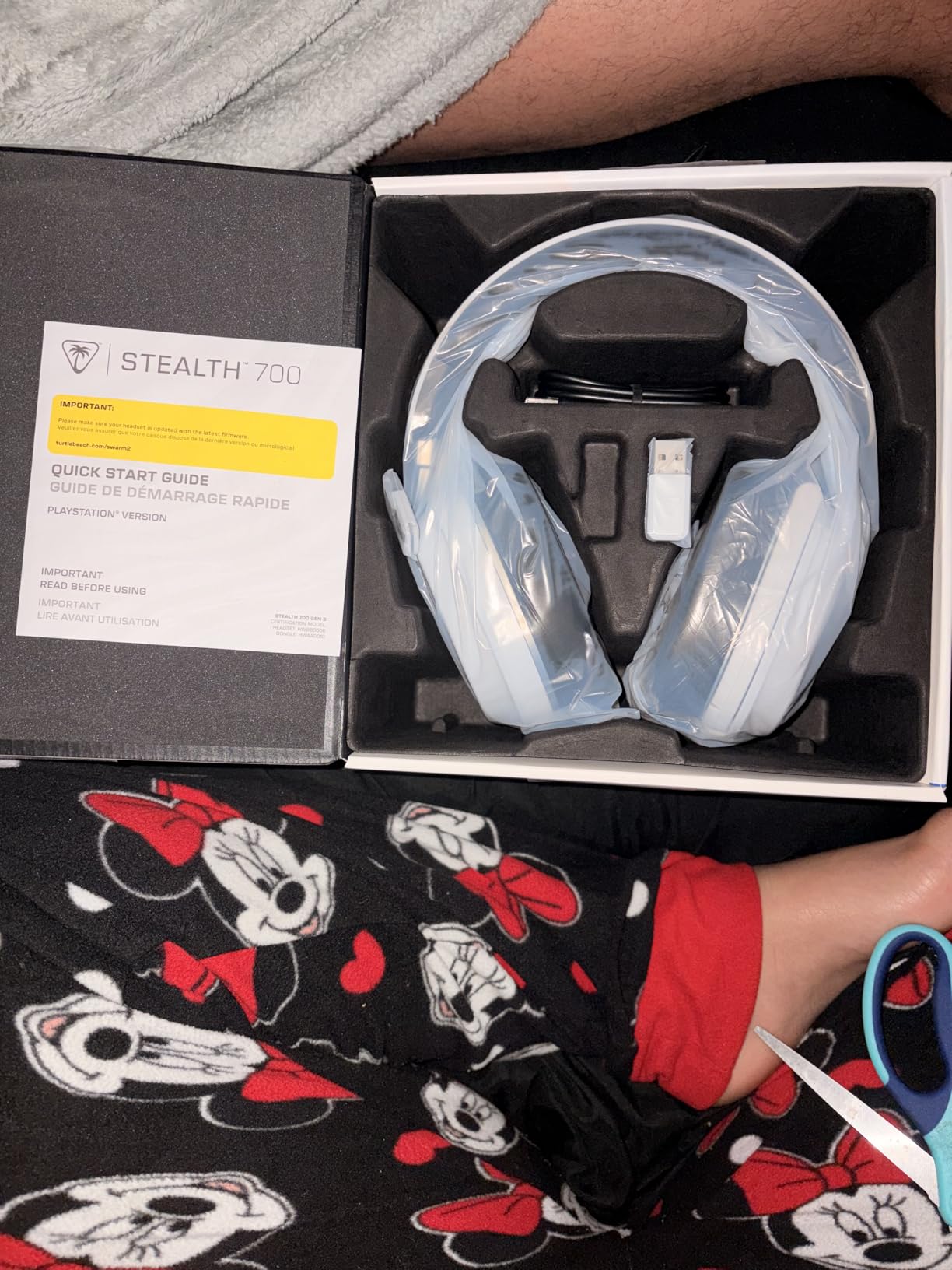
The 50mm Nanoclear drivers deliver vibrant audio with strong bass response. Turtle Beach includes its Superhuman Hearing feature that emphasizes subtle sounds like footsteps and reloads, which gave me a noticeable edge in Call of Duty matches. The AI-based noise reduction on the flip-to-mute microphone effectively silenced my mechanical keyboard in the background.
Glasses wearers will appreciate the memory foam cushions designed to accommodate frames without creating pressure points. This is a thoughtful design choice that many headset manufacturers overlook.
Who Should Buy the Turtle Beach Stealth 600
This is the best closed back wireless gaming headset for players who hate charging their gear constantly. It suits gamers who play on multiple devices (console, PC, and mobile), glasses wearers who struggle with standard headset comfort, and anyone who values the convenience of a flip-to-mute microphone with AI noise cancellation.
PC gamers will get the smoothest experience. The headset works with PS5 and PS4 as well, though PlayStation users should be aware of potential 2.4GHz interference issues.
Who Should Skip It
PlayStation 5 owners should research the dongle connectivity issues before purchasing. Several users report 2.4GHz interference between the wireless dongle and the PS5 WiFi, requiring workarounds like USB extenders or switching to 5GHz WiFi. If you prefer a simple plug-and-play console experience, the wired options on this list may serve you better.
6. Logitech G733 Lightspeed – Best RGB Wireless Headset
Logitech G733 Lightspeed Wireless Gaming Headset – Black
PRO-G 40mm Drivers
LIGHTSPEED Wireless
29-Hour Battery
278g
Blue VOICE Mic
RGB Lighting
Pros
- Extremely lightweight at 278g
- Excellent 20m wireless range
- Suspension headband for all-day comfort
- Advanced Blue VOICE mic with filters
- Detachable microphone
Cons
- Sound needs EQ tweaking out of the box
- Ear cups are narrow for some
- Volume wheel can be buggy
- Plastic build feels less premium
The Logitech G733 is the headset that made me actually care about headset design. The suspension headband floats above your head instead of pressing down on it, and at 278 grams, it is one of the lightest wireless gaming headsets available. I wore this through an entire day of work calls followed by an evening of gaming and barely noticed it.
The LIGHTSPEED wireless connection delivers rock-solid performance with up to 20 meters of range. I walked to my kitchen for a drink during a loading screen and never lost connection. The 29-hour battery easily lasts through a full week of moderate gaming before needing a charge.
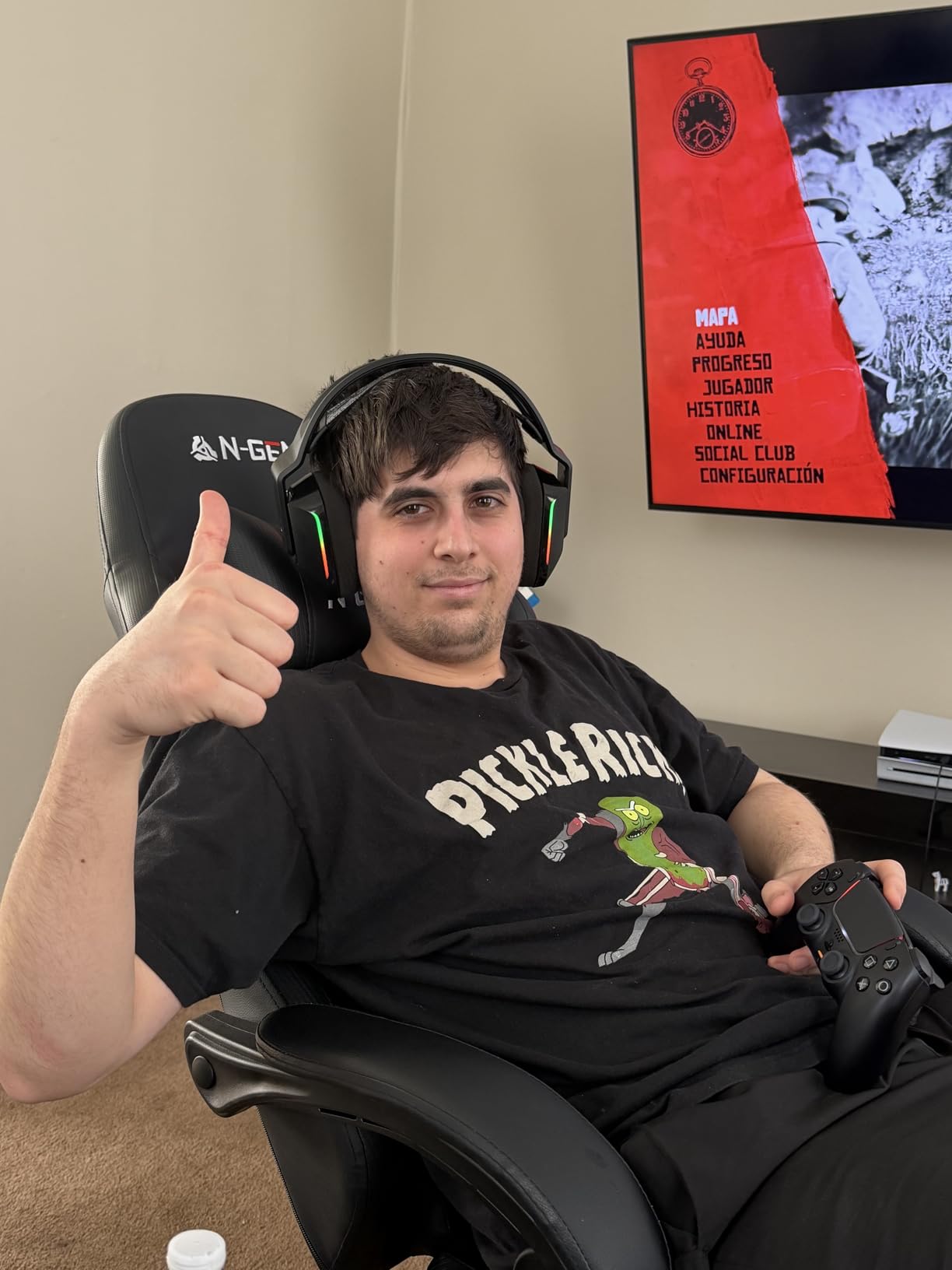
Blue VOICE technology on the microphone is a real differentiator. The real-time voice filters in G HUB software let you adjust your voice tone, add noise reduction, and even apply fun effects for streaming. My voice sounded consistently clean and professional during Discord calls. The front-facing dual-zone LIGHTSYNC RGB adds visual flair without being obnoxious.
Out of the box, the sound quality is decent but not impressive. However, after tweaking the EQ in G HUB (I recommend bumping bass to +7 and treble to +4), the audio opens up dramatically. With proper tuning, the PRO-G 40mm drivers deliver detailed, satisfying sound for gaming and music alike.
Who Should Buy the Logitech G733
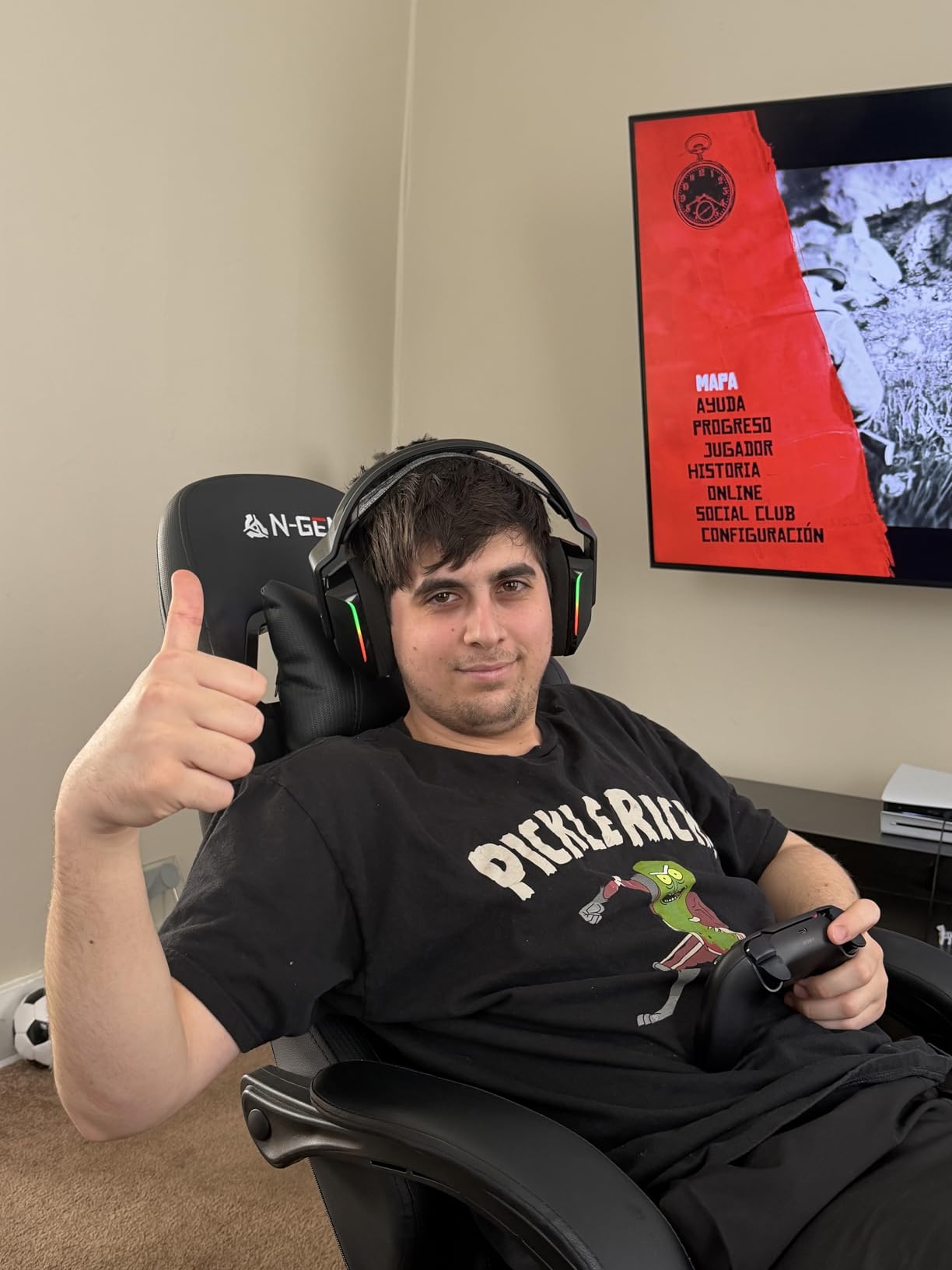
Streamers and content creators will love the Blue VOICE microphone technology and RGB customization. Glasses wearers benefit from the suspension headband that avoids creating pressure on the temples. PC gamers who want a premium wireless experience with extensive software customization should have the G733 on their short list.
If you value aesthetics as much as performance, the G733 is one of the best-looking headsets on the market.
Who Should Skip It
Console players should note that this headset is primarily designed for PC use via the USB dongle, though it does work with PS5 and PS4. If you want great sound without software tweaking, look elsewhere because the default EQ is underwhelming. The narrow ear cups may not suit people with larger ears.
7. SteelSeries Arctis Nova 7P Gen 2 – Premium Multi-Platform Pick
SteelSeries Arctis Nova 7P Wireless Gen 2 Gaming Headset – Black
Neodymium Magnetic Drivers
2.4GHz + Bluetooth
50+ Hour Battery
36 Ohm
ClearCast Gen 2 Mic
Pros
- Simultaneous dual wireless audio
- 50+ hour battery with fast charging
- 200+ game-specific Sonar presets
- Rugged steel frame
- Elastic suspension headband
- Multi-platform compatible
Cons
- Premium price at $179.99
- Mute button has loud beep
- Slightly heavy for some users
- Newer product with fewer reviews
- Requires app for full features
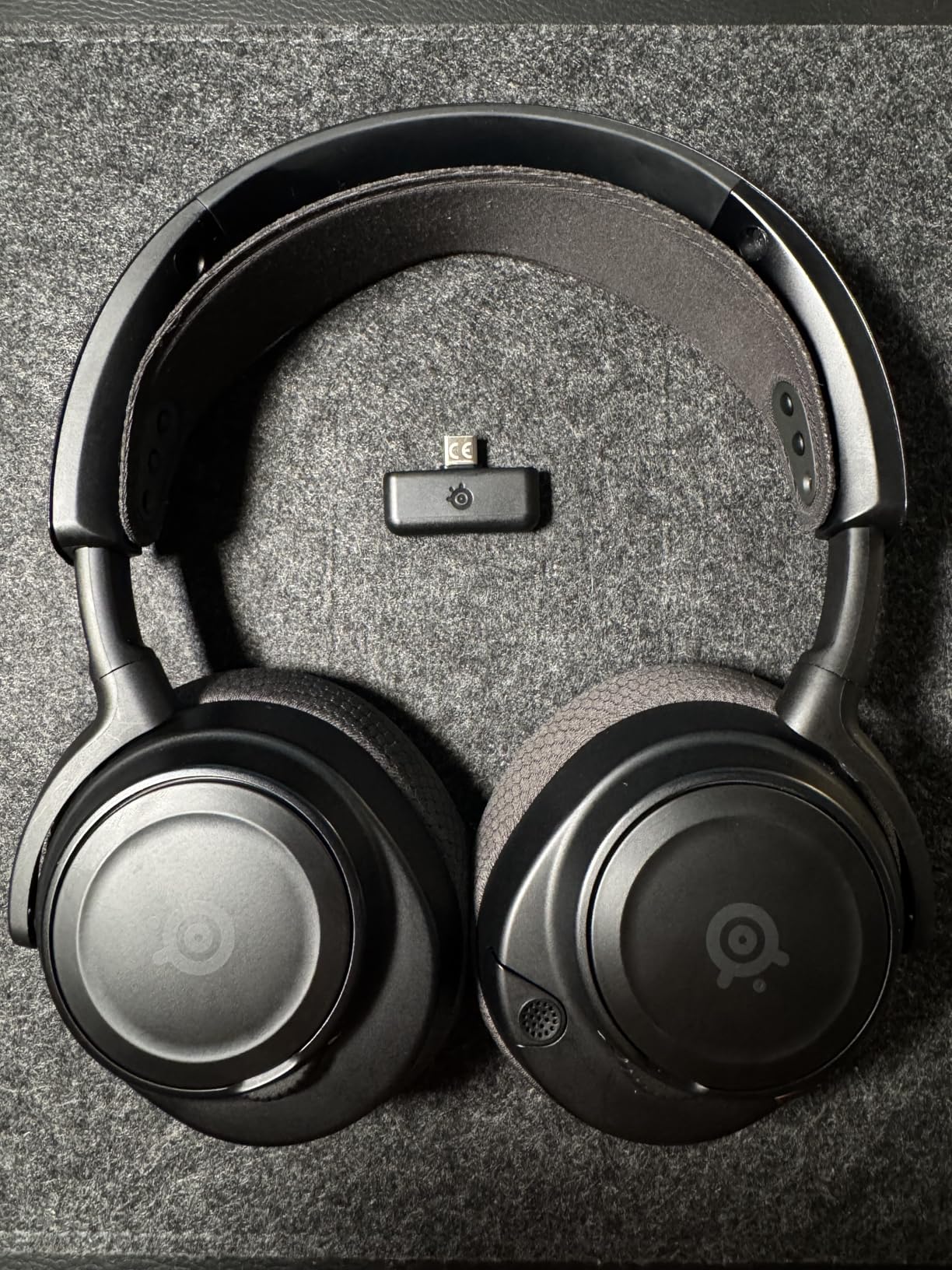
The SteelSeries Arctis Nova 7P Gen 2 represents what a premium wireless gaming headset should offer in 2026. The simultaneous 2.4GHz and Bluetooth connectivity means you can hear game audio and take a phone call at the same time without switching devices. I tested this during a raid where I was simultaneously on a Discord call via my phone through Bluetooth and hearing game audio through the 2.4GHz connection.
Battery life exceeds 50 hours, which while not quite matching the Turtle Beach Stealth 600, still means you charge it roughly once a week with regular use. The USB-C fast charging gives you hours of playback from just a few minutes of charging.
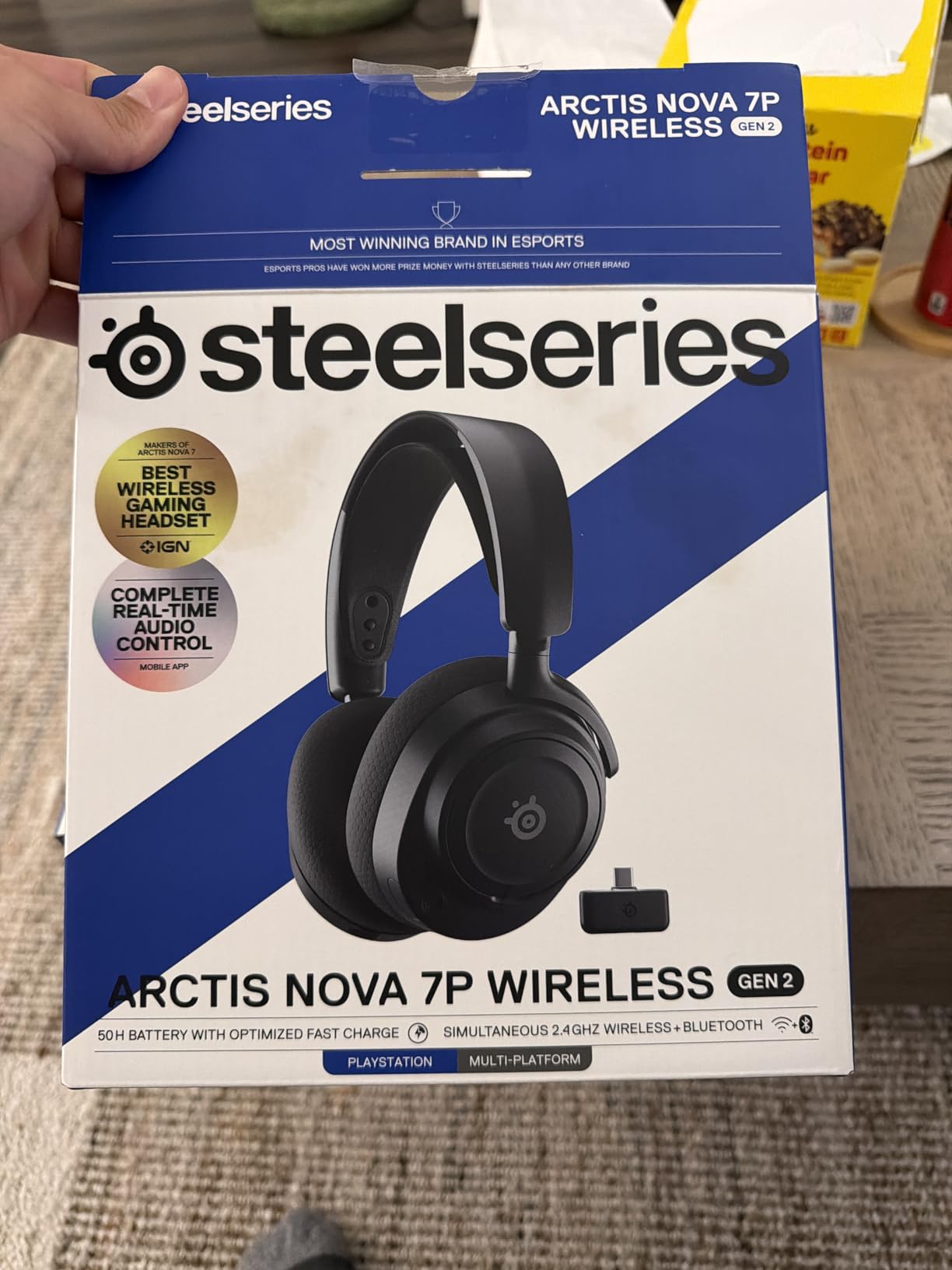
The Sonar software suite is a genuine competitive advantage. SteelSeries includes over 200 game-specific audio presets that are tuned for each title. Loading the Valorant preset noticeably improved my ability to distinguish footstep directions compared to the default sound profile. The 360-degree spatial audio adds immersion in single-player games as well.
Comfort is excellent thanks to the elastic suspension headband that never puts direct pressure on your skull. The rugged steel frame feels built to last, and the memory foam cushions with breathable fabric keep your ears cool during long sessions.
Who Should Buy the Arctis Nova 7P Gen 2
Multi-platform gamers who play across PS5, PC, Switch, and mobile will get the most value from this headset. Competitive gamers benefit from the extensive Sonar audio presets and ClearCast Gen 2 microphone. If you want a premium build that feels like it will last for years, the steel frame delivers that confidence.
The elastic headband design is especially good for people who get headaches from traditional headband pressure.
Who Should Skip It
At this price, you are paying a premium for the feature set and build quality. Budget-conscious gamers can get 80 to 90 percent of the experience from the Turtle Beach Stealth 600 for significantly less. Some users report the wireless sound quality is not quite as clean as a wired connection, which may bother audiophiles.
8. Razer Kraken V3 X – Lightweight USB Gaming Headset
Razer Kraken V3 X Wired USB Gaming Headset, Lightweight, Black
TriForce 40mm Drivers
32 Ohm Impedance
285g Weight
USB Wired
7.1 Surround
RGB Lighting
Pros
- Very lightweight at 285g
- Comfortable hybrid fabric and memory foam cushions
- Good sound quality with clear bass
- Chroma RGB with 16.8 million colors
- Simple volume scroll on headset
Cons
- 7.1 surround only on Windows 10 64-bit
- Requires Razer ID for 7.1 unlock
- Non-detachable microphone
- Can press on glasses frames
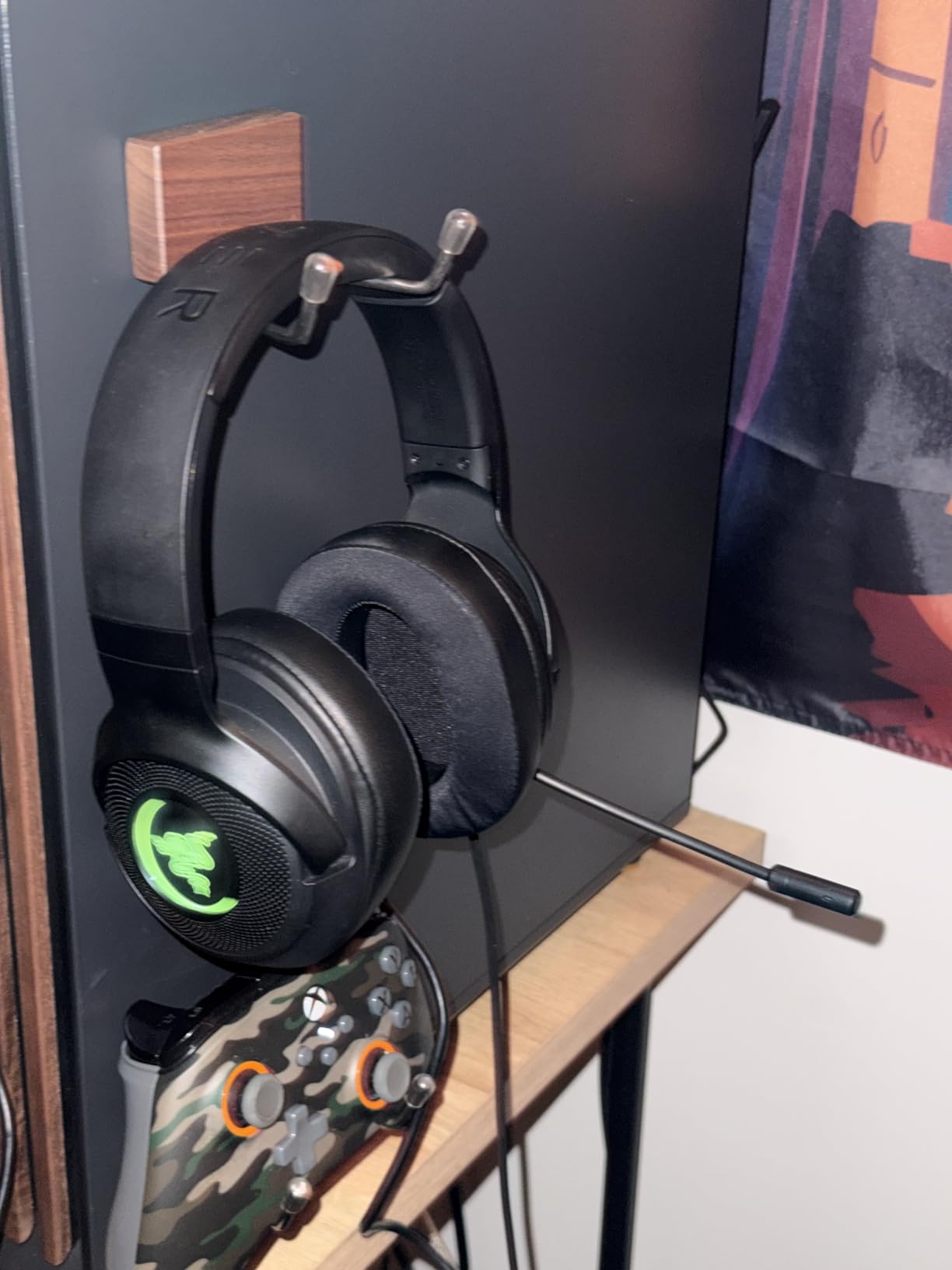
The Razer Kraken V3 X is the USB-connected sibling of the BlackShark V2 X, and it brings some compelling differences. The Chroma RGB lighting with 16.8 million customizable colors makes it one of the best-looking headsets at this price. I paired it with my Razer keyboard and mouse for a synchronized lighting setup that genuinely enhanced my desk aesthetic.
At 285 grams, the Kraken V3 X is remarkably light. The hybrid fabric and memory foam ear cushions strike a nice balance between breathability and softness. During a four-hour gaming session, the cushions stayed cool and comfortable, though the pressure on my glasses frames became noticeable after about three hours.
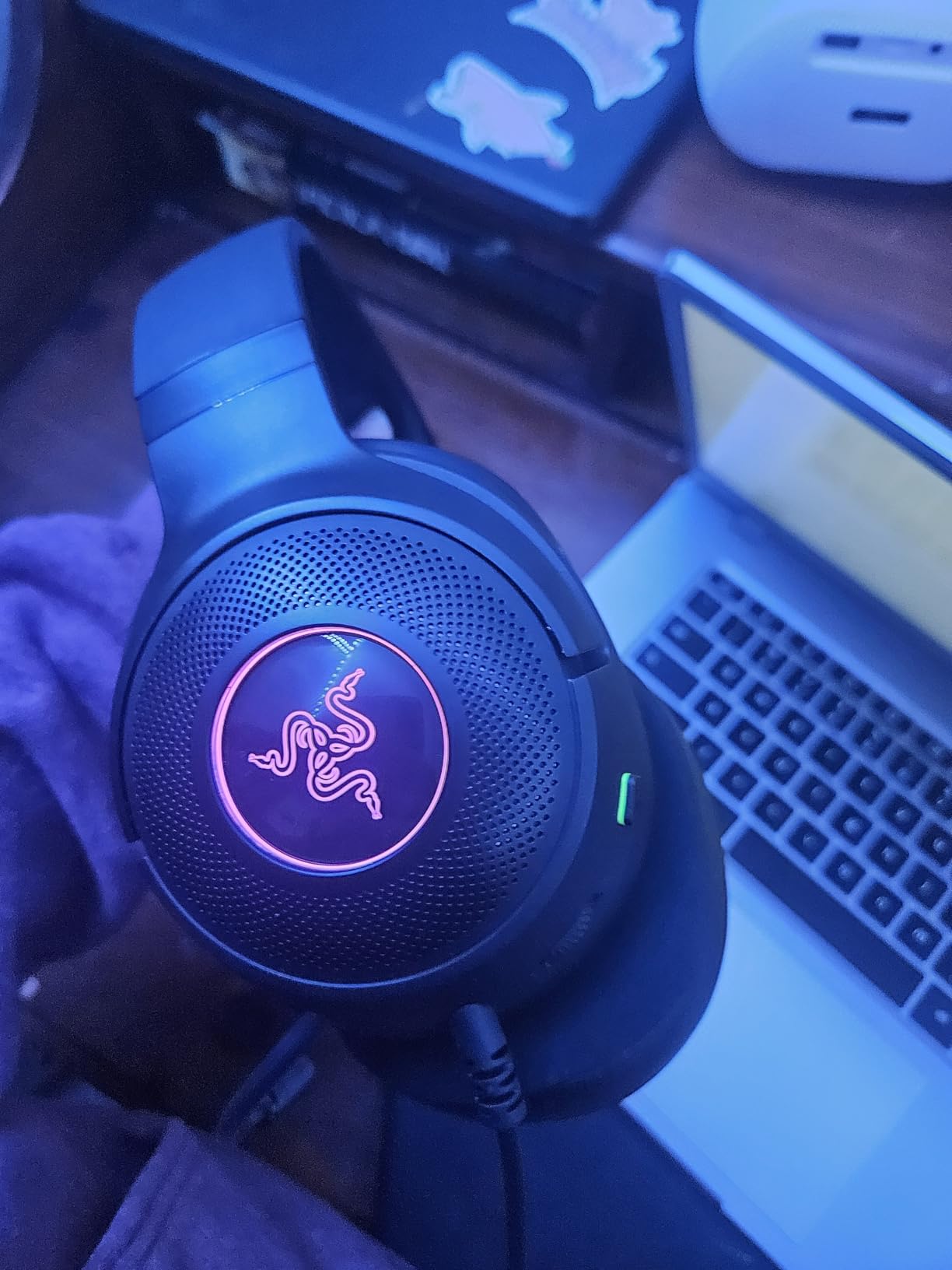
The TriForce 40mm drivers deliver solid audio for gaming. While the driver size is smaller than the 50mm units in the BlackShark V2 X, the sound signature is tuned for punchy bass and clear highs that work well for most game genres. The HyperClear cardioid microphone provides clean voice pickup that my Discord friends had no complaints about.
The USB connection simplifies setup since there is no dongle to lose or 3.5mm jack to worry about. Plug it in, install Razer Synapse, and you are ready to go. The on-headset volume scroll wheel is conveniently placed and responsive.
Who Should Buy the Razer Kraken V3 X
PC gamers who want an all-in-one USB headset with RGB should consider the Kraken V3 X. It fits Razer ecosystem users who want synchronized Chroma lighting across their peripherals. The lightweight design makes it a strong pick for younger gamers or anyone sensitive to headset weight.
If you are already invested in Razer Synapse for other peripherals, adding the Kraken V3 X keeps everything under one software roof.
Who Should Skip It
Console players cannot use this headset since it requires a USB-A connection and Windows for full functionality. Glasses wearers may find the ear cup pressure uncomfortable during extended sessions. If you need a removable microphone for travel or storage, the fixed mic on the Kraken V3 X is a limitation.
9. EPOS H3 – Audiophile Design on a Budget
EPOS H3 Closed Acoustic Gaming Headset with Noise-Cancelling Microphone – Plug & Play Audio – Around The Ear – Adjustable, Ergonomic – for PC, Mac, PS4, PS5, Switch, Xbox – Onyx Black
Dynamic Drivers
25 Ohm Impedance
Closed Acoustic Design
3.5mm Wired
Studio Noise-Cancel Mic
Pros
- Excellent comfort for extended wear
- Studio-quality microphone with clarity
- Effective passive noise isolation
- Plug and play simplicity
- Hinged ear cups for custom fit
Cons
- Volume wheel is stiff and hard to turn
- Braided cable creates rubbing noise
- No EQ customization options
- Tight fit for wider heads
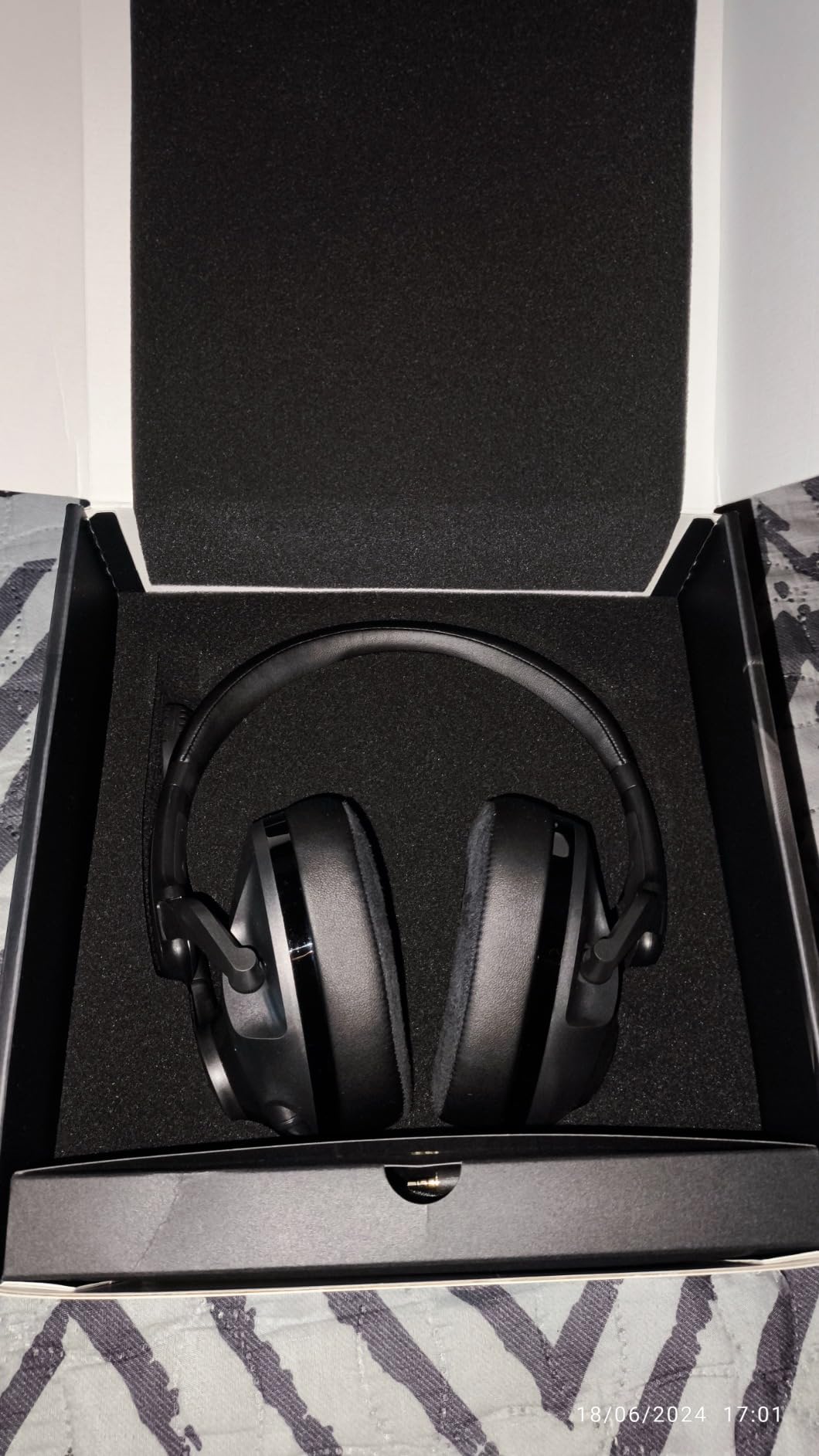
EPOS, the company formed from the Sennheiser and Demant joint venture, brings genuine audio expertise to the H3. This headset has a distinctly different character from the gaming-branded options on this list. It feels more like a studio headphone that happens to have a gaming microphone attached, and that is exactly what some gamers are looking for.
The comfort design shows thoughtful engineering. The hinged ear cups pivot to match your face shape, and the click stops let you memorize your ideal fit. Once I found my position, I could take the headset off and put it back on at the exact same setting. The lightweight stainless steel slider adjusts smoothly and stays put.
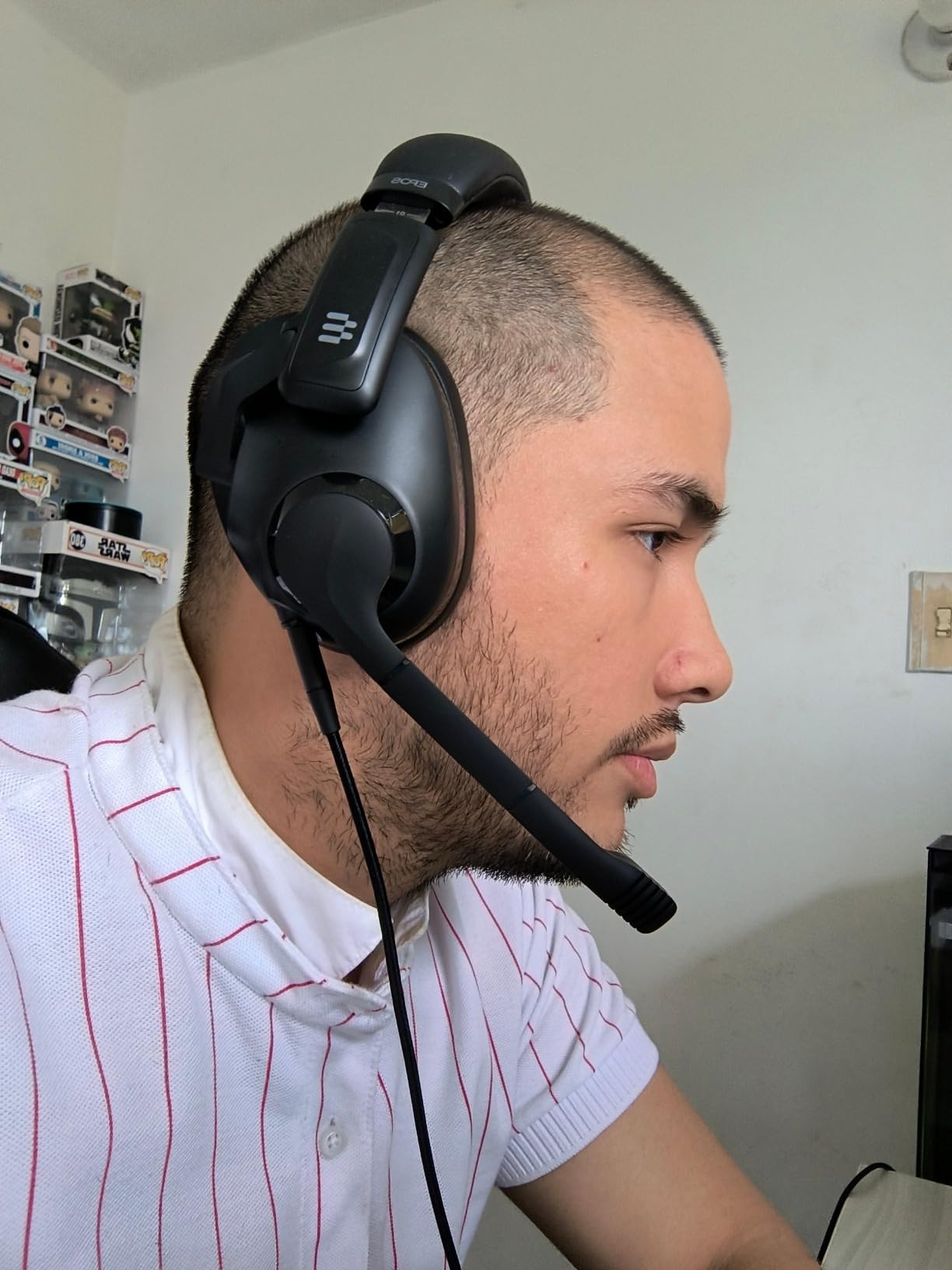
Sound quality leans toward clean and accurate rather than bass-heavy. The closed acoustic design provides genuine noise isolation that blocks ambient sound effectively. During competitive matches, I could clearly distinguish directional audio cues without the exaggerated bass boost that some gaming headsets apply. The lift-to-mute microphone function is intuitive and works reliably.
The studio-quality microphone is a genuine highlight. Voice clarity during recordings and calls was noticeably above average for this price range, with minimal background noise pickup. For streamers or content creators on a budget, this microphone quality is a real asset.
Who Should Buy the EPOS H3
Audio enthusiasts who want clean, accurate sound over gaming-specific features will appreciate the H3. It suits streamers and content creators who need a good microphone without buying a separate desktop mic. The plug-and-play simplicity with no software required is perfect for gamers who hate installing additional applications.
At just 25 ohms, this headset works perfectly with any device, including phones and tablets, without needing amplification.
Who Should Skip It
Gamers with wider heads may find the fit too tight, especially during extended sessions. The braided cable can create audible rubbing noise against the ear cups when you move your head, which is distracting during quiet moments. If you want software-based EQ customization, the H3 has none to offer.
10. Audio-Technica ATH-GL3 – Studio Heritage Gaming Headset
Audio-Technica ATH-GL3BK Closed-Back Gaming Headset, Black
45mm Dynamic Drivers
10Hz-35kHz Frequency
230g Weight
3.5mm Wired
Detachable Boom Mic
Pros
- Outstanding sound quality from Audio-Technica
- Incredibly lightweight under 230g
- Detachable mic and cables
- High-res audio support
- No amp needed with low impedance
Cons
- Mixed build quality reports
- Ear pads are shallow and uncomfortable
- Mute switch labeling is confusing
- May need replacement pads
Audio-Technica built its reputation on studio headphones, and the ATH-GL3 brings that heritage to gaming. At under 230 grams, this is the lightest headset in our entire lineup. The weight difference is immediately noticeable when you pick it up. During testing, I could wear the ATH-GL3 for hours without any neck fatigue or ear pressure.
The 45mm drivers deliver audio quality that reflects decades of headphone engineering. The frequency response extends from 10Hz to 35kHz, which is wider than most gaming headsets. Music sounds particularly good through the ATH-GL3, with clear instrument separation and natural tonality that gaming-focused headsets rarely achieve.
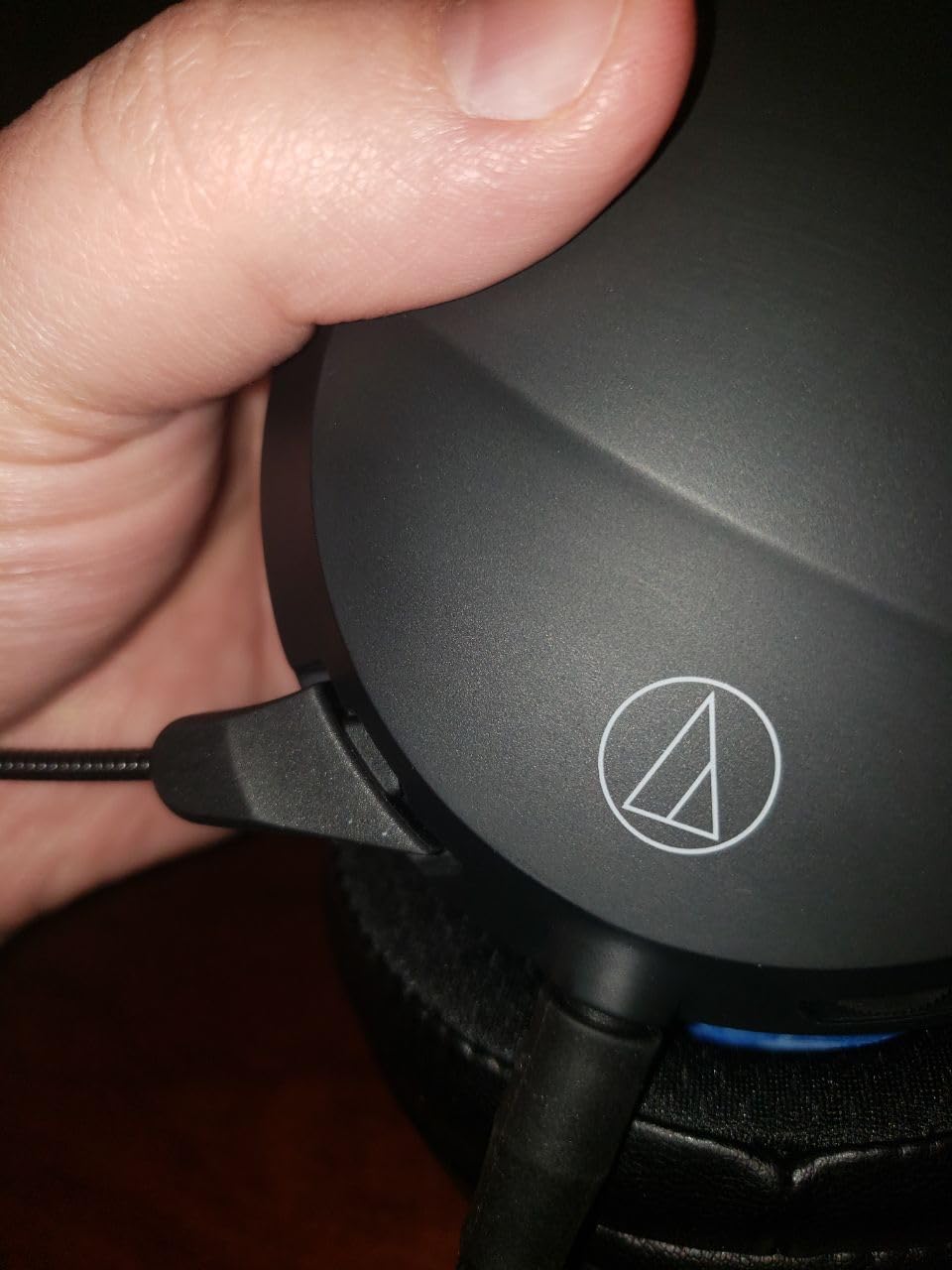
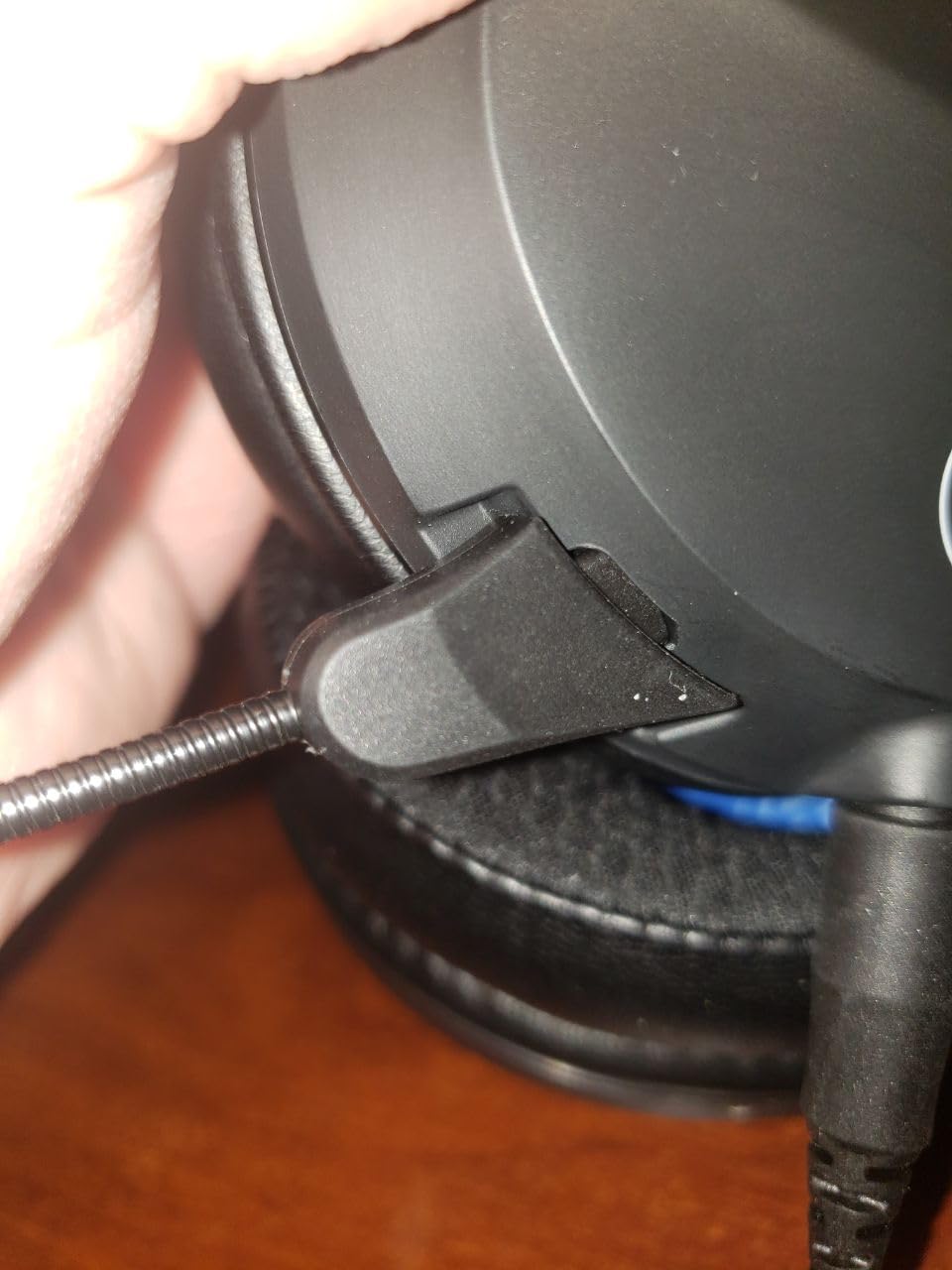
The detachable microphone and detachable cables add versatility. You can use the ATH-GL3 as regular headphones for music listening with the mic removed, and replace the cables if they wear out. The separate mic and audio grounds eliminate ground loop issues that plague some headsets when connected to PCs.
However, comfort is the Achilles heel. The ear pads are shallow, and my ears touched the inner plastic grille within minutes. Several users report needing to purchase aftermarket ear pads for acceptable comfort, which adds to the total cost. The mute switch labeling is also reversed from what you would expect, which led to some awkward moments during voice calls.
Who Should Buy the Audio-Technica ATH-GL3
Audio purists who prioritize sound quality above gaming features will find the ATH-GL3 rewarding. It suits gamers who also listen to music extensively and want one headset for both. The ultra-lightweight design is perfect for anyone who finds standard gaming headsets too heavy.
If you already have a desktop microphone and want to use the ATH-GL3 purely for listening, removing the boom mic gives you a clean, lightweight pair of closed-back headphones.
Who Should Skip It
Gamers who want a complete, comfortable experience out of the box should look elsewhere. The shallow ear pads are a real comfort issue that requires aftermarket replacements for most users. At this price point, competitors like the HyperX Cloud II offer better overall value with superior comfort and included accessories. The mixed build quality reports on the headband connections are also concerning for a headset at this price.
How to Choose the Best Closed Back Gaming Headset
Picking the right closed-back headset comes down to understanding a few key factors that directly affect your gaming experience. I have broken down the most important considerations to help you make an informed decision.
Closed-Back vs Open-Back: Which Is Right for Gaming?
Closed-back headsets seal the earcups completely, trapping sound inside and blocking external noise. This design provides stronger bass response, better noise isolation, and prevents sound from leaking into your microphone during streams or voice calls. Open-back headsets have perforated earcups that let air and sound pass through, creating a wider soundstage but offering zero isolation.
For most gamers, closed-back is the practical choice. The noise isolation helps you focus during competitive matches, the bass response makes explosions and gunfire feel impactful, and you will not disturb people sitting nearby. Open-back headsets are better suited for quiet, private rooms where you want the most natural sound presentation possible.
Wired vs Wireless: What Matters for Gaming
Wired headsets offer zero latency, consistent audio quality, and no charging requirements. If you play competitive FPS games where split-second audio cues matter, wired is the safer bet. The 3.5mm connection also means universal compatibility with almost every device.
Wireless headsets have improved dramatically. Modern 2.4GHz connections deliver latency low enough that most players cannot tell the difference from wired. The freedom to move around, grab a drink, or lean back without cable tension is genuinely liberating. If you want to explore more options, check out our guide to the best wireless gaming headphones. Just remember to factor in battery life and charging habits.
Driver Size and Sound Quality
Driver size matters, but bigger is not always better. Most gaming headsets use 40mm or 50mm dynamic drivers, which deliver a good balance of bass, clarity, and efficiency. The HyperX Cloud II and Cloud III use 53mm drivers for slightly more headroom and detail. Premium models like the SteelSeries Arctis Nova use neodymium magnets for stronger, more controlled driver movement.
What matters more than size is tuning. A well-tuned 40mm driver can sound better than a poorly tuned 53mm one. Look for headsets with software EQ options so you can adjust the sound to your preference. The Razer BlackShark V2 X and Logitech G733 both benefit significantly from software tuning.
Impedance and Amplification
Impedance determines how much power your headset needs to reach acceptable volume levels. Most gaming headsets are low impedance (25 to 64 ohms), meaning they work fine with standard PC audio jacks, console controllers, and phone outputs. The HyperX Cloud II at 60 ohms and Cloud III at 64 ohms benefit slightly from a USB sound card or amplifier but work without one.
You generally do not need a separate headphone amplifier for any headset on this list. If you venture into high-impedance audiophile headphones for gaming (250 ohms and above), then an amplifier becomes necessary for adequate volume and sound quality.
Comfort for Long Sessions
Comfort is subjective, but several factors make a consistent difference. Weight matters most. Headsets under 300 grams like the Razer BlackShark V2 X (240g), Audio-Technica ATH-GL3 (230g), and Logitech G733 (278g) are noticeably more comfortable during marathon sessions. Memory foam ear cushions conform to your head shape and distribute pressure evenly.
If you wear glasses, look for headsets with glasses-friendly designs like the Turtle Beach Stealth 600 or suspension headbands like the Logitech G733 and SteelSeries Arctis Nova. These features prevent the ear cup padding from pressing your frames into the sides of your head.
Microphone Quality
For competitive gaming and streaming, microphone clarity is essential. Detachable microphones like those on the HyperX Cloud II and Cloud III give you flexibility to remove them when not needed. Flip-to-mute designs on the Logitech G432 and Turtle Beach Stealth 600 offer instant, visual mute confirmation.
The EPOS H3 and SteelSeries Arctis Nova feature studio-grade microphones that produce noticeably cleaner voice pickup than budget options. If you stream regularly, investing in a headset with a quality microphone saves you from buying a separate desktop mic.
Platform Compatibility
Most wired headsets with 3.5mm connections work universally across PC, PlayStation, Xbox, and Switch. USB-only headsets like the Razer Kraken V3 X are limited to PC. Wireless headsets vary in console support, with some using platform-specific dongles. The Turtle Beach Stealth 600 and SteelSeries Arctis Nova both offer broad multi-platform support through their wireless connections.
Before buying, verify that the headset supports your primary gaming platform. If you also want alternatives like in-ear monitors, our guide to IEM headphones for gaming covers that form factor in detail.
Frequently Asked Questions About Closed Back Gaming Headsets
Are closed-back headphones better for gaming?
Closed-back headphones are generally better for gaming in most situations because they provide noise isolation, stronger bass response, and prevent sound leakage. This makes them ideal for competitive gaming where you need to hear subtle audio cues like footsteps, and for gaming in shared spaces where you do not want to disturb others. Open-back headphones offer a wider soundstage and more natural sound, but they provide no isolation from external noise.
What are the best closed-back headphones for gaming?
The HyperX Cloud II is widely considered the best overall closed-back gaming headset for its combination of comfort, sound quality, durability, and value. For wireless gaming, the Turtle Beach Stealth 600 offers an 80-hour battery with dual connectivity. Budget options include the Razer BlackShark V2 X and Logitech G432, both delivering strong performance at lower price points.
What is the number one gaming headset?
The HyperX Cloud II holds the top position for most gamers due to its exceptional comfort, proven durability spanning 5 to 10 years, clear 53mm driver audio, and detachable noise-cancelling microphone. With over 68,000 reviews and a 4.5-star rating, it has earned its place as the most trusted gaming headset across competitive and casual gaming communities.
Do closed-back headsets have better bass than open-back?
Yes, closed-back headsets produce stronger and more impactful bass than open-back designs. The sealed earcups create a controlled air cavity that reinforces low frequencies, giving explosions, gunfire, and music more weight and presence. Open-back headsets have a more neutral bass response because the open design does not trap air pressure, resulting in less bass emphasis but a more natural overall sound presentation.
Final Verdict: Our Top Picks for 2026
After testing all 10 headsets across competitive shooters, RPGs, and general use, my recommendations are clear. The HyperX Cloud II remains the best overall closed back gaming headset thanks to its unmatched comfort, proven long-term durability, and consistent audio quality. It is the safe bet that will serve you well for years.
For gamers on a tight budget, the Razer BlackShark V2 X delivers remarkable value with its 240g lightweight design, clear audio, and excellent microphone. The Turtle Beach Stealth 600 is the wireless champion with its 80-hour battery and dual connectivity that eliminates charging anxiety.
If you want premium features without compromise, the SteelSeries Arctis Nova 7P Gen 2 offers 200+ game-specific audio presets, simultaneous dual wireless, and a rugged steel frame. And for the best budget friendly gaming headphones that will last for years, the Logitech G432 is hard to beat with its reported 5 to 7 year lifespan.
Any headset on this list will improve your gaming audio experience. The best one for you depends on your platform, budget, and whether you prefer wired simplicity or wireless freedom. Pick the one that fits your needs, and enjoy the difference quality audio makes in your gaming sessions.