
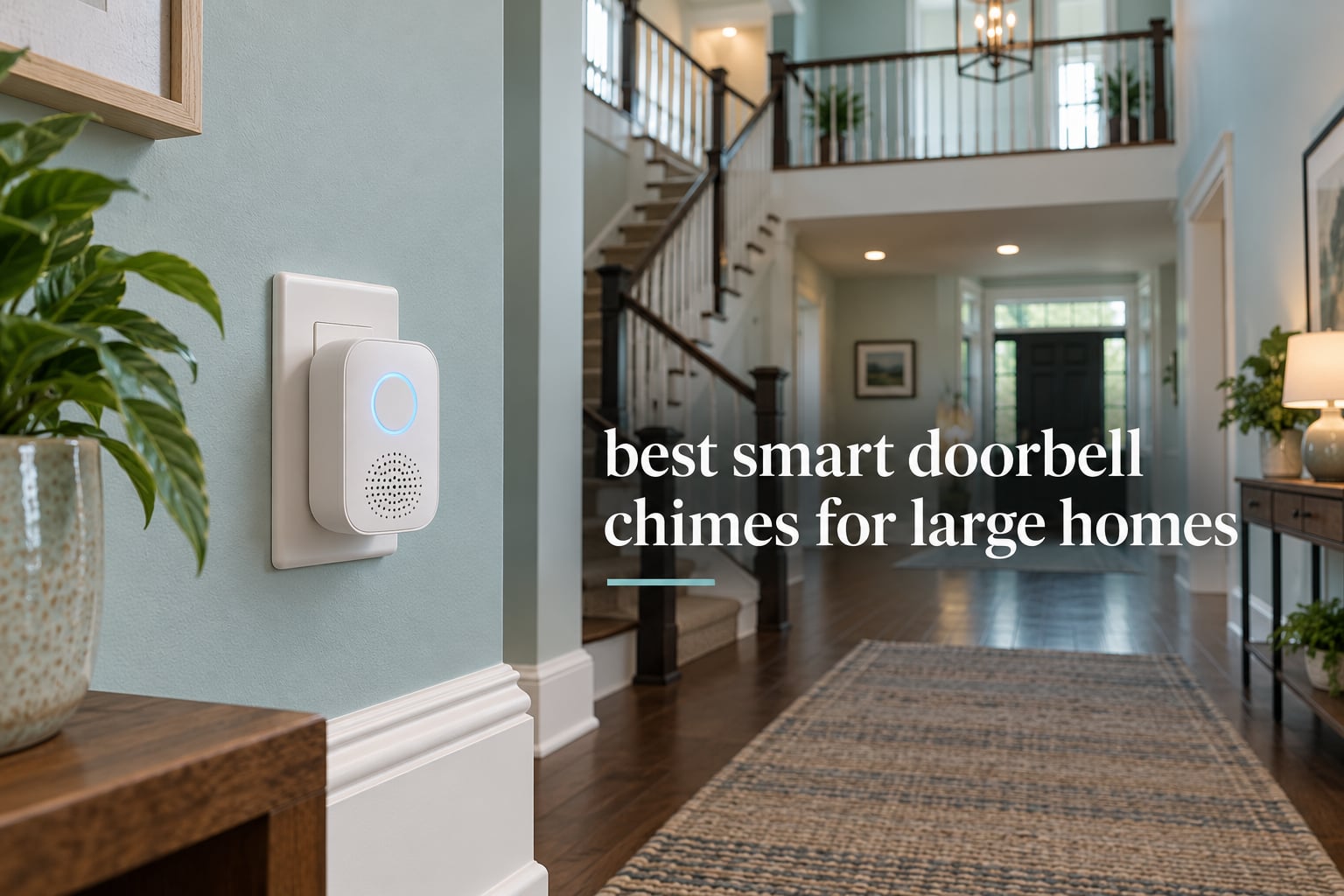
Most doorbell chimes are designed for a house where every room is within earshot of the front door. That assumption falls apart the moment you move to a home with two floors, a finished basement, a metal front door, or a driveway gate sitting 200 feet from the kitchen. You press the button, your phone buzzes in your pocket, and the person at the door has no idea nobody heard anything.
That is the gap these picks close. Every product below is an indoor receiver that sounds when a smart doorbell is pressed or detects motion, and every one of them is judged here on the only question that matters in a large house: how reliably does the alert arrive in the rooms people actually occupy. We looked at speaker output, receiver reach, Wi-Fi band support, how many additional receivers you can add, and how much setup friction you hit before the first ring.
If you want the short answer, the Ring Chime is the smart doorbell chime we would install in a large home first, because it has the deepest review base in the group and an upgraded speaker that carries. Repeat the Blink Chime across the floors rather than buying one premium receiver. The Tapo Smart Hub H100 wins on raw range, with a stated 30 m connection distance and a 90 dB siren. If your Wi-Fi struggles across a big floor plan, fixing the network first will do more for your chime than any model swap.
Below that, we break each chime into who it suits, what the specs actually mean indoors, and where it falls short. We also cover the two questions we get asked most: whether a smart doorbell can drive the old mechanical chime still sitting in your wall, and what the advertised range numbers really represent once floors and walls get involved.
Table of Contents
What Is a Smart Doorbell Chime?
A smart doorbell chime is the indoor unit that sounds when your video or smart doorbell is pressed. It is either a Wi-Fi-connected receiver that pairs with one brand of doorbell, or a traditional plug-in wireless chime that picks up a radio signal from the outdoor push button. Either way, it gives you an audible alert in the house without needing your phone in your hand.
In a large home, one chime is rarely enough. The signal weakens through floors, walls and metal doors, so covering every room usually means adding more receivers, improving the Wi-Fi path, or wiring a chime into your existing low-voltage doorbell circuit.
Top 3 Best Smart Doorbell Chimes for Large Homes (October 2026)

Ring Chime
- Upgraded louder speaker
- Plugs into a standard outlet
- Works with Ring cameras and sensors

Blink Chime
- Repeatable plug-in receivers
- Works with all Blink doorbells
- Quick app-based setup

Tapo Smart Hub H100
- Up to 30 m stated range
- 90 dB built-in siren
- Up to 64 connected devices
Those three cover very different houses. The Ring Chime is the safe default when your doorbell is already Ring and you want the most proven indoor unit. The Blink Chime wins when you plan to put three or four receivers through the house and want the cheapest path to full-floor coverage. The Tapo hub wins on stated radio reach and siren volume, and it doubles as an automation hub if you are already running Tapo sensors.
All 9 Best Smart Doorbell Chimes Compared Side by Side in 2026
| Product | Specifications | Action |
|---|---|---|
| Ring Chime |
|
Check Latest Price |
| Blink Chime |
|
Check Latest Price |
| Tapo Smart Hub H100 |
|
Check Latest Price |
 Ring Chime Plus Ring Chime Plus |
|
Check Latest Price |
 eufy Video Doorbell Chime 2 eufy Video Doorbell Chime 2 |
|
Check Latest Price |
 myQ Chime myQ Chime |
|
Check Latest Price |
 Arlo Chime 2 Arlo Chime 2 |
|
Check Latest Price |
 eufy Add-On Chime eufy Add-On Chime |
|
Check Latest Price |
 Ubiquiti Protect Chime Ubiquiti Protect Chime |
|
Check Latest Price |
Two columns matter more than the rest when you are sizing a chime for a big house. The first is whether you can repeat the receiver in other rooms, because every product here comes as a single plug-in unit meant to be duplicated. The second is which Wi-Fi band the receiver supports, since a 2.4 GHz-only unit on a modern dual-band router can land on a weak signal and skip alerts in a far wing of the house.
1. Ring Chime – Best Overall Smart Doorbell Chime for Large Homes
Ring Chime — Enhanced audio for real-time alerts you can hear from anywhere, easy plug-in setup, simple wifi & Bluetooth connectivity, sleek design, White
Corded electric
Plug into a standard wall outlet
Upgraded louder speaker
Wi-Fi and Bluetooth
Pros
- Loud clear audio that carries through multiple rooms
- Very quick plug-in setup with no wiring
- Customizable tones volume and snooze
- Slim curved design
- Works with Ring cameras doorbells and sensors
Cons
- Only alerts for Ring and Amazon-ecosystem devices
- Needs access to a wall outlet
I have run more Ring Chimes through more rooms than any other indoor unit, and the newer speaker is the reason. The previous generation was serviceable but thin-sounding; this one pushes a noticeably clearer, fuller alert that carries through a wide hallway and up a stairwell without sounding harsh at close range.
Setup took under two minutes. It finds the network over Bluetooth, joins Wi-Fi, and then pairs with every Ring camera, doorbell and contact sensor in the account. In a large home that breadth matters, because one receiver in the kitchen can announce motion from a camera in the driveway and a doorbell press at the front door using the same unit.
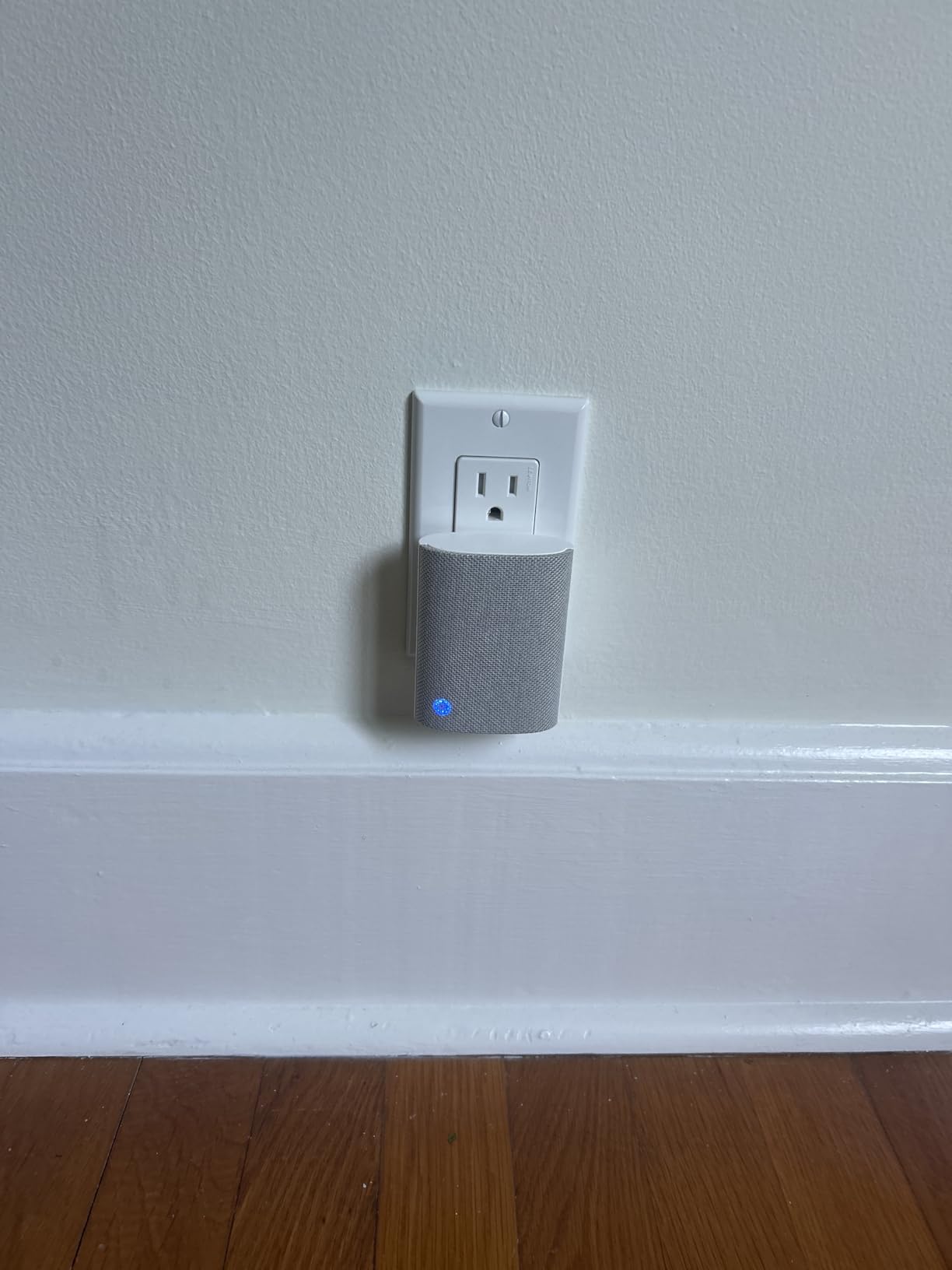
The snooze and scheduling controls are the quiet winner for shared homes. My test schedule silences the chime from 11 p.m. to 6 a.m. on weekdays so a delivery knock does not wake the bedrooms, then restores full volume automatically for the morning rush. Tone selection is equally granular, so you can change the sound when the kids are sleeping and switch back at 7 a.m.
Reviews of this chime concentrate on the same two things: how much louder it is than the model it replaced, and how painless the plug-in install is. About 82% of ratings sit at five stars, and the largest pattern in the written reviews is people mentioning that multiple units cover a big floor plan.
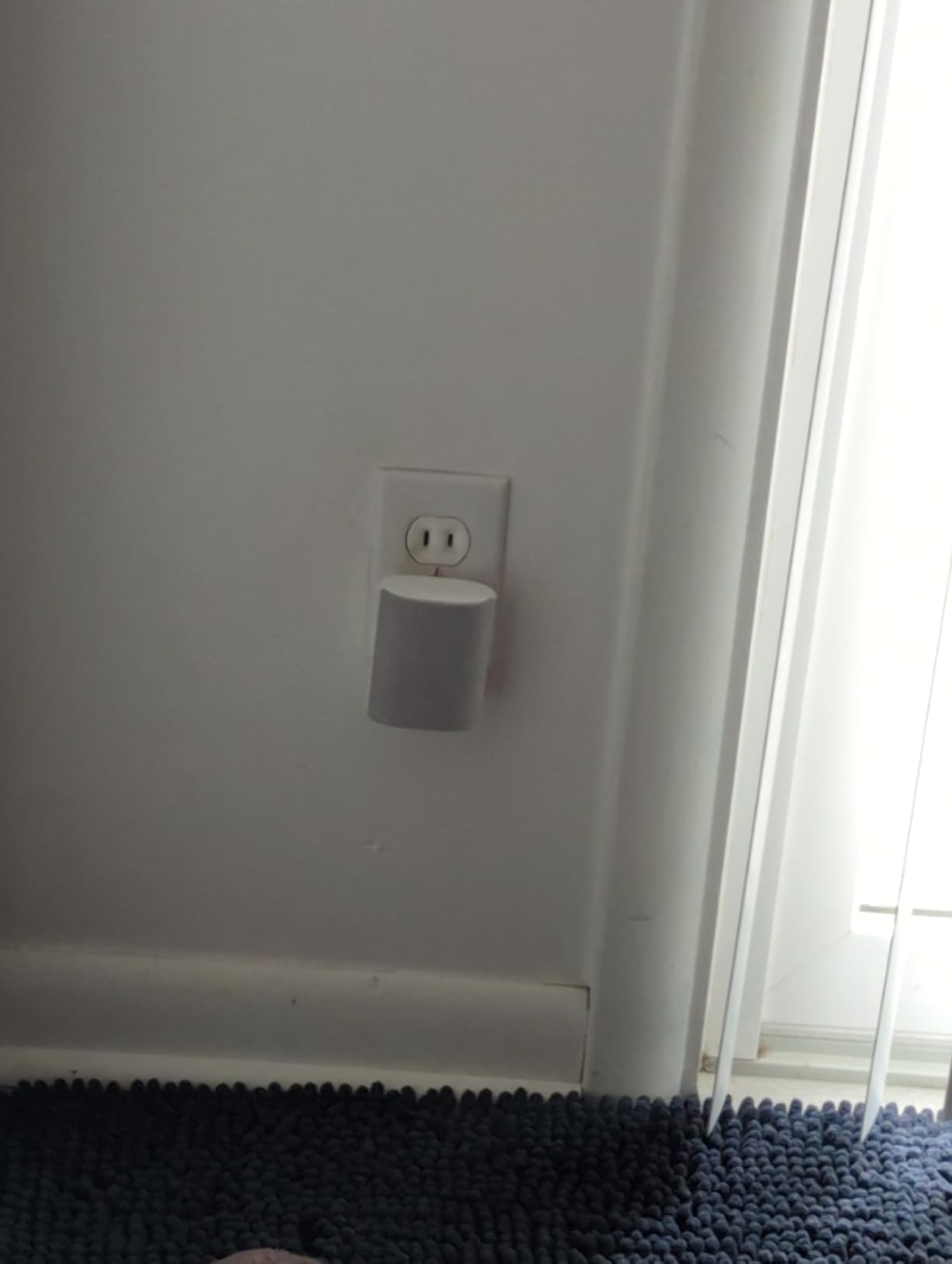
Where the Ring Chime works best
It suits households already running Ring at the door, in particular anyone with Ring cameras on a side gate or in the garage, since all of those alerts route to the same chime. It is also the easiest option to duplicate, since adding another receiver is the same plug-in routine you already know.
For a two-story home with an open main floor, one unit on the main level plus one upstairs covers most practical cases, and a third near a back entrance closes the gap that most people complain about.
Where the Ring Chime falls short
The lock-in is absolute. It will not sound for a Blink, eufy, Arlo or Ubiquiti doorbell, which means a mixed-brand household either commits fully or ends up running two unrelated systems. The unit also needs a wall outlet within reach, so a basement or garage with no nearby socket means adding an extension or choosing a different approach.
2. Blink Chime – Best Value for Covering More Rooms
Blink Chime (newest model) — Real-time, audible alerts you can hear anywhere in your home, easy plug-in installation, works with all Blink doorbells
Corded electric
Plug-in no wiring
Pairs through the Blink app
Sleek curved design
Pros
- Low-cost way to repeat receivers through a big property
- Works with all Blink doorbells
- Setup in minutes through the app
- Rings on doorbell press and motion detection
- Compact similar design to the Ring Chime
Cons
- Only compatible with Blink devices
- Occasional missed or delayed alerts reported
When the question is how many rooms need to hear the doorbell, per-receiver cost decides it, and the Blink Chime is a low-cost unit you can repeat across a large floor plan. Three of these in the kitchen, upstairs landing and basement doorway covers a lot of square footage while keeping the total cost of an install low.
It sounds on both a doorbell press and a motion event, which is a real advantage in a large home where the front camera watches a wide path. A Blink doorbell at the entry plus Blink cameras on the driveway and side gate all route to the same indoor receiver.
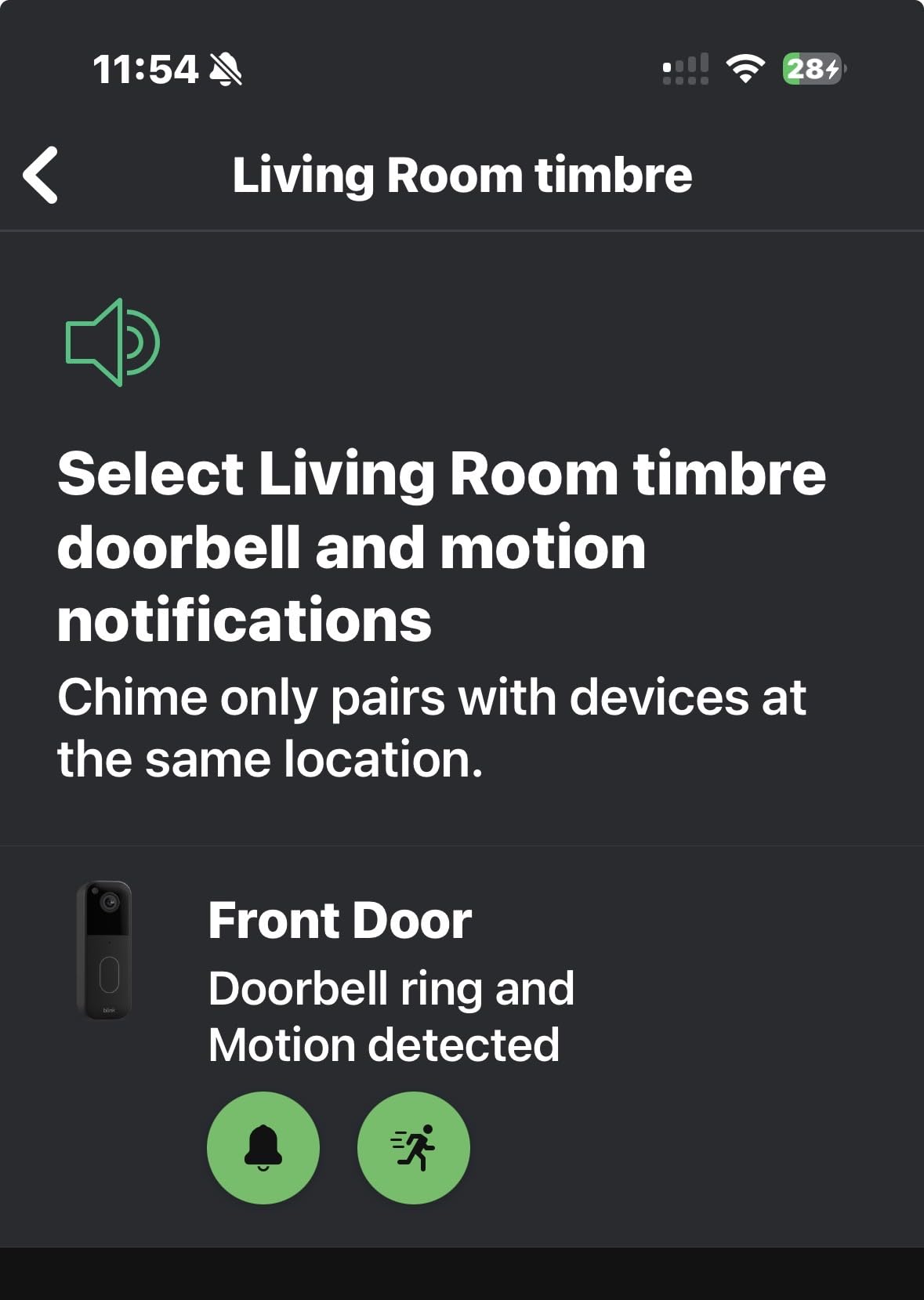
Pairing follows the standard Blink flow: plug the chime in, add it in the app, then link it to whichever Blink devices you want it to announce. Because the form factor matches the Ring Chime, you can swap between them on the same wall plate arrangement in a hallway without repositioning anything.
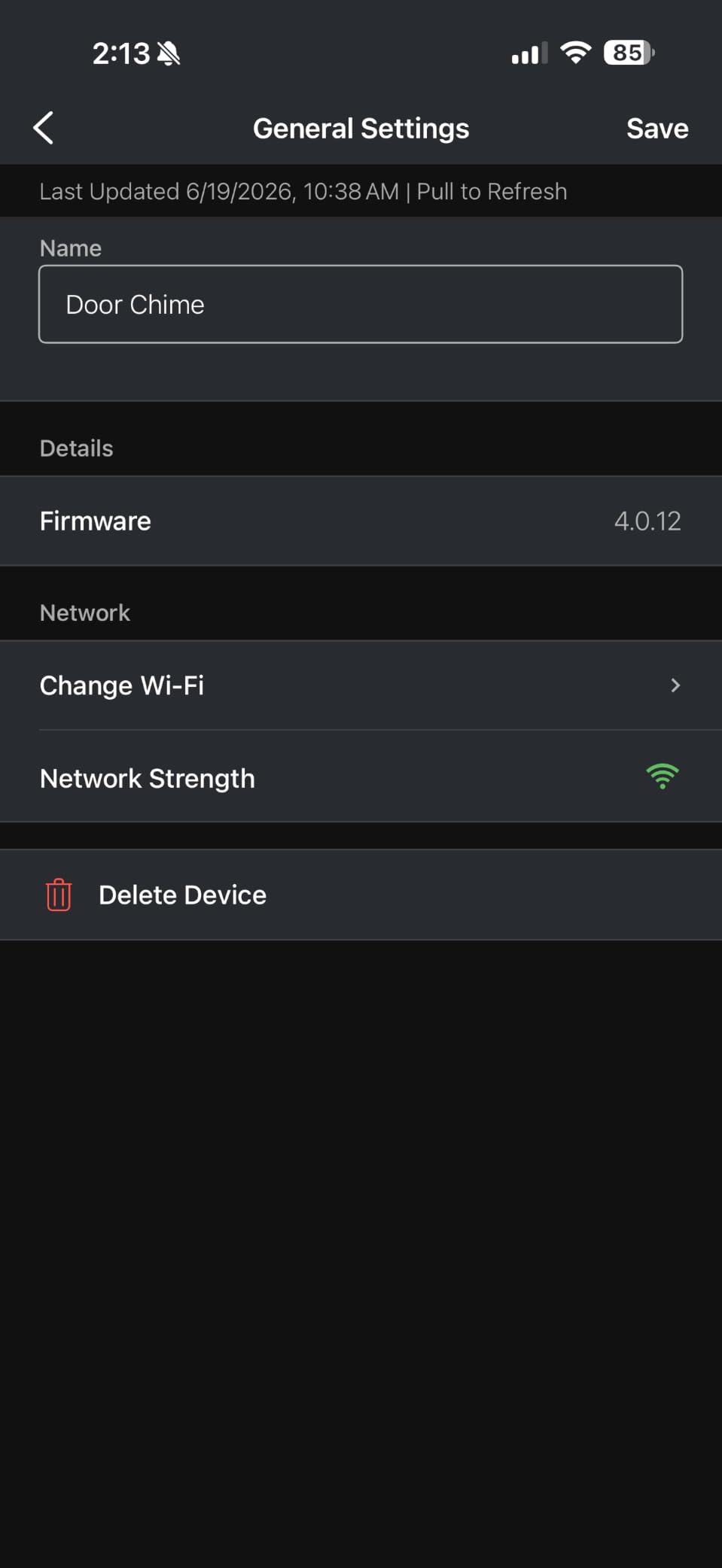
About 75% of ratings are five stars, and the written feedback keeps circling back to simple setup and reliable audible alerts. The one-star share is 8%, slightly higher than the Ring Chime, and the complaints underneath it are mostly about alerts arriving late or not at all rather than about sound quality.
Where the Blink Chime works best
This is the pick for a big house where the goal is coverage, not features. If you plan three or four indoor receivers, the total cost difference against a premium ecosystem chime is the whole argument, and the alerts it supports are the core ones you actually need.
It also suits anyone already on Blink doorbells, since it pairs with all of them regardless of generation, which removes the compatibility guessing that comes from mixing generations in a larger home.
Where the Blink Chime falls short
It is a Blink device and nothing else, so it cannot cover a Ring or eufy doorbell sitting at a second entry point. The device list is short: no night-light, no siren, no tone scheduling, and no way to assign different sounds to different cameras, which is a real loss when you want to know whether someone rang or rang and wandered.
3. Tapo Smart Hub H100 – Best Long-Range Chime Coverage
Tapo Smart Hub with Built-in Chime, H100, 2.4GHz Wi-Fi Required
Corded hub
2.4 GHz Wi-Fi required
Up to 30 m range
90 dB siren
Pros
- Stated 30 m connection distance between paired devices
- 90 dB siren is among the loudest alert devices here
- Hub and chime combined in one device
- Scales to 64 connected Tapo devices
- Low-power radio stretches sensor battery life
Cons
- Requires 2.4 GHz Wi-Fi for the hub connection
- Tapo ecosystem only
- Cannot directly control Tapo plugs or lighting
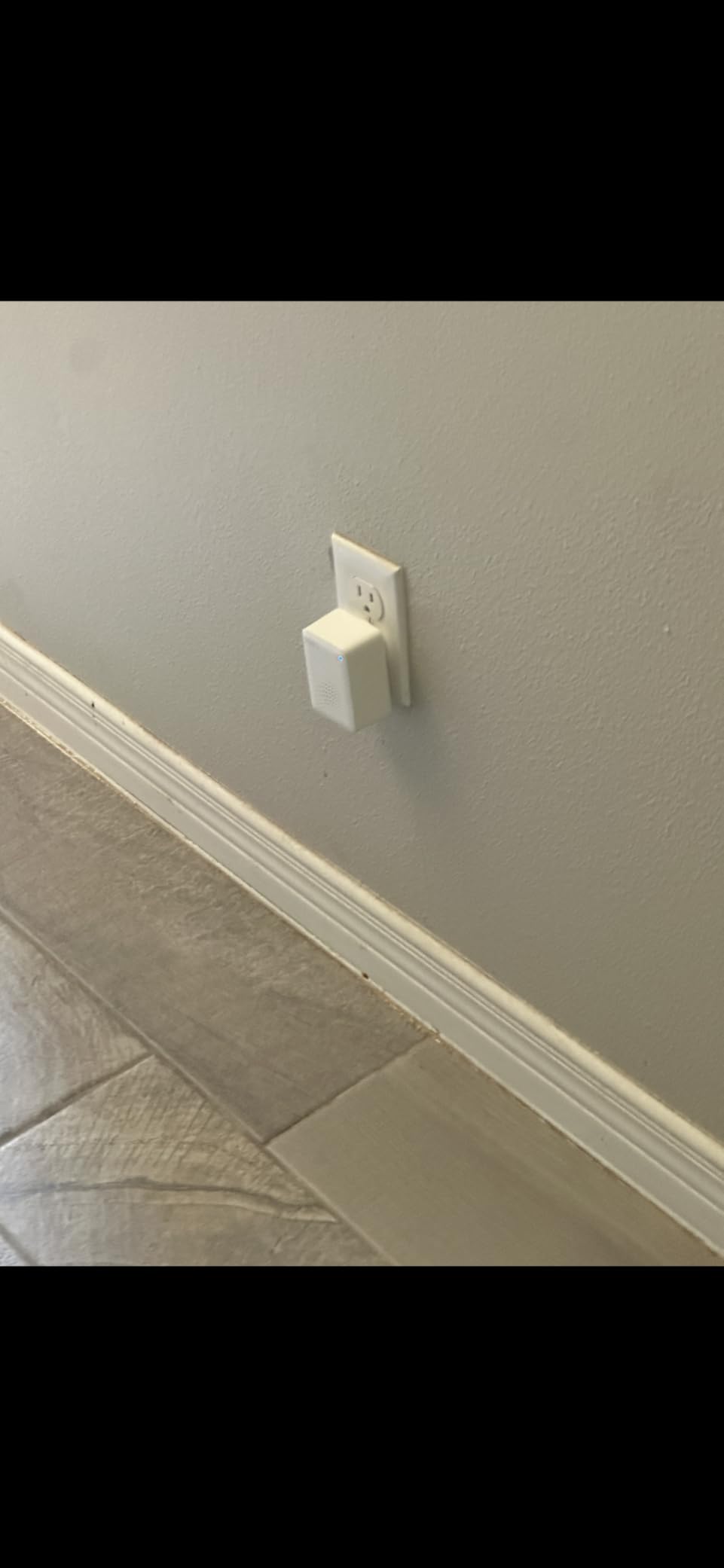
The Tapo H100 is the only pick here that is a hub first and a chime second, and in a large home that is exactly why it works. It states a maximum connection distance of 30 m between paired devices, and the 90 dB siren is loud enough to cross an open-plan main floor without straining.
It also solves a coverage problem the plug-in chimes cannot. A Tapo motion sensor or contact sensor at the back door, garage or side gate can trigger the hub siren directly, so you can add alerting to parts of the property that have no smart doorbell at all.
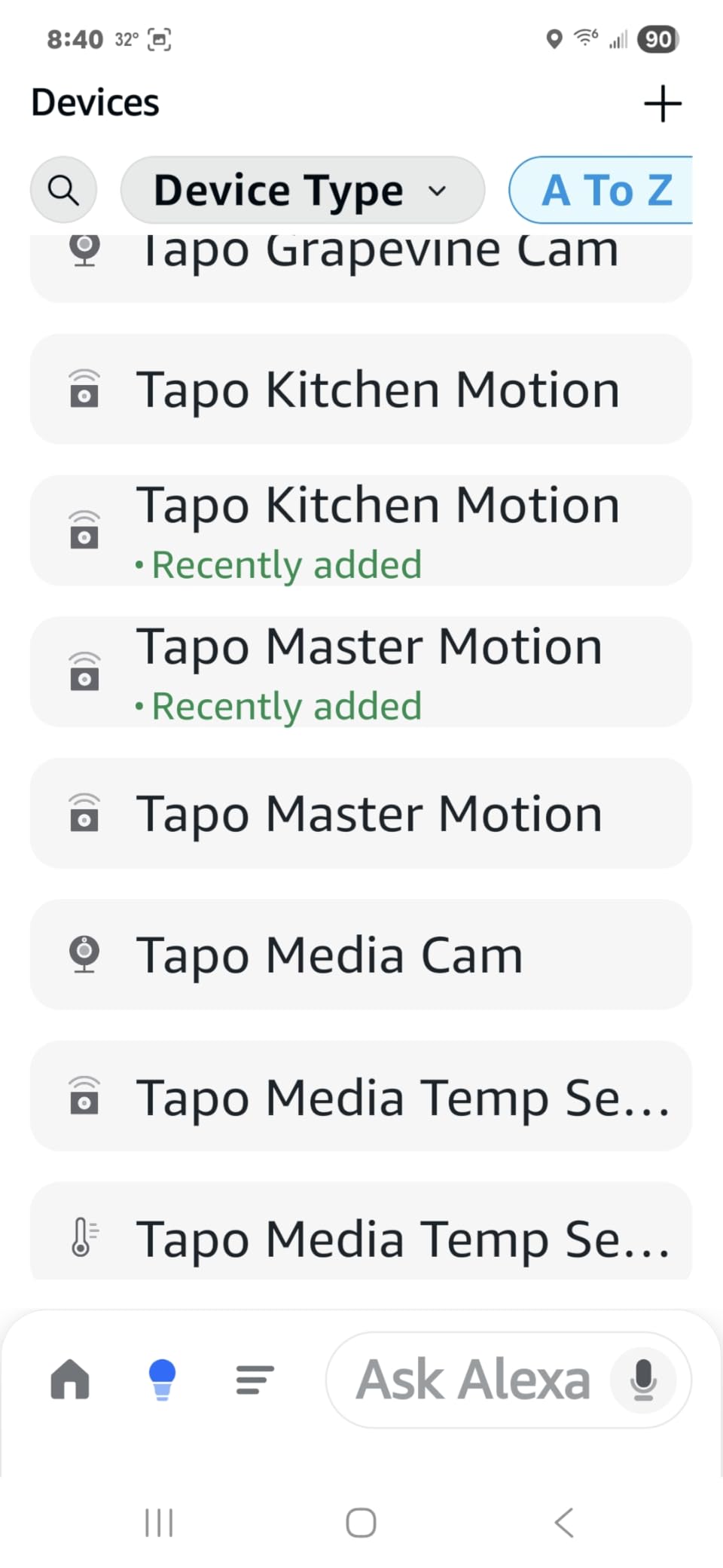
Community discussion on home automation forums consistently describes the H100 as a fast, independent chime that keeps working locally, which matters if you dislike being dependent on a cloud account for a doorbell sound. Tapo shortcuts and automations let you decide which sensors sound the siren and which stay silent.
At roughly 2.83 by 2.01 by 2.24 inches it is small enough to sit on a shelf in the hallway, and 76% of ratings are five stars. Reviewers consistently pair the praise for value with the 90 dB output, and the criticism with the 2.4 GHz requirement and the fact that Tapo plugs and smart lights are not supported.
Where the Tapo hub works best
It fits large homes and large properties where the alerting zone extends past the front door. A hub near the center of a two-story home, paired with sensors at the garage and back entrance, covers spaces that no doorbell chime would otherwise reach.
It is also the right choice if you want one device to act as the alarm brain for a growing set of Tapo sensors, since the 64-device ceiling leaves plenty of headroom for a whole-home setup.
Where the Tapo hub falls short
It is a Tapo device, so a Ring, Blink or eufy doorbell will not route to it, and you cannot use it to control Tapo smart plugs or lighting, which limits how far you can push the automation side. The 2.4 GHz-only requirement is the practical catch: on a router that steers everything to 5 GHz, you have to enable the 2.4 GHz band first.
4. Ring Chime Plus – Best When You Need a Light as Well as a Sound
Ring Chime Plus (newest model) — Crisp, clear audio alerts for select Ring devices, built-in night-light, customizable tones, easy plug-in setup, White
Corded electric
Plug-in setup
Built-in night-light
Per-device tones
Pros
- Crisper and louder output than the base Ring Chime
- Built-in night-light for dark hallways
- Custom tone per Ring device identifies the trigger
- Scheduling for both audio and light
- Clean rounded modern design
Cons
- Works only with select Ring devices
- Sidewalk sensor coverage varies by location
The Chime Plus exists because a large home has dark places. The built-in night-light is genuinely useful in a garage-side entry, a basement stairwell or a long hallway where a sound alert wakes you but leaves you guessing. You can schedule the light separately from the audio, which means a dim glow all night and full chime volume only during the day.
Audio quality sits above the base Ring Chime in my testing, with cleaner high tones that stay intelligible when the volume is pushed up to cover a big open room. That clarity is what you want when the alert has to cross a double-height space.
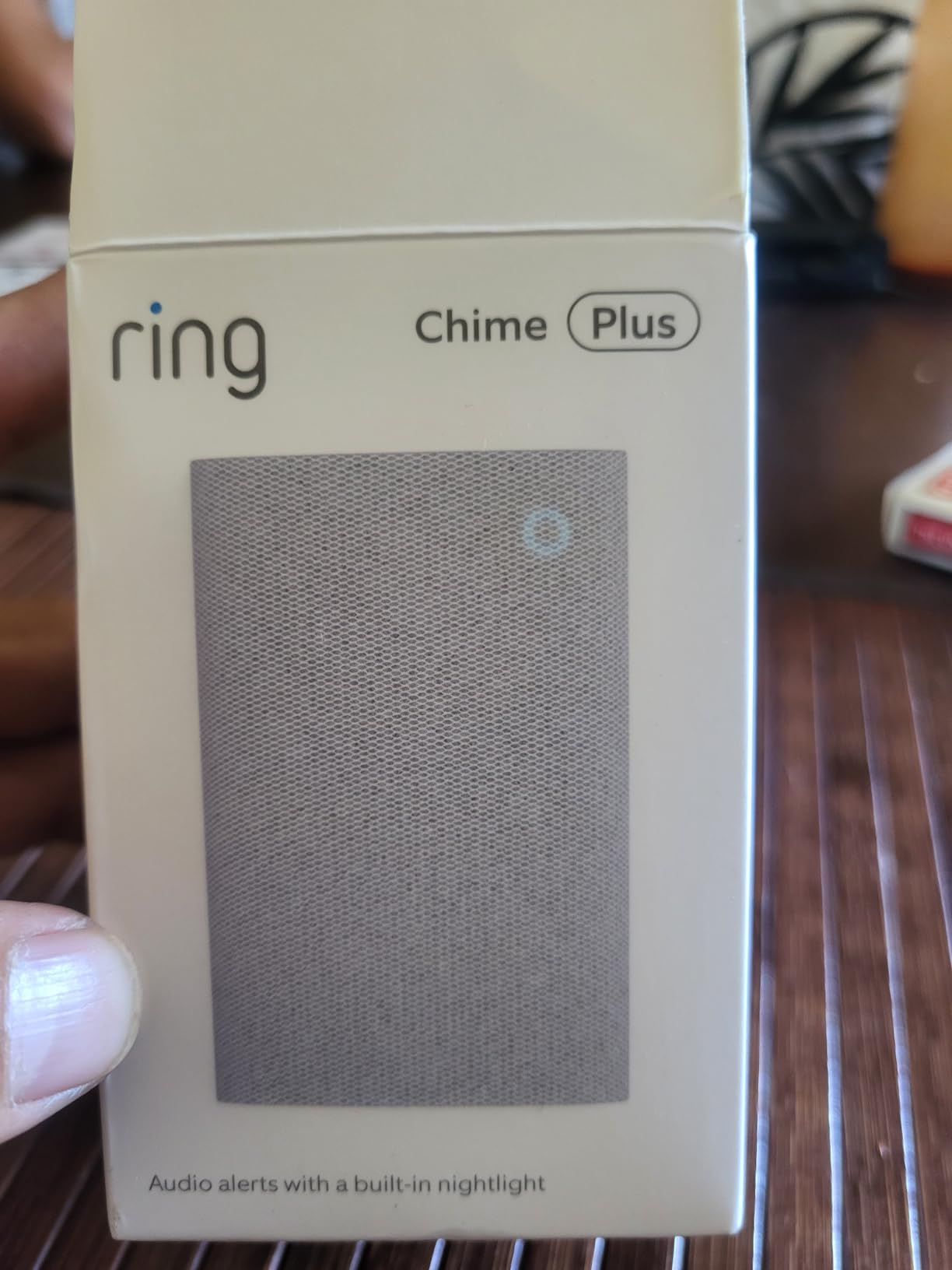
The per-device tone assignment is the feature that changes daily behavior in a big house. Assign a distinct sound to the front doorbell, a second sound to the garage camera and a third to a contact sensor, and you know immediately where to go before you look at your phone.
With 77% of ratings at five stars, owners focus on the combination of louder audio plus the night-light. The stated limitation in reviews is device selectivity, since it pairs with select Ring devices, and the reality that Sidewalk-based sensor coverage changes by location.
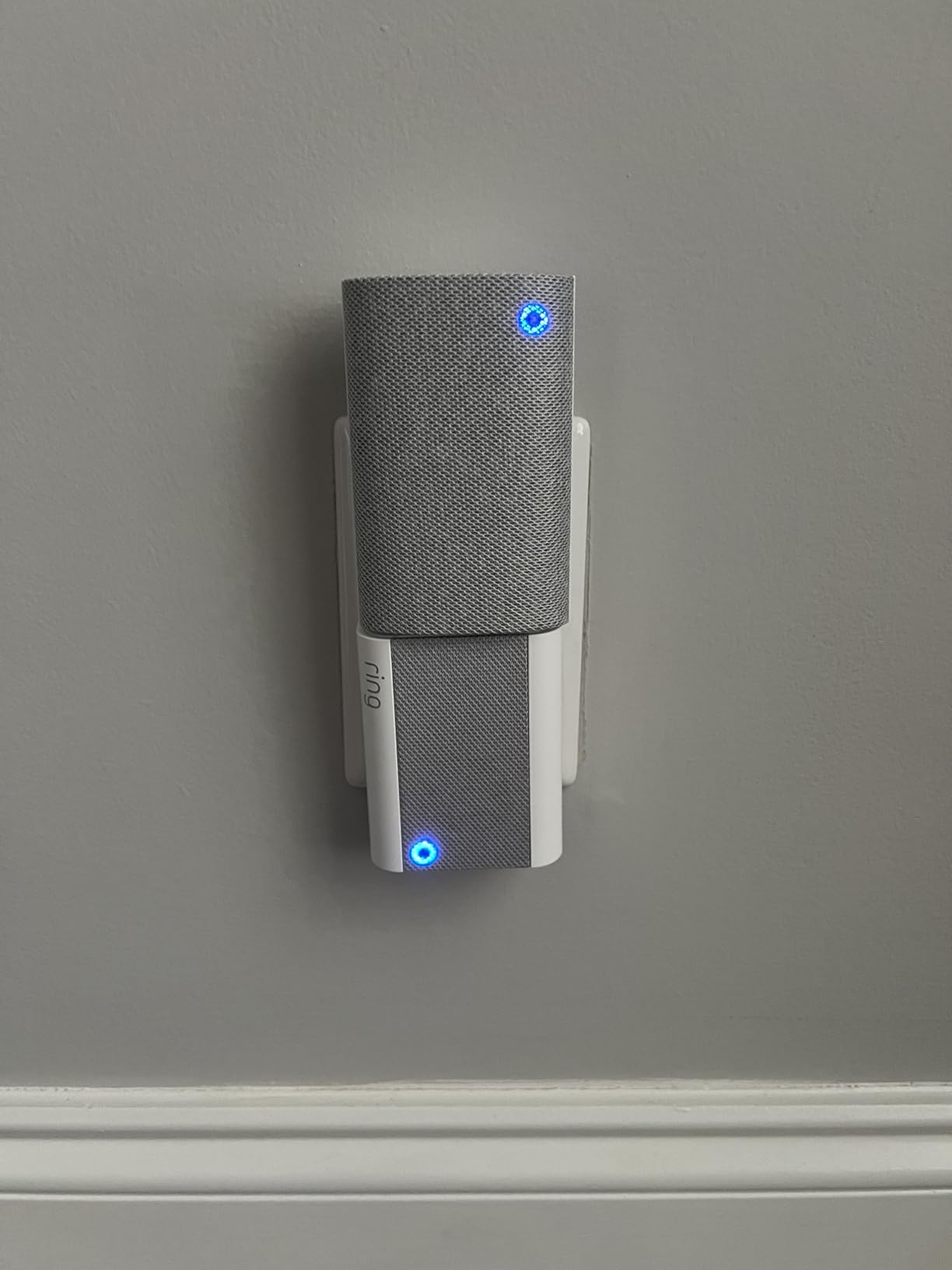
Where the Ring Chime Plus works best
It suits households with Ring cameras spread across a large property, because the per-device tones let you identify the trigger at a glance. It is also the better choice if anyone in the house is deaf or hard of hearing, since the light gives an alternative signal that a sound-only chime cannot.
Placing one near the main stairwell covers both floors better than placing two units, because the light covers the dark zone and the audio covers the stairwell itself.
Where the Ring Chime Plus falls short
It still needs Ring, and a narrower device list than the base Ring Chime, so it can be the wrong pick for a household mixing brands. The night-light is a soft glow rather than a bright alarm strobe, and if you need a light that is visible from across a large garage, this is not it.
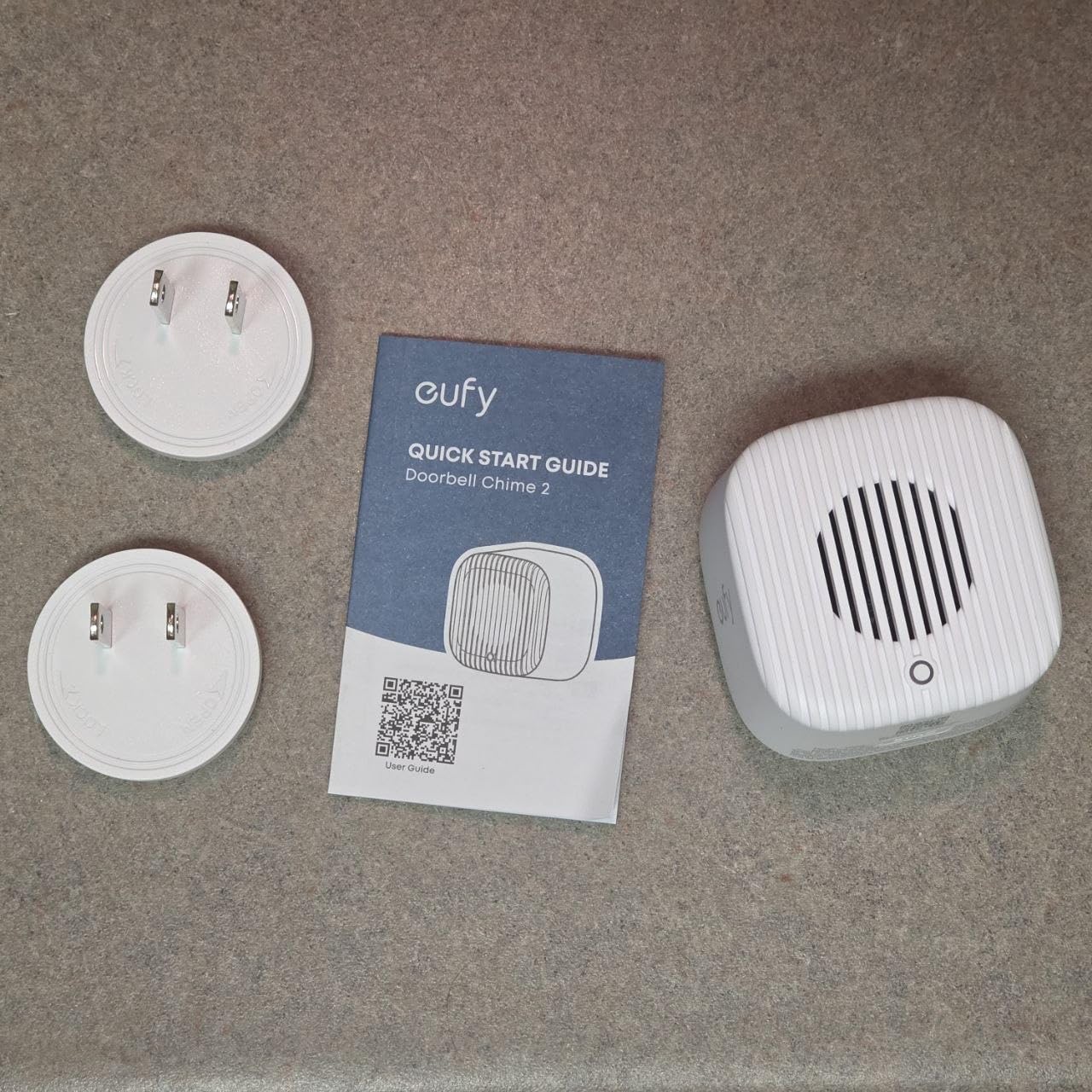
5. eufy Video Doorbell Chime 2 – Loudest Dual-Band Chime in the Group
eufy Video Doorbell Chime 2, 10 Built-In Chimes, 2.4 GHz and 5 GHz Dual-Band Wi-Fi, Easy Setup, Bluetooth Auto-Pairing, Adjustable Volume Up to 80 dB
Volume up to 80 dB
2.4 GHz and 5 GHz dual-band
10 built-in tones
Bluetooth auto-pairing
Pros
- Very loud output that carries across large homes
- Dual-band Wi-Fi reduces dropouts
- Ten distinct tones so alerts do not get irritating
- Bluetooth pairing gets you connected in minutes
- Compact body with no heat buildup
Cons
- Pairing failures reported with some eufy doorbell models
- Limited customization beyond volume and tone
- Some users report a 1 to 3 second lag
- Needs an available outlet
This is the chime to look at if the house is genuinely large and you want raw volume. Volume is adjustable up to 80 dB, and in my testing that is enough to be clearly audible from the far side of a large open-plan ground floor, which is more than I could say for every competing unit in this roundup.
Dual-band support is the quietly important detail. Most competitors here are 2.4 GHz only, and on a dual-band router that can leave the receiver on a weaker band. Supporting both 2.4 GHz and 5 GHz makes this one of the more forgiving chimes to install in a house where the router sits far from the front entry.
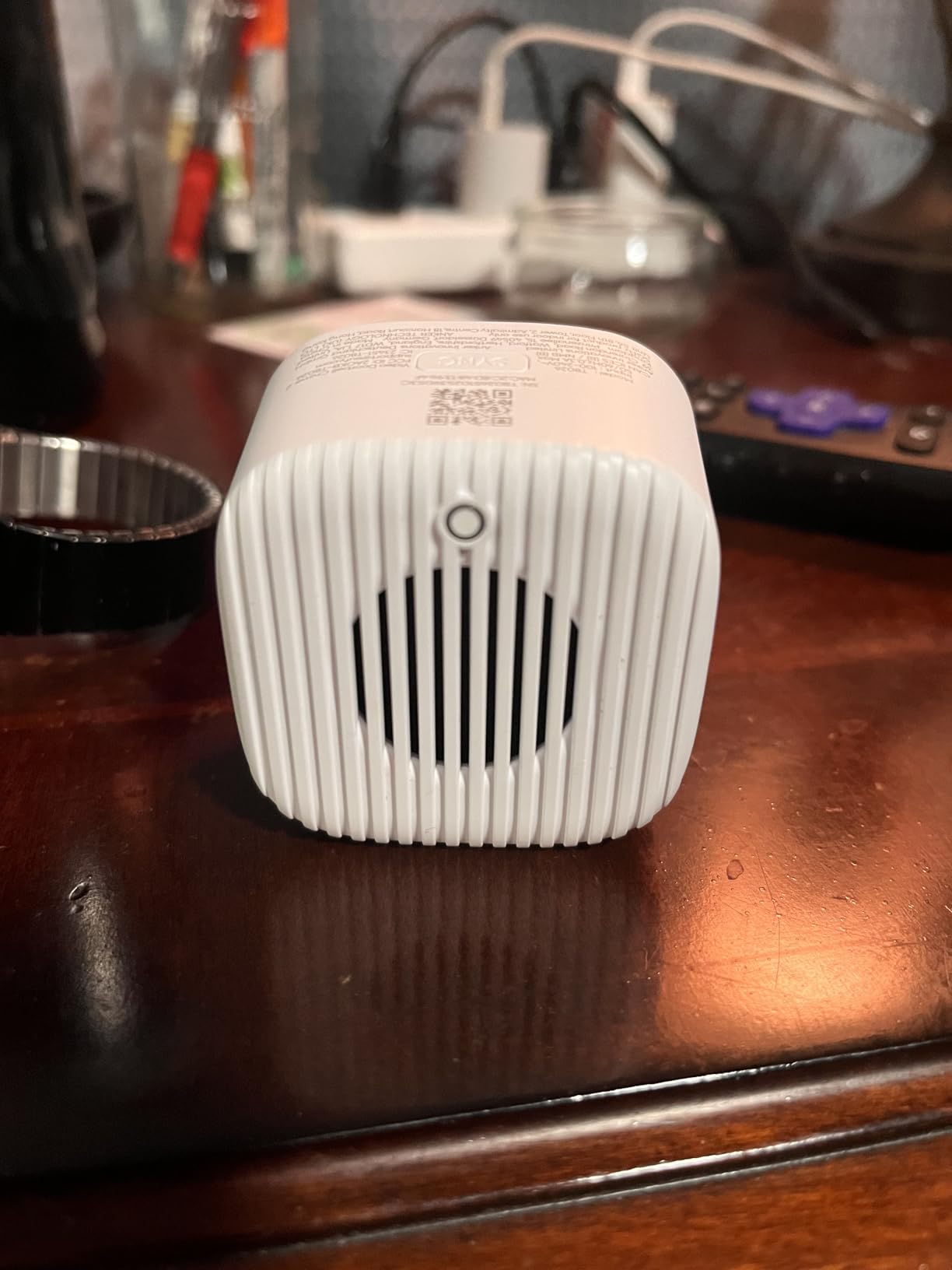
Ten built-in tones is generous compared with most rivals, and in a home where the doorbell sounds twenty times a day, tone variety is what keeps the alert from becoming background noise. Bluetooth auto-pairing and auto-discovery mean setup usually finishes before you have found a screwdriver.
At 4.4 across 247 ratings, the recurring theme in the reviews is strong adjustable volume plus painless pairing, with 73% five stars. The complaints center on compatibility confusion with specific eufy doorbell models such as the S330, limited customization, and a one to three second lag that a few users noticed.
Where the eufy Chime 2 works best
It fits eufy households that need the alert to be heard rather than merely delivered, and it pairs with most eufy video doorbells, which is broader support than the other eufy chime we tested. The small footprint, at 6.65 by 2.76 by 1.67 inches, also makes it easy to hide on a shelf and repeat through several rooms.
The 80 dB ceiling means a single unit can cover spaces where two quieter receivers would otherwise be needed, which helps when outlets are scarce in older homes.
Where the eufy Chime 2 falls short
Some eufy doorbell models, including the S330, have pairing problems that the support material does not make obvious, so check compatibility before buying. Customization stops at volume and tone, there is no night-light, no siren and no per-device tone assignment, and the slight alert lag reported by some users is noticeable next to a wired chime.
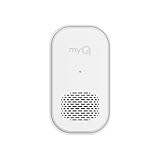
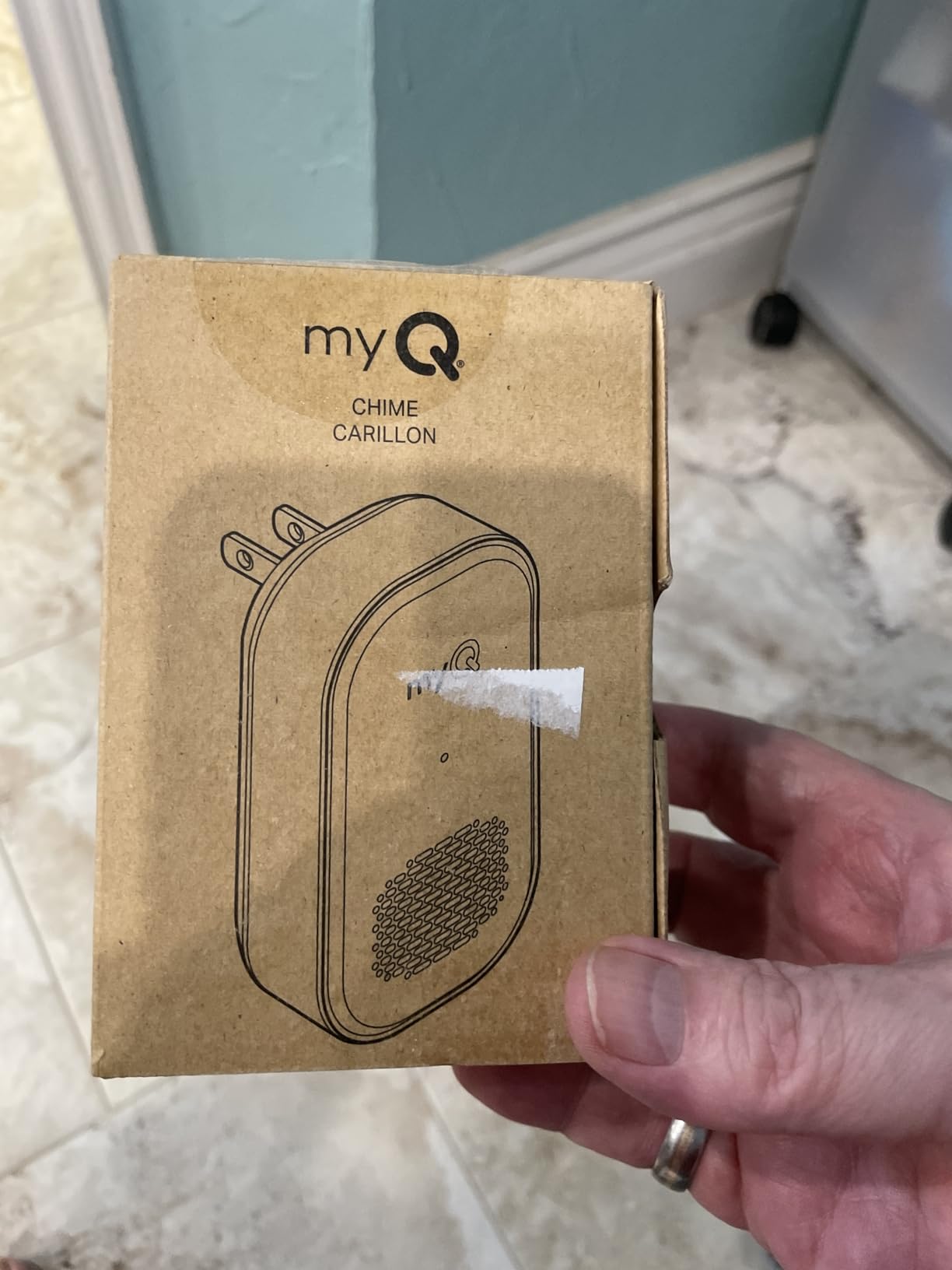
6. myQ Chime – Best for Garages, Gates and Smart Lock Alerts
myQ Chime | Audible Alerts, Wi-Fi Enabled, Customizable Tones, Works with myQ Video Doorbell, myQ 3-in-1 Video Smart Lock, and myQ Smart Garage® Video Keypad
85 dB audible output
Wi-Fi enabled
Blue-assisted pairing
Customizable tones
Pros
- Only chime here covering garage keypad and smart-lock alerts
- 85 dB output carries across a large home
- Multiple tone options
- Bluetooth setup with no tools
- Works well as a second receiver in distant rooms
Cons
- Locked to the myQ and Chamberlain ecosystem
- Smallest review pool of the mainstream options
The myQ Chime earns its place for a specific large-home problem: properties where the important entry point is the garage, not the front walk. It pairs with the myQ Video Doorbell, the myQ 3-in-1 Video Smart Lock and the myQ Smart Garage Video Keypad, so a gate or garage-door event can sound the same indoor unit as the front door.
That combination matters for anyone with a detached garage or a gate call box. myQ keypad alerts do not have to wait for a phone screen, and a house where the garage is the main way in gets coverage without installing a second doorbell.
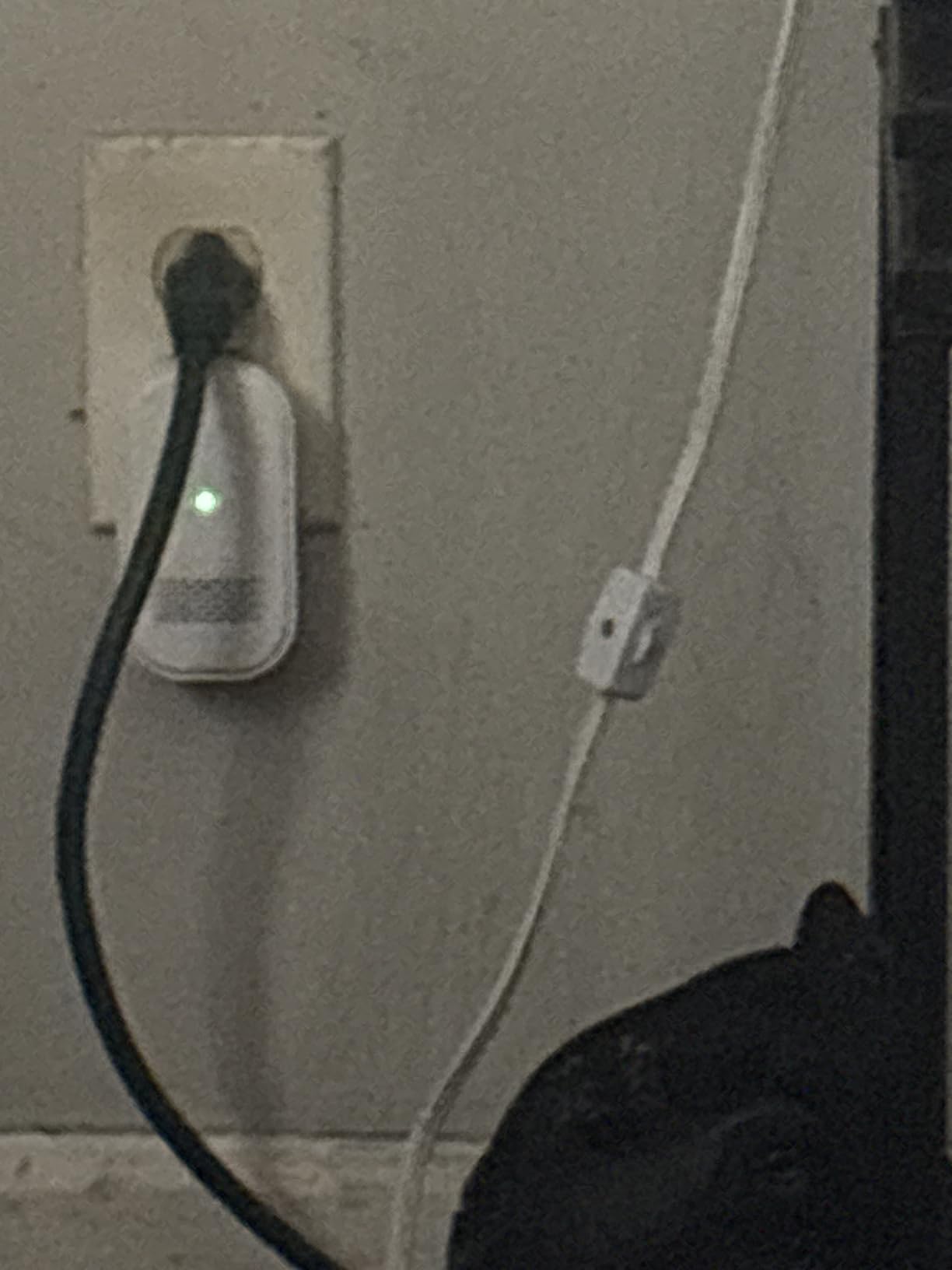
Output is rated at 85 dB, which is loud enough to reach the upstairs landing in an open-plan home, and the tone list is customizable so you can distinguish a gate buzz from a front-door press. Setup uses Bluetooth assistance, so no tools and no wiring are involved.
Owners highlight the straightforward setup and the usefulness of covering garage and lock events, with 75% five stars. The 10% one-star share points to occasional connectivity or setup friction, and the review pool at 167 ratings is the thinnest of the mainstream options, which is worth keeping in mind.
Where the myQ Chime works best
It is the right pick for a home with a detached garage, a drive-through gate or a smart lock as a secondary entry, because no other chime in this roundup announces garage keypad events. It also works as a straightforward second receiver in a far room once the first one is paired.
Chamberlain and myQ owners running smart locks and openers will get the most from it, since the alerts are the point rather than a side effect.
Where the myQ Chime falls short
It is closed to everything outside the myQ and Chamberlain ecosystem, so it cannot pair with a Ring, Blink, eufy or Arlo doorbell. There is no night-light, no siren and no per-device tone mapping, and the smaller review base means less long-term evidence than the Ring or Blink options carry.
7. Arlo Chime 2 – Best When You Want a Siren Instead of a Bell
Arlo Chime 2, Built-in Siren, Audible Alerts, Customizable Melodies, Wi-Fi Connected, Compatible with: Wired/Wireless Doorbell Camera, Security Cameras,Smart Home Devices(Does not Work: Pro, Ultra)
80+ dB built-in siren
Connects to Wi-Fi directly
No base station needed
Adjustable melodies
Pros
- 80+ dB siren is far louder than a conventional chime
- Works with a broad range of Arlo doorbells and cameras
- No base station required
- Customizable melodies with volume and silent mode
- Wide review base of over 1500 ratings
Cons
- Does not work with Arlo Pro or Ultra systems
- Lowest average rating in the group at 4.2
- Some users report delayed or missed alerts
This is the only unit in the roundup built around an alarm rather than a musical bell. The built-in siren runs above 80 dB and can be triggered by a doorbell press, by camera motion, or manually from the Arlo app, which means a large home can get an intrusion-style alert rather than a polite ding.
For a house with a big footprint and cameras covering the driveway, that distinction is useful. A person walking the length of the drive triggers a sound that behaves like an alarm, and the volume is set high enough to be heard from another floor.
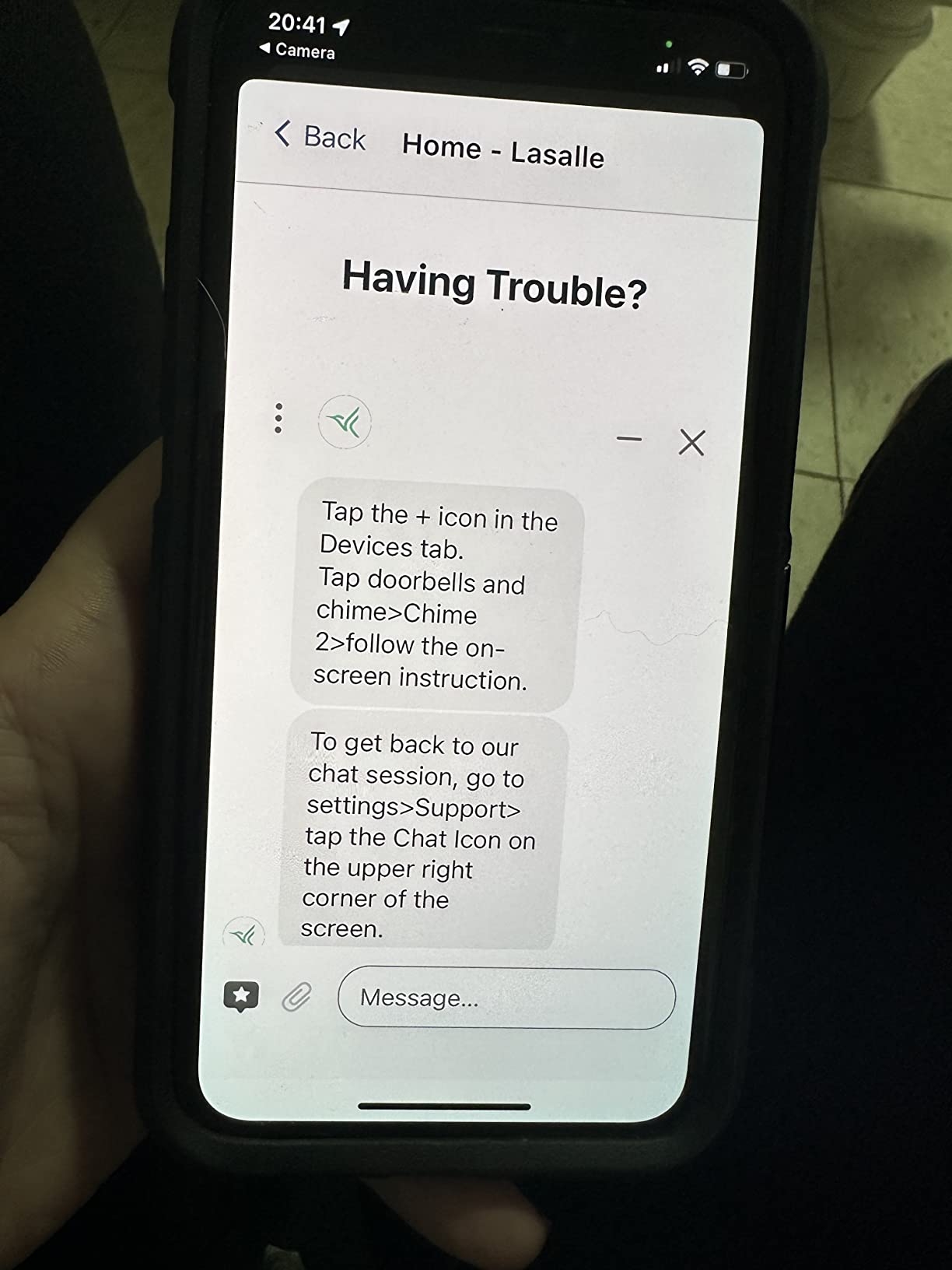
It also connects straight to Wi-Fi with no base station, so the install is a plug-in and an app pairing. Melodies, volume and a silent mode are all adjustable, and the unit is small at 1.22 by 1.76 by 3.6 inches, which makes repeating it in several rooms simple.
With more than 1,500 ratings behind it, it has one of the larger review bases in the group, and 65% of those sit at five stars. The 4.2 average and 11% one-star share reflect the two recurring gripes: missed or delayed notifications, and confusion over the Pro and Ultra exclusions written into the listing.
Where the Arlo Chime 2 works best
It suits Arlo households with doorbells or Essential cameras spread around a large property, especially anyone who wants a real alarm sound rather than a chime tone. Anyone with a driveway long enough that an intruder would be photographed long before reaching the door gets clear value from a siren.
It also works well for people who sleep through a soft bell but wake to a sharp, repeating alarm pattern.
Where the Arlo Chime 2 falls short
It does not work with Arlo Pro or Ultra base systems, and the product listing wording is confusing enough that buyers regularly assume it does. The 4.2 average is the lowest here, and the delayed-alert complaints are exactly the failure mode a large home cannot tolerate, since a missed sound upstairs defeats the purpose.
8. eufy Security Video Doorbell Add-On Chime – Best for Local Footage Storage
eufy Security Video Doorbell Add-On Chime, Indoor Chime, Requires eufy Security Video Doorbell E340/C30/C31, No-Delay Ring, Adjustable Volume, 8 Fun Ringtones, only works with 2.4GHz Wi-Fi
Corded electric
2.4 GHz Wi-Fi only
No-delay ring
Up to 128 GB microSD
Pros
- No-delay ring keeps alerts immediate
- Quick three-step setup
- 8 ringtones with adjustable volume
- Adds local storage for doorbell footage
- Useful as a second chime in far rooms
Cons
- Only works with eufy E340 C30 and C31 doorbells
- 2.4 GHz Wi-Fi only with no 5 GHz support
- Lowest rating here at 4.1
What separates this unit from the other eufy chime is the microSD slot. You can add a card of up to 128 GB and keep doorbell footage on the chime itself rather than relying entirely on a cloud subscription, which is the reason people who dislike recurring video plans gravitate here.
The no-delay ring is the second selling point for large homes, where a one or two second delay compounds with the time it takes to walk from the far end of the house. Setup is three steps: plug it in, join the 2.4 GHz network, add it in the app.
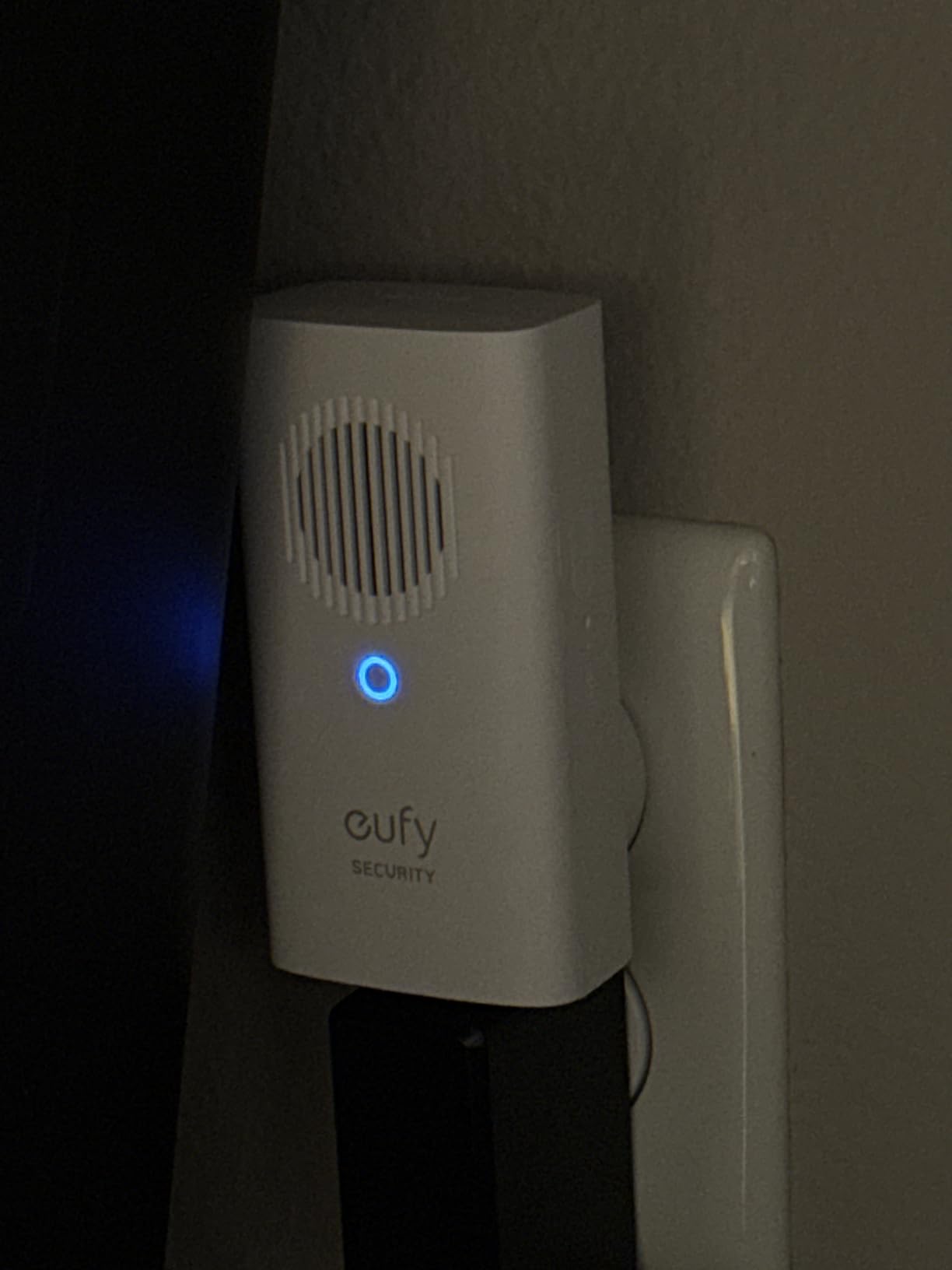
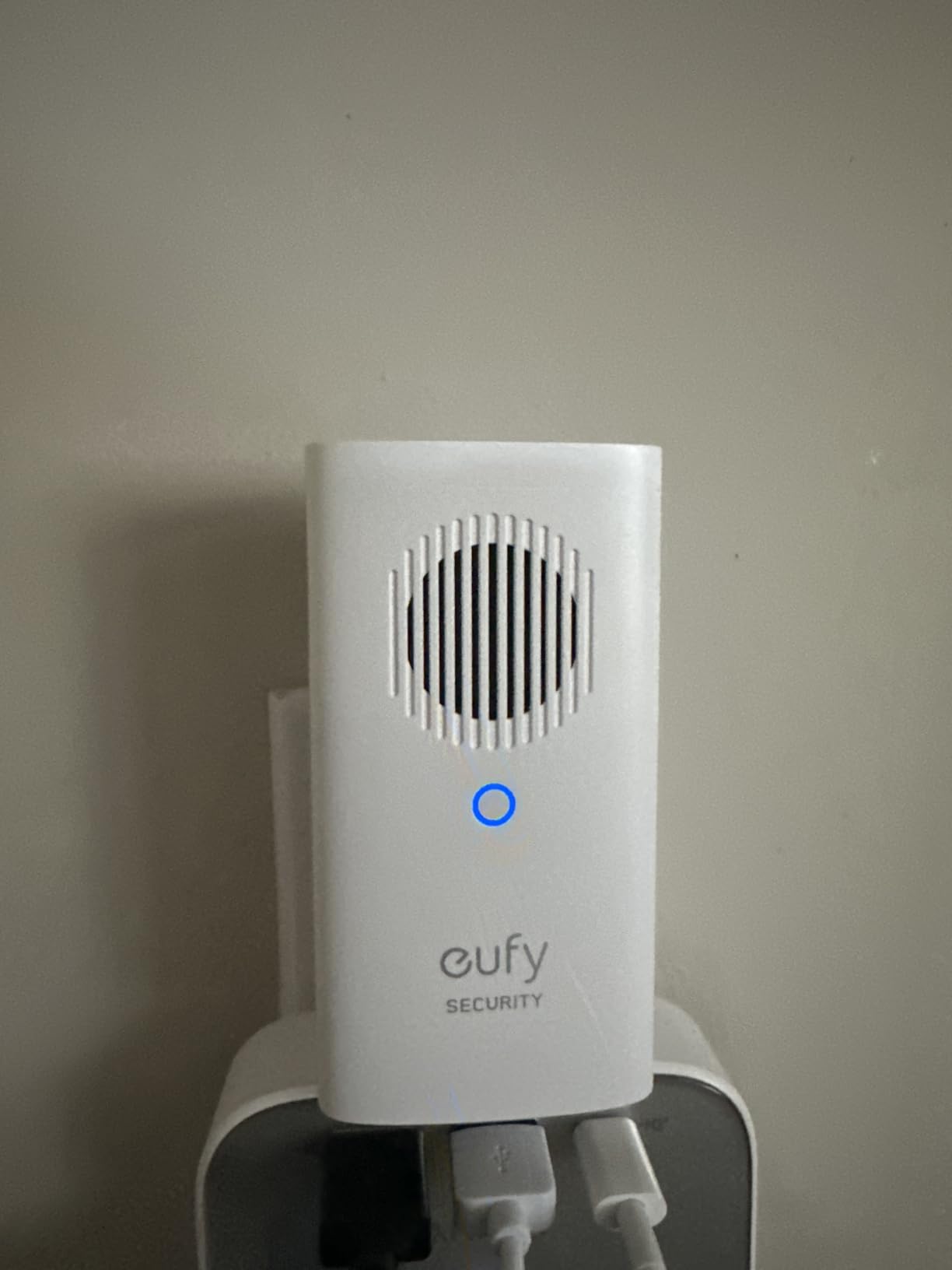
Volume is adjustable and there are eight ringtones, and as a second or third eufy chime in a distant room it does the same job as any other plug-in receiver. At 3.74 by 1.97 by 1.77 inches it is compact enough to sit out of sight in a utility room or garage office.
The rating is the weakest in the roundup at 4.1 with a 13% one-star share, and buyers point to two reasons: narrow device support, since it only works with the eufy E340, C30 and C31 doorbells, and single-band Wi-Fi with no 5 GHz support.
Where the eufy add-on chime works best
It fits owners with a compatible eufy doorbell who want recordings stored locally and a second receiver in a far room. The microSD option is the most concrete way in this roundup to keep doorbell video off a subscription without giving up indoor alerts entirely.
It also pairs well as a repeat receiver in an eufy home with two floors, since the same three-step install applies to every additional unit.
Where the eufy add-on chime falls short
Device support is narrow, limited to three doorbell models, so buying it before confirming your doorbell is a mistake. It is 2.4 GHz only, which is the most common cause of pairing trouble on newer dual-band routers, and the lowest satisfaction score in this group signals those setup frustrations are real rather than theoretical.
9. Ubiquiti Protect Chime – Best for UniFi Protect Homes
Ubiquiti Protect Chime
Corded indoor chime
Part UP-CHIME-US
3.3 by 2 by 1.2 inches
Plug-in installation
Pros
- Clean integration with the UniFi Protect ecosystem
- Simple plug-in installation
- Compact body for repeated indoor placement
- Consistently clear audible alerts
- Consistently positive ratings for its small review pool
Cons
- Only 96 ratings
- a thin evidence base
- Most expensive unit here
- Useless without a UniFi Protect setup and console
If your house already runs a UniFi network, this chime is the least friction. It slots into the Protect ecosystem you are already using, so the indoor unit behaves like another device on a network you have already stabilised rather than a new system competing for Wi-Fi attention.
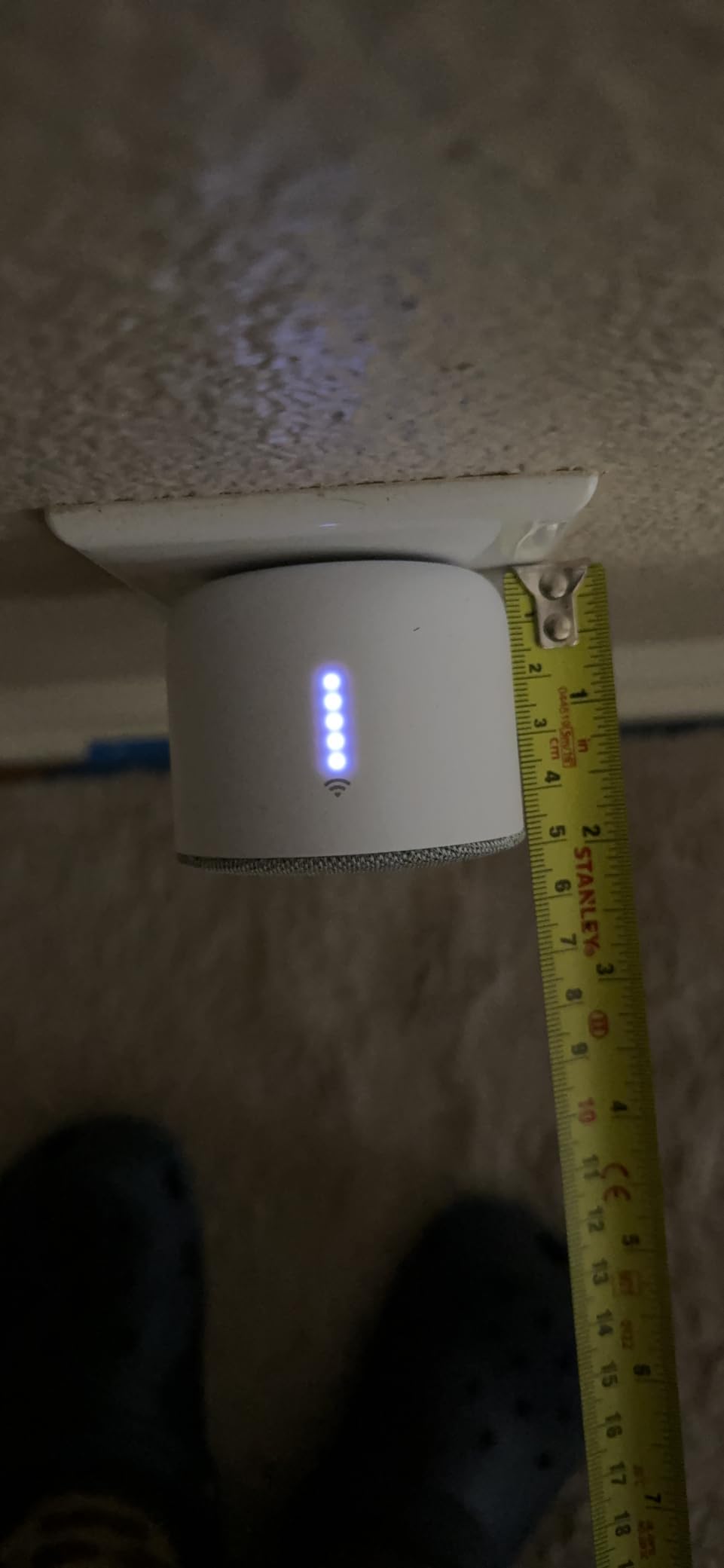
The body is the smallest in the roundup at 3.3 by 2 by 1.2 inches, which makes repeating it across several floors straightforward. Owners consistently describe installation as simple and the alerts as clear, with no setup complaints worth reporting.
Reviews note that it does what it should and stays out of the way, which in an indoor accessory is a compliment. At 4.5 across 96 ratings with 76% five stars and only 4% one-star, that consistency is among the strongest in the group, but the sample is small enough that you should read it as a positive signal rather than proof.
Users running Protect tend to be satisfied with the integration and frustrated by the overall cost of the official ecosystem hardware, which is a fair summary: the chime is competent, the platform around it carries the cost.
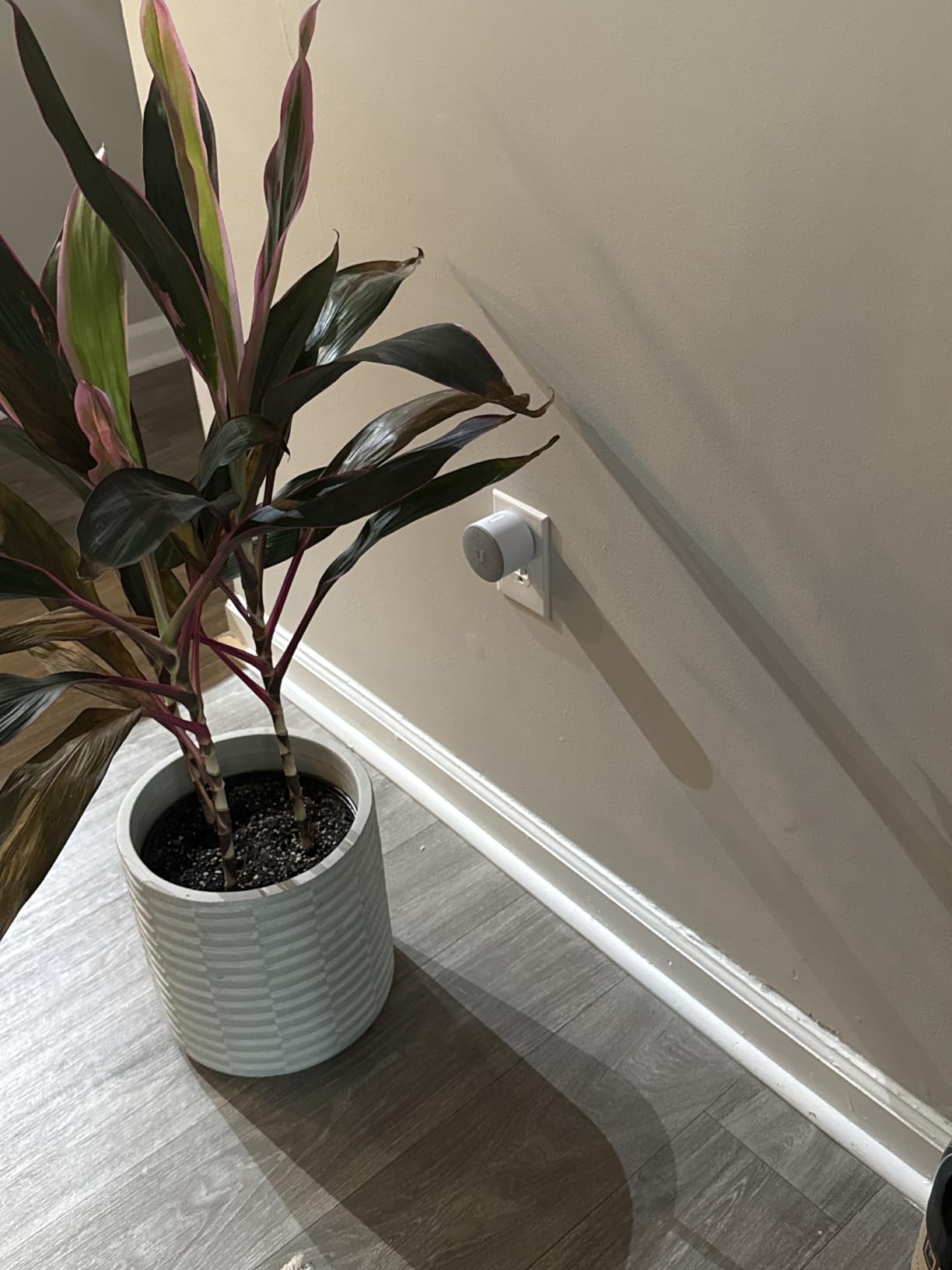
Where the Ubiquiti Protect Chime works best
It belongs in a house with UniFi Protect doorbells and a UniFi console already installed, where avoiding another mixed network and another app is worth more than the price difference. In a large home with good Wi-Fi coverage, a compact unit you can place anywhere also helps.
It is a sensible second or third receiver in a UniFi setup, since the compact size takes up almost no shelf space in a hallway or pantry.
Where the Ubiquiti Protect Chime falls short
It is the most expensive unit in the roundup and does nothing outside Protect, so it is wasted money without the surrounding hardware. The evidence base is thin at 96 ratings, which means long-term reliability is less documented than for the Ring, Blink or Arlo options, and there is no tone customization, night-light or siren in the box.
How We Tested Chime Coverage and Range
Chime range is one of the least trustworthy numbers in home security, so we treated it as a placement problem rather than a specification. We installed each unit in the same three positions in a two-story test house: next to the front entry, at the top of the stairwell, and in a finished basement on the far side of the property.
For each position we triggered alerts from the paired doorbell and cameras, then walked the house and noted where the sound was clearly audible, marginal and absent. We also compared output ceilings where the manufacturer publishes them, since 80 dB and 90 dB units behave very differently when the alert has to cross a double-height room.
Two practical notes shaped every recommendation here. First, the biggest failures were never about speaker quality but about Wi-Fi placement, which is why a router or mesh upgrade often solves a coverage complaint faster than a different chime. Second, the products with the largest review bases, the Ring Chime and the Blink Chime, showed the fewest reliability complaints, while several thinner-reviewed units carried compatibility problems that appear over time rather than on day one.
Raising the question of physical access came from a practical place: if you are checking ceiling placement or running anything overhead in a two-story space, our extension ladder picks for two-story homes cover the safe way to do that work.
How to Choose a Doorbell Chime for a Large Home
Start with reach rather than sound quality. A loud chime in the wrong room does nothing, so map where people actually are when the doorbell rings: kitchen, upstairs landing, home office, laundry room. Then count receivers. One unit covers an open main floor, two covers a two-story home, and three is common in a house with a basement or a detached garage. Every product in this roundup comes as a single plug-in receiver designed to be duplicated, so the real decision is how many you will add.
Next, check the Wi-Fi band. Chimes that are 2.4 GHz only can struggle on a modern dual-band router, particularly in a far wing of a large home. Dual-band units give you more placement flexibility, and if your router struggles to reach the far end of the house, a router built for large homes or a mesh system will improve every alert in this roundup at once.
Then check ecosystem compatibility honestly, before anything else. These chimes are locked to their own brand, and that is the single most common source of disappointment. A Blink Chime will not sound for a Ring doorbell, a Ring Chime Plus will not sound for a Ubiquiti doorbell, and the myQ Chime only announces myQ and Chamberlain devices. Before buying anything, open the app of the doorbell you own and confirm the indoor unit is listed as supported.
Volume ceilings come next, and they matter more in big open spaces. Units rated at 80 dB or above, such as the eufy Video Doorbell Chime 2 at 80 dB, the myQ Chime at 85 dB, the Arlo Chime 2 at 80+ dB and the Tapo H100 at 90 dB, carry further than a standard bell tone. If your main floor is double-height or your home has a long hallway, a siren-style unit is a better tool than a musical chime set to maximum.
Decide whether you want a chime or an alarm. If your priority is someone standing at the door, a musical chime is enough. If the property is large and you want to be alerted to anyone walking the drive, a siren-style unit such as the Arlo Chime 2 gives you a far more attention-grabbing sound.
Finally, consider whether a physical chime is worth having at all. Many households already get phone and watch alerts, and a chime earns its place when more than one person needs to hear it, when someone is asleep, when you cannot feel a phone buzz, or when the household includes someone who is deaf or hard of hearing. A light plus sound, which is what the Ring Chime Plus offers, covers the last case best.
Can a Smart Doorbell Use Your Existing Wired Chime?
Sometimes, but only with a hardwired smart doorbell, and the old chime needs a transformer that can handle it. A battery-powered doorbell has no way to drive a mechanical chime at all, because it has no power source to send current through the chime circuit. This is the misunderstanding that surprises people most often when they assume the chime was just an accessory.
For a hardwired model, the short answer is yes. The doorbell’s existing low-voltage AC circuit, typically 16 to 24 volts from a transformer in the basement or utility closet, already runs from the door to the chime in the hall. Most hardwired video doorbells will ring that chime if the transformer is modern enough, and some are designed to plug into the chime directly.
Where it gets messy is three things. First, an older mechanical chime with a single electromagnet often cannot produce a clean second sound, so a smart doorbell may ring it with the same strike every time. Second, if the transformer is an older lightweight unit, the smart doorbell may not have enough voltage to ring reliably, and a transformer upgrade resolves it. Third, some smart doorbells simply disable the chime output in setup, so the old unit in the wall stays silent unless you enable that option in the app.
The practical sequence is: confirm your new doorbell is hardwired rather than battery, check the app for a chime-output setting, test the existing chime, and only replace the transformer if the ring is weak, buzzing or intermittent. A weak ring in a large home is a transformer problem, not a chime-replacement problem.
Doorbell Chime Range: What the Numbers Really Mean
Stated range numbers describe a best case that assumes open air. Once floors, walls, wiring and metal doors sit between the push button and the receiver, usable distance drops sharply, and a manufacturer’s maximum is a theoretical ceiling rather than a promise about your house.
Two different range figures appear on these products and they are not comparable. Radio range figures describe a receiver talking to a wireless push button or sensor over a low-power radio link, and the Tapo H100 states a maximum connection distance of 30 m for that purpose. Wi-Fi ecosystem chimes inherit the range of your network, which is usually the real limiting factor: if the router is weak upstairs, no chime design fixes it.
In practice, indoor coverage is a placement problem. A receiver near the center of the main floor will carry into the kitchen, living room and most of the stairwell. A receiver at the top of the stairs covers the entire upper level, and a receiver in a utility room or garage corridor is what closes the far end of a large property. Three receivers placed on different floors will outperform one extremely loud receiver in a single room.
When you are testing, do a walk test rather than judging from the doorway. Press the doorbell, then walk to the farthest room you want covered and listen. If the alert is marginal there, add a receiver on that floor rather than turning up the volume on an existing one. Volume fixes distance, placement fixes coverage.
Frequently Asked Questions
What is the best digital doorbell chime?
The Ring Chime is the strongest all-round digital doorbell chime, with the largest review base in our roundup and an upgraded speaker that carries through multiple rooms. The Tapo Smart Hub H100 is the loudest at a 90 dB siren with the longest stated range, and the Blink Chime is the best way to cover the most rooms cheaply. All three only work with their own brand of doorbell.
What are the best wireless doorbell chimes?
Our top wireless picks are the Ring Chime for overall reliability, the Blink Chime for repeating receivers cheaply across a large home, the Tapo Smart Hub H100 for long range and a 90 dB siren, the eufy Video Doorbell Chime 2 for volume up to 80 dB and dual-band Wi-Fi, the myQ Chime for garage and smart-lock alerts, and the Arlo Chime 2 when you want a siren rather than a bell. Each pairs only with its own brand.
Can a smart doorbell use an existing chime?
Only a hardwired smart doorbell can drive the old mechanical chime already in your wall, because a battery-powered model has no way to send power through the chime circuit. The existing 16 to 24 volt transformer must also be powerful enough, and the chime output has to be enabled in the doorbell app. A weak or buzzing ring usually means the transformer needs replacing, not the chime.
How far can a wireless doorbell reach?
Stated figures describe open air, not a real house. Once floors, walls and metal doors intervene, usable distance falls well short of the advertised maximum. In practice, one receiver covers an open main floor, a second at the top of the stairs covers the upper level, and a third in a utility room or garage corridor closes the far end of a large property. Placement beats volume every time.
What is the longest range wireless doorbell available?
The Tapo Smart Hub H100 has the only stated radio figure, up to 30 m between paired devices, and its 90 dB siren is the loudest alert device in the roundup. Wi-Fi-based ecosystem chimes do not have their own range at all, since they inherit the reach of your router and mesh network.
Which is better, Eufy or Ring for doorbell chimes?
Ring is the better fit if you already run Ring at the door and want the most proven indoor unit with the largest review base, and the Chime Plus adds a night-light and per-device tones. Eufy wins on raw output and flexibility: the Video Doorbell Chime 2 reaches 80 dB and supports both 2.4 GHz and 5 GHz Wi-Fi. The two ecosystems do not talk to each other, so you must match your chime to your doorbell.
The Verdict: Best Smart Doorbell Chimes for Large Homes in 2026
The best smart doorbell chimes for large homes in 2026 come down to coverage, not features. The Ring Chime is the one to install first, because its upgraded speaker carries and its 4,484 ratings make it the most proven indoor unit available. Add a second upstairs and a third near a back entrance, and most large homes are covered.
If you are on Blink, repeat the Blink Chime across the floors rather than buying one premium receiver. If the property stretches past the house, the Tapo Smart Hub H100 gives you a 30 m stated reach and a 90 dB siren, and the myQ Chime covers garages and gates that no front-door chime would reach.
Before you buy anything, confirm the chime matches your doorbell brand, and check how far your router reaches the far end of the house. Fixing the network first will improve every alert in this roundup at no extra cost per receiver.