
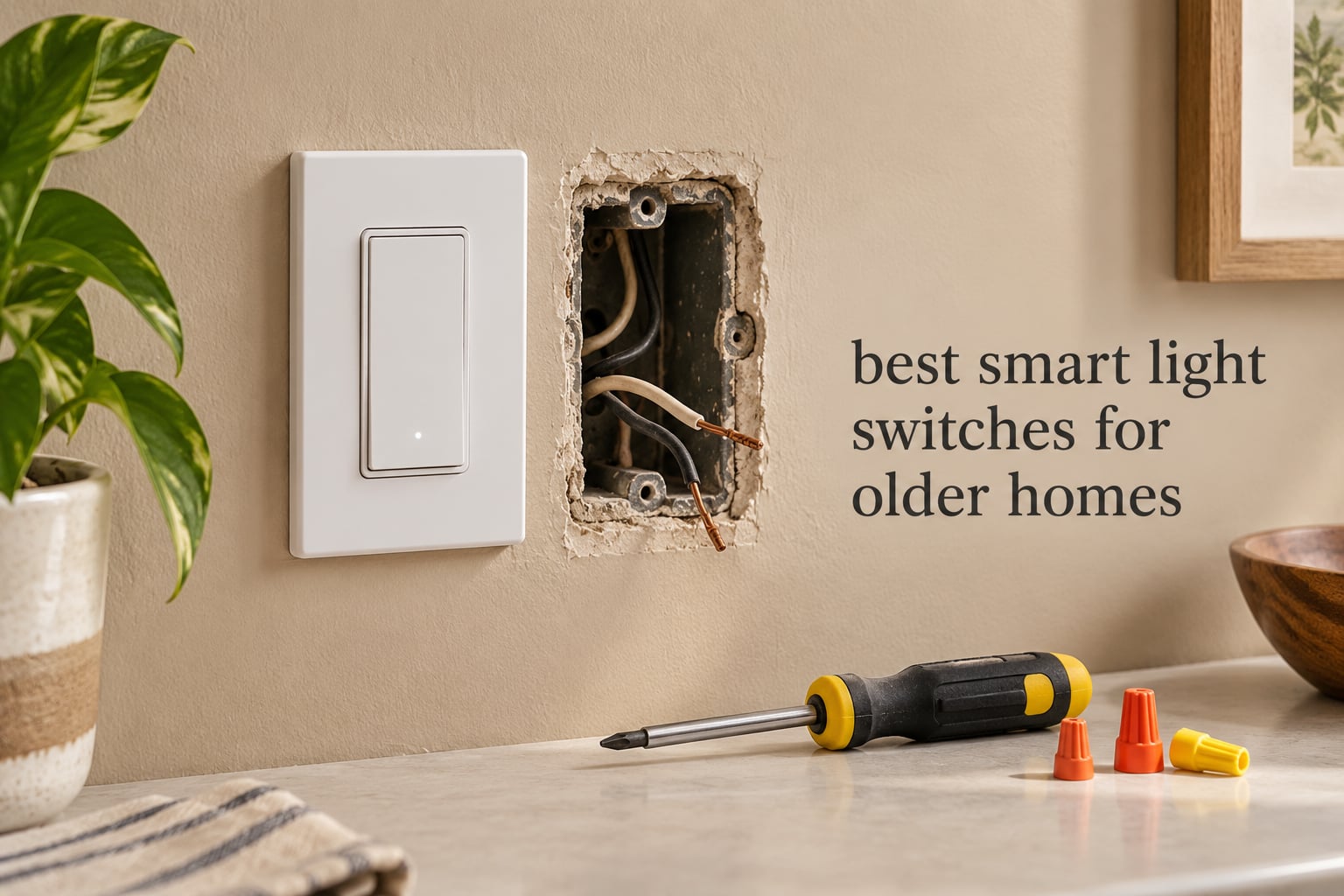
Most people searching for the best smart light switches for older homes are chasing one of two very different problems, and hardware picked for the wrong one will not work at all. The first is the age of the house. A home wired before roughly 1980 often has no neutral wire at the switch box, which is the single biggest blocker in the entire smart-lighting category. The second is the age of the people living in it. An older adult who cannot comfortably use a phone needs lighting that responds to movement and a physical switch that still works at 2am, not an app-only smart bulb.
We covered both. Every switch below carries an explicit verdict on older-home fit: does it need a neutral, does it fit a shallow legacy box, and can it handle a 3-way circuit. That framing matters because the roundup pages ranking today mostly ignore it. As one Home Assistant community member put it, confusion between neutral-required and no-neutral switches is high enough that people over-research and still buy the wrong unit.
Across ten switches we compared, only one runs without a neutral wire at the switch box. That is not a gap in our list, it is the state of the market: most in-wall smart switches assume modern wiring, and the ones built for legacy wiring usually give up something else, most often hub-free control or dimming. If your house is genuinely pre-1980, read the no-neutral section first. If you are buying for an aging parent, the physical-control section matters more than any spec sheet.
One note on scope before the picks: a wall switch is only part of a smart lighting system, and picking the wrong category of device causes the same frustration as picking the wrong model. If you are also planning network hardware for the same house, our 10 best 10GbE network switches guide covers a different decision entirely and is worth a look only if you are routing traffic between buildings or a detached garage.
Top 3 Picks for Best Smart Light Switches in Older Homes (October 2026)
Three picks rise above the rest once the wiring reality is accounted for. The Kasa HS200 is the safest first smart switch in a house that already has neutrals. The Lutron Caseta dimmer is the one switch on this list that genuinely works with no neutral at the box. The Kasa HS210 kit handles the 3-way stair and hallway circuits that break most budget options.

Lutron Caseta Smart Dimmer
- Works with no neutral
- Slim body fits tight boxes
- Hub sold separately

Kasa 3-Way Kit HS210
- One smart switch per circuit
- Handles 3-way and 4-way
- App and voice control
Best Smart Light Switches for Older Homes in 2026
This table is the fast version of the whole guide. Read the neutral-wire column first, because it eliminates most of the list before any other feature matters.
| Product | Specifications | Action |
|---|---|---|
 Kasa Smart Switch HS200 Kasa Smart Switch HS200 |
|
Check Latest Price |
| Lutron Caseta Smart Dimmer |
|
Check Latest Price |
| Kasa 3-Way Kit HS210 |
|
Check Latest Price |
 Kasa Dimmer HS220 Kasa Dimmer HS220 |
|
Check Latest Price |
 TREATLIFE Smart Switch 4-Pack TREATLIFE Smart Switch 4-Pack |
|
Check Latest Price |
 Lutron Caseta Switch for Lights and Fans Lutron Caseta Switch for Lights and Fans |
|
Check Latest Price |
 Tapo Matter Switch S505 2-Pack Tapo Matter Switch S505 2-Pack |
|
Check Latest Price |
 TREATLIFE Smart Dimmer DS01 TREATLIFE Smart Dimmer DS01 |
|
Check Latest Price |
 Amazon Basics Smart Switch Amazon Basics Smart Switch |
|
Check Latest Price |
 Leviton Decora Smart Switch Leviton Decora Smart Switch |
|
Check Latest Price |
Check Your Switch Box Before You Buy Anything
Five minutes with a flashlight and a screwdriver will save you a return cycle. This is the check experienced owners on home automation forums recommend before anyone spends money, and it is the step most roundups skip.
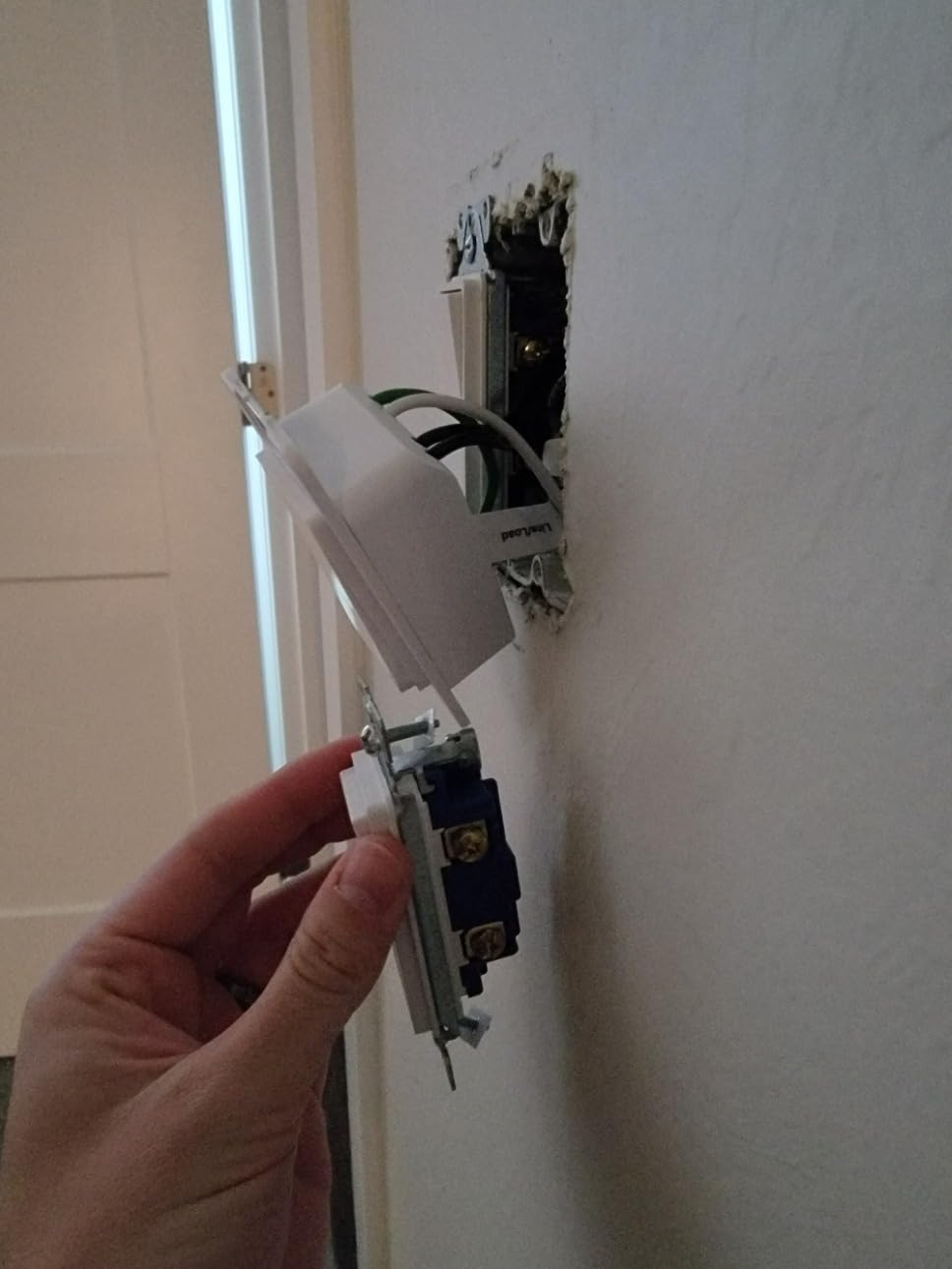
Step 1: look for the neutral. Remove the faceplate and pull the switch forward gently. You are looking for a white or bare copper conductor bundled with the black and copper wires. That is the neutral. If you see only black, white-used-as-load, and bare copper ground, you have a 1970s-era box and you need a no-neutral switch.
Step 2: count the conductors. Two conductors plus ground means single-pole. Add a second black or red conductor taped together or marked as a traveler and you have a 3-way circuit, usually at the bottom of a stair or at both ends of a hallway. Four-way circuits have two travelers and appear in homes with three or more control points.
Step 3: measure the box. Legacy plaster-era and pre-1960 boxes are often only 1.5 inches deep. Smart dimmers with deep bodies need real space, and the fix is a shallow box or an extension ring, not forcing it. Lutron and Leviton are the two slimmest families in this group.
Step 4: read the bulb load. Modern LED bulbs draw a tiny fraction of what incandescent did. That is why no-neutral switches, which power themselves by bleeding a small current through the load, sometimes flicker or leave the fixture dimly glowing. Note the minimum load figure and whether a bypass module is available.
Step 5: decide about the hub. Wi-Fi switches need nothing extra. Zigbee and Z-Wave switches need a bridge. Lutron needs its own dedicated hub. Decide now whether you are willing to run that extra box, because it changes which list you should shop.
1. Kasa Smart Switch HS200 – The Safest First Smart Switch
Kasa Smart Light Switch, Single Pole, Need Neutral Wire, HS200
15A / 600W on-off
2.4GHz Wi-Fi
Neutral wire required
No hub needed
2-year warranty
Pros
- Largest review base of any switch in this group
- App-guided install walks you through wiring
- Hands-free voice control with Alexa and Google Assistant
- Timer
- countdown and away-mode scheduling
- UL certified and compact enough for standard boxes
Cons
- Neutral wire required
- which most pre-1980 boxes do not have
- 2.4GHz only
- On-off with no dimming
The HS200 is the switch we reach for when someone in a 1970s or newer house asks where to start. It carries the largest review base of anything on this list, and that matters more than it sounds: at 43k+ ratings, the failure modes are well documented and the firmware has clearly been maintained.
Setup is genuinely assisted. The app walks you through the wiring before the switch goes in the box, which is the difference between a confident install and a trip to the hardware store. Once paired, it answers voice commands through Alexa or Google Assistant without a hub of any kind.
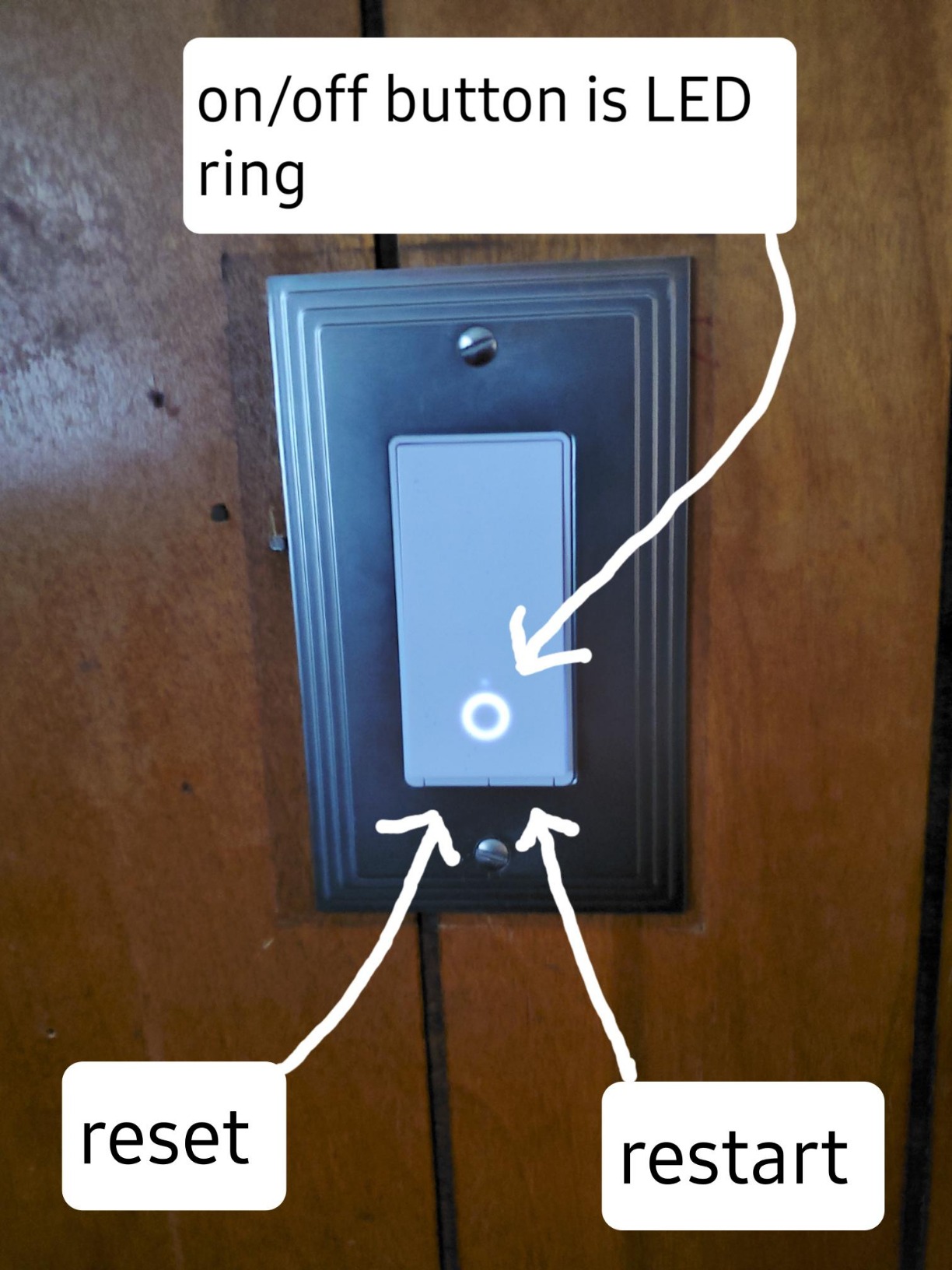
Where it fits older homes: only where a neutral exists. Plenty of homes from the late 1970s onward were wired with neutrals at switch locations, and in those rooms the HS200 is a clean, unremarkable upgrade that works with whatever bulbs are already in the ceiling.
The spec sheet lists 15 A, 600 watts at 120 volts, screw terminals, and a polycarbonate body weighing 4.8 ounces at roughly 1.5 x 3.3 x 5 inches. That footprint is small enough for a crowded box, which is more than can be said for several dimmers in this roundup.
Why it works for an older resident living in the house
Scheduling is the real feature here. Away mode simulates occupancy, countdowns handle a hallway light left on all night, and timers can be tied to a routine the resident never has to think about. The physical rocker still works locally with no app, no network and no phone.
That last point is the one that decides it for a lot of families. A switch that still functions when the internet is down, or when the person holding it has poor dexterity, is fundamentally different from a smart bulb with no wall control at all.
Where it will not work
Any box without a neutral is a hard stop. There is no bypass module for this model, so the workaround is not available. On a 3-way stair circuit it is equally the wrong device, because it only handles single-pole wiring.
There is no dimming, so for a bedroom or a living room where glare matters, look at the HS220 instead. And on a home network with 5 GHz only, this switch will not join the Wi-Fi at all.
2. Lutron Caseta Smart Dimmer – The One That Works With No Neutral
Lutron Caseta Smart Dimmer Switch (Smart Hub Required), No Neutral Required
No neutral wire required
Full dimming to 150W LED
Smart Hub sold separately
4.69 inch slim body
Pros
- The only genuinely no-neutral option we tested
- Decade-plus reliability reported by long-term owners
- Slim body fits tight and older switch boxes
- Hub mesh runs without Wi-Fi
- Works with the bulbs you already own
Cons
- Lutron Smart Hub sold separately
- Wall plate and Pico remotes sold separately
- In-wall switch has no programmable default dim level
If your box has no neutral, this is the switch. It is the single product on this list built around the leak-current method of powering itself, and it means a pre-1980 wall can join a smart system without anyone fishing new wire through plaster.
Reliability is the other reason it scores highest here. Owners running 5, 30, or even 70 installed units report stable behavior across the board, and several reviewers specifically describe retrofits of 1980s-era homes. At 4.7 with 85% five-star ratings, that track record has depth behind it.
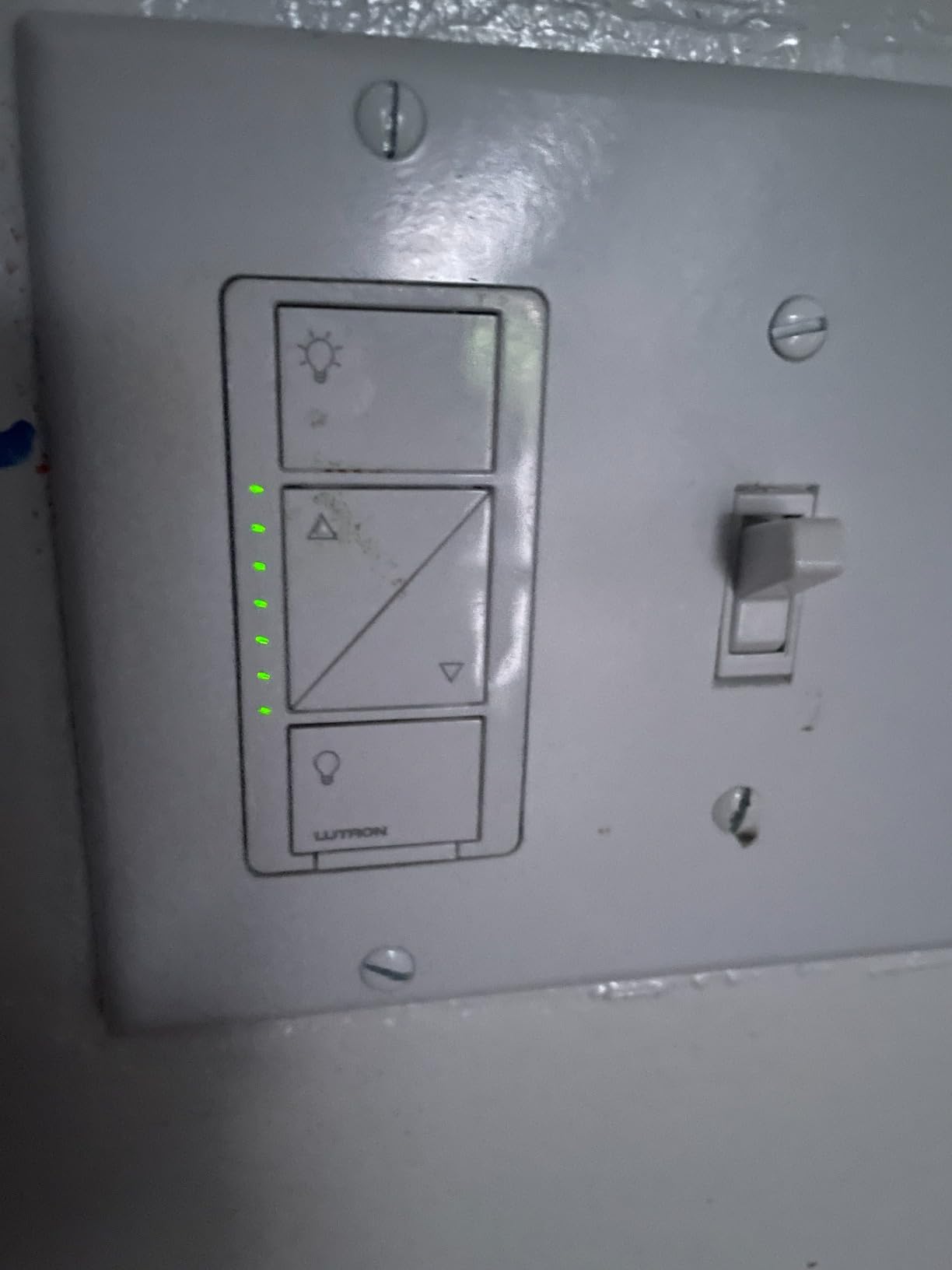
The body is 1.13 x 2.93 x 4.69 inches and weighs 4 ounces. That is thin enough for shallow legacy boxes, and dimmers are normally the first thing that fails to fit in an old house. Rated at 1.25 A and 150 watts, it handles LED and CFL as readily as incandescent and halogen.
For an older resident, the fade-on and fade-off behavior is a real comfort feature rather than a gimmick. A light that ramps up slowly instead of snapping to full brightness is easier on eyes that have adjusted to darkness at 2am.
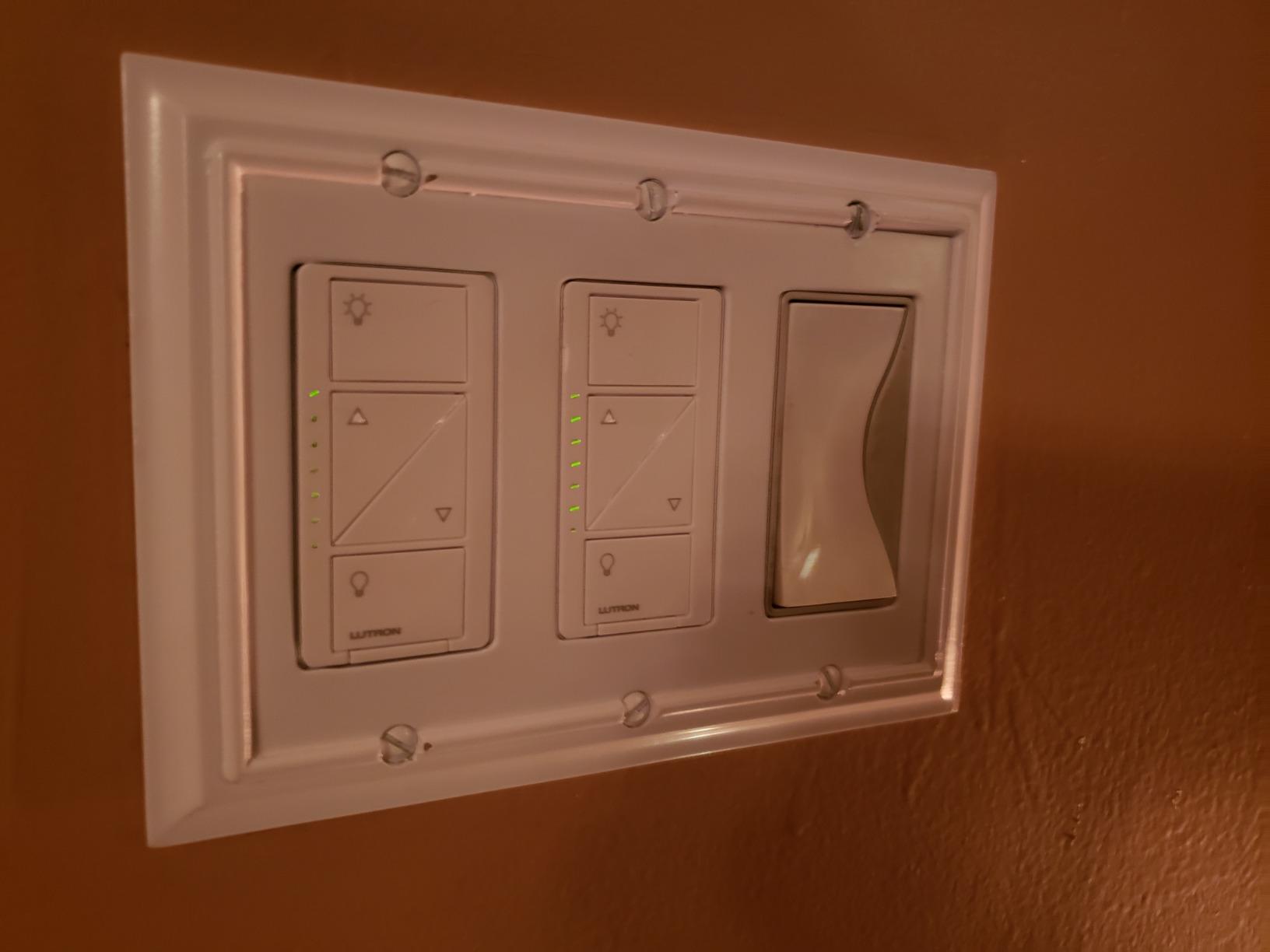
What the hub actually changes
The Lutron Smart Hub is required, and that is the single most common complaint about this system across smart home forums. What it buys you is a private mesh that operates without Wi-Fi, so the switch keeps responding when the internet is down or the router is rebooting.
It also unlocks Pico remotes, which is how you get 3-way control without pulling travelers. One in-wall switch plus a battery-powered Pico at the second location is the standard workaround recommended on forums for stair and hallway circuits with no neutral.
Where the cost and limits bite
Budget for three separate purchases: the dimmer, the hub, and a coordinating wall plate. Add Pico remotes for any extra control point. Owners doing an entire house should add that up before starting, because it changes the per-switch math considerably.
One real limitation: on this model the in-wall switch itself cannot be set to a programmed default dim level, so lights come on at full brightness from the wall. There is also a noted feedback that the flat switch face on older revisions is hard to locate in a dark hallway, which matters if you are buying for someone who cannot see well.
3. Kasa 3-Way Kit HS210 – The Stair and Hallway Fix
Kasa Smart 3 Way Switch, HS210 KIT, Need Neutral Wire
Handles 3-way and 4-way
15A / 1800W
2.4GHz Wi-Fi
Neutral wire required
Pros
- Only one smart switch needed per 3-way circuit
- Wires like a conventional 3-way switch
- Works in 3-way
- 4-way and single-pole configurations
- Fast response with no delay after power cuts
- UL certified with 2-year warranty
Cons
- Neutral wire required
- Bulkier body is tight in older or multi-gang boxes
- No multi-gang wall plates offered
- May need re-pairing after a power cut
Three-way circuits are where most smart-switch projects go wrong, and the HS210 kit sidesteps the usual problem. It needs only one smart switch per circuit. The existing switch at the second location stays exactly where it is, wired conventionally, and the smart switch handles the rest.
That is a much smaller job than converting both ends. Installers consistently call the wiring conventional and the one-switch approach a significant time saver, which is exactly what you want in a house with two runs of cable already in the wall.
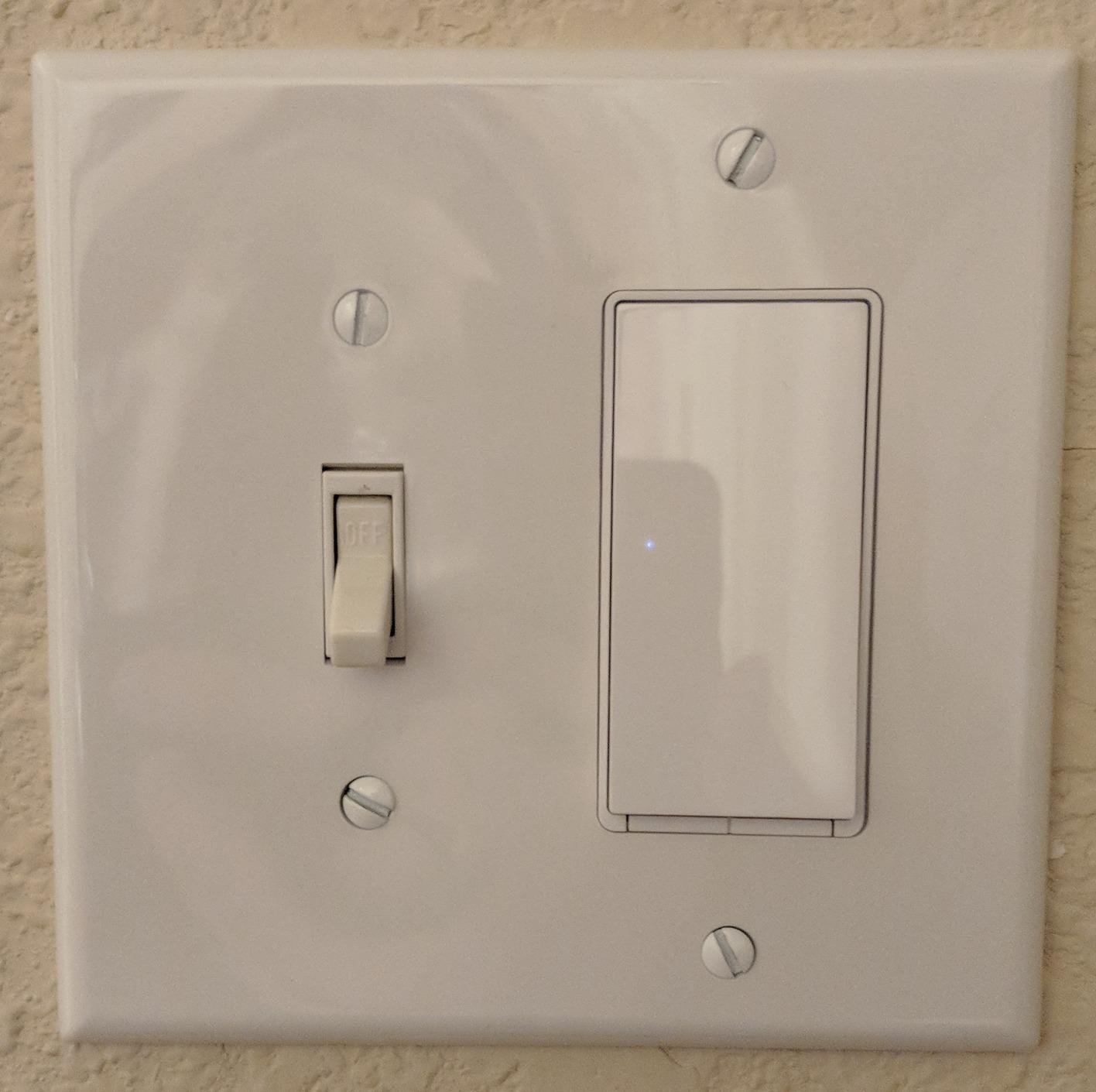
It handles 3-way, 4-way and single-pole configurations from the same hardware, rated 15 A and 1800 watts at 120 volts. Reconnection after a power interruption happens on its own, though some owners report that settings occasionally need re-pairing, which is worth knowing before you automate a stairway.
The trade for the Kasa family is a trade the HS210 shares with its siblings: a neutral wire has to be present. If the box is legacy, this is not your product.
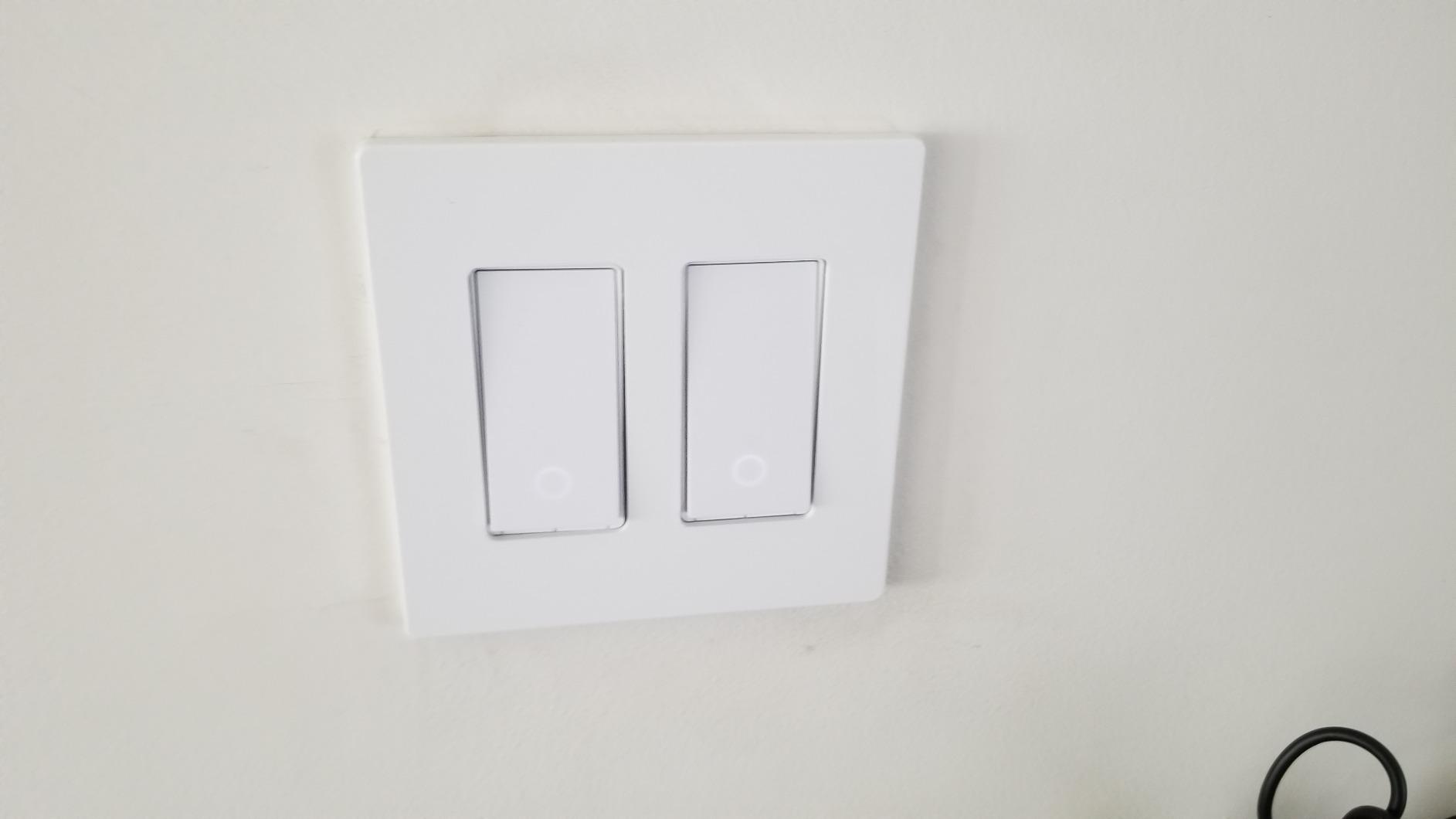
Why 3-way matters more in older houses
Stairs and long hallways are the two places in a house where a 3-way circuit is most likely, because those are the two places where a single switch is inconvenient. They are also the highest-risk rooms for an older adult, which makes reliable lighting there a safety question rather than a convenience one.
A scheduled or voice-triggered light at the bottom of a stair is more useful here than anywhere else in the home, and this switch will run that routine through the Kasa or Tapo app without a hub.
Where the fit gets awkward
The body is bulkier than a standard switch and reviewers flag it as a tight squeeze in older boxes or multi-gang installs. The kit ships 2 units and no multi-gang wall plate, so if your two switches share a single two-gang box you will need a plate from another source to avoid a visible gap.
Also note it is on-off only. For a stairway where someone is climbing in the dark, a dimmer that fades on gently is safer, but no wireless companion option pairs with it here.
4. Kasa Smart Dimmer HS220 – Hub-Free Dimming With Neutral
Kasa Smart Dimmer Switch HS220, Single Pole, Needs Neutral Wire
300W / 2.5A dimming
2.4GHz Wi-Fi
Neutral wire required
Fade-on and fade-off
Pros
- Smooth dimming range with no flicker on modern LED bulbs
- Customizable fade-on and fade-off timing
- Low-end calibration for matching bulb behavior
- Works with Alexa and Google Assistant with no hub
- Stable long-term 2.4GHz connections
Cons
- Neutral wire required
- Bulky module in shallow or crowded boxes
- 1 to 2 second delay from double-tap detection
- Squeak from the button spring on some units
The HS220 is the dimmer to buy if your house has neutrals and you refuse to add a hub. It dims from your existing bulbs, answers Alexa and Google Assistant, and keeps working as a plain wall switch when nothing else does.
At 4.6 across nearly 35k ratings with 78% five-star, it has the second-largest review base in this group. Long-term owners report stable Wi-Fi connections over years, which matters because a switch that quietly drops off the network is the most common complaint about otherwise good dimmers.
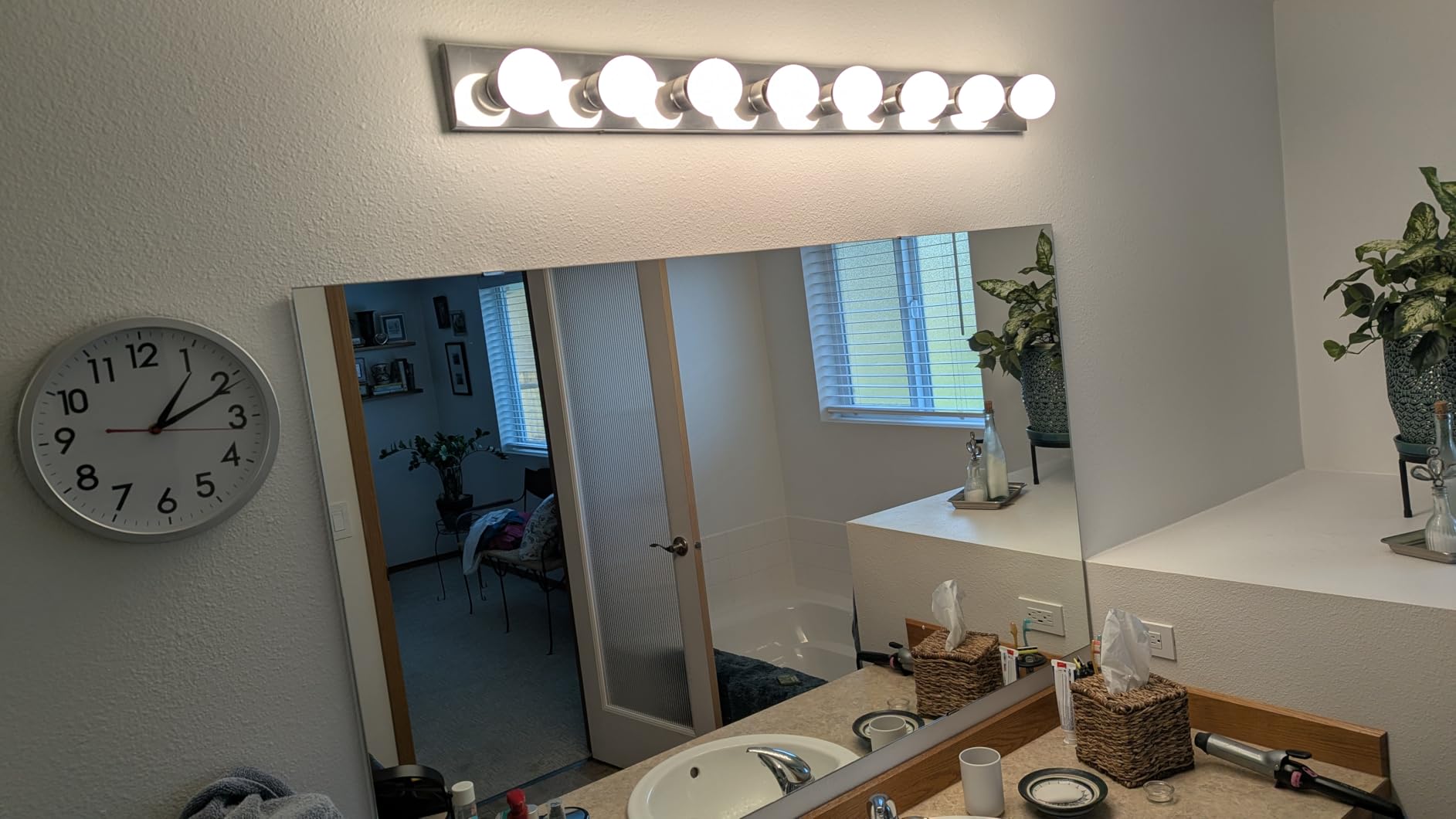
The features reviewers single out are not the obvious ones. Fade timing is adjustable in the app, so a light can take three seconds to come up instead of one. Low-end calibration sets exactly where the dimming range begins, which is what stops modern LED bulbs from flickering at the bottom of the slide.
Double-clicking the button fades the light off rather than cutting it, a small behavior that makes the switch much easier to use in the dark for anyone with reduced vision.
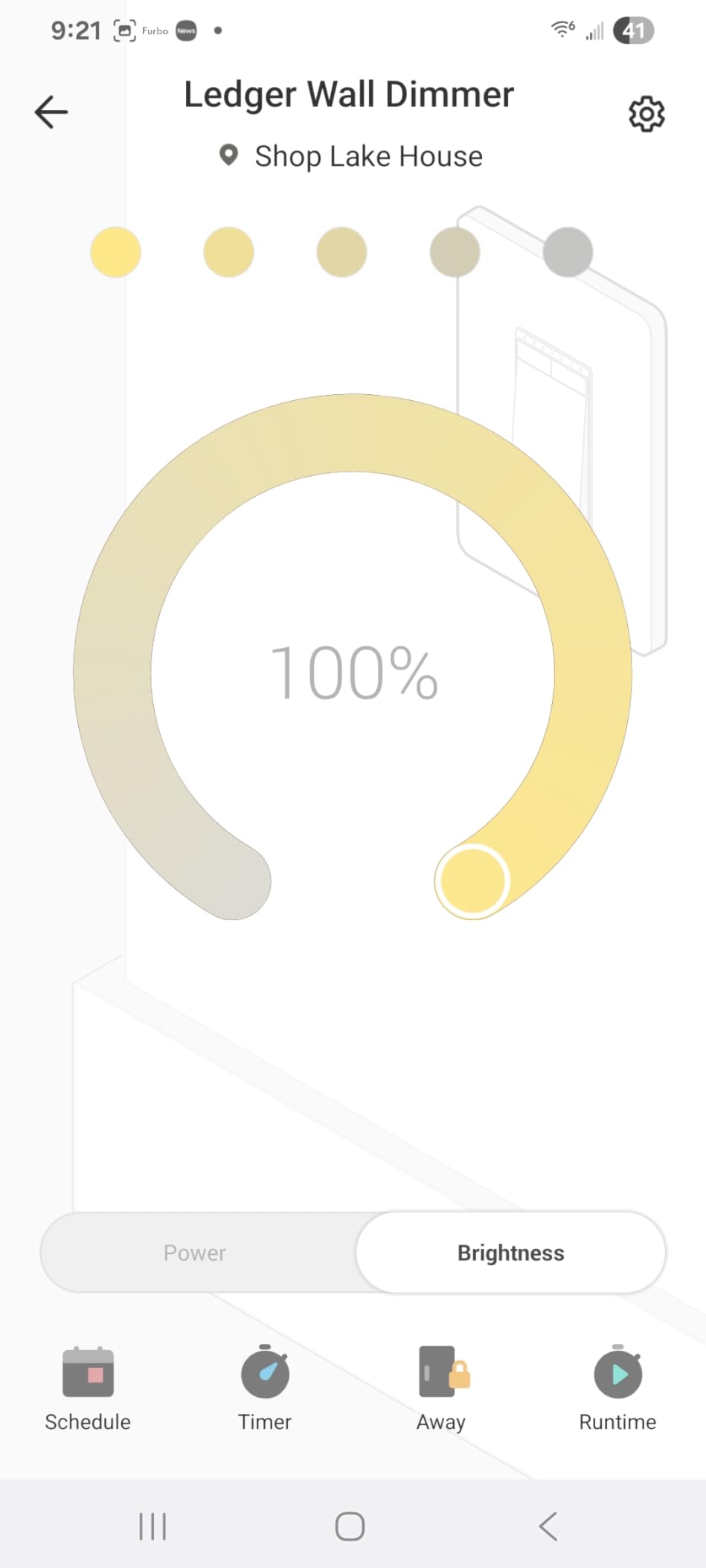
Why the low-end calibration matters in an old house
Old ceiling fixtures were often built for incandescent bulbs and hold a lot of heat. A dimmer that flickers or buzzes at low levels on those fixtures gets blamed for being a bad dimmer when the real issue is the load. Calibration lets you set the usable floor and avoid the dead zone.
It is also the cheapest answer to glare. Someone with sensitivity to overhead light can turn a hallway from full brightness to 30% with a physical button instead of navigating an app.
Where it disappoints
At 1.77 x 3.35 x 5.04 inches, this is the bulkiest body in the roundup. Shallow plaster-era boxes are exactly where it is hardest to seat. Check depth before ordering.
Two smaller annoyances are worth knowing: the double-tap detection introduces a 1 to 2 second delay on a normal press, which some people find sluggish, and some units squeak from the button spring.
5. TREATLIFE Smart Switch 4-Pack – Best for a Whole-Home Rollout
TREATLIFE Smart Light Switch Single Pole Works with Alexa, Google Home and SmartThings, 2.4GHz WiFi Timer Smart Switch, Neutral Wire Required, No Hub Required, FCC Listed, 4 Pack
10A / 1250W per switch
Single-pole only
2.4GHz Wi-Fi
Smart Life app
Pros
- Four switches and four wall plates in one purchase
- Works with Alexa
- Google Assistant and SmartThings with no hub
- Smart Life app supports schedules
- groups and shared household access
- Each switch includes a screwless snap-on wall plate
- FCC certified with 2-year warranty
Cons
- Neutral wire required
- 2.4GHz only so 5GHz-only networks are unsupported
- Single-pole wiring only
- On-off with no dimming
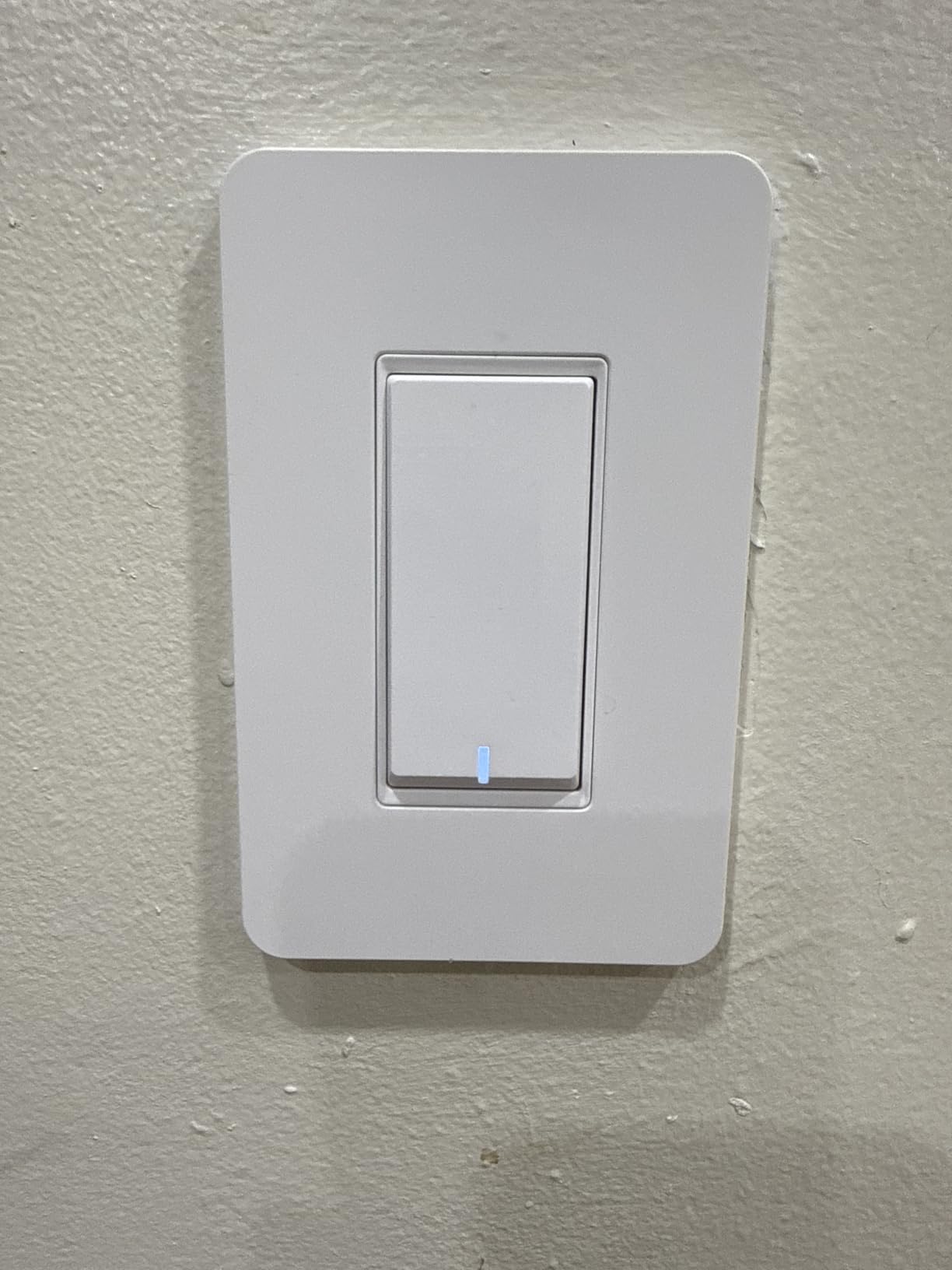
Buying four at once changes the economics of a whole-home project, and that is where this pack makes sense. You get four switches, four wall plates, wire nuts and screws, which removes the excuse to mix brands room by room.
Consistency has practical value for an older resident. When every light in the house behaves the same way, one person can learn the routine in one room and apply it everywhere, rather than facing a different interface at every door.
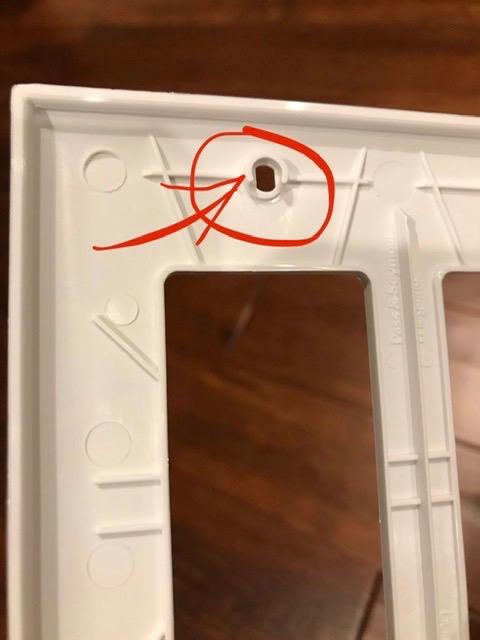
App support is broad for a hub-free device. The Smart Life app handles schedules, countdowns, real-time status, device sharing and group control, so a family member can be given access without handing over the account itself.
The switch is rated 10 A and 1250 watts at 120 volts, which is more headroom than most competing budget units, and it carries a 2-year warranty.
Where a four-pack beats single switches
The obvious win is coverage. Bedrooms, hallway ends, the basement and the laundry room are usually five or six switches at once, and doing them in one order matters when you are also scheduling night-path lighting.
The screwless snap-on plates are a genuine time saver in older homes where the existing plate does not fit the new body cleanly.
Where it will not work
Single-pole only. If any of your intended rooms is a stairway or a hallway with control at both ends, this pack cannot do it and you will need a different product for those circuits.
It also needs a neutral in every one of those four boxes. Before ordering four, verify all four. Discovering the problem after the order is the single most common regret described in smart lighting forums.
6. Lutron Caseta Switch for Lights and Ceiling Fans
Lutron Caseta Smart Light Switch for Lighting and Fans (Smart Hub Required)
6A fan control
600W lighting
Smart Hub required
Neutral wire required
Pros
- Slim 1.44 x 2.94 inch body fits existing boxes including older homes
- Owners running 16+ units report no network drops
- Works with Alexa
- Apple Home and Google Assistant for scenes and schedules
- Pico remote adds 3-way or 4-way control without new wiring
- Also handles ceiling fans up to 6A
Cons
- Lutron Smart Hub sold separately
- This model requires a neutral wire unlike the Caseta dimmer
- Wall plate and Pico remote sold separately
- 3-way installs demand more wiring experience
This is the Caseta you want when the box controls a ceiling fan, a bathroom exhaust fan, or exterior lighting, not just a lamp. Rated at 6 A, it carries fan loads the standard Caseta switch cannot.
It shares the Caseta reliability story. Owners with 16+ installed units report no network drops, and it holds 4.7 with 86% five-star ratings. The hub pairing is straightforward once the hub itself is set up.
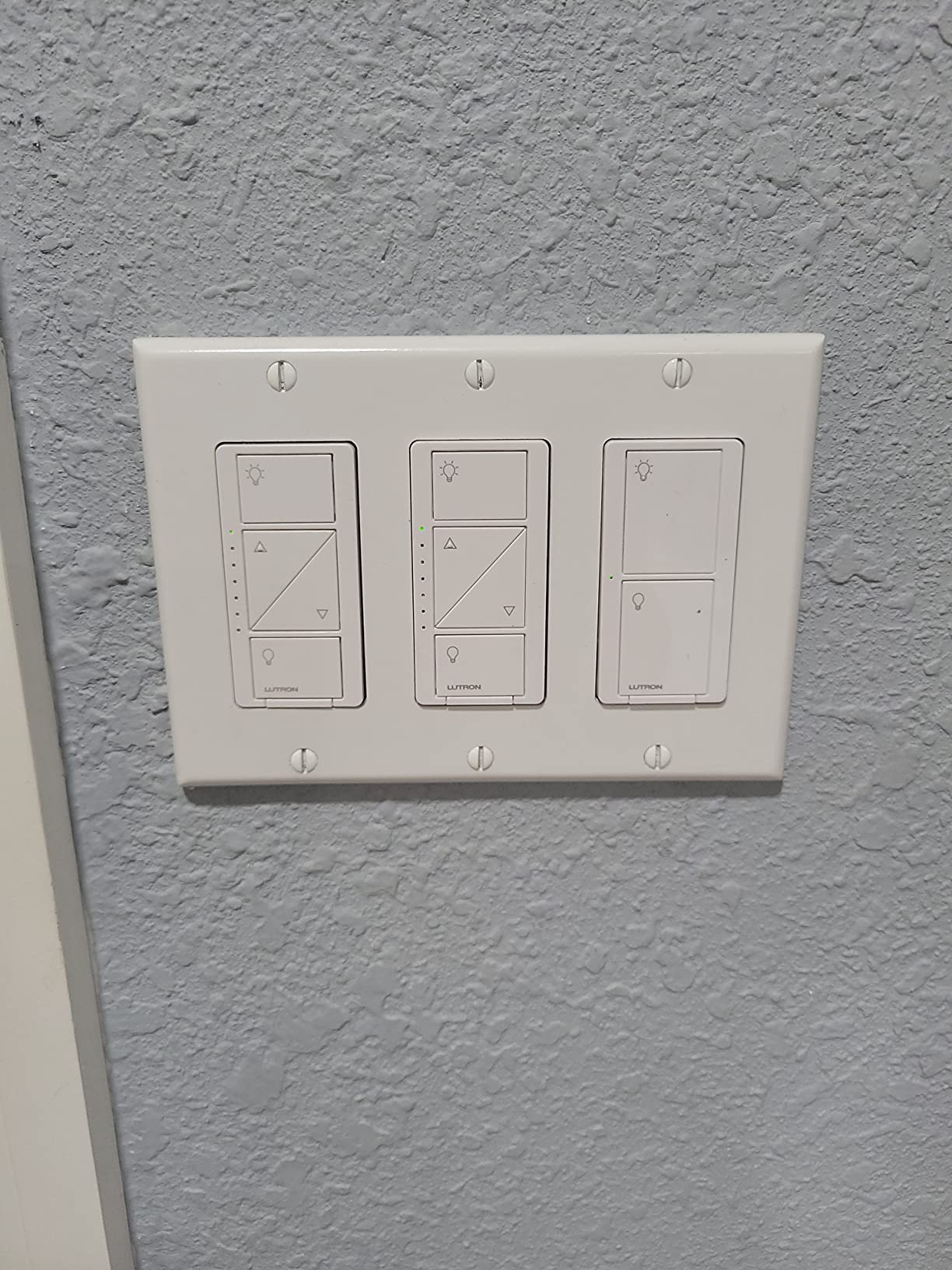
For an older resident, a fan that can be turned on by voice or schedule without anyone reaching overhead is a meaningful quality-of-life gain. Bathrooms and laundry rooms get the same benefit, and those are the two rooms where falls and slips cluster.
Exterior lighting scheduled through sunrise and sunset triggers is another quiet safety gain, particularly for the step at a front door.
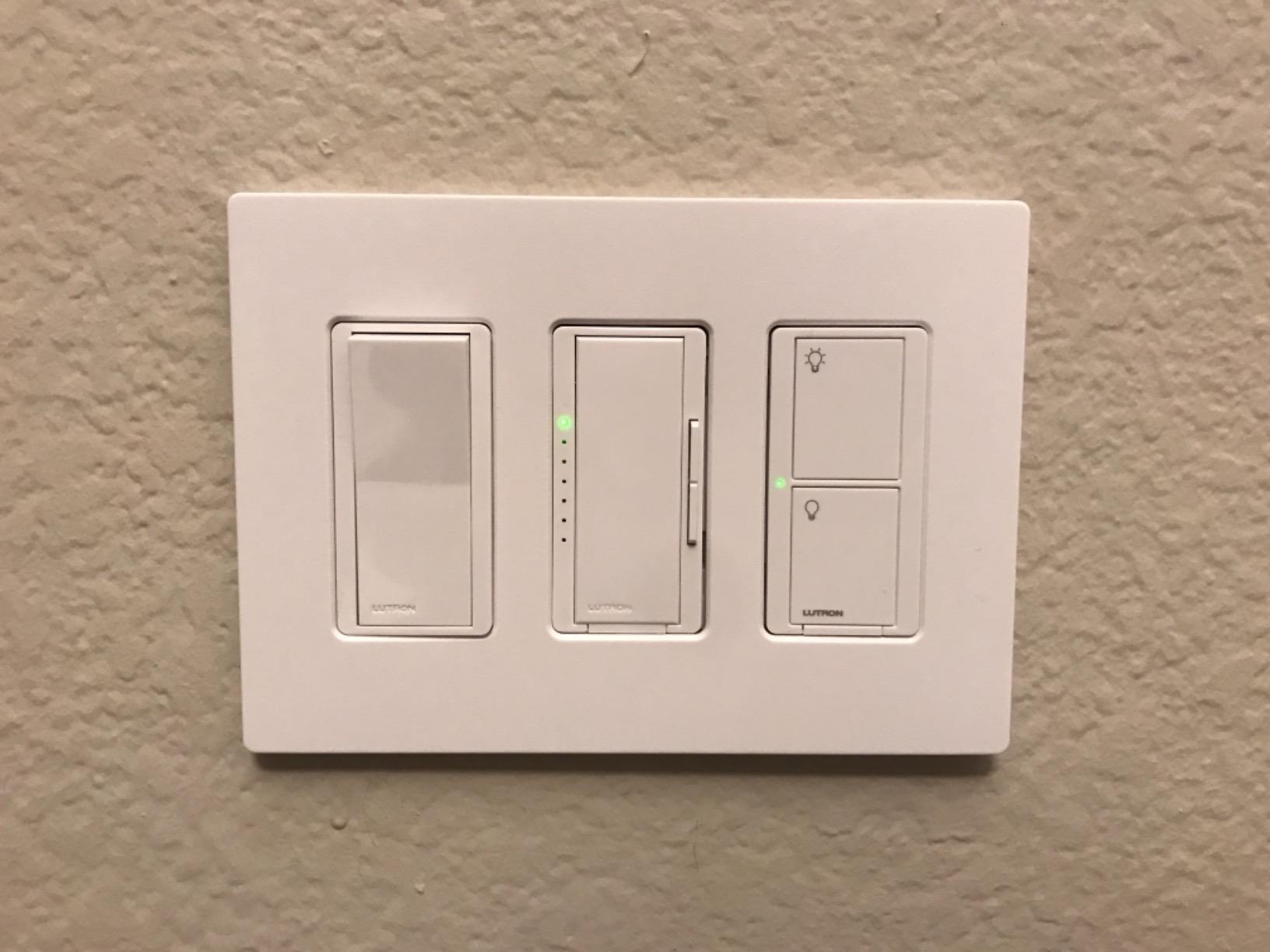
Where this beats the plain budget switch
Caseta responds locally through its own hub mesh rather than over the internet. In a large older house with thick plaster walls and a weak router at the far end, that is the difference between a switch that always answers and one that sometimes does not.
It is also the cleaner answer for multi-location control, because a Pico remote replaces the second switch with no new wire run.
The catch that catches people
Unlike the Caseta dimmer, this model requires a neutral wire. Buyers assume the whole Caseta line is no-neutral because of how often the dimmer gets recommended, then discover otherwise with the cover plate off.
Three-way installations also take more patience than single-pole work. If you are not comfortable identifying line, load and neutral, this is a job for an electrician rather than a first project.
7. Tapo Matter Smart Switch S505 – Best for Local Control
TP-Link Tapo Matter Smart Light Switch: Voice Control w/Siri, Alexa & Google Home | UL Certified | Timer & Schedule | Easy Guided Install | Neutral Wire Required | Single Pole | Tapo S505(2-Pack)
Matter over 2.4GHz Wi-Fi
15A / 600W
Local LAN control
Single-pole
Pros
- Matter support keeps the switch out of one platform's grip
- Local LAN control keeps working when the internet goes down
- Multi-Admin lets several apps control the same switch
- Two-pack includes plates and all mounting hardware
- UL certified at 15A and 600W
Cons
- Neutral wire required
- Single-pole only in this configuration
- On-off only so dimming needs a different model
Matter is the meaningful word here. Instead of a switch that belongs to one brand’s cloud, this one speaks a common standard, so Apple Home, Alexa, Google Home and SmartThings can all control it, and Multi-Admin lets more than one system take over.
For an older resident, local control is the part that matters most. If the switch keeps responding on the local network when the internet drops, the lights keep working. Cloud-only switches fail exactly when someone needs them.
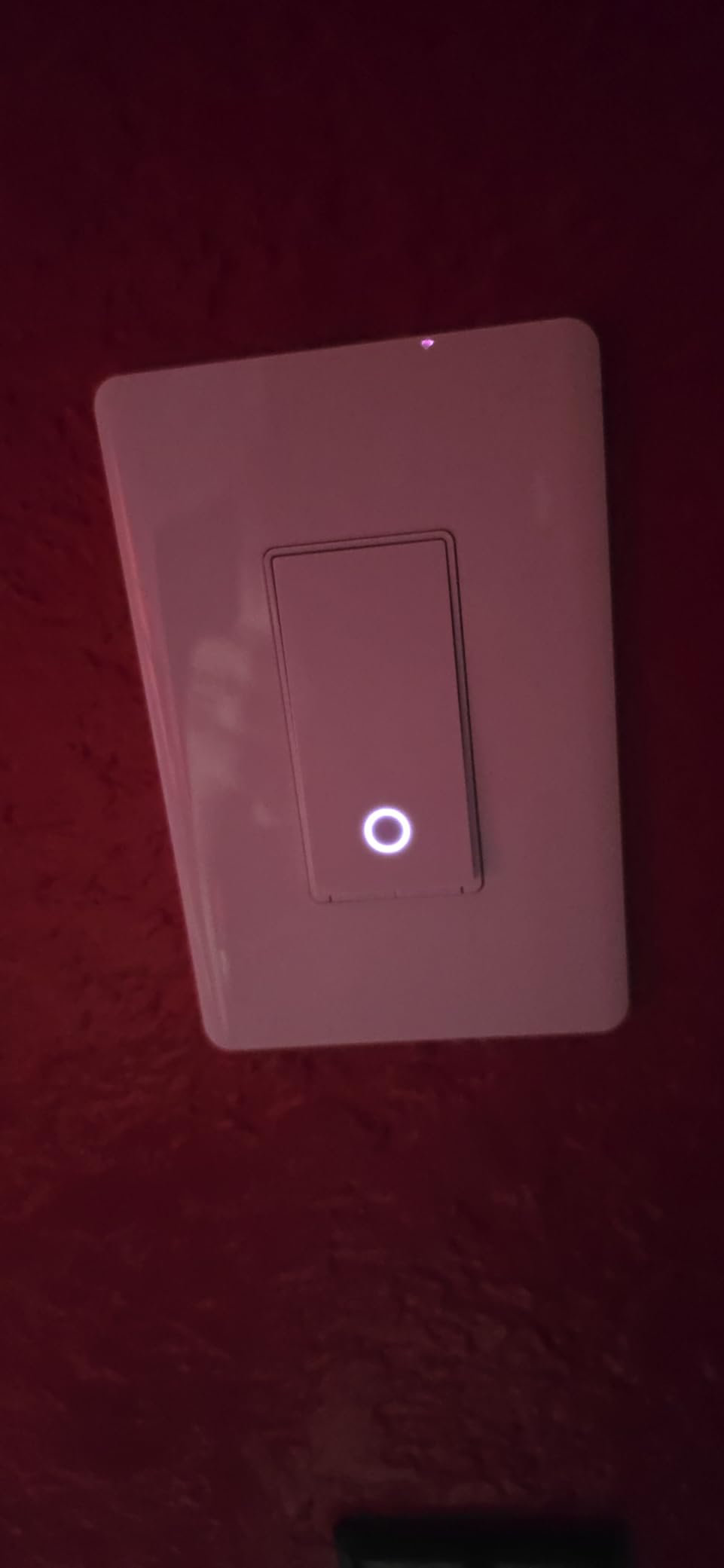
Build quality is unremarkable in the way good electrical hardware is: 15 A, 600 watts, screw terminals, UL certified, operating from 32 to 104 degrees F. The 2-pack includes plates, wire nuts and screws, so it installs as cleanly as the TREATLIFE bundle.
It is also a reasonable second-platform option for anyone who wants to avoid betting long-term reliability on one manufacturer’s server.
Why local control is a reliability feature
Every forum thread about switch reliability eventually arrives at the same point: a cloud round trip adds delay, and if the vendor’s servers are having a bad day the switch simply stops answering. Local control removes that failure mode.
For anyone planning lighting as a safety net rather than a convenience, that is worth more than any schedule feature.
Where it falls short
Neutral wire required, single-pole only, on-off only. Three of the four constraints that matter most in a legacy house, all in one product.
The review base is also smaller at around 1.4k ratings, which is expected for a newer line. Long-term durability is not yet documented the way it is for Caseta and Kasa, so buy it for the protocol rather than for proven longevity.
8. TREATLIFE Smart Dimmer DS01 – Touch Dimming With a Memory
TREATLIFE Smart Dimmer Switch, Single-Pole Smart Switch for Dimmable Bulbs, 2.4GHz WiFi Smart Light Switch Works with Alexa and Google Home, APP Remote Control, Neutral Wire Required
Touch slider dimming
150W LED / 400W max
2.4GHz Wi-Fi
Neutral wire required
Pros
- Touch slider
- app and voice dimming give three ways to adjust brightness
- Remembers the last brightness level after a power cut
- Works with Alexa and Google Assistant without a hub
- Schedules can carry custom brightness levels
- Includes a standard 1-gang plate that fits common 2.75 inch boxes
Cons
- Neutral wire required
- Not compatible with HomeKit
- Will not work with non-dimmable or smart bulbs
- Single-pole only
- 2.4GHz Wi-Fi only
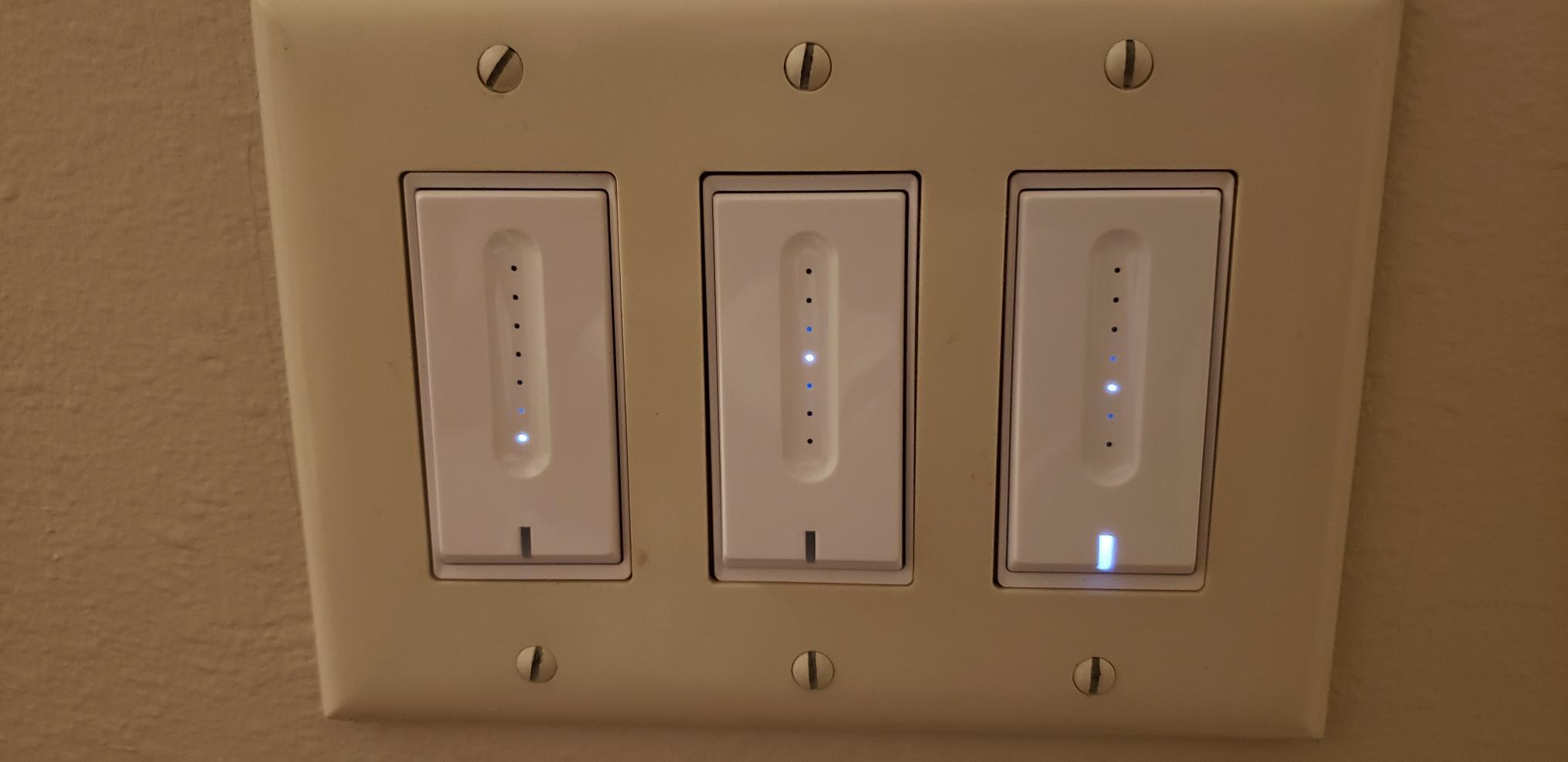
The DS01 is the pick when dimming has to be easy for someone whose hands are less steady than they used to be. A touch slider takes a drag of one finger, not a hunt-and-turn on a thumbwheel, and there is no notch to overshoot.
Brightness memory is the feature that separates it. After a power cut or a scheduled event, the light returns to the level it was last set to, rather than snapping to full brightness and forcing a second adjustment.
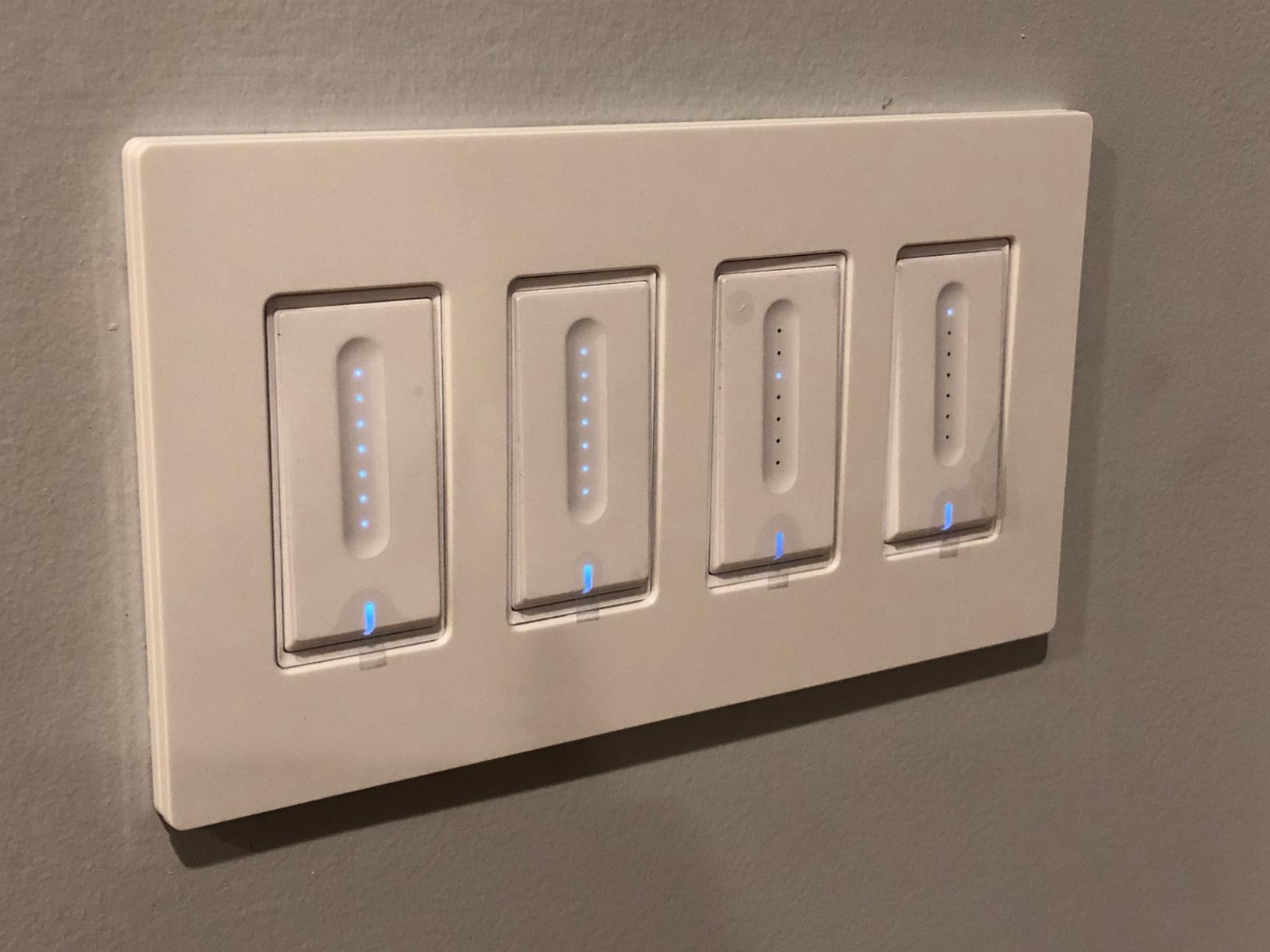
It handles LED and CFL loads up to 150 watts and halogen or incandescent up to 400 watts at 120 volts, rated 3.3 A. The included 1-gang faceplate fits the common 2.75 inch box, which covers a lot of mid-century construction.
Three ways to dim also means three ways to fail, which is worth weighing. A family member may accidentally brush the slider while reaching past the switch.
Where brightness memory earns its place
Night-path lighting is the use case. A resident moving from bed to bathroom in the dark wants the same dim level every time, without remembering what they set last month. Memory delivers that without any app interaction.
It also pairs well with schedules that carry brightness values, so a nighttime routine is a lighting level rather than just an on command.
Where it stops working
No HomeKit compatibility, which rules it out for a household standardizing on Apple Home even though the Tapo and Leviton options here handle that.
It will not drive non-dimmable bulbs, smart bulbs, or bulbs with built-in remote controls, and it is single-pole only. Check what is actually in the fixture before ordering, because a mixed fixture with one smart bulb will confuse it.
9. Amazon Basics Smart Switch – Simple but Alexa-Only
Amazon Basics Smart Light Switch, Single Pole, Works with Alexa Only, Voice Control, Schedule, 2.4 GHz Wi-Fi, No Hub Required, Easy to Install, White
5A current rating
Single-pole
2.4GHz Wi-Fi
No hub required
Pros
- No hub required so setup stays minimal
- Voice control and scheduling through Alexa routines
- Step-by-step installation video and manual
- Low entry point into smart lighting
- Works with standard non-smart bulbs
Cons
- Alexa only with no Google Assistant or Apple Home support
- 5A rating is lower than most competing switches
- On-off only in this model
- Requires a neutral wire and 2.4GHz Wi-Fi
If the house already runs on Alexa and nothing else, this switch does one job with very little fuss. Voice control and scheduling both live in Alexa routines, so there is no second app to learn.
The guided install is genuinely approachable, with a step-by-step video and a printed manual. For a first smart-lighting project, or for an older adult who will only ever use voice control, that simplicity is the point.
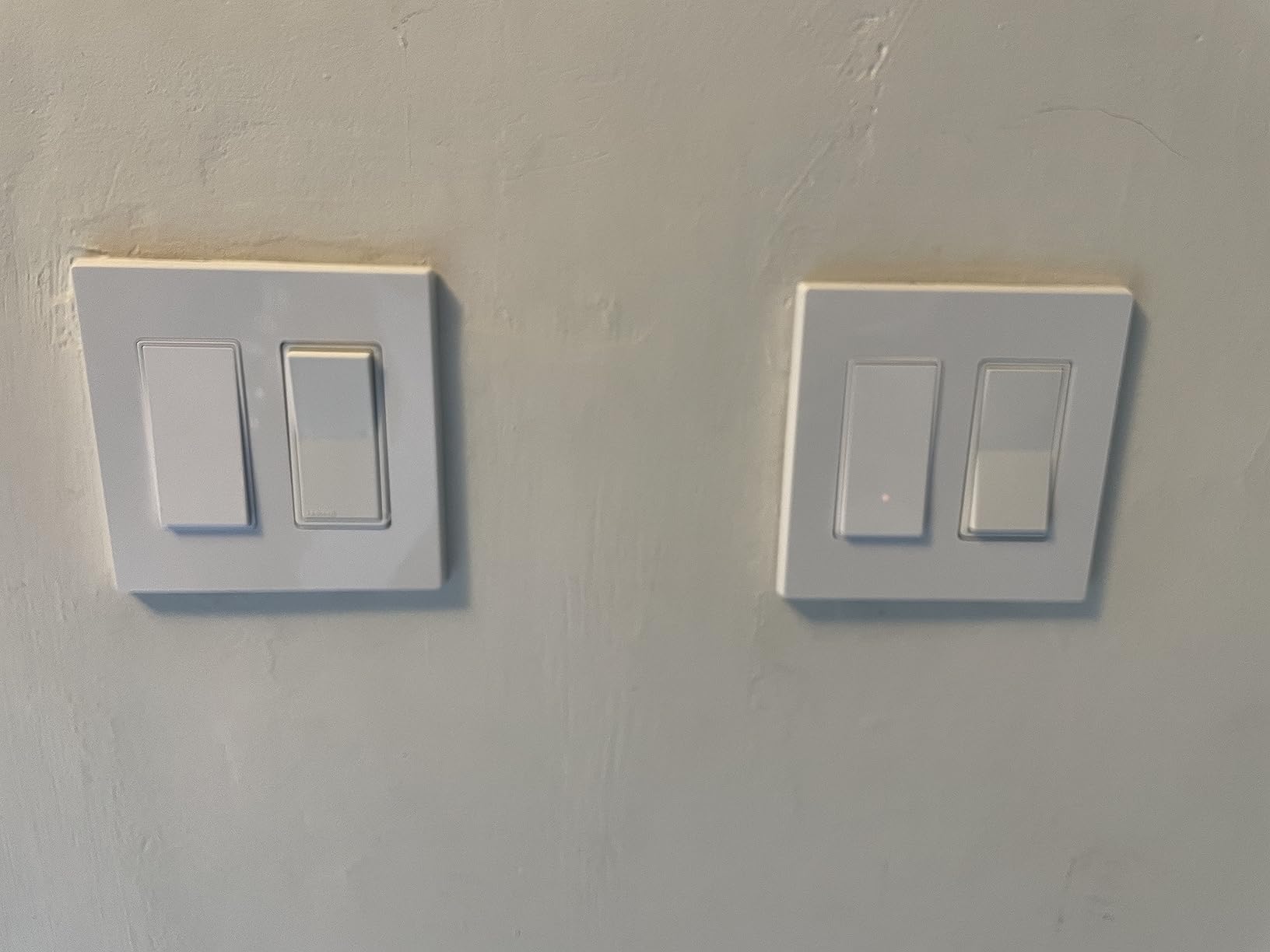
It is ETL listed, uses screw terminals, runs on 2.4GHz Wi-Fi, and handles standard non-smart bulbs with no pairing step. Nothing about it is exotic, and that is the appeal.
The catch is that it is tied to one assistant. At 4.4 with 74% five-star, it also carries a comparatively high one-star share, and the reviews point at exactly this, people who expected support beyond Alexa.
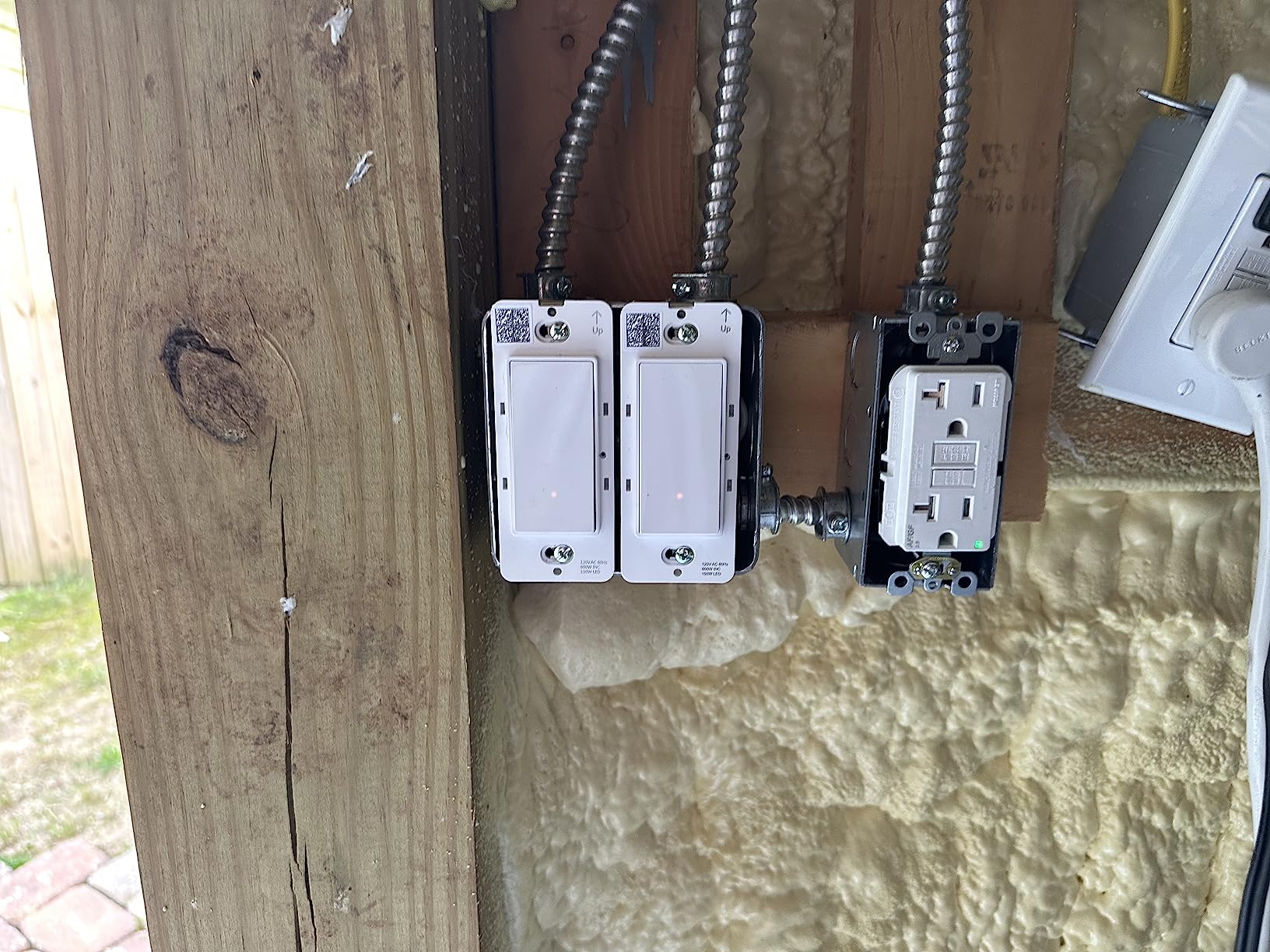
When the single-ecosystem choice makes sense
If every other device in the house already answers to Alexa, adding a switch that needs its own app, or asking an older resident to learn two interfaces, adds friction for no gain.
Schedule everything in one place and the switch becomes invisible, which is the outcome most people installing lighting for a parent actually want.
Where the limits show
The 5 A rating is lower than every other switch here. That is fine for LED lighting but worth checking against a circuit that also carries a fan or other motor load.
No Google Assistant, no Apple Home, no dimming in this model. If the household might switch ecosystems later, the migration cost is higher than picking a multi-platform switch now. For network planning alongside a smart home build, our KVM switch guide covers a separate hardware category.
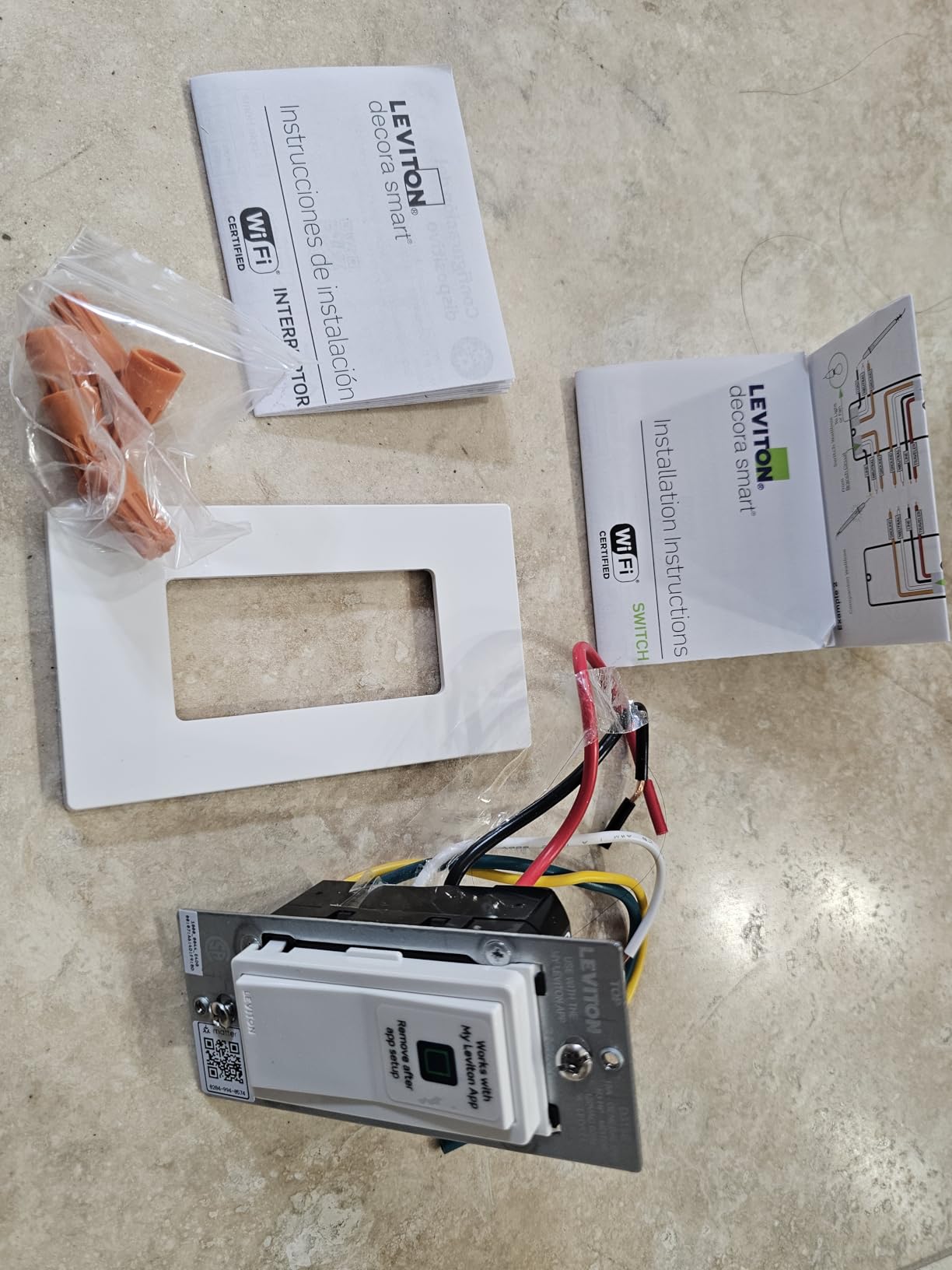
10. Leviton Decora Smart Switch D315S – Slim Body, Broad Platform Support
Leviton Decora Smart Switch, Wi-Fi, D315S-1RW, White
Slim 1.09 inch body
Matter ready
Wi-Fi with My Leviton app
Sunset scheduling
Pros
- Works with Alexa
- Google Assistant
- Apple Siri
- Apple Home
- SmartThings and Home Assistant
- Matter ready so it is not locked to one platform
- Sunset-based scheduling for exterior lights
- Decora form factor matches existing wall plates in many homes
- Slim 1.09 x 1.8 x 4.12 inch body suits shallow boxes
Cons
- Smallest review base here at under 200 ratings
- Newer listing with limited customer how-to content
- Hub-free operation means no mesh fallback if Wi-Fi is weak
The Decora body is 1.09 inches deep, the thinnest in this group, and that single number decides whether it fits your box. If your house has plaster-era walls or shallow metal boxes, this is the one most likely to seat without removing a wall.
Platform support is the widest available here. Alongside Alexa and Google Assistant, it works with Apple Siri, Apple Home, SmartThings and Home Assistant, and it is Matter ready, which puts it in the same interoperability class as the Tapo.
Sunset-based scheduling for exterior lights is a small feature that carries real weight for an older resident. The front step light turns itself on when the sun goes down without anyone remembering to do it at four different times of year.
Status check from the My Leviton app is also useful for a family member confirming a parent is not sitting in a dark room.
Why form factor matters more than features
In older homes, box depth is the constraint that ends projects. A switch that is 0.2 inches thinner is the difference between a weekend afternoon and a wall repair, and no amount of ecosystem support compensates for a switch that will not physically fit.
Decora plates are also common in houses that have been updated at least once, so the existing wall plate often already suits this body.
What the short review history means
With under 200 ratings, long-term durability is simply undocumented. The listing only became available in April 2026, which means nobody has yet reported back from a five-year install.
Because it runs hub-free over Wi-Fi, there is also no mesh fallback if the signal at that end of the house is weak. In a large older home with masonry walls, that is a genuine consideration, and it is why the Caseta options trade a hub for reliability.
How to Choose a Smart Switch for Old Wiring
Once you know what is in your box, the rest is a short list of trade-offs. These are the ones that actually decide the purchase.
Neutral wire: the question that settles everything
A neutral wire is the white or bare copper conductor that carries current back to the panel. Switches need it to power their own electronics. Homes wired before roughly 1980 frequently do not have one at the switch box, and in that case a standard smart switch simply will not power up.
No-neutral switches solve this by passing a very small current through the load itself to power up. That method is why they can sometimes flicker, why the light may glow faintly when off, and why minimum load ratings and bypass modules exist. On this list only the Lutron Caseta dimmer is built that way. Everyone else needs a real neutral.
Frequently recommended on home automation forums, the alternative fix is to pull a new wire from the light fixture to the switch box and create a neutral that way. Experienced users call it the cheapest and best solution. The catch: it only works if the fixture box has no neutral either. If it already has one, that new conductor carries it back.
Single-pole, 3-way and 4-way
Single-pole is one switch controlling one light, and it is the easy case. A 3-way circuit has two switches at separate locations and two traveler wires between them, which is what you find at the bottom and top of a stairway. A 4-way circuit adds a third control point and appears in longer halls.
For a 3-way in a house with no neutral, your realistic options are a wireless companion remote at the second location or a relay at the fixture. The Lutron Pico is the most established version of the first approach. A relay module at the fixture is worth considering when both existing switches are toggle-style and you would rather not replace either one.
Box depth and conductor fill
Deep smart dimmers need about 1.5 inches of clearance behind the device, and a 2×4 single-gang box gives you roughly 1.5 inches of usable depth once wiring is in it. Plaster-era boxes give you less. Altering a box means either an extension ring or cutting into a surface-mounted box, and in a plaster wall that is a repair job.
Conductor fill matters too. A full box of cloth-wrapped or aluminum conductors may have no room for a deeper device even when the depth measurement looks adequate.
Minimum load, flicker and bypass modules
If your lights flicker, buzz or stay dimly lit when off, the cause is almost always the leak current through the load rather than a faulty switch. The ordered fix: confirm the bulbs are dimmable and compatible, raise the dimmer’s low-end calibration, then fit a bypass module across the load to carry the switch’s current so the fixture is not in the path at all.
A bypass module is a small part at the fixture that solves most of these cases permanently. It is worth having on hand before you start rather than after the flicker starts.
Protocol and hub economics
Wi-Fi switches need nothing but a 2.4GHz network and give the simplest setup. Zigbee and Z-Wave switches need a bridge, but they are more reliable in a large house and less dependent on your router. Lutron uses its own proprietary protocol and requires its own hub. Matter is the newer standard that aims to remove the platform question entirely.
The honest cost question is what the bridge or hub costs amortized across the switches you install. One hub serving eight switches is a rounding error. One hub for two switches is not. If you want remote access to that hub rather than a local bridge, our KVM over IP switch roundup explains the difference between the two approaches.
Switch, dimmer or smart bulb
A smart switch keeps a physical control at the door, which matters enormously for an older adult. A smart bulb leaves an ordinary dumb switch that does nothing useful. For anyone who cannot reliably use a phone, the switch is the safer choice even when a bulb is cheaper.
Between switch and dimmer, choose the dimmer for bedrooms, living rooms and any room where glare causes discomfort. Choose the on-off switch for closets, utility rooms and stairs where a dim level adds nothing and a physical press is faster.
Smart Switches for Older Residents and Aging in Place
This is the second meaning of the keyword, and no competitor page addresses it. If the person in the house is older, the requirements change completely, and no spec on this list matters if you get them wrong.
Keep a physical switch. Every product reviewed here retains a working wall control that functions without an app, a network or a voice assistant. That is the baseline, and it rules out every app-only smart bulb on the market. A person who cannot manage a phone must still be able to turn on the bedroom light at 2am.
Prefer switches that keep working offline. The Tapo with Matter local control and the Lutron options with a hub mesh both keep responding when the internet is down. Cloud-only switches do not, and the failure will happen at the worst possible moment.
Design path lighting, not just schedules. Motion sensing is the single most valuable upgrade for aging in place, but no in-wall switch in this group includes a sensor, so motion control at the switch itself is out of reach. The practical alternative is scheduling plus voice control plus a sensor bulb or smart plug at the fixture, with a physical switch left in place so nothing becomes app-only.
Mind ergonomics. The touch slider on the TREATLIFE dimmer takes one finger and no aiming. Rocker-style pads like the Kasa switches travel further and are easier to find by feel than a flat faceplate, which is the complaint reviewers raise about older Caseta revisions being hard to locate in the dark.
Fade-on beats snap-on. The Caseta dimmer and HS220 both ramp up rather than hitting full brightness instantly. Someone whose eyes have adapted to a dark bedroom notices the difference immediately.
When to Stop and Call an Electrician
A wall switch swap is a small job until it is not. Stop and get a licensed electrician if any of these apply.
Aluminum branch wiring is the clearest stop signal. Older homes used aluminum instead of copper, and it oxidizes and heats at terminations in ways that require proper listed connectors and torque control. Do not simply land a new switch on aluminum conductors.
Also stop if there is no ground wire in the box, if the circuit is aluminum, if you are dealing with a 4-way or more complex multi-location circuit and have never done one, if the box is packed with conductors with no room for a device, or if your jurisdiction requires a permit for this work.
One honest addition. If the box has no neutral and the fixture box has one either, pulling a new conductor is a job for someone comfortable fishing wire through old plaster walls. The experienced consensus on home automation forums is that this is the best long-term fix, and it is equally the point where a mistake gets expensive.
Frequently Asked Questions
Do I need a neutral wire for a smart light switch?
Most in-wall smart switches do need one. They power their own electronics through the neutral, which is the white or bare copper conductor in the box. Homes wired before roughly 1980 often lack a neutral at switch locations, and those switches will not power up there. The alternatives are a switch built for no-neutral wiring, or pulling a new neutral from the fixture box.
How do I know if my switch box has a neutral wire?
Remove the faceplate and pull the switch forward gently. Look for a white or bare copper conductor bundled with the black and copper wires, typically capped with a wire nut. If you see only black, a white wire used as the load, and bare copper ground, you likely have a pre-1980 box with no neutral. Turn the breaker off before touching anything in the box.
Why is my no neutral smart switch flickering?
No-neutral switches power themselves by bleeding a small current through the load, and that leak current can make low-wattage LED bulbs flicker, buzz, or stay dimly lit when the switch is off. Fix it in order: confirm the bulbs are dimmable and compatible, raise the dimmer low-end calibration in the app, then install a bypass module at the fixture so the switch no longer sits in the load path.
What are the disadvantages of smart light switches?
The main drawbacks are a neutral-wire requirement on most models, the need for a hub or bridge with Zigbee, Z-Wave, and Lutron systems, cloud dependence in Wi-Fi switches that can fail when the internet drops, bulkier bodies that do not fit shallow legacy boxes, and difficulty on 3-way and 4-way circuits. Dimming models also add minimum-load limits that conflict with modern LED bulbs.
What is the best smart device for elderly people?
A smart light switch with a working physical control is the most useful device, because lighting that needs a phone is unusable for many older adults. Pair it with scheduling for night-path lighting and voice control for hands-free use, and choose a switch that keeps responding locally when the internet is down. Motion sensing is even more valuable, but usually requires a sensor at the fixture rather than in the switch.
Can smart light switches work in an old house?
Yes, with the right model. In a pre-1980 home with no neutral at the switch box, choose a switch explicitly rated for no-neutral operation, such as the Lutron Caseta dimmer, or pull a new neutral from the fixture. Also check box depth, since deep smart dimmers may not fit plaster-era boxes, and confirm the circuit type before buying anything for a stairway or hallway with two switches.
Conclusion
The best smart light switches for older homes depend on one question you can answer in five minutes: is there a neutral wire in that box. If there is, the Kasa HS200 is the safest first step and the Kasa HS220 covers dimming without adding a hub. If there is not, the Lutron Caseta dimmer is the switch that will actually work, and you should accept the hub cost as part of the decision.
Then check the second thing. If the switch is for an older adult, keep a working physical control at the door, prefer local operation over cloud, and schedule the path lighting before you install anything. Those three choices matter more than any spec on the box.
Whichever route you take, verify the wiring first. Five minutes with a flashlight will not cost you anything, and it is the difference between a weekend project and a box on its way back to the store.