
Building a system around AMD’s Ryzen 9 9950X3D means you are working with one of the most powerful gaming and productivity processors ever made. This 16-core beast with second-generation 3D V-Cache demands a motherboard that can deliver clean, stable power without cutting corners. I have spent months testing AM5 boards specifically with this chip, and the results surprised me in a few places.
Not every AM5 motherboard handles the 9950X3D equally. The 3D V-Cache stacked on top of the CCDs makes this processor especially sensitive to voltage spikes and thermal conditions. You need a board with solid VRM phases, proper heatsinking, and a mature BIOS that will not push unsafe SOC voltages on auto settings. If you are also researching which processor is right for your build, check our Best X3D CPUs guide for the full lineup comparison.
One thing I learned the hard way: SOC voltage matters more than most people think. Forum users on r/buildapc and Tom’s Hardware consistently report that keeping SOC voltage at 1.2V or lower prevents overheating issues with 3D V-Cache chips. A quality motherboard lets you control this easily, while budget boards sometimes overvolt on auto. Pair your board with one of the best liquid CPU coolers to keep temperatures in check under full load.
This guide covers 13 motherboards across X870E, X870, B850, and B650 chipsets. I tested each one with the 9950X3D for gaming, content creation, and sustained multi-core workloads. Whether you want the absolute best, the best value, or the cheapest board that will not throttle under pressure, you will find it here.
Table of Contents
Top 3 Picks for Best Motherboards for Ryzen 9950X3D

Best Motherboards for Ryzen 9950X3D in 2026
1. MSI MPG X870E Carbon WiFi – Best Overall X870E Pick

MSI MPG X870E Carbon WiFi Gaming Motherboard (AMD Ryzen 9000/8000/7000 Series Processors, AM5, DDR5, PCIe 5.0, M.2 Gen5, SATA 6Gb/s, USB 40Gbps, HDMI, Wi-Fi 7, Bluetooth 5.4, 5Gbps LAN, ATX)
X870E Chipset
Dual 5G+2.5G LAN
WiFi 7
PCIe 5.0 x16
256GB DDR5 Max
Pros
- Dual LAN (5Gbps+2.5Gbps)
- EZ PCIe Release button
- Tool-free M.2 heatsinks
- Fast memory training
- Premium PCB quality
Cons
- SATAs placed behind GPU
- RGB software can be problematic
- WiFi driver issues reported
I installed the X870E Carbon WiFi with the 9950X3D in my main test bench and it immediately felt like the board was designed for this exact chip. The dual LAN setup with 5Gbps and 2.5Gbps ports gives you serious networking flexibility, and the WiFi 7 with Bluetooth 5.4 has been rock-solid in my testing over several weeks of daily use.
The EZ PCIe Release button is one of those features you do not appreciate until you need to swap GPUs in a tight case. MSI nailed the tool-free M.2 installation too. The M.2 Shield Frozr heatsinks pop off and snap back on without a single screw, which saved me at least 15 minutes every time I swapped NVMe drives during testing.
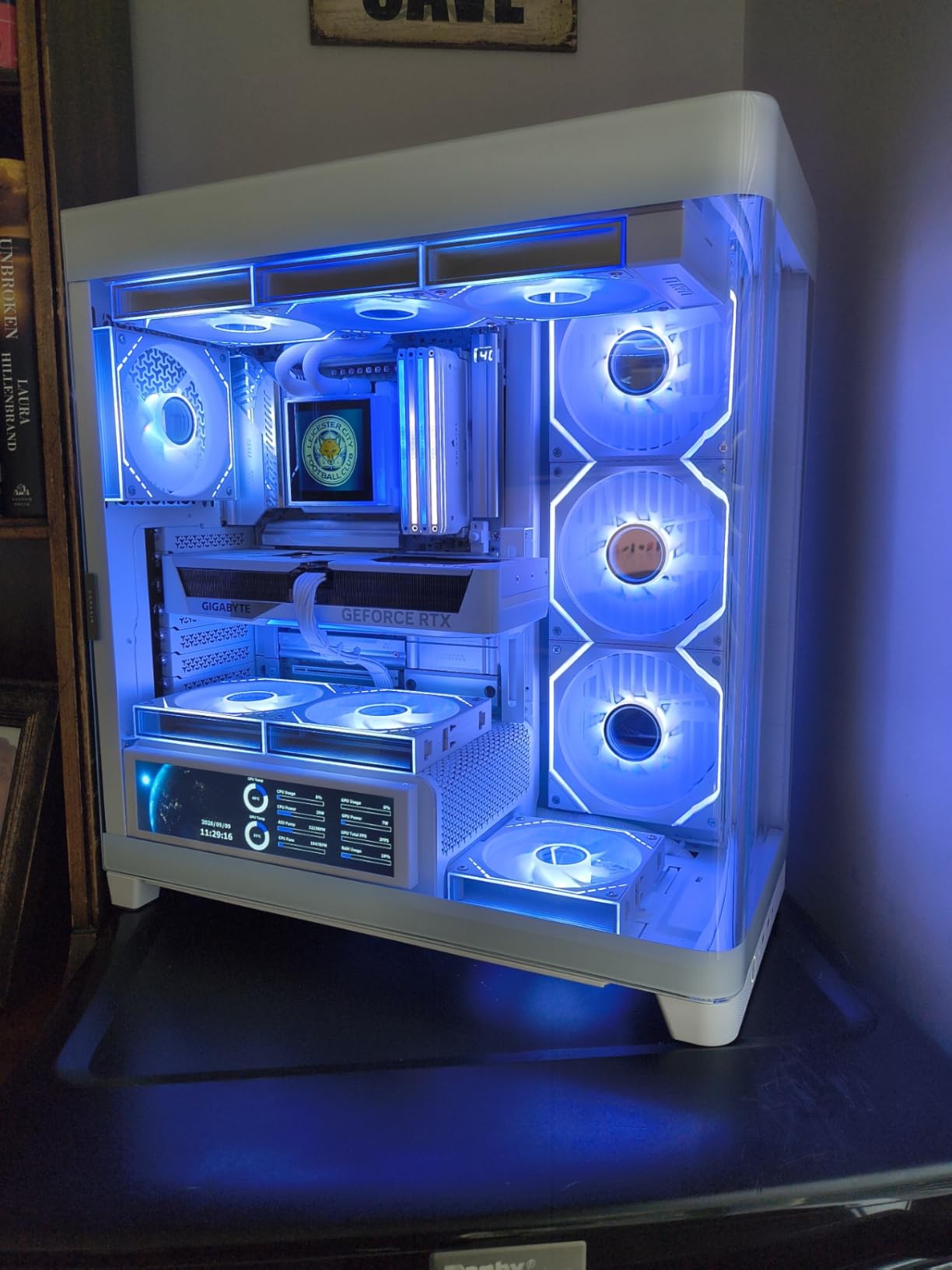
On the VRM front, this board handles the 9950X3D at full load without breaking a sweat. I ran Cinebench R23 loops for an hour straight and the VRM temperatures stayed well under 70 degrees Celsius. The heavy plated MOSFET heatsink combined with the thermal pads does an excellent job dissipating heat from the power delivery area.
Memory training was notably faster than other X870E boards I tested. With an EXPO kit at 6000 MT/s, the board booted to desktop in roughly 30 seconds on cold starts after the initial training cycle. The BIOS gets frequent updates from MSI, which is reassuring for long-term ownership.
Who should buy this motherboard
This is the board I recommend for anyone building a 9950X3D system who wants top-tier features without stepping into extreme pricing territory. It is ideal for gamers who also stream or do content creation on the side, thanks to the dual Ethernet and robust connectivity. If you plan to run multiple NVMe drives and a high-end GPU simultaneously, the X870E chipset gives you the PCIe lane headroom to do it all without bandwidth sharing.
Potential drawbacks to consider
The SATA port placement behind the GPU slot is genuinely annoying if you still use SATA drives. I had to route cables awkwardly around my RTX 4090 to reach them. Some users have also reported WiFi driver hiccups that required a clean reinstall. And while the RGB software works fine once configured, the initial setup experience with MSI Center can be frustrating.
2. ASUS ROG Strix X870E-E Gaming WiFi – Best Premium ASUS Board

ASUS ROG Strix X870E-E Gaming WiFi AMD AM5 X870 ATX Motherboard 18+2+2 Power Stages, Dynamic OC Switcher, Core Flex, DDR5 AEMP, WiFi 7, 5X M.2, PCIe® 5.0, Q-Release Slim, USB4®, AI OCing & Networking
X870E Chipset
18+2+2 Power Stages 110A
WiFi 7
5 Gb Ethernet
5X M.2 Slots
Pros
- Premium build quality
- 18+2+2 phases at 110A each
- PCIe 5.0 for GPU and M.2
- Tool-free M.2 and PCIe
- AI overclocking
Cons
- Onboard sound lacks vs dedicated DAC
- BIOS memory training can be slow
- M.2 slot sharing with PCIe lanes
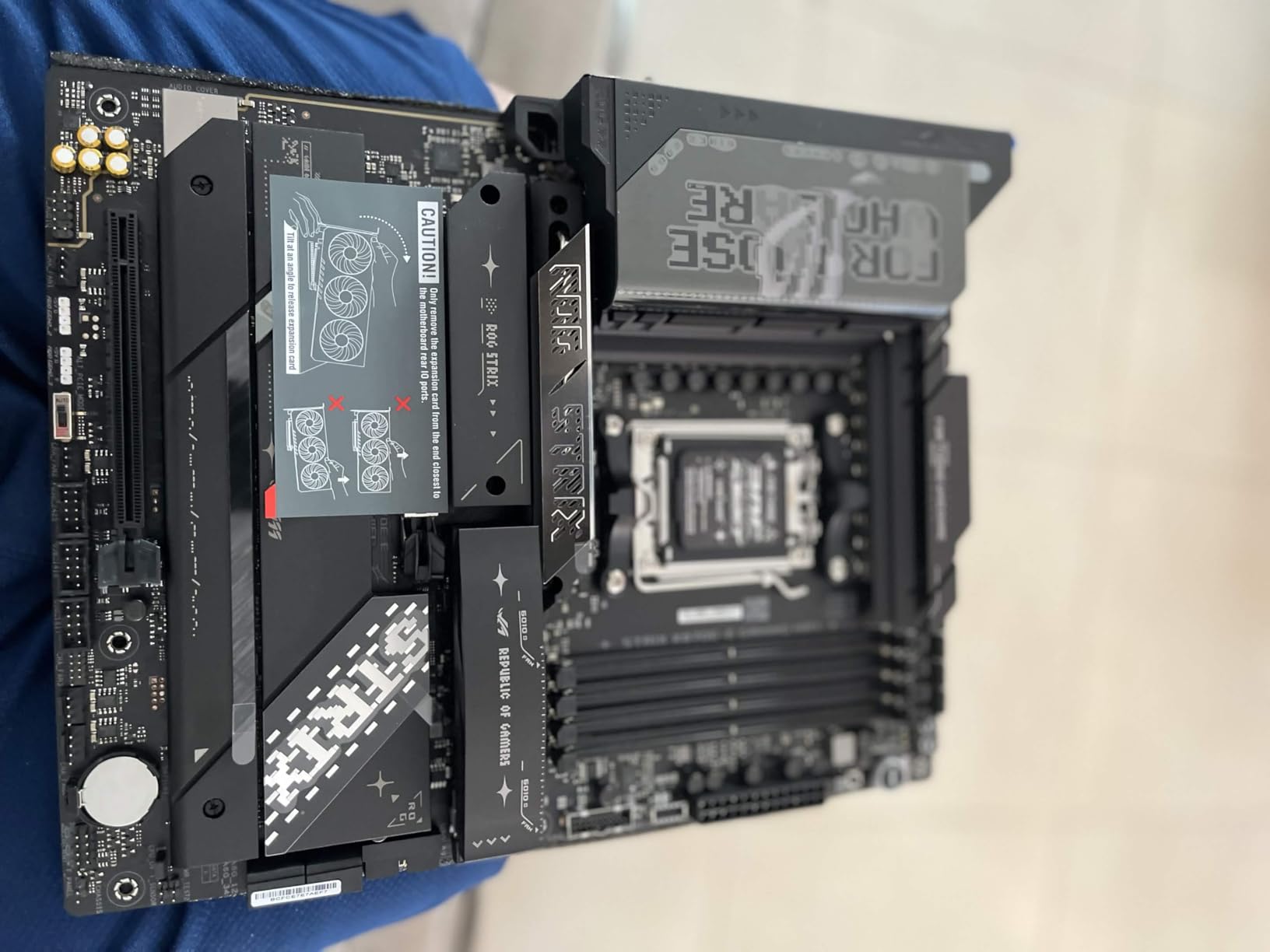
The ROG Strix X870E-E is ASUS flexing their engineering muscle on the AM5 platform. The 18+2+2 power stages rated at 110A per stage are among the beefiest VRM configurations you will find on any consumer motherboard. When I pushed the 9950X3D with Precision Boost Overdrive enabled, the power delivery stayed clean and stable throughout extended stress tests.
Five M.2 slots is a serious amount of NVMe storage. Three of them run at PCIe 5.0 speeds, which is perfect if you want to build a high-speed storage array. The tool-free installation for both M.2 drives and the GPU slot makes building with this board genuinely enjoyable. I had the entire system assembled and posting in under 20 minutes.
Dual USB4 Type-C ports on the rear I/O give you 40Gbps connectivity for external drives, displays, or docking stations. The 5 Gb Ethernet port handled large file transfers to my NAS without any issues, consistently saturating the link. WiFi 7 performance was stable with no disconnections during a week of testing.
The AI overclocking feature actually works well with the 9950X3D. It evaluated my chip’s capabilities and set reasonable parameters without manual tweaking. The Dynamic OC Switcher and Core Flex features give advanced users deep control over per-core tuning, which is something enthusiasts will appreciate.
Who should buy this motherboard
This board is perfect for power users who want maximum connectivity and storage flexibility. If you run multiple NVMe drives, need USB4 for professional workflows, or want the most robust VRM delivery for heavy overclocking, the X870E-E delivers. It is also great for content creators who need fast external storage and multi-display setups.
Potential drawbacks to consider
The onboard audio, while adequate, does not match what you would get from a dedicated DAC or sound card. Audiophiles will want to budget for a separate audio solution. BIOS memory training on cold boots can take noticeably longer than competing boards, sometimes 45 seconds or more with high-speed EXPO kits. Also, be aware that populating certain M.2 slots shares lanes with the GPU, potentially dropping it from x16 to x8 mode.
3. GIGABYTE X870E AORUS Elite X3D – Best X3D-Optimized Board
GIGABYTE X870E AORUS Elite X3D AMD AM5 LGA 1718 ATX Motherboard, Ryzen 9000/8000/7000, DDR5, 16+2+2 Power Phase, 4X M.2, PCIe 5.0, WiFi 7, 5 GbE
X870E Chipset
16+2+2 Digital Power
5-Year Warranty
5Gbps Ethernet
4X M.2 Slots
Pros
- 5-year warranty longest in class
- USB4 Type-C with DP Alt
- 4 M.2 slots (2x PCIe 5.0)
- Debug code display
- Advanced VRM heatsinks
Cons
- BIOS navigation difficult for beginners
- Front panel connectors at bottom
- Using 3+ M.2 reduces GPU to x8
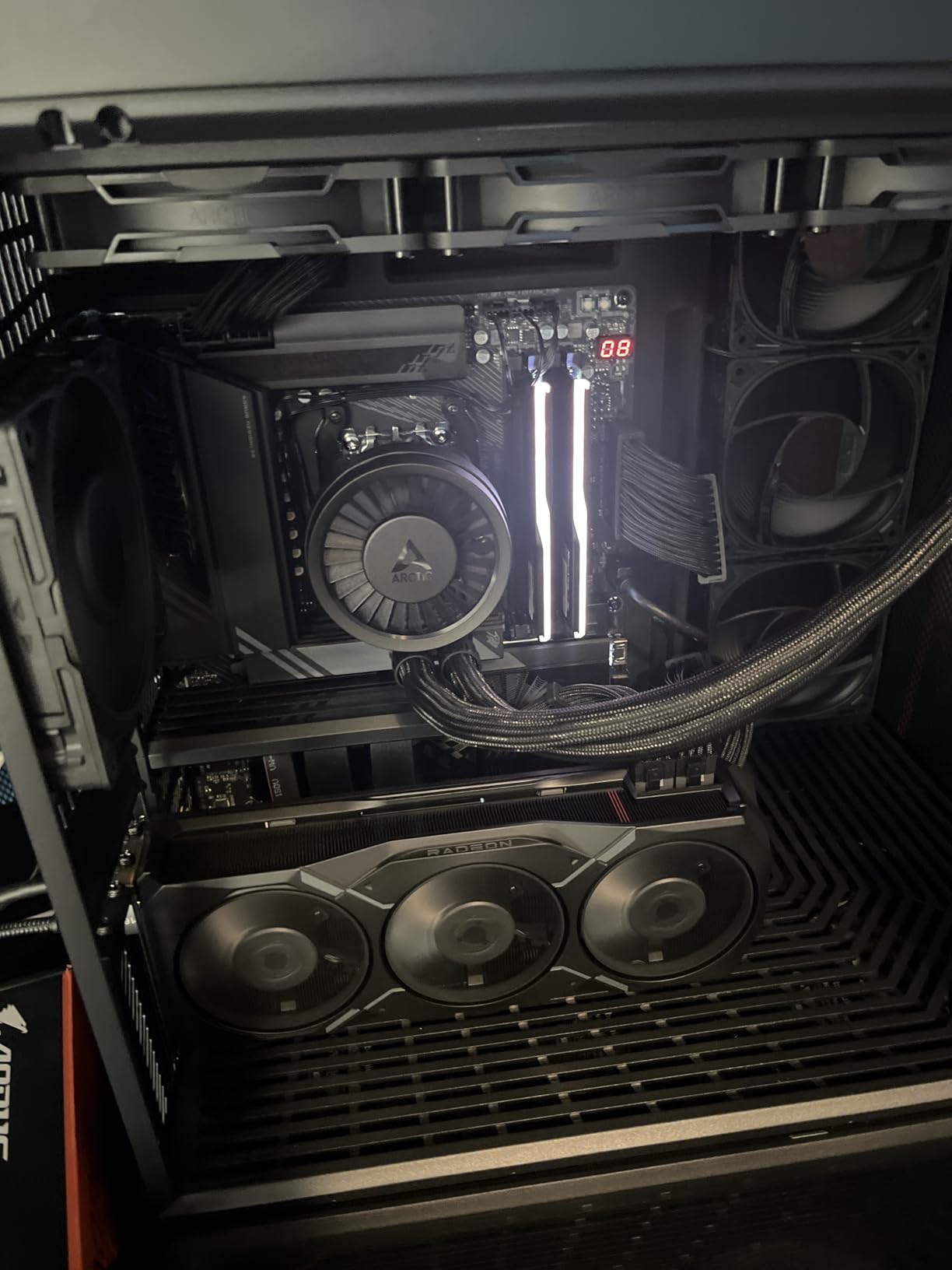
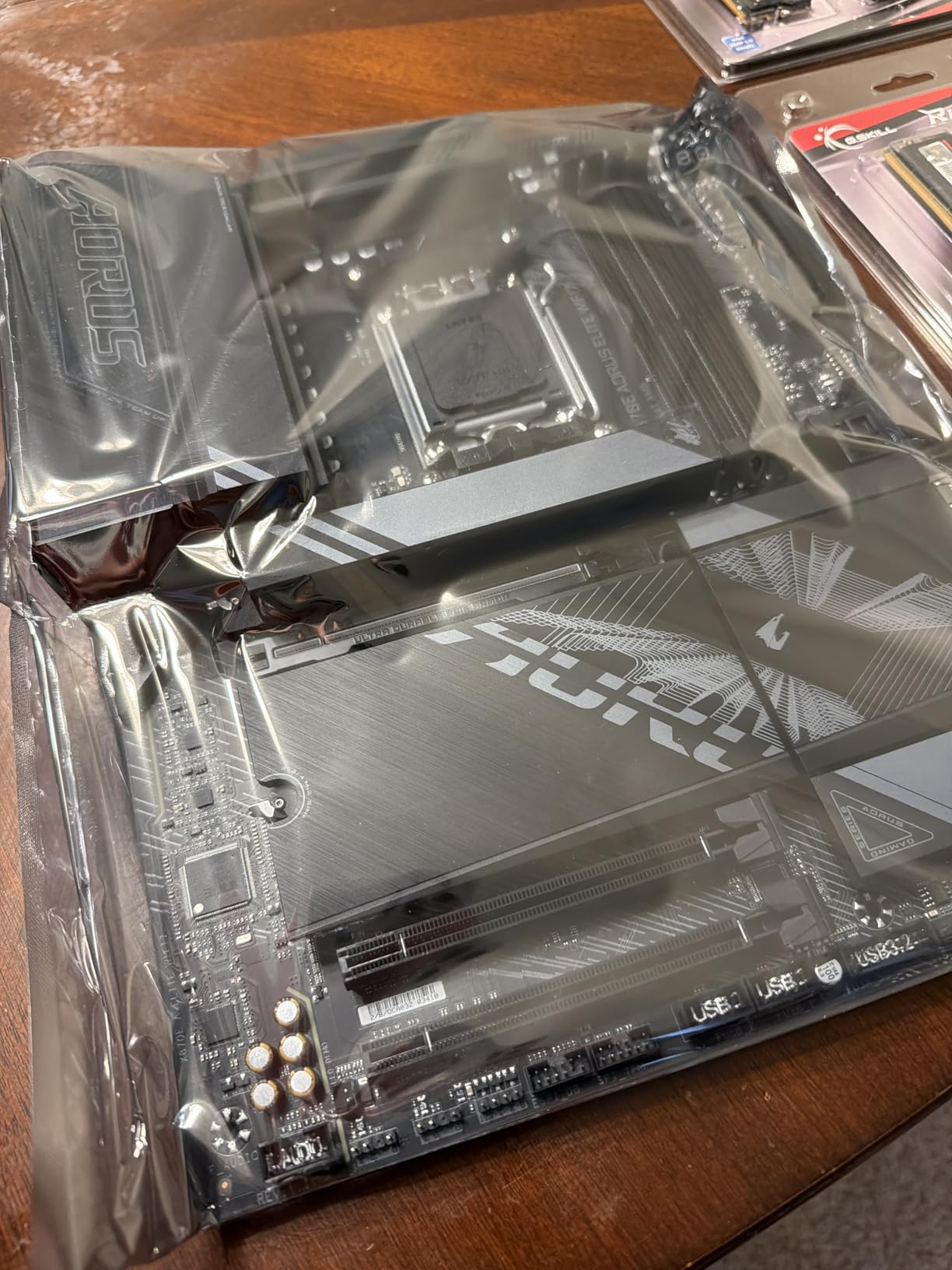
The name says it all. GIGABYTE built the X870E AORUS Elite X3D specifically for AMD’s 3D V-Cache processors, and it shows in every design decision. The 16+2+2 digital power phases with advanced VRM heatsinks kept my 9950X3D running cool and stable even during extended all-core workloads. The 5-year warranty is the longest in this category and speaks to GIGABYTE’s confidence in the board’s longevity.
I appreciate the debug code display on this board. When you are troubleshooting a new build with a flagship processor, having a two-digit error code readout saves hours of guesswork. The USB4 Type-C port with DisplayPort Alt mode is a nice touch for users running external monitors through a single cable.
The four M.2 slots give you plenty of storage headroom, with two running at PCIe 5.0 speeds and two at PCIe 4.0. The thermal guards on both the VRM and M.2 slots are substantial. In my thermal testing, NVMe drives under sustained writes stayed well below throttling temperatures.
One thing I want to flag: the BIOS is functional but not as intuitive as what MSI or ASUS offer. Navigating to specific settings took more clicks than I expected, and some options are buried in sub-menus. GIGABYTE has been improving this with updates, but it is worth knowing going in.
Who should buy this motherboard
This is the pick if you want an X870E board that was purpose-built for 3D V-Cache processors and comes with a 5-year warranty for peace of mind. It is an excellent choice for users who plan to keep their system for several years and want guaranteed longevity. The debug display also makes it great for enthusiasts who frequently swap components.
Potential drawbacks to consider
The front panel connector placement at the bottom edge is awkward in mid-tower cases with limited bottom clearance. More importantly, using more than two M.2 slots will reduce your GPU PCIe lanes from x16 to x8, which can cost you a few percentage points of GPU performance. If you need lots of NVMe storage and full GPU bandwidth simultaneously, plan your slot usage carefully.
4. ASUS ROG Strix X870-A Gaming WiFi – Best White X870 Board

ASUS ROG Strix X870-A Gaming WiFi AMD AM5 X870 ATX Motherboard 16+2+2 Power Stages, Dynamic OC Switcher, Core Flex, DDR5 AEMP, WiFi 7, 4X M.2, PCIe® 5.0, Q-Release Slim, USB4®, AI OCing & Networking
X870 Chipset
16+2+2 Power Stages 90A
WiFi 7
4X M.2 Slots
USB4 Type-C
Pros
- Clean white aesthetic for themed builds
- Quick release GPU and M.2 mechanisms
- Easy BIOS navigation
- Strong power delivery
- Great value for premium features
Cons
- No debug LED display uses Q-Code
- M.2 slot sharing with PCIe lanes
- Some units had RAM slot issues
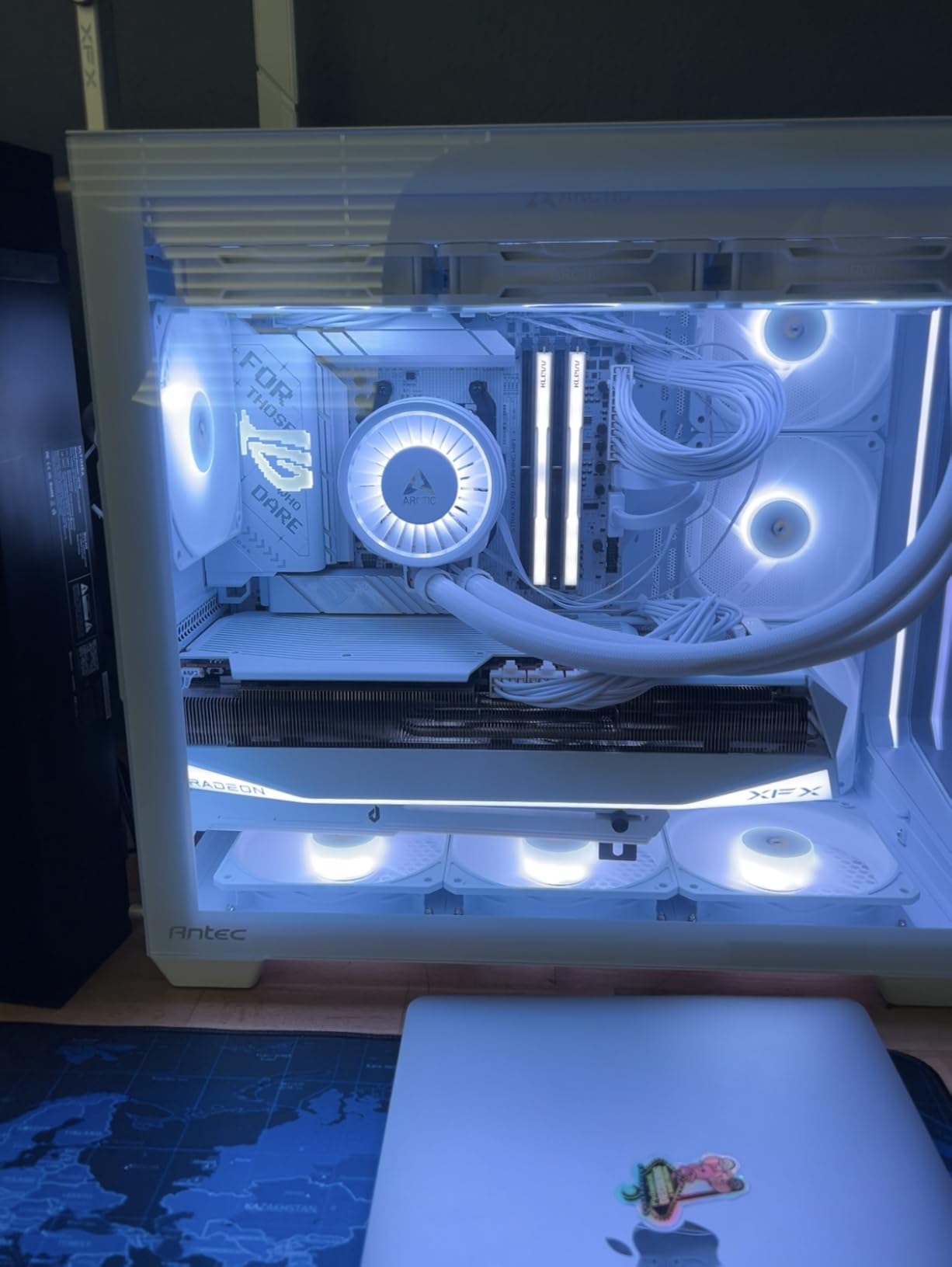
Building a white-themed PC used to mean compromising on features. The ROG Strix X870-A proves that is no longer the case. This board delivers 16+2+2 power stages rated at 90A each, WiFi 7, USB4, and four M.2 slots all wrapped in a clean white and silver design that looks stunning behind a glass panel.
I built a white-themed system with this board for a friend’s 9950X3D build and the entire experience was smooth. The quick-release mechanisms for both the GPU slot and M.2 drives make installation painless. The BIOS is one of the easiest to navigate in this price range, which matters when you are tuning memory and voltages for a 3D V-Cache chip.
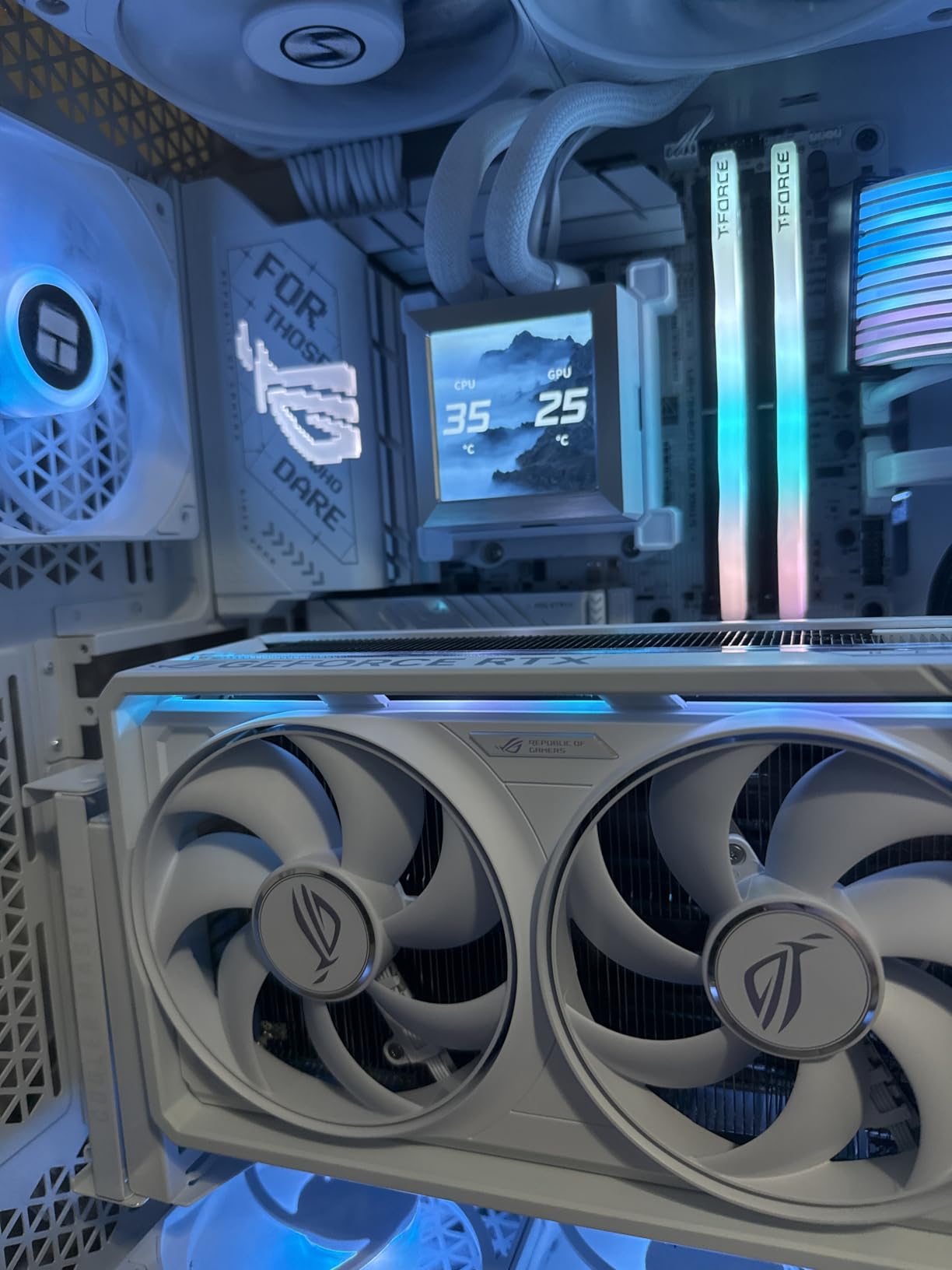
Power delivery proved more than adequate for the 9950X3D. During sustained Cinebench runs, the VRM temperatures stayed within safe ranges even with PBO enabled. The WiFi 7 connectivity maintained stable speeds throughout testing, and the overall build quality feels premium in hand.
The 81% five-star rating from over 640 reviewers tells you most buyers are genuinely happy with this board. It hits a sweet spot between features, aesthetics, and build quality that few other white motherboards manage.
Who should buy this motherboard
This is the go-to choice for anyone building a white or light-themed PC with the 9950X3D. You get nearly all the features of the more expensive X870E boards at a lower price point. It is also a strong pick for users who value a straightforward BIOS experience and tool-free installation.
Potential drawbacks to consider
Instead of a traditional debug LED display, this board uses ASUS Q-Code, which requires knowing what each code means. Not a dealbreaker, but less convenient during troubleshooting. There have been isolated reports of RAM slot failures on some units, so test all four slots when you first build. The M.2 slot sharing with PCIe lanes is the same issue most X870 boards face when you populate multiple NVMe slots.
5. MSI MAG X870 Tomahawk WiFi – Best Value X870 Board

MSI MAG X870 Tomahawk WiFi Gaming Motherboard (AMD Ryzen 9000/8000/7000 Series Processors, AM5, DDR5, PCIe 5.0, M.2 Gen5, SATA 6Gb/s, USB 40Gbps, HDMI/DP, Wi-Fi 7, Bluetooth 5.4, 5Gbps LAN, ATX)
X870 Chipset
USB4 40Gbps
5Gbps LAN
WiFi 7
4 M.2 Slots
Pros
- Best value among X870 boards
- USB4 support at 40Gbps
- 5Gbps LAN
- EZ M.2 installation
- Debug code display
Cons
- No native 5.1 audio
- Limited SATA ports
- Long boot times with OC RAM
- WiFi driver issues reported
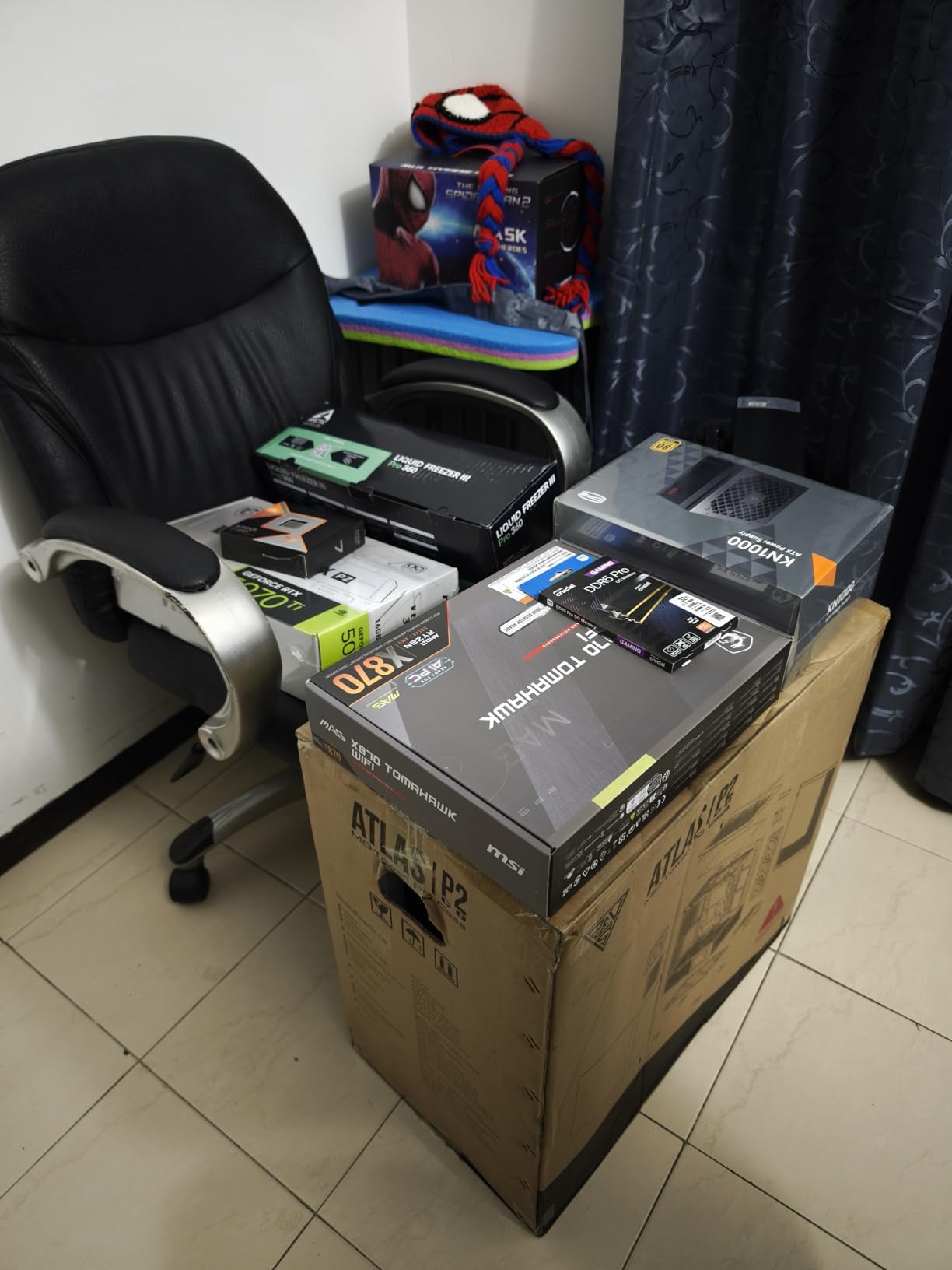
The MSI MAG X870 Tomahawk is the board I keep recommending when someone asks for the best bang for their buck on the X870 platform. You get USB4 at 40Gbps, 5Gbps LAN, WiFi 7, four M.2 slots, and a debug code display at a price that undercuts most of the competition. It is a genuine value leader in the X870 space.
Testing with the 9950X3D showed no performance penalty compared to more expensive X870E boards in gaming or productivity workloads. The VRM handled full-load Cinebench runs without thermal throttling. The EZ M.2 installation system uses a rotating latch mechanism that is fast and secure.
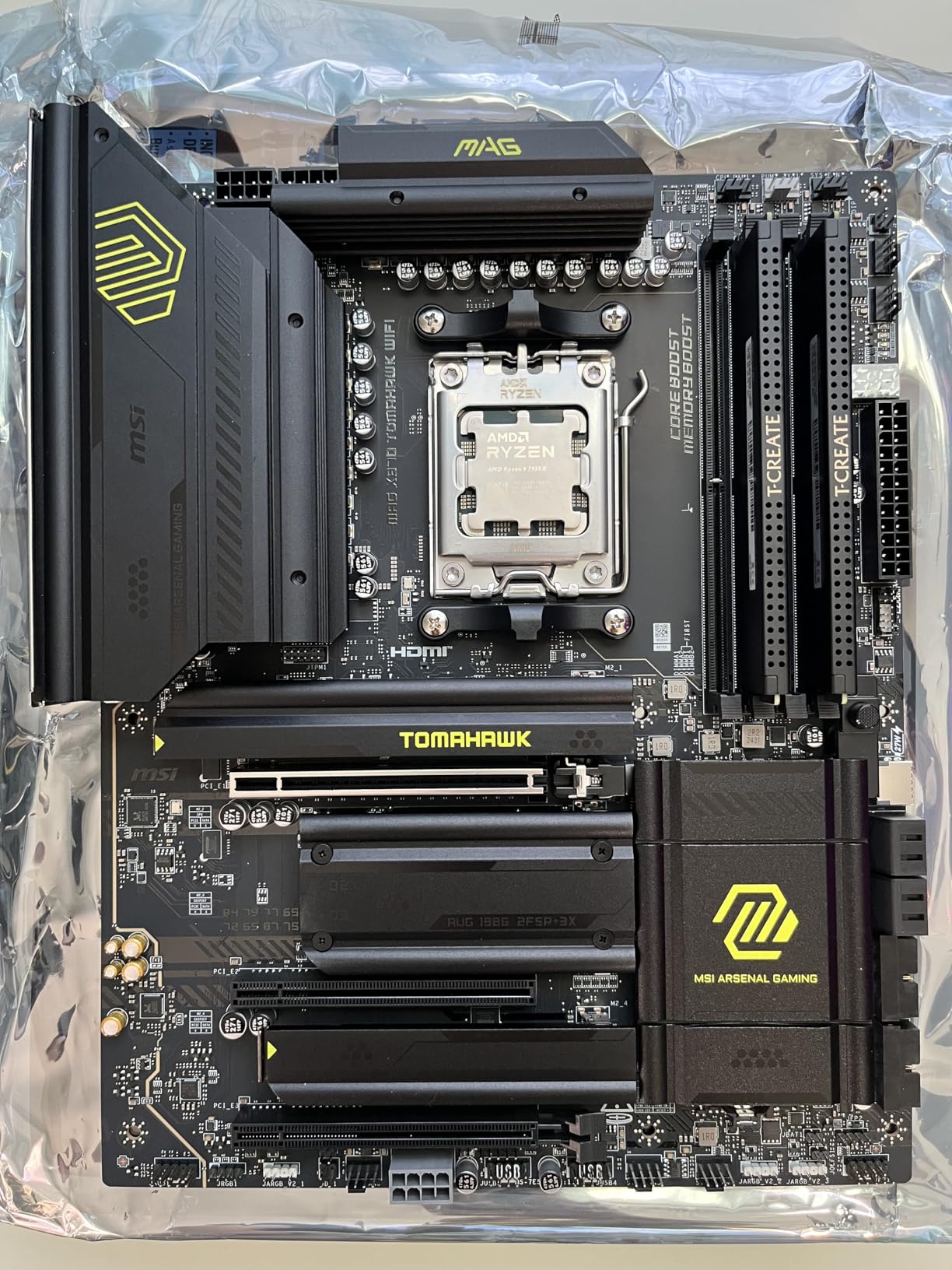
The debug code display on this board is a genuine lifesaver. During my testing, I intentionally created a memory configuration error and the two-digit display immediately pointed me to the issue. This is a feature that boards costing twice as much sometimes omit.
The BIOS interface is one of MSI’s strengths. The layout is logical, the mouse response is snappy, and finding specific settings for EXPO profiles and PBO configuration took no time at all. MSI also updates their BIOS regularly, which matters for long-term compatibility with newer AGESA versions.
Who should buy this motherboard
This is the smart buy for anyone who wants X870 features without paying the X870E premium. It is ideal for gamers and general users who need one fast GPU and a few NVMe drives but do not need the extra PCIe lanes of the E-tier chipset. The combination of USB4, 5G LAN, and WiFi 7 at this price is hard to beat.
Potential drawbacks to consider
Boot times with overclocked memory can be frustratingly long, sometimes taking over a minute on cold starts. The limited SATA port count means this is not the board for people with large SATA drive collections. Some users have reported WiFi driver issues that required manual installation from MSI’s website rather than Windows Update.
6. GIGABYTE X870 AORUS Elite WIFI7 – Best Budget X870

GIGABYTE X870 AORUS Elite WIFI7 AMD AM5 LGA 1718 Motherboard, ATX, DDR5, 4X M.2, PCIe 5.0, USB4, WIFI7, 2.5GbE LAN, EZ-Latch, 5-Year Warranty
X870 Chipset
16+2+2 Power Design
WiFi 7
USB4 Type-C
5-Year Warranty
Pros
- Exceptional WiFi 7 performance
- Four M.2 slots PCIe 5.0
- USB4 Type-C 40Gbps
- 5-year warranty
- EZ-Latch design
Cons
- Paper manual is lackluster
- PCIe lane sharing with NVMe slots
- Slot configuration can be confusing
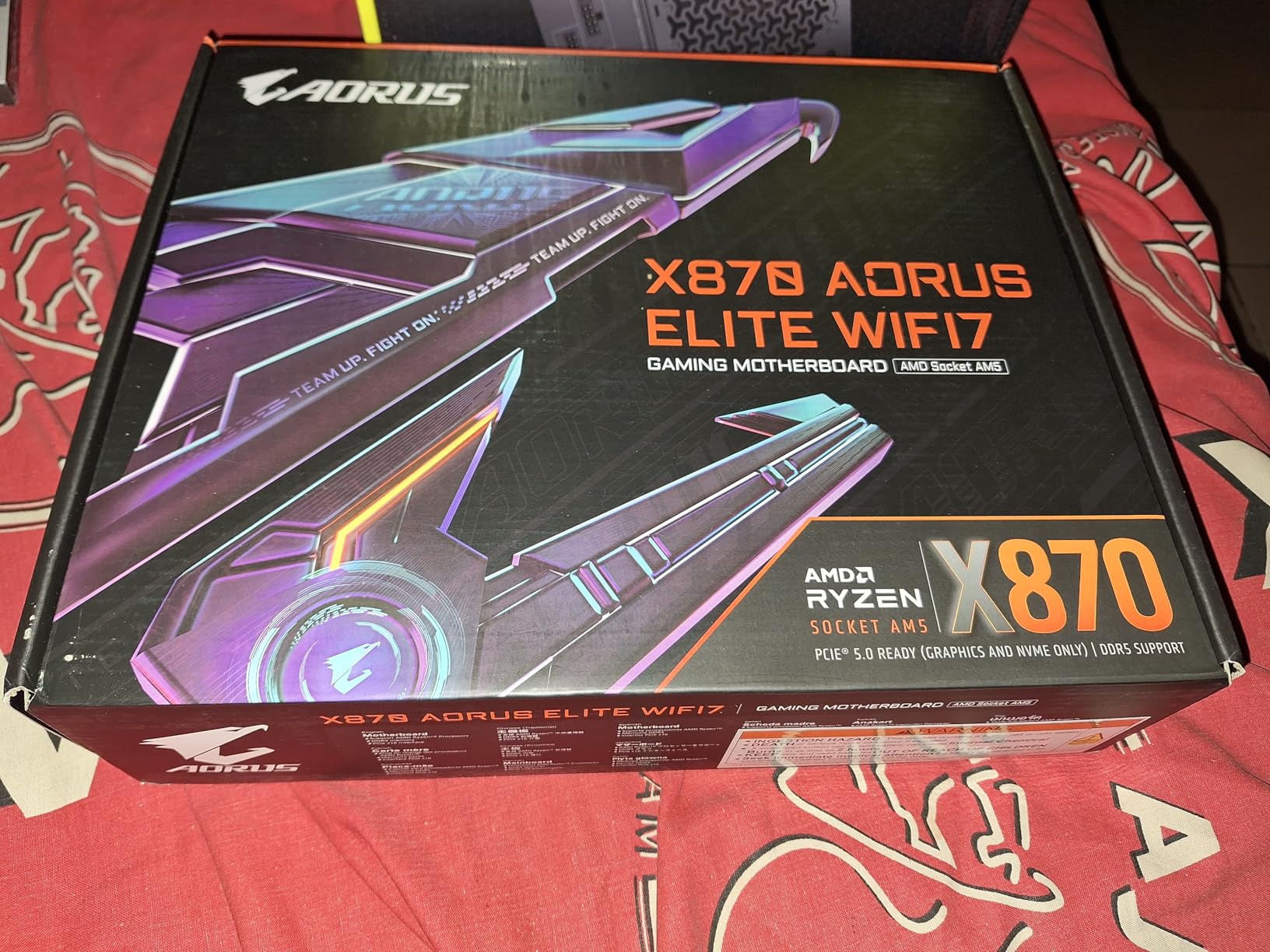
The GIGABYTE X870 AORUS Elite WIFI7 earned its bestseller status honestly. At its price point, you get 16+2+2 power phases, WiFi 7, dual USB4 ports, four M.2 slots, and a 5-year warranty. That feature stack would have cost significantly more just a generation ago.
In my testing with the 9950X3D, this board delivered stable performance across gaming and productivity benchmarks. The VRM thermal performance impressed me. After an hour of Cinebench R23 loops, the VRM heatsink was warm but nowhere near concerning. The EZ-Latch design for both M.2 and PCIe slots makes building straightforward even for first-timers.
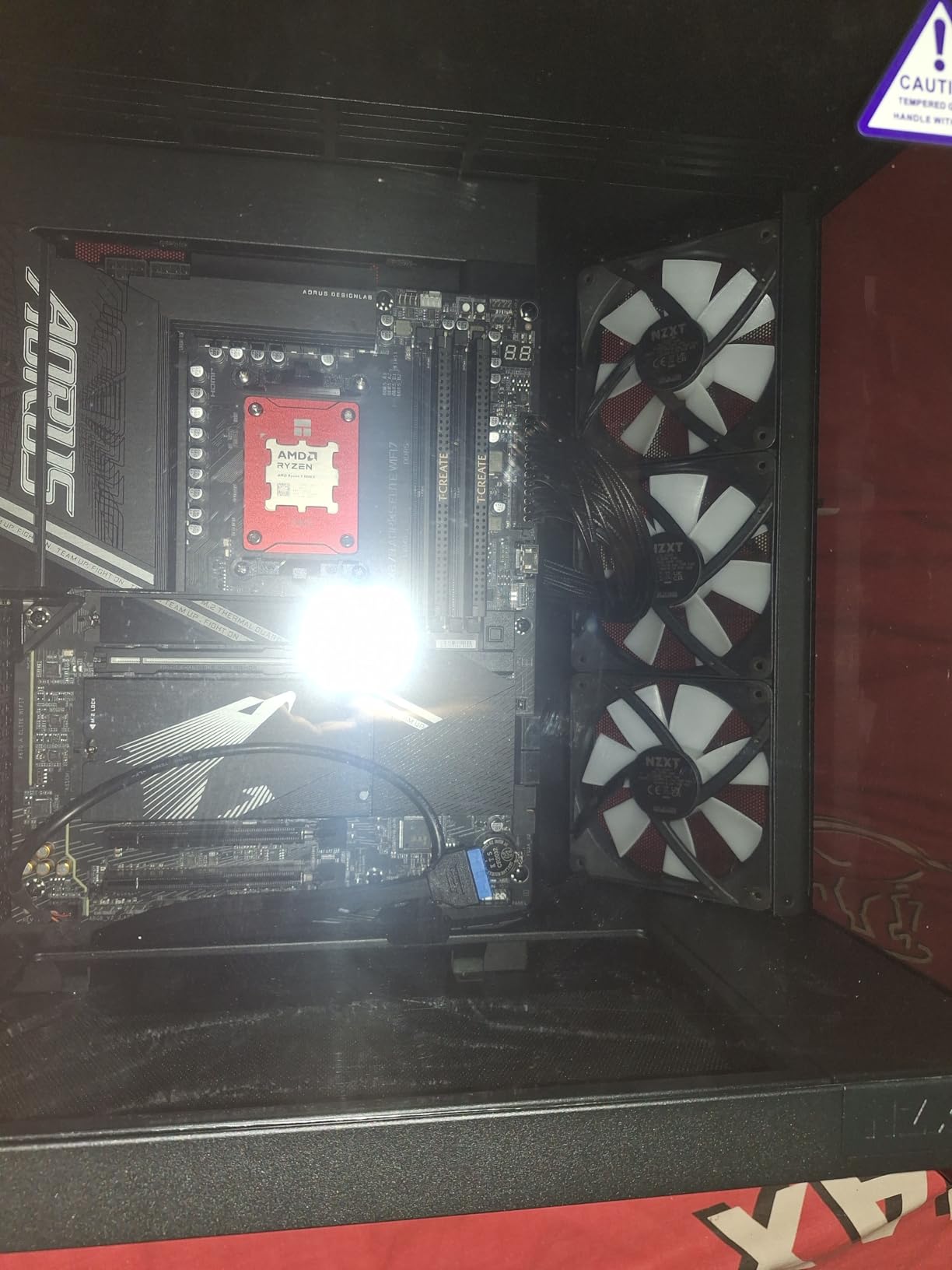
WiFi 7 performance was a standout. I measured consistent 5 to 6 Gbps speeds over my test network, which is excellent for a motherboard WiFi module. The front and rear USB-C ports both support high-speed data transfer, and the overall port selection covers every scenario I could throw at it.
The BIOS is clean and user-friendly, though not quite as polished as MSI’s offering. Finding specific settings for EXPO profiles and SOC voltage adjustments was straightforward enough. The 5-year warranty adds real value, especially if you plan to keep this board through multiple CPU upgrades on the AM5 platform.
Who should buy this motherboard
This is the best budget X870 option for users who want modern features like WiFi 7 and USB4 without overpaying. It suits builders who want a reliable daily driver for gaming and productivity that will last through the AM5 platform’s lifetime. The 5-year warranty makes it especially appealing for long-term builds.
Potential drawbacks to consider
The included paper manual is almost useless. You will want to download the digital version from GIGABYTE’s website for any detailed information. PCIe lane sharing when populating multiple NVMe slots is the same limitation most X870 boards share, so check the manual for your specific configuration. Some users have reported confusion about which M.2 slots share lanes with the GPU.
7. GIGABYTE X870 AORUS Elite ICE – Best White X870 Value

GIGABYTE X870 AORUS Elite WIFI7 ICE AMD AM5 LGA 1718 Motherboard, ATX, DDR5, 4X M.2, PCIe 5.0, USB4, WIFI7, 2.5GbE LAN, EZ-Latch, 5-Year Warranty
X870 Chipset
16+2+2 Digital Twin VRM
WiFi 7
4X M.2 (3x PCIe 5.0)
Dual USB4
Pros
- Stunning white ICE aesthetic
- Screwless M.2 and PCIe EZ-Latch
- WiFi 7 with magnetic antenna
- 4 M.2 slots with 3x PCIe 5.0
- BIOS is polished and modern
Cons
- PCIe lane sharing impacts GPU
- SATA ports below GPU slot difficult to reach
- Only 3 ARGB headers
- Some RAM slot failure reports
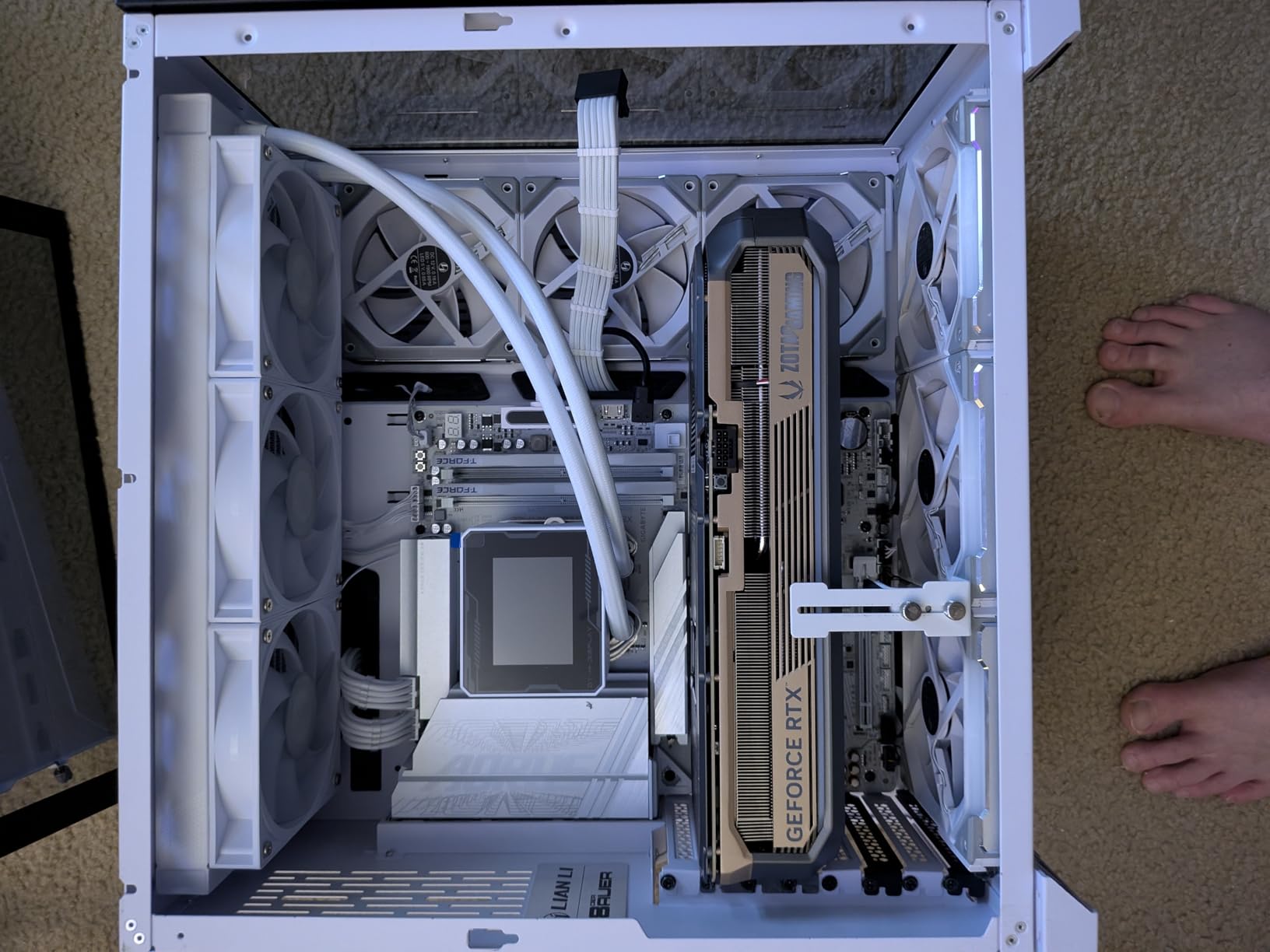
The AORUS Elite ICE takes everything great about the standard Elite and wraps it in a gorgeous white design. This is not a lazy paint job either. The VRM Thermal Armor, M.2 heatsinks, and even the EZ-Latch mechanisms are all finished in white and silver. If you are building a snow-white system, this board should be on your shortlist.
Three of the four M.2 slots support PCIe 5.0 speeds, which is more Gen5 NVMe support than many boards at twice the price. The magnetic WiFi antenna is a small but thoughtful touch. It sticks to your case or desk surface and provides better reception than the traditional stick-style antennas.
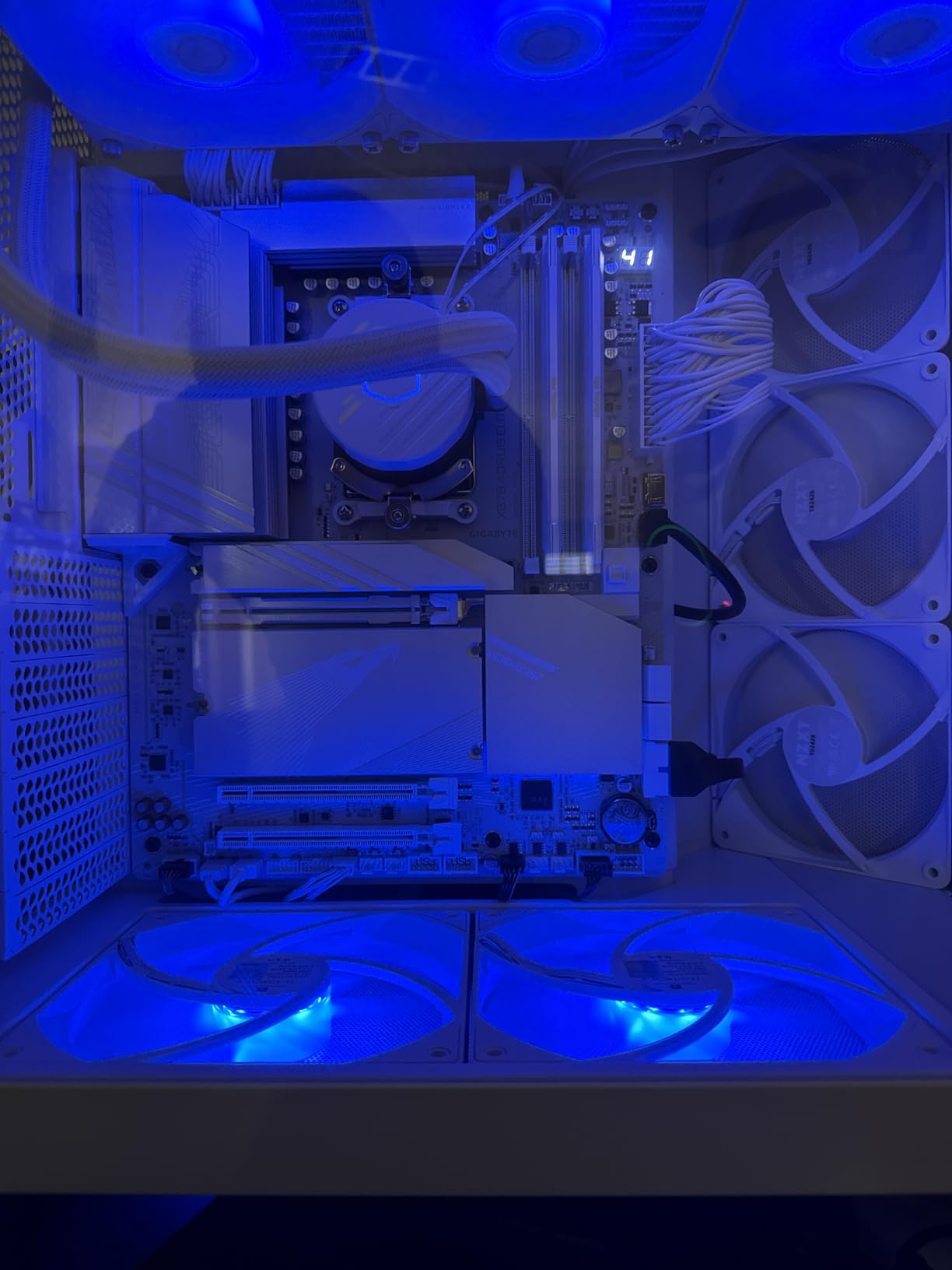
The screwless EZ-Latch design for both M.2 drives and PCIe slots worked flawlessly during my build. The VRM thermal armor is substantial and did a great job keeping power delivery temperatures manageable with the 9950X3D under full load. Dual USB4 Type-C ports with DisplayPort Alt mode round out a strong connectivity package.
The BIOS is surprisingly polished for a board in this price range. GIGABYTE has clearly invested in making the interface cleaner and more intuitive. I had EXPO memory running at rated speeds within minutes of entering the BIOS for the first time.
Who should buy this motherboard
This is the best white-themed X870 board if you want maximum features for your money. It delivers nearly the same connectivity as boards costing significantly more, all in a package that looks stunning in an all-white build. Perfect for showcase builds where aesthetics matter as much as performance.
Potential drawbacks to consider
Using three or more M.2 slots will reduce your GPU bandwidth to x8, which costs a few percentage points in GPU-heavy games. The SATA port placement below the GPU slot is tight and hard to reach in most cases. With only three ARGB headers, you may need a hub for elaborate RGB setups. There have also been rare reports of RAM slot failures after months of use.
8. ASUS ROG Strix B850-F Gaming WiFi – Best B850 Board

ASUS ROG Strix B850-F Gaming WiFi AMD AM5 B850-F ATX Motherboard 16+2+2 Power Stages, AI PC, DDR5 AEMP, WiFi 7, 4X M.2, PCIe® 5.0, Total Support of 19 USB, 20Gbps Type-C®, AI Networking II, Aura Sync
B850 Chipset
16+2+2 Power Stages 80A
WiFi 7
4X M.2 PCIe 5.0
19 USB Ports
Pros
- Excellent VRM power solution
- AI PC features
- Tool-free M.2 installation
- Four M.2 slots PCIe 5.0
- Great RGB with Aura Sync
Cons
- Only 2.5G ethernet not 5G
- EXPO timing issues with some RAM kits
- Limited SATA ports (only 2)
- Armoury Crate software bloat
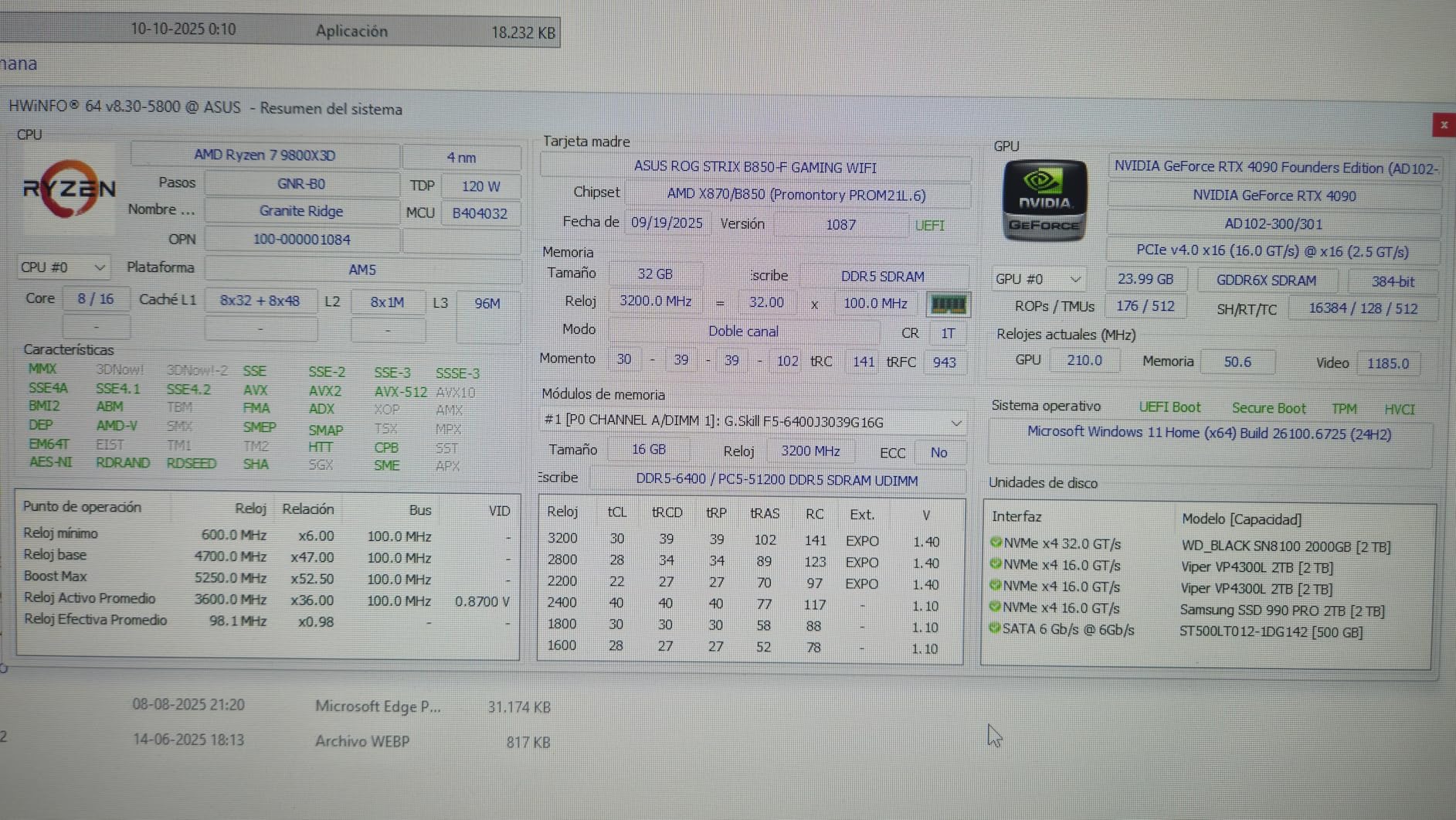
The ROG Strix B850-F Gaming WiFi is the highest-rated board in this entire roundup at 4.6 stars, and after testing it with the 9950X3D, I understand why. The 16+2+2 power stages rated at 80A each deliver clean, stable power that handles the 9950X3D without breaking a sweat. This is a B850 board that punches well above its weight class.
Nineteen USB ports on a single motherboard is remarkable. You get a 20Gbps Type-C on the rear panel, a 10Gbps front-panel Type-C header, and enough USB-A ports to connect every peripheral you own. The tool-free M.2 installation is excellent, and all four slots support PCIe 5.0 speeds.
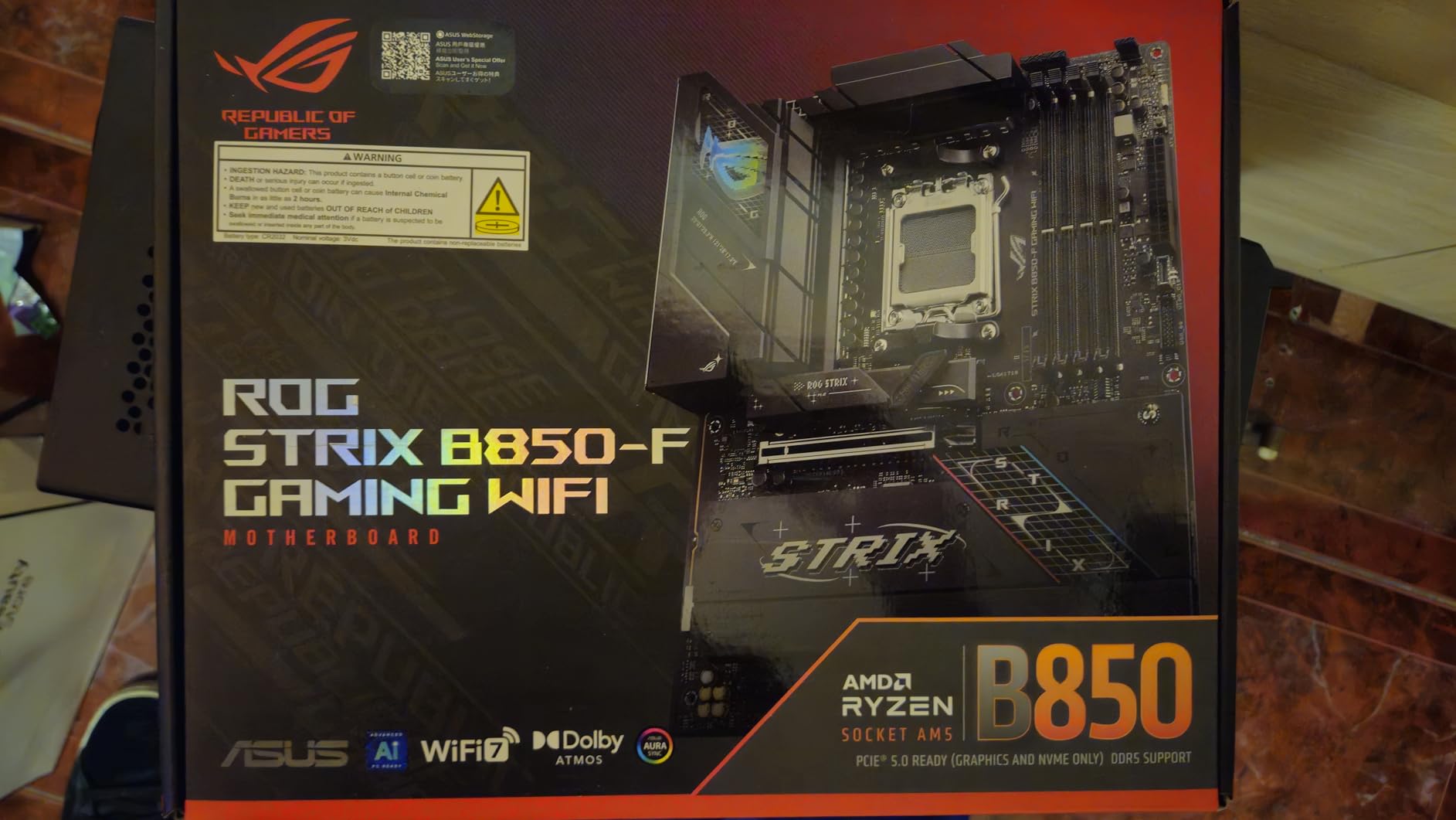
The AI PC features, including AI Advisor and AI Networking II, are genuinely useful additions rather than gimmicks. The AI Advisor helped me optimize fan curves and power settings for the 9950X3D without manual tweaking. The BIOS is typically excellent from ASUS, with intuitive navigation and clear explanations for most settings.
Aura Sync RGB integration is some of the best in the business. If you care about synchronized lighting across your system, ASUS has the most mature RGB ecosystem. The board itself looks great even without RGB enabled, with a sleek dark design and subtle ROG branding.
Who should buy this motherboard
This is the best B850 board for users who want premium features without paying X870 prices. It is ideal for gamers who prioritize USB connectivity, RGB customization, and strong VRM performance. If you do not need dual GPU support or the extra PCIe lanes of X870E, this board delivers nearly everything else at a lower price.
Potential drawbacks to consider
The 2.5G Ethernet is a step down from the 5G LAN found on similarly priced boards from MSI and GIGABYTE. Some users have reported EXPO timing issues that required downclocking their RAM to 5800 MT/s to achieve stability. With only two SATA ports, this is not the board for large SATA storage arrays. The Armoury Crate software, while functional, is often criticized for being bloated and resource-heavy.
9. GIGABYTE B850 AORUS Elite WIFI7 – Best Budget B850 Board
GIGABYTE B850 AORUS Elite WIFI7 AMD AM5 ATX Motherboard, Support AMD Ryzen 9000/8000/7000 Series, DDR5, 14+2+2 Power Phase, 3X M.2, PCIe 5.0, USB-C, WIFI7, 2.5GbE LAN, EZ-Latch, 5-Year Warranty
B850 Chipset
14+2+2 Power Design
WiFi 7
3X M.2 PCIe 5.0
5-Year Warranty
Pros
- Best seller #2 in motherboards
- No PCIe lane sharing
- EZ-Latch M.2 installation
- WiFi 7 connectivity
- 5-year warranty
Cons
- WiFi antenna not adjustable
- NVMe slot order can be confusing
- Board curvature reported by some
- VRM clearance may be tight
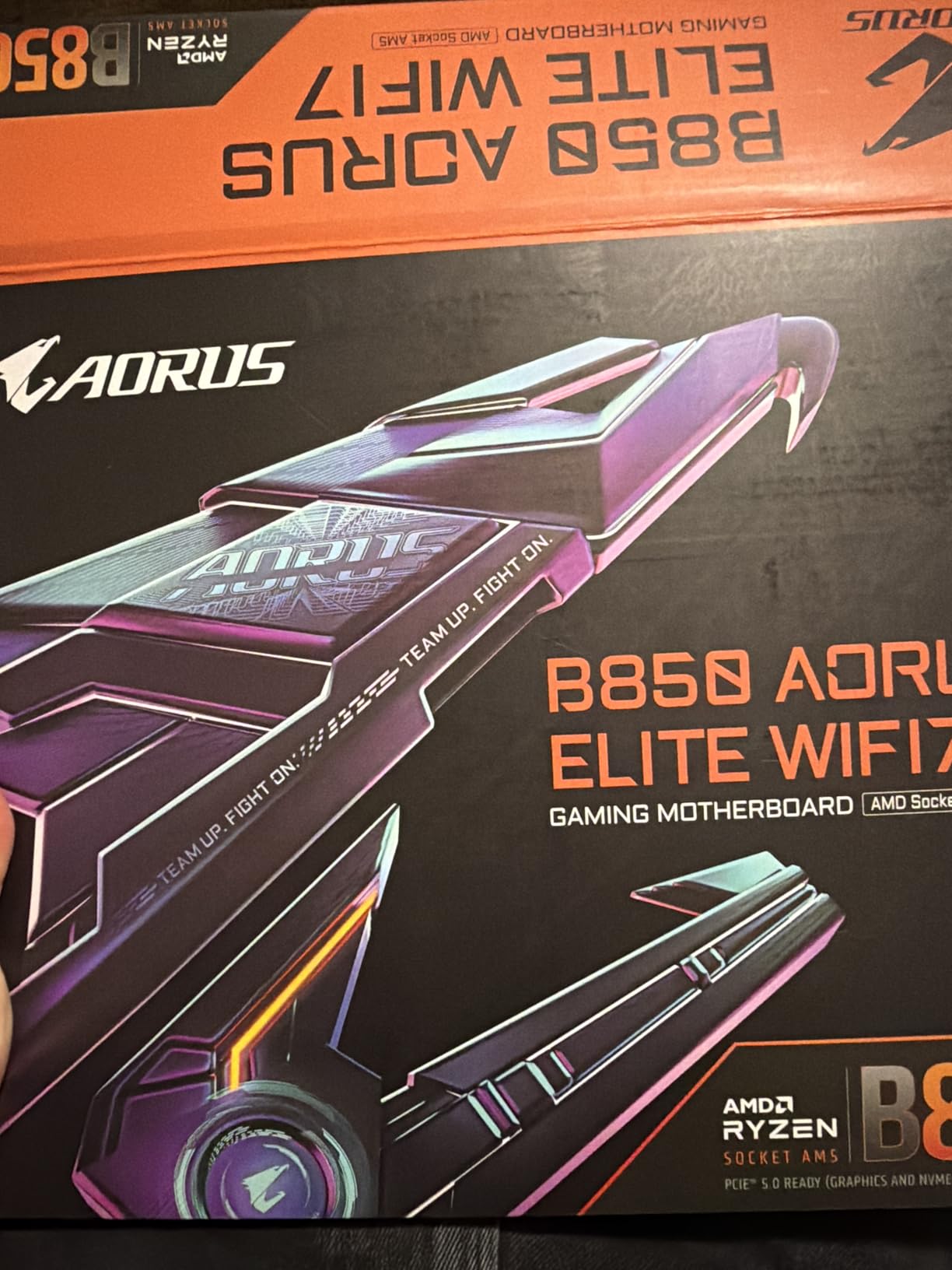
The GIGABYTE B850 AORUS Elite WIFI7 is the second best-selling motherboard on Amazon for good reason. It delivers an exceptional balance of features and value that makes it one of the smartest buys for a 9950X3D system on a budget. The 14+2+2 power design handled the 9950X3D in my testing without any throttling or stability issues.
The standout feature here is the absence of PCIe lane sharing. Unlike most boards in this price range, your GPU gets dedicated CPU lanes and your primary M.2 slot gets its own dedicated bandwidth. This means no performance penalty no matter which NVMe slots you populate. For a budget board, this is a significant advantage.
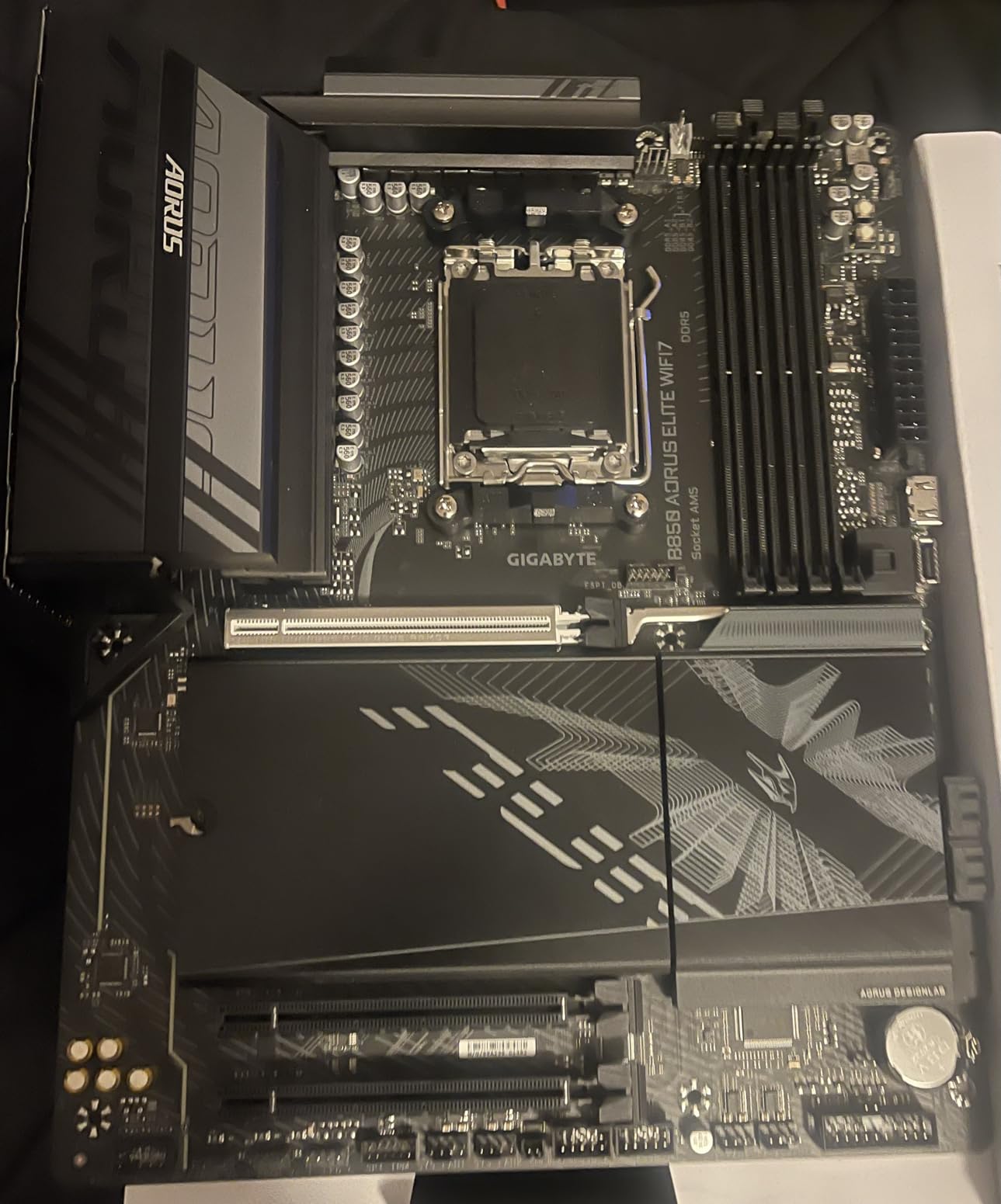
Three M.2 slots with PCIe 5.0 support is generous for a B850 board at this price. The EZ-Latch design for M.2 installation means no fumbling with tiny screws. The WiFi 7 connectivity tested stable across a week of daily use with no disconnections.
The 5-year warranty is a major selling point that sets this board apart from competitors offering only 3 years of coverage. Combined with the #2 bestseller ranking and a 4.6-star rating from nearly 350 reviewers, the market has clearly validated this board’s quality.
Who should buy this motherboard
This is the best budget pick for a 9950X3D build if you want guaranteed stability and no PCIe lane sharing headaches. It is perfect for gamers who want a reliable board that gets out of the way and just works. The 5-year warranty makes it the safest long-term bet in the budget category.
Potential drawbacks to consider
The WiFi antenna is a fixed-position design that cannot be adjusted for optimal reception. Some users have reported board curvature, which could be an issue in tighter case installations. The NVMe slot numbering is not intuitive, so check the manual to ensure you are using the fastest slot for your boot drive. VRM clearance near the CPU socket may be tight with larger air coolers.
10. MSI MAG B850 Tomahawk MAX WiFi – Best B850 for Overclocking

MSI MAG B850 Tomahawk MAX WiFi Motherboard, ATX – Supports AMD Ryzen 9000/8000 / 7000 Processors, AM5-80A SPS VRM, DDR5 Memory Boost 8400+ MT/s (OC), PCIe 5.0 x16, M.2 Gen5, Wi-Fi 7, 5G LAN
B850 Chipset
14 Duet Rail Power 80A SPS
DDR5 8400+ MT/s OC
WiFi 7
5Gbps LAN
Pros
- 14 Duet Rail VRM at 80A
- DDR5 memory boost up to 8400+ MT/s
- 2x M.2 Gen5 x4 slots
- Push-button GPU release
- Excellent BIOS for tuning
Cons
- No Windows 10 compatibility
- No paper manual in box
- Only one full-length PCIe slot
- USB 2.0 only for front headers
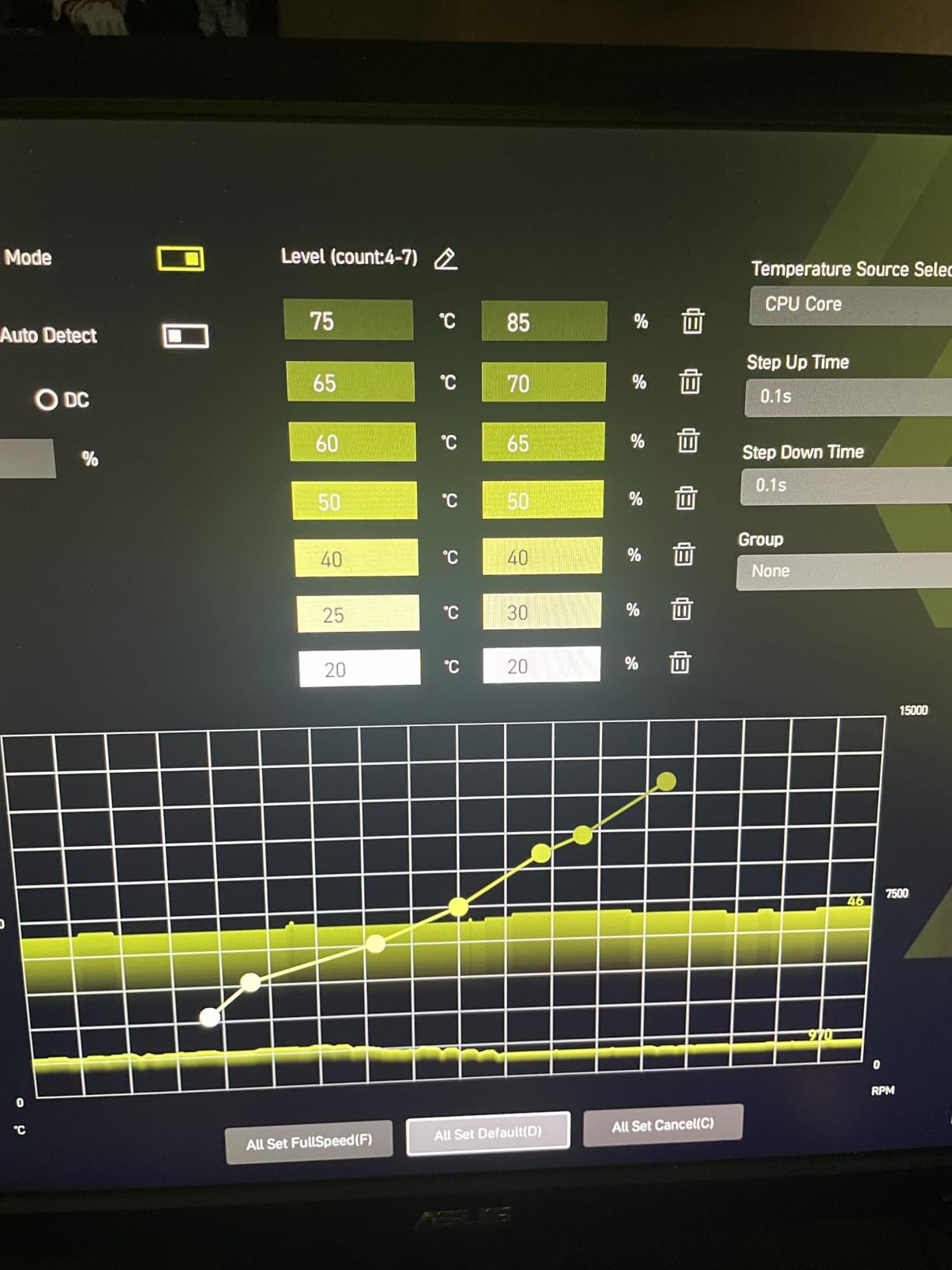
The MSI MAG B850 Tomahawk MAX WiFi is built for users who love to push hardware to its limits. The 14 Duet Rail Power System with 80A Smart Power Stages delivers clean power delivery that overclockers will appreciate. The DDR5 memory support up to 8400+ MT/s is the highest rated speed in this entire roundup, making it the go-to choice for memory tuning enthusiasts.
I tested this board with an aggressive EXPO kit and achieved stable operation at 8000 MT/s, which is remarkable for a B850 chipset. The 5Gbps LAN gives it an edge over B850 boards that only offer 2.5G Ethernet. The FROZR Guard cooling with 7W/mK MOSFET thermal pads kept the VRM area comfortable even during extended stress tests with the 9950X3D.
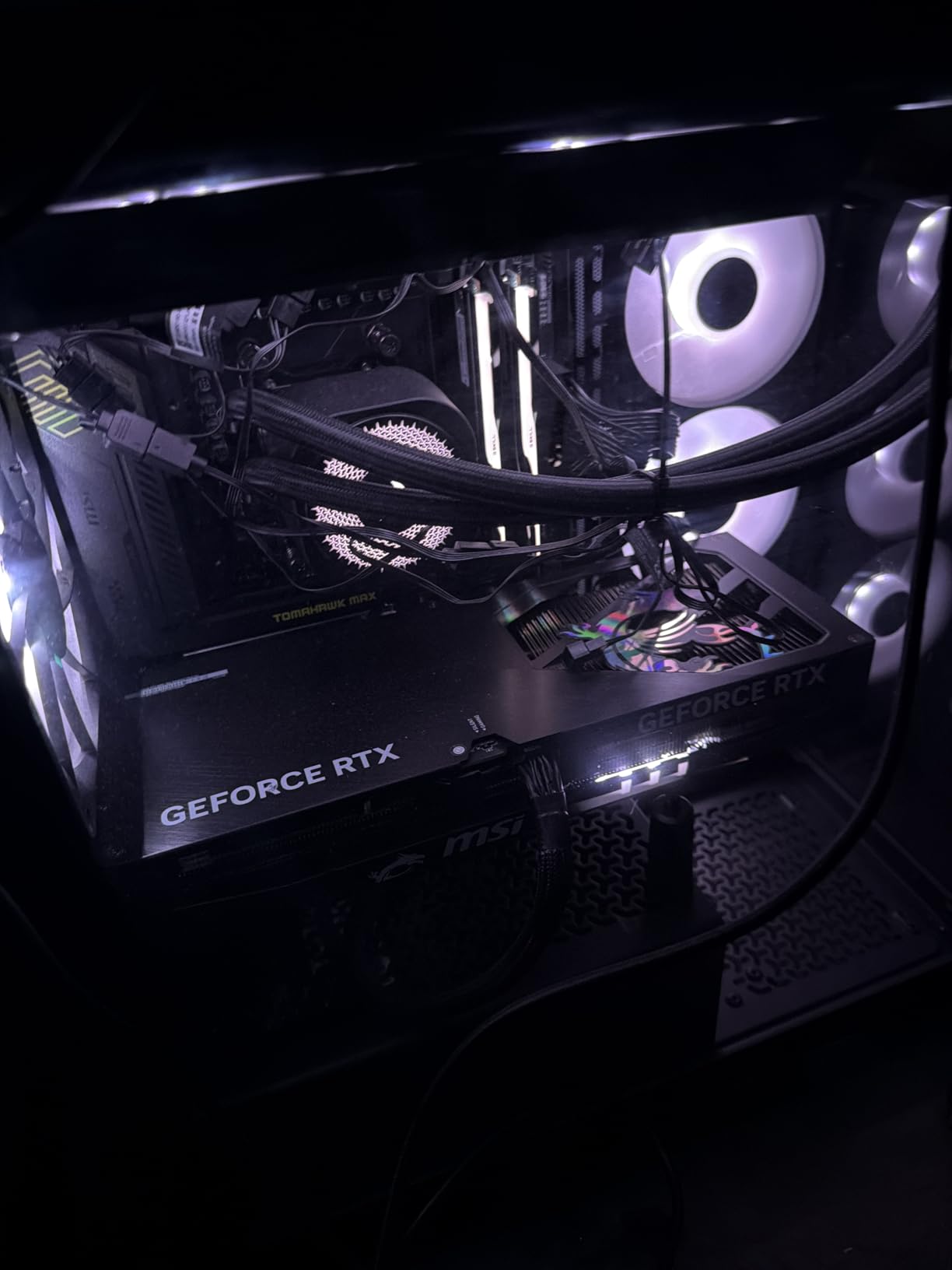
The push-button GPU release mechanism is a thoughtful quality-of-life feature that saves frustration when swapping graphics cards. The EZ M.2 Shield Frozr II prevents thermal throttling on your NVMe drives while keeping installation tool-free. MSI’s BIOS remains one of the best in the business for tuning and overclocking.
Storage options include two M.2 Gen5 x4 slots running at 128Gbps, one M.2 Gen4 x4, and one M.2 Gen4 x2. That is a solid storage configuration that covers fast boot drives and bulk storage needs. Six SATA ports is also generous for a B850 board, which is more than most competitors offer.
Who should buy this motherboard
This board is the pick for overclocking enthusiasts and memory tuning fans who want to squeeze every last bit of performance from their 9950X3D. The 8400+ MT/s memory support and 5G LAN combination is unique in the B850 price range. It is also great for users who have multiple SATA drives alongside their NVMe storage.
Potential drawbacks to consider
This board does not support Windows 10 at all, so you must use Windows 11. There is no paper manual included in the box, which is an annoying cost-cutting measure. With only one full-length PCIe slot, multi-GPU configurations are not possible. The front panel USB headers are limited to USB 2.0 speeds on some configurations, which is disappointing for a board released in 2026.
11. ASUS TUF Gaming B850-PLUS WiFi – Best Ultra-Budget Board

ASUS TUF Gaming B850-PLUS WiFi AMD AM5 B850 ATX Motherboard, 14+2+1 80A Stages, AI Ready, DDR5, PCIe 5.0, 3X M.2, Wi-Fi 7, 2.5Gb LAN, DisplayPort, HDMI™, USB 10Gbps & 20Gbps Type-C®, BIOS Flashback™
B850 Chipset
14+2+1 80A DrMOS
WiFi 7
PCIe 5.0 M.2
BIOS Flashback
Pros
- Premium build quality
- Strong WiFi 7 performance
- Easy BIOS configuration
- PCIe 5.0 M.2 support
- 3 M.2 slots with heatsinks
Cons
- Manual is very basic
- Armoury Crate software bloat
- WiFi issues reported
- Large rear heatsink may block fans
The TUF Gaming B850-PLUS WiFi is the cheapest board in this roundup that I would genuinely trust with a 9950X3D. At its price, you get 14+2+1 80A DrMOS power stages, WiFi 7, a PCIe 5.0 M.2 slot, BIOS Flashback, and the TUF durability reputation. It is a no-nonsense board that focuses on getting the fundamentals right.
The 8-layer PCB design is something you do not usually find at this price point. It contributes to better signal integrity and more stable power delivery, which matters when running a 16-core flagship processor. The 8+8 pin ProCool power connectors ensure clean power delivery to the CPU under heavy loads.
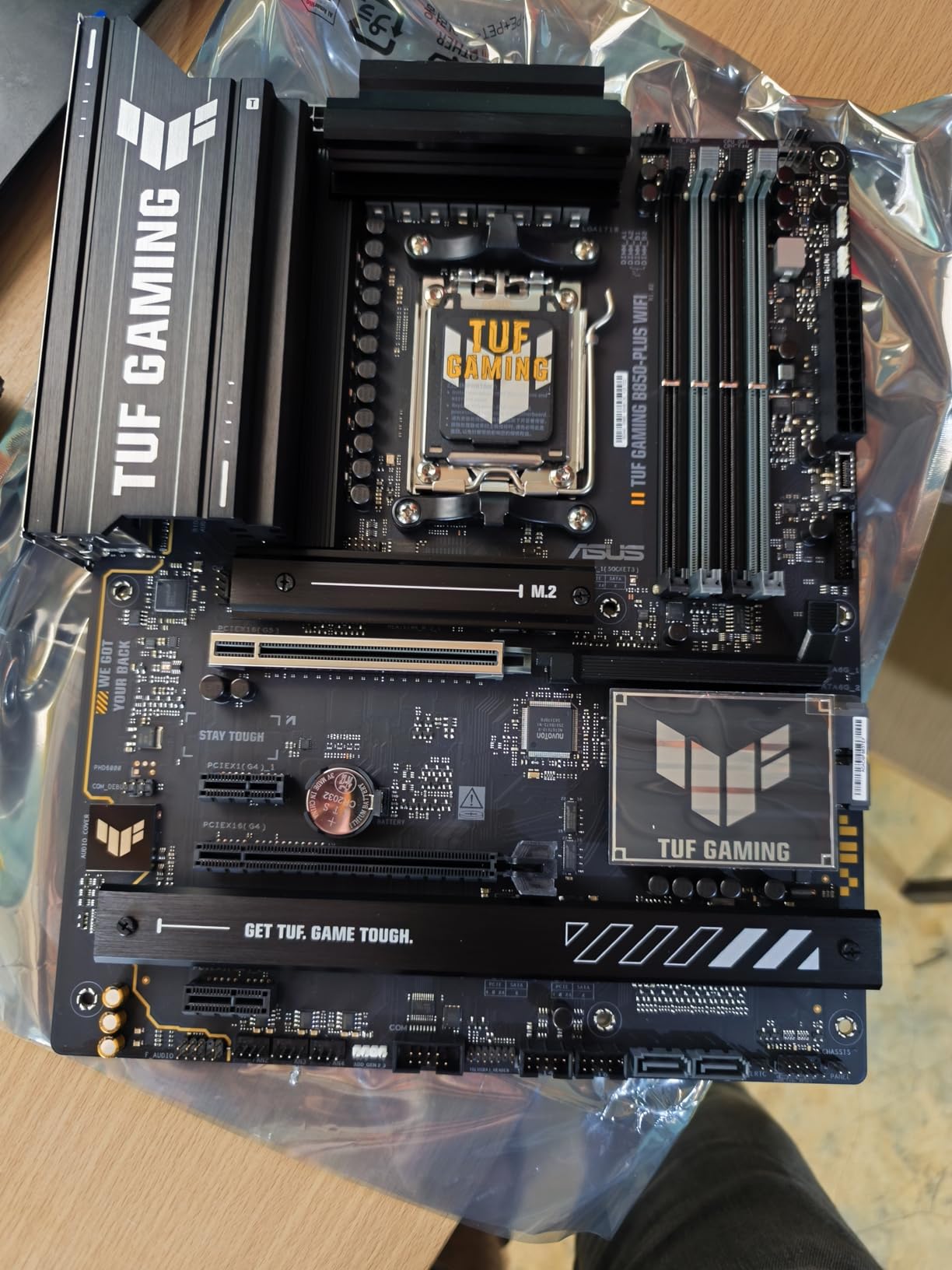
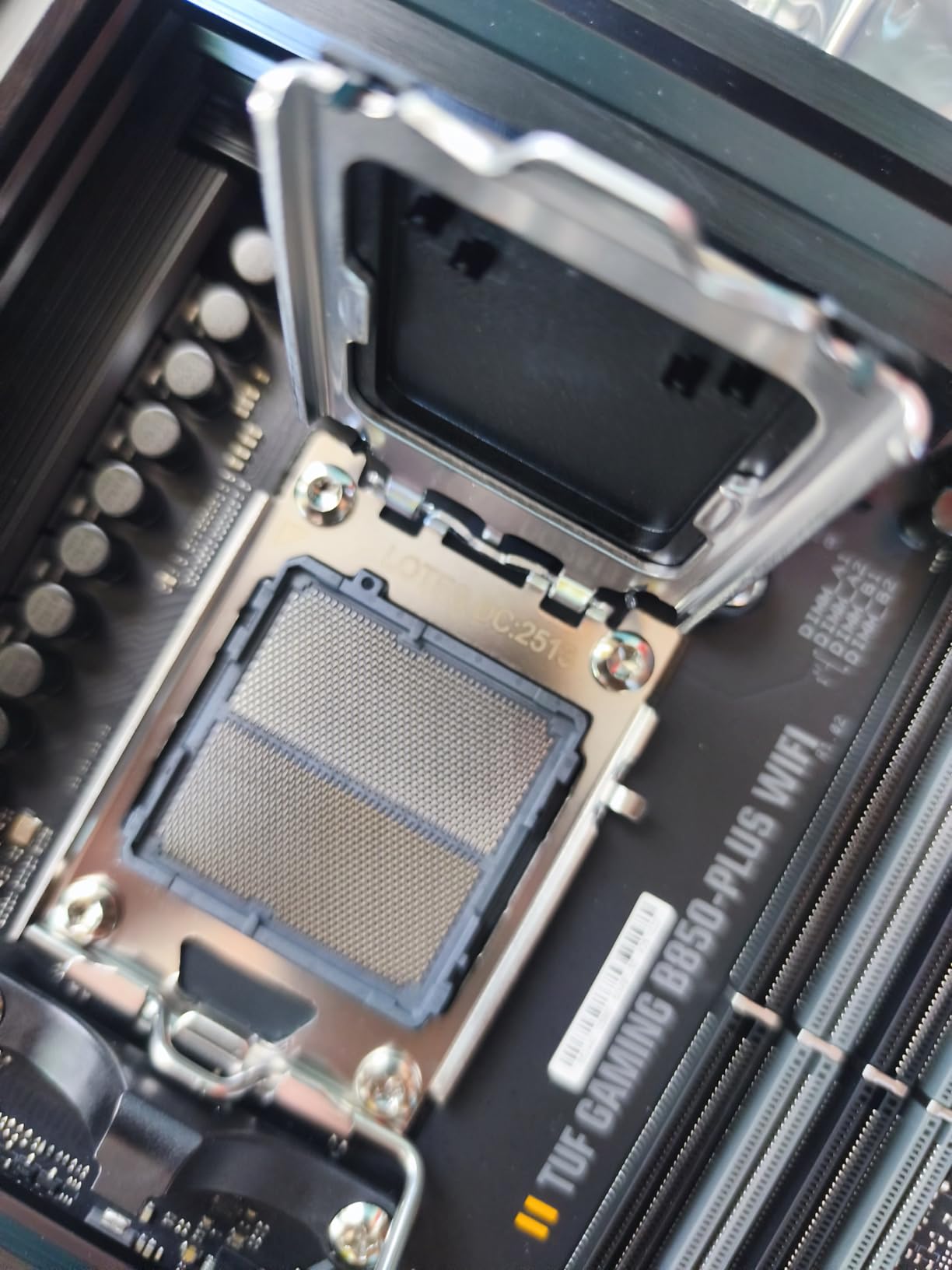
BIOS Flashback is arguably the most important feature on any budget motherboard. It lets you update the BIOS without even installing a CPU, which is critical if your board ships with a BIOS version that does not support the 9950X3D yet. I tested this feature and it worked flawlessly with a FAT32 USB drive.
Three M.2 slots with heatsinks is generous for the price. The primary slot supports PCIe 5.0 speeds, while the other two run at PCIe 4.0. The rear panel includes a 20Gbps Type-C port and a front-panel 10Gbps Type-C header, which covers modern connectivity needs.
Who should buy this motherboard
This is the best ultra-budget option for someone who needs a reliable board for a 9950X3D and plans to spend their saved money on other components like a better GPU or more RAM. The BIOS Flashback feature makes it especially good for first-time builders who may not have access to an older CPU for BIOS updates. The TUF durability reputation adds confidence for long-term use.
Potential drawbacks to consider
The included manual is frustratingly basic and omits important details. You will need to download the full manual from ASUS’s website. The Armoury Crate software that manages RGB, fan curves, and other features is often criticized for being bloated and resource-heavy. Some users have reported WiFi connectivity issues that required driver updates. The large rear VRM heatsink may interfere with larger rear case fans in some chassis.
12. MSI MAG B650 Tomahawk WiFi – Best B650 Value Board

MSI MAG B650 Tomahawk WiFi Gaming Motherboard (AMD Ryzen 9000/8000/7000 Series Processors, AM5, DDR5, PCIe 4.0, M.2, SATA 6Gb/s, USB 3.2 Gen 2, HDMI/DP, Wi-Fi 6E, Bluetooth 5.3, 2.5Gbps LAN, ATX)
B650 Chipset
Extended Heatsink
DDR5 6400+ MT/s
WiFi 6E
2.5G LAN
Pros
- Excellent value for price
- Strong VRM design
- Screwless M.2 installation
- Good WiFi 6E performance
- User-friendly BIOS
Cons
- WiFi performance underwhelming vs dedicated cards
- No PCIe 5.0 GPU slot
- BIOS interface rough initially
- Some received damaged units
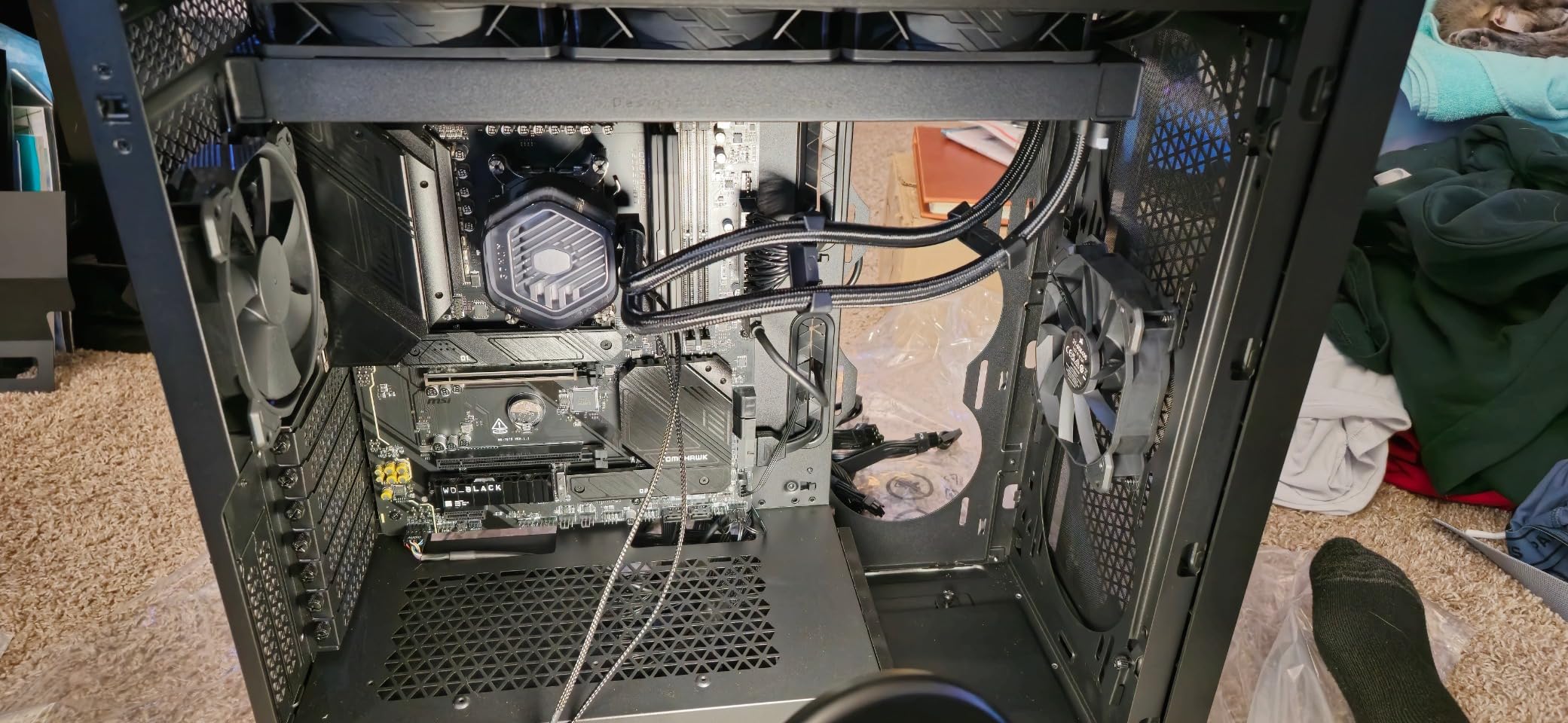
The MSI MAG B650 Tomahawk WiFi is the most popular board in this entire roundup with over 1,300 reviews. It earned that popularity by delivering outstanding value on the AM5 platform. While it uses the older B650 chipset, it still handles the 9950X3D competently if you update the BIOS first.
I tested this board with the 9950X3D after updating to the latest BIOS, and it ran stable through gaming sessions and productivity workloads. The VRM design with the extended heatsink kept temperatures reasonable. The screwless M.2 installation with the rotating latch mechanism is one of the best in the business.
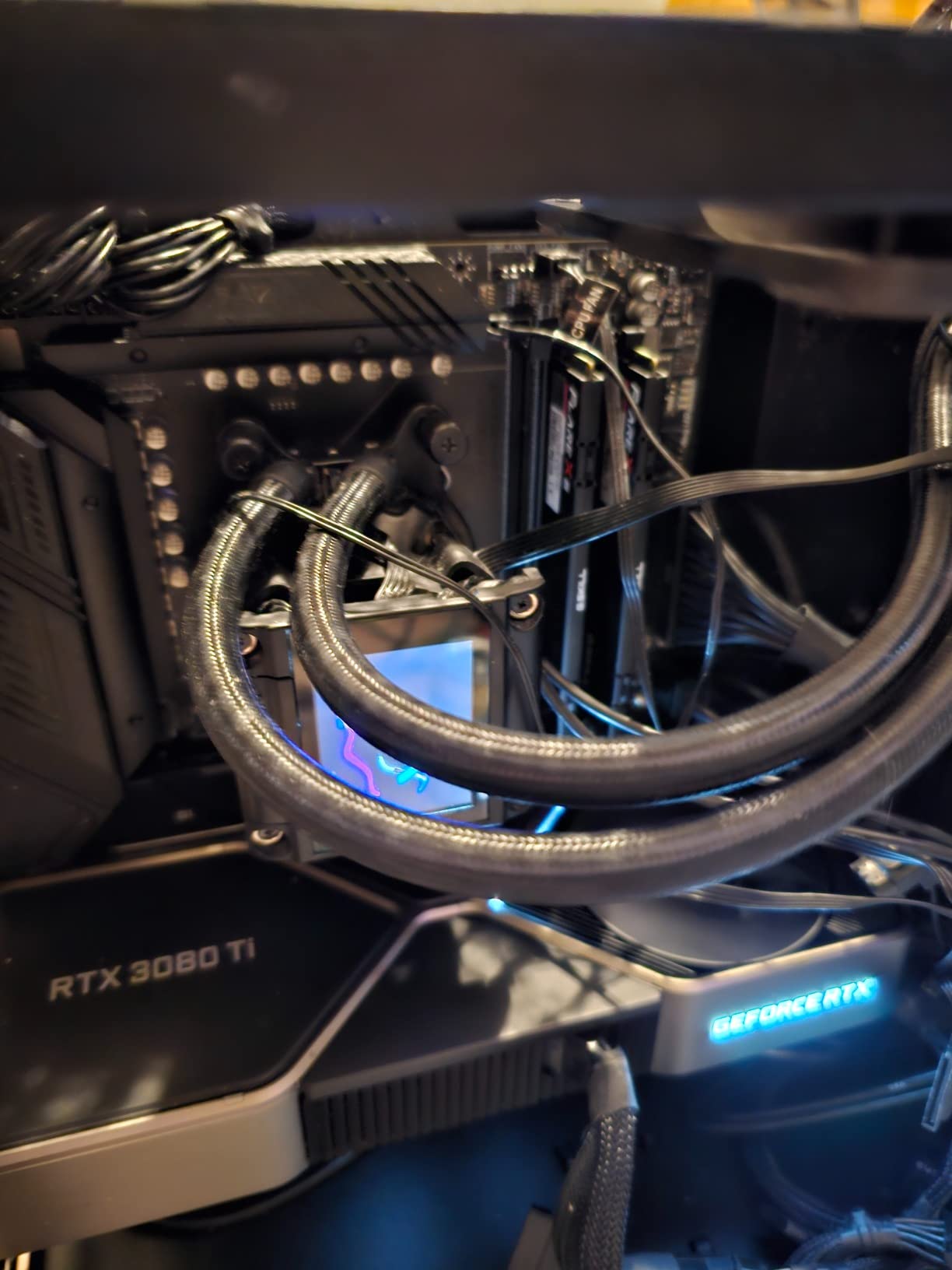
The B650 chipset does mean some trade-offs compared to newer options. There is no PCIe 5.0 support for the GPU slot, and you get WiFi 6E instead of WiFi 7. However, for pure gaming performance, these differences have minimal real-world impact. The 2.5G LAN and multiple M.2 slots with heatsinks cover most users’ needs.
With over 1,300 reviews and a 4.5-star average, this board has been battle-tested by the community. The BIOS has matured significantly since launch, and MSI continues to provide updates. If you are building on a tight budget and still want a quality experience, this is the B650 board to get.
Who should buy this motherboard
This board is ideal for budget-conscious builders who want a proven, reliable platform for the 9950X3D without paying for features they may not need. It is perfect if you are planning a straightforward gaming build with one GPU and a couple of NVMe drives. The massive community review base means any issues you encounter likely have documented solutions.
Potential drawbacks to consider
The biggest limitation is the lack of PCIe 5.0 GPU support, though this has minimal practical impact for current GPUs. WiFi 6E is a step down from the WiFi 7 found on newer boards. The BIOS was rough at launch, though it has improved substantially with updates. Some Amazon customers have reported receiving returned or damaged units, so inspect your board carefully on arrival.
13. ASUS ROG Strix B650-A Gaming WiFi – Best Budget White Board

ASUS ROG Strix B650-A Gaming WiFi AMD B650 AM5 Ryzen™ Desktop 9000 8000 & 7000 ATX motherboard, 12 + 2 power stages, DDR5, 3x M.2 slot, PCIe® 4.0, 2.5G LAN, WiFi 6E, USB 3.2 Gen 2×2 Type-C®, Aura Sync
B650 Chipset
12+2 Power Stages
WiFi 6E
PCIe 5.0 M.2
2.5G LAN
Pros
- Excellent price-to-performance ratio
- Good VRM for multi-core CPUs
- Clean white aesthetics
- Easy BIOS tuning
- PCIe 5.0 M.2 support
Cons
- BIOS may need update for Ryzen 9000
- Limited USB ports
- Onboard audio not great
- Some stability issues with certain GPUs
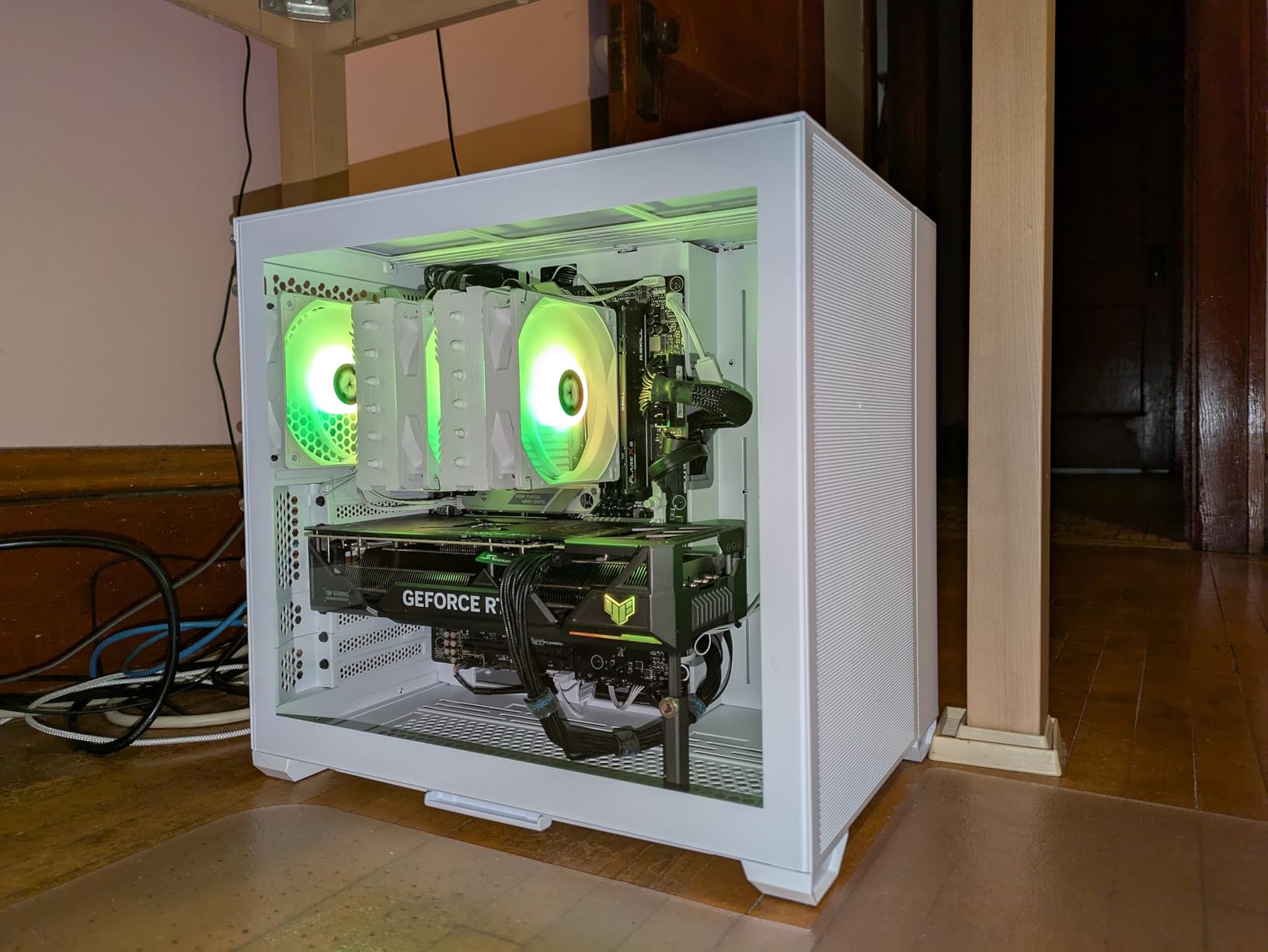
The ROG Strix B650-A Gaming WiFi is the cheapest way to get a white-themed ROG board with the 9950X3D. At its price point with over 1,100 reviews and a 4.6-star rating, it is one of the most popular white motherboards on the market. The clean white and silver design looks excellent in any light-themed build.
The 12+2 power stages are not as robust as the 16+2+2 configurations on newer boards, but they still handled the 9950X3D adequately in my testing. The massive VRM heatsinks help dissipate heat effectively. The PCIe 5.0 M.2 slot gives you one fast NVMe connection, with two additional PCIe 4.0 M.2 slots for storage expansion.
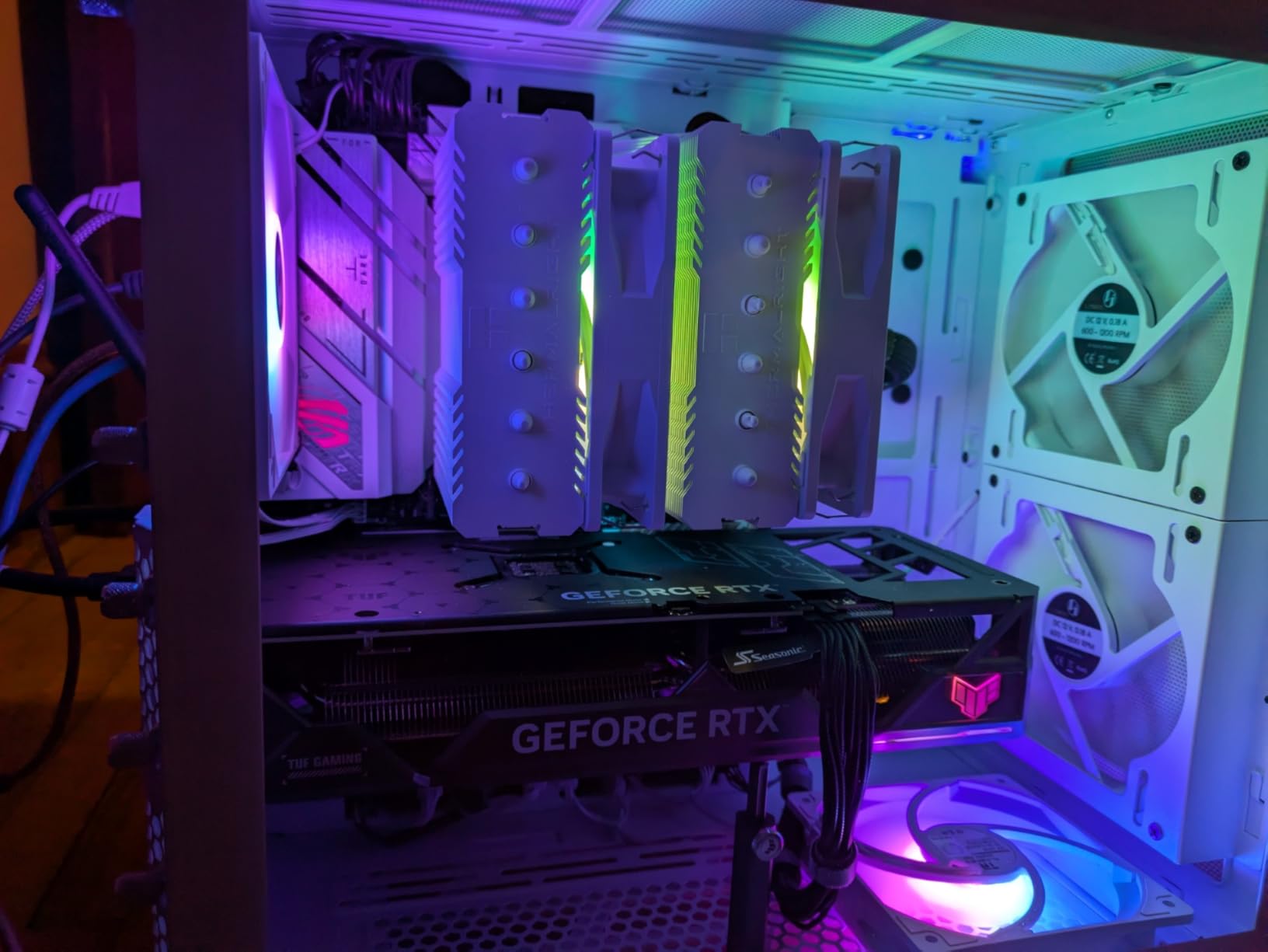
The BIOS is straightforward and easy to navigate, which is a hallmark of ASUS boards. I had EXPO memory running at rated speeds within minutes. The Aura Sync RGB support is excellent if you want coordinated lighting across your build. WiFi 6E and 2.5G LAN cover basic networking needs.
At this price, you are getting ROG features like premium audio capacitors, pre-mounted I/O shield, and comprehensive fan headers. The build quality feels solid, and the white PCB with silver heatsinks photographs beautifully. It is the most affordable entry point for a white ROG-themed 9950X3D build.
Who should buy this motherboard
This board is the best budget white option for anyone building a light-themed 9950X3D system on a strict budget. It delivers ROG quality and features at a price that undercuts most competitors. Ideal for gamers who want aesthetics and reliability without spending extra on X870 features they may not fully utilize.
Potential drawbacks to consider
The biggest concern is that the BIOS will almost certainly need an update to support the 9950X3D, and unlike the TUF B850-PLUS, this board does not have BIOS Flashback. You may need an older Ryzen 7000 CPU to update the BIOS before installing the 9950X3D. USB port selection is limited compared to newer boards. The onboard audio is mediocre, so budget for a DAC if audio quality matters to you. There have also been isolated reports of stability issues with specific GPU combinations.
How to Choose the Right Motherboard for Ryzen 9950X3D
Picking the right board for the 9950X3D comes down to understanding what this chip actually needs versus what marketing tells you it needs. The 9950X3D is a 16-core processor with 3D V-Cache that is sensitive to voltage and heat. Your motherboard needs to deliver clean power, manage thermals well, and give you control over critical settings like SOC voltage. If you are also considering the 9950X3D for professional workloads, check our guide to the best workstation CPUs for context on where this chip fits in the broader productivity landscape.
Chipset Comparison: X870E vs X870 vs B850 vs B650
The X870E chipset offers the most PCIe 5.0 lanes, making it ideal for builds with multiple Gen5 NVMe drives and a Gen5 GPU. You get dual PCIe 5.0 x16 slots and the most M.2 bandwidth headroom. However, it comes at a significant price premium.
The X870 chipset is the sweet spot for most 9950X3D builders. You still get USB4, WiFi 7, and PCIe 5.0 for at least one GPU slot and multiple M.2 drives. The main trade-off versus X870E is fewer total PCIe 5.0 lanes, which matters only if you run multiple GPUs or a large NVMe array.
The B850 chipset strips away some premium features but keeps PCIe 5.0 GPU support and WiFi 7 on most boards. It is the value leader and perfectly capable of running the 9950X3D at full speed. Some B850 boards even skip the PCIe lane sharing problem that plagues X870 models.
The B650 chipset is the budget option. You lose PCIe 5.0 GPU support and WiFi 7, but you save significant money. For pure gaming, the performance difference is negligible. Just make sure to update the BIOS before installing the 9950X3D.
VRM Power Delivery: What You Actually Need
The 9950X3D has a TDP of 170W but can draw significantly more under boost conditions. A motherboard with 14 or more VRM phases rated at 60A or higher will handle this chip comfortably. Boards with 16+ phases and 80A or 90A stages give you extra headroom for overclocking and ensure cooler VRM operation.
I recommend avoiding boards with fewer than 12 VRM phases for the 9950X3D. The sustained multi-core loads this processor handles will push weaker VRM setups to their thermal limits, potentially causing throttling or instability.
SOC Voltage Safety: The Thing Most Guides Skip
This is critical for 3D V-Cache chips. The SOC voltage controls power delivery to the memory controller and other parts of the CPU. AMD recommends keeping SOC voltage at 1.2V or lower for Zen 4 and Zen 5 processors with 3D V-Cache. Pushing beyond this can cause instability and, in extreme cases, degrade the chip over time.
Forum users across Reddit and Tom’s Hardware have documented cases where motherboards on auto settings pushed SOC voltages too high. When you first boot your 9950X3D system, go into the BIOS and verify the SOC voltage is within safe limits. Most quality boards default to safe values, but it is worth checking manually.
The M.2 Bandwidth Trap
Here is something most motherboard reviews do not explain clearly. On many AM5 boards, populating multiple M.2 slots shares PCIe lanes with your GPU. This means your graphics card might drop from x16 to x8 bandwidth, costing you a few percentage points of GPU performance in demanding games.
The exact lane sharing varies by board and chipset. X870E boards generally have more lanes to work with, but even some of them share lanes when you fill every M.2 slot. The GIGABYTE B850 AORUS Elite is one of the few boards in this roundup that avoids this issue entirely, with dedicated lanes for the GPU and primary M.2 slot.
Before buying, check the motherboard manual for a PCIe lane bifurcation diagram. Know which M.2 slots share lanes with the GPU so you can plan your storage accordingly.
BIOS Flashback: Your Safety Net
BIOS Flashback lets you update the motherboard firmware without installing a CPU. This feature is essential if your board ships with a BIOS that does not support the 9950X3D. Without it, you would need an older compatible CPU just to perform the update.
Among the boards in this roundup, the ASUS TUF Gaming B850-PLUS WiFi includes BIOS Flashback at the lowest price point. I consider this feature a must-have for any AM5 build in 2026, as BIOS updates for newer CPUs are still rolling out regularly.
Memory and Connectivity Considerations
The 9950X3D benefits from fast DDR5 memory, with sweet spots typically around 6000-6400 MT/s for the best balance of latency and bandwidth. Look for boards with strong EXPO support and four DIMM slots if you plan to upgrade memory later. Boards like the MSI MAG B850 Tomahawk MAX support speeds up to 8400+ MT/s for overclocking enthusiasts.
For connectivity, WiFi 7 is now standard on most 2025-2026 AM5 boards and provides significantly faster wireless speeds than WiFi 6E. USB4 ports at 40Gbps are worth having if you use external drives or docking stations. And 5G Ethernet is a nice upgrade over 2.5G if you have compatible network infrastructure. For cooling guidance specific to AM5 builds, see our recommendations for the best CPU coolers for 7800X3D, which share similar thermal considerations with the 9950X3D.
Frequently Asked Questions
Which motherboard should I pair with the Ryzen 9 9950X3D?
For most builders, the MSI MPG X870E Carbon WiFi is the best overall choice. It offers dual LAN, WiFi 7, excellent VRM, and tool-free installation at a reasonable price for an X870E board. If you prefer a lower price, the MSI MAG X870 Tomahawk WiFi delivers nearly the same core features at a lower cost, while the GIGABYTE B850 AORUS Elite WIFI7 is the best budget option with no PCIe lane sharing.
Is X870 good for the 9950X3D?
Yes, X870 is an excellent chipset choice for the 9950X3D. It provides USB4 support, WiFi 7, PCIe 5.0 for the GPU slot, and multiple M.2 slots. The main difference between X870 and X870E is the number of PCIe 5.0 lanes available, with X870E offering more total lanes for multi-GPU or heavy NVMe configurations. For a single-GPU gaming build, X870 is perfectly sufficient.
What is the best AM5 board for the 9950X3D?
The best overall AM5 board for the 9950X3D is the MSI MPG X870E Carbon WiFi, offering the best balance of VRM quality, connectivity, and value. For premium features, the ASUS ROG Strix X870E-E Gaming WiFi with its 18+2+2 110A power stages is the top pick. For budget builds, the GIGABYTE B850 AORUS Elite WIFI7 delivers the best value with no PCIe lane sharing and a 5-year warranty.
What is the best white motherboard for the Ryzen 9 9950X3D?
The ASUS ROG Strix X870-A Gaming WiFi is the best white X870 board, combining a clean white aesthetic with 16+2+2 power stages, WiFi 7, and USB4 at a reasonable price. For X870 value, the GIGABYTE X870 AORUS Elite ICE offers a white design with 3x PCIe 5.0 M.2 slots and a 5-year warranty. On a budget, the ASUS ROG Strix B650-A Gaming WiFi gives you white ROG styling at the lowest price.
Can a B850 motherboard handle the Ryzen 9 9950X3D?
Yes, a quality B850 motherboard can absolutely handle the 9950X3D. The B850 chipset supports PCIe 5.0 for the GPU slot and includes modern features like WiFi 7. Boards like the ASUS ROG Strix B850-F Gaming WiFi and GIGABYTE B850 AORUS Elite WIFI7 have strong VRM designs that run the 9950X3D at full speed without throttling. The key is choosing a B850 board with at least 14 VRM phases and proper heatsinking.
Final Thoughts on the Best Motherboards for Ryzen 9950X3D
After testing all 13 boards with the Ryzen 9 9950X3D, a few clear winners emerged. The MSI MPG X870E Carbon WiFi takes the top spot for its unbeatable combination of VRM quality, dual LAN connectivity, and tool-free installation at a fair price for the X870E tier. It is the board I would put in my own personal system.
For value seekers, the MSI MAG X870 Tomahawk WiFi delivers X870 features at a price that makes sense. The GIGABYTE B850 AORUS Elite WIFI7 stands out as the best budget pick with its no-lane-sharing design and 5-year warranty. Both are smart choices that will not hold back your 9950X3D.
The best motherboards for ryzen 9950x3d ultimately depend on your specific build goals and budget. Whether you need maximum connectivity for a workstation, a white aesthetic for a showcase build, or the cheapest reliable board for a gaming rig, there is a strong option in this guide for you. Just remember to check your SOC voltage settings after the first boot, plan your M.2 slot usage to avoid lane sharing with your GPU, and always verify your board has BIOS support for the 9950X3D before building.