
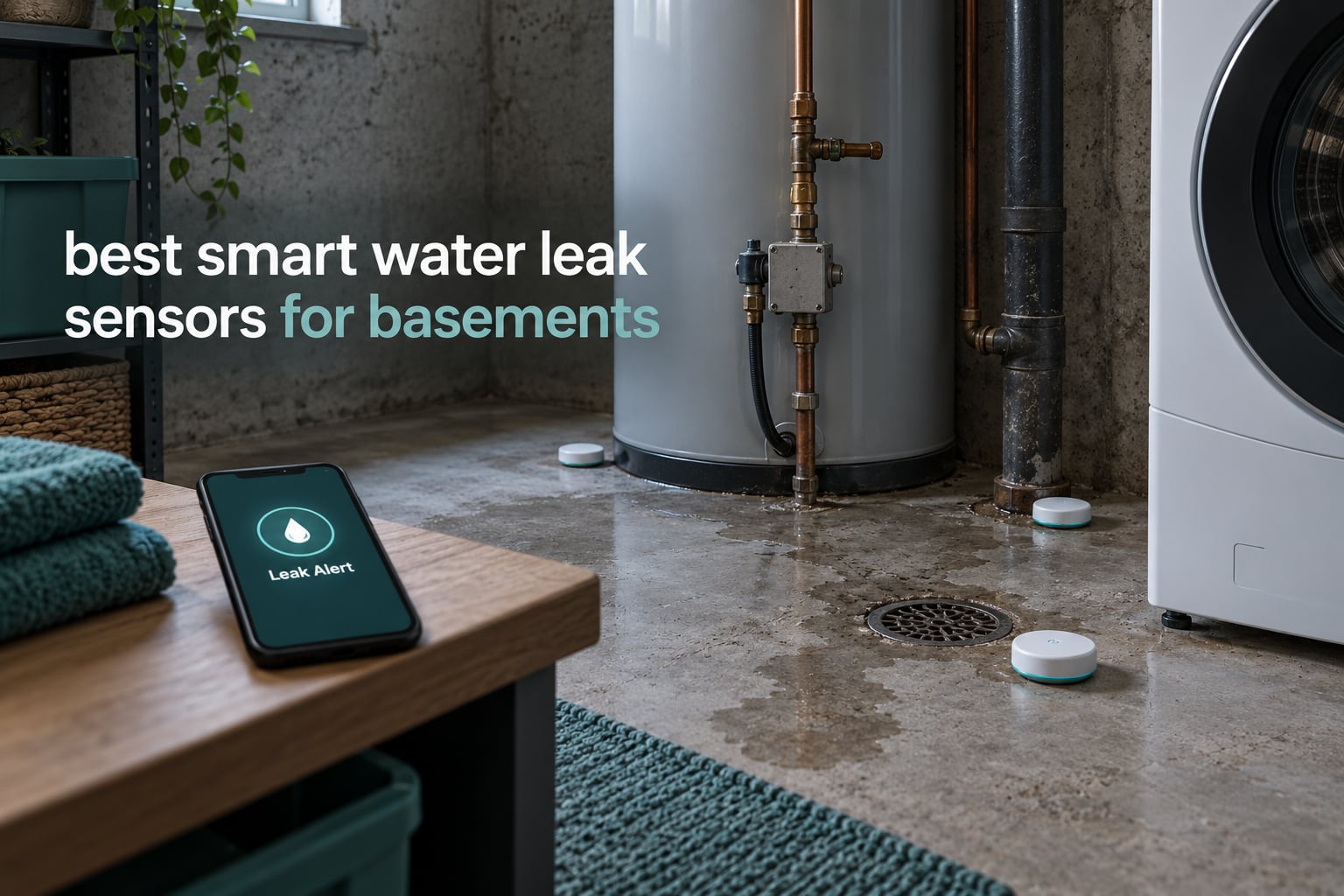
A finished basement is the single most expensive room in a house to flood, and it is also the room most homeowners leave unprotected for years. A water heater seam weeping at 2 a.m., a washing machine supply line letting go while you are at work, a sump pump that quits during a storm with the power out, these are ordinary failures with extraordinary consequences. A smart water leak sensor turns any of them into a phone notification you can act on in minutes instead of a restoration invoice you cannot.
That is why we assembled the best smart water leak sensors for basements available in 2026. We compared ten sensors and kits covering every connection style you will meet in a basement: hub-free Wi-Fi puck sensors, hub-based Zigbee systems, long-range LoRa kits, and high-count bundles for covering an entire mechanical room. For each one we looked at real detection thresholds, alarm volume, battery chemistry, waterproofing ratings, and how each behaves when the power or the internet cuts out during a storm.
Below, you will find a top three shortlist, a full comparison of all ten sensors, individual reviews of every unit, a buying guide that explains the connectivity and placement decisions, and answers to the questions homeowners ask most often. If you are still weighing smart sensors against a basic puck alarm, our water leak detector roundup covers the simpler options too.
Top 3 Picks for Best Smart Water Leak Sensors for Basements (October 2026)

YoLink Leak Starter Kit
- LoRa range to 1320 ft
- D2D triggers work offline
- Hub plus four sensors included


The YoLink kit wins the top slot because it solves the two basement problems nothing else solves at once: signal that punches through concrete and foundation walls, and alerts that keep firing when your internet is down. The X-Sense SWS54 earns the value badge for the loudest, most impossible-to-miss alarm in the group and a sensor-to-base range that covers detached additions. The SwitchBot is the pick when you want zero setup complexity and a single sensor that works on its own.
Best Smart Water Leak Sensors for Basements in 2026
| Product | Specifications | Action |
|---|---|---|
| YoLink Water Leak Starter Kit |
|
Check Latest Price |
| X-Sense SWS54 Water Leak Kit |
|
Check Latest Price |
| SwitchBot WiFi Water Sensor |
|
Check Latest Price |
 Aqara Water Leak Sensor 3-Pack Aqara Water Leak Sensor 3-Pack |
|
Check Latest Price |
 Tapo Smart Water Leak Detector T300 Tapo Smart Water Leak Detector T300 |
|
Check Latest Price |
 Aeotec SmartThings Water Leak Sensor Aeotec SmartThings Water Leak Sensor |
|
Check Latest Price |
 Winees WiFi Water Leak Detector 3-Pack Winees WiFi Water Leak Detector 3-Pack |
|
Check Latest Price |
 TECKNET WiFi Water Leak Detector TECKNET WiFi Water Leak Detector |
|
Check Latest Price |
 Kidde WiFi Water Leak and Freeze Alarm Kidde WiFi Water Leak and Freeze Alarm |
|
Check Latest Price |
 METAK WiFi Water Leak Detector Kit METAK WiFi Water Leak Detector Kit |
|
Check Latest Price |
1. YoLink Water Leak Starter Kit – Longest Range and Offline Local Triggers
YoLink Water Leak Sensor 1 Kit: 4-Pack + Hub
LoRa to 1320 ft
D2D works offline
2 AAA, up to 5 years
Hub plus 4 sensors
Pros
- Up to 1320 ft LoRa range that carries through concrete and below grade
- Hub and four sensors in one box for whole-basement coverage
- Up to 5-year battery life on two AAA cells
- App email and SMS alerts with sensors named by location
- Continues to trigger local devices when internet service is down
Cons
- No built-in siren on the sensors themselves
- Requires the YoLink hub rather than open smart home platforms
The YoLink starter kit is the configuration I keep coming back to for basements, and the reason is the antenna, not the sensor. Basements are the worst radio environments in a house: poured concrete, block walls, a metal furnace, a stairwell that deadens 2.4 GHz. This kit runs on LoRa sub-1 GHz wireless with a stated range up to 1320 feet, so you can put a hub on an upper floor and still hear from a sensor next to the sump discharge.
You get the hub plus four Leak Sensor 1 units in a single box, which is the right starting count for a typical basement. Toilets, laundry, water heater, and the utility sink are four distinct failure zones, and covering all four on day one matters more than adding a fifth sensor later to one area.
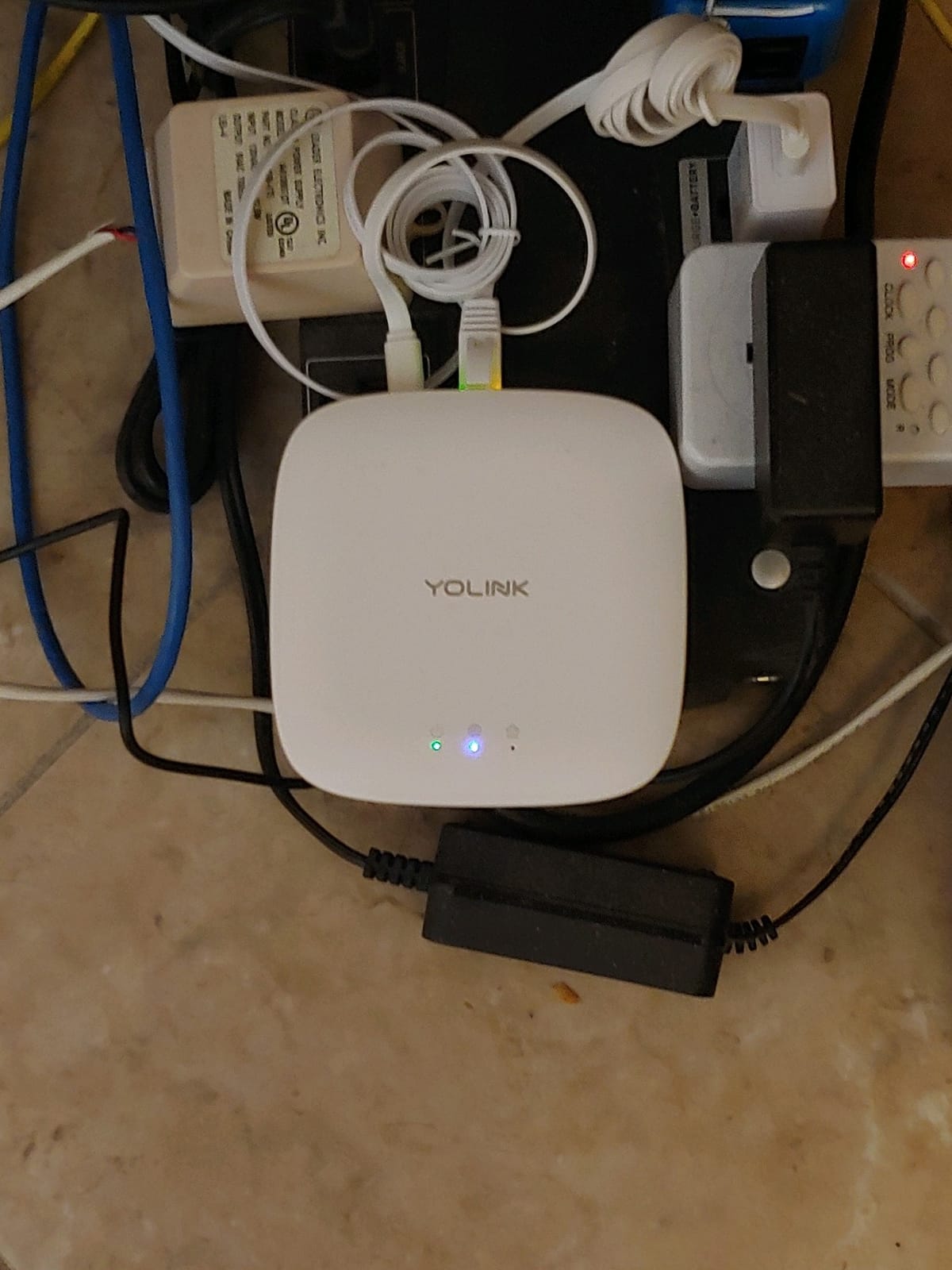
What makes this kit unusual is what happens when the storm knocks out your internet. The sensors use YoLink Control-D2D, meaning they can trigger other YoLink devices on the local network without a round trip to the cloud. A YoLink siren, or a compatible shutoff valve, can act on a leak even with the connection down, which is exactly the scenario where a Wi-Fi-only sensor goes silent.
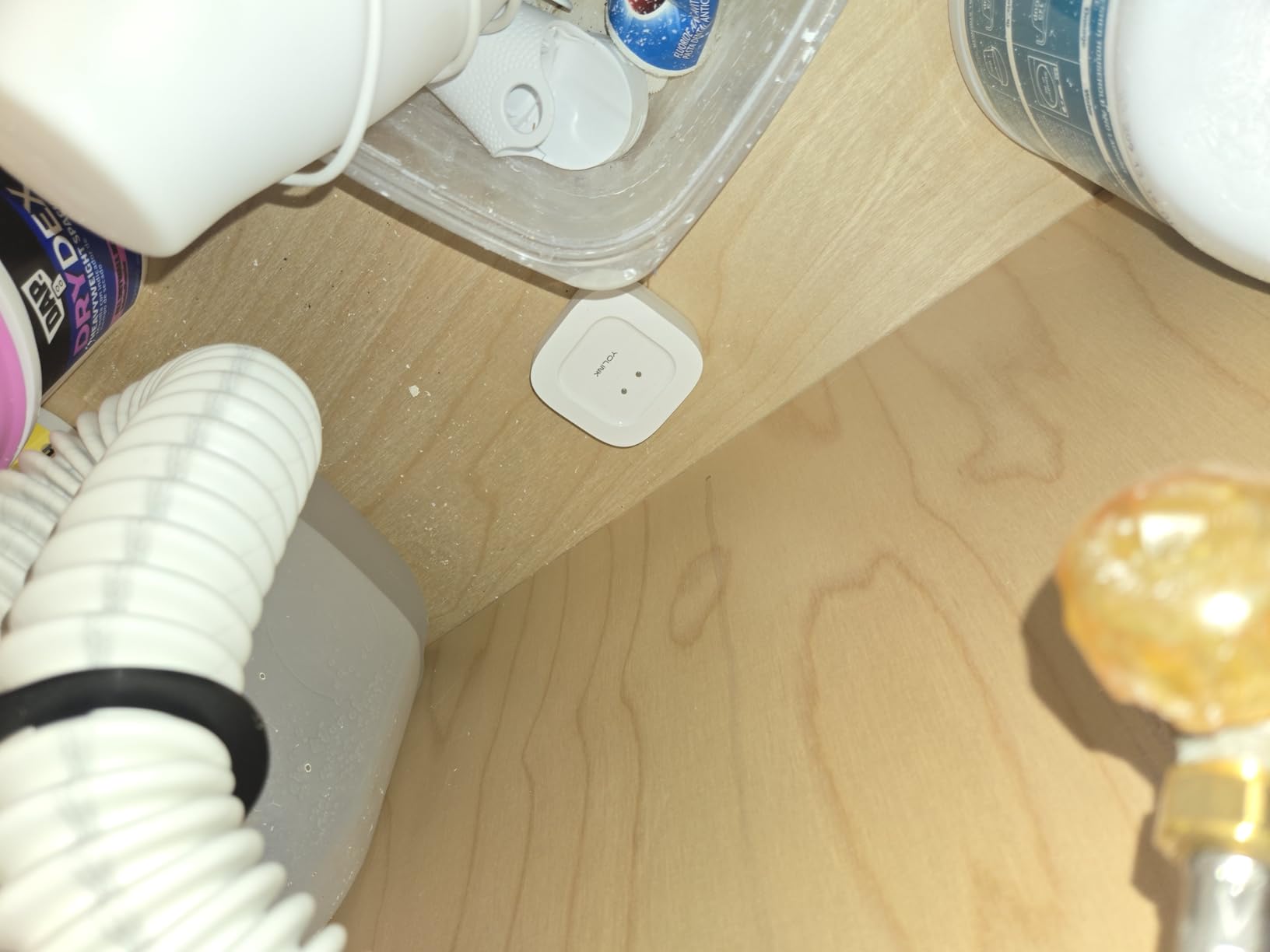
Owners on home automation forums describe running YoLink for more than two years with multiple slow leaks caught, mostly at water heater humidifier lines and drain gaskets under sinks. The battery claim is up to five years on two AAA cells, and while we would plan on servicing them sooner, owners report replacing cells roughly every year and a half.
Where this kit earns its place in a basement
This is the kit for a finished basement, a basement workshop, or any space with more than one risk zone. The named-sensor alerts matter more here than anywhere, because the difference between “basement alert” and “laundry hose alert” is the difference between a ten-minute fix and a gutted room.
It also suits anyone with a rental property or a second home, since the SMS and email channels reach a phone that is not sitting on the basement workbench.
Where it falls short
The sensors themselves have no siren. If you rely on audible warning inside the home while you sleep, you need to add a YoLink SpeakerHub or siren, and that is a second purchase the sticker does not advertise.
Second, this is a closed ecosystem. You cannot mix these sensors into a SmartThings or Home Assistant setup as if they were ordinary Zigbee devices, and only the brand’s own hub will serve them.
2. X-Sense SWS54 Kit – Loudest Alarms and 1804 ft of Sensor Range
X-Sense Wi-Fi Water Leak Detector Kit, 120 dB, 3 Sensors + Base, SWS54
1,804 ft range
120 dB sensor and base siren
0.4 mm pooling detect
IP66
Pros
- 1804 ft sensor to base range covers large basements and detached areas
- 120 dB alarms on both the sensors and the base station
- Six probes catch overhead drips and shallow pooling
- Alerts name the specific sensor that triggered
- One app manages sensors across several homes
Cons
- Local alarm cannot be fully disabled in the app
- 2.4 GHz Wi-Fi only
- Sensors sit proud of the floor and can be tripped
The X-Sense SWS54 is the kit I recommend when the basement is deep, divided, or simply too far from the router. Stated sensor-to-base range is 1,804 feet in open areas, which in practice gives you real freedom to place three sensors across a long, low-ceiling basement without worrying about dead zones.
Detection hardware is unusually thoughtful. Each sensor carries six probes: two on top for a drip falling from a pipe above, and four on the bottom that sense pooled water as shallow as 0.4 mm. That bottom-side sensitivity is what catches a slowly spreading puddle from a failed sump pump, which is the failure mode most basements eventually meet.
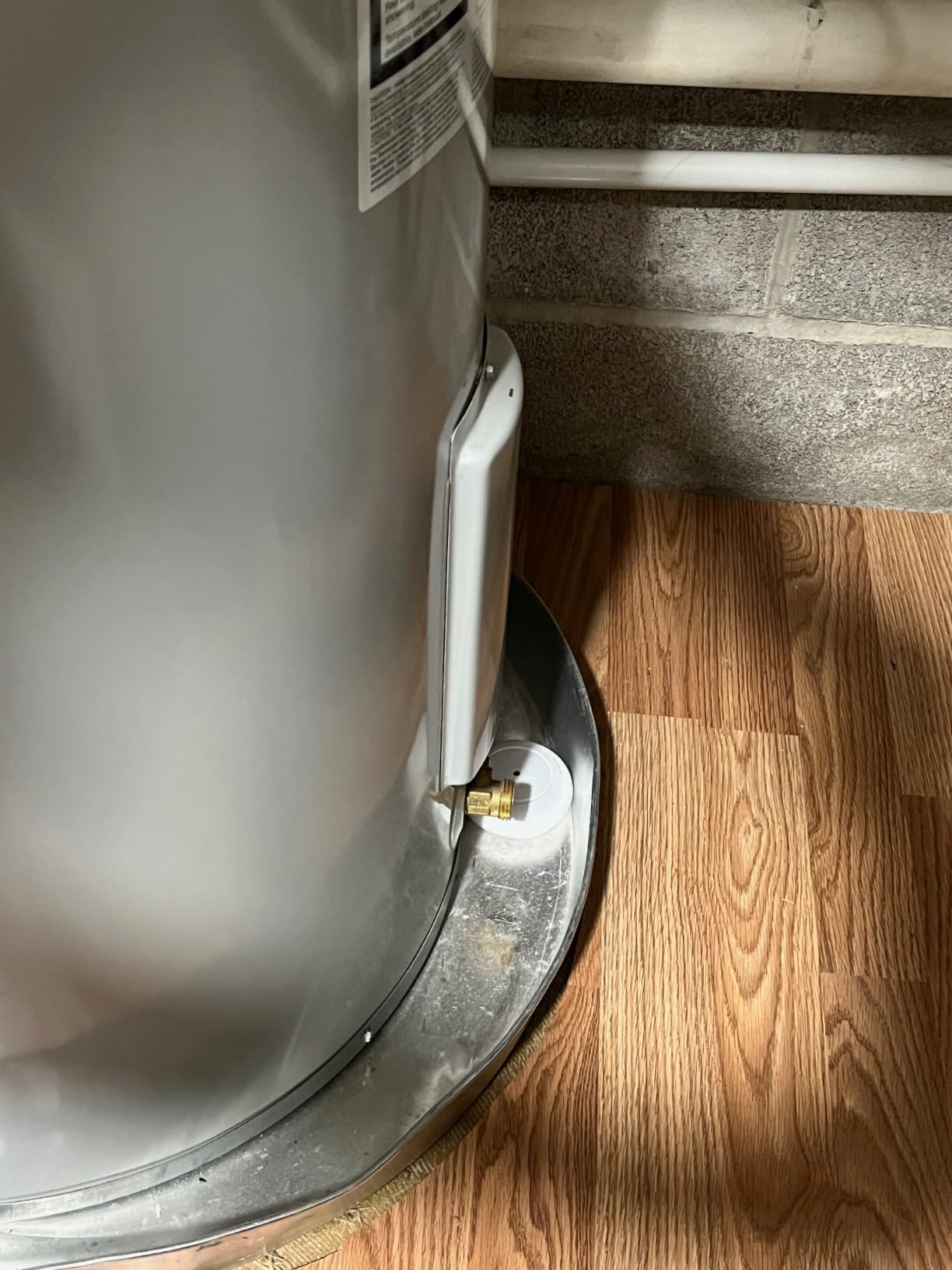
Volume is the headline number and it earns it. Both the sensors and the base station sound at 120 dB when water is detected, which is the loudest figure in this roundup and the reason a sleeping household wakes up. The base is where the real audio output lives, so place it where it can be heard from upstairs rather than tucked beside the sensors.
Reviewers repeatedly recount this kit catching genuine sump-related flooding events, and several report the base station continued working through a power interruption. Setup takes minutes over a 2.4 GHz network, and shared access for up to 12 users means a partner or tenant can also get the alerts.
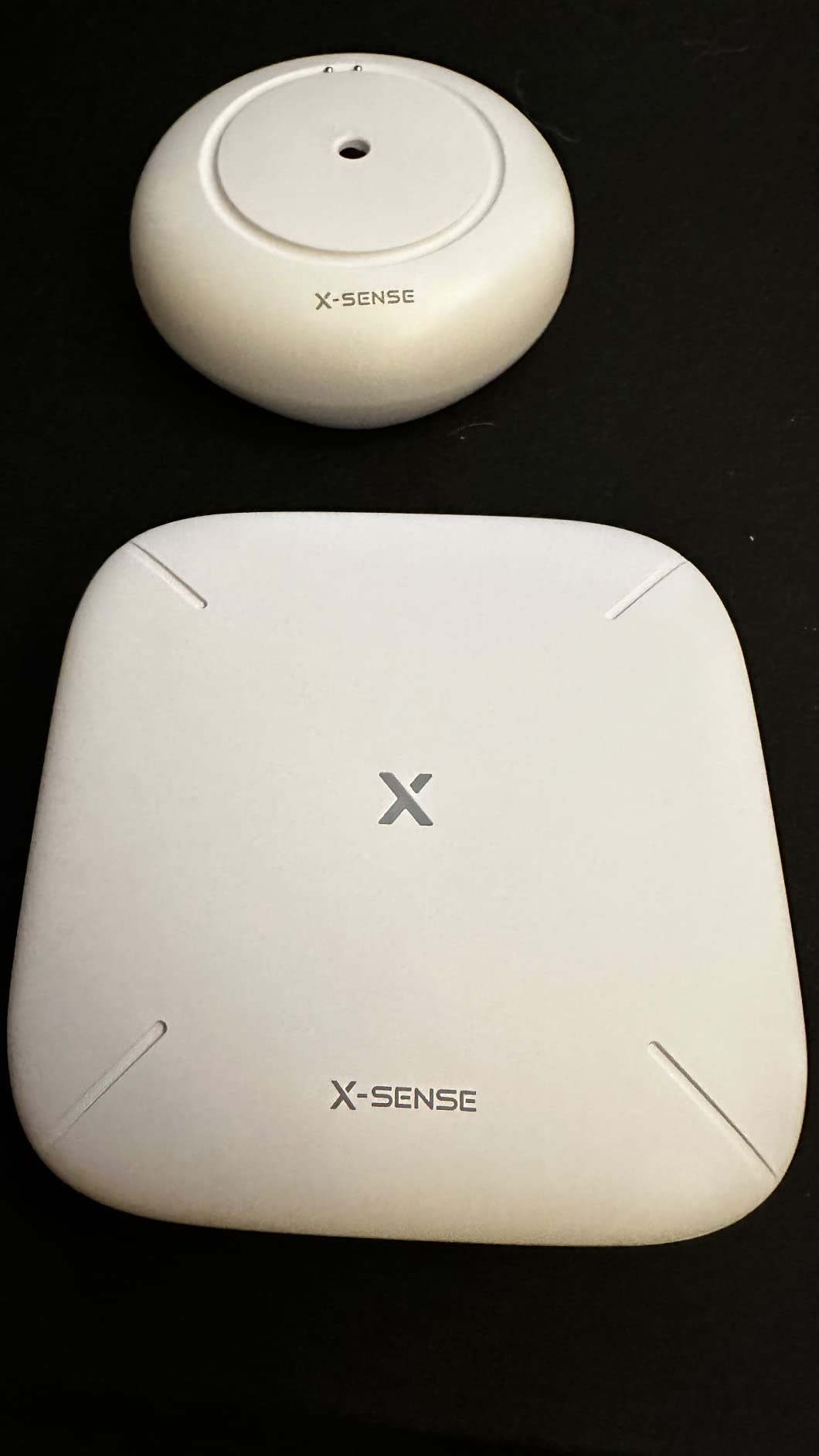
What makes this the value pick
You get three sensors and a base in one box, with a range and alarm volume that no similarly priced kit here matches. For a basement with a mechanical room at one end and a laundry area at the other, the range figure alone justifies the choice.
The IP66 housing is specified for splash, moisture, and humidity exposure, so it tolerates the damp conditions that make basements hard on electronics.
What to watch out for
The most common complaint in reviews is that the local alarm cannot be muted from the app. Support confirms you have to physically open each unit and disconnect the speaker, so if you have pets or small children who set off the sensors, plan for that.
It also joins the 2.4 GHz only club, and the sensors stand about an inch proud of the floor in the Slim version, which is a consideration along a walkway.
3. SwitchBot WiFi Water Sensor – No Hub and an Adjustable Siren
SwitchBot WiFi Water Sensor, Smart Water Leak Detector, 100dB Adjustable Alerts & App Alerts, IP67 Waterproof, Wireless Detector for Kitchen, Bathroom, Basement, No Hub Required (Support 2.4G)
Hub-free 2.4 GHz Wi-Fi
100 dB adjustable alarm
0.5 mm probes
IP67 shell
Pros
- No hub to buy power or mount
- Adjustable alarm volume and duration
- Detects drips from above and pooling below
- Email alerts on top of push notifications and the siren
- Works with Alexa Google and Siri
Cons
- Must be reset manually after a Wi-Fi drop
- Battery life is the shortest in the group
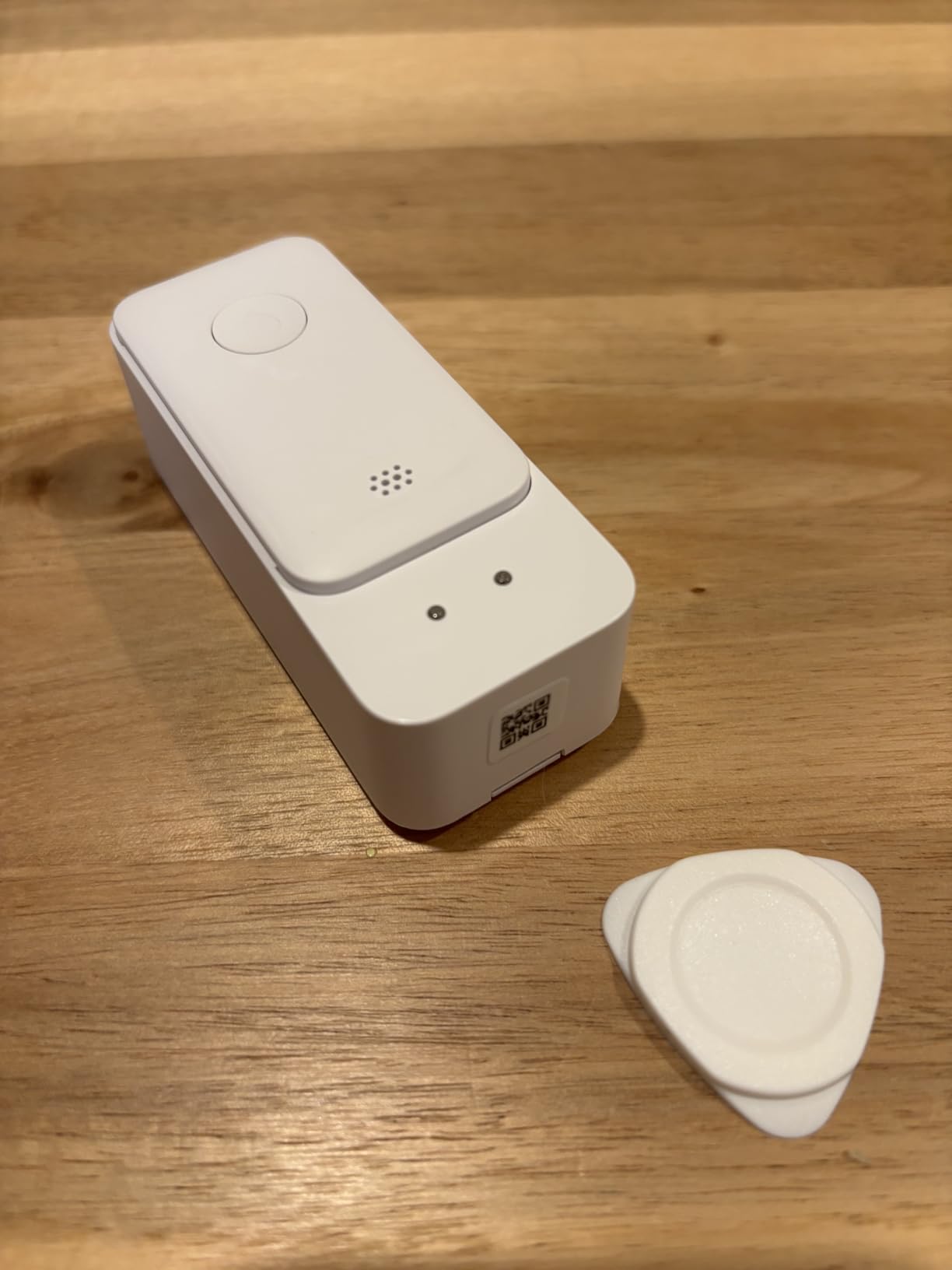
- Stiff opening tool on the sealed battery compartment
The SwitchBot is the answer to the most common objection we hear about smart leak sensors, which is the hub. There is no hub here. It joins a 2.4 GHz Wi-Fi network directly and reports to an app, which makes it the sensor most people can install in under five minutes with no prior smart home experience.
It also adds a feature that most competing sensors skip: the 100 dB siren has adjustable volume and duration rather than a single fixed setting. If you are testing placement and the unit keeps chirping, you can soften it from the app instead of physically muting it. That sounds minor until you have repositioned a sensor four times.
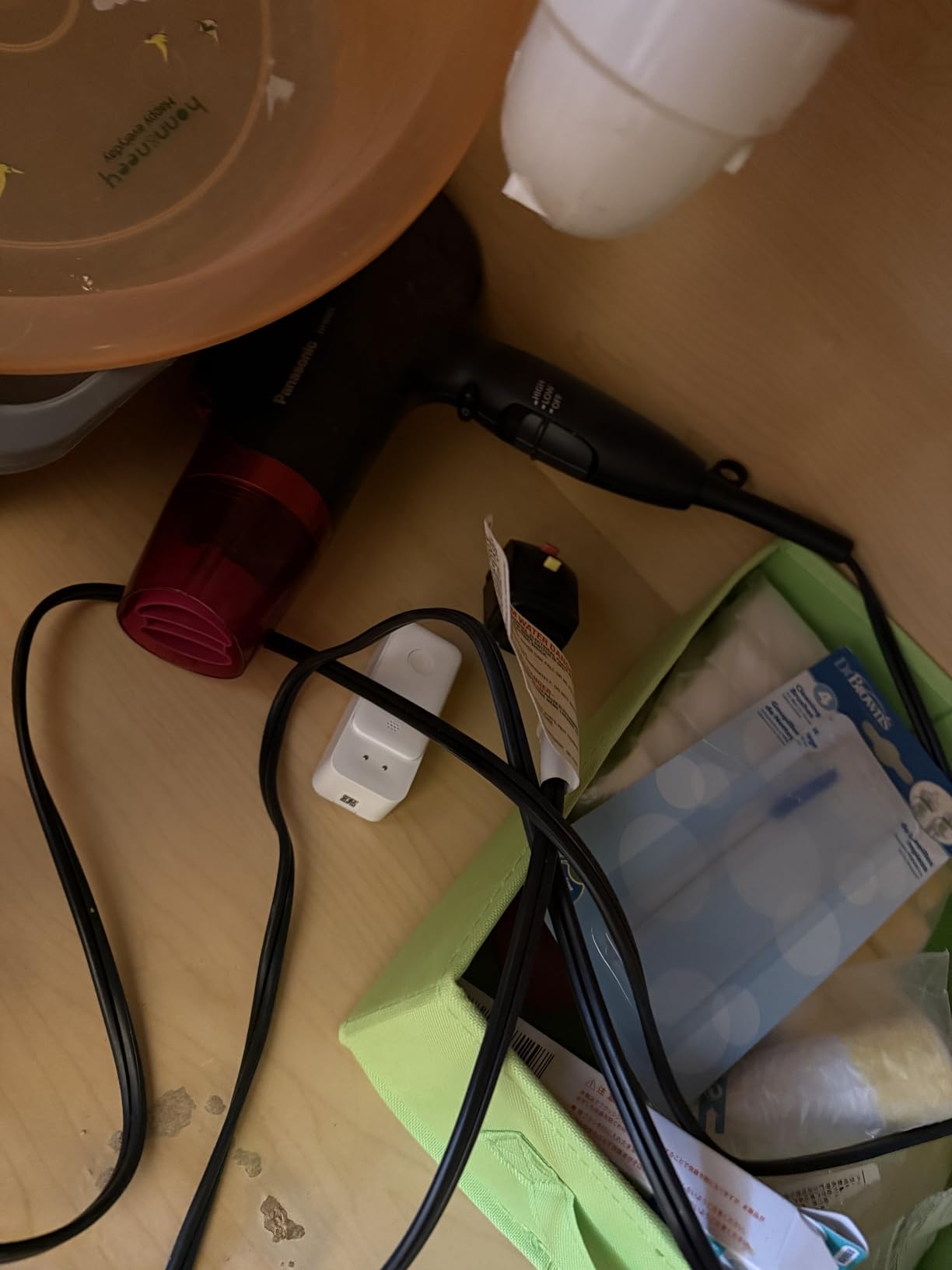
Detection uses four high-precision probes that sense water as shallow as 0.5 mm, and the IP67 sealed shell is a sensible match for a humid utility space. A Bluetooth Low Energy backup link keeps the sensor reachable in the app when the Wi-Fi signal is marginal, and the tall narrow body is 2.6 by 0.7 by 5.5 inches, which lets it slide into a gap beside an appliance where a square puck would not fit.
Reviewers regularly praise the adjustable siren and the setup simplicity. Alexa integration announces the specific leak location across the house, and pairing with a SwitchBot Plug Mini lets the sensor cut power to a circuit automatically when water is detected.
Who should buy this sensor
Buy it if you are covering one or two spots, if you rent, or if a hub feels like one more device to mount and power. A single sensor under the laundry sink or beside a water heater gives you meaningful protection for the least assembly time of anything in this roundup.
It is also a good first sensor to test whether a location actually holds water. If it never triggers in a week, that zone is lower risk than you assumed.
Where it does not shine
Two-year battery life on two AAA cells is the shortest claim here, so expect to service it more often than the five-year kits. In a hard-to-reach spot such as behind a finished wall that becomes an annual chore.
Reviewers also report needing to reset the sensor manually in the app after a Wi-Fi dropout, and the stated 120 meter range depends heavily on building materials, so a far corner of a basement may need a mesh node or a second approach.
4. Aqara Water Leak Sensor 3-Pack – Smallest Footprint for Tight Corners
Aqara Water Leak Sensor 3 Pack, Zigbee Water Leak Detector for Alarm System
0.5 mm probe sensitivity
IP67 housing
Three sensors per pack
55 dB alarm
Pros
- Compact puck fits tight corners and under appliances
- Probe detection as shallow as 0.5 mm catches slow drips
- IP67 housing with rust-proof coating for humid rooms
- Three sensors per pack at a moderate per-sensor cost
- Can trigger other Aqara devices for automated responses
Cons
- Requires an Aqara hub sold separately
- Works only with first-party Aqara hubs
- About 10 meter limit from the hub
- 55 dB alarm is quiet for an out-of-earshot space
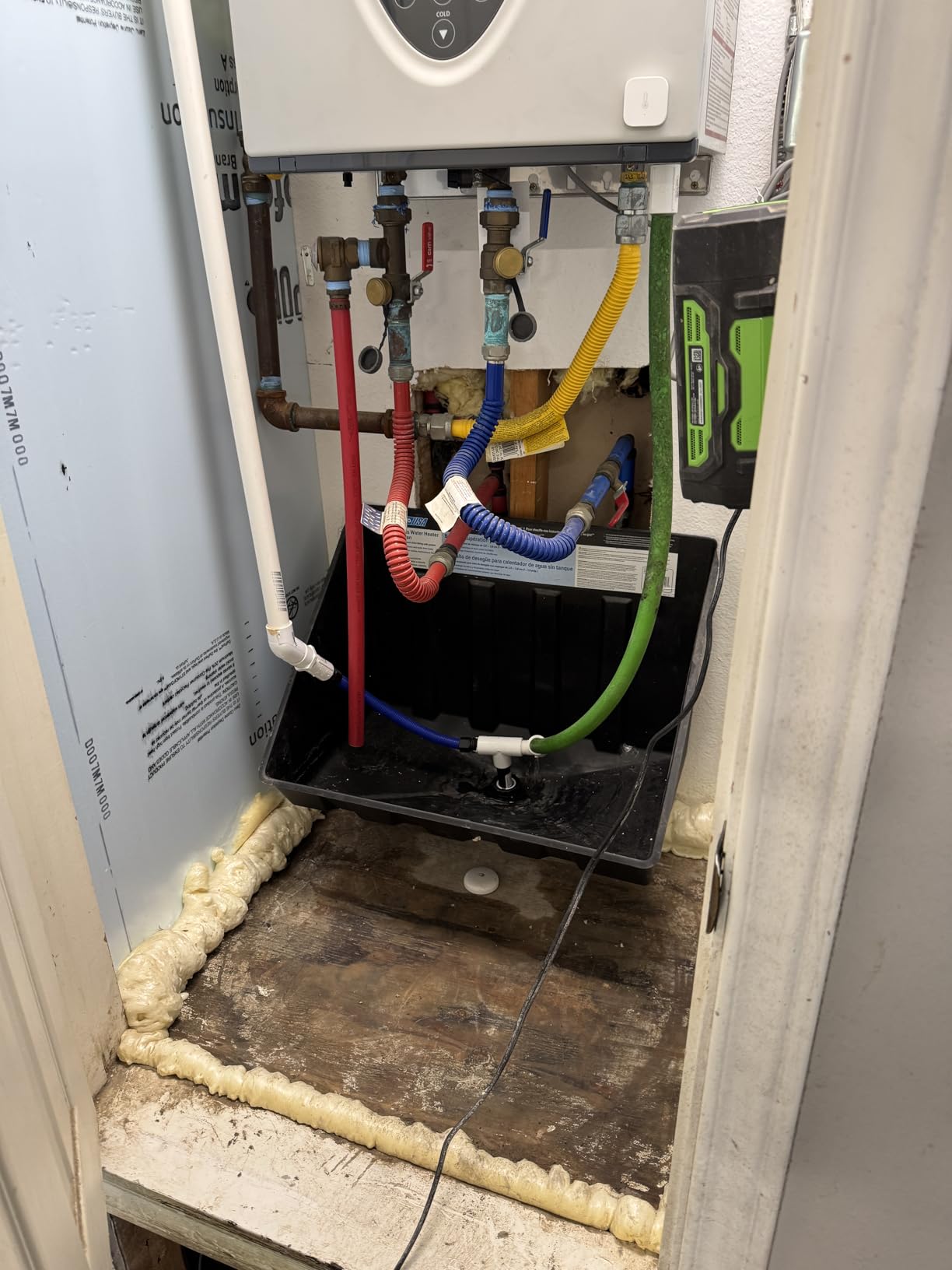
At 1.97 inches square and just 0.59 inches tall, the Aqara puck is the sensor most likely to fit in the space you actually have. Behind a washing machine, tucked into the corner where a floor drain meets the wall, beside the discharge pipe of a sump pump, these are the spots that hold water, and they are also the spots with the least clearance.
You get three sensors in the pack, which is enough to cover a laundry zone without buying multiples. Probe detection reaches 0.5 mm, and the IP67 housing with a rust-proof exterior coating is designed for rooms that stay damp rather than occasionally wet.
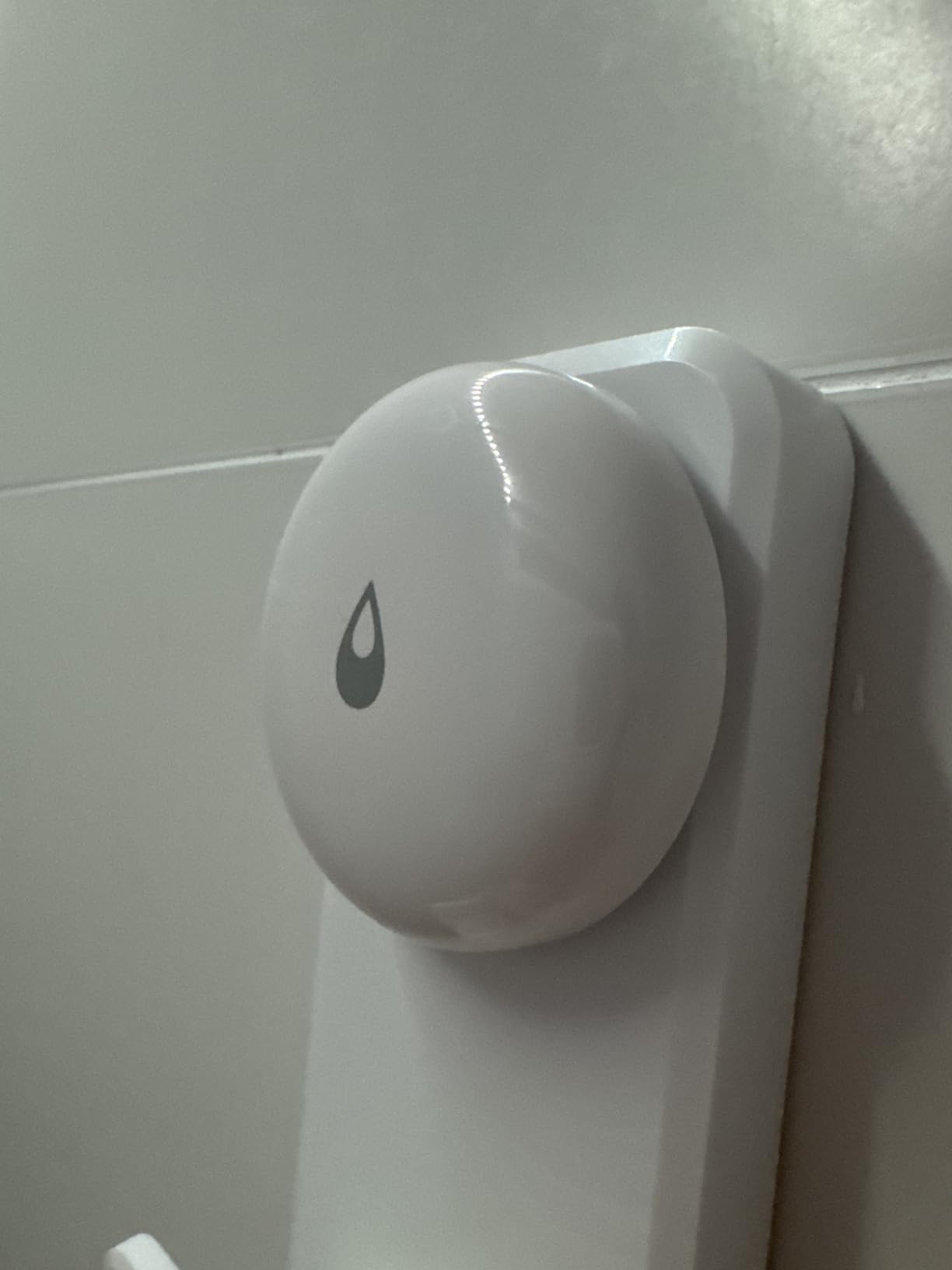
The tradeoff is architecture. These are Zigbee sensors that require an Aqara hub, and the stated connection limit is about 10 meters, or 33 feet, from that hub. In a large basement that constraint shapes the whole layout, and it does not pair with generic Zigbee coordinators, which is the usual workaround for people running Home Assistant.
Once paired, the sensor can control and trigger other Aqara devices when water is detected, so a leak can start an automation rather than only sending a notification. The rating split on this product is informative: 67 percent five-star against 9 percent one-star, a cluster of complaints centered on the separate hub purchase.
When the small form factor matters
This is the sensor for a finished basement where cosmetics count, because a white puck the size of a coaster is far easier to place discreetly than a taller unit. It is also the practical choice beneath a washing machine or dishwasher, where clearance is measured in fractions of an inch.
If you already run the Aqara ecosystem with the hub on the same floor, the integration cost drops to almost nothing.
Where the limits show up
The 33-foot connection window is the real constraint. Plan the hub position first, then work outward, and accept that a 900-square-foot basement with block walls may need more sensors than the three in the box.
The 55 dB internal alarm is the quietest here, so treat it as a notification device rather than a siren, and lean on automations or a paired siren for audible coverage.
5. Tapo T300 – One-Second Trigger on Two AAA Batteries
Tapo Smart Water Leak Detector, Requires Tapo Hub, T300
1 second trigger
90 dB adjustable alarm
IP67 rating
3+ year battery
Pros
- One-second trigger speed among the fastest here
- Six probes sense drips above and pooling below
- Adjustable 90 dB alarm silenced with one press
- Two AAA batteries give 3+ years of service
- App alerts need no paid subscription
Cons
- Tapo hub sold separately
- Sold as a single sensor
- Relatively tall profile will not slide under an appliance
Speed is the whole pitch here. The T300 triggers its siren in as little as one second after water bridges the contacts, which matters more than it sounds: a burst supply hose can move a meaningful amount of water in a very short window, and every second of delay is a second of spreading.
Detection uses six highly sensitive probes across the top and bottom of the unit, so it registers a drip landing on the housing as well as water pooling around its base. The built-in alarm is 90 dB with adjustable volume and silences with a single press, and it can also trigger the Tapo hub alarm for wider coverage through the house.
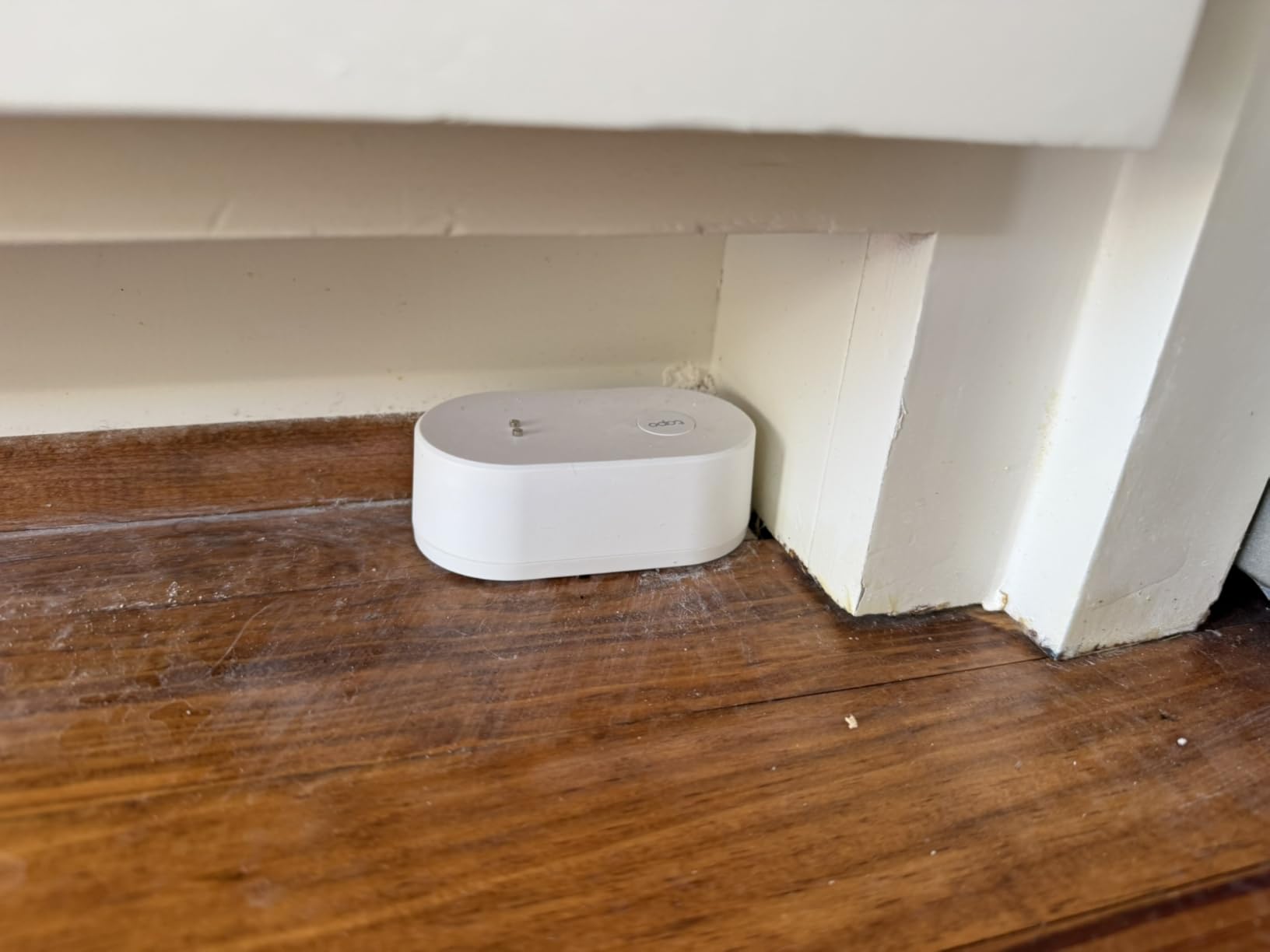
Two AAA batteries give a claimed three years or more, with app notifications when they run low. The IP67 rating covers water and dust, and the app pushes leak and low-battery alerts with no paid tier attached, which separates it from several sensors here whose SMS and phone call channels sit behind a subscription.
Owners on home forums mention that the sensors rarely drop off the network, which is the single most common complaint about direct Wi-Fi leak devices, and that pairing with other Tapo or Kasa devices lets a leak start an automation such as cutting a smart plug.
Where speed and price per sensor help
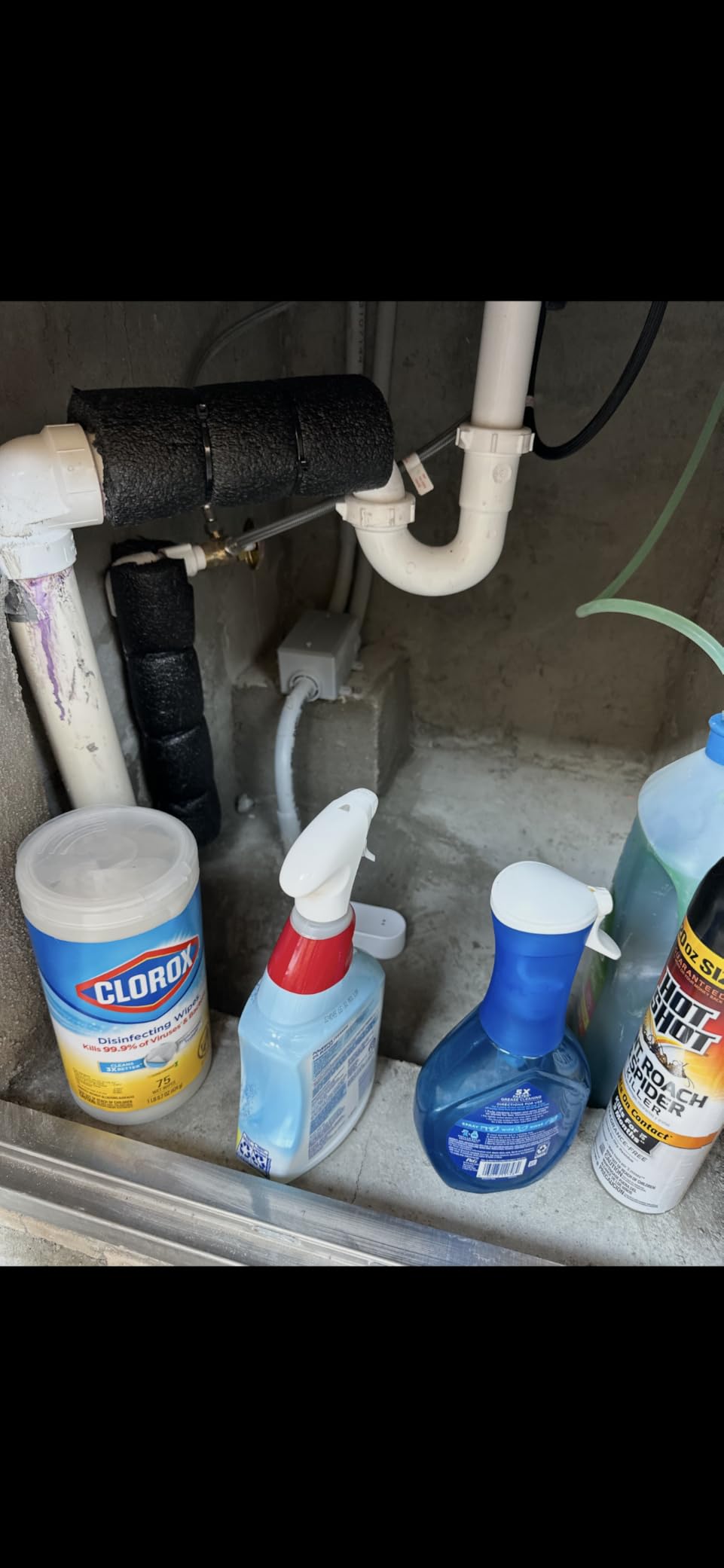
This is the most economical way to add a notification-only sensor if you already plan to buy a hub. Pair it with a voice assistant as a backup channel, because owners do report the app occasionally logging them out and silently suppressing phone alerts until a second route is connected.
It is well suited to covering a laundry corner or a mechanical room where the priority is speed of notification rather than a loud in-home siren.
Where the design works against you
It is sold as a single sensor, so a basement-wide setup means multiple units plus a hub. The profile is also relatively tall for its footprint, which means it will not slide under an appliance the way the slimmer pucks do.
Alert channels are deliberately basic, so if you want SMS or email rather than push notifications, look elsewhere in this list.
6. Aeotec SmartThings Water Leak Sensor – Temperature Tracking on Zigbee
Aeotec SmartThings SmartThings Water Leak Sensor, ZigBee, Battery Powered, Smart Home Hub Compatible
Zigbee and SmartThings support
Temperature monitoring
Tiny 0.91 inch body
Can trigger shutoff
Pros
- Doubles as a temperature monitor for cold basements
- Works with third-party Zigbee hubs not just the brand's own
- Very small footprint for tight mechanical rooms
- Can be programmed to shut off water or electronics on detection
Cons
- Requires a SmartThings-compatible hub
- 50 to 130 ft Zigbee range limits coverage
- Indoor use only with no water ingress rating
- No built-in siren of its own
The Aeotec sensor is the one to buy if your home already speaks Zigbee properly. It works with the Aeotec Smart Home Hub, the Samsung SmartThings Hub Gen 3, and other compatible Zigbee coordinators, so it drops into an existing automation platform without dragging in another brand’s ecosystem.
It also reports temperature across a 32 to 104 degree operating range alongside moisture, and you can choose whether a light or a siren sounds for abnormal readings. In a basement where freezing pipes and summer condensation are both real concerns, having one device handle both signals is genuinely useful.
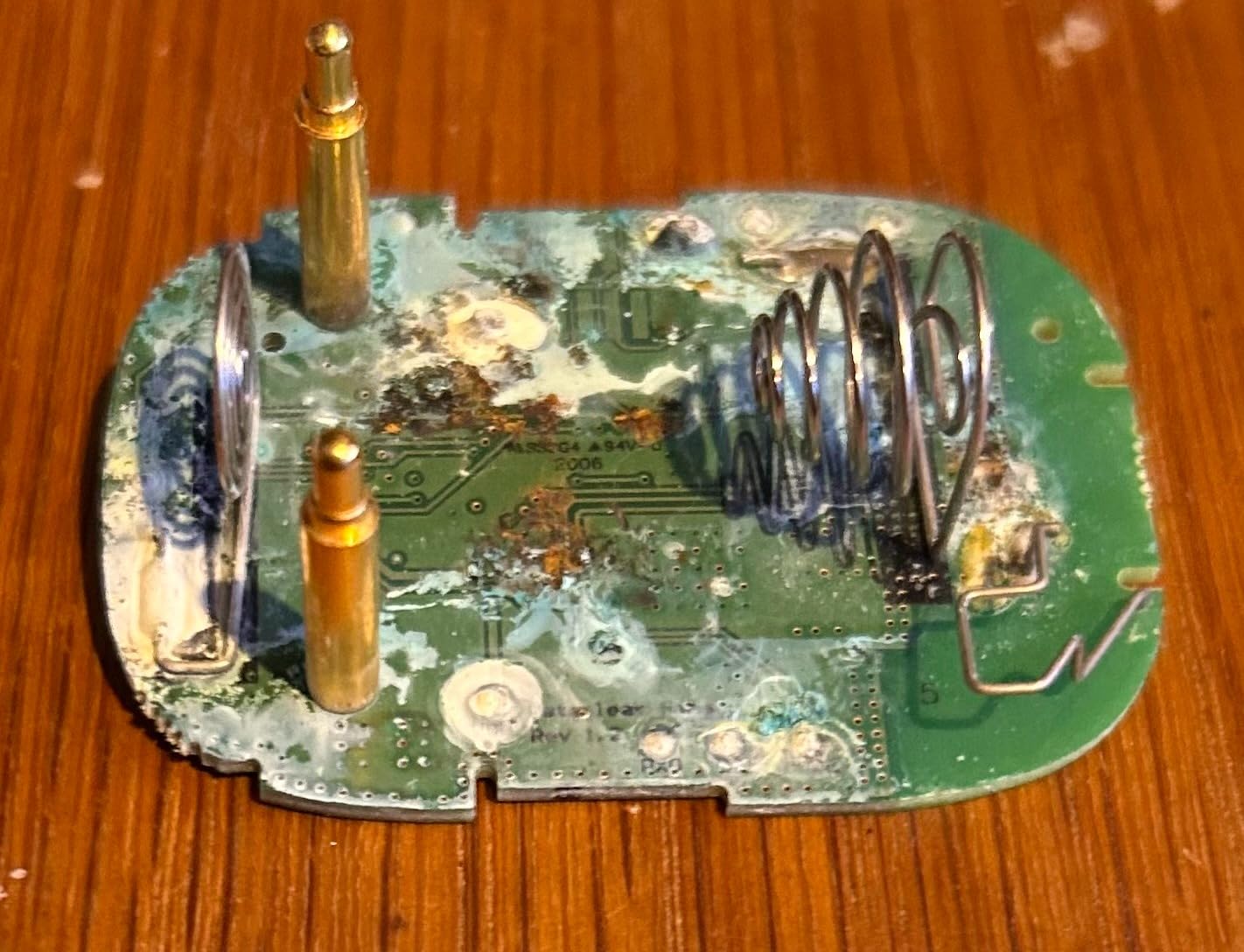
It can be programmed to shut off water flow or powered electronics when a leak is detected, which is the cheapest path to an automatic response if you already have controllable valves or smart plugs in the platform. At 0.91 by 0.65 by 0.79 inches it is the smallest unit in this roundup, so it disappears into tight mechanical-room corners.
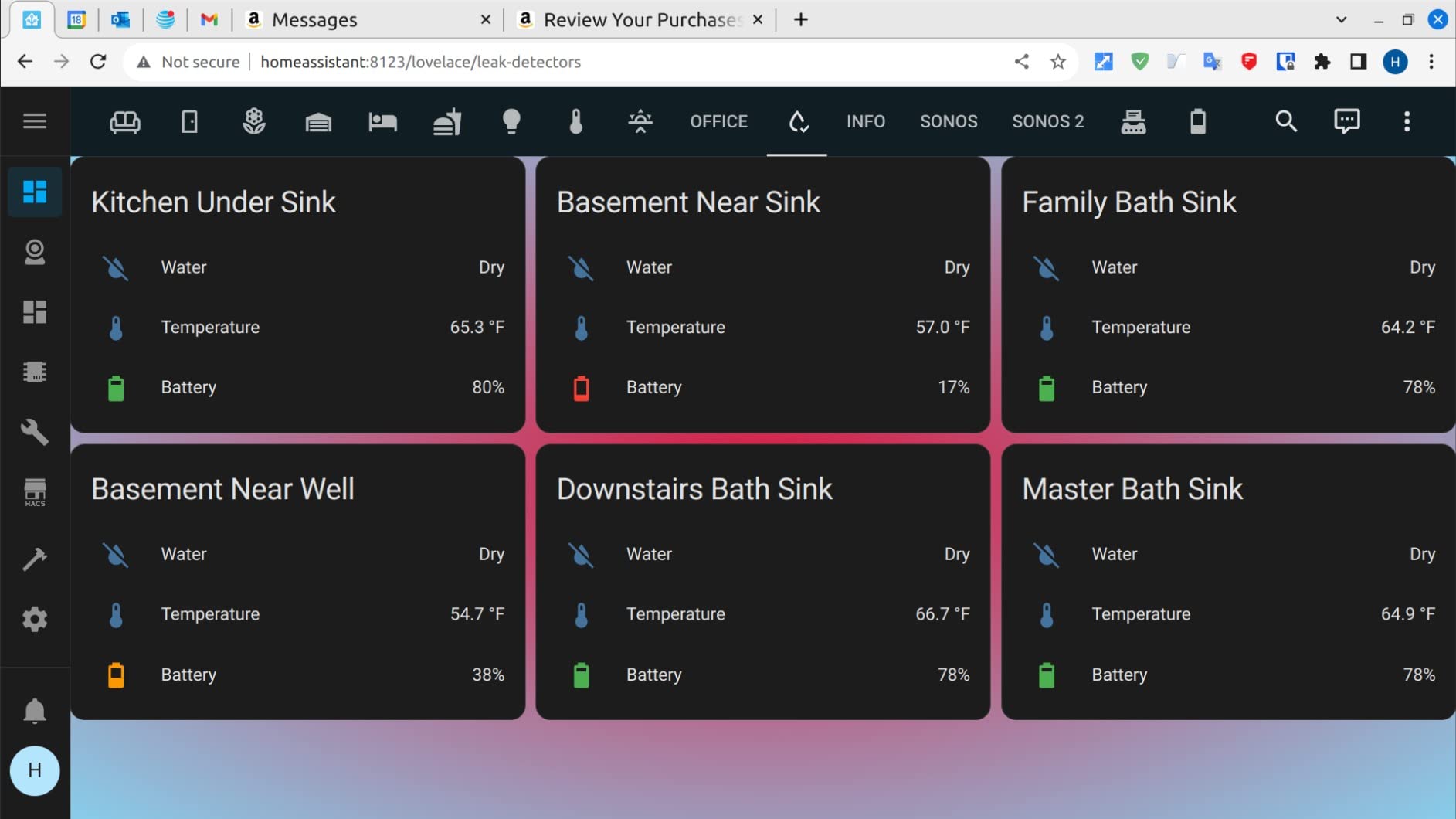
Owners running SmartThings report steady satisfaction and describe it as reliable, though typically within an existing hub setup. The review profile is consistent at 4.5 stars with 76 percent five-star among 525 reviews, a smaller but well-aligned sample.
Why automation-minded homeowners pick this
The value here is the routine, not the sensor. A Zigbee device that fires into an existing automation can trigger a valve, cut a circuit, flash lights, or send a custom notification sequence, and none of that requires a second app or a new hub.
It is a strong fit for a laundry room where you want the washer circuit cut automatically at the moment water is detected.
Where you will feel the limits
Zigbee range is stated at 50 to 130 feet depending on construction, so a large basement needs several units and possibly a repeater or mesh router positioned thoughtfully.
There is no water ingress rating and the device is indoor use only, which is a caution in a space that floods rather than drips. It also has no siren of its own, so audible response depends entirely on the hub.
7. Winees S1 Plus – 1.8 mm Sensors That Disappear Under Appliances
Winees WiFi Water Leak Detector for Home, 3 Pack Water Sensors
1.8 mm slim sensors
200 m hub range
IP66 housing
Hub plus 3 sensors
Pros
- Hub and three sensors included with no separate purchase
- SMS and email alerts alongside app push
- 1.8 mm sensors slide under appliances and along floor edges
- Sensors can be renamed by room for useful alerts
- Hub siren has selectable volume and alarm duration
Cons
- One owner reported sensors stuck showing dry during flooding
- Hub Wi-Fi drops reported
- Detects pooled water not damp flooring
- 2.4 GHz Wi-Fi only
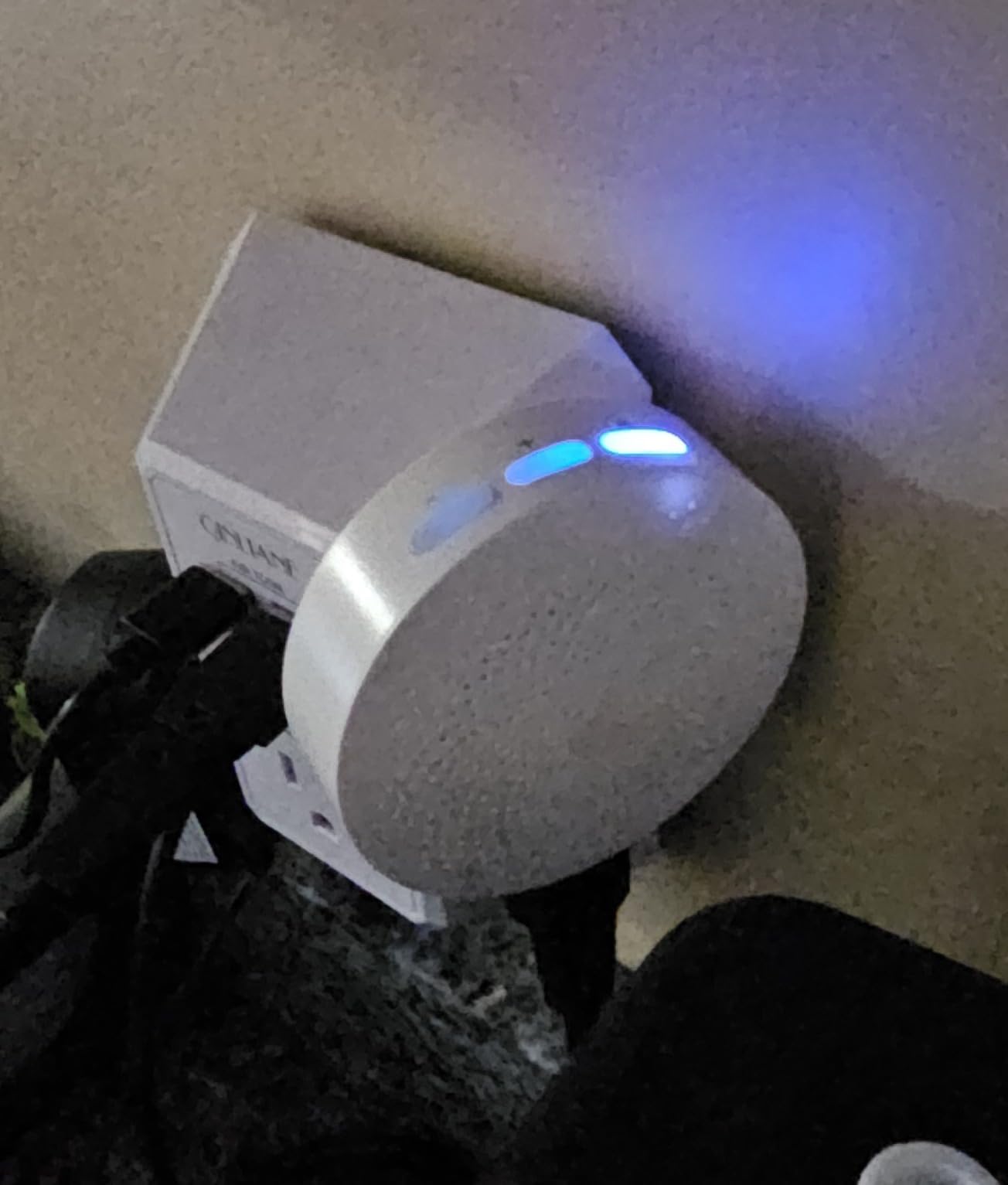
Thickness is the idea behind this kit. At 1.8 mm the sensors slide under a washing machine, a water heater, or along the joint where a finished floor meets a wall, which is exactly where you want detection and exactly where a thick puck will not go.
The hub reaches up to 200 meters from the sensors, which is a generous figure for a basement, and the sensors arrive pre-paired once the hub joins your Wi-Fi. The hub siren has three volume levels plus alarm duration settings of always on, ten minutes, one minute, or thirty seconds, a level of alarm control that most kits here do not offer.
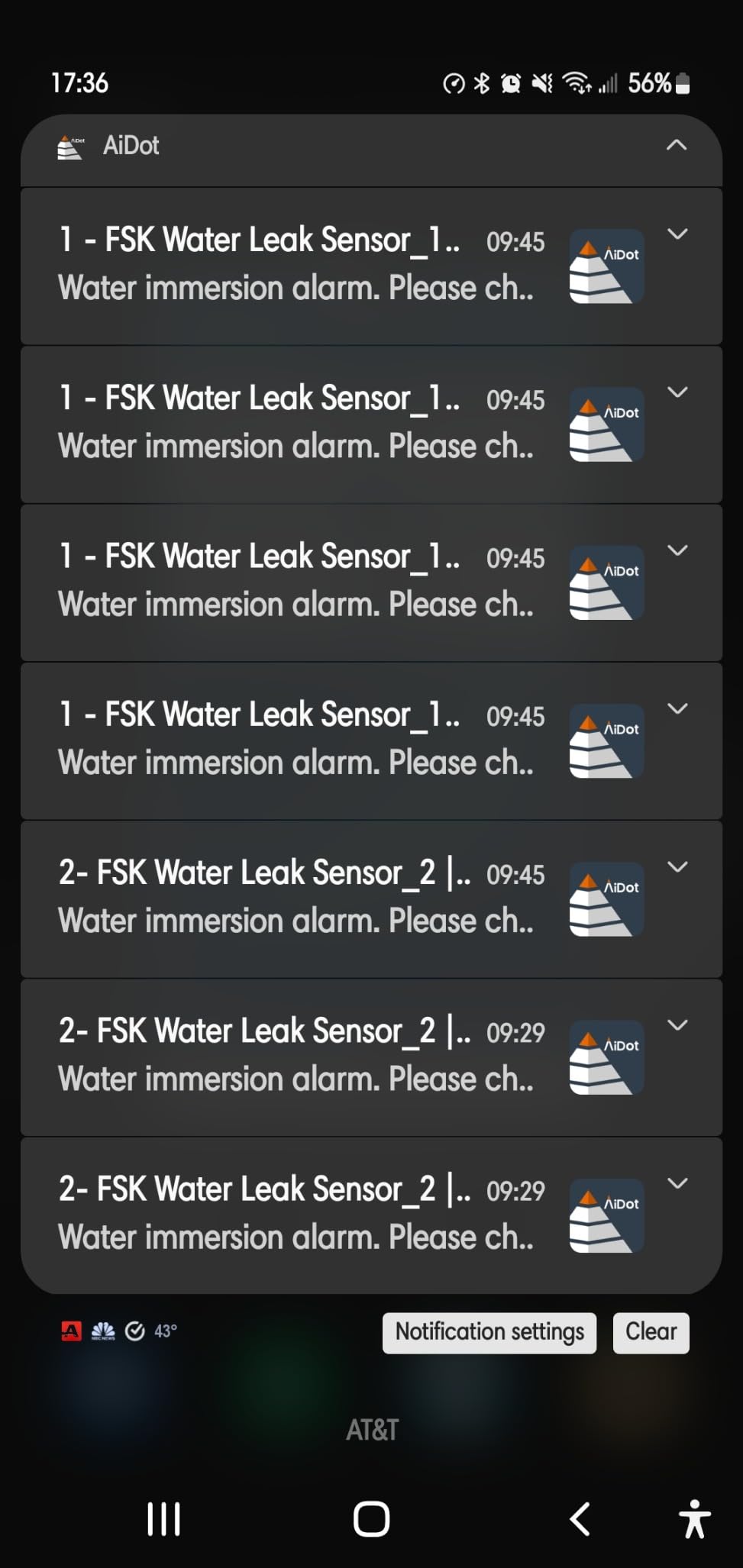
Notification channels cover app push, SMS, and email, with IFTTT support for building custom automations. The IP66 sealed housing is rated for sustained exposure in high-humidity areas, and three CR2450 lithium batteries ship with a cover tool, which is a thoughtful inclusion given that these live under appliances.
Renaming sensors by room turns a generic alert into an actionable one, and one owner reported that the units and hub reconnected on their own after a power interruption. This product carries the widest rating spread here, 4.2 stars with 68 percent five-star, so read the reviews before committing.
Where the thin profile changes the game
For a finished basement with tight toe-kicks, appliance gaps, and baseboard runs, this is the kit that lets you place sensors where water actually goes rather than where the device fits. The adjustable alarm duration is also useful for testing a new location without leaving a siren running all afternoon.
It covers three risk zones plus a hub out of the box, which is a complete starting setup.
Where the reliability reports give pause
There are accounts of sensors reading a dry state in the app while submerged during an actual flood, and of missed alerts entirely. Hub Wi-Fi drops have also been reported, which is a risk with any direct Wi-Fi device.
Note that these sensors detect pooled water rather than moisture, so a slow seep into wood flooring or under laminate will not trip them. If your risk is seepage rather than a point-source leak, pair this with a humidity sensor.
8. TECKNET WiFi Water Leak Detector – Two Sensors and a 120 dB Siren
TECKNET WiFi Water Leak Detector, Smart Leak Sensor with App Alerts
120 dB adjustable siren
IP67 housing
Hub-free 2.4 GHz
No hub needed
Pros
- Two sensors and four AAA batteries in the box
- 120 dB siren is among the loudest and adjustable from the app
- Two top and four bottom probes detect drips and pooling
- No false alarms on condensation or splashes
- Battery cover tool included for easier changes
Cons
- SMS and call alerts need a paid third-party subscription
- Slightly too large for tight clearances in some units
- One owner could not complete pairing or app setup
- Tuya app requests more personal data than needed
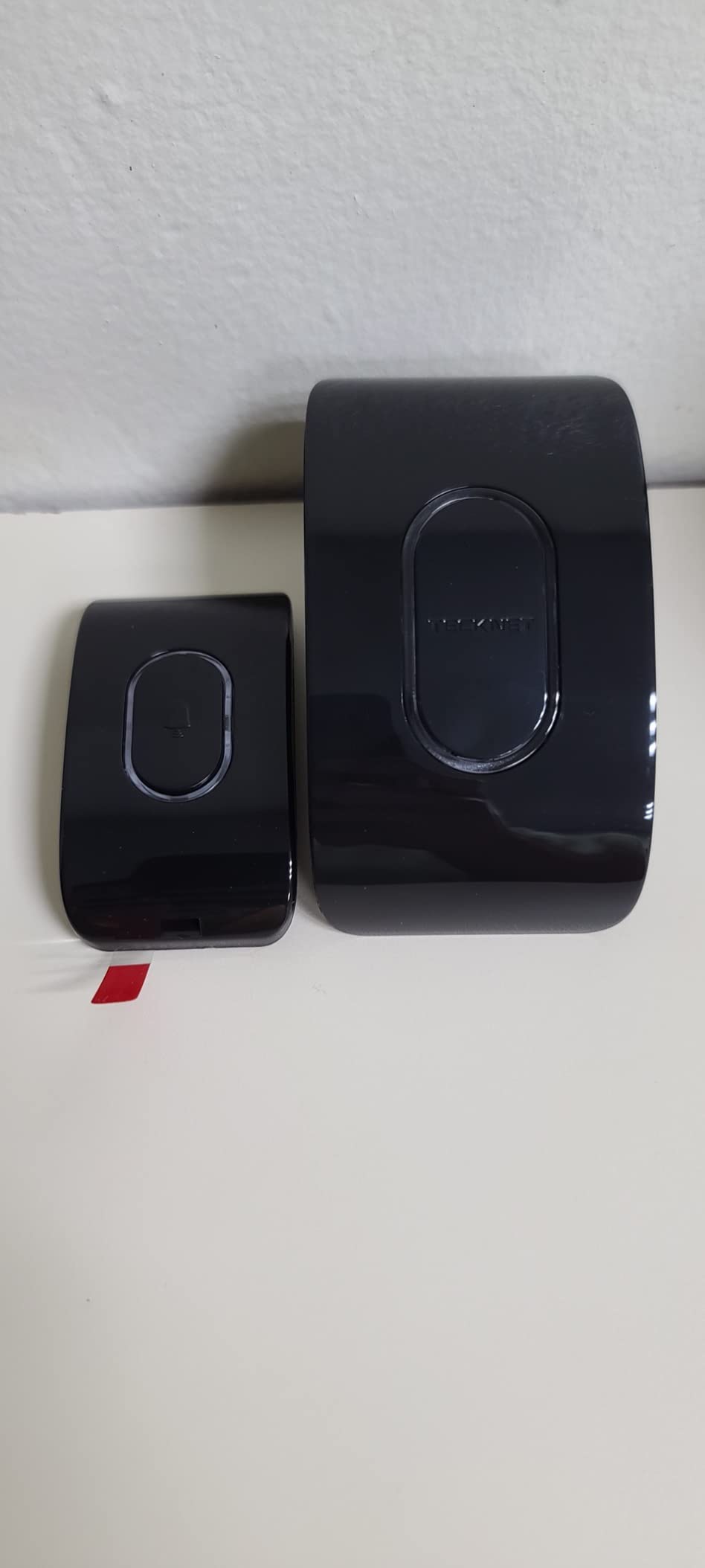
The TECKNET pair is a straightforward choice for someone who wants loud in-home warning and nothing else complicated. Two sensors and four AAA batteries arrive in the box, they connect directly to a 2.4 GHz Wi-Fi network, and the built-in siren hits 120 dB with app-adjustable volume.
Detection is well specified for the category: two top probes catch drips landing on the unit, four bottom probes catch pooling underneath. The IP67 housing suits basements, laundry rooms, and the space beside a water heater, and two AAA cells per sensor give a claimed two years with low-battery reminders.
Owners report that the sensors do not fire on condensation or small splashes, which matters in a humid basement where cheaper sensors can become noise machines. The battery cover tool is included, and basic app alerts work without any subscription, which is a fairer arrangement than several sensors here.
The main criticism lands on the alert tiers. SMS and phone call alerts are gated behind a costly third-party subscription, and the listing describes this loosely enough that buyers have been caught by it. The Tuya-based app also prompts for more personal information than the device strictly needs, and instructions are minimal.
Who this works well for
Pick this pair if you want a loud siren that wakes the house and you have no intention of paying for premium alert channels. Two sensors cover a laundry corner, or a water heater and a nearby utility sink, and the 120 dB output is the equal of the X-Sense sensors in our value pick.
It is also a reasonable second zone after a hub-free sensor like the SwitchBot, if you want redundant in-home audible warning.
Where it falls down
Some units are slightly too large for very low clearance spaces, which undercuts the hidden-placement appeal of the slimmer pucks. There have also been reports of units that could not complete Bluetooth pairing or app setup at all.
Before you buy, decide whether you need SMS or phone calls. If you do, this is the wrong kit and the subscription will change your math.
9. Kidde WiFi Water Leak and Freeze Alarm – Cold Basement Monitoring
Kidde WiFi Water Leak Detector & Freeze Alarm, Alexa Device, Smart Leak Detector for Homes with App Alerts,White
Leak and freeze detection
Freeze alert at 37 F
Alexa and Google Home
2 AA included
Pros
- Only sensor here that also monitors for freezing temperatures
- Alerts can be shared with friends and family
- Established safety brand with a recognized warranty
- Compact 3.5 inch body fits beside water heaters and under sinks
- Works with Alexa and Google Home
Cons
- Lowest average rating in the group at 4.0 stars
- No stated IP water resistance rating
- No built-in siren listed
- One-year warranty starts at power-on date
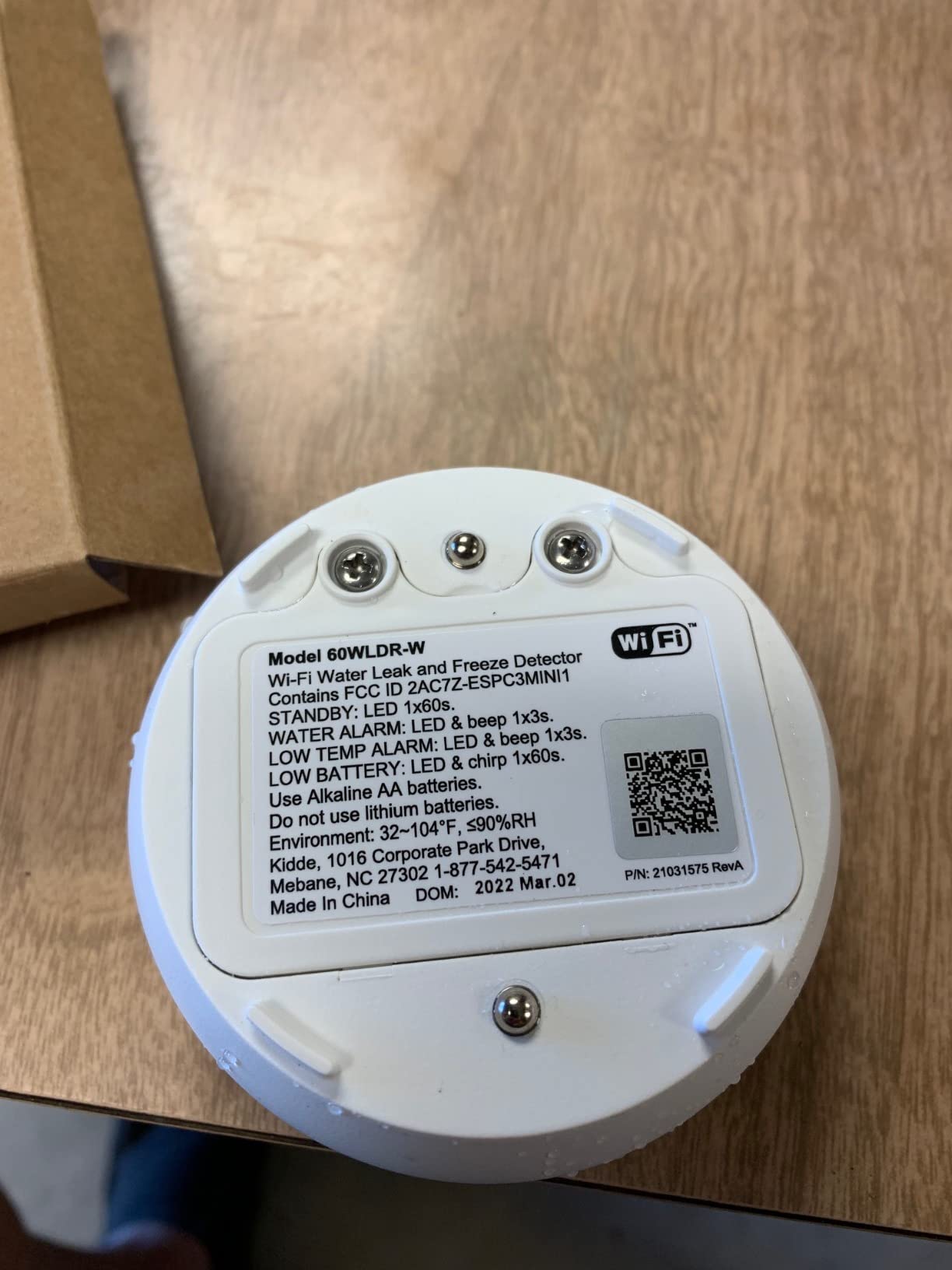
What separates this one is the freeze function. It issues freeze alerts at 37 degrees Fahrenheit or on a rapid temperature drop, alongside leak detection, and in a basement that goes unheated through winter, a frozen pipe that thaws is a flood you did not see coming.
Setup is a QR code scan in the Kidde app, two AA batteries are included, and alerts go to your smartphone as well as friends and family, which is a genuinely useful feature for an older relative or a rental property. It works with Amazon Alexa, Google Home, iPhone, and Android.
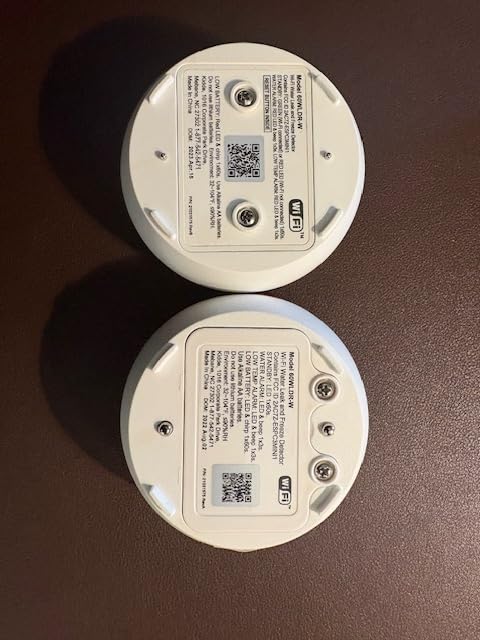
The body is 3.5 inches square and 1.5 inches tall, small enough to sit beside a water heater, under a sink, or next to a dishwasher, and the sensor technology is a simple contact sensor with no moving parts to fail.
We would flag the data honestly here. This is the lowest-rated product in the roundup at 4.0 stars with 17 percent one-star reviews, and no water ingress rating is stated despite the basement and garage marketing. It also lists no built-in siren, so audible warning appears to depend on linked devices or the app.
When a freeze alarm is the deciding feature
If your basement is unheated, partially heated, or in a climate with hard winters, the freeze threshold at 37 degrees is a real safety net that nothing else in this list provides. Owners also note the brand name carries weight with insurers and with anyone buying the property later.
Sharing alerts with friends and family makes it a good fit for parents who want a second pair of eyes on a rental or an older relative’s house.
Where to look elsewhere
The one-year warranty runs from the power-on date, so a unit bought as a spare and stored for two years may be effectively expired when you open the box. The missing IP rating means we would not place it in a space that regularly gets wet.
If audible warning inside the home matters, choose a model with a stated siren figure. If detection reliability is your top concern, the lower rating here is a real signal.
10. METAK WiFi Water Leak Detector – Six Sensors on One Gateway
WiFi Water Leak Detector for Home with App Alert, 2.4Ghz Gateway + 6 Sensor
6 sensors plus gateway
328 ft gateway range
Expands to 24 sensors
0 to 120 dB adjust
Pros
- Largest coverage of any kit here with six sensors and a gateway
- 328 ft gateway range covers a whole basement or multiple floors
- Sensors and gateway both have loud independently adjustable sirens
- Top drip probe plus four bottom flood probes on each sensor
- Sensors and gateways can be renamed remotely for clear alerts
Cons
- Most expensive multi-sensor kit in the roundup
- Tied to the Tuya Smart app rather than a major ecosystem
- SMS and call alerts require a paid third-party subscription
- W13 gateway will not pair with older WD60 sensors
METAK is the scale option. You get a gateway plus six sensors, and the gateway will pair up to 24 sensors in total with a stated maximum transmission distance of 328 feet, so a single unit can cover a large basement, a garage, and a main-floor utility area without a second hub.
Each sensor has one top drip probe and four bottom flood probes, and both the sensors and the gateway carry their own sirens. Sensor volume adjusts across four levels from silence to 120 dB, while the gateway reaches 100 dB with five levels and 32 selectable ringtones, which is the most granular alarm control in this roundup.

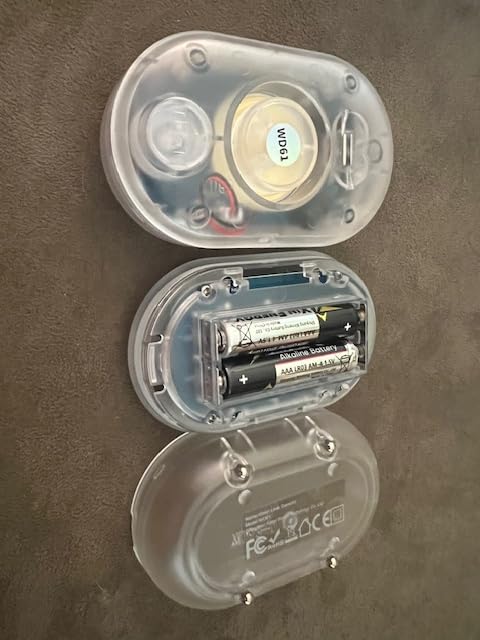
The gateway is USB-C powered and the sensors take AAA batteries, with twelve cells and a charger included. Sensors and gateways can both be renamed remotely, so an alert tells you the laundry alcove rather than a device name, and the Tuya Smart app handles remote control and alert customization.
Buyers value the six-sensor scale and the long range. The caution is the 66 percent five-star share, the lowest here, which points to some disappointment with the experience that depends on the Tuya app and its third-party service for premium alerts.
Where covering many zones at once pays off
If your basement has a water heater, a washing machine, a sump pump, an HVAC condensate line, a utility sink, and a finished room, six sensors means you cover the whole map on day one instead of piecing it together over years. The 328-foot gateway reach is what makes a single hub placement workable.
Adjustable per-sensor volume is useful in a mixed space, since a sensor next to the furnace does not need to be as loud as one at the top of the stairs.
Where to weigh the trade-offs
This is the priciest multi-sensor kit in the roundup, and buyers get the least five-star satisfaction of any product here. SMS and phone call alerts sit behind a paid third-party service, and the ecosystem is Tuya rather than a major platform.
One practical note: the W13 gateway pairs only with WD61 sensors, so sensors from an older kit will not mix in. Plan for the current generation only.
How to Choose a Smart Water Leak Sensor for a Basement
Connectivity decides more than any other feature
Three connection styles appear in this roundup, and each solves a different basement problem. Direct 2.4 GHz Wi-Fi sensors such as the SwitchBot, TECKNET, and Kidde need no hardware but depend on your router reaching the basement, and concrete and block walls are brutal for that signal. Hub-based Zigbee systems like Aqara and the Aeotec SmartThings sensor are reliable where the hub sits, but they cap how far a sensor can be placed from it. Long-range wireless kits such as YoLink use a sub-1 GHz signal that travels much further and is the category’s answer to a deep or reinforced basement.
Before buying anything, test the signal. Set your phone on 2.4 GHz, load a video in the exact corner where the sensor will go, and see whether it buffers. If it does, a Wi-Fi-only sensor will frustrate you regardless of its other strengths.
Alert layers decide how fast you can act
A push notification on a phone you are carrying reaches you. A local siren reaches everyone sleeping upstairs. An SMS reaches a phone in a pocket when you are home. The strongest setups combine two or three, and the sensors here differ sharply in what they send.
Be careful with premium channels. Several sensors push, text, and call alerts for free, while the TECKNET and METAK gate SMS and calls behind a paid third-party service. Read that line before you buy, not after. If you travel regularly or monitor a rental, a sensor that can email you is worth more than one that only chirps locally.
Form factor decides where you can put it
Puck sensors like the Aqara sit about 0.6 inches tall and squeeze into tight corners. Ultra-thin sensors like the Winees at 1.8 mm and the X-Sense Ultra-Slim at 0.67 inches slide under appliances and along baseboards. Taller units like the Tapo T300 are fine in open floor positions but will not disappear under a washer.
Detection sensitivity is the other half of this. Sub-millimetre thresholds, 0.4 mm on the X-Sense and 0.5 mm on the Aqara and SwitchBot, catch slow drips and thin films that thicker contact sensors miss. If your risk is seepage rather than a burst, remember that most of these devices detect water, not moisture.
Battery life and outage behavior
Claimed battery life ranges from two years on two AAA cells up to five years on the YoLink kit. Treat long claims skeptically, as owners in forums generally plan on one to two years of real service and choose sensors partly by how easy the cells are to reach. A sensor behind a finished wall that needs annual access is a design flaw, no matter how good the detection is.
For storm scenarios, ask what the device does when the internet drops. The YoLink kit’s D2D local triggers let sensors act on other devices on the network, and several owners report the X-Sense base station continuing to sound through a power interruption. Most Wi-Fi-only sensors simply cannot send you anything in that window.
Controlling false alarms in a humid basement
Humidity is the number one complaint about leak sensors, and it is largely a placement problem. Do not set a sensor directly under a dehumidifier discharge, a condensate drip pan, or a sweating duct. Keep sensors off bare concrete where wicking can keep the probes damp, and avoid spots where a dripping pipe passes through without an actual pooling risk.
For testing, pour a small amount of water onto the sensor rather than into it, wait for the alarm, then dry the contacts and confirm you can clear the alarm from the app before you walk away. Sensors with adjustable alarm volume and duration, such as the SwitchBot and Winees, make this iteration far less annoying.
Where sensors belong in a typical basement
Start with the water heater and its humidifier or discharge line, then the washing machine and its supply hoses, then the sump pump and its discharge pipe. Add the HVAC condensate line if a unit is in the space, the utility sink and drain, and any finished room with plumbing above it. That is five to six zones in most homes, and it is why kits of three or four sensors are a starting point rather than a finished system.
For seepage and mold risk, sensors will not help. That needs a dehumidifier, grading work, or a perimeter drain, which is a different project than sensor placement. If you are also treating hard water, our well water softener guide covers the equipment side.
Frequently Asked Questions
What is the best water leak detector for a basement?
For most basements the YoLink Water Leak Starter Kit is the best all-round choice because its LoRa signal reaches where Wi-Fi struggles, it includes a hub and four sensors, and D2D local triggers still work when the internet is down. If you want the loudest alarm and the longest sensor range instead, the X-Sense SWS54 kit is hard to beat, and if you refuse to install a hub, the SwitchBot WiFi Water Sensor is the simplest option.
Are smart water leak detectors worth it?
Yes, because they alert you when you are not standing next to the pipe. Homeowners on home improvement forums describe catching a slow leak under a sink, a washing machine hose failure while away, and a water heater humidifier line leak, each of which would have become a restoration job without a notification. They are not insurance against flooding, but they buy you the minutes that matter.
How many water leak sensors do I need for my basement?
Plan on five or six for a typical basement: one at the water heater, one at the washing machine, one at the sump pump and discharge pipe, one at the utility sink or drain, one on the HVAC condensate line if a unit is present, and one under any finished room with plumbing above it. Kits of three or four are a sensible start, and expanding a hub-based system later is usually straightforward.
Do water leak detectors work without Wi-Fi?
Most do not send you an alert without a connection, because the notification itself needs a network. Two exceptions in this roundup are worth noting: the YoLink kit’s Control-D2D function lets sensors trigger other devices on the local network, and several models with a local siren still sound audibly even when the connection is gone. A battery backup on the hub or base station matters if you want coverage during a storm outage.
Where should I place water leak sensors in a basement?
Prioritize the water heater and its humidifier line, the washing machine supply and drain hoses, the sump pump discharge pipe, the utility sink, and any HVAC condensate line. Skip spots where a dehumidifier or sweating duct regularly drips, since those produce the false alarms that erode trust in a sensor. Test each position with a small pour of water and confirm you can silence the alarm before relying on it.
One more note for anyone also protecting against gas or smoke rather than water alone, our gas leak detector guide covers that category separately. And for basement finishing projects where the floor and layout come first, our basement pool table roundup covers the space planning side.
Final Verdict for Basement Leak Protection in 2026
The best smart water leak sensors for basements fall into three clear groups, and picking the wrong one usually means fighting a signal problem or an ecosystem problem rather than a detection problem. Buy the YoLink Water Leak Starter Kit if your basement is deep, divided, or prone to storms that take out power and internet. Buy the X-Sense SWS54 if you want the loudest possible alarm and the widest sensor-to-base range. Buy the SwitchBot WiFi Water Sensor if you want protection tonight without installing anything.
Whichever you choose, place it at the water heater and the washing machine first, test it with a pour of water, and confirm the alert reaches a phone you are actually carrying. That last step is the one people skip, and it is the reason some sensors in this roundup collect complaints about missed alerts.