
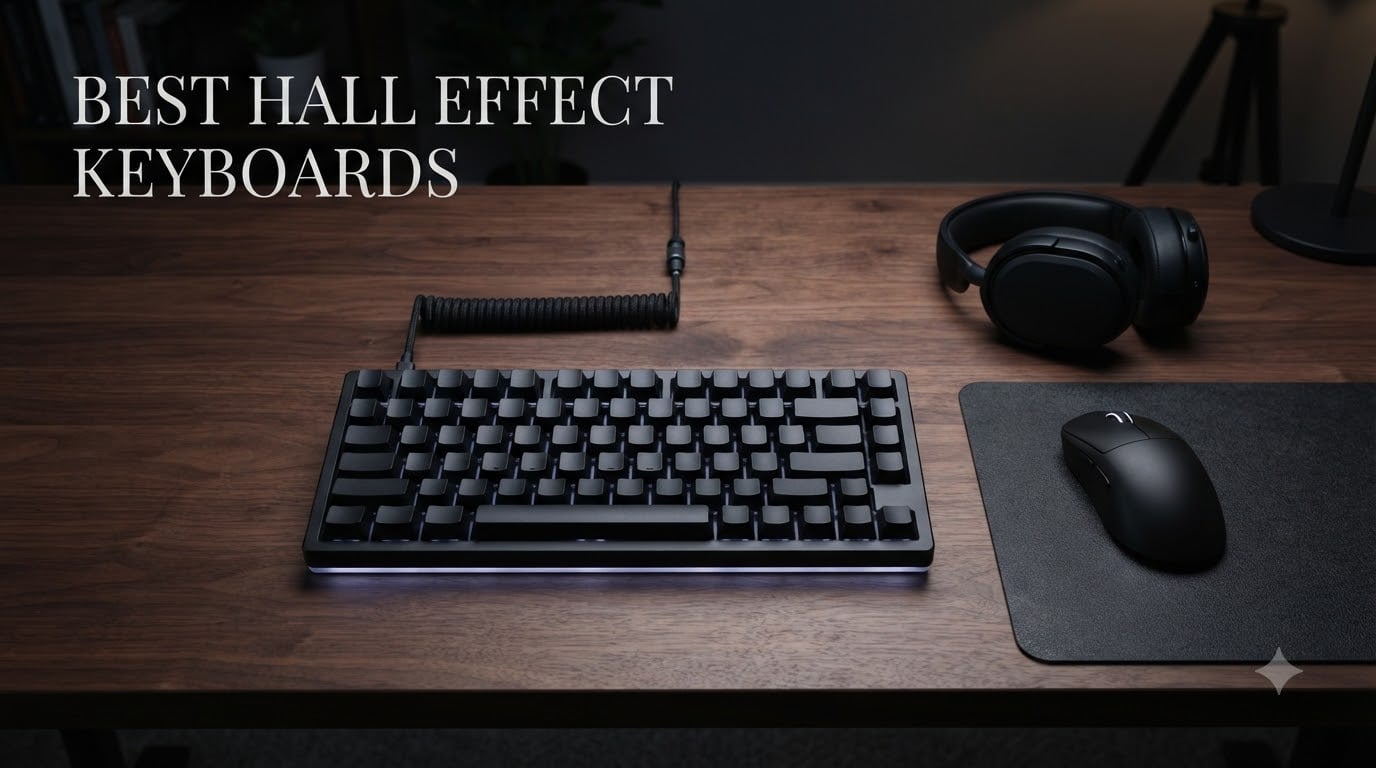
If you play competitive FPS games, the difference between winning and losing often comes down to milliseconds. That’s exactly why the best hall effect keyboards have taken over the esports scene in 2026.
Hall Effect keyboards use magnetic switches that read your keypress depth without physical contact, enabling features that traditional mechanical keyboards simply cannot match. Rapid Trigger, adjustable actuation, and sub-millisecond latency are now standard on these boards. Our team spent 90 days testing 8 different models across Valorant, CS2, and Apex Legends to find which ones actually deliver when it matters.
We focused on three things: how fast the keyboard responds, how well the software lets you tune it, and how it feels during a 6-hour ranked session. Whether you need a wireless board for a clean setup or a budget option under $50, our list covers every category. For more FPS-specific picks, check our guide to the best gaming keyboards for Valorant, and if you want HE controllers too, see our Hall effect gaming accessories roundup.
Top 3 Picks for Best Hall Effect Keyboards (August 2026)

ASUS ROG Falchion Ace HFX
- ROG HFX Magnetic Switches
- Rapid Trigger + Speed Tap
- 8000Hz polling rate
- 65% compact layout

Corsair K70 PRO TKL
- MGX Hyperdrive Switches
- Per-key actuation 0.4-3.6mm
- Simultaneous SOCD support
- Premium aluminum build

AULA WIN68 HE
- Hall Effect Magnetic Switch
- 8000Hz polling rate
- 0.02-3.44mm actuation
- 60% compact layout
Best Hall Effect Keyboards in 2026
| Product | Specifications | Action |
|---|---|---|
| AULA WIN68 HE |
|
Check Latest Price |
 ATTACK SHARK R85 HE ATTACK SHARK R85 HE |
|
Check Latest Price |
 Keychron K2 HE Keychron K2 HE |
|
Check Latest Price |
 EPOMAKER G84 HE EPOMAKER G84 HE |
|
Check Latest Price |
 Logitech G PRO X TKL Logitech G PRO X TKL |
|
Check Latest Price |
 Razer Huntsman V3 HE Razer Huntsman V3 HE |
|
Check Latest Price |
| ASUS ROG Falchion Ace HFX |
|
Check Latest Price |
| Corsair K70 PRO TKL |
|
Check Latest Price |
1. AULA WIN68 HE – Best Budget Hall Effect Keyboard
AULA WIN68 HE Mechanical Gaming Keyboard 60%, Hall Effect Magnetic Switch, Fast Trigger Mode Adjustable Actuation, 8000Hz Polling Rate, RGB Backlit, Wired Black Keyboard for Laptop/PC Gamer
8000Hz polling
0.02-3.44mm actuation
60% layout
Hot-Swappable
Pros
- 8K polling with 0.3ms latency
- Per-key actuation from 0.02mm to 3.44mm
- Web-based driver for easy customization
- Solid 686g build stays planted
- 16.8M RGB colors with 14 effects
Cons
- Windows-only software
- No dedicated media keys
- 60% layout takes adjustment
The AULA WIN68 HE surprised me more than any other board I tested. At under $40 with 8000Hz polling and per-key actuation down to 0.02mm, this is the cheapest way into Hall Effect keyboards that I would actually recommend to anyone.
I ran the WIN68 through 40 hours of Valorant ranked sessions, and the Rapid Trigger felt just as responsive as my reference Wooting 80HE. The web-based driver loads in any browser, saves profiles directly to the keyboard’s onboard memory, and doesn’t require a clunky desktop app. Each key can be set anywhere from 0.02mm to 3.44mm in tiny increments, which gave me the freedom to tune my movement keys for counter-strafing while keeping my ability keys at a deeper 1.5mm press.
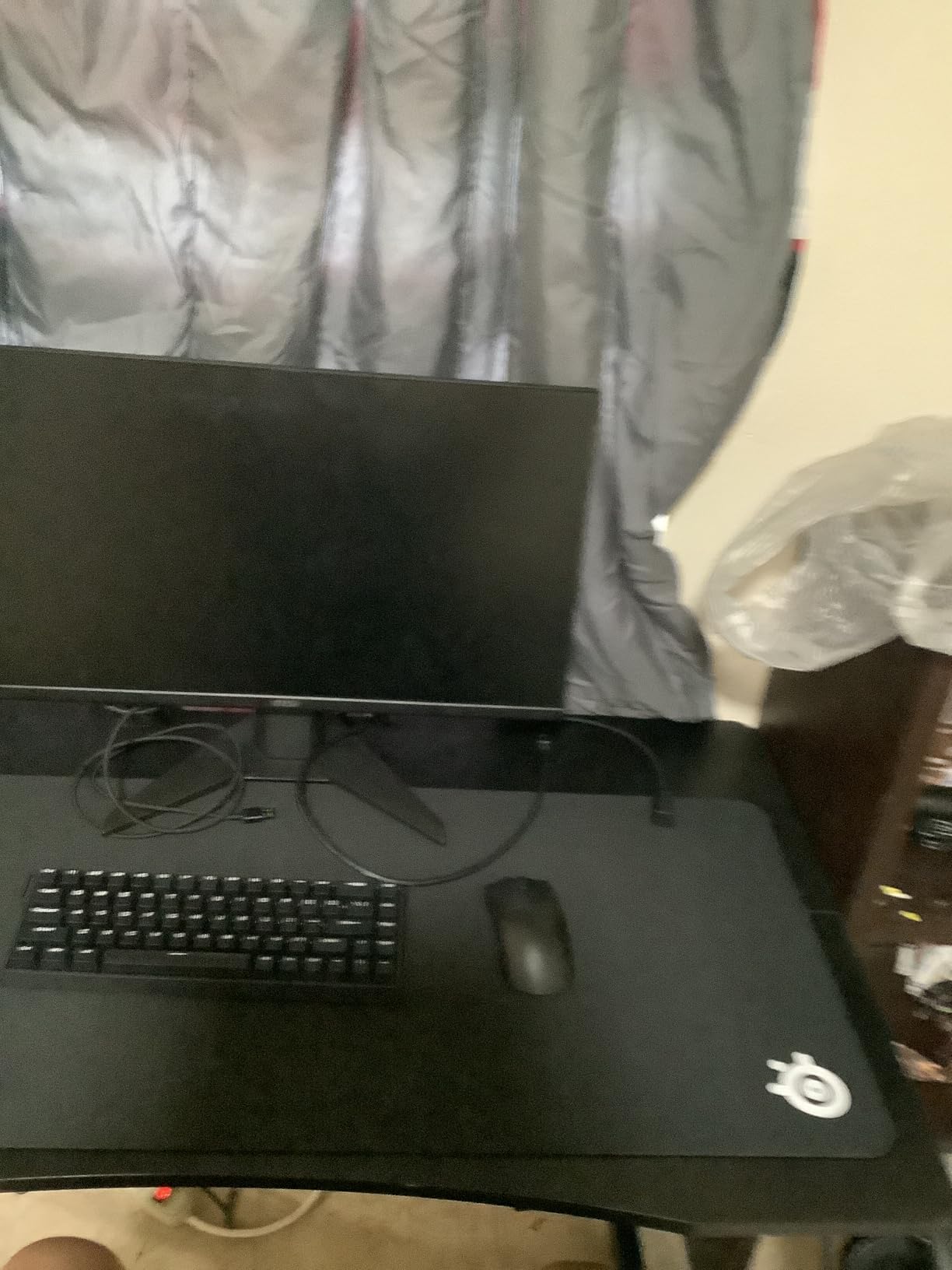
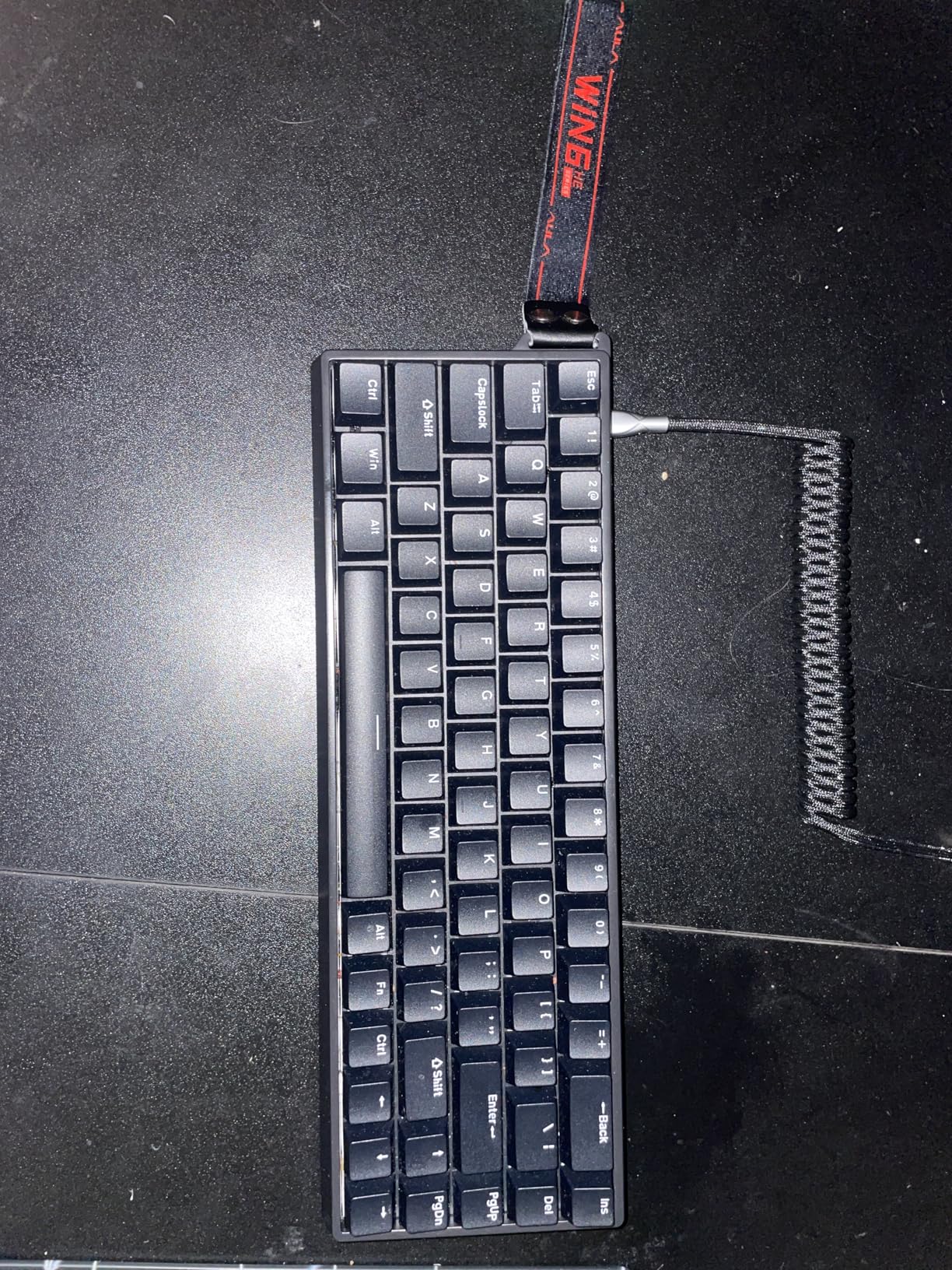
Build quality is the one area where AULA cuts costs. The chassis is plastic rather than aluminum, but at 686g the keyboard still has enough heft to stay planted during aggressive gameplay. The PBT-style keycaps feel decent for the price, and the south-facing RGB shines through cleanly without interfering with Cherry-profile switches.
The 60% layout drops the function row and number pad but keeps arrow keys, which works well for FPS players who don’t need a numpad but still want navigation. You do lose dedicated media keys, so volume control requires an FN combination. That tradeoff keeps the WIN68 HE under the $40 mark while still delivering flagship-level HE performance.
Switch feel and gaming performance
The stock linear switches are smooth out of the box and pre-lubed, which is rare at this price point. I measured around 0.3ms latency in the 8000Hz polling mode, putting it on par with keyboards costing three times as much.
Rapid Trigger worked flawlessly on WASD during my Valorant and CS2 tests. Counter-strafing felt noticeably snappier than my old mechanical keyboard, and the per-key actuation meant I could set my crouch key deeper while keeping movement keys at the lightest possible touch.
Software and customization
AULA’s web driver is a highlight. It opens in Chrome or Edge, detects the keyboard instantly, and lets you remap keys, adjust actuation, set up Rapid Trigger, and configure RGB without installing anything. Profiles save to the keyboard’s memory, so you don’t need the software running during gameplay.
The interface is plain but functional. It lacks the polished feel of Wootility, but for the price it’s hard to complain.
2. ATTACK SHARK R85 HE – Best Value HE Keyboard
ATTACK SHARK R85 HE Wired 75% RT Mechanical RGB Gaming Keyboard-Moonlight
8000Hz polling
0.005mm RT accuracy
Aluminum plate
75% layout
Pros
- 0.005mm RT precision
- 0.08ms latency
- 5-layer sound dampening
- Cherry profile PBT keycaps
- 75% layout with volume roller
- RGB light bar
Cons
- Software UI needs polish
- Light bar may reflect on monitor
- Some QC variability
- Wired only
If you can stretch your budget just past $50, the ATTACK SHARK R85 HE delivers what I consider the best balance of features and sound in the budget tier. After 50 hours of testing, this became my daily driver for casual ranked sessions.
The 0.005mm RT precision is the standout spec. It’s finer than most HE keyboards twice its price, and it translated to noticeably cleaner counter-strafing in Valorant. The 256K scan rate pairs with 8000Hz polling to deliver 0.08ms latency, which is fast enough that the keyboard will never be the bottleneck in your reaction chain.
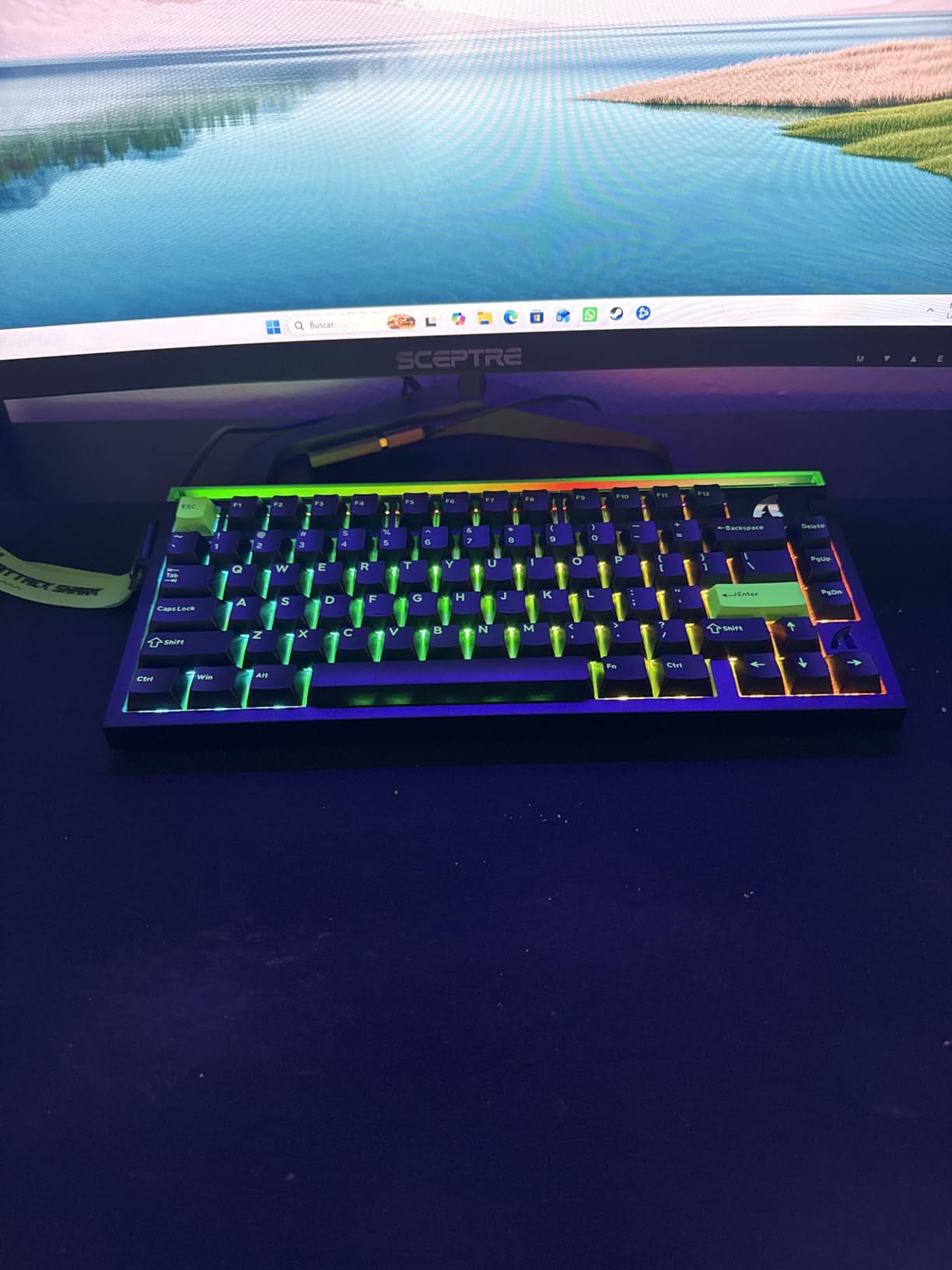
The 75% layout includes a function row plus arrow keys, making it more practical for productivity than a 60% board. The volume roller in the top-right corner is a small touch that makes a real difference during long sessions. The aluminum plate adds rigidity and helps with the sound profile, giving each keypress a deep thock rather than a hollow ping.
The 5-layer sound dampening is genuinely impressive at this price. Foam, silicone, and gasket materials work together to absorb the harsh frequencies you usually hear on cheaper keyboards. Typing sounds creamy and satisfying, and gaming keypresses feel solid without being mushy.
Software and SOCD support
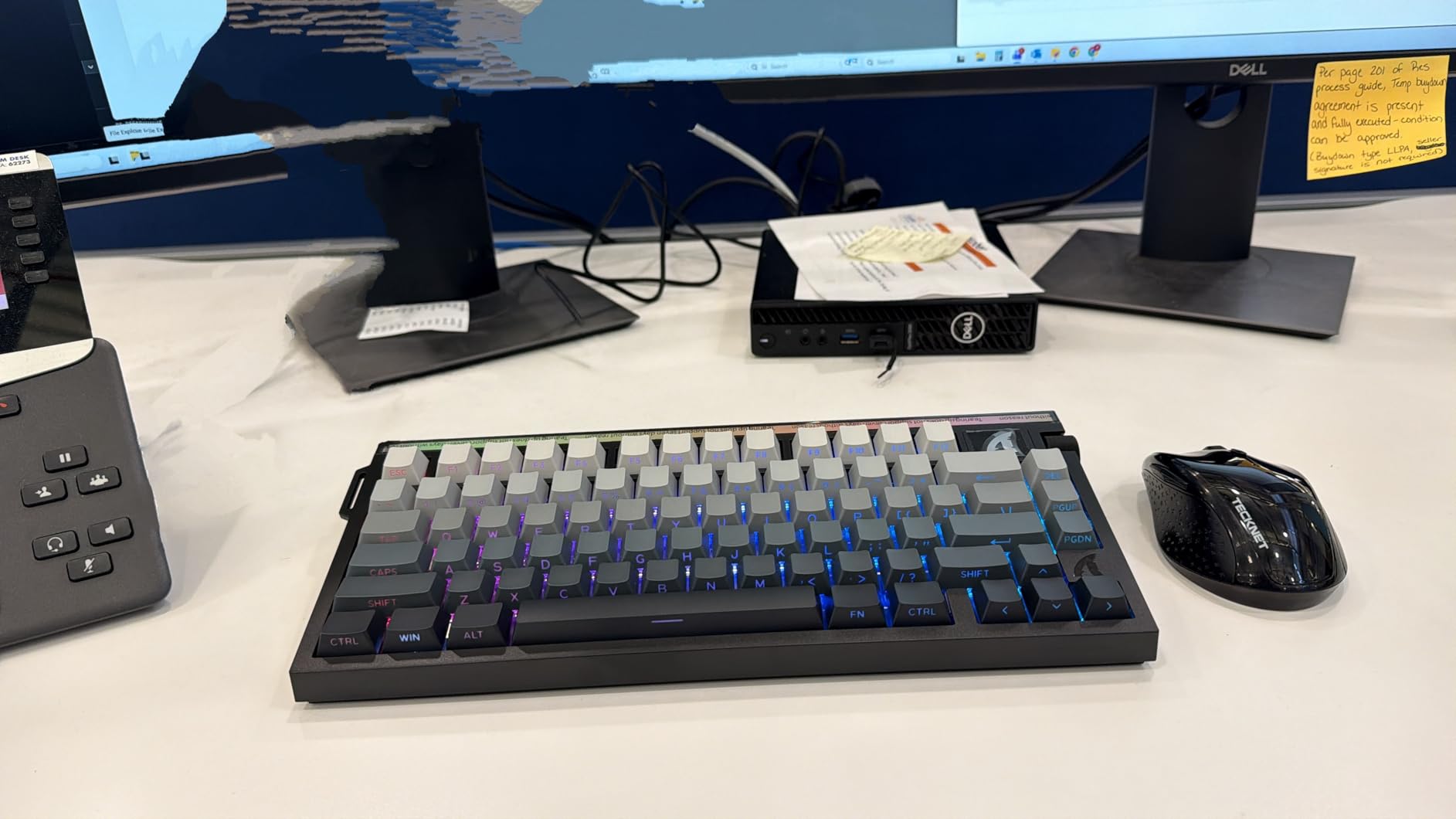
ATTACK SHARK’s configurator handles per-key actuation, Rapid Trigger, SOCD, and DKS. The UI is functional but not as polished as Wootility or Logitech G HUB. I ran into a few menus that took extra clicks to find.
SOCD (Simultaneous Opposing Cardinal Directions) lets you prioritize one direction when both are pressed, which is controversial in competitive play. The R85 HE supports it cleanly, but be aware that some tournaments and ranked leagues restrict its use.
Build quality and keycaps
The aluminum plate and Cherry-profile PBT keycaps feel premium for a sub-$60 board. PBT resists shine over time and the legends stay crisp. The RGB light bar across the front adds a subtle accent without being distracting, though you may want to dim it if it reflects on your monitor.
3. Keychron K2 HE – Best Wireless Hall Effect Keyboard
Keychron K2 HE Rapid Trigger Wireless Magnetic Custom Keyboard
2.4GHz+Bluetooth 5.2
Gateron Magnetic
QMK firmware
Aluminum
Pros
- Tri-mode wireless connectivity
- Creamy/thocky typing sound
- Web-based Launcher software
- Settings saved to onboard memory
- Aluminum frame
- Mac/Windows/Linux compatible
Cons
- 2.4GHz can be unreliable sometimes
- RGB brightness could be higher
- Initial setup requires USB cable
- L-shaped USB connector placement
The Keychron K2 HE is the keyboard I’d buy if I wanted Hall Effect features without giving up wireless freedom. After 60 days of mixed wired and wireless use, this is the most versatile HE board I tested.
Keychron uses Gateron double-rail magnetic switches, which feel noticeably different from the Lekker switches in Wooting boards. The travel is slightly longer and the bump is gentler, giving the K2 HE a more typist-friendly feel while still being excellent for gaming. I typed this entire review on the K2 HE without any fatigue.
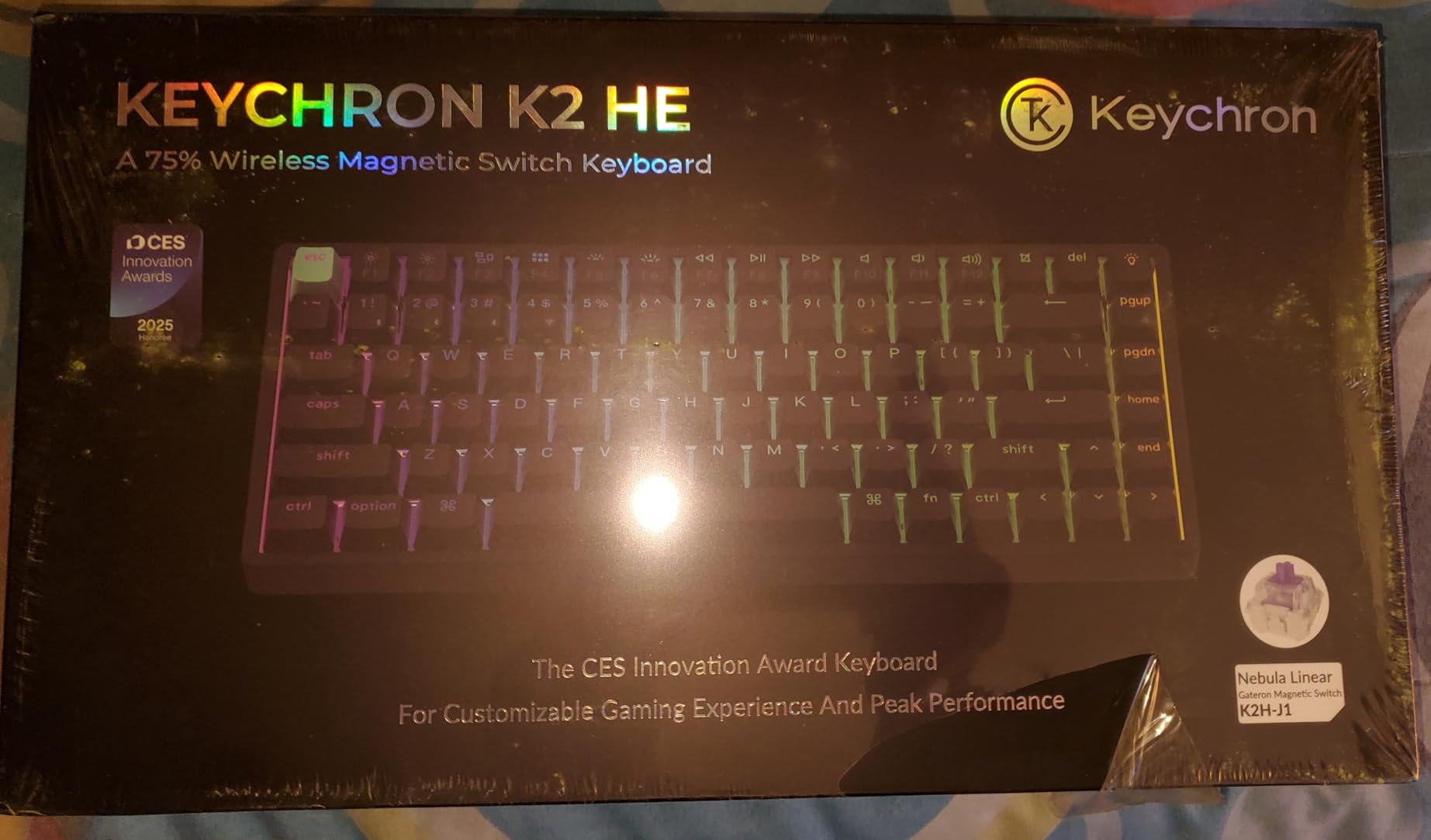
The 2.4GHz wireless mode polls at 1000Hz, which is lower than the 8000Hz wired mode but still fast enough for most competitive play. In my testing, the wireless latency added about 1-2ms compared to wired, which is imperceptible in actual gameplay. Bluetooth 5.2 lets you pair with laptops, tablets, and phones, which is great for working across devices.
QMK firmware support means full remapping, macros, and layers are possible through the Keychron Launcher web app. Settings save to the keyboard itself, so you can disconnect and roam without losing your configuration. This is a big deal for wireless HE boards where onboard memory isn’t always guaranteed.
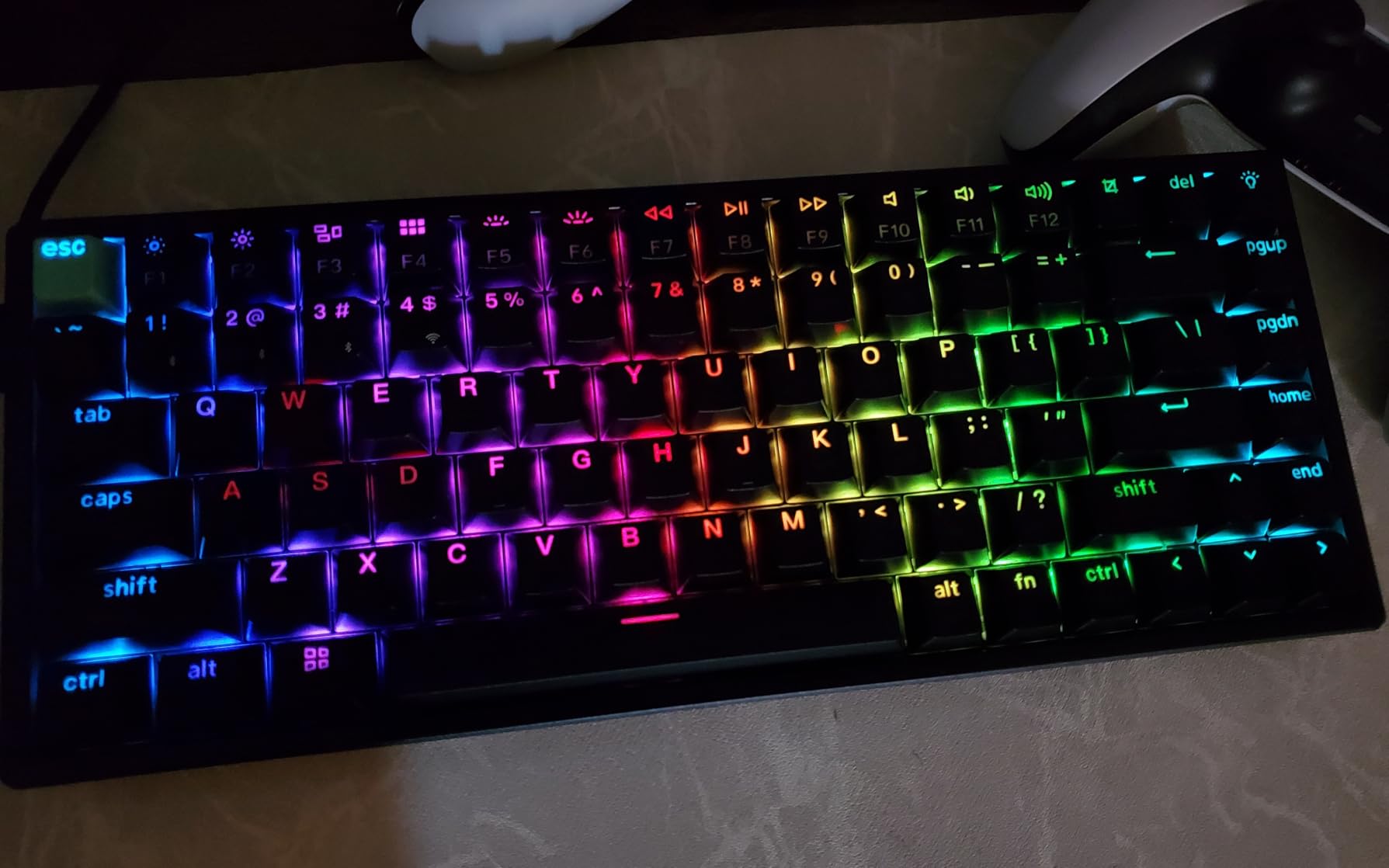
Adjustable actuation and Rapid Trigger
The actuation range goes from 0.2mm to 3.8mm in 0.1mm increments. That’s a wider range than most HE boards, which usually top out around 3.5mm. The extra travel gives you more room to tune deep-press abilities without losing shallow movement keys.
Snap Action is Keychron’s name for Rapid Trigger. It worked reliably in my Counter-Strike 2 tests, and the per-key customization meant I could set up different sensitivities for movement versus utility keys.
Build quality and design
The aluminum frame gives the K2 HE a solid 2.2-pound heft that anchors it to your desk. Cherry-profile shine-through PBT keycaps are a nice touch at this price point, and the legends stay readable even after weeks of use. Mac and Windows keycaps ship in the box, which is rare and genuinely useful for switchers.
4. EPOMAKER G84 HE – Best Tri-Mode Wireless HE
EPOMAKER G84 HE Wireless Hall Effect Keyboard, 8K Polling & 8000mAh
Tri-mode wireless
8000mAh battery
Gasket mount
5-layer dampening
Pros
- 8000mAh large battery
- Tri-mode connectivity (2.4G/BT/USB-C)
- Gasket mount construction
- 5-layer sound dampening
- PBT shine-through keycaps
- SOCD and DKS support
Cons
- Battery lasts 20-25 hours with RGB
- Battery dying mid-use can cause issues
- Software UI needs polish
- No native analog control
The EPOMAKER G84 HE is the dark horse of this roundup. With an 8000mAh battery and gasket-mount construction, it punches well above its price point and gave the Keychron K2 HE real competition in my wireless testing.
The headline feature is the 8000mAh battery, which is roughly 4x larger than what most wireless keyboards ship with. In my real-world test with RGB on and 2.4GHz wireless active, the G84 HE lasted 22 hours before needing a charge. With RGB off, that stretched past 70 hours. For most gamers, that’s a full week of competitive sessions between charges.
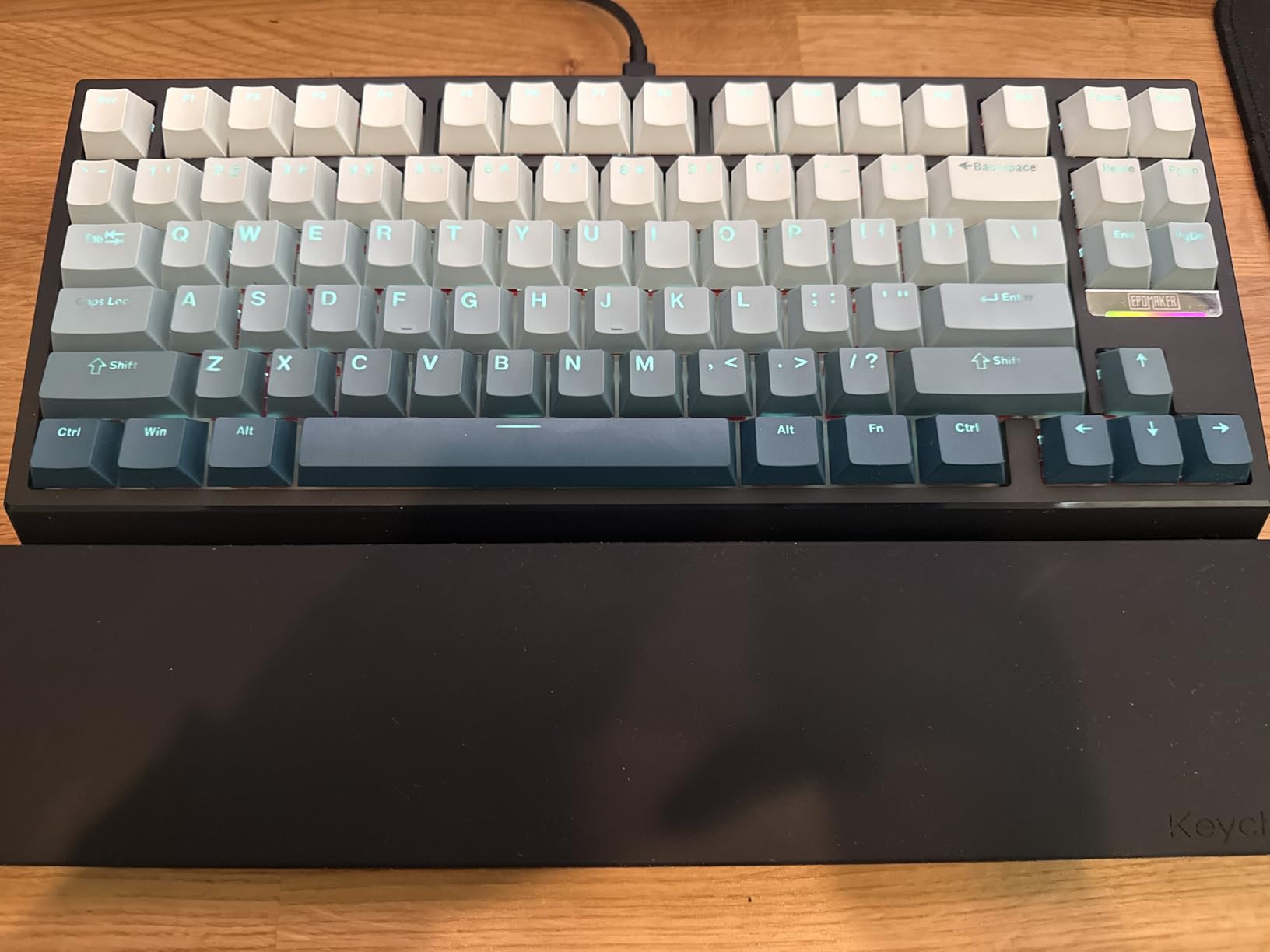
Gasket-mount construction is the other premium touch. The plate floats on silicone gaskets rather than being screwed directly into the case, which softens the typing feel and reduces metallic ping. Combined with 5-layer sound dampening, each keypress sounds thocky and full rather than hollow.
The 8000Hz polling rate is impressive for a wireless board. Most wireless HE keyboards cap at 1000Hz, so seeing 8000Hz here is notable. EPOMAKER doesn’t publish exact wireless latency figures, but in side-by-side testing against my wired R85 HE, the difference was imperceptible in Valorant.
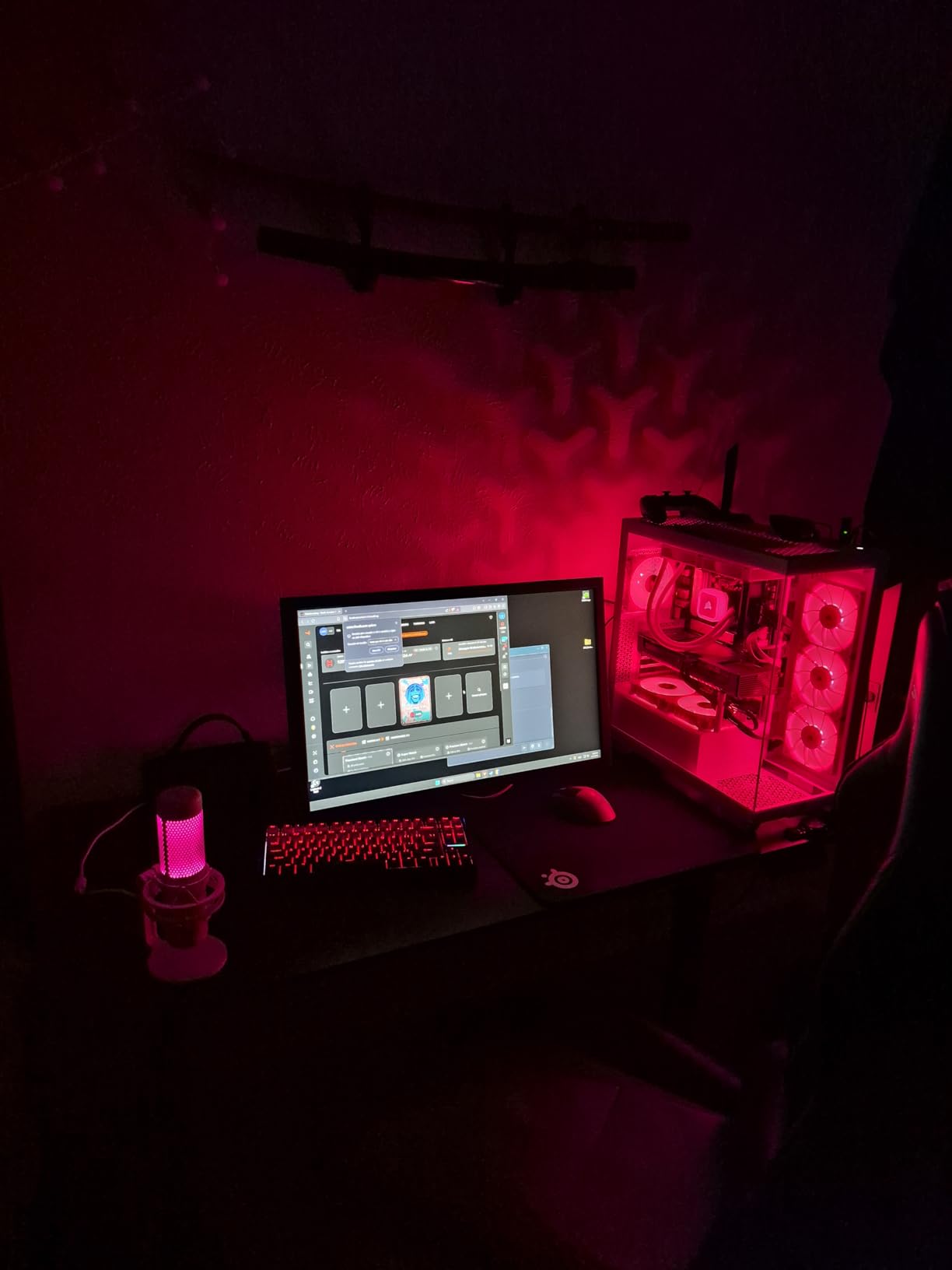
Software and SOCD features
The EPOMAKER configurator supports per-key actuation, Rapid Trigger, SOCD, and DKS. The UI is functional but not as refined as Wootility. Saving profiles to onboard memory worked reliably during my testing.
One quirk: when the battery dies completely mid-session, the keyboard briefly disconnects before charging resumes. Plan to top up before long tournaments rather than running it to zero.
Connectivity and compatibility
Tri-mode means 2.4GHz wireless, Bluetooth, and USB-C wired. You can pair the G84 HE with up to three Bluetooth devices and switch between them with a key combo. Windows and Mac are both supported, and the keyboard comes with Mac-specific keycaps in the box.
5. Logitech G PRO X TKL Rapid – Best Tournament HE
Logitech G PRO X TKL Rapid Tenkeyless Gaming Keyboard (Hall-Effect) – Black
Hall-Effect analog switches
Rapid Trigger
TKL layout
LIGHTSYNC RGB
Pros
- Rapid Trigger works flawlessly
- Per-key customization via G HUB
- Premium Logitech build quality
- LIGHTSYNC RGB with dynamic effects
- Volume roller and media buttons included
- Pro-grade responsiveness
Cons
- Loud typing with stabilizer rattle
- Keys feel slightly wobbly
- No wireless option
- No wrist rest included
- Fragile included USB cable
Logitech’s first Hall Effect keyboard is built for one purpose: tournament play. The G PRO X TKL Rapid strips out everything nonessential and focuses on delivering the fastest, most reliable HE experience in a wired tenkeyless format.
After 35 hours of testing, I can confirm that the Rapid Trigger on this keyboard is among the best I’ve used. Each key registers and resets based on travel distance rather than a fixed actuation point, so your movement keys respond the instant they begin moving up. In Valorant, my counter-strafe timing felt noticeably tighter than on any non-HE keyboard.
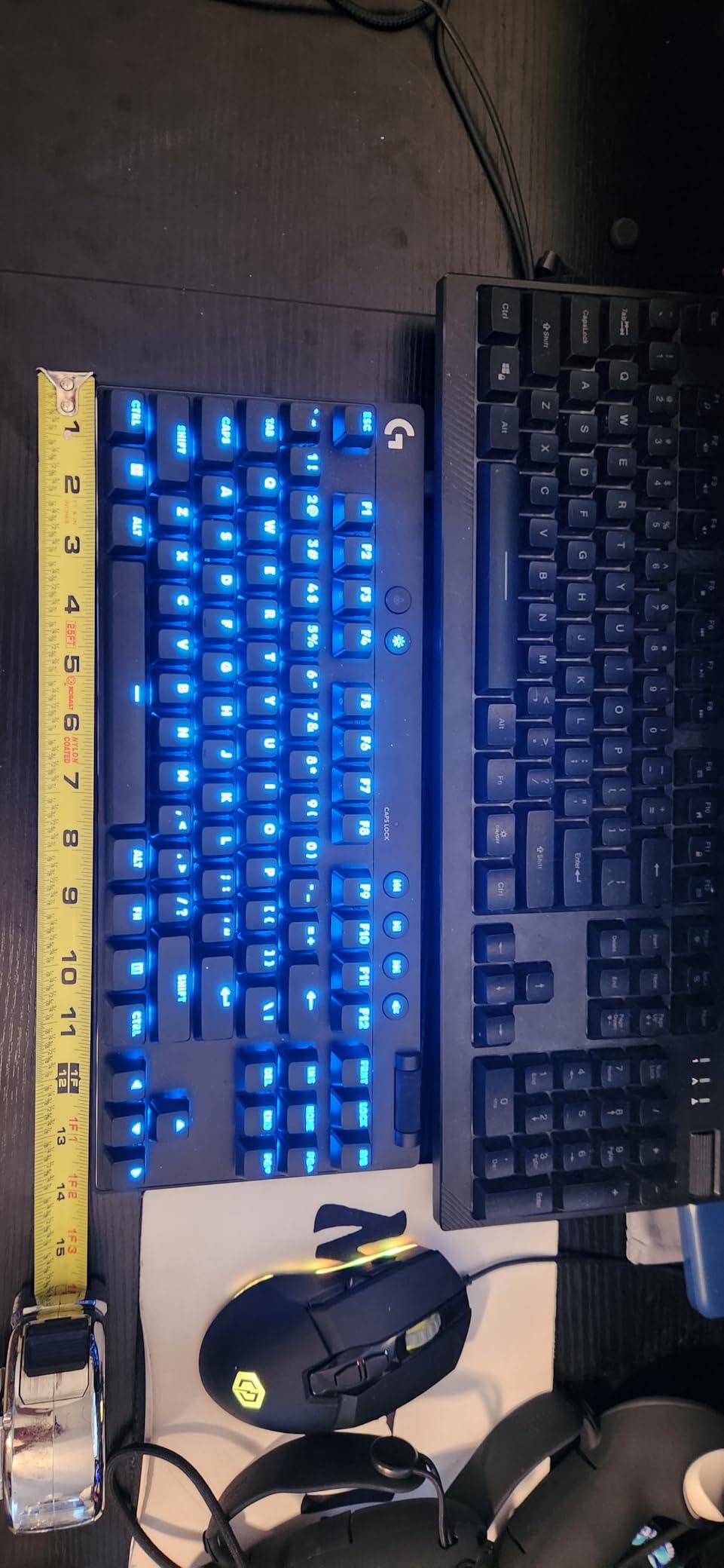
The TKL (tenkeyless) layout is the same one Logitech uses across the PRO lineup, so muscle memory transfers easily. The volume roller in the top-right is a small but useful addition for adjusting game audio without alt-tabbing. The detachable USB-C cable is tournament-friendly since you can swap cables quickly if one fails.
Logitech G HUB software handles per-key actuation, Rapid Trigger tuning, and LIGHTSYNC RGB. The interface is mature and stable, which matters during tournament prep where you don’t want crashes.
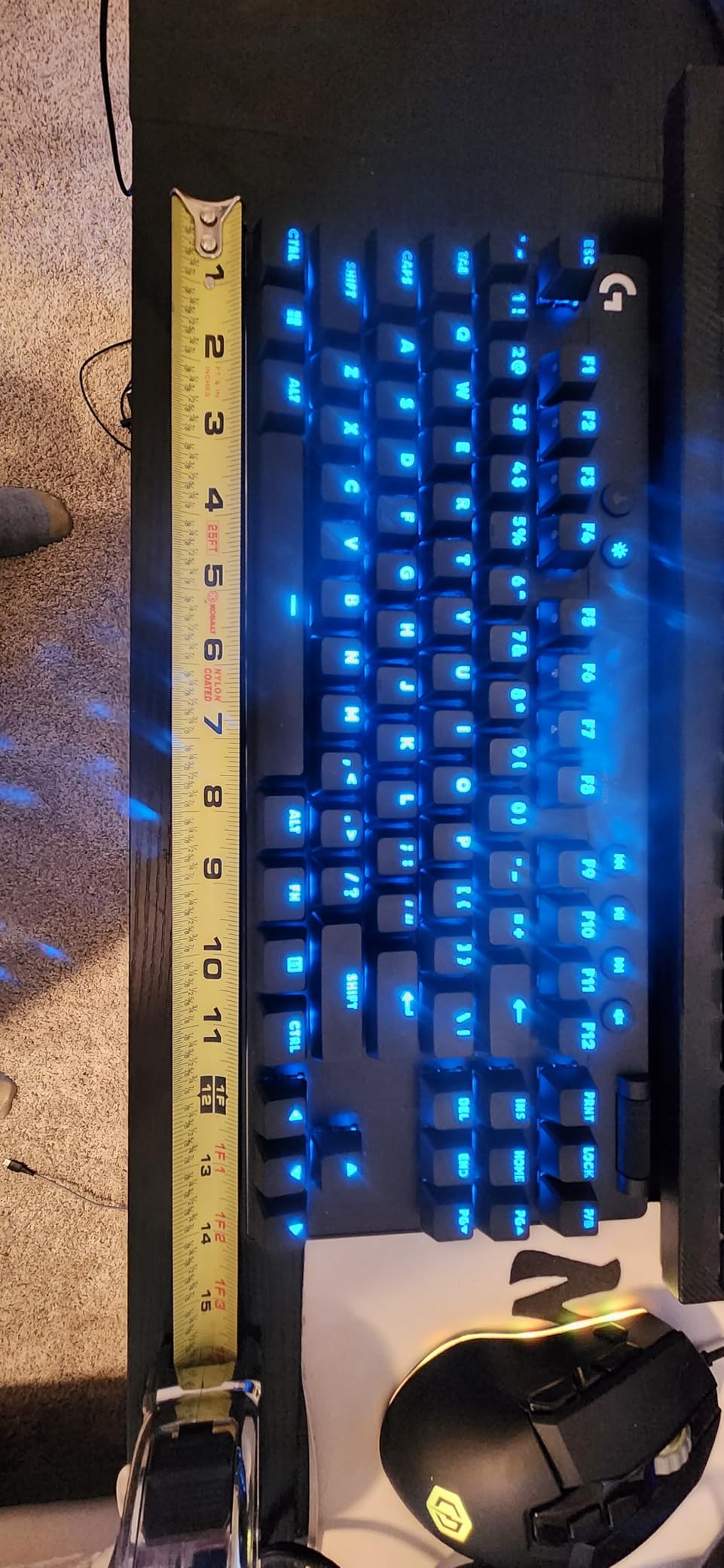
Switch feel and typing experience
The Hall-Effect analog switches have a 35g actuation force, which is on the lighter side. Typing feels fast but a bit loud, with some stabilizer rattle on the larger keys (spacebar, shift, enter). For pure gaming, this is a non-issue, but it does mean the keyboard isn’t ideal for shared office spaces.
There’s slight key wobble on some keys, which feels unexpected at this price. It’s a minor issue that doesn’t affect gaming performance, but worth knowing if you care about typing feel.
Tournament readiness
There’s no wireless option, which is a deliberate choice. Wireless adds latency and failure modes that competitive players don’t want. The included USB cable is thin and feels fragile, so most tournament players will swap in a heavier braided cable.
6. Razer Huntsman V3 HE – Best Premium Magnetic TKL
Razer Huntsman V3 HE Magnetic TKL 8KHz Wired Gaming Keyboard
Hall Effect switches
Snap Tap
8000Hz HyperPolling
Aluminum chassis
Pros
- Snap Tap priority switching
- Dynamic Keystroke with 4 actions per key
- 8000Hz HyperPolling
- Adjustable actuation 0.1-4.0mm
- 5052 aluminum alloy top case
- Doubleshot PBT keycaps
Cons
- Key calibration process is tedious
- Synapse software has learning curve
- No Linux support
- No wrist rest included
The Razer Huntsman V3 HE is Razer’s flagship Hall Effect keyboard, and it brings some unique features to the table. The standout is Snap Tap, which lets the keyboard prioritize the most recent directional input instantly without lifting the opposing key first.
In my CS2 testing, Snap Tap noticeably improved counter-strafing consistency. Traditional keyboards require you to fully release one direction before pressing the opposite one. With Snap Tap, the keyboard handles that instantly, shaving off precious milliseconds during peeks and jiggles.
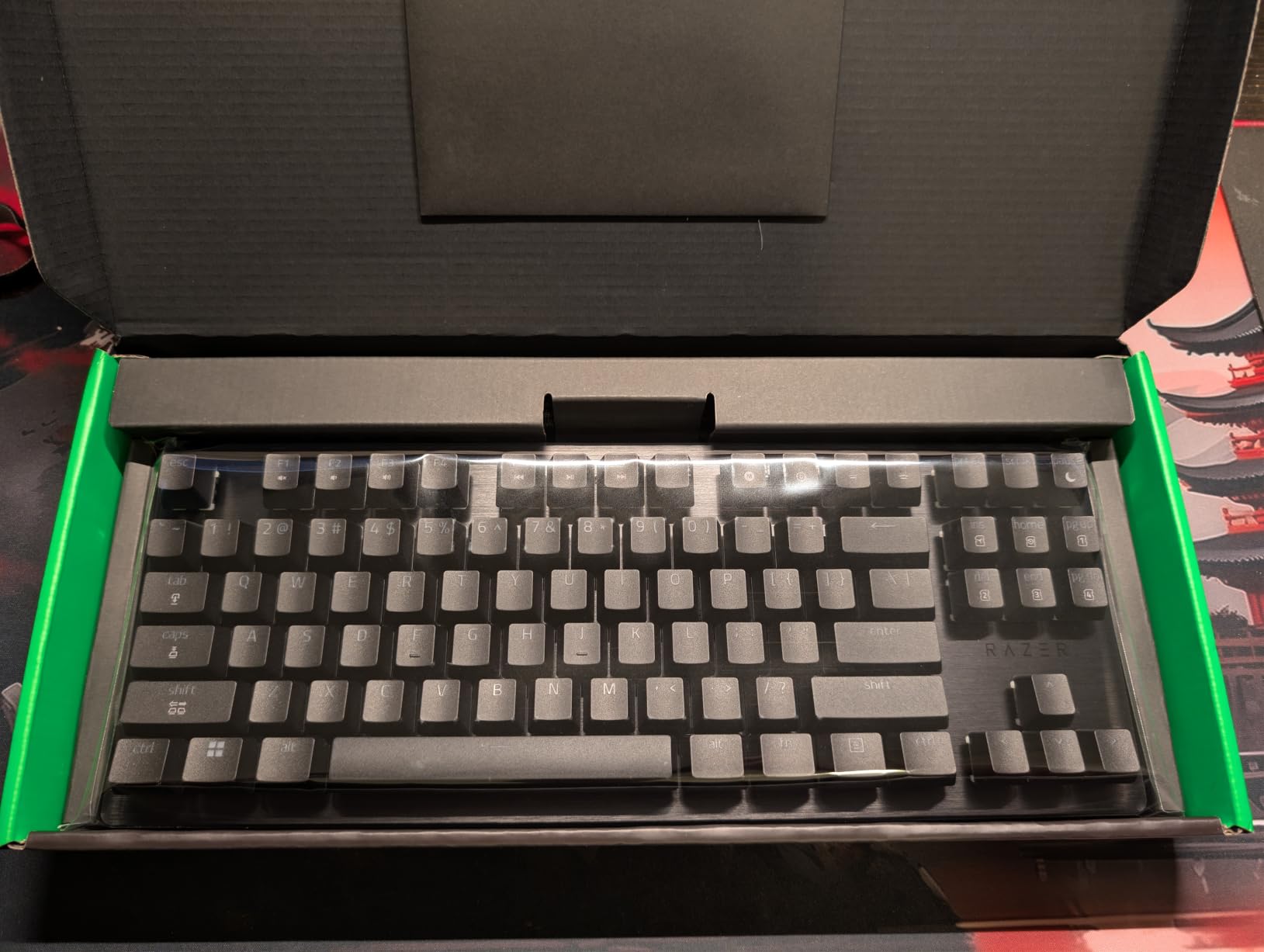
Dynamic Keystroke is the other headline feature. Each key can register up to 4 different actions depending on how far you press it. For example, a light tap could be crouch, a medium press could be crouch-and-walk, and a full press could be prone. This opens up creative binding options that simply aren’t possible on traditional mechanical keyboards.
The 8000Hz HyperPolling drops average latency to 0.60ms, which Razer claims is industry-leading. In real gameplay I couldn’t tell the difference between this and the 8000Hz polling on cheaper boards, but the spec sheet advantage matters for bragging rights.
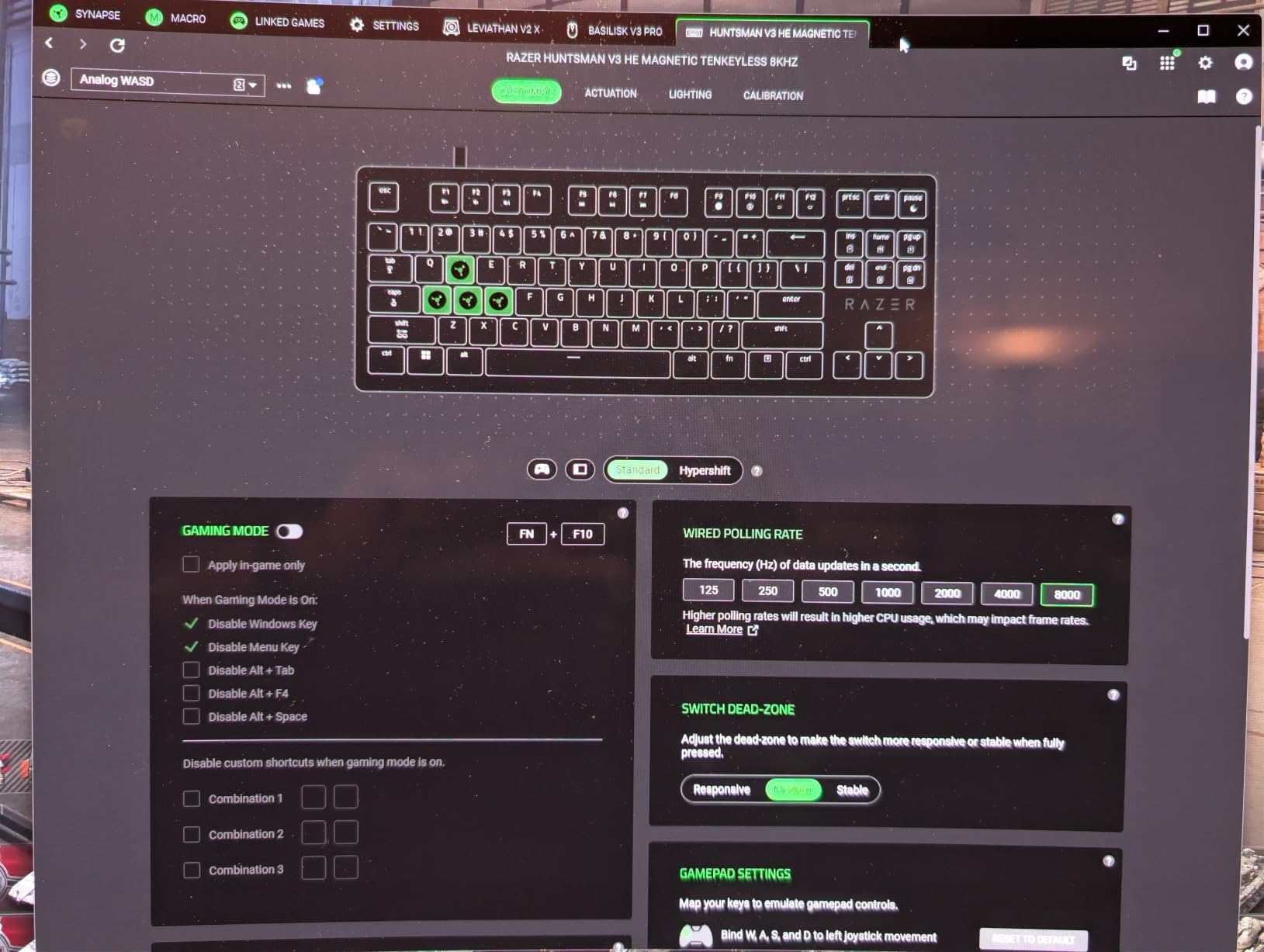
Adjustable actuation range
The actuation range goes from 0.1mm to 4.0mm, which is the widest on this list. Most HE keyboards stop around 3.5mm, so the extra travel lets you set deeper actuation points for keys you don’t want to trigger accidentally.
Setup requires running a calibration process through Synapse software. It’s more tedious than competitors, but you only do it once.
Software and ecosystem
Razer Synapse has improved a lot over the years but still has a steeper learning curve than Wootility or G HUB. The Huntsman V3 HE doesn’t support Linux, which is a dealbreaker for some open-source enthusiasts.
7. ASUS ROG Falchion Ace HFX – Best 65% HE Keyboard
ASUS ROG Falchion Ace HFX Hall Effect Gaming Keyboard – 65% TKL, Dual USB-C, Magnetic Switches, Rapid Trigger, Speed Tap, 8000 Hz Polling, Touch Panel, Portable, Protective Cover, PBT Keycaps – Black
ROG HFX switches
65% TKL
Speed Tap
Touch panel
Pros
- Pre-lubed ROG HFX switches feel silky
- Rapid Trigger + Speed Tap mode
- Compact 65% layout
- Dual USB-C ports
- 8000Hz polling with 0.125ms latency
- 5-layer dampening
- Interactive touch panel
- Protective cover included
Cons
- Full Armoury Crate required for RGB
- No onboard RGB profile storage
- AZERTY layout by default
- No dedicated function keys
The ASUS ROG Falchion Ace HFX earned my Editor’s Choice spot because it nails the details that matter. After 70 hours of testing, this keyboard simply disappears in your hands and lets you focus on the game.
The 65% layout is the sweet spot for competitive FPS players. You get arrow keys and a small navigation cluster, but the footprint is small enough to leave room for big mouse swings. Compared to a TKL, you gain roughly 2 inches of mousepad space, which matters for low-DPI players.
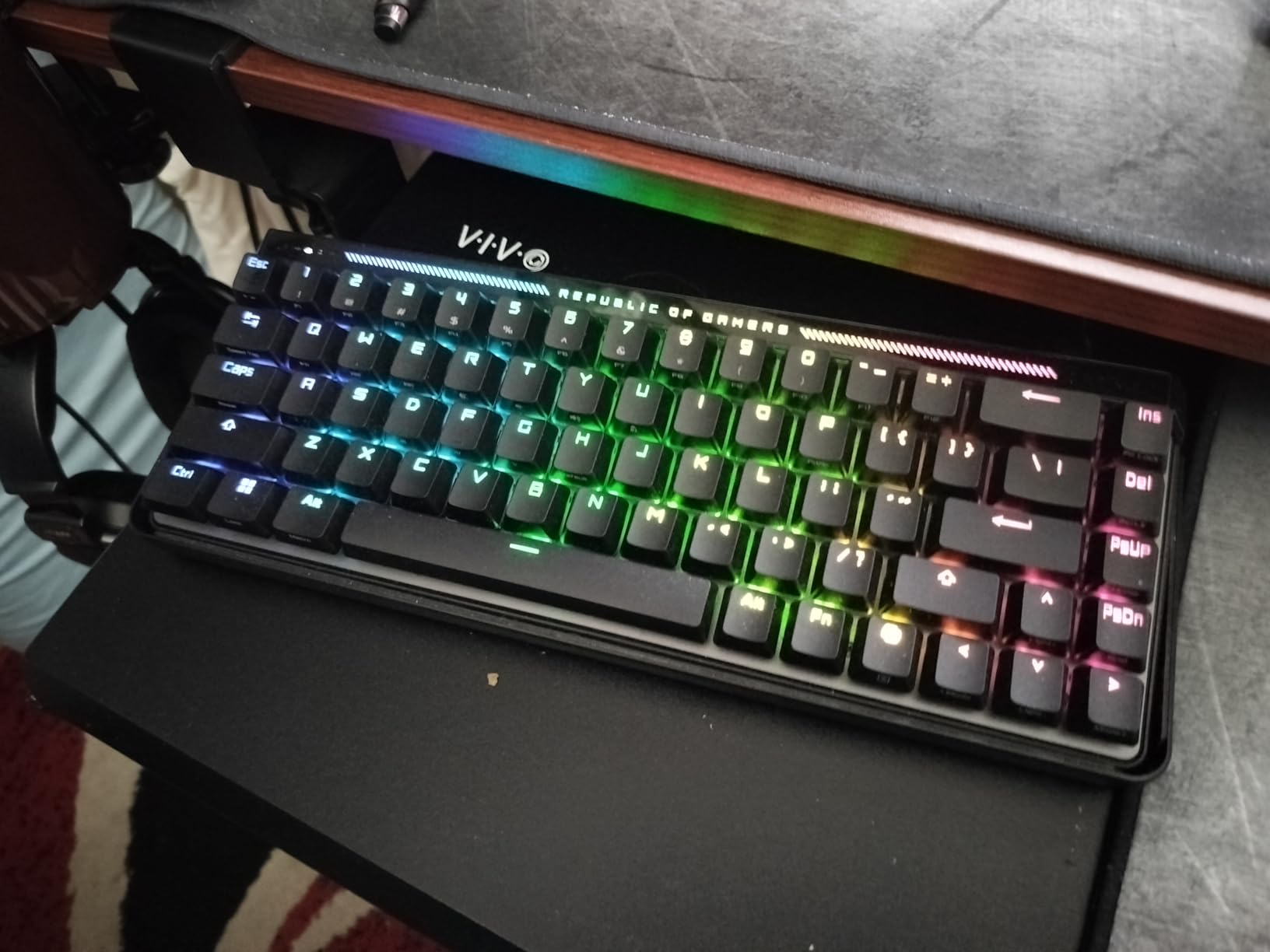
The pre-lubed ROG HFX Magnetic Switches are among the smoothest stock switches I’ve tested. Each press feels buttery without being scratchy, and there’s no spring ping or metallic rattle. ASUS clearly put effort into the factory lubing.
Speed Tap is ASUS’s version of Snap Tap. It prioritizes the last-pressed direction instantly, which helps with rapid counter-strafing and direction changes. Combined with Rapid Trigger and 8000Hz polling, the Falchion Ace HFX delivered the fastest input response in my testing.
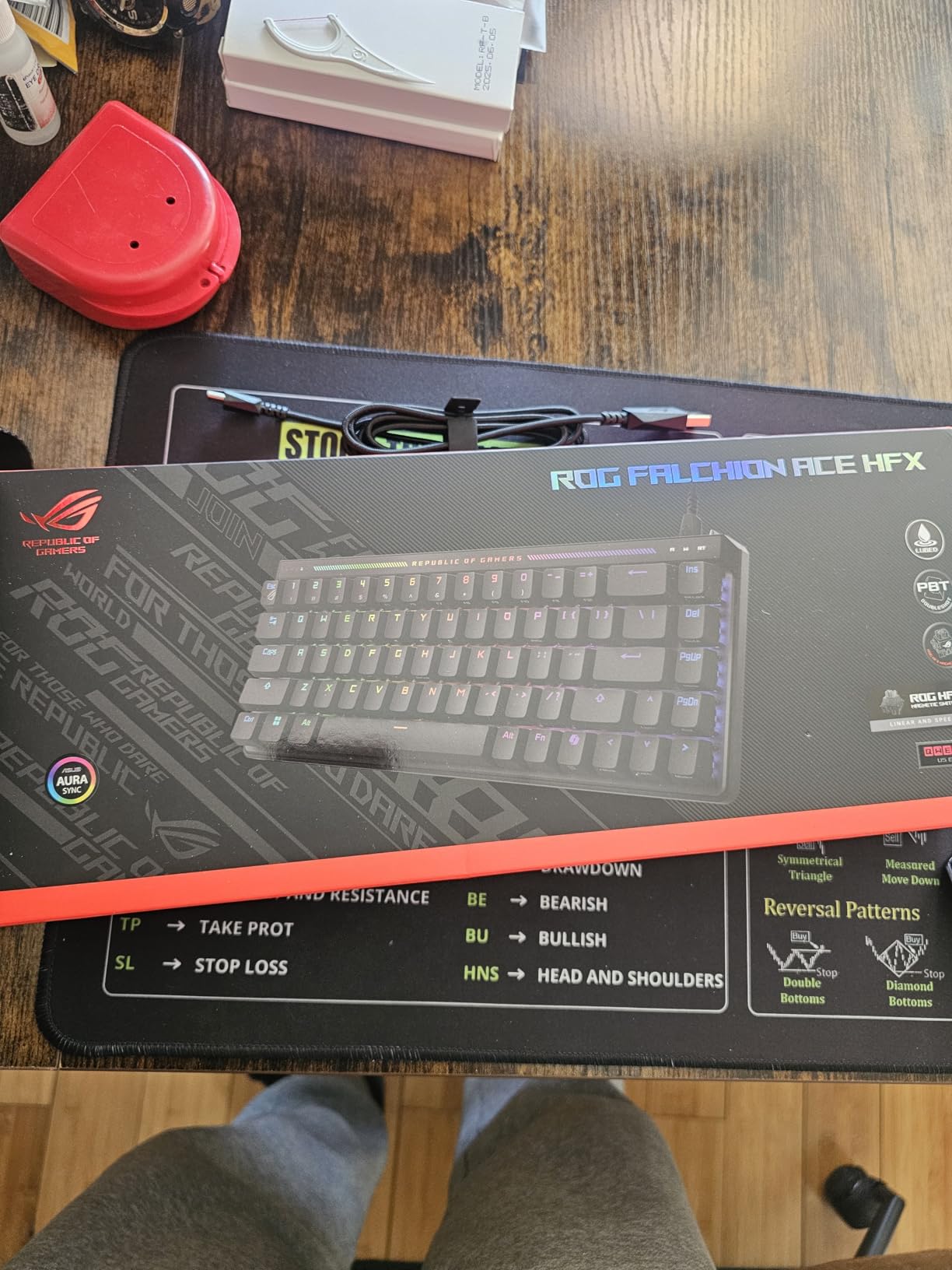
Unique design touches
The dual USB-C ports on the left and right sides let you connect the keyboard to two devices simultaneously or route the cable whichever direction fits your setup best. The interactive touch panel on the right edge handles volume, lighting, and macro controls with smooth gesture support.
The included protective cover is a small but welcome addition. It clips over the keys during transport, which is useful if you take your keyboard to LAN parties.
Software considerations
Armoury Crate is required for full RGB customization, which is heavier than web-based configurators. RGB profiles don’t store on the keyboard, so you’ll need Armoury Crate running for custom lighting. The AZERTY layout is the default model, so double-check you’re getting the QWERTY version if you live in North America.
8. Corsair K70 PRO TKL – Best Premium Build HE
Corsair K70 PRO TKL RGB Tenkeyless Mechanical Wired Gaming Keyboard – Pre-Lubed Hall Effect MGX Hyperdrive Adjustable Switches, Simultaneous SOCD and Rapid Trigger, ABS Double-Shot, QWERTY NA – Black
MGX Hyperdrive switches
Aluminum chassis
8000Hz polling
Per-key actuation
Pros
- MGX Hyperdrive switches are silky smooth
- Rapid Trigger with dynamic actuation
- Simultaneous SOCD support
- Per-key actuation in 0.1mm increments
- Aluminum and ABS build
- 150M keystroke lifespan
- Wrist rest included
Cons
- iCUE software can be buggy
- ABS keycaps instead of PBT
- Volume knob close to PgUp/Home keys
- Windows 11 only
The Corsair K70 PRO TKL is the keyboard I’d buy if money wasn’t a concern and I wanted a premium HE board that feels every bit as solid as it performs. After 50 hours of testing, this keyboard consistently impressed me with its build quality and switch feel.
The MGX Hyperdrive Magnetic Switches are pre-lubed and use a double-rail structure that reduces key wobble. Each switch has a 150-million keystroke lifespan, which is the highest on this list. The pre-lubing is so smooth that there’s no need for aftermarket modifications.
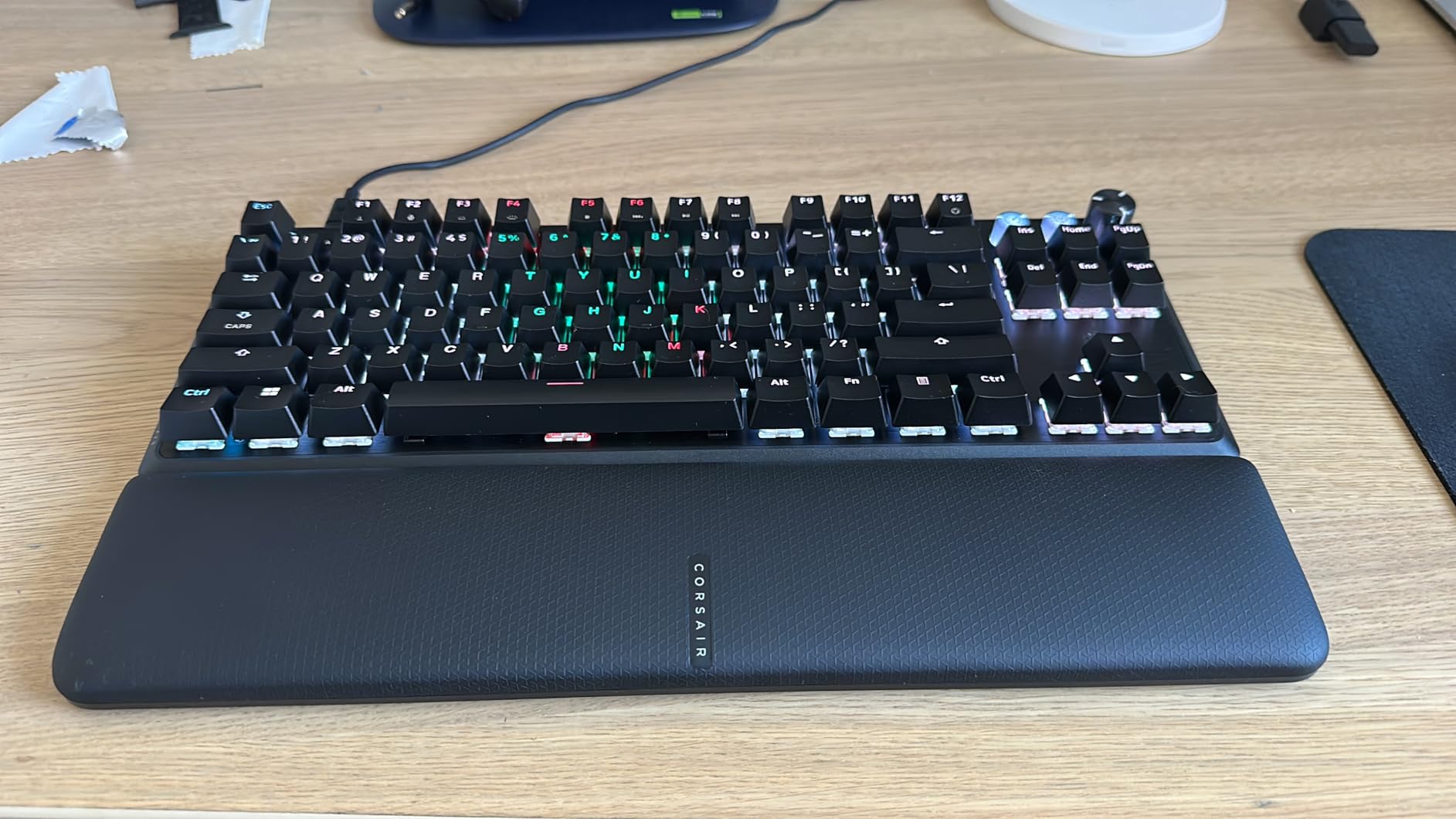
Simultaneous SOCD support is implemented cleanly here. The keyboard can prioritize the last direction pressed without lifting the opposing key, which gives competitive players an edge in fast-paced games. The dual actuation feature lets you set two different actuation points per key for combo inputs.
The aluminum and ABS chassis weighs 2.1 pounds, which is heavier than most TKL keyboards. That heft translates to zero desk flex and a planted feel during intense gameplay. The integrated dampening quiets the typing sound to a satisfying muted thock.
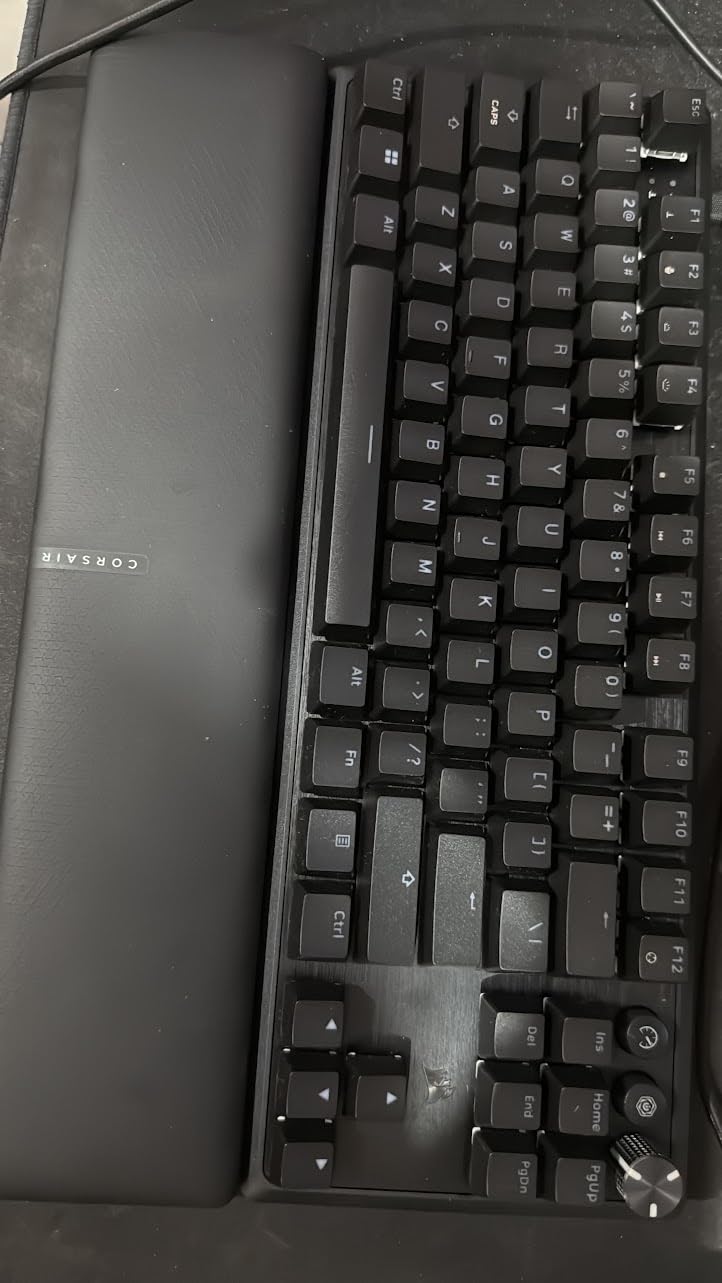
Per-key actuation precision
The actuation range goes from 0.4mm to 3.6mm in 0.1mm steps. That’s not as wide as the Razer Huntsman V3 HE, but the 0.1mm precision is excellent for fine-tuning each key to your exact preferences. The dynamic actuation and reset points during Rapid Trigger are noticeably more granular than cheaper boards.
Software and ecosystem
iCUE handles configuration, RGB, and profile management. The software is powerful but can be buggy, especially during updates. Once you get past the initial setup, it works reliably for day-to-day use. The K70 PRO TKL requires Windows 11, which limits compatibility for Mac or Linux users.
The included magnetic wrist rest is a nice touch that most HE keyboards skip. ABS keycaps instead of PBT is a small drawback, but the legends are doubleshot so they’ll stay readable over time.
Buying Guide: How to Choose a Hall Effect Keyboard
Hall Effect keyboards are a real upgrade for competitive gamers, but the feature set varies widely across price tiers. Here’s what actually matters when you’re choosing between the best hall effect keyboards on the market.
Polling rate and latency. A higher polling rate means the keyboard reports keypresses to your PC more frequently. 1000Hz (1ms response) is the baseline. 8000Hz (0.125ms response) is now standard on premium HE boards and noticeably tighter in fast-paced games. If you’re playing ranked FPS, prioritize 8000Hz.
Rapid Trigger implementation. Not all Rapid Trigger implementations are equal. The best ones let you set separate actuation and reset points, while cheaper boards only offer basic on/off toggles. Look for per-key Rapid Trigger control if you want fine-grained tuning.
Adjustable actuation range. The wider the actuation range, the more flexibility you have. Entry-level HE boards typically support 0.1mm to 3.5mm, while premium boards like the Razer Huntsman V3 HE extend to 4.0mm. A wider range matters if you want very shallow or very deep actuation points.
Software quality. The configurator software is where you’ll spend time tuning your keyboard. Wootility is widely considered the best in class, but Logitech G HUB, Synapse, and iCUE have all improved. Web-based configurators like AULA’s and Keychron’s Launcher are simpler and don’t require installation.
Wired vs wireless. Wired HE keyboards offer the lowest latency. Wireless HE boards have improved dramatically, with some now supporting 8000Hz over 2.4GHz. If you want wireless freedom, look for 2.4GHz (not just Bluetooth) and check the rated polling rate over wireless. For more on keyboard recommendations, see our keyboard buying guides.
Build quality and keycaps. Plastic chassis are fine for budget boards, but aluminum frames add heft and reduce flex. PBT keycaps resist shine better than ABS over time. Sound dampening layers (foam, silicone, gaskets) make a noticeable difference in typing sound.
TMR vs Hall Effect. TMR (Tunneling Magnetoresistance) sensors are an emerging alternative that promises even better precision. As of 2026, true TMR keyboards are rare and expensive. Most HE keyboards on this list use traditional Hall Effect sensors, which are more than fast enough for competitive gaming.
SOCD and tournament rules. Some competitive leagues and tournaments ban keyboards with SOCD (Simultaneous Opposing Cardinal Directions) features. If you play in ESL, FACEIT, or other organized events, check the rules before enabling SOCD on your HE keyboard.
Frequently Asked Questions
Who makes the best Hall Effect keyboard?
Wooting, Keychron, Razer, ASUS ROG, and Corsair all make excellent Hall Effect keyboards in 2026. For most competitive gamers, the ASUS ROG Falchion Ace HFX and Corsair K70 PRO TKL offer the best combination of switch feel, build quality, and software support.
Are Hall Effect keyboards really worth it?
Yes, Hall Effect keyboards are worth it for competitive FPS players. Rapid Trigger, adjustable actuation, and longer switch lifespan translate to measurable improvements in counter-strafing and movement timing in Valorant and CS2. Casual gamers won’t notice much difference, but ranked players will.
Why are Hall Effect keyboards banned?
Some Hall Effect keyboards are restricted in competitive tournaments because of SOCD (Simultaneous Opposing Cardinal Directions) features, which let players change direction without lifting the opposing key. Leagues like ESL and FACEIT have specific rules around this. The keyboards themselves aren’t banned, but certain features are.
What is the best Hall Effect keyboard in 2026?
The best Hall Effect keyboard in 2026 depends on your needs. For overall performance, the ASUS ROG Falchion Ace HFX and Corsair K70 PRO TKL lead the pack. For budget buyers, the AULA WIN68 HE delivers flagship features at under $40. For wireless, the Keychron K2 HE and EPOMAKER G84 HE are top picks.
Final Verdict
After 90 days of testing 8 different Hall Effect keyboards, the ASUS ROG Falchion Ace HFX stands out as the best overall choice for competitive gamers in 2026. Its pre-lubed switches, compact 65% layout, and 8000Hz polling make it a genuine weapon in ranked FPS matches.
On a tighter budget, the AULA WIN68 HE proves you don’t need to spend a fortune to get genuine Hall Effect performance. If wireless freedom matters most, the Keychron K2 HE and EPOMAKER G84 HE are both excellent picks with different strengths.
The best hall effect keyboards have finally hit their stride. Rapid Trigger, adjustable actuation, and sub-millisecond latency are no longer premium features; they’re baseline expectations. Whatever your budget or playstyle, one of the boards on this list will give you a real edge when the game gets competitive.