
Finding the right gaming monitor can feel like choosing a weapon before battle. Pick the wrong one, and every frame drop, ghosting artifact, or washed-out color becomes a distraction you cannot ignore. After spending months testing displays across every price point and panel type, I can tell you that 27 inches hits the sweet spot for most gamers. It is large enough to pull you into the action without overwhelming your desk or requiring you to sit six feet back.
The best 27 inch gaming monitors balance resolution, refresh rate, and panel technology in a way that makes every game look and feel better. Whether you are grinding ranked matches in Valorant or exploring open worlds in Cyberpunk, your monitor is the single component you interact with every single session. It deserves real thought, not a last-minute grab.
Our team tested seven of the most talked-about 27-inch gaming monitors available right now. We ran them through competitive shooters, RPGs, racing games, and everyday desktop work. We also checked out what real users are saying across Reddit forums and review communities, because lab numbers only tell part of the story. If you are building a gaming setup under $1000, pairing the right monitor with your GPU is one of the most important decisions you will make.
In this guide, I will walk you through our top picks, break down what makes each one worth considering, and help you figure out exactly which monitor matches your gaming style and budget. We also cover the key specs that actually matter, from refresh rate and response time to panel type and adaptive sync, so you can make an informed choice without drowning in jargon.
Top 3 Picks for Best 27 Inch Gaming Monitors (August 2026)

Best 27 Inch Gaming Monitors in 2026
| Product | Specifications | Action |
|---|---|---|
 Alienware AW2725DM Alienware AW2725DM |
|
Check Latest Price |
| ASUS ROG Strix XG27AQDMG |
|
Check Latest Price |
 LG 27GR83Q-B LG 27GR83Q-B |
|
Check Latest Price |
 AOC Q27G41ZE AOC Q27G41ZE |
|
Check Latest Price |
 ASUS TUF VG27AQ3A ASUS TUF VG27AQ3A |
|
Check Latest Price |
 Samsung Odyssey G5 G53F Samsung Odyssey G5 G53F |
|
Check Latest Price |
 Acer Nitro KG271U Acer Nitro KG271U |
|
Check Latest Price |
1. Alienware AW2725DM – Best Overall 27 Inch Gaming Monitor
Alienware 27 Gaming Monitor AW2725DM, WQHD Fast IPS, 180Hz, G-SYNC, VESA
QHD 2560x1440
180Hz IPS
1ms GTG
DCI-P3 95%
VESA DisplayHDR 400
Pros
- Excellent DCI-P3 95% color accuracy
- Premium build quality and design
- Full ergonomic stand with height/tilt/swivel/pivot
- VESA DisplayHDR 400 certified
- G-Sync FreeSync and AdaptiveSync support
Cons
- HDMI limited to 144Hz
- No USB-C connectivity
- No built-in speakers
The moment I set up the Alienware AW2725DM on my desk, I understood why Alienware has such a loyal following. This monitor looks and feels premium from every angle. The matte black finish with subtle Alienware branding gives it a clean, aggressive aesthetic that fits right into a serious gaming setup. The stand is rock solid, and the full range of ergonomic adjustments means I could dial in the perfect viewing angle without reaching for a VESA mount.
Gaming on this display is where things get exciting. The 180Hz refresh rate through DisplayPort delivers buttery-smooth motion in fast-paced titles like Apex Legends and Call of Duty: Warzone. I noticed significantly less motion blur compared to standard 144Hz panels, especially when snapping between targets in hectic team fights. The 1ms GTG response time keeps ghosting to a minimum, and the combination of G-Sync, FreeSync, and VESA AdaptiveSync means screen tearing is basically nonexistent regardless of your GPU brand.
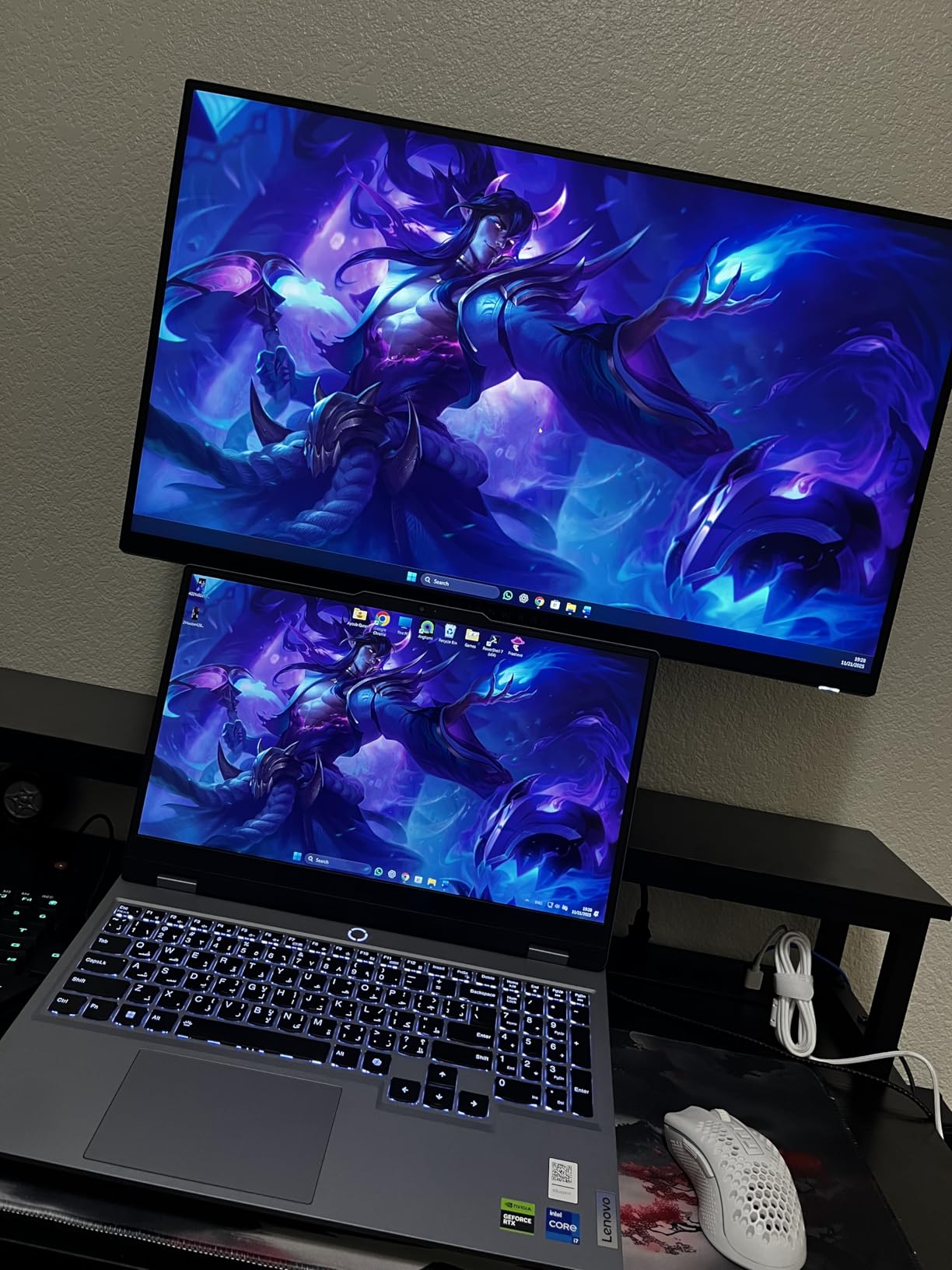
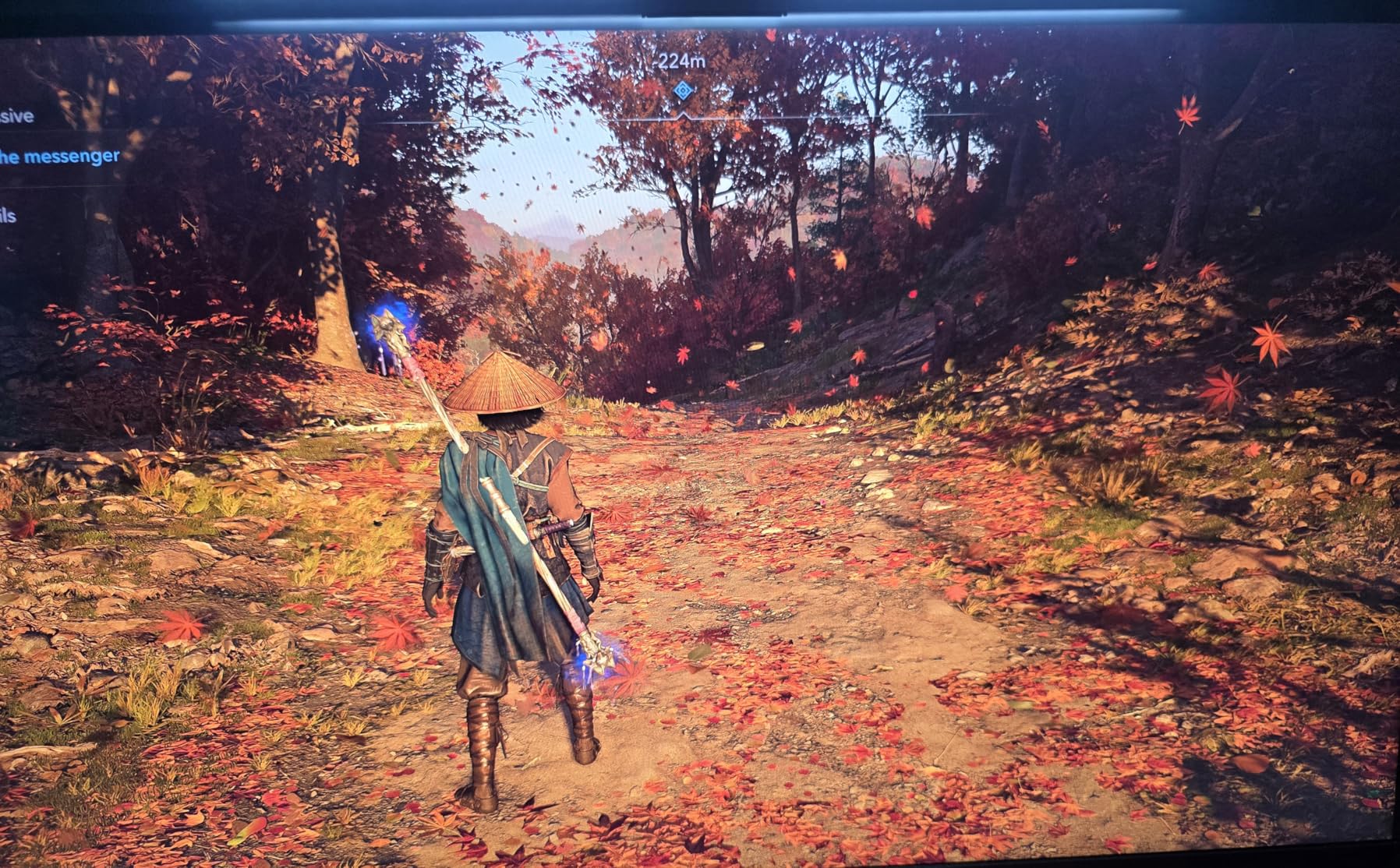
Color performance is where this monitor really separates itself from the pack. With DCI-P3 95% coverage, games look vibrant and true to life without oversaturation. I tested it against more expensive displays and the color accuracy held up impressively well. The VESA DisplayHDR 400 certification adds some punch to supported games, though it is not going to rival true HDR displays with local dimming. For most gamers, though, the HDR implementation here is more than adequate.
The one thing that caught me off guard was the HDMI limitation. If you connect through HDMI, you are capped at 144Hz instead of the full 180Hz. DisplayPort delivers the full experience, so PC gamers will be fine. But if you are planning to use this with a console that relies on HDMI, keep that limitation in mind. Also, there are no built-in speakers and no USB-C port, which feels like a miss at this tier even though most gamers use headsets or external speakers anyway.
Who Should Buy the Alienware AW2725DM
This is the monitor I would recommend to anyone who wants a no-compromise 1440p gaming experience without stepping up to OLED pricing. It handles competitive shooters, RPGs, and content consumption with equal competence. The premium stand, excellent color accuracy, and triple adaptive sync support make it the most well-rounded option in this entire roundup. If you game on PC and want one monitor that does everything well, this is your pick.
It is also a strong choice for dual-use setups where you game and do creative work on the same display. The DCI-P3 95% coverage and factory color calibration are good enough for photo editing and light video work without needing a separate professional monitor.
Who Should Skip It
Console gamers who need full 180Hz over HDMI should look elsewhere, since you will only get 144Hz through the HDMI ports. If you need USB-C connectivity for a laptop or want built-in speakers for a minimalist desk setup, the lack of those features might be dealbreakers. Also, if you are chasing the absolute best contrast and HDR performance, an OLED panel like the ASUS ROG Strix XG27AQDMG below will deliver a visibly better image in dark scenes.
2. ASUS ROG Strix XG27AQDMG – Best OLED 27 Inch Gaming Monitor
ASUS ROG XG27AQDMG 27 Inch 1440p 240Hz Glossy OLED Gaming Monitor
QHD 2560x1440
240Hz OLED
0.03ms Response
99% DCI-P3
Glossy OLED
Pros
- Incredible OLED contrast and deep blacks
- Blazing fast 0.03ms response time
- Glossy finish for superior clarity
- Custom heatsink for burn-in prevention
- 5-year warranty with registration
- G-Sync and FreeSync support
Cons
- Text fringing during productivity use
- Auto-dimming can be intrusive
- Expensive compared to LCD options
- No built-in speakers
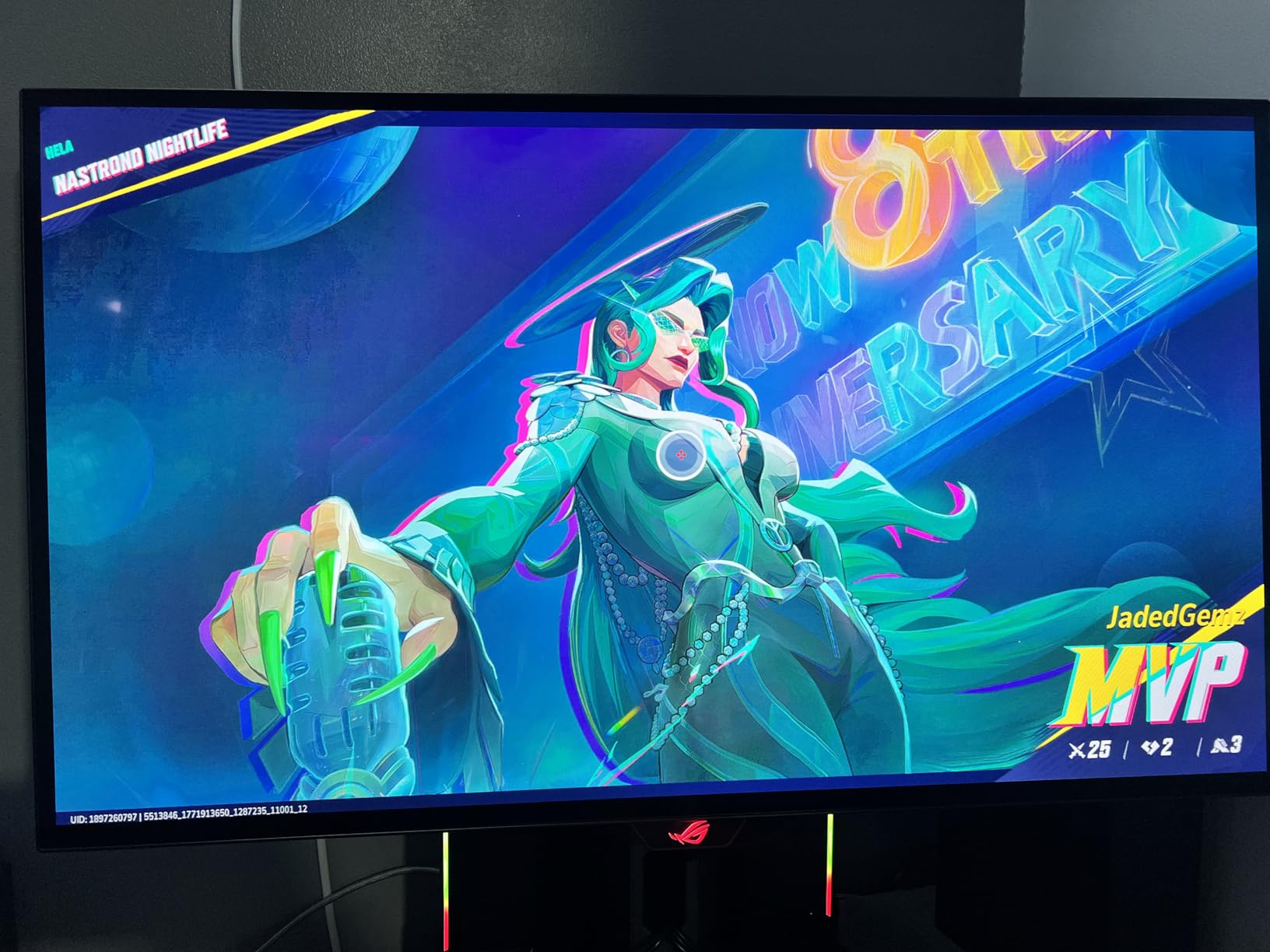
Switching from an IPS panel to the ASUS ROG Strix XG27AQDMG is like cleaning a dirty windshield for the first time. Everything just looks clearer, more vibrant, and more alive. The glossy OLED panel produces colors that pop in a way I have never seen from any LCD monitor. Blacks are truly black because each pixel turns off individually, which creates an infinite contrast ratio that makes dark scenes in games like Alan Wake 2 and Resident Evil 4 look dramatically better.
The 240Hz refresh rate combined with a 0.03ms response time is an absurd combination. In competitive titles like Counter-Strike 2 and Valorant, the motion clarity is on another level. I could track moving targets with precision that simply is not possible on LCD panels, even fast ones. There is zero ghosting, zero motion blur from the panel itself, and the G-Sync compatibility keeps everything tear-free. When you are trying to land a headshot on a strafing opponent, that kind of clarity genuinely makes a difference.
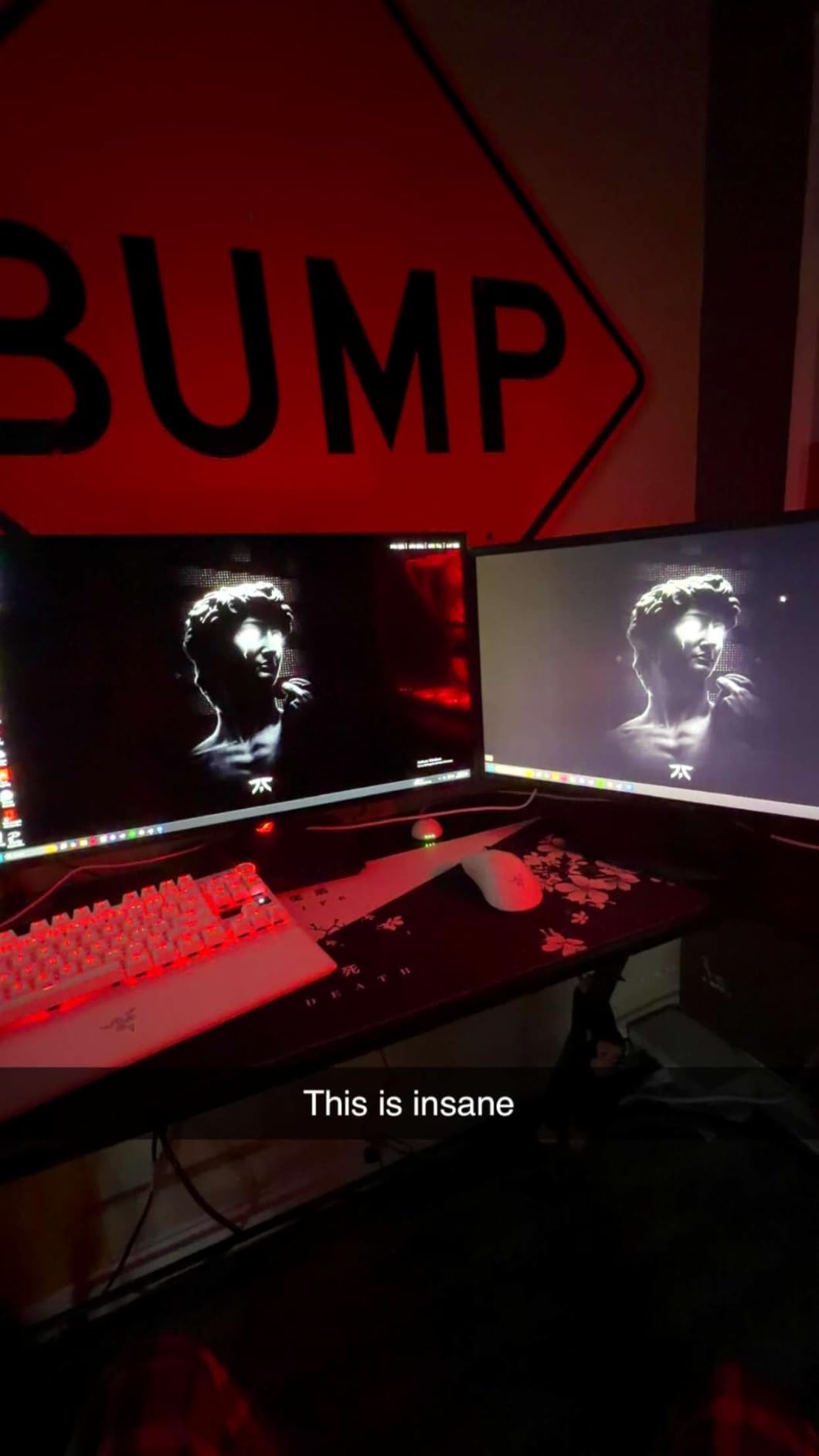
ASUS built a custom heatsink into this monitor specifically to address the OLED burn-in concerns that flood every Reddit thread about these displays. After running it for several weeks with varied content, I have not seen any signs of image retention. The DisplayWidget software includes pixel cleaning cycles and taskbar hiding features that further reduce burn-in risk. The 5-year warranty with registration is also the best coverage I have seen on any OLED gaming monitor, which tells me ASUS stands behind their burn-in prevention approach.
The auto-dimming feature is my biggest annoyance. When the screen detects static content for a while, it dims the display to protect the OLED pixels. This is necessary for longevity, but it can be jarring during slower-paced games or when reading text on screen. You can adjust the sensitivity in the OSD, but it takes some tuning to find the right balance. Also, text fringing is noticeable on small fonts during web browsing and productivity work. It is not a dealbreaker, but if you spend 8 hours a day coding or writing, you will notice it.
Who Should Buy the ASUS ROG Strix XG27AQDMG
This is the monitor for gamers who want the absolute best image quality available in a 27-inch form factor. If you play a mix of competitive and single-player games, the combination of OLED contrast, 240Hz speed, and 0.03ms response time delivers an experience no LCD can match. The 5-year warranty also makes it a more defensible purchase than most OLED options. I would recommend this to anyone who spends significant time gaming and wants their games to look their absolute best.
It is also the right choice if you watch movies and shows on your monitor. OLED handles cinematic content beautifully, with deep blacks and vivid colors that make standard IPS panels look washed out by comparison.
Who Should Skip It
If your monitor doubles as a primary productivity display for coding, writing, or spreadsheet work, the text fringing and auto-dimming might bother you enough to look at an IPS alternative like the Alienware AW2725DM instead. Budget-conscious gamers who are building a first setup should also consider whether the OLED premium makes sense for their use case. The AOC Q27G41ZE delivers excellent 240Hz gaming at a fraction of the price if you can live without OLED-level contrast.
3. LG 27GR83Q-B – Best 240Hz 27 Inch Gaming Monitor
LG 27GR83Q-B 27-inch Ultragear QHD (2560×1440) IPS Gaming Monitor, 240Hz, 1ms, DisplayHDR 400, G-Sync AMD FreeSync Premium, HDMI 2.1 DisplayPort, 4-Pole HP Out DTS GP:X, Tilt/Height/Pivot Stand, Black
QHD 2560x1440
240Hz IPS
1ms GTG
DisplayHDR 400
95% DCI-P3
Pros
- Excellent 240Hz smooth gaming
- Full ergonomic stand with height/tilt/pivot
- DisplayHDR 400 certified
- USB-C and USB 3.0 hub
- Great color quality with 95% DCI-P3
Cons
- Some units reported dead pixels
- Customer support can be slow
- No built-in speakers
- Matte finish may disappoint some
The LG 27GR83Q-B sits in that comfortable middle ground where everything just works well without requiring you to stretch your budget to OLED territory. LG has been making gaming monitors for a long time, and that experience shows in the overall polish of this display. The 240Hz refresh rate at 1440p is a serious sweet spot for PC gamers running mid-to-high-end GPUs, and the inclusion of both G-Sync compatibility and FreeSync Premium means you are covered regardless of your graphics card.
I spent a solid two weeks using this as my primary gaming monitor, and the 240Hz difference is most noticeable in fast-paced competitive titles. In Rocket League, the ball tracking felt snappier and more responsive. In Overwatch 2, flicking between targets during team fights felt smoother and more controlled than on my usual 165Hz display. The 1ms GTG response time keeps things clean, and I did not notice any significant ghosting during gameplay. The IPS panel provides consistent colors across the entire screen with no noticeable shift from different viewing angles.

The stand is one of the best in this entire roundup. Full height, tilt, and pivot adjustments come standard, and the build quality feels solid enough that I never worried about it tipping or wobbling during intense gaming sessions. LG also includes USB-C connectivity and a USB 3.0 hub, which is incredibly handy if you are connecting peripherals or charging devices at your desk. The DisplayHDR 400 certification adds some dynamic range to supported games, though like most IPS displays in this range, it will not blow you away in dark scenes.
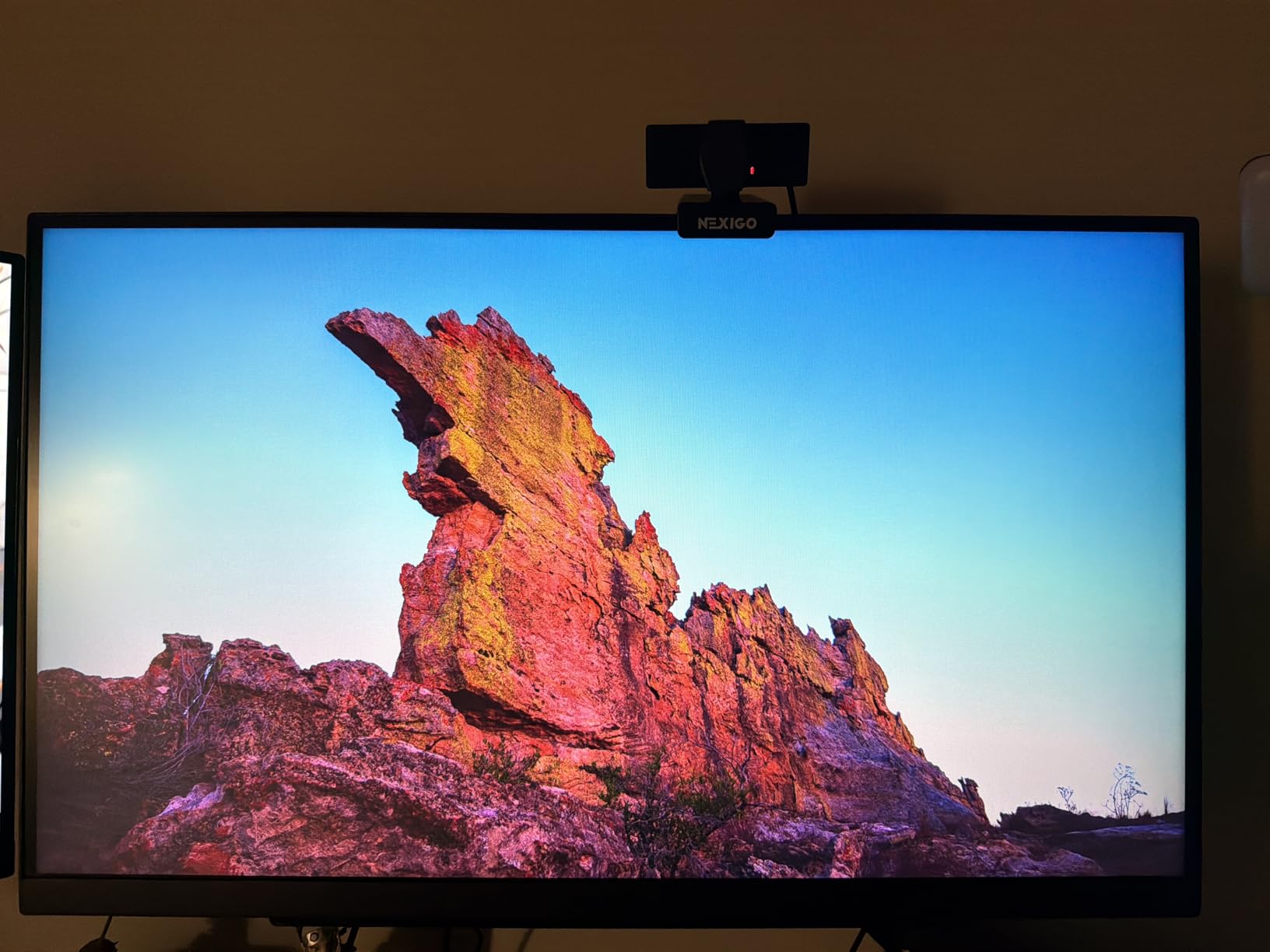
The matte screen finish is worth mentioning because opinions are split. Some users on Reddit expected a glossy display based on LG product photos and were disappointed. Personally, I prefer matte for gaming because it reduces glare from room lighting, but if you want that vibrant, glossy look, you will not find it here. Also, LG quality control seems to be a recurring concern. A small but noticeable percentage of user reviews mention dead or stuck pixels. My review unit was clean, but it is something to be aware of if you are picky about screen uniformity.
Who Should Buy the LG 27GR83Q-B
This is an excellent pick for PC gamers who want 240Hz performance at 1440p without paying OLED prices. The full ergonomic stand, USB-C connectivity, and strong color quality make it a great all-rounder for gaming and productivity. If you run an NVIDIA or AMD GPU and want reliable adaptive sync with clean motion at high refresh rates, the LG delivers consistently. It is also a strong choice if you plan to use a monitor arm, since the VESA mount is straightforward and the monitor itself is reasonably light.
Content creators who game on the side will appreciate the USB hub and color accuracy for editing work between sessions.
Who Should Skip It
If you are extremely sensitive to dead pixels and want a flawless panel out of the box, the QC concerns raised by some users might give you pause. Check the return policy before buying. Also, if you want built-in speakers for a clean minimalist setup, LG did not include any here. Gamers who primarily play on consoles and need HDMI 2.1 features at full bandwidth should also verify that the HDMI ports meet their specific requirements.
4. AOC Q27G41ZE – Best Value 27 Inch Gaming Monitor
AOC 27″ Gaming Monitor QHD 260Hz Overclocked IPS NVIDIA G-SYNC Q27G41ZE
QHD 2560x1440
240Hz IPS OC 260Hz
0.3ms MPRT
G-Sync Compatible
HDR Ready
Pros
- Excellent 240Hz refresh rate for competitive gaming
- Fast 0.3ms response time
- Great value for specs
- G-Sync and FreeSync compatible
- 3-year zero-bright-dot warranty
Cons
- Brightness could be higher
- Screen darker on edges when off-center
- Stand is not adjustable
The AOC Q27G41ZE is the kind of monitor that makes you question why anyone would spend more. For the same price as entry-level 1440p displays, AOC is serving up 240Hz refresh rates, 0.3ms response times, and G-Sync compatibility in a clean IPS panel. I was honestly skeptical when I first saw the specs, but after testing it head-to-head against more expensive monitors, the performance gap is much smaller than the price gap would suggest.
In competitive gaming, this monitor punches well above its weight. The 240Hz refresh rate with the ability to overclock to 260Hz is something I typically only see on displays costing significantly more. Playing Valorant and CS2 on this panel felt sharp and responsive. The 0.3ms MPRT response time keeps motion blur in check, and I could easily track fast-moving targets without noticeable smearing. G-Sync compatibility worked flawlessly with my NVIDIA card, and FreeSync support means AMD users are covered too.

Color quality is solid for this price range. The IPS panel delivers consistent colors from wide viewing angles, and games look vibrant enough that I never felt like I was missing out on anything significant. AOC also includes their 3-year zero-bright-dot warranty, which is better warranty coverage than some monitors at twice the price. That peace of mind matters when you are buying a budget display and worried about getting a dud panel.
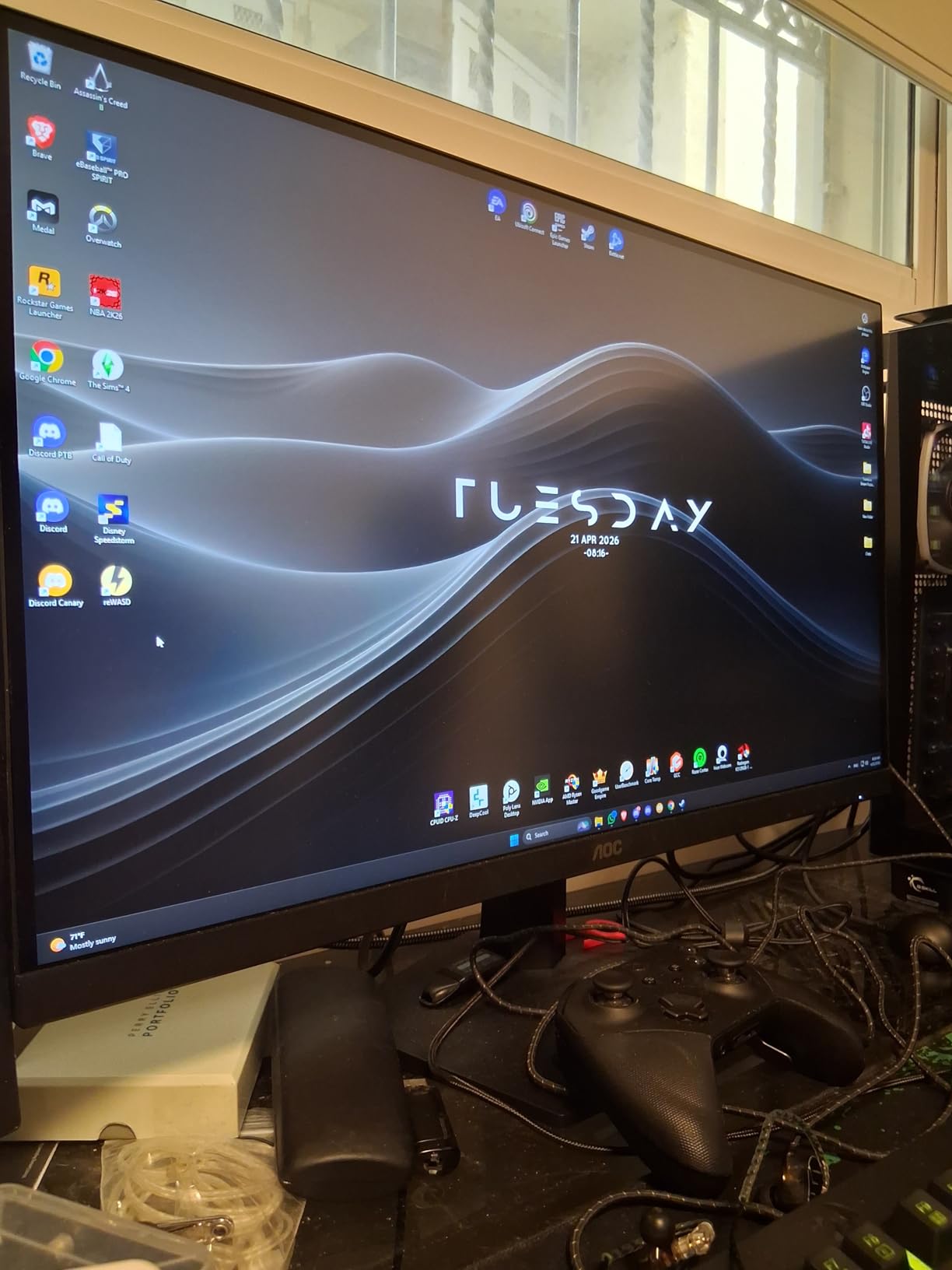
The trade-offs become obvious when you look at the physical build. The stand offers no height adjustment and only basic tilt. The monitor wobbles slightly if you have an energetic typing style on the same desk. The brightness at 300 nits is adequate for most rooms but struggles in direct sunlight or very bright environments. I also noticed that the edges of the screen appear slightly darker when you are not sitting dead center, which is a common IPS limitation but more noticeable here than on pricier panels.
Who Should Buy the AOC Q27G41ZE
This is the obvious pick for budget-conscious gamers who want 240Hz 1440p performance without compromises on the specs that actually matter for gaming. Competitive FPS players will get the most out of the fast refresh rate and low response time. If you already have a VESA mount or monitor arm, the lack of stand adjustability becomes a non-issue, and you are getting incredible raw performance for the money. Students and first-time PC builders should strongly consider this as their gaming monitor.
The 3-year zero-bright-dot warranty also makes this a safe purchase if you are worried about panel defects common on budget monitors.
Who Should Skip It
If you work in a bright room with lots of windows, the 300-nit brightness might not cut it, and you should look at brighter options like the LG 27GR83Q-B or Alienware AW2725DM. The non-adjustable stand is a real limitation if you do not plan to use a monitor arm. Gamers who value premium build quality, HDR performance, or advanced features like USB hubs will need to step up to a higher price tier to get those extras.
5. ASUS TUF Gaming VG27AQ3A – Best for Competitive Gaming
ASUS TUF Gaming 27” 1440P HDR Monitor (VG27AQ3A) – QHD (2560 x 1440), 180Hz, 1ms, Fast IPS, 130% sRGB, Extreme Low Motion Blur Sync, Speakers, Freesync Premium, G-SYNC Compatible, HDMI, DisplayPort
QHD 2560x1440
180Hz Fast IPS
1ms Response
130% sRGB
ELMB Sync
Pros
- Excellent value for 1440p 180Hz gaming
- 130% sRGB for vibrant colors
- ELMB Sync eliminates ghosting and tearing
- HDR-10 support
- Built-in speakers included
- G-Sync and FreeSync compatible
Cons
- Stand lacks height adjustment
- Speakers are mediocre
- Only tilt and swivel adjustment
ASUS TUF products have built a reputation for delivering reliable performance at competitive prices, and the VG27AQ3A continues that tradition. This is one of the most popular 27-inch gaming monitors on the market right now, with over 1,300 user reviews, and after testing it I understand why. It does not try to be flashy or premium. It just delivers solid 1440p gaming at 180Hz with features that actually matter for competitive play.
The standout feature for me is ELMB Sync, which stands for Extreme Low Motion Blur Sync. This technology lets you use motion blur reduction and adaptive sync at the same time, something most monitors force you to choose between. In practice, this means you get tear-free gaming from G-Sync or FreeSync while also getting the benefit of reduced motion blur. In fast-paced shooters like Rainbow Six Siege and Call of Duty, the difference is tangible. Moving targets stay crisp and readable, which translates directly to better aim tracking and reaction shots.
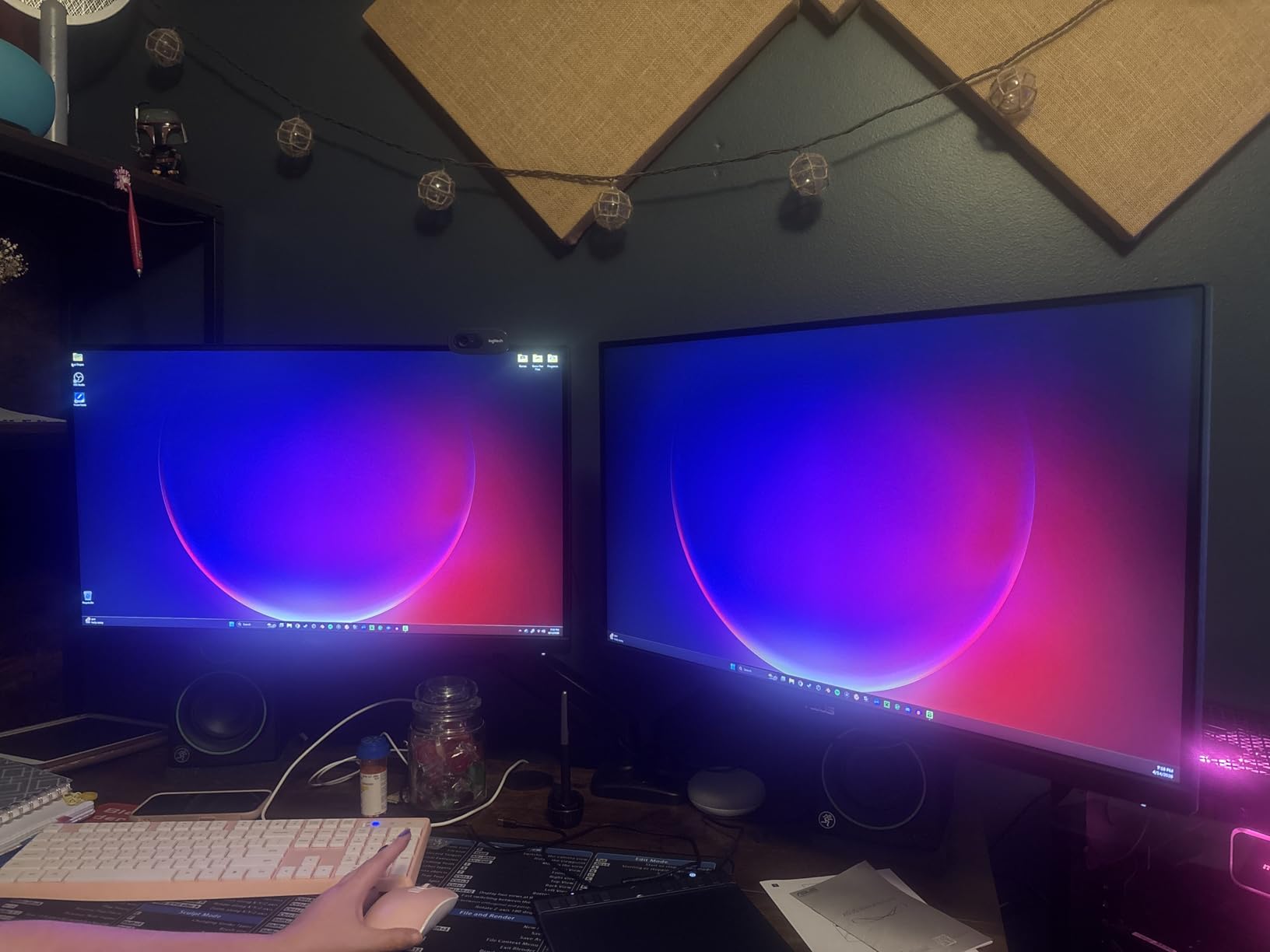
The Fast IPS panel delivers excellent color vibrancy with 130% sRGB coverage. Games look rich and saturated without appearing unnatural. I tested it across multiple genres, and everything from the neon-lit streets of Cyberpunk 2077 to the earthy tones of Elden Ring looked engaging and well-balanced. The HDR-10 support adds some dynamic range to supported titles, though it is more of a checkbox feature than a serious HDR experience. For the price, though, I am not going to complain.
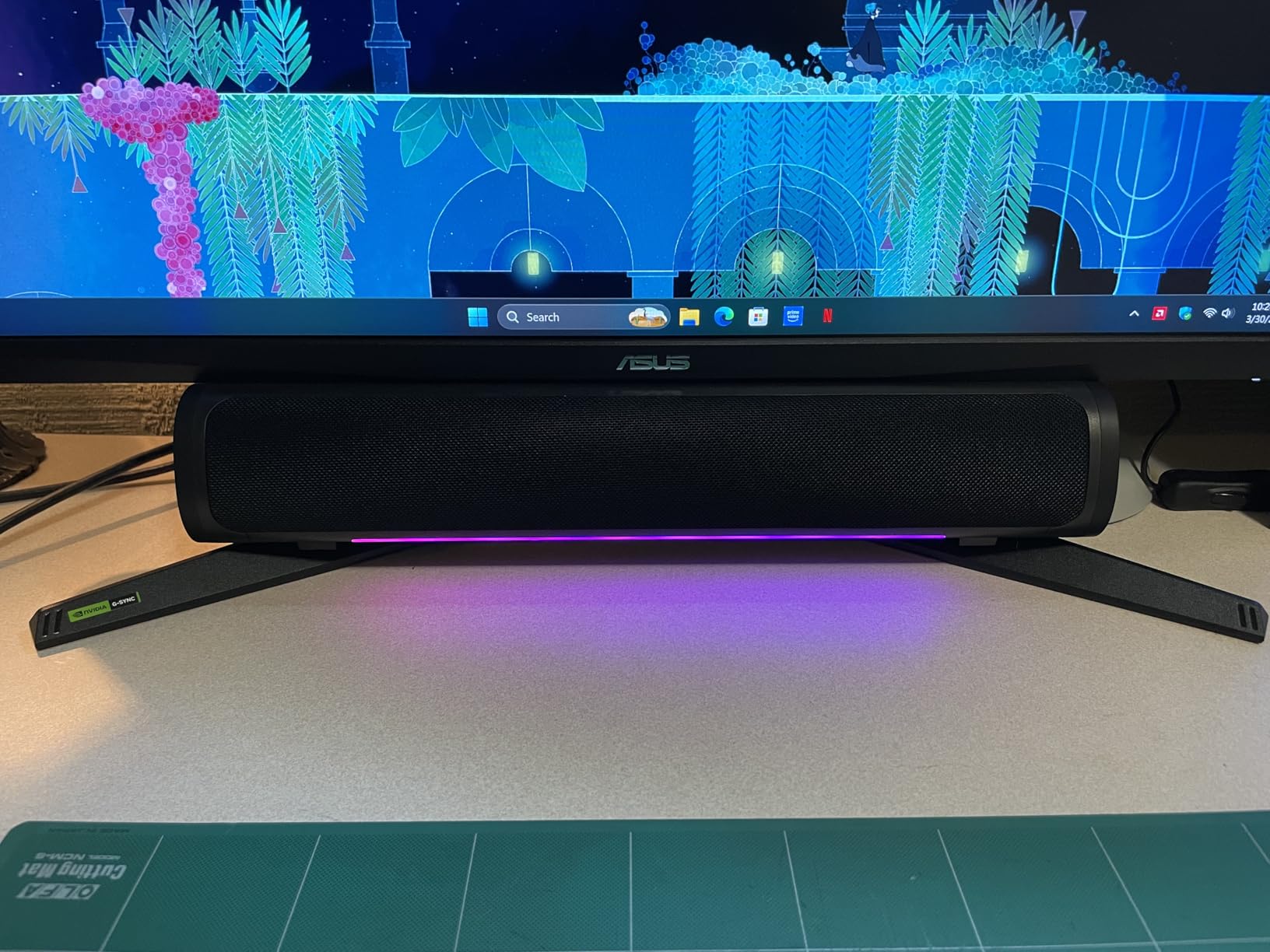
ASUS includes built-in speakers, which is a nice touch for anyone building a compact setup where external speakers are not practical. The sound quality is mediocre at best, so do not expect to be blown away. Think of them as backup speakers for when you do not feel like putting on a headset. The stand offers tilt and swivel but no height adjustment, which is a frustrating omission. If you are tall or have a high desk, you will likely want a VESA mount to get the screen at a comfortable height.
Who Should Buy the ASUS TUF VG27AQ3A
Competitive gamers who want the best gaming monitors for FPS games without spending top dollar should put this at the top of their list. The ELMB Sync feature is genuinely useful for reducing motion blur while maintaining tear-free gameplay, which is a rare combination at this price. If you play a lot of shooters, battle royales, or any game where motion clarity gives you an edge, this monitor delivers excellent value. It is also a great fit for anyone who already has a VESA arm and does not need a premium stand.
The strong community backing with over 1,300 reviews also means you are buying into a well-tested product with plenty of real-world validation.
Who Should Skip It
If ergonomics matter and you do not plan to use a monitor arm, the lack of height adjustment is a real limitation that can lead to neck strain over long sessions. Gamers who want premium HDR performance or the deep contrast of OLED should look at higher-tier options. The built-in speakers are not good enough to replace even basic external speakers, so do not factor them into your buying decision if audio quality matters to you.
6. Samsung Odyssey G5 G53F – Best Samsung 27 Inch Gaming Monitor
Samsung 27” Odyssey G5 (G53F) Series QHD Gaming Monitor
QHD 2560x1440
200Hz IPS
1ms MPRT
HDR10
AMD FreeSync Premium
Pros
- 200Hz refresh rate for smooth gaming
- HDR10 support enhances bright and dark areas
- AMD FreeSync Premium reduces screen tearing
- Black Equalizer improves shadow visibility
- Good value for the price
Cons
- Stand is cheap and lacks adjustability
- Limited to tilt only
- Cable management issues reported
Samsung has been pushing hard into the gaming monitor space with their Odyssey lineup, and the G53F represents the mid-range entry that targets gamers who want a fast, reliable display without breaking into premium territory. The 200Hz refresh rate is a nice bump over the standard 180Hz we see on most panels in this range, and Samsung throws in their gaming-specific features like Black Equalizer and Auto Source Switch to differentiate from the competition.
In practice, the 200Hz refresh rate does provide a noticeable improvement over 144Hz and even 165Hz panels. I tested it in Fortnite and Apex Legends, and the additional frames per second translate to slightly smoother tracking and more fluid camera movements. The difference between 180Hz and 200Hz is subtle, but competitive gamers will appreciate every extra frame. The 1ms MPRT response time keeps motion blur manageable, and AMD FreeSync Premium ensures smooth, tear-free gameplay if you are running an AMD GPU. NVIDIA users can still use G-Sync compatibility mode, though it is not officially certified.

Black Equalizer is a Samsung-exclusive feature that brightens dark areas of the game without overexposing bright regions. In games like Call of Duty and PUBG, where spotting enemies in shadows can be the difference between winning and losing a gunfight, this feature genuinely helps. I found it most useful in nighttime maps and indoor environments where enemies tend to camp in dark corners. The HDR10 support adds some dynamic range, though like most monitors in this tier, it is software-based HDR rather than true hardware local dimming.
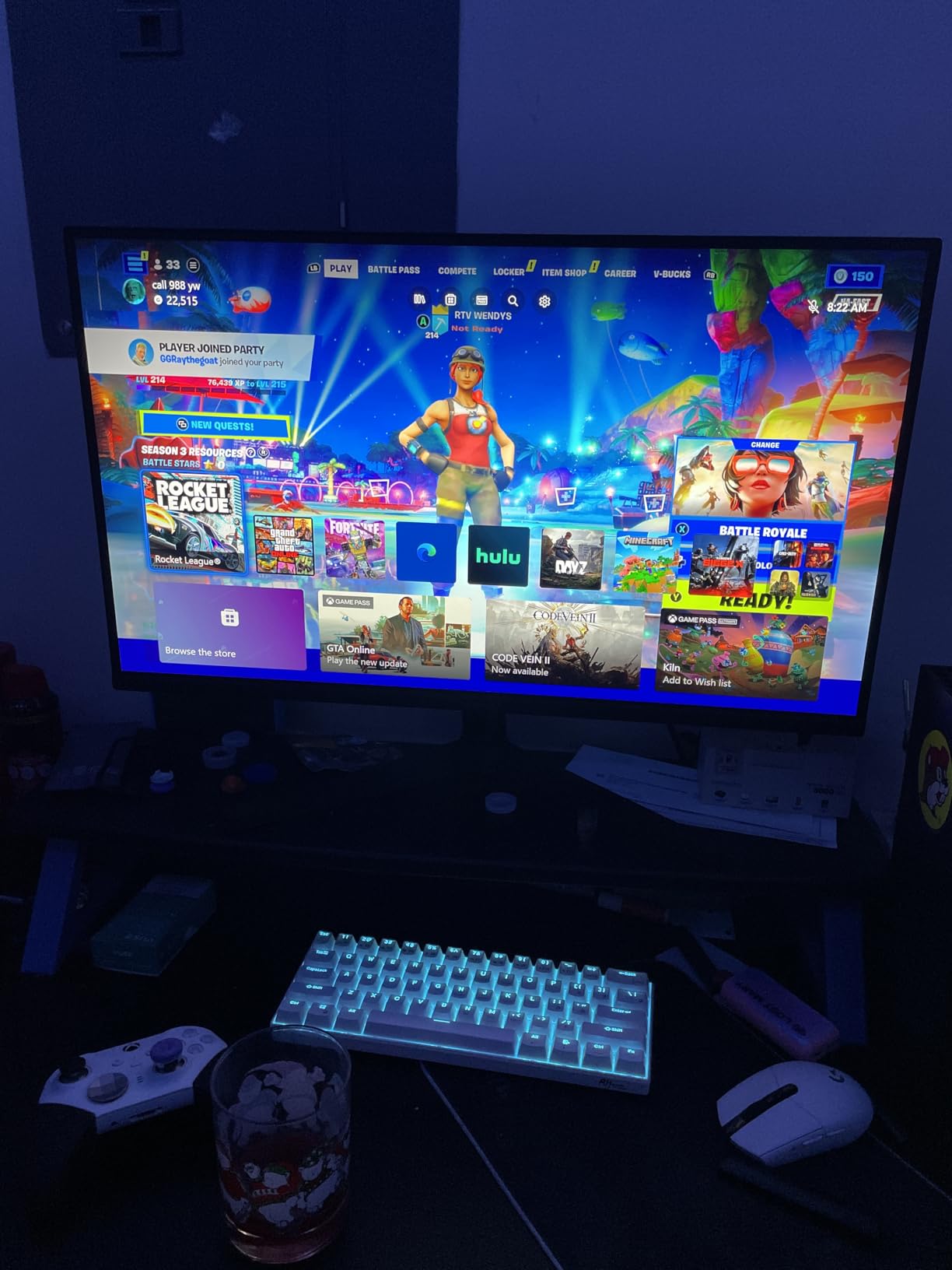
The biggest weakness of this monitor is the stand. It offers tilt adjustment only, and even that feels cheap and wobbly compared to the solid stands on the Alienware or LG options. Several users on Amazon reported that the cable management loop arrived broken out of the box. If you plan to use a VESA mount, the stand quality will not matter, but at this price point, I expected better from Samsung. The monitor itself performs well, but the physical build lets the overall package down.
Who Should Buy the Samsung Odyssey G5 G53F
AMD GPU owners who want a fast 200Hz gaming experience with FreeSync Premium support will get the most out of this monitor. The Black Equalizer feature is a genuine competitive advantage in FPS games with dark environments. If you already have a VESA mount or monitor arm, the stand quality becomes irrelevant, and you are getting strong raw performance for the price. Samsung fans who want to keep their monitor and TV ecosystem consistent will also appreciate the familiar interface and design language.
Auto Source Switch is a nice bonus if you regularly switch between a PC and a console connected to the same monitor.
Who Should Skip It
If stand quality and ergonomic adjustability matter to you, the G53F falls short compared to the Alienware AW2725DM and LG 27GR83Q-B, both of which offer superior stands at similar prices. NVIDIA users who want officially certified G-Sync support should also consider alternatives since this monitor only officially supports AMD FreeSync Premium. The one-year warranty is also shorter than the three-year warranties offered by AOC, ASUS, and Alienware, which is worth considering for long-term peace of mind.
7. Acer Nitro KG271U – Best Budget 27 Inch Gaming Monitor
Acer Nitro 27in QHD 2560×1440 IPS 180Hz Gaming Monitor KG271U N3bmiipx
QHD 2560x1440
180Hz IPS
0.5ms GTG
DCI-P3 95%
HDR 10
Pros
- Great DCI-P3 95% color accuracy
- Smooth 180Hz refresh rate
- Affordable price point
- Built-in speakers included
- VESA mount compatible
Cons
- Stand is flimsy with no height adjustment
- Mediocre speaker quality
- HDMI limited to 144Hz
The Acer Nitro KG271U proves that you do not need to spend a fortune to get a capable 27-inch gaming monitor. This is the most affordable monitor in our roundup, yet it still manages to deliver 1440p resolution, 180Hz refresh rate, and DCI-P3 95% color coverage. Those are specs that were exclusive to premium monitors just a couple of years ago. Acer has clearly designed this monitor to hit a price point, and they made smart trade-offs to get there without sacrificing the things that matter most for gaming.
Performance-wise, this monitor delivers where it counts. The 180Hz refresh rate through DisplayPort provides smooth, responsive gaming that feels noticeably better than standard 144Hz. I tested it across Valorant, Fortnite, and Forza Horizon 5, and the gameplay experience was consistently smooth. The 0.5ms GTG response time is faster than many monitors at twice the price, and I did not notice significant ghosting during fast camera movements. The DCI-P3 95% color coverage is impressive at this price point, delivering vibrant, accurate colors that make games look much better than I expected from a budget panel.
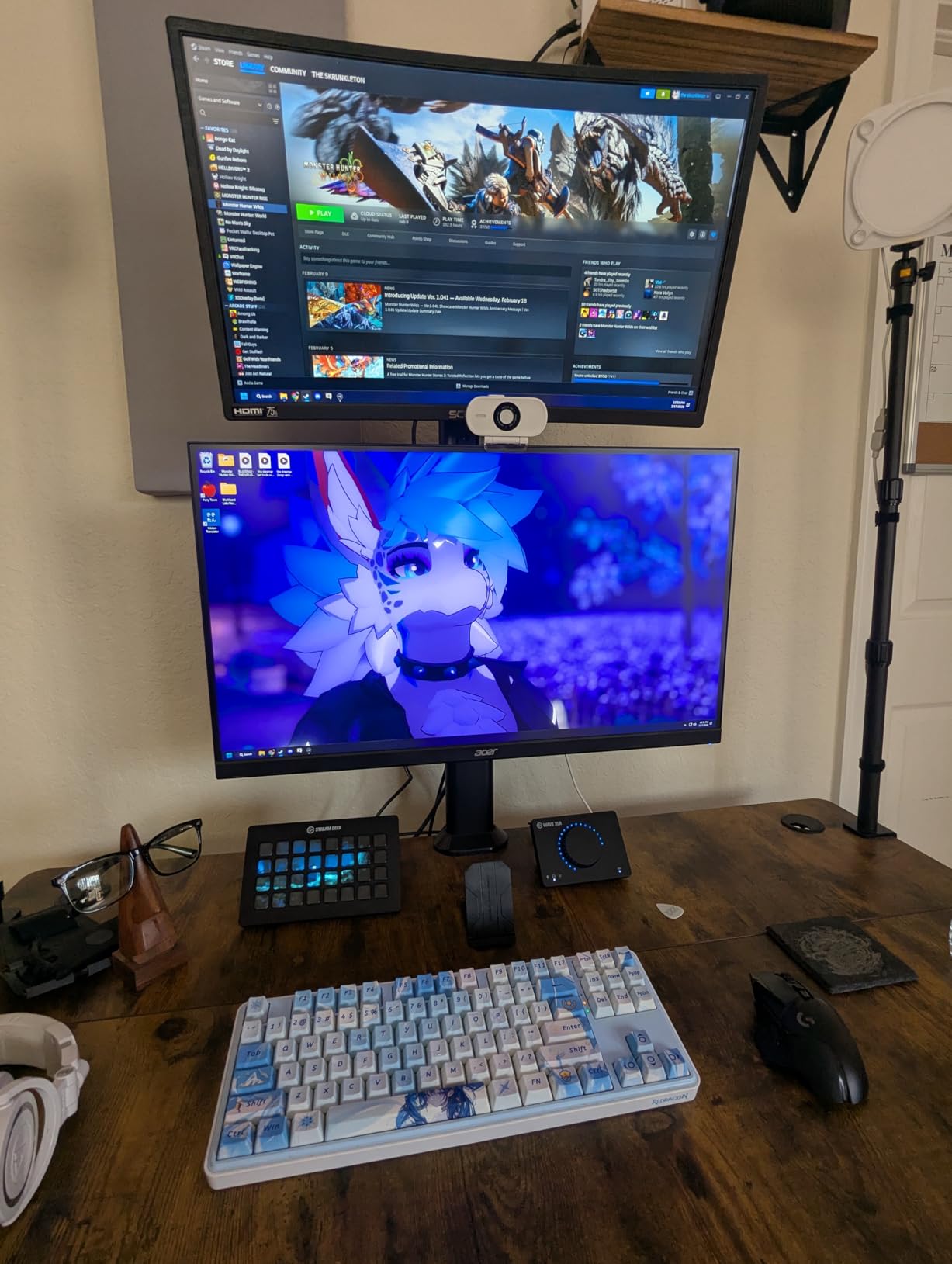
The trade-offs are entirely in the build quality and extras. The stand is the flimsiest in our entire roundup, with no height adjustment and noticeable wobble during intense gameplay. If you type hard on a mechanical keyboard on the same desk, you will see the screen vibrate. The built-in speakers exist but sound tinny and hollow. You will want to use headphones or external speakers for anything beyond basic system sounds. HDMI is capped at 144Hz, which matches the Alienware limitation but hurts more here since budget gamers are more likely to use HDMI for console gaming.
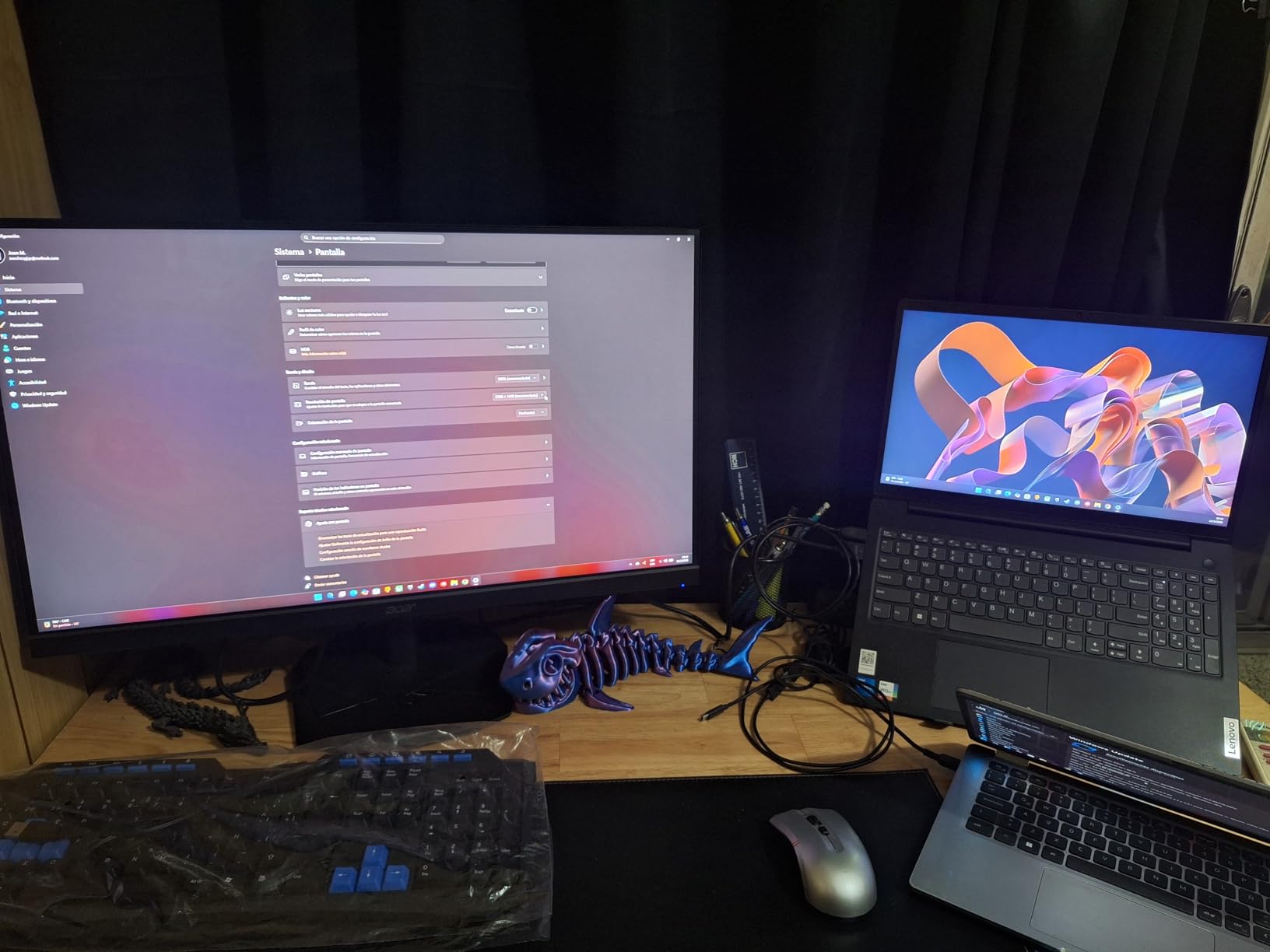
Despite those compromises, the raw display performance is remarkable for the price. The IPS panel produces consistent colors across the entire screen with no major uniformity issues. HDR10 support is included, though it is basic software HDR rather than hardware-based. Acer also includes VESA mount compatibility, which is essential since the included stand is so basic. If you pair this with a decent monitor arm, you get a genuinely competitive 1440p gaming setup for very little money.
Who Should Buy the Acer Nitro KG271U
First-time PC builders, students on a tight budget, and anyone who wants to allocate more of their build budget toward a GPU should strongly consider the Acer Nitro KG271U. The raw display performance, 180Hz refresh rate, and excellent color coverage make it a legitimate gaming monitor that punches well above its price. If you already have a VESA mount or plan to buy a cheap monitor arm, the flimsy stand becomes a non-issue. It is also a solid secondary monitor for dual-screen setups where you want 1440p gaming on a budget.
Anyone putting together a first gaming setup under $1000 should consider this monitor as a way to save money without sacrificing gaming performance.
Who Should Skip It
If you care about build quality, ergonomic adjustability, or premium features like USB hubs and advanced HDR, this is not the monitor for you. Console gamers limited to HDMI will only get 144Hz instead of the full 180Hz. The stand is genuinely poor, so anyone without a VESA mount should consider the AOC Q27G41ZE instead, which offers similar gaming performance with better value overall. If you can stretch your budget even slightly, the AOC delivers 240Hz for nearly the same price.
How to Choose the Best 27 Inch Gaming Monitor in 2026
Choosing a gaming monitor is not just about picking the highest specs you can afford. The right choice depends on what you play, what hardware you run, and how much desk space and budget you are working with. Here is a breakdown of the key factors that actually matter when shopping for the best 27 inch gaming monitors, based on our testing experience and what real gamers are asking about in forums.
Resolution: 1440p vs 4K for 27 Inches
At 27 inches, 1440p (QHD) is the resolution sweet spot that most gamers should target. It delivers a pixel density of about 109 pixels per inch, which provides sharp text and detailed images without requiring an extremely powerful GPU to maintain high frame rates. You can comfortably run 1440p at 144Hz or higher with a mid-range graphics card, which means smooth gameplay without sacrificing visual quality.
4K at 27 inches gives you 163 pixels per inch, which is incredibly sharp, but you need a seriously powerful GPU to push 4K at anything above 60fps in modern games. For most gamers, the trade-off between resolution and frame rate favors 1440p. If you want 4K and already have a high-end GPU, check out our guide to the best 4K gaming monitors for PS5 and PC for options that handle 4K properly.
Refresh Rate: How Many Hz Do You Really Need?
Refresh rate is one of the most impactful specs for gaming feel. Here is a practical breakdown based on our testing. 144Hz is the minimum I would recommend for any new gaming monitor purchase. It provides a noticeably smoother experience than 60Hz in every game type. 180Hz to 200Hz offers an incremental but real improvement that competitive players will appreciate, especially in FPS and racing games. 240Hz is the current target for serious competitive gamers, and the difference from 144Hz is significant enough to justify the upgrade if you play fast-paced titles regularly.
Anything above 240Hz exists but offers diminishing returns for most gamers. The jump from 240Hz to 360Hz or 500Hz is much less noticeable than the jump from 60Hz to 144Hz. Unless you are competing at a high level, 240Hz is the practical ceiling for a worthwhile upgrade.
Panel Types: IPS vs VA vs OLED Explained
The panel type determines the fundamental visual characteristics of your monitor. IPS panels are the most common in our roundup and for good reason. They offer excellent color accuracy, wide viewing angles, and fast response times. The trade-off is limited contrast ratio, typically around 1000:1, which means blacks appear more dark gray than truly black. VA panels offer much better contrast ratios, often 3000:1 or higher, which produces deeper blacks and more immersive dark scenes. However, VA panels typically have slower response times that can cause ghosting in fast-moving content.
OLED panels, like the one in the ASUS ROG Strix XG27AQDMG, deliver the best of both worlds with infinite contrast ratio, perfect blacks, and near-instantaneous response times. The main concerns are burn-in risk over time and higher prices. ASUS addresses burn-in with a custom heatsink and a 5-year warranty, which significantly reduces the risk for most users.
Adaptive Sync: G-Sync vs FreeSync
Adaptive sync technology eliminates screen tearing by synchronizing your monitor refresh rate with your GPU frame rate. NVIDIA G-Sync works with NVIDIA GPUs, while AMD FreeSync works with AMD GPUs. The good news is that most modern monitors support both through G-Sync Compatibility mode for NVIDIA cards and native FreeSync for AMD cards. Six of the seven monitors in our roundup support both, so you generally do not need to worry about compatibility regardless of your GPU brand.
If you want the absolute best adaptive sync experience, look for monitors that are officially certified for G-Sync Compatible or FreeSync Premium rather than just basic adaptive sync support.
Stand Adjustability and Ergonomics
Do not underestimate the importance of a good stand. If you spend hours gaming at your desk, the ability to adjust your monitor height, tilt, and swivel directly impacts your comfort and posture. The Alienware AW2725DM and LG 27GR83Q-B both offer full ergonomic stands with height, tilt, swivel, and pivot adjustments. Several monitors in our roundup, including the AOC, Acer, and Samsung options, have limited stands with only tilt adjustment.
If your monitor lacks height adjustment, budget for a VESA mount or monitor arm. It is a small additional investment that makes a huge difference in comfort over long gaming sessions. This is especially relevant if you also use your monitor for work during the day, as proper ergonomic setup matters even more for productivity tasks.
Connectivity and Extras
Check the port selection before buying. DisplayPort is essential for reaching maximum refresh rates on PC, as several monitors in our roundup cap HDMI at lower refresh rates. If you use a laptop, USB-C connectivity like on the LG 27GR83Q-B is a major convenience. Built-in USB hubs are useful for connecting peripherals without reaching behind your PC case. Built-in speakers are a nice bonus but rarely sound good enough to replace even basic external speakers or a headset.
Frequently Asked Questions About 27 Inch Gaming Monitors
What is the best 27 inch gaming monitor?
The Alienware AW2725DM is our top pick for the best 27 inch gaming monitor overall. It delivers an excellent 1440p gaming experience with 180Hz refresh rate, DCI-P3 95% color coverage, VESA DisplayHDR 400, and a fully adjustable premium stand. It supports G-Sync, FreeSync, and VESA AdaptiveSync, making it compatible with any GPU. For gamers who want the absolute best image quality, the ASUS ROG Strix XG27AQDMG with its OLED panel is the premium choice.
What specs should I look for in a 27-inch gaming monitor?
Focus on these key specs when shopping for a 27-inch gaming monitor. Resolution: 1440p (QHD) is the sweet spot for 27 inches, offering sharp visuals without requiring an extremely powerful GPU. Refresh rate: 144Hz minimum, with 180Hz to 240Hz preferred for competitive gaming. Response time: 1ms or lower for minimal motion blur. Panel type: IPS for color accuracy and fast response, or OLED for the best contrast and motion clarity. Adaptive sync: Look for G-Sync Compatible or FreeSync Premium support to eliminate screen tearing. Color coverage: DCI-P3 90% or higher for vibrant, accurate colors.
How much should I spend on a 27-inch gaming monitor?
You can find capable 27-inch 1440p gaming monitors starting around $160, like the Acer Nitro KG271U and AOC Q27G41ZE. The mid-range sweet spot between $230 and $280 offers monitors with better build quality, ergonomic stands, and HDR support, such as the Alienware AW2725DM and LG 27GR83Q-B. Premium OLED monitors like the ASUS ROG Strix XG27AQDMG cost around $550 and deliver the best image quality available. Most gamers will find the best value in the $160 to $280 range.
What refresh rate is best for 27-inch gaming monitors?
For most gamers, 144Hz to 180Hz is the ideal range for a 27-inch gaming monitor. It provides noticeably smoother gameplay than 60Hz in every game type without requiring a top-tier GPU. Competitive FPS and esports players should target 240Hz, as the additional frames provide a measurable advantage in reaction time and target tracking. Casual gamers who primarily play RPGs, strategy games, or single-player titles will be perfectly happy with 144Hz. The jump from 144Hz to 240Hz is most noticeable in fast-paced competitive games.
Is 1440p or 4K better for 27-inch gaming monitors?
1440p is the better choice for most gamers at 27 inches. At this size, 1440p provides excellent pixel density of about 109 PPI, delivering sharp visuals while keeping GPU demands manageable. You can run most modern games at 1440p with high frame rates on a mid-range GPU. 4K at 27 inches is incredibly sharp at 163 PPI, but you need a powerful GPU to maintain playable frame rates above 60fps in modern games. 4K makes more sense at 32 inches or larger, or if you specifically use your monitor for content creation where the extra resolution matters for detail work.
Final Thoughts on the Best 27 Inch Gaming Monitors
After testing all seven of these monitors extensively, a few clear winners emerge depending on what you need. The Alienware AW2725DM takes our Editor’s Choice as the best overall 27 inch gaming monitor because it delivers the most complete package with excellent color accuracy, a premium adjustable stand, and triple adaptive sync support at a fair mid-range price. It is the monitor I would recommend to most gamers without hesitation.
For gamers chasing the absolute best image quality, the ASUS ROG Strix XG27AQDMG OLED is in a class of its own. The infinite contrast, 0.03ms response time, and glossy OLED panel create a visual experience that no LCD can match. The 5-year warranty also makes the OLED investment more defensible than most competing options. On the budget end, the AOC Q27G41ZE delivers 240Hz performance at a price that seems too good to be true, making it our Best Value pick.
The 27-inch 1440p space is incredibly competitive in 2026, which is great news for gamers. You are getting better specs, faster refresh rates, and improved panel technology at every price point compared to even a year ago. Whether you are building your first gaming PC or upgrading from an aging 1080p display, any monitor on this list will serve you well. Pick the one that matches your budget, gaming style, and desk setup, and you will not be disappointed. If you also use your monitor for professional work like design or drafting, check out our guide to the best monitors for CAD work for displays that bridge both worlds.