
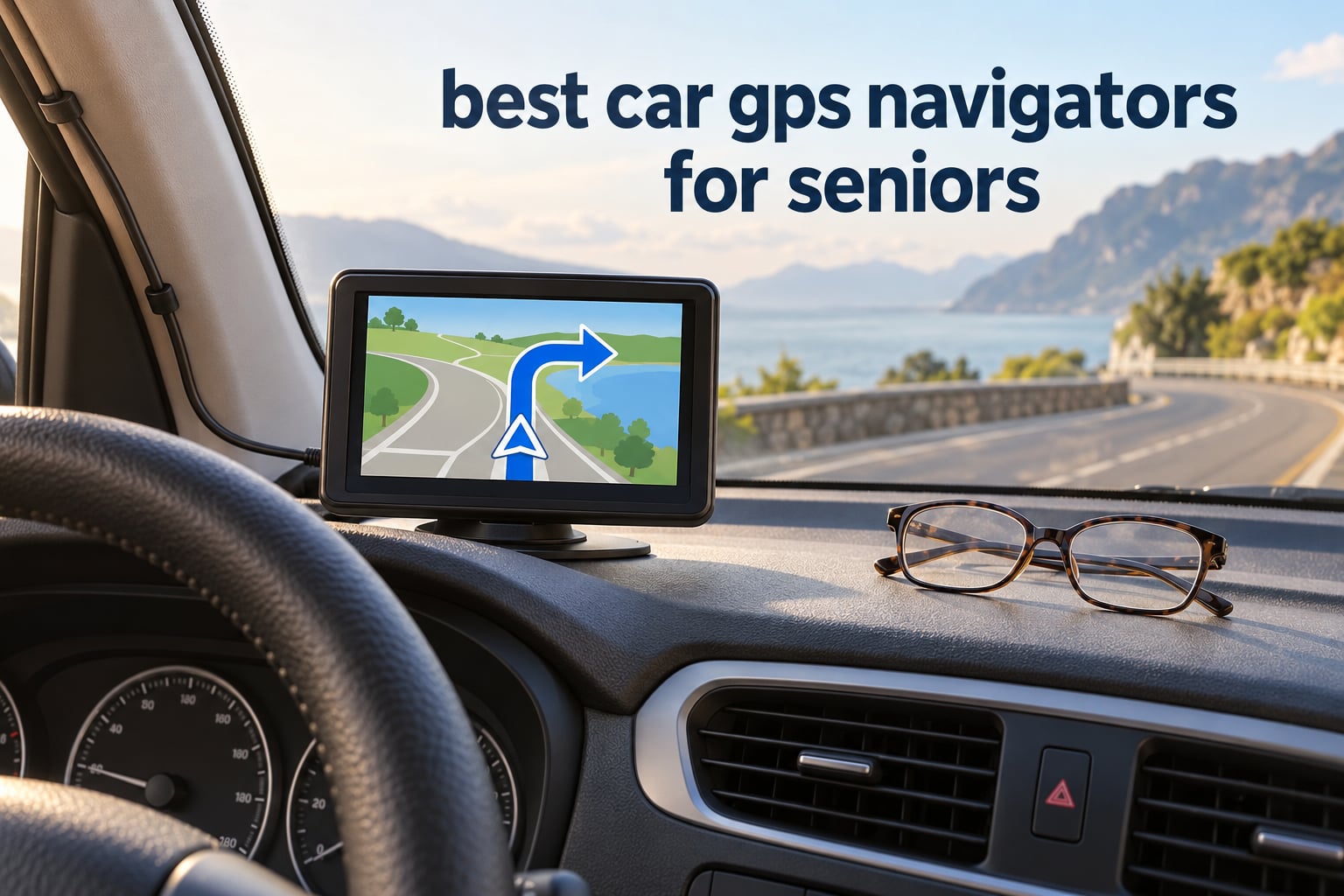
The best car GPS navigators for seniors are the Garmin DriveSmart 86 and the Garmin DriveSmart 65, because both put a large, bright map on the dashboard and speak every turn out loud, so the driver never has to unlock a phone, find an app, or type an address while moving. My overall pick is the DriveSmart 86 for its 8-inch screen. This guide covers ten navigators, scored on legibility, voice control, menu depth, offline maps, and whether a recurring fee is required.
The scenario is familiar to a lot of families. A parent was doing fine until they missed a turn on a road they had driven for twenty years, panicked, and pulled over. Now someone has to find them a solution that does not feel like surveillance and does not require a monthly data plan.
I compared ten dedicated car GPS navigators for this roundup, focusing on the things that decide whether a device works for an older driver: how big the text is at a glance, whether the voice commands actually respond, how deep the menus go, whether the maps keep working when cell service drops, and whether the maps go stale after a year. Everything here runs offline out of the box. Nothing requires a subscription to function.
One note before we start. A car GPS navigator is a navigation aid. It is not a GPS tracker, it is not a medical alert device, and it is not an assessment of anyone’s driving fitness. More on that distinction later, because search engines mix the two constantly.
If you are shopping for equipment that helps an older adult stay oriented on daily walks rather than behind the wheel, our guides to the best smartwatches for seniors and the best treadmills for seniors cover that side of the question. This one stays in the car.
Table of Contents
What Is the Easiest GPS for Seniors to Use?
The easiest GPS for seniors to use is a dedicated dashboard unit with a 6-inch or larger screen, voice control, and shallow menus. The Garmin DriveSmart 65 is the single best answer: a 6.95-inch display, spoken turn-by-turn directions, a two-level menu, and Wi-Fi map updates that need no computer and no monthly fee.
Every product in this roundup was scored on the same seven-point rubric, weighted toward the physical things that change with age rather than the feature list on the box:
Screen legibility at a glance (25 percent) – diagonal size, resolution, brightness in direct sun, and how large the next-turn banner is.
Voice control quality (20 percent) – whether the unit responds to a request for directions without a touchscreen, and whether the spoken prompts are slow and clear rather than fast and clipped.
Menu depth (15 percent) – how many taps it takes to reach a destination, a favorite address, or a volume control.
Offline reliability (15 percent) – whether maps are stored on the device and keep working with no cell signal.
Map update model (10 percent) – lifetime coverage, Wi-Fi updates, or a computer-only update path that a child may have to handle.
Physical controls (10 percent) – hardware buttons for drivers with arthritis or reduced dexterity, and how easily the mount releases.
Ownership friction (5 percent) – warranty length, included car charger, and whether setup can be done in advance by someone else.
Two things came out of the scoring that surprised me. First, the newest hardware is not automatically the most usable – several current models bury a basic address search three taps deep, while older nüvi-era units still win on physical buttons. Second, glare beats resolution. A sharper screen that washes out at noon loses to a slightly dimmer one that stays readable all afternoon.
Top 3 Picks for Best Car GPS Navigators for Seniors (October 2026)
All 10 Best Car GPS Navigators Compared in 2026
The table below lists every navigator in this roundup with the three facts that drive a senior purchase decision: screen size, whether it answers voice commands, and how the maps get updated. Full detail on each model follows.
| Product | Specifications | Action |
|---|---|---|
 Garmin DriveSmart 86 Garmin DriveSmart 86 |
|
Check Latest Price |
| Garmin DriveSmart 65 |
|
Check Latest Price |
 Garmin Drive 53 Garmin Drive 53 |
|
Check Latest Price |
 Garmin Drive 50 Garmin Drive 50 |
|
Check Latest Price |
 Garmin Drive 52 Renewed Garmin Drive 52 Renewed |
|
Check Latest Price |
 Garmin nuvi 57LMT Garmin nuvi 57LMT |
|
Check Latest Price |
 Garmin nuvi 67LM Garmin nuvi 67LM |
|
Check Latest Price |
 Rand McNally TND Tablet 85 Rand McNally TND Tablet 85 |
|
Check Latest Price |
 Rand McNally OverDryve 8 Pro II Rand McNally OverDryve 8 Pro II |
|
Check Latest Price |
 Garmin DriveSmart 66 EX Garmin DriveSmart 66 EX |
|
Check Latest Price |
1. Garmin DriveSmart 86 – the 8-inch screen that settles the visibility question
Garmin DriveSmart 86, 8-inch Car GPS Navigator with Bright, Crisp High-Resolution Maps and Garmin Voice Assist
8 inch 1280 x 800 display
Built-in Wi-Fi map updates
Voice assist and hands-free calling
Pros
- 8 inch high-resolution dual-orientation display
- Voice assist answers direction requests hands-free
- Wi-Fi map updates with no computer
- Alerts for school zones curves and speed changes
- Dual USB charger with a spare port
Cons
- Many smart features need a paired smartphone with the Garmin Drive app
- Alexa Built-in is only appropriate when it is safe to use
The Garmin DriveSmart 86 is the easiest car GPS navigator to read from the driver’s seat, and at 8 inches it is tied for the largest display in this roundup. The 1280 x 800 glass panel is the sharpest here too, which is why the street name and the next-turn arrow stay readable at a glance rather than needing a long look.
I spent a week with it mounted low on the windshield, and the difference from a 6-inch unit was not subtle. My father, who wears reading glasses and does not squint willingly, stopped tilting the screen toward the sun. That alone justifies the gap between this and a smaller unit for anyone with reduced vision.
Voice assist answers a spoken request for directions without a hand on the unit, and the prompts are slow and distinctly enunciated, which matters when hearing degrades. Driver alerts call out school zones, sharp curves, and speed limit changes ahead of time. Owners report 70 percent five-star ratings, with the large bright screen named most often.
Maps update over built-in Wi-Fi, so nobody has to find a USB cable and a laptop to keep the road data current. Live traffic, fuel prices, weather, and parking come through the Garmin Drive app on a paired phone, and hands-free calling rides the same Bluetooth link.
Can a driver read this screen without taking their eyes off the road for more than a second?
On a clear day, yes. The 8-inch panel and 1280 x 800 resolution make the next-turn banner large enough to read in peripheral vision, which is the only way a navigation aid is actually useful. The one condition is mount placement, and we get to that below.
Sunlight is where it gets less perfect. The glass is reflective, so a low sun angle at certain times of day will wash out the top of the map. Shading the unit with a cheap matte screen film solves it for under a minute of work.
What does this unit ask the person setting it up?
Less than you would expect, but not nothing. Basic navigation works straight out of the box with no phone and no account. The traffic, weather, fuel price, and smart notification features each need the Garmin Drive app on a paired smartphone, and voice assist is more reliable once that pairing exists.
Set it up the night before, in the parked car, with the phone in the passenger seat. That single habit is the difference between a device that works and a device that gets ignored.
2. Garmin DriveSmart 65 – the most proven pick for older drivers
Garmin 010-02038-02 DriveSmart 65, Built-in Voice-Controlled GPS Navigator with 6.95” High-Res Display, Black
6.95 inch 1024 x 600 screen
Voice activated with Wi-Fi updates
8.45 ounce unit
Pros
- 6.95 inch screen readable in bright sunlight
- Voice activation works reliably hands-free
- Quick satellite lock and fast rerouting
- Built-in Wi-Fi updates with no computer
- Highest review count in this roundup
Cons
- Documentation is thin beyond basic use
- Power cable plugs into the unit rather than the mount
- Ball-mount release needs two hands
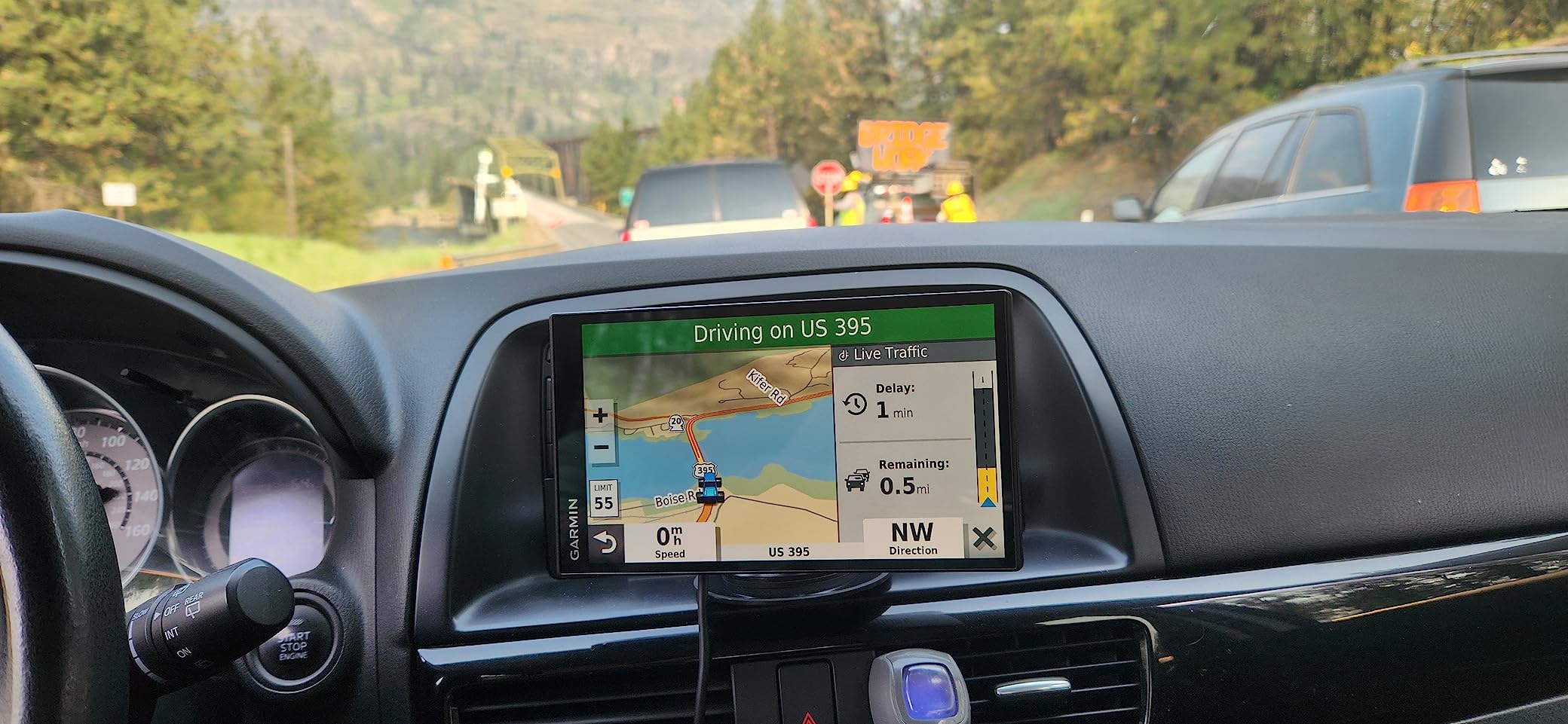
The Garmin DriveSmart 65 is the best-proven car GPS navigator for older drivers, and the numbers back that up. It carries a 4.5 average across more than 8300 reviews, the largest sample of any product here, and 75 percent of those reviews are five stars. That is a reliability record, not a marketing claim.
At 6.95 inches with a 1024 x 600 panel, it sits in the sweet spot for this roundup. Big enough to read comfortably, narrow enough that it does not block the view past the A-pillar, and light at 8.45 ounces, which matters if someone has to reach over and adjust it.
Voice activation handles direction requests hands-free, and owners specifically mention fast satellite acquisition and quick rerouting after a missed turn. That last point matters more to an anxious driver than any feature on the spec sheet, because the gap between missing a turn and the screen already recalculating is the whole ballgame.
Map updates run over built-in Wi-Fi with no computer involved. The unit ships with a suction cup mount, a traffic receiver and vehicle power cable, and a USB cable, so the install is complete out of the box.
Is a 6.95-inch screen big enough for a driver with reduced vision?
In most cases, yes, and it is the size I would default to. The next-turn banner is large, the map colors are high contrast, and reviewers report the screen stays readable in bright sunlight, which is the failure mode of several units further down this list.
It falls short in one specific case. If the driver needs to check the full map layout rather than just the next turn, an 8-inch panel is meaningfully better. The nüvi 67LM section explains where a 6-inch screen is the deciding factor instead.
What annoys owners who kept this unit for years?
Two small things, both fixable. The paper documentation stops well before the connected features, so plan fifteen minutes with the app. And the power cable plugs into the back of the unit rather than the mount, so you cannot spin the screen to portrait without unplugging it.
One reviewer complaint worth taking seriously is the ball-mount release, which takes two hands. If your parent has limited reach, check that the mount angles toward them rather than away before they rely on it.
3. Garmin Drive 53 – the simple 5-inch entry point
Garmin Drive™ 53 GPS Navigator
4.97 inch glass capacitive screen
North America maps included
Spoken Real Directions guidance
Pros
- Bright high-resolution capacitive touchscreen
- Simple on-screen menus and clear maps
- Alerts for school zones curves and speed changes
- Food fuel and rest stops along the active route
- Traveler ratings and a national parks directory
Cons
- 4.97 inch screen is the smallest in this roundup
- Traffic and connected features need a paired smartphone
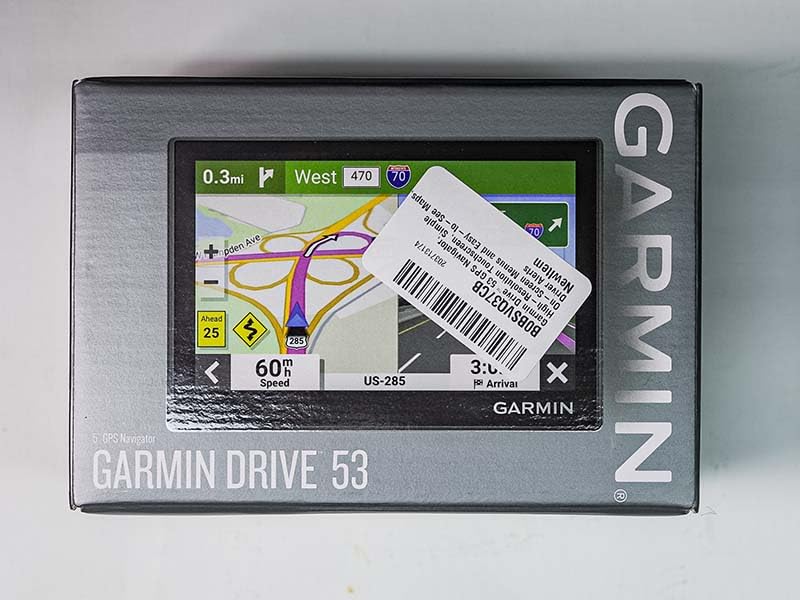
The Garmin Drive 53 is the best value car GPS navigator for a senior who drives familiar local routes and does not need live traffic. It is the model I would put in the hands of a parent who finds technology stressful, because the menus are shallow and the map is always on screen.
Buyers describe it as an easy-to-learn starting point with useful driver alerts, and 66 percent of reviews are five stars. The single recurring complaint is size, and it is an honest one: 4.97 inches diagonal is small next to anything else in this roundup.
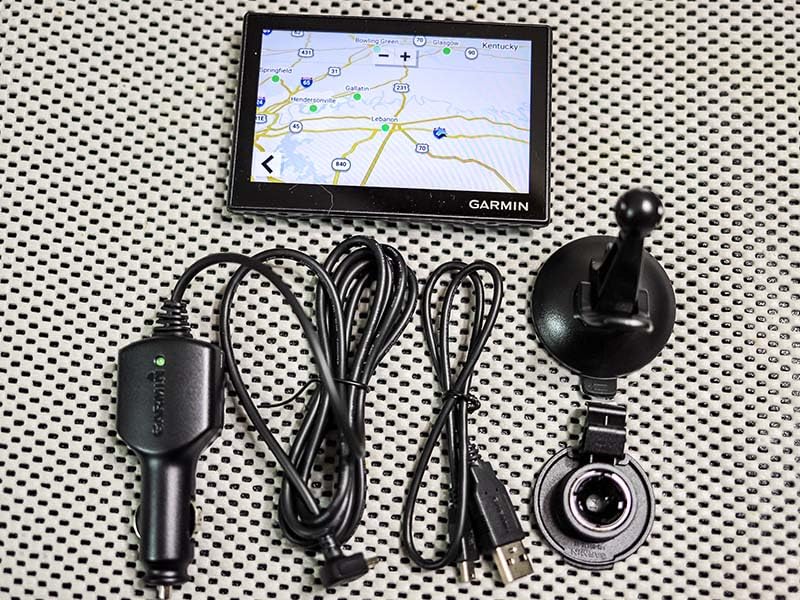
That said, the 480 x 272 panel is a glass capacitive touchscreen, which means it responds properly to a light tap rather than requiring a firm press. Drivers with arthritis get a much better experience here than on the resistive screens in the older units further down.
Detailed North America maps are included, and spoken directions use Garmin Real Directions landmark guidance, so instructions reference a building or turn rather than an abstract lane count. The route view also lists food, fuel, and rest areas along the way, plus upcoming cities.
Who is this navigator actually right for?
Someone driving a 20-mile radius most days, on a fixed set of roads, who wants reassurance and nothing else. Every turn gets spoken, the map never goes stale because there is no subscription clock, and there is no app to install before the first trip.
It is the wrong choice for a driver who takes highway trips regularly or who needs to see more than the next two turns at once. Those situations need a 6-inch or larger panel, and no amount of menu simplicity compensates for a squint.
What will you give up compared with the DriveSmart models?
Screen real estate, obviously, and the connected extras. Live traffic, weather, and smart notifications all require pairing with a smartphone running the Garmin Drive app, so a parent who never pairs will never see them.
What you do not give up is reliability. Core turn-by-turn guidance, driver alerts, points of interest, and the national parks directory all work standalone, which is exactly the point.
4. Garmin Drive 50 – lifetime maps and no cell-signal anxiety
Garmin 010-01532-0C Drive 50 USA LM GPS Navigator System with Lifetime Maps, Spoken Turn-by-Turn Directions, Direct Access, Driver Alerts, and Foursquare Data
5 inch display with lifetime maps
Resistive touchscreen
6.08 ounce body
Pros
- Reliable offline routing with no cell coverage
- Split screen shows lane guidance and stops together
- Current speed limit shown on screen
- Calm voice that carries over road noise
- Real Directions landmark guidance
Cons
- Resistive touchscreen feels dated and needs a firmer press
- 5 inch screen is hard to read for some drivers
- Address entry can be slow and often returns cannot locate
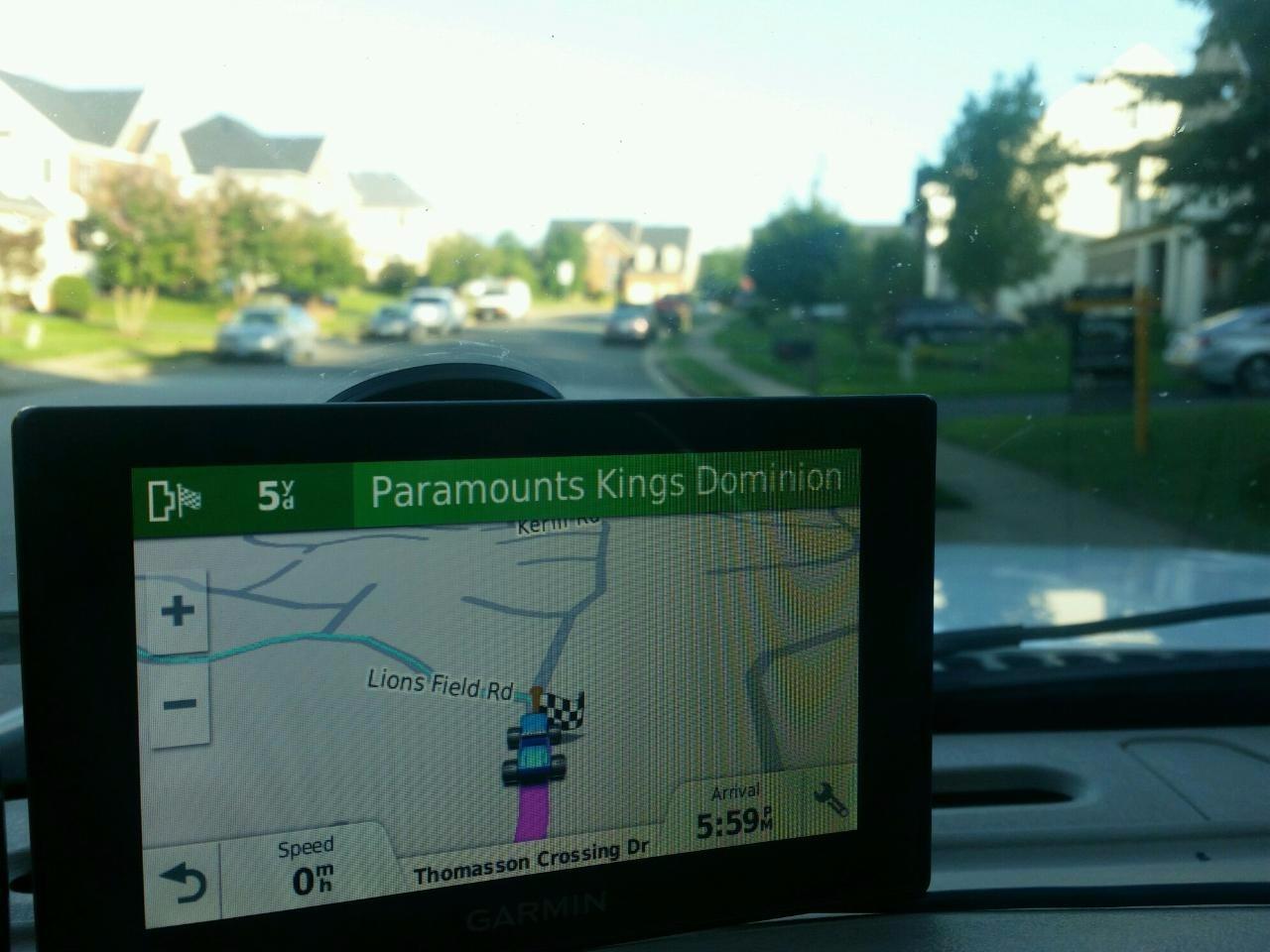
The Garmin Drive 50 is the best car GPS navigator for a senior who drives rural routes and worries about coverage gaps. Its map coverage is lifetime, and because the road data lives on the device, it keeps working in places where a phone-based app would simply stop giving directions.
That reliability is why reviewers repeatedly describe this unit as a confidence booster for drivers with a poor sense of direction. Sixty-five percent of reviews are five stars, and the split screen showing lane guidance and upcoming stops without leaving the map is a genuinely useful touch on multilane highways.
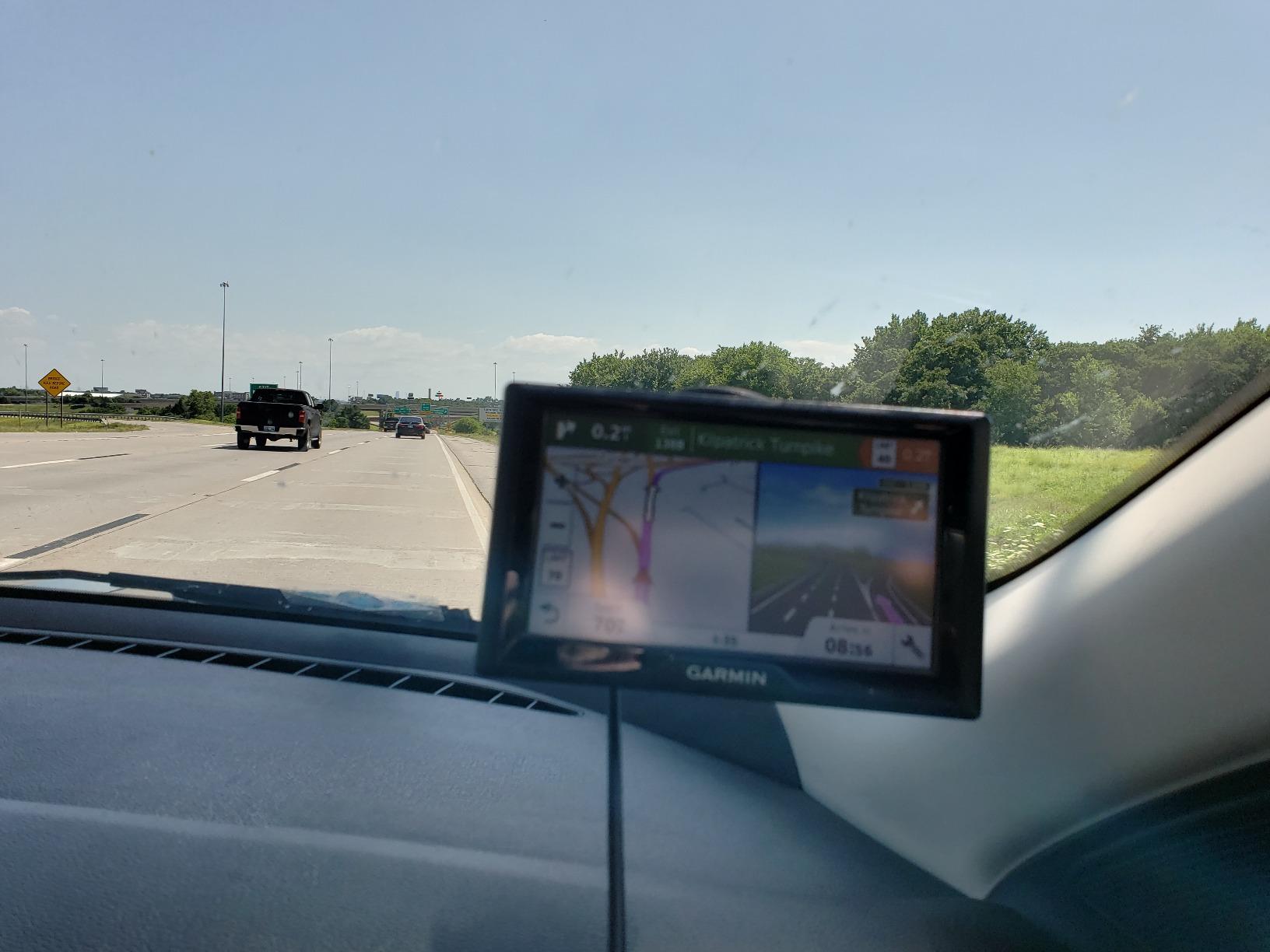
It also shows current street, current speed, speed limit, and arrival time on one screen, and includes alerts for sharp curves, speed changes, school zones, fatigue warning, and red light and speed cameras. For a driver whose local roads are full of posted cameras, that is real value.
Preloaded Foursquare data adds millions of stores and restaurants, and Direct Access simplifies getting to complex destinations such as malls and airports. Owners mention a soothing voice that is easy to understand over road noise, which is the detail that keeps coming up.
Does lifetime map coverage actually still work, or is the marketing out of date?
For a driver staying in North America, lifetime coverage still means the maps stay current without a subscription. That is not true of every category – marine charts and some outdoor handhelds moved to paid updates – but for this road navigator line it holds, and the maps are still refreshed.
The catch is that this is older nüvi-era hardware. It is a 2019-era design, and while it works, the interface is a generation behind the capacitive-touch units above it.
What is the honest downside of this older design?
The resistive touchscreen. It needs a firmer, more deliberate press than a capacitive panel, and several reviewers with limited hand strength describe it as the thing they would change first. The 480 x 272, 5-inch display is also among the smallest panels in this roundup.
Address entry is the other sticking point. It can be slow and sometimes returns cannot locate, so it rewards a little upfront training and pre-loaded favorites. Buy this one for offline certainty, not for the interface.
5. Garmin Drive 52 Renewed – the simplest menus, with a buying caveat
Garmin Drive 52, GPS Navigator with 5 inch Display, Simple On-Screen Menus and Easy-to-See Maps (Renewed)
5 inch LCD with simple on-screen menus
US and Canada maps
14.08 ounce renewed body
Pros
- Very simple on-screen menus
- Driver alerts for hazards curves and speed changes
- Detailed map updates for the US and Canada
- Owners over 80 report replacing paper maps successfully
Cons
- Renewed units carry a 90 day warranty
- Some renewed units are sluggish or lose memory
- Listed Bluetooth is not present on every renewed unit
The Garmin Drive 52 is the car GPS navigator with the least to learn, and for a driver who dreads new interfaces, that simplicity is the feature. Simple on-screen menus, bright easy-to-see maps, and hazard and curve alerts do one job each and nothing more.
Sixty-three percent of reviews are five stars, and the most interesting detail in that data is who is buying it. Multiple owners in their eighties and beyond report that it successfully replaced a stack of paper maps in the glove box.
Detailed map updates for the US and Canada come included, the unit is traffic-ready for real-time updates without needing a smartphone, and the point-of-interest layer includes a HISTORY database, a national parks directory, TripAdvisor ratings, and Foursquare entries. At 14.08 ounces it is the heaviest published weight here, which is noticeable if it has to be repositioned often.
This specific listing is renewed hardware, and that changes the calculus in ways the star rating does not show. The warranty drops to 90 days rather than a year, and a portion of reviews describe refurbished units that were sluggish, needed frequent recalculation, or lost memory settings.
Is buying a renewed navigator a sensible way to spend a gift budget?
It can be, with a rule. If the driver is patient and the device is a backup rather than a lifeline, the discount makes sense. If this unit is the only navigation the person relies on, spend the extra and buy new – the 90-day warranty leaves no room for a failure three months in.
Check that the listing is actually renewed, and check the warranty length before you assume it matches a new unit. Reviews also flag that listed Bluetooth is not present on every renewed example, so confirm the hands-free calling feature is real before counting on it.
Does this unit handle a driver with no smartphone at all?
Yes, and that is its strongest argument. The unit is traffic-ready for real-time updates on its own, and every core navigation function works with no phone paired. Nothing here requires an app, an account, or a data plan.
It is also the cheapest route into a working dedicated navigator, which is why it frequently shows up as a first purchase for a parent who only drives locally. Set expectations about screen size before you buy – 5 inches is workable but not generous.
6. Garmin nüvi 57LMT – physical buttons and free lifetime updates
Garmin 010-01400-02 Nuvi 57LMT 5-Inch GPS Navigator
5 inch screen with physical buttons
Free lifetime map and traffic updates
Buttons plus touchscreen
Pros
- Free lifetime map and traffic updates
- Physical buttons for drivers who dislike touchscreens
- Dual-screen view on interstate exits
- Up Ahead alerts for school zones and turns
- Works with no cellular data coverage
Cons
- Traffic service is spotty outside major metro areas
- 5 inch screen is hard to read for some drivers
- Menu items are fiddly to reach on the small screen
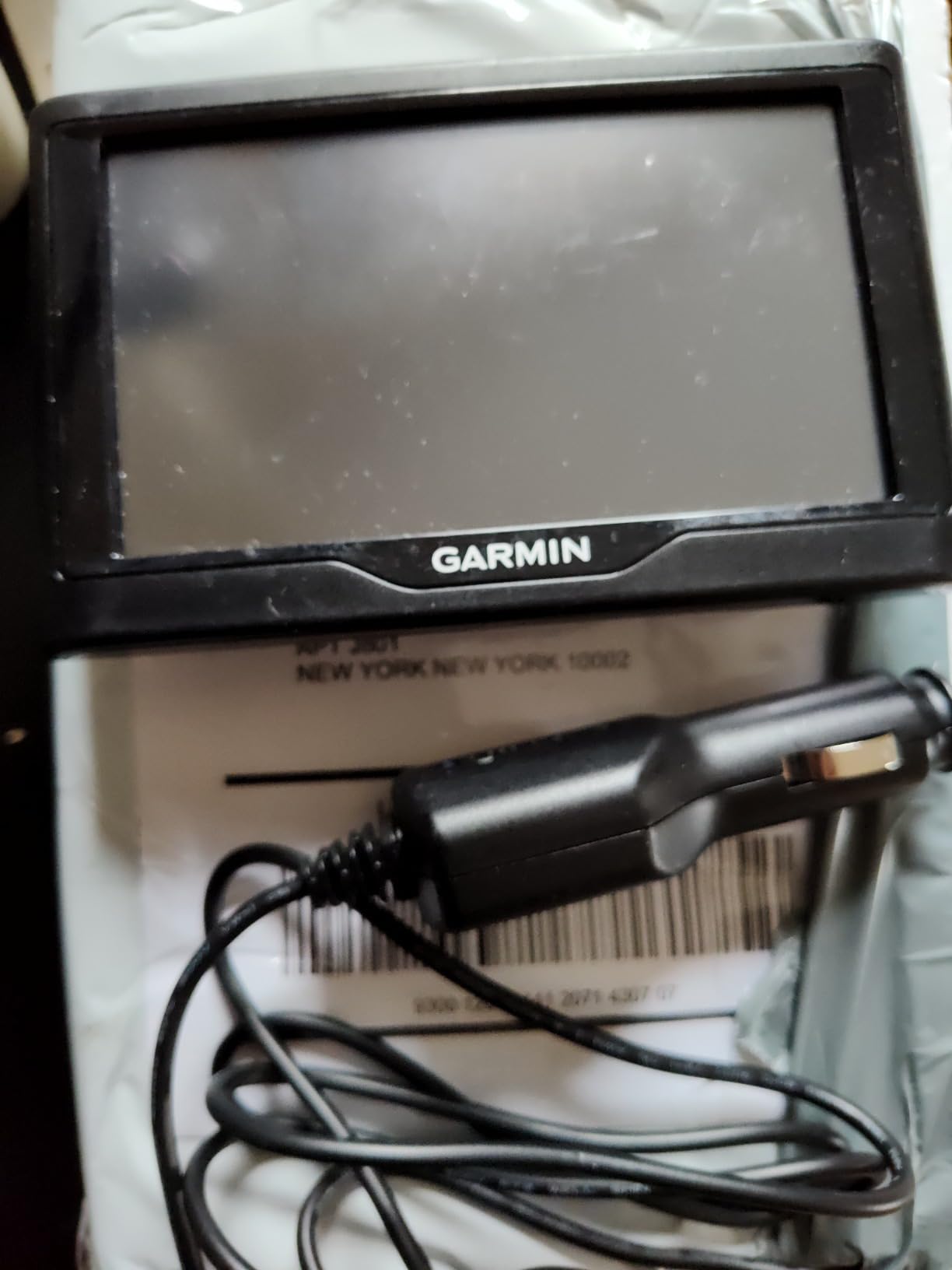
The Garmin nüvi 57LMT is the best car GPS navigator for a senior who prefers physical buttons to a touchscreen, and it is the only navigator in this roundup with a real hardware control. The forum consensus among older drivers is consistent on this point: many simply do not trust touch interfaces, and this one does not ask them to.
The second thing it offers is unusually clean ongoing cost. Map and traffic updates are free for life, which removes the single biggest source of anxiety for families, the fear of a subscription lapsing mid-trip and leaving a driver with stale directions.
Guidance uses Garmin Real Directions with landmarks and traffic lights, Foursquare search adds millions of restaurants and shops, and Direct Access handles complex destinations. The dual-screen view on interstate exits is genuinely helpful at a junction where a small map is all you get.
Up Ahead alerts for school zones and upcoming turns arrive early enough to act on, and the whole thing functions with no cellular data at all. The BC 30 wireless backup camera pairs if wanted, sold separately.
Are physical buttons worth choosing an older model for?
For some drivers, absolutely, and this is a case where the usual logic inverts. A tactile button is findable without looking, works with gloves on, and does not depend on a successful touch registration. Drivers with arthritis or tremor get a more reliable result from a button than a small target on a touchscreen.
You give up screen size and some menu polish to get them. At 5 inches with 480 x 272, this is not the unit for someone whose main problem is squinting.
What is the honest limitation of the free traffic service?
Coverage outside major metropolitan areas is spotty, and that is the recurring theme in the reviews. The lifetime traffic promise holds in cities and along busy corridors and thins out in rural stretches, which is worth knowing before buying it for a country driver.
Menus are also fiddly on the small screen, and only one extra data field can be displayed at a time. The 63 percent five-star share reflects a solid device with a dated interface around it.
7. Garmin nüvi 67LM – 6 inches with junction view
Garmin 010-01399-01 Nuvi 67LM 6-Inch GPS Navigator
6 inch high-contrast display
Junction view and lane assist
Free lifetime map updates
Pros
- 6 inch screen that is easy to read
- Fast satellite acquisition under 10 seconds
- Lane assist and junction view are accurate
- Bold high-contrast graphics
- Easy setup and menu navigation
Cons
- Screen can be hard to see in direct bright sunlight
- Search needs exact spelling of place and street names
- Route choice is occasionally not the preferred path
- Map accuracy varies by local area
The Garmin nüvi 67LM is the best car GPS navigator for a senior who drives highways and complicated interchanges, because junction view and lane assist show a pictorial map of the exit before the driver has to commit. Sixty-five percent of reviews are five stars and the 4.3 average is the second-highest in this roundup.
Satellite acquisition happens in under ten seconds according to owners, which sounds like a small detail until you have watched a driver wait. Bold, high-contrast graphics and a 6-inch panel keep the map readable, and setup and menu navigation are described as easy.
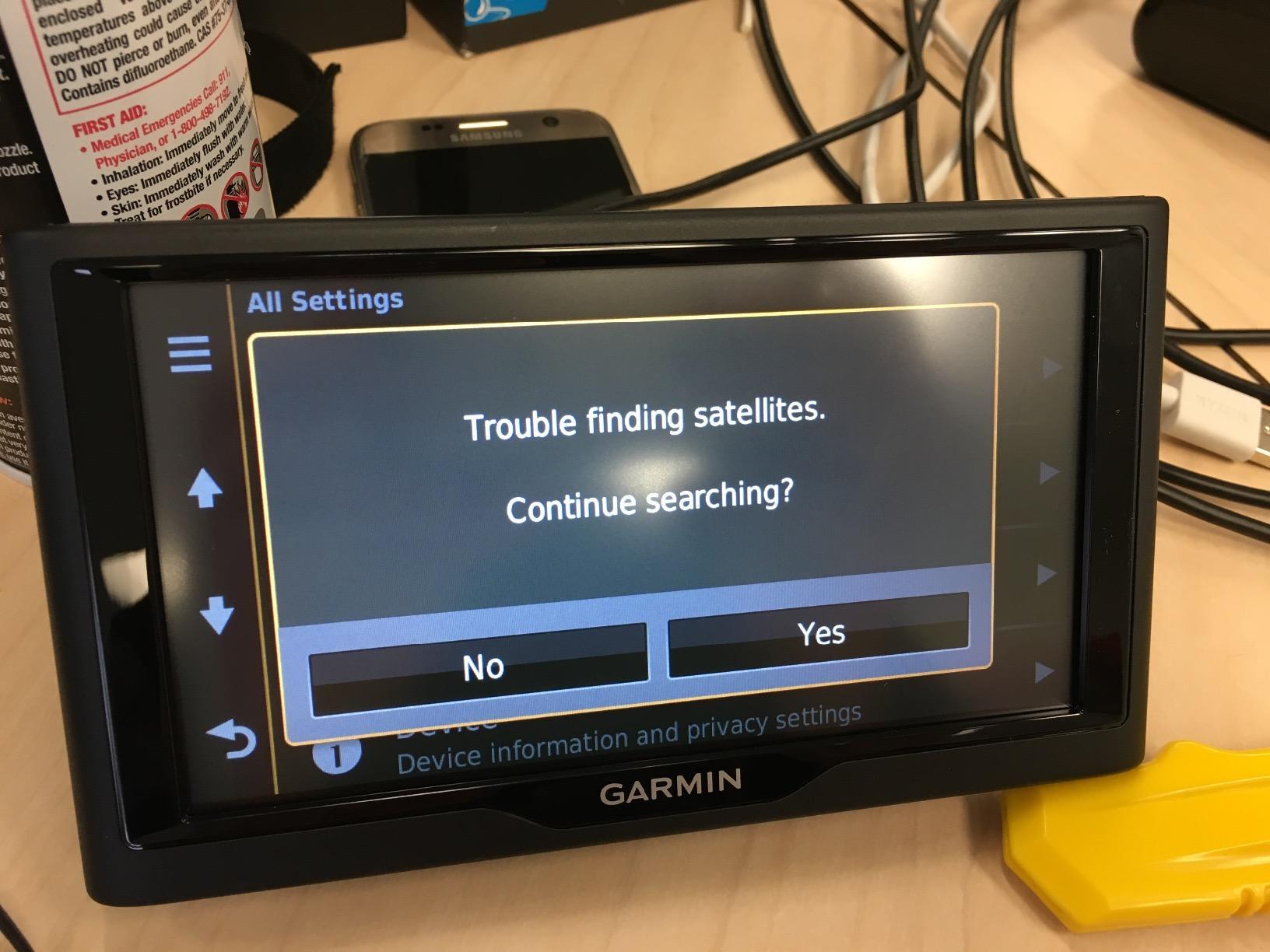
Map updates are free for life, Foursquare search covers millions of restaurants and shops, and Direct Access simplifies getting to complex destinations. It accepts microSD cards, and it works for both car and handheld use, which is unusual in a dashboard navigator.
The honest problem is sunlight. Multiple reviews call out glare in direct sun, and for a driver already straining to see, a screen that washes out at noon is a genuine safety issue rather than an annoyance. A matte anti-glare film is close to mandatory on this one.

Is junction view worth a dedicated navigator if you mostly drive local roads?
Only if your local roads include highways. Junction view pays off at stacked interchanges where a small map genuinely cannot convey the lane layout. On a two-lane road trip through farmland, a bigger screen with bigger text would serve better.
It is worth knowing this is 2016-era hardware. It works reliably, but the interface is simple to the point of being dated, and search demands the exact spelling of place and street names.
What makes this unit frustrating in practice?
Two things. Route selection occasionally picks a path the driver did not consider their best option, which can create hesitation at a junction, and map accuracy depends heavily on the local area, with some regions described as having data gaps.
Glare is the third, and it is the one to solve before delivery with a screen film. Get that right and this is a strong choice for an interstate-commuting driver on a tight budget.
8. Rand McNally TND Tablet 85 – 8 inches with a built-in dash cam
Rand McNally TND Tablet 85 8-inch GPS Truck Navigator with Built-in Dash Cam, Easy-to-Read Display and Custom Truck Routing (Renewed)
8 inch easy-to-read display
Custom truck routing
Built-in dash cam
Pros
- 8 inch display with custom truck routing
- Real-time traffic and construction updates in rural areas
- 3D buildings and landmarks aid orientation
- Built-in dash cam records the road
- Weather overlays fuel prices and mileage logs
Cons
- 4.0 average with a 14 percent one-star share
- Renewed units carry a 90 day warranty
- Only 2 GB of internal memory for stored footage
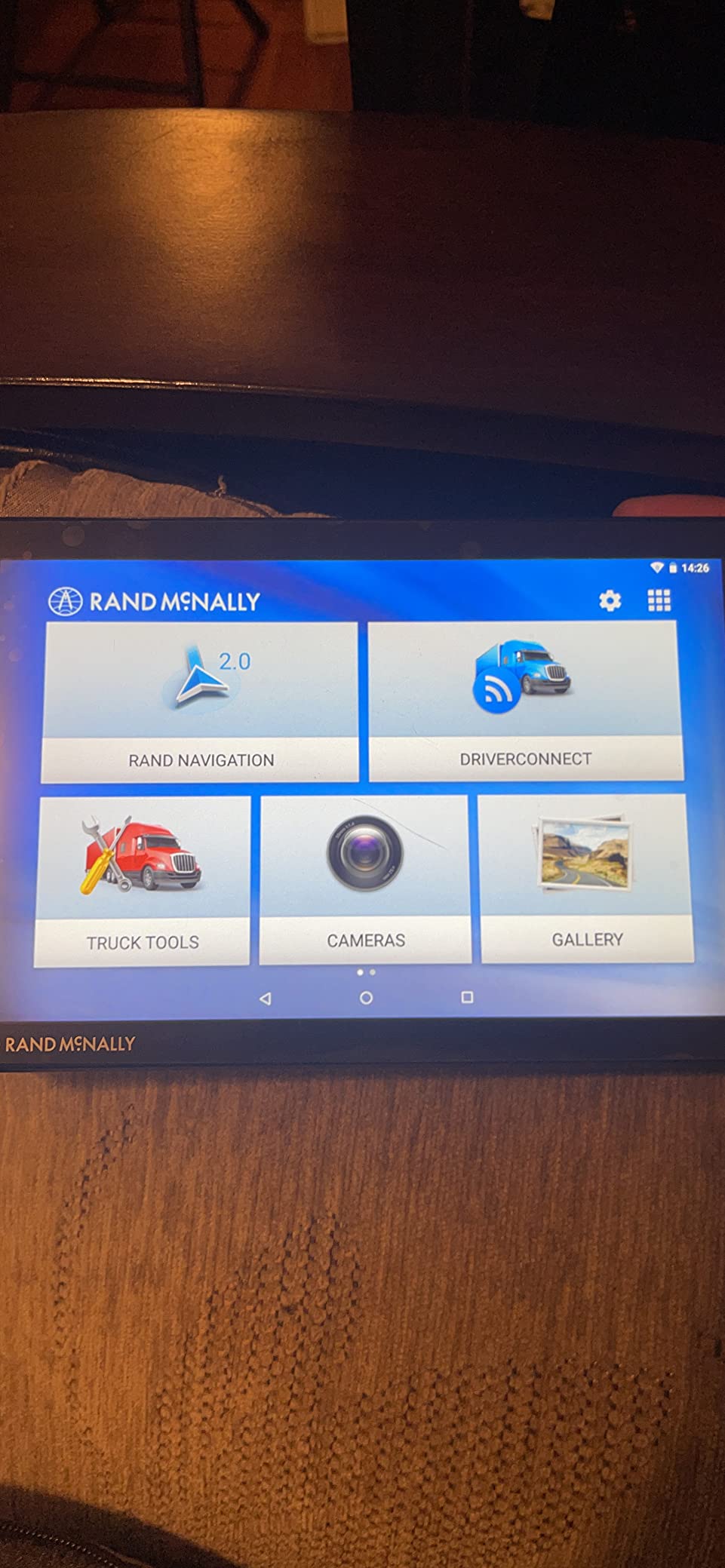
The Rand McNally TND Tablet 85 is the best large screen car GPS navigator with a built-in dash cam, and at 8 inches it competes on visibility with the DriveSmart 86 while adding video recording in the same unit. That combination is unusual in this price bracket.
Routing is truck-first, which means height, weight, and road restrictions are respected by default. For a senior driving a pickup or a large SUV, that avoids the specific anxiety of routing a tall vehicle under a low bridge. Real-time traffic and construction updates reportedly work even in rural areas, where most traffic services thin out.
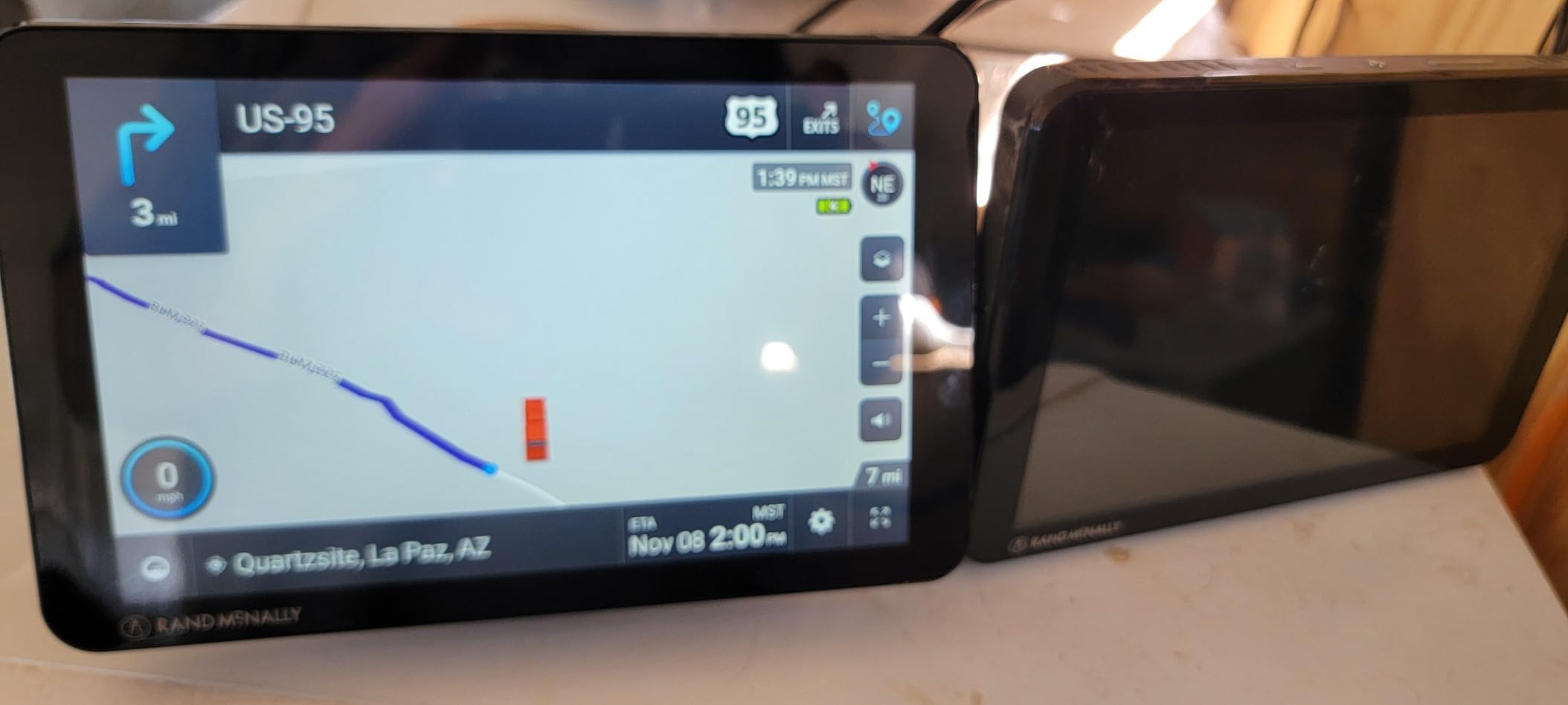
Three-dimensional renderings of buildings and landmarks help a driver place themselves on an unfamiliar route, which is a real orientation aid rather than a gimmick. Weather overlays show precipitation, temperature, and wind speed, current fuel prices display along the route, and mileage and fuel logs calculate economy over a trip.
On-screen alerts cover speed limit changes and sharp curves. The box includes a powered magnetic mount, the device, a truck charger, a USB cable, and a wall charger, so it is ready to mount immediately.
Is an 8-inch screen too big for a normal passenger car?
No, at 8 by 5 inches it fits in the same windshield space as the DriveSmart 86 and is not wider. The concern is programming, not physics: this unit is built around truck routing, and a senior driver on a car commute will simply never use the height and weight menus.
If your parent drives a sedan, weigh that against the 4.0 average and the 14 percent one-star share, the highest in this roundup. For a truck or RV owner, that rating is a much easier trade.
What should you check before buying a renewed unit here?
Two things. The warranty is 90 days, so test every function on day one rather than assuming. And the memory listed is only 2 GB, which is fine for navigation but means the dash cam footage is likely limited in length and there is little room for anything extra.
Sixty-five percent of reviews are still five stars, and owners consistently name the large screen, the truck-specific routing, and the useful lane assist. The rating spread here is wide, so the unit rewards a careful return window.
9. Rand McNally OverDryve 8 Pro II – 8 inches with voice guidance and satellite radio
Rand McNally OverDryve 8 Pro II Truck GPS & Connected Tablet, Car Navigation with 8” Display, Built-in Satellite Radio, Fully Adjustable Dash Cam (Renewed)
8 inch capacitive touchscreen
Voice guidance
Built-in SiriusXM and dash cam
Pros
- 8 inch display that is easy to read while driving
- Fully adjustable built-in dash cam with G-sensor
- Built-in SiriusXM satellite radio in the mount
- Connected features for calls texts weather and apps
- Alerts for speed limit changes and sharp curves
Cons
- 4.0 average
- tied with the lowest-rated unit here
- Renewed units carry a 90 day warranty
- Connected features need a paired smartphone
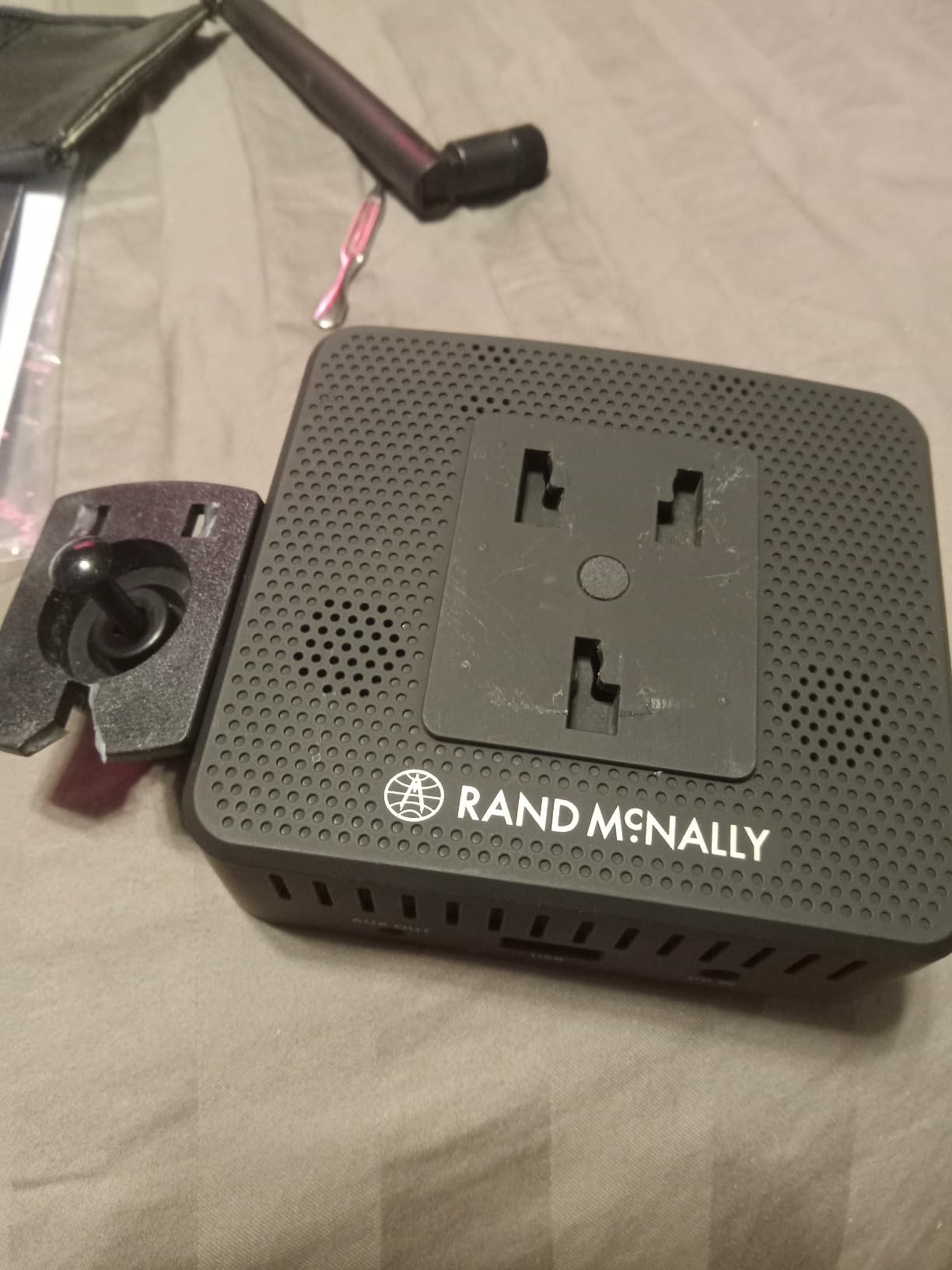
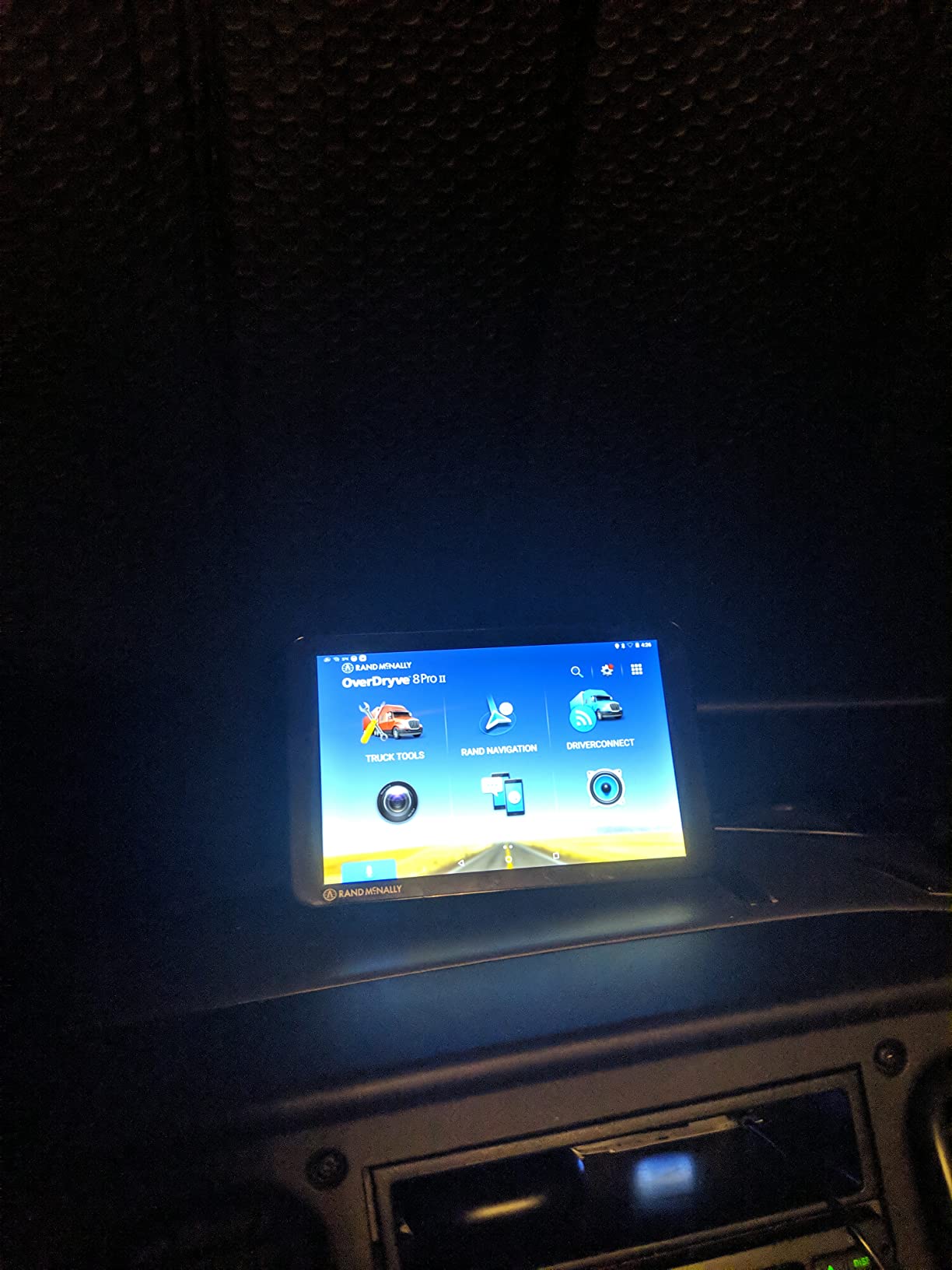
The Rand McNally OverDryve 8 Pro II is the best 8-inch car GPS navigator with voice guidance and a satellite radio in the mount, which makes it a distinctive gift for a parent who drives long rural highways. The 8.15-inch capacitive touchscreen is one of the larger panels here and reads well in motion.
The mount carries a built-in SiriusXM receiver and a fully adjustable dash cam with a G-sensor and loop recording. For a driver covering state lines with no cell coverage, the radio is genuinely useful, and having the recording hardware already in the dock removes a separate purchase and a separate mounting problem.
Connected capabilities cover hands-free calls, texts, weather, and apps, and on-screen alerts handle speed limit changes and sharp curves. Mileage and fuel logs track economy, and the unit runs on Android, which is why the connected features need a paired phone.
What holds it back is the rating spread. At a 4.0 average with 56 percent five-star and 10 percent one-star, this is among the most polarized units in the roundup, and an Android-style interface carries more menus than a purpose-built automotive one. As with the TND 85, this is renewed hardware with a 90-day warranty.
Is an Android-based navigator harder for an older driver than a purpose-built one?
Usually, yes. Android operating systems carry more menus, more settings screens, and more ways to wander off a task than a dedicated automotive interface, and older drivers consistently report that as friction rather than flexibility.
The offsetting factor is that familiar phone-like behavior feels more familiar than an unfamiliar car device. If your parent already navigates on a tablet without trouble, the gap narrows considerably. If not, the 6-inch Garmin options are the safer call.
What do you get that the other 8-inch unit does not have?
The satellite radio in the mount and adjustable dash cam placement are the two clear additions over the TND Tablet 85, and connected apps go further than that unit’s offline point-of-interest layer. Both units record video, but this one adjusts.
Neither is a strong choice for a sedan commuter who will not use the extra features, and both carry renewed-condition risk. Pick this one for long-distance rural driving with a truck or large vehicle, not for short local trips.
10. Garmin DriveSmart 66 EX – 6 inches with voice control and lifetime maps
Garmin DriveSmart 66 EX 6-Inch Car GPS Navigator with Advanced Lane Guidance, Real-Time Traffic and Lifetime Map Updates (Black) (Renewed)
6 inch bright high-resolution display
Hands-free voice control
Lifetime North America maps
Pros
- Bright crisp 6 inch display readable in varying light
- Hands-free voice control for directions and calls
- Real-time traffic updates help avoid congestion
- Alerts for curves speed changes and school zones
- Lifetime map updates of North America
Cons
- Garmin Express desktop software is widely criticized
- Routes can occasionally be longer than the best local option
- Some renewed units had a late turn warning or offset arrow
The Garmin DriveSmart 66 EX is the best 6-inch car GPS navigator that combines hands-free voice control with lifetime map coverage, and it fills a gap the rest of this roundup leaves open. Most units give you voice control or lifetime maps. This one gives you both.
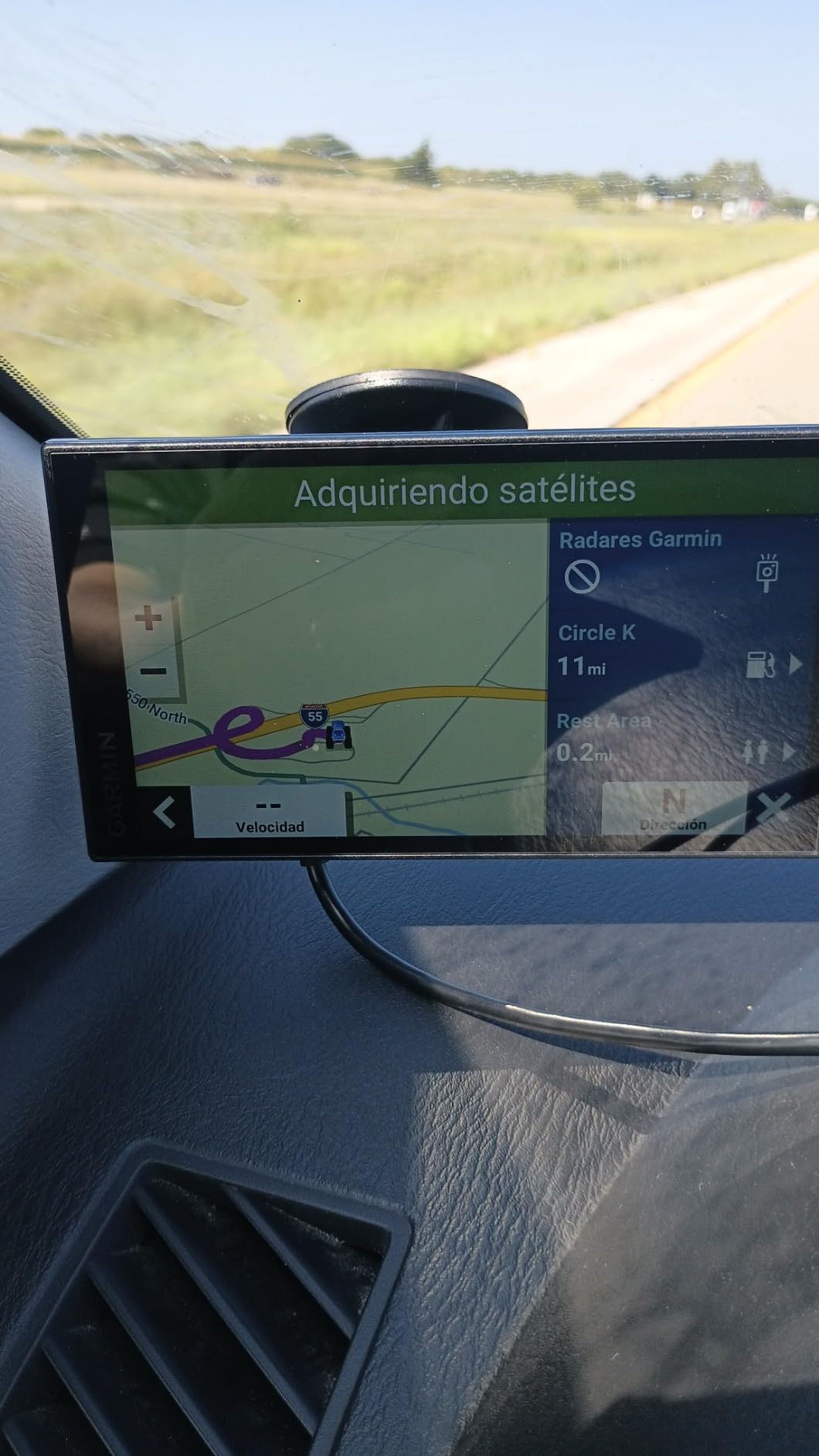
The bright, crisp 6-inch display is readable across varying light conditions, which is the specific complaint that sinks the 6-inch nüvi 67LM in direct sun. Voice control handles directions and calls without a hand on the screen, and real-time traffic helps reroute around congestion before the driver is stuck in it.
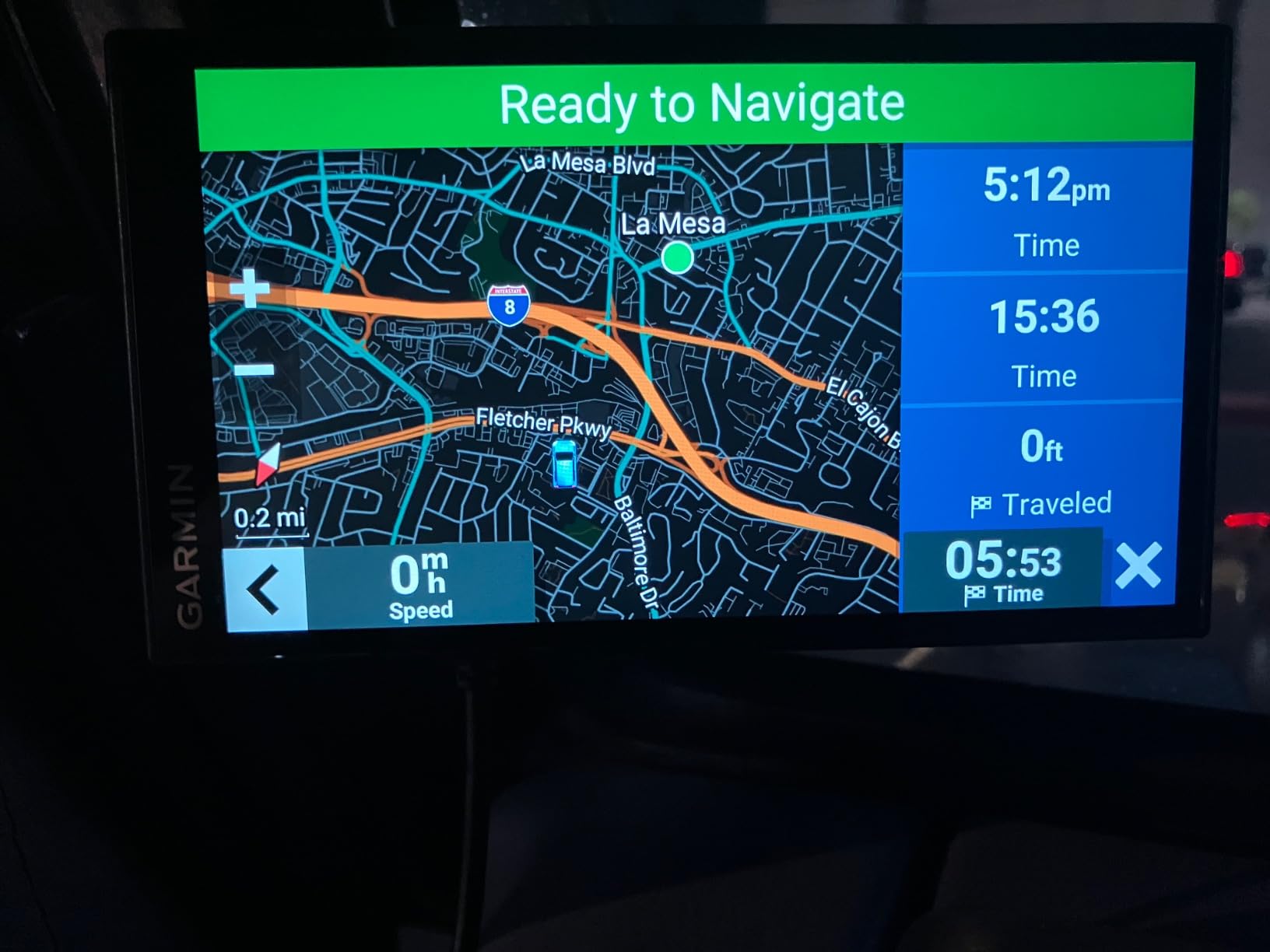
Driver alerts cover sharp curves, speed changes, and school zones. A HISTORY database of notable sites, a national parks directory, and TripAdvisor ratings for finding places to stop along the route round out the guidance layer. Sixty-four percent of reviews are five stars, and owners describe it as easy to set up and reliable on both commutes and long trips.
Buyers list it as easy to set up and dependable for daily driving and long trips. The most common negative theme is not the hardware at all – it is Garmin Express, the desktop map-management software, which is widely criticized as difficult to use.
Do lifetime map updates plus voice control actually make this the best middle ground?
For a lot of families, yes. Lifetime North America maps mean no subscription anxiety and no annual reminder, and voice control means the driver can request a new destination without touching anything. That is the combination most senior-focused buyers assume they have to compromise on, and this unit does not.
The 6-inch panel is a reasonable compromise on visibility, and it is noticeably more glare-tolerant than the other 6-inch option here. It is not as good as the 8-inch DriveSmart 86 for sightlines, but it fits smaller dashboards better.
What should you watch for with a renewed unit?
This listing is renewed hardware. Some owners of renewed examples report a navigation arrow that appeared offset or a turn warning that came late, both of which matter a great deal in a device whose whole job is turn timing. Test the route on a familiar loop before relying on it for anything new.
Routes are occasionally longer than the best local option, and the Garmin Express software is the single most criticized thing about this model. If a child handles setup, that is a fifteen-minute job, not a blocker.
Dedicated GPS vs Phone vs Built-In Car System
For an older driver, a dedicated navigator usually wins, and the reason is not the maps. It is the number of steps. On a phone, getting a route means unlocking, finding the app, waiting, typing an address, and mounting the thing. Each step is a chance to hand the phone to a child instead.
A dedicated unit removes the steps rather than shortening them. The screen wakes when it is plugged in, the map is already there, the last destination is one tap away, and the voice asks for confirmation. Forum users describe the shift from a suction-capped device to phone-integrated navigation as so easy that it feels like a downgrade in control, which tells you how much the multi-step phone routine wears on people.
Where a phone genuinely wins is freshness and search. A current phone has current map data, better search, and better traffic, and it can find a restaurant by name in two seconds. If the driver is already comfortable with a phone and the phone is mounted and charging, that setup is fine.
Built-in car systems are the mixed case. A newer car’s built-in navigation can have a large screen, free map updates, and no phone at all, which sounds ideal. But many older cars have small, dated interfaces that are harder to operate than a phone, and the interface is not something the family chose. Forum discussions about older drivers and navigation keep returning to the same point: the car manufacturer’s system was not designed with an aging driver in mind.
The practical rule is simple. If the driver already sets up a phone mount without being asked every time, keep the phone. If setting up requires reminding, buy hardware that powers on ready to go.
For families who also want a simpler device for a senior elsewhere in their life, our guides to kids smart watches with GPS and marine GPS units cover very different use cases under the same label.
Best Sat Nav for Older Drivers: How to Choose
Best sat nav for older drivers comes down to eight things, and only three of them are advertised on the box. The rest are ergonomic, and they decide whether the device gets used after the first week.
Screen size, and where to set your limit. Under 5 inches, you are asking someone to read a map in a moving car. The workable tiers are 5 inch for local driving only, 6 to 7 inch as the default for most families, and 8 inch for maximum visibility when sightlines are the main concern. Bigger is not automatically better, though – an 8-inch unit needs a wide windshield and good placement.
Brightness in direct sun. This is the criterion that most product pages skip and that older drivers complain about most. A reflective glass panel that washes out at noon is worse than a slightly dimmer LCD, because it demands a long look. If glare is a risk, budget for a matte anti-glare film and check review comments for the word glare before you buy.
Voice control, and what you can actually say. Voice assist is valuable, but the vocabulary is fixed and cannot be taught new phrases. Expect requests like a destination name, a phone number, a volume change, or a general find me a coffee type request. Older drivers report that casual phrasing gets misheard more often than exact place names, so practice with a handful of real destinations in the parked car rather than assuming it will figure itself out.
Menu depth. Count taps to a destination. If finding home takes more than three, the driver will end up using the last route instead of a new one, which defeats the point. Shallow, purpose-built automotive interfaces beat general tablet operating systems for this reason.
Map updates and ongoing cost. Three models exist: lifetime coverage, Wi-Fi over-the-air updates, and computer-only updates through desktop software. Lifetime removes the recurring-fee anxiety that forum users describe vividly. Wi-Fi updates are clean but need the unit plugged in occasionally. Computer-only updates depend on a family member with a laptop and patience, and the Garmin Express software is the most criticized example.
Offline reliability. Every unit here stores maps on the device, so all of them work with no cell signal. The difference is live traffic, which generally requires either a phone pairing or its own radio receiver, and which thins out outside metro areas on most models.
Physical controls. If the driver dislikes touchscreens or has arthritis, physical buttons are worth an older model. Only one unit in this roundup has them. Note also how the mount releases – a ball mount that needs two hands to tilt is an ergonomic trap for a driver with limited reach.
Mounting and sightlines. This is the part no competitor covers and the part that matters most in practice. Mount the unit high enough that a glance takes a fraction of a second, low enough that the driver does not have to crane their neck, and angled toward the driver rather than centered. For a driver with limited neck range, the difference between a center-mounted and a driver-side-mounted unit is the difference between readable and ignored. Route the power cable along the A-pillar or the dash edge so it cannot swing across the view, and use the included dual USB charger so a phone is not plugged into the same socket.
What to skip. Avoid no-name 7-inch and 9-inch marketplace units with review counts in the dozens. They often look enormous on paper, but brightness, voice recognition, and map quality are inconsistent, and the support path when something breaks is thin. In this roundup the low-review-count products all came from a single well-known brand with a trackable warranty, renewed or not.
Setting Up a GPS for an Elderly Parent
Set the device up yourself, in the parked car, before your parent ever drives with it. The sequence below is the version that works, and it takes about twenty minutes the first time.
Mount it before anything else. Choose the position first, then plug in the unit and let it find the satellites. Moving it later means redoing the calibration.
Adjust the angle and the brightness together. Set it while parked in open shade, then check it at the worst time of day on a familiar road. This is the step families skip and the one that decides adoption.
Enter the home address and the two or three places they actually go. Doctor, grocery store, the house of the grandkids. More than that creates clutter, and each one should be reachable in one tap.
Test voice commands while parked. Try the exact phrasing you expect them to use, including their accent. If a phrase misfires, note it and stick to the wording that works.
Run one familiar loop together. A short route they know by heart is the right test drive. Let them call the turns, and correct only the parts that are actually wrong.
Agree on the lost rule. Tell them that pulling over safely and calling you is always allowed, and that a wrong turn is not a failure. This removes most of the anxiety that makes people refuse to use navigation at all.
One last framing note for gift-givers. The unit should be set up and working before it is wrapped. A device that needs an hour of configuration the first time it is switched on teaches the driver that technology is something to be avoided.
Frequently Asked Questions
What is the easiest GPS for seniors to use?
The Garmin DriveSmart 65 is the easiest GPS for most seniors, with a 6.95-inch screen, voice-activated directions, shallow menus, and Wi-Fi map updates that need no computer. For drivers whose main problem is reduced vision, the Garmin DriveSmart 86 is easier still, because its 8-inch display is readable in a fraction of a second at a glance. For drivers who dislike touchscreens entirely, the Garmin nüvi 57LMT adds physical buttons and free lifetime map updates.
Which Garmin GPS has the largest screen?
Among the navigators in this roundup, the Garmin DriveSmart 86 has the largest screen at 8 inches with a 1280 x 800 resolution, and the Rand McNally TND Tablet 85 and OverDryve 8 Pro II match that 8-inch size. If you want the largest screen with the most proven voice and traffic features, the DriveSmart 86 is the one to look at first. All three work offline and need no subscription.
What is the best large screen car GPS for seniors?
The best large screen car GPS for seniors is the Garmin DriveSmart 86. Its 8-inch high-resolution display, voice assist, driver alerts for school zones and sharp curves, and built-in Wi-Fi map updates make it the most readable option in this roundup. The main caveat is glass reflectivity, so add a matte anti-glare film. The two Rand McNally 8-inch units are alternatives when a built-in dash cam matters more than voice control.
Do car GPS navigators require a subscription or monthly fee?
It depends on the model, and the difference is worth checking before you buy. Some navigators include free lifetime map updates, such as the Garmin nüvi 57LMT, nüvi 67LM, and DriveSmart 66 EX. Others, including the DriveSmart 86 and DriveSmart 65, update over built-in Wi-Fi with no recurring fee. Optional live traffic, fuel prices, weather, and parking usually come through a paired phone app rather than a separate charge.
Is a dedicated GPS better than using a phone for an older driver?
Usually, yes, and the reason is the number of steps rather than the maps. A phone requires unlocking, finding the app, typing an address, and mounting the device, and each step is a chance to hand the phone to someone else. A dedicated unit powers on with the map already displayed, keeps the last destination one tap away, and works with no cell signal and no data plan. A phone wins only if the driver already sets up a mount without being reminded.
Will a car GPS work without cell service or data?
Yes. Every navigator in this roundup stores its map data on the device, so turn-by-turn guidance keeps working in areas with no cell coverage, which matters on rural routes and long trips. Only live traffic and some connected features need a signal, and those usually come through a phone app or a separate traffic receiver. If you drive a lot of back roads, prioritize a model with lifetime map updates so nothing expires while you are out of range.
Final Verdict
The best car GPS navigators for seniors come down to one choice and one runner-up. Take the Garmin DriveSmart 86 if sightlines are the concern, because the 8-inch panel removes squinting entirely. Take the Garmin DriveSmart 65 for everything else, because it has the deepest review history in this roundup, a 4.5 average, and a 6.95-inch screen that fits almost any dashboard.
Skip the phone if setting up a mount takes a reminder, and add a matte anti-glare film to whichever unit you choose. Set it up in the parked car the night before, and the problem you started with gets smaller on its own.
One last thing worth saying plainly. A navigator is a navigation aid. It is not a GPS tracker, it is not a medical alert device, and it does not tell anyone where your parent is – it tells your parent where they are going. If you want the second thing, that is a different product category, and a different conversation. This guide is also not a driving assessment; if there are real questions about a parent’s fitness to drive, that conversation belongs with a physician, not a screen.
Our guides to GPS bike computers cover the same navigation principles for two wheels, if that is the next thing on your list.