
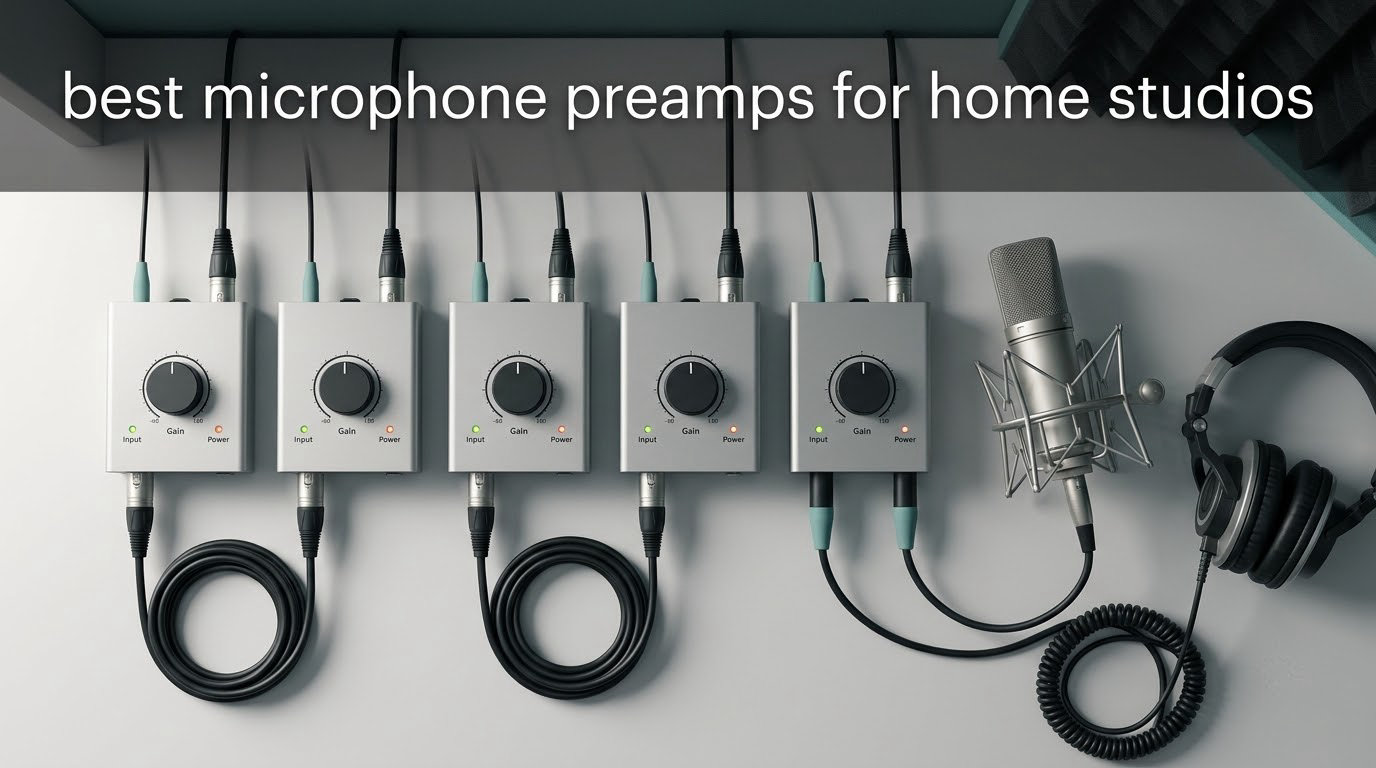
Most home studio preamp guides jump straight into a list of gear and skip the question that actually matters: what is this box doing that your audio interface cannot? A microphone preamp is the first active stage in your recording chain. It takes the extremely small signal a microphone produces, roughly -60 to -40 dBu, and amplifies it to line level so the analog-to-digital conversion inside your interface happens with headroom instead of noise. That is the whole job. Everything beyond it, the tone, the saturation, the transformers, is character on top of function.
We spent weeks with the ten boxes below, moving them between a two-channel interface, a four-channel one, and a laptop setup, tracking vocals, an acoustic guitar, and a ribbon mic in the same untreated spare room. What we kept coming back to is that the best microphone preamps for home studios fall into three very different groups: inline boosters that solve a gain shortage, single-channel boxes that add tone and tools, and full interfaces that include a preamp so you only need one box at all. Knowing which group you are in matters more than any spec sheet.
This guide covers all three, with an honest look at when you should skip the preamp entirely and spend the money on your room or your microphone instead. Our [10 Best Microphone Stands for Home Studios](https://beatcopgame.com/best-microphone-stands/) and [12 Best Wireless Headphones with Microphone](https://beatcopgame.com/best-wireless-headphone-with-microphone/) guides cover the rest of the signal chain if you are still building the basics.
Top 3 Best Microphone Preamps for Home Studios (October 2026)
These are the three we would put in front of almost anyone starting out or upgrading. The first solves the most common problem, the second is the best all-in-one, and the third adds the most tone per pound spent.

Focusrite Scarlett Solo 4th Gen
- One XLR mic preamp
- 120dB dynamic range
- Air mode
- 24-bit/192kHz

Do You Even Need a Standalone Preamp?
Most interfaces sold today include usable microphone preamps. If yours has a clean input that does not hiss when you turn it up, an external preamp will not make your recordings better on its own. We have tested plenty of expensive units against modest two-channel interfaces and the difference is usually a few dB of noise, not a different record.
There are exactly three reasons to add one, and if none of them apply to you, put the money toward acoustic panels or a better microphone instead.
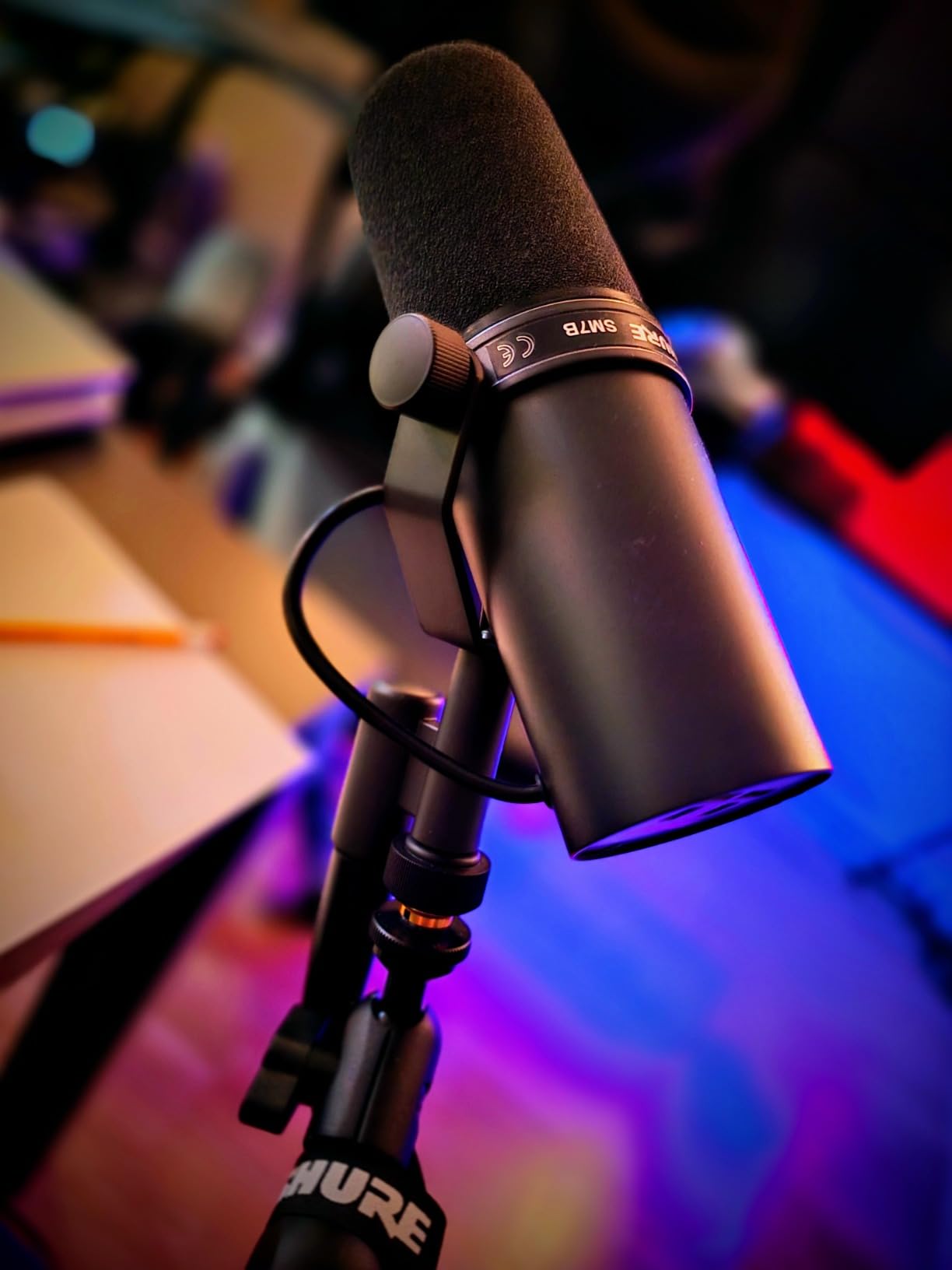
You need more clean gain. A passive ribbon or a dynamic such as the Shure SM7B can outrun the gain range of a small interface. When you push a quiet preamp hard, its own noise floor rises with it, and that hiss sits under every take. An inline booster adds roughly 25 to 28 dB of quiet gain so you can keep the interface preamp low.
You want tone committed at the tracking stage. A tube or transformer stage adds harmonic character that plugin saturation cannot fully reproduce, because it happens before conversion rather than after it.
You want converters and headroom you do not have. Many interfaces convert at 24-bit/192kHz with a stated dynamic range, but a dedicated preamp plus a good converter gives a lead vocal the headroom to sit further back in the mix.
Readers on r/homestudios and r/audioengineering keep landing on the same three triggers, and the recurring theme in those threads is that the room is usually the weak link. Room treatment costs a fraction of a preamp and fixes more problems.
Best Microphone Preamps for Home Studios in 2026
All ten boxes, side by side. The two interfaces are included because for many home studios they are the only preamp you will ever buy.
| Product | Specifications | Action |
|---|---|---|
| Focusrite Scarlett Solo 4th Gen |
|
Check Latest Price |
| Triton Audio FetHead |
|
Check Latest Price |
 Universal Audio Volt 1 Universal Audio Volt 1 |
|
Check Latest Price |
 ART Tube MP Studio V3 ART Tube MP Studio V3 |
|
Check Latest Price |
 PreSonus TubePre v2 PreSonus TubePre v2 |
|
Check Latest Price |
 dbx DBX286SV Channel Strip dbx DBX286SV Channel Strip |
|
Check Latest Price |
 Cloud Microphones Cloudlifter CL-1 Cloud Microphones Cloudlifter CL-1 |
|
Check Latest Price |
 Coda Mic Preamp WSF-01 Coda Mic Preamp WSF-01 |
|
Check Latest Price |
 MANAYO DM3 Inline Preamp MANAYO DM3 Inline Preamp |
|
Check Latest Price |
 Rockville PPA20 1U Preamp Rockville PPA20 1U Preamp |
|
Check Latest Price |
1. Focusrite Scarlett Solo 4th Gen – Best All-in-One Answer for a One-Mic Studio
Focusrite Scarlett Solo 4th Gen USB-C Audio Interface
1 XLR mic preamp
1 Hi-Z instrument input
120dB dynamic range
24-bit/192kHz
Pros
- Clean transparent preamps for dynamic mics
- 120dB dynamic range
- Air mode adds vocal presence
- Near-zero latency
- Plug-and-play with bundled software
Cons
- Only one mic input
- No stereo or dual-mic recording
- Needs an inline booster for very low-output dynamics
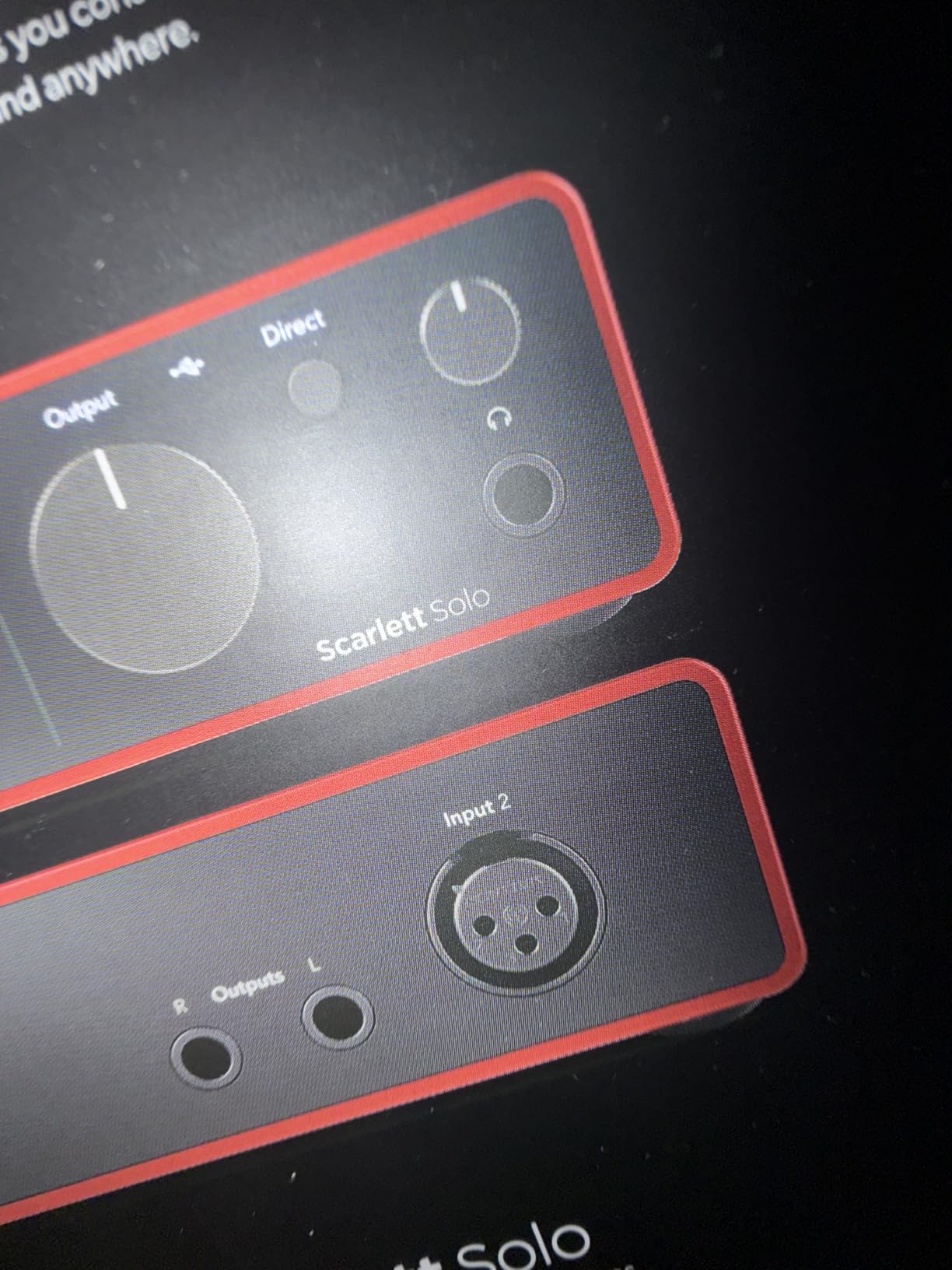
For a single-singer home studio, the Scarlett Solo is the honest starting point and often the final destination. One XLR microphone preamp and one Hi-Z instrument input sit next to a headphone output, and the whole thing is small enough to disappear behind a monitor. We tracked a dynamic vocal straight into it with no outboard gear at all and the result was a clean, honest capture that needed nothing at the tracking stage.
What surprised us most is the stated dynamic range. 120dB from Focusrite flagship converters is a serious number for a single-input box, and it means you are not fighting the converter for headroom on a loud take. Air mode adds presence and harmonic drive on demand, which covers the one tonal move most people actually want from a preamp.
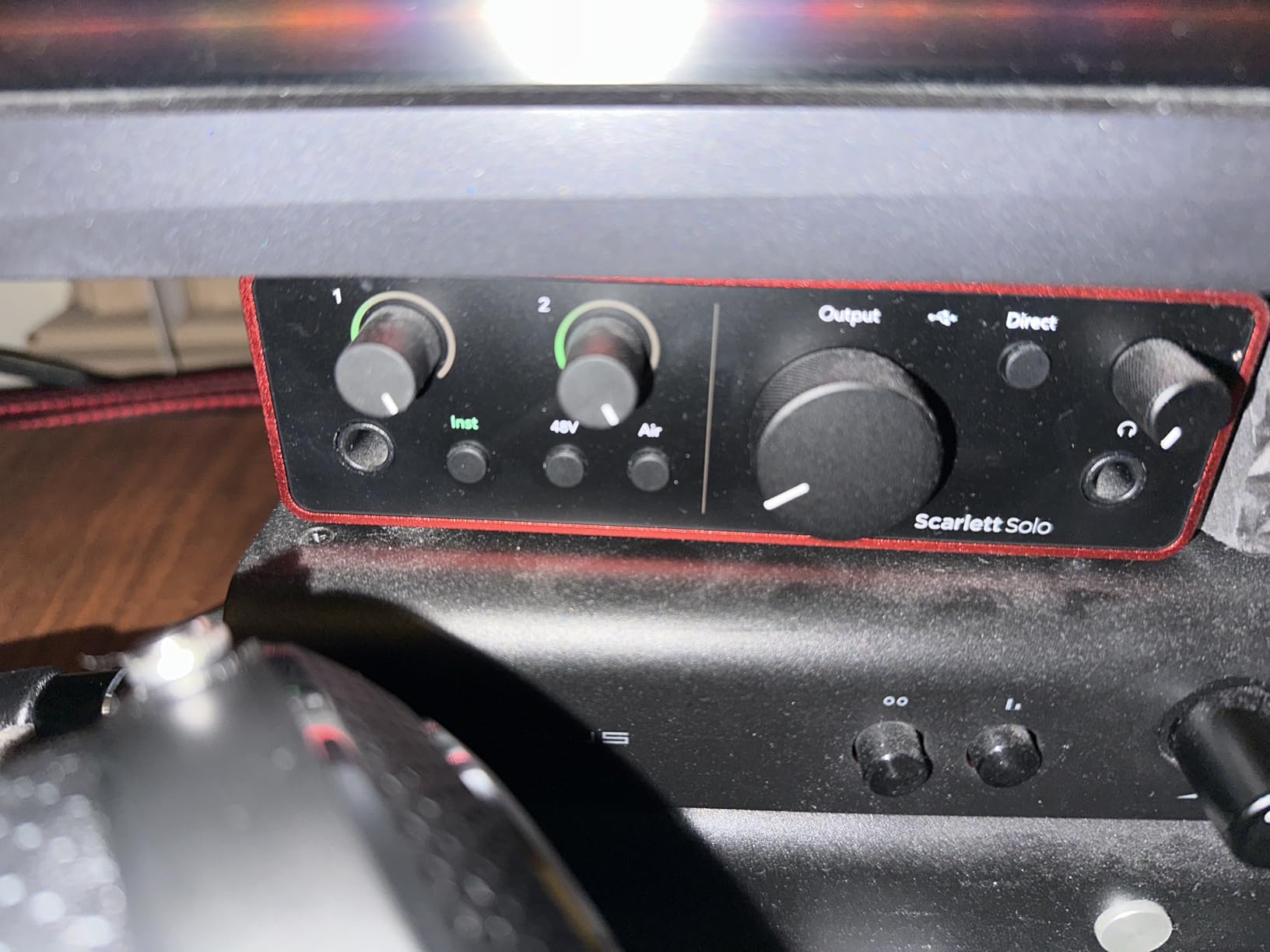
The Halo gain metering lights around the knob are genuinely useful when you are new to gain staging. You can see where you are without watching a software meter, which matters more than it sounds when you are setting up alone in a spare room at midnight.
One caution came up repeatedly in owner reviews: the Focusrite Control software and its Windows drivers have been reported to lower recorded input volume on some systems, particularly with low-output dynamic microphones. Several owners worked around it by using default drivers or by adding an inline booster, which is exactly the setup we would recommend if an SM7B is heading in.
Who the Scarlett Solo 4th Gen suits
Solo singers, voice-over artists, and streamers who record one microphone at a time. If you also record an acoustic guitar, the Hi-Z input handles that without a second box, and the bundled Pro Tools Intro, Ableton Live Lite and Cubase LE mean you can start recording the same afternoon it arrives.
It also works on iPad alongside Mac and Windows, which makes it the most portable option in this roundup for someone recording away from their desk.
Who should look elsewhere
Anyone tracking a duo, a stereo pair, or drum overheads. One input means no stereo, period, and stacking interfaces through ADAT is a workaround rather than a plan. It also has no gain for passive ribbons without help, so pair it with a booster rather than expecting miracles.
If you want a second color option on the same hardware, the Universal Audio Volt 1 below gives you a fully different preamp character for a similar footprint.
2. Triton Audio FetHead – The Inline Booster That Fixes a Gain Shortage
Triton Audio FetHead in-Line Microphone Preamp
2 channels
Low-noise Class-A JFET
4 matched JFETs
5.05 x 1.25 x 1.2 inches
Pros
- Low-noise Class-A discrete JFET amplification
- Matched JFETs and double single-ended topology
- Compact inline format for passive dynamics and ribbons
- Shielded metal enclosure
Cons
- Single inline design handles one mic at a time
- Needs external phantom power for condensers
- No metering or bypass
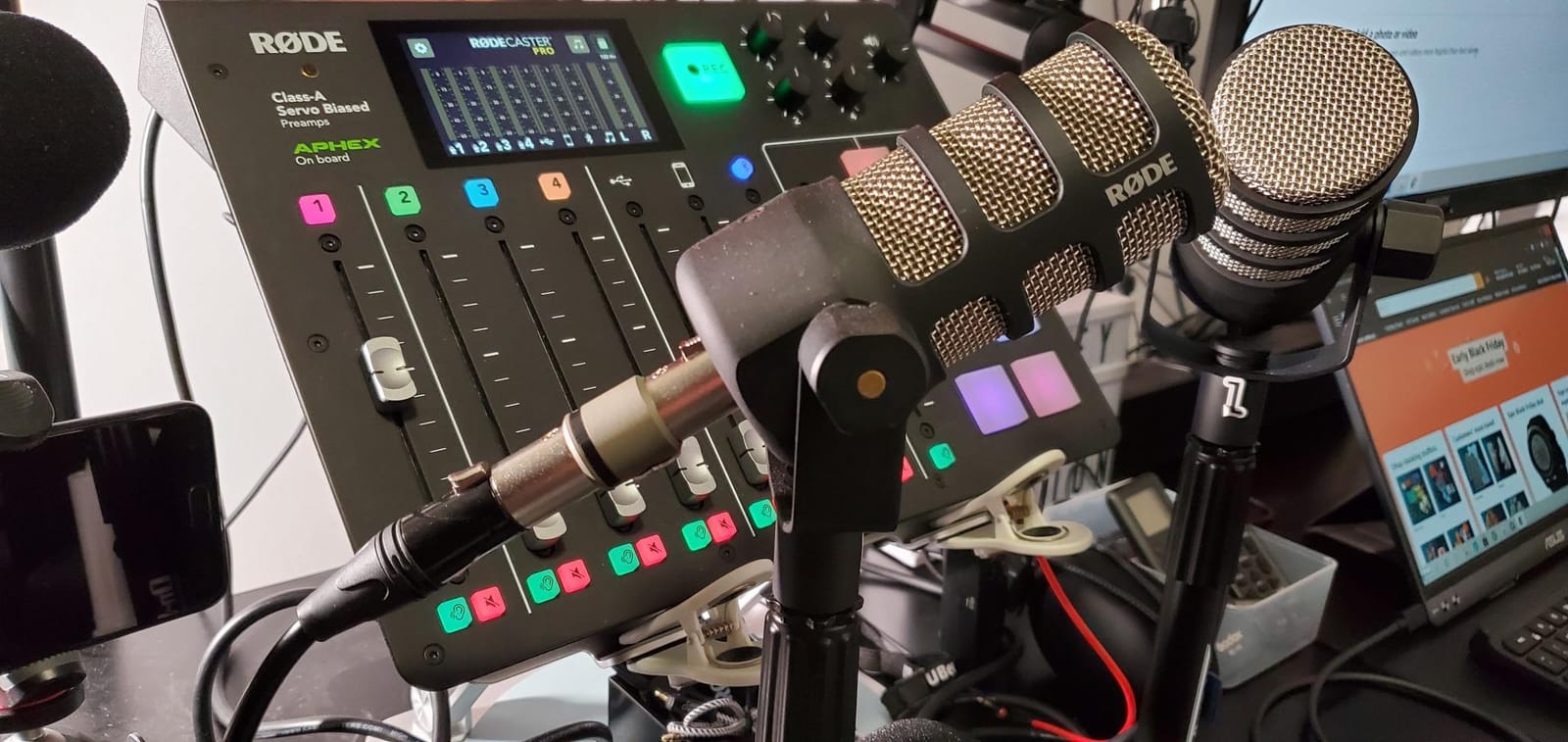
The FetHead is the most-recommended answer to the quiet dynamic problem, and it is not close. It sits inline between your microphone and your interface, adding class-A JFET gain in a shielded metal body you can tape under a desk or slip into a mic cable run. We used it with a passive ribbon and a broadcast dynamic, and in both cases it let us pull the interface preamp down far enough to remove audible hiss.
That is the entire trick, and it is worth understanding. Interface noise rises as you open the preamp gain. Add quiet gain ahead of it, keep the interface low, and the noise floor stays where it was. The double single-ended topology using four matched JFETs is what makes this work at a size you can afford twice.
Two things to know before you buy. It is a single inline path, so it handles one microphone at a time, which is fine for a vocalist but not for a stereo pair of overheads. And it is powered by phantom power from the host device, which is a non-issue for a passive dynamic and a wrong idea for a passive ribbon that predates modern safety circuits.
We talked about ribbon safety more in the buying guide, but the short version: check the microphone before you send power down a cable.
When the FetHead is the right buy
Your interface has one input, and that input hisses when you open the gain far enough for your microphone. That is a specific, common, and completely solvable problem, and the FetHead is the reference answer for it. It also works well for someone who records into a long cable run to a rack, because raising the signal early reduces hum pickup on the way.
It suits a single-source home studio: one vocalist, one guitar amp, one streamer. The 2.72 ounce weight and 5.05 inch length mean it disappears.
When to buy something else
If you need two channels at once, this is the wrong shape entirely and you need a two-channel unit instead. If your microphone is a condenser, the phantom power requirement is a complication rather than a feature, and a proper standalone preamp with its own gain control is a better long-term answer.
If you want tone, not just gain, keep reading. The FetHead is deliberately transparent, which is exactly right for one job and exactly wrong for another.
3. Universal Audio Volt 1 – Best Preamp Character From a Compact Interface
Universal Audio Volt 1 USB Audio Interface
UA 610 voicing
Vintage mode
24-bit/192kHz
2-channel
Pros
- Vintage mode gives classic 610 preamp character
- Very clean and quiet capture to 24-bit/192kHz
- LUNA DAW and UAD plug-ins included
- Compact desktop footprint
Cons
- Only 2 channels
- Requires an external power supply
- Only a 1 year warranty
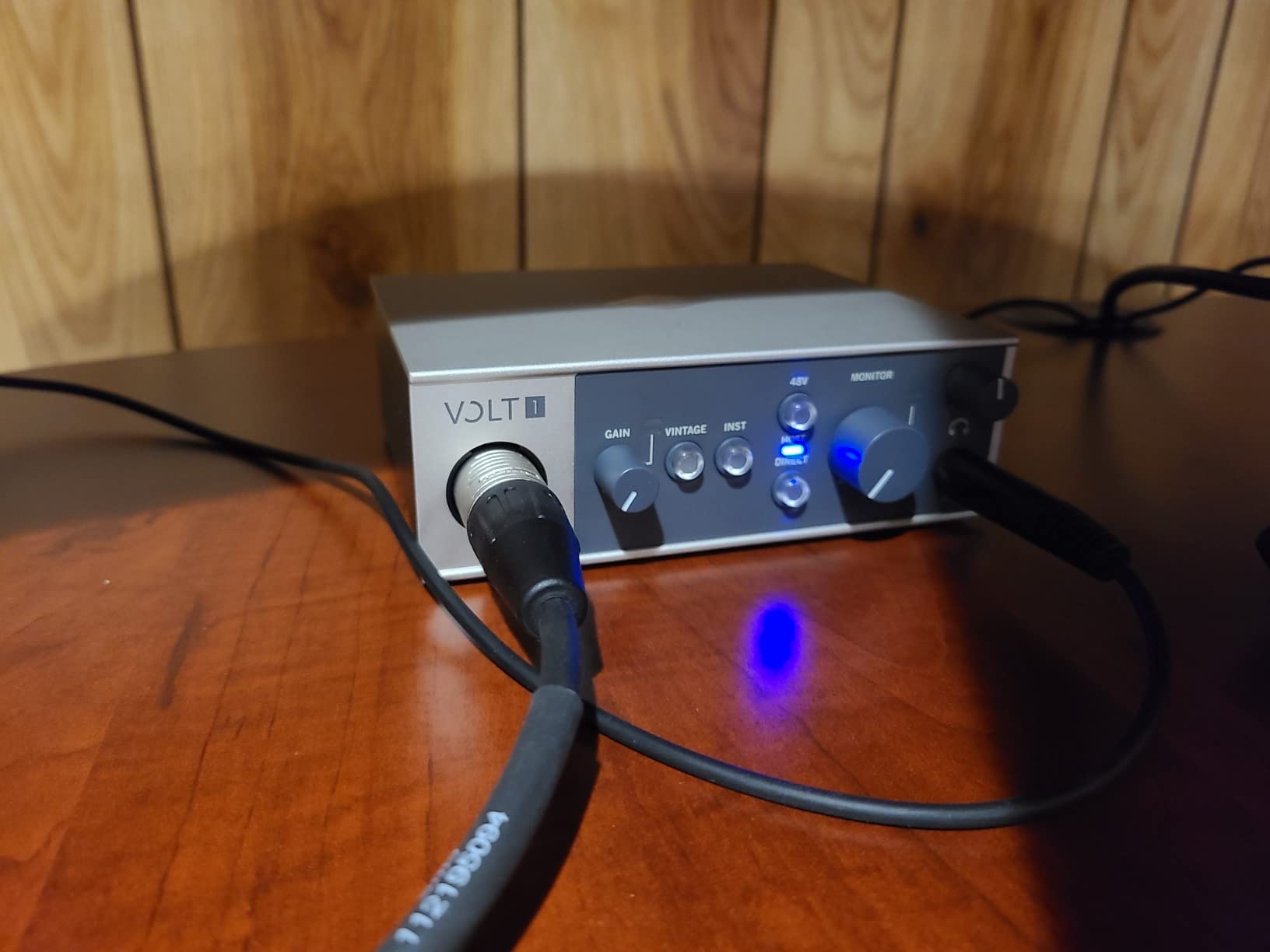
The Volt 1 is unusual among two-channel interfaces because it gives you two preamp characters in one box. In normal mode it is clean and neutral, and in Vintage mode it leans on the voicing of Universal Audio classic 610 preamp. We flipped between them on the same vocal take and the difference was obvious without being a caricature, which is a hard line to hold.
That makes it the best microphone preamp in this list for someone who wants a clean capture and a colored capture without buying two boxes or repatching anything. It is also a genuinely quiet signal path at 24-bit/192kHz, which is what you want if you plan to record a source that moves.
The software bundle is unusually generous. LUNA comes with UAD plug-ins and instruments included, so the cost of the interface is partly recovered in plugins you would buy anyway. If you already use a different DAW, it is still useful as a plugin library.
Two practical notes. The external power brick means it is not a truly portable box even though it is small, and the warranty is one year, which is short next to the three years on the Scarlett Solo.
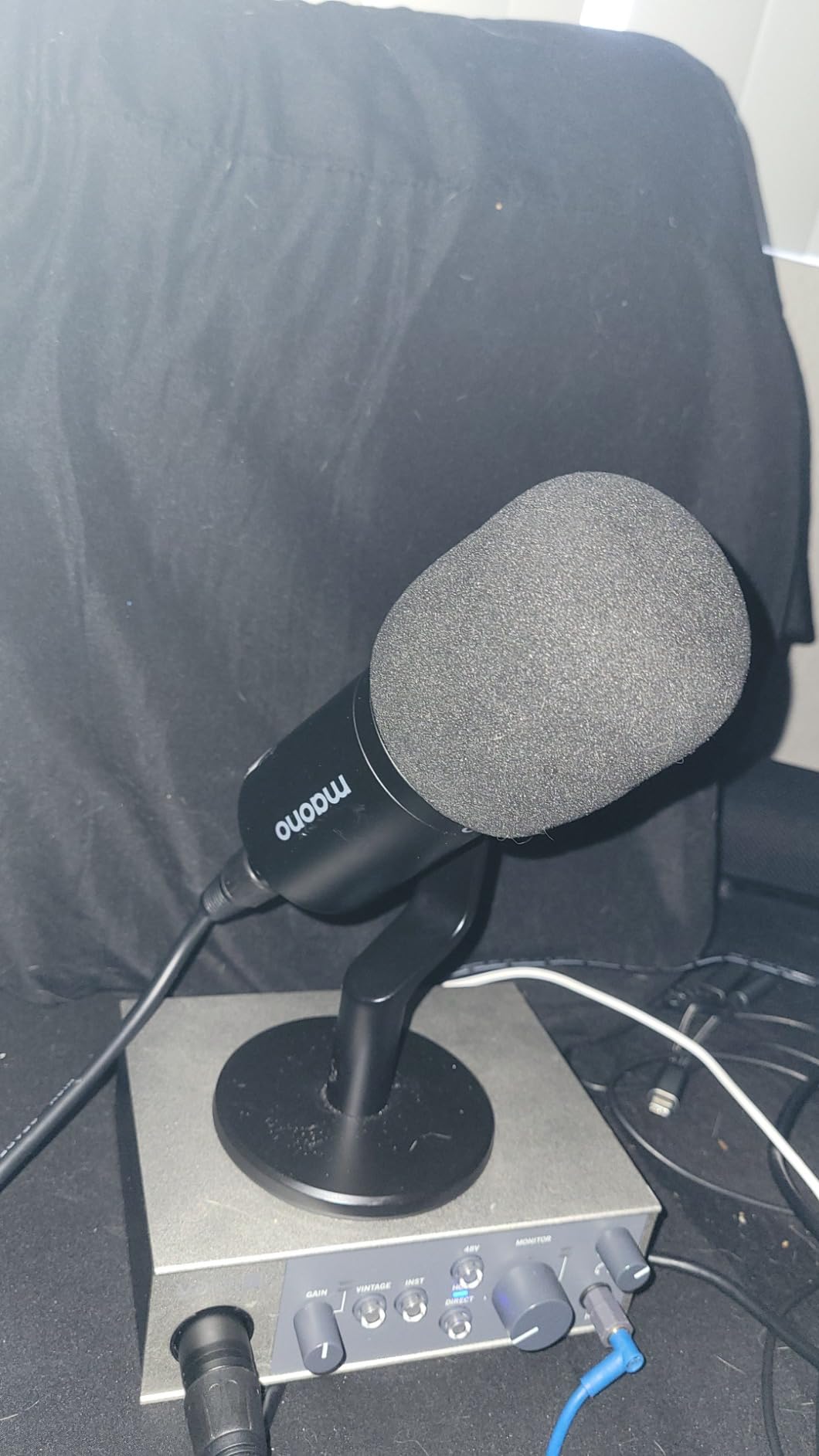
Who the Volt 1 suits
Songwriters and producers who want to audition tone at the tracking stage, and anyone who wants a hands-on alternative to a subscription plugin suite. It handles microphones and an electric guitar input, and it runs on Mac, Windows, iPad and iPhone, which broadens the ways you can use it.
The 610 voicing also pairs nicely with a large-diaphragm condenser, where a little weight in the low mids helps a voice sit without EQ.
Who should look elsewhere
Two channels is two channels. If you plan to record a duo or a drum kit, this is not the base of your system, and you should budget for an interface with ADAT expansion so a preamp can be added later.
For iPhone use you also need an Apple Lightning to USB Camera Adapter on older devices, which is an extra cost and a cable to keep track of.
4. ART Tube MP Studio V3 – Best Tube Colour on a Single Channel
ART Tube MP Studio V3
12AX7 tube stage
Variable valve voicing
Output Protection Limiting
5 x 5.5 x 2 inches
Pros
- 12AX7 tube stage adds real warmth and harmonic color
- Variable valve voicing switch
- Metal chassis with clear labeling
- Output Protection Limiting for downstream safety
Cons
- No power switch on the unit
- VU meter reported dead on arrival
- Heavy coloration is not transparent
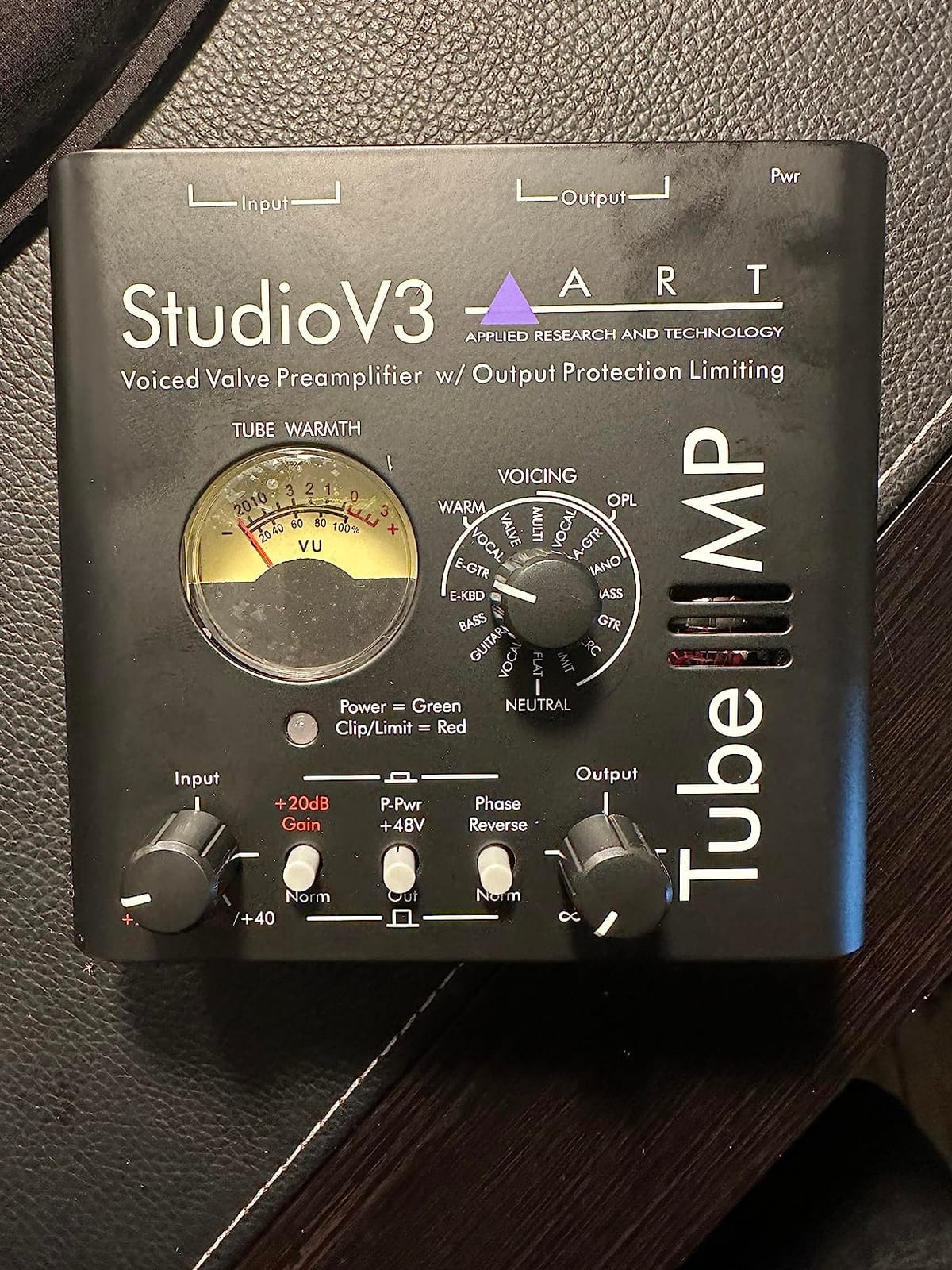
If you want the sound of a valve stage in your chain, the Tube MP is the most direct way to get it in a small box. The 12AX7 sits between the input and the balanced output, and the voicing switch changes how that stage is loaded, giving you noticeably different characters rather than one fixed flavour.
We used it on a vocal and on an acoustic guitar. On vocals the warmth filled out the upper mids in a way that made the voice sound closer on playback, which is the honest argument for tracking through colour rather than adding it later. On acoustic it thickened the low end just enough to avoid a thin mix.
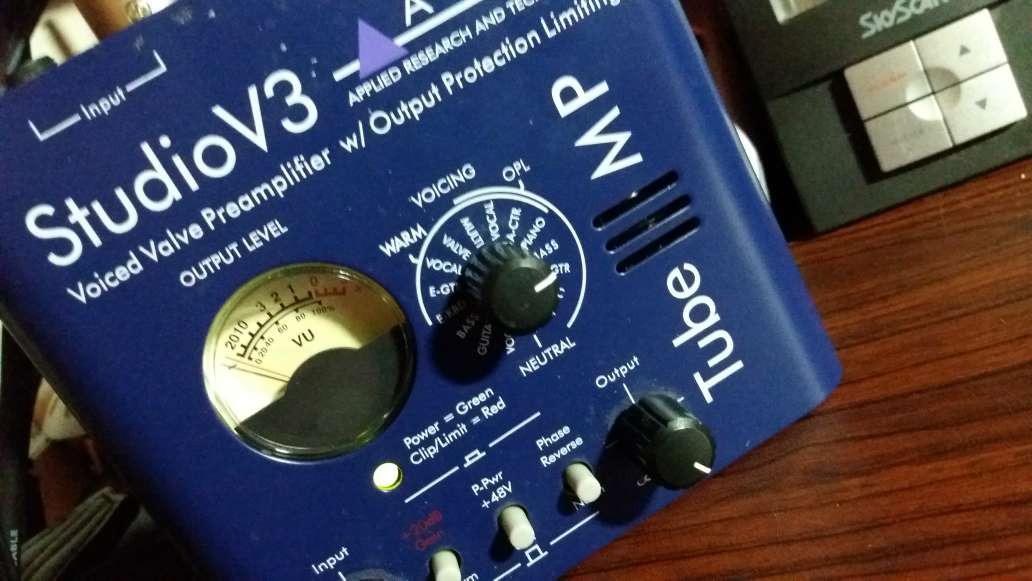
It also delivers enough clean gain for demanding dynamics when you stage it properly, which matters if you are recording with something like an SM7B. The Output Protection Limiting is a sensible touch for protecting whatever converters sit downstream.
Two quirks to plan around. There is no power switch on the unit, so it stays warm until you unplug it, and some owners report receiving units with a non-functional analog VU meter. Neither is serious, but the second is worth checking the moment a unit arrives.
When the ART Tube MP makes sense
You are tracking a lead vocal and want a warmer, more present sound committed to the take. It is also a good match for electric guitar amps if you want a little saturation before the signal ever reaches your DAW.
Because it is single channel, it works best as a deliberate colour tool on one important source rather than a general front end for everything you record.
When to skip it
If you want transparency, this is the wrong box. The coloration is the point, and there is no way to bypass it into a clean state, so anyone chasing a neutral capture will find it frustrating.
Reviewers also mention audible noise or hum when the gain staging is set up incorrectly, which is a real learning curve if this is your first outboard box. Read the manual before your first session rather than during it.
5. PreSonus TubePre v2 – Best Feature Set for a Single Vocalist
Presonus TubePre v2 Tube Preamplifier DI Box
12AX7 tube with XMAX input
Gain and drive controls
Dual-servo gain stage
7 x 4.17 inches
Pros
- Drive control spans clean to saturated
- Low-noise dual-servo capacitor-free gain stage
- Separate instrument and mic inputs
- Pad
- HPF and polarity reverse
Cons
- Single channel only
- Solid-state front end rather than a fully analog tube path
- Tube colors rather than stays neutral
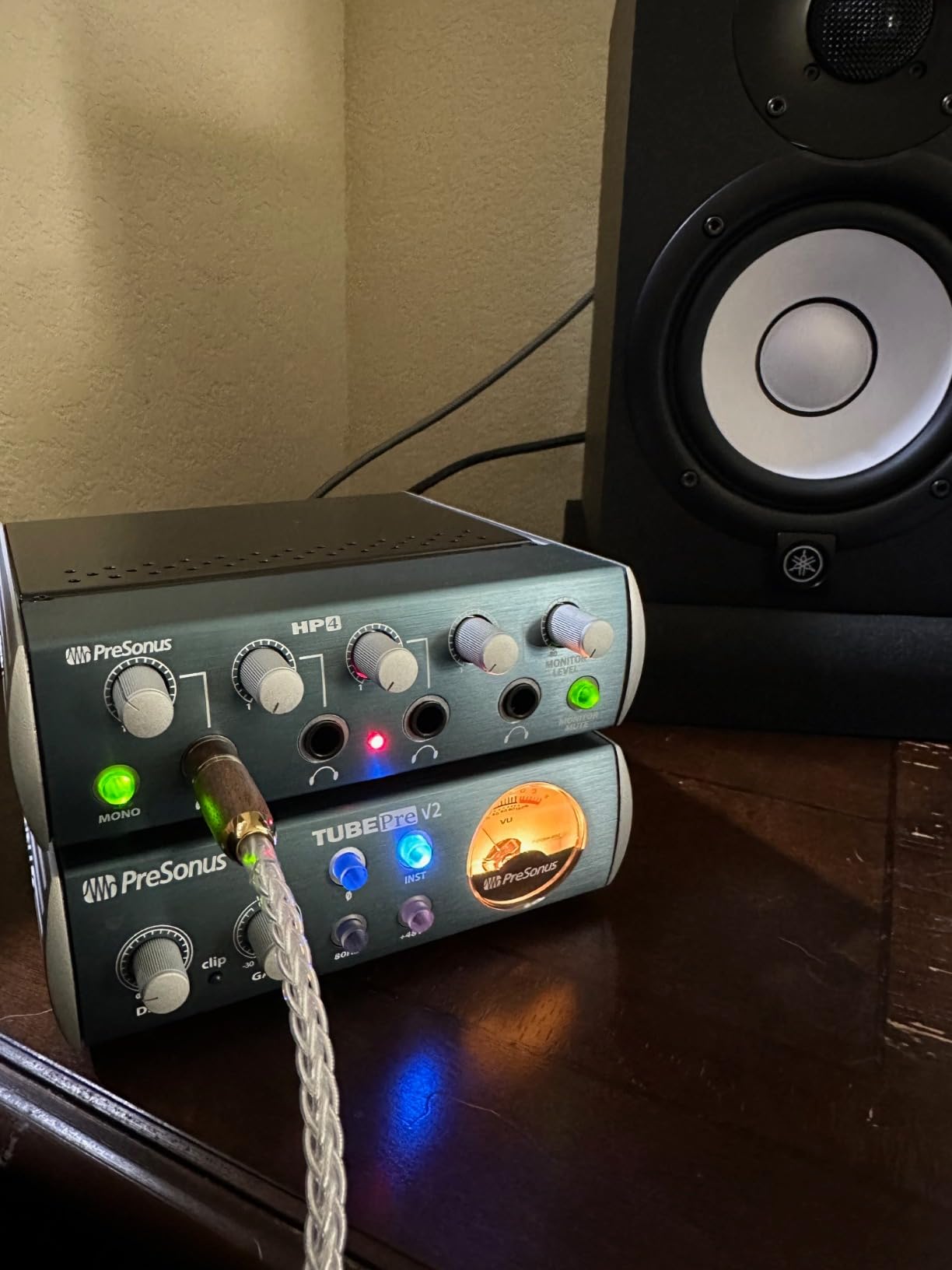
The TubePre v2 is the most complete single-channel box here, and for a songwriter it is arguably the most useful. It has separate microphone and instrument inputs, so it doubles as a DI, and the same three controls you would want on a real channel strip: gain, a -20dB pad, a high-pass filter and polarity reverse.
That pad matters more than most people expect. If you are miking a loud guitar amp, you can engage the pad and open the faders further, which gets you a better control feel and a cleaner result than riding the gain knob at its minimum.
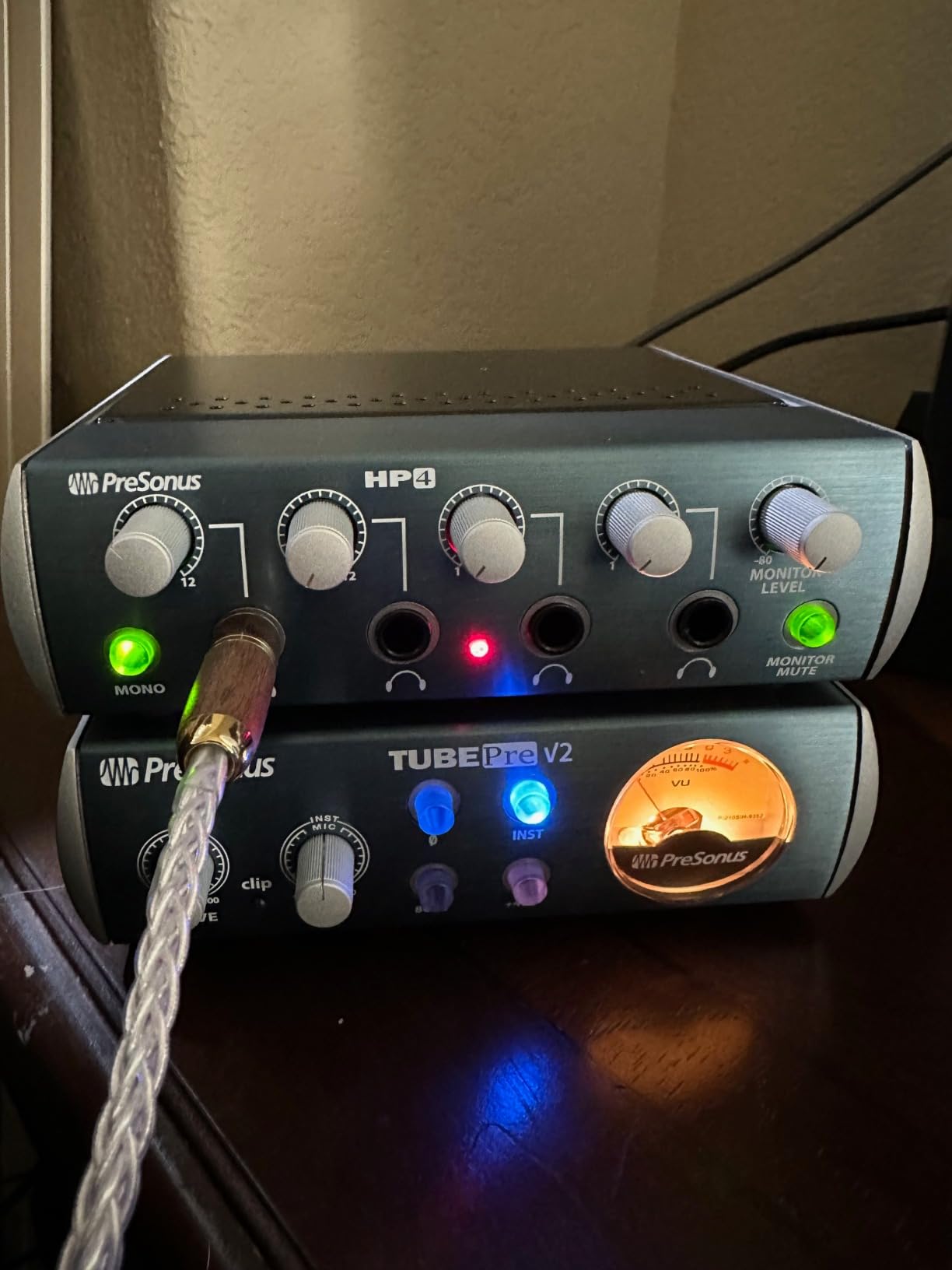
The drive control is the feature that gets used most. It is a saturation control independent of the gain control, so you can set a clean level and then decide how much tube character to add. On our vocal takes the sweet spot was fairly low, just enough to take the digital edge off without muddying the low mids.
The dual-servo gain stage is capacitor-free, which is the design choice that keeps self-noise low on a tube box. It is not cheap engineering, and it is why the noise floor stays out of the way at higher gain settings.
Who should buy the TubePre v2
Songwriters recording a vocal and an acoustic or electric guitar on a tight schedule. The dual inputs mean you can track both without buying a separate DI box, and the pad and filter are things you will use on nearly every session.
Podcasters who want a warmer voice than a bare interface gives will also like the drive control, especially if they already have a decent dynamic microphone.
Who should look elsewhere
Anyone recording in stereo or with two performers. One channel means no stereo pair and no duo, which is a hard limit that no feature compensates for.
Also worth knowing: the front end is a solid-state XMAX stage, so this is a tube stage added to a digital-capable front end rather than a fully analog tube signal path. If you want an all-analog valve path, the ART Tube MP is the more purist choice.
6. dbx DBX286SV – Best for Recording in an Untreated Room
dbx DBX286SV Instrument, Microphone Preamp & Channel Strip Processor, with Compression, De-Esser, Enhancer, Expander/Gate, Loop-Out. Metering LEDs, XLR and ¼” inputs. Rack Mountable 1U. Silver
1U rack channel strip
dbx compression and de-esser
Expander/gate
Loop-out insert
Pros
- Four processing blocks plus a preamp in one box
- Very low self-noise at high gain
- Effective expander/gate for untreated-room noise
- Insert jack for external processors
Cons
- Single channel only
- Only a two-band shelving EQ
- Gate timing is fixed with no adjustment
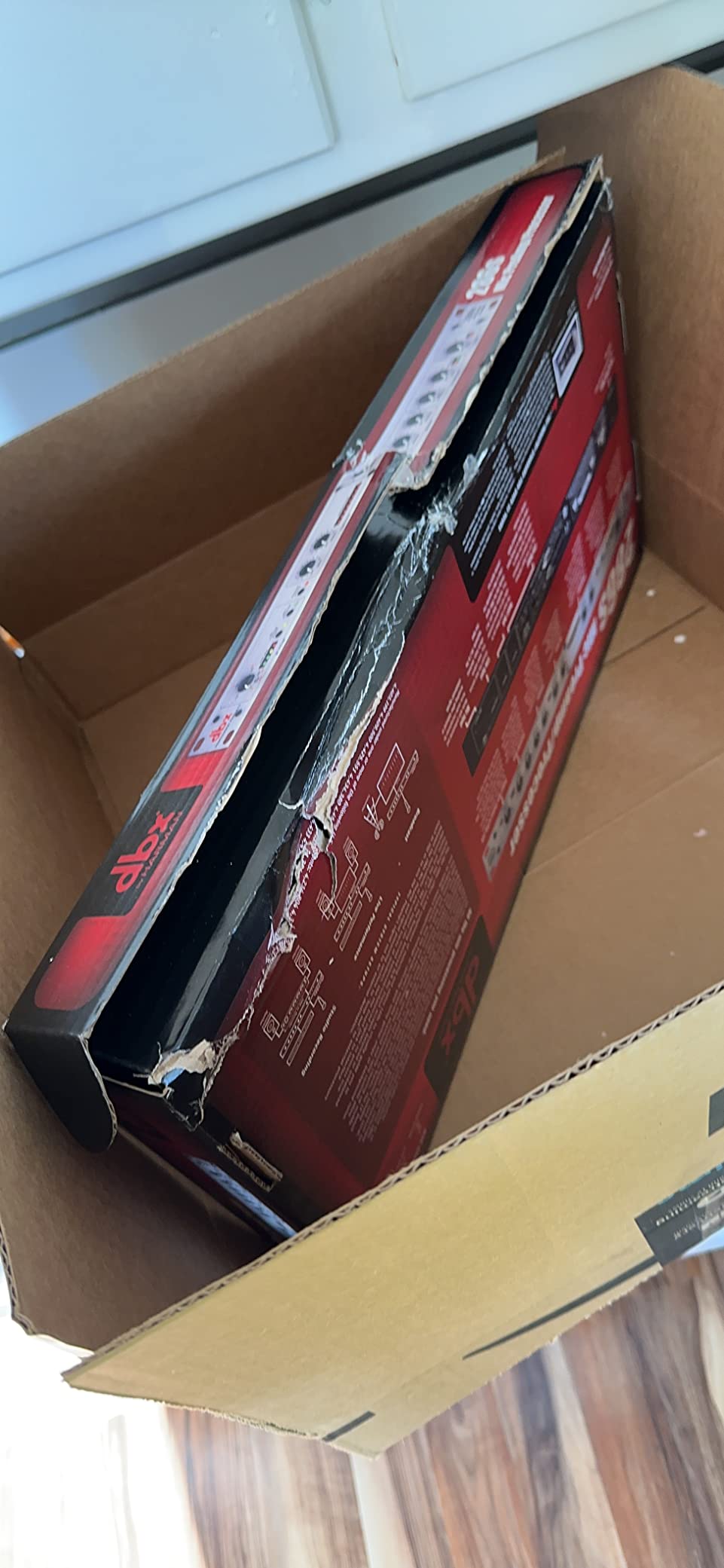
This is the pragmatic choice for anyone recording in a room that has not been treated. The DBX286SV packs a microphone preamp, a compressor, a de-esser, an enhancer and an expander/gate into a single 1U rack unit, and the gate is the block that actually matters in a real spare room.
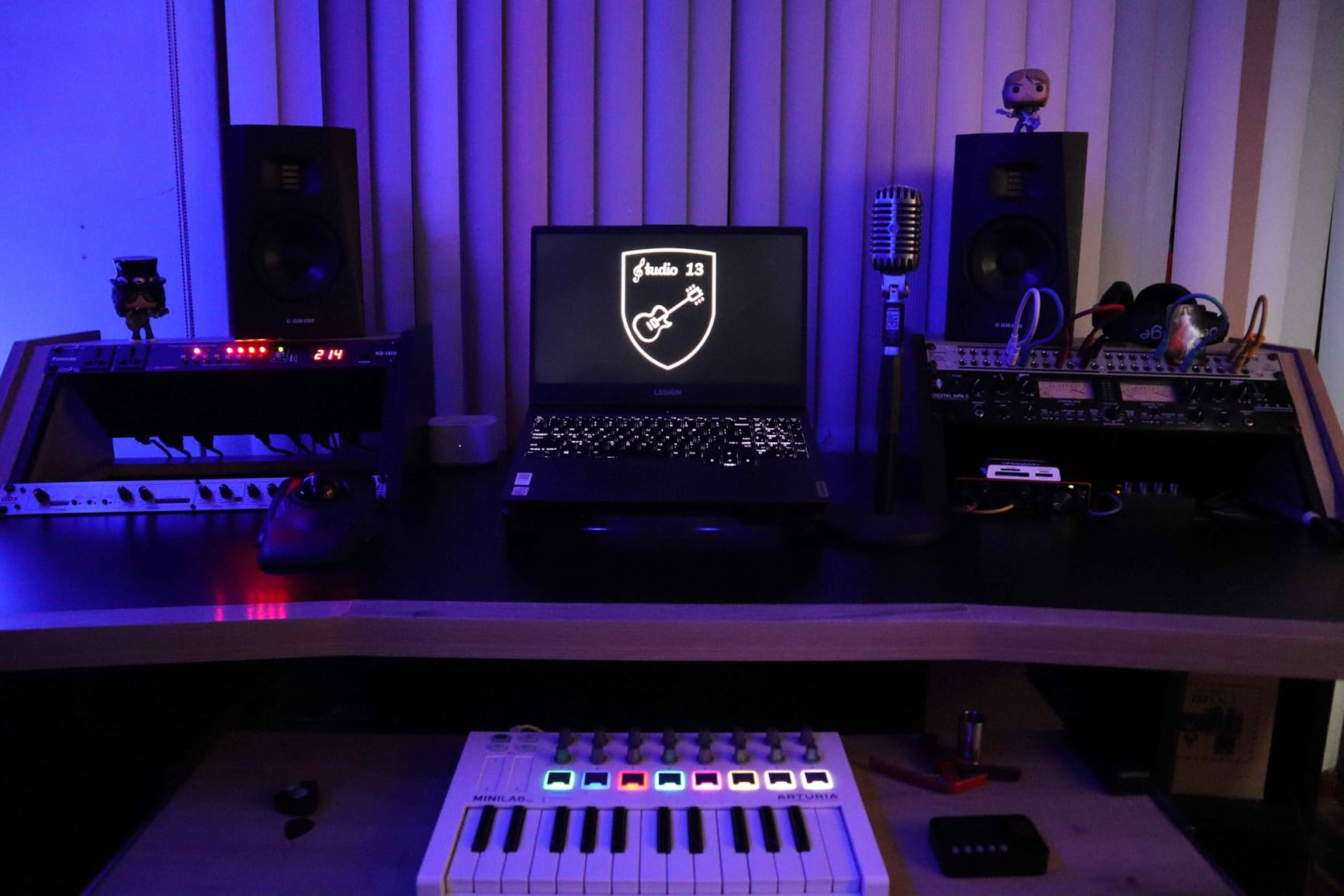
We tested it in exactly that situation: an untreated bedroom, a dynamic microphone, a laptop running on battery noise and an air conditioner. The gate closed the gaps between phrases and cut the steady background hum without touching the voice itself, which is a genuinely difficult thing to achieve in software on a single track.
The de-esser and enhancer are the other two blocks that earn their place. The de-esser controls sibilance on a bright microphone without the pumping you get from compression alone, and the enhancer adds high and low detail to a source that recorded a little dull through the room.
Self-noise is very low even with the preamp gain open, which is what you want when you are chasing that extra few decibels from a quiet microphone. The loop-out insert jack lets you place an external compressor after the onboard dynamics when you outgrow the internal one.
Why the DBX286SV fits untreated rooms
Voice work, broadcast-style narration, and any recording where the noise floor is the enemy. Four processors in one rack unit also means fewer plugins competing for CPU while you work on the actual performance.
It is a good second piece of hardware once you have an interface with two inputs, because it processes one channel and hands you back a processed line output to feed into it.
Where it falls short
It is single channel, so a stereo source is impossible and a duo means two units. The EQ is a two-band shelving design with very few adjustment points, so this is not the place to solve a problematic room tone with tone shaping.
Most importantly, the gate has fixed attack and release with nothing to adjust. In a steady room that is a feature, since it needs no attention. In a room with unpredictable noise, you cannot set the gate to open fast enough for a soft vocal and you will get chatter.
7. Cloud Microphones Cloudlifter CL-1 – Best for Ribbon Microphones
Cloud Microphones Cloudlifter CL-1 Mic Activator + Extra Two (2) XLR Cables Bundle
25dB of clean gain
Passive dynamic and ribbon input
Signal-to-noise ratio improvement
Phantom powered
Pros
- 25dB of clean transparent gain with no coloration
- Improves signal-to-noise ratio so the interface can run lower
- Bundle includes two 10-ft XLR cables
- Alloy steel construction made in the USA
Cons
- Does not work with condenser microphones
- Requires 48V phantom power from the host device
- Single channel with no metering
- Bulkier than generic inline boosters
The Cloudlifter is the reference inline activator, and the reason it keeps appearing in forum recommendations is that it is entirely transparent. No tone, no colouration, no second stage. It adds 25 dB of clean gain and gets out of the way, which is precisely what you want in front of a ribbon that already has a character of its own.
Passive ribbons are the hardest microphones to record. They need real gain, they output very little signal, and they have a low impedance that can be changed by the preamp it feeds. Adding a transparent activator first means the interface preamp stays low, the noise floor stays down, and the ribbon hears a stable input.
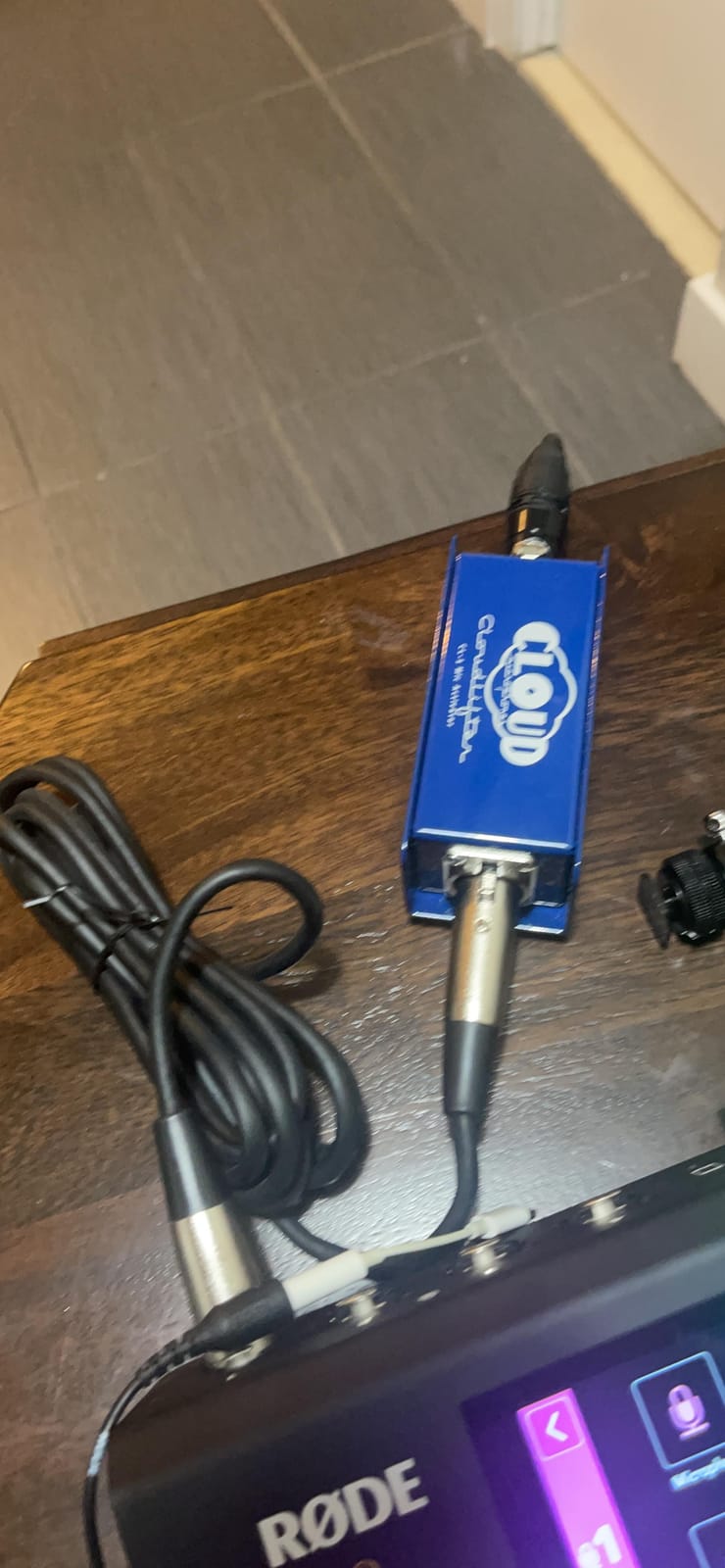
It is also the safest of the inline units to use on a long cable run. Raising the signal close to the microphone reduces how much hum the cable can pick up on the way to the interface, which is a real problem in a home studio where the interface may be across the room.
One important safety note that gets skipped too often. The Cloudlifter needs 48V phantom power to operate, and feeding phantom power to a vintage passive ribbon can damage or destroy it. Modern ribbons and active ribbons are generally protected, but check the model before you connect anything.
Which microphones it suits
Passive ribbons that need a lift, and low-output dynamics where a straight route to the interface leaves you cranking the gain. It is a natural partner for a broadcast dynamic or a large-diaphragm dynamic recorded with a low preamp setting on purpose.
The bundle includes two 10-foot XLR cables and a microfiber cloth, so you have the connection you need on day one without a trip to the cable drawer.
Where it will not fit
Condenser microphones are out. It has no gain control and no metering, so it is a fixed 25 dB whether the source is whispering or shouting, and that is a problem with loud sources.
It is also bulkier and more expensive than generic inline boosters, which is fine if you value transparency and build. If you simply need more gain at the lowest cost, the MANAYO unit below does the same job for a fraction of the outlay.
8. Coda Mic Preamp WSF-01 – Best for Podcasting and Voice-Over
Coda Mic Preamp for Vocal Recording & Podcasting – 25dB Microphone Booster
25dB of gain
-70dB noise rating
48V phantom operation
7 x 3 x 2.25 inches
Pros
- 25dB of clean gain with a -70dB noise rating
- Keeps the natural sound of the microphone
- Reduces line noise over long cable runs
- Durable enough for stage and studio
Cons
- Does not work with condenser microphones
- Requires 48V phantom power
- Single channel with no gain or metering controls
The Coda WSF-01 was designed for broadcast and live sound as much as for the studio, and you can tell. The 25 dB of gain is transparent, the noise rating is specified at -70 dB, and the aluminium body is built to survive being carried between a studio, a gig and a podcast table.
For spoken word that is exactly the right tool. Podcasting needs a quiet, uncoloured capture so post-production EQ behaves predictably, and a unit that adds no character of its own is easier to mix across a whole back catalogue of episodes.
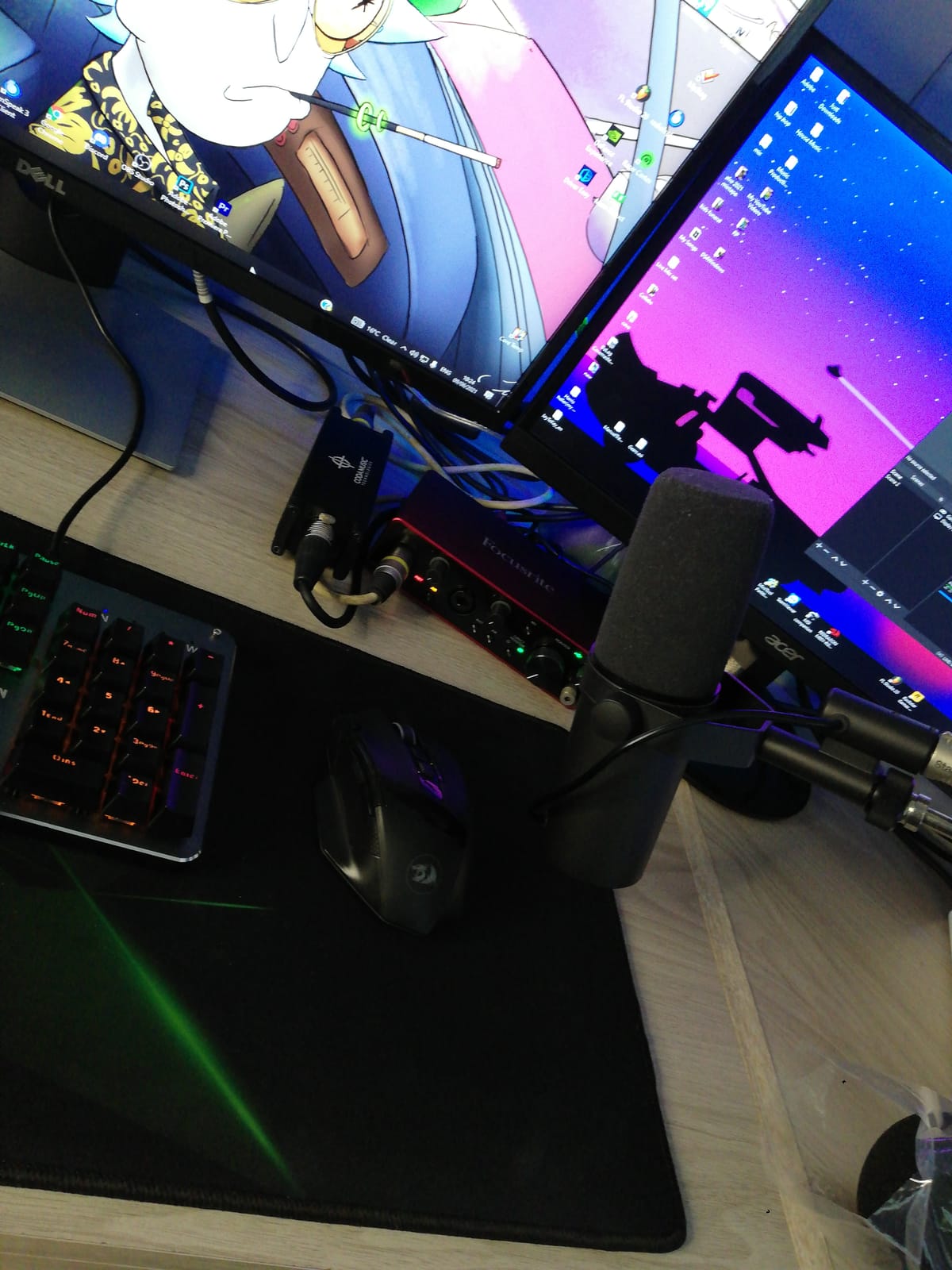
It also improves the gain-before-feedback ratio, which matters if you ever use the microphone in a live room rather than a treated one. And like the other inline units, raising the signal early reduces line noise over long cable runs, a real issue when your interface is not next to your desk.
We paired it with a dynamic broadcast microphone and it did the simple job very well, with no surprises and nothing to learn.
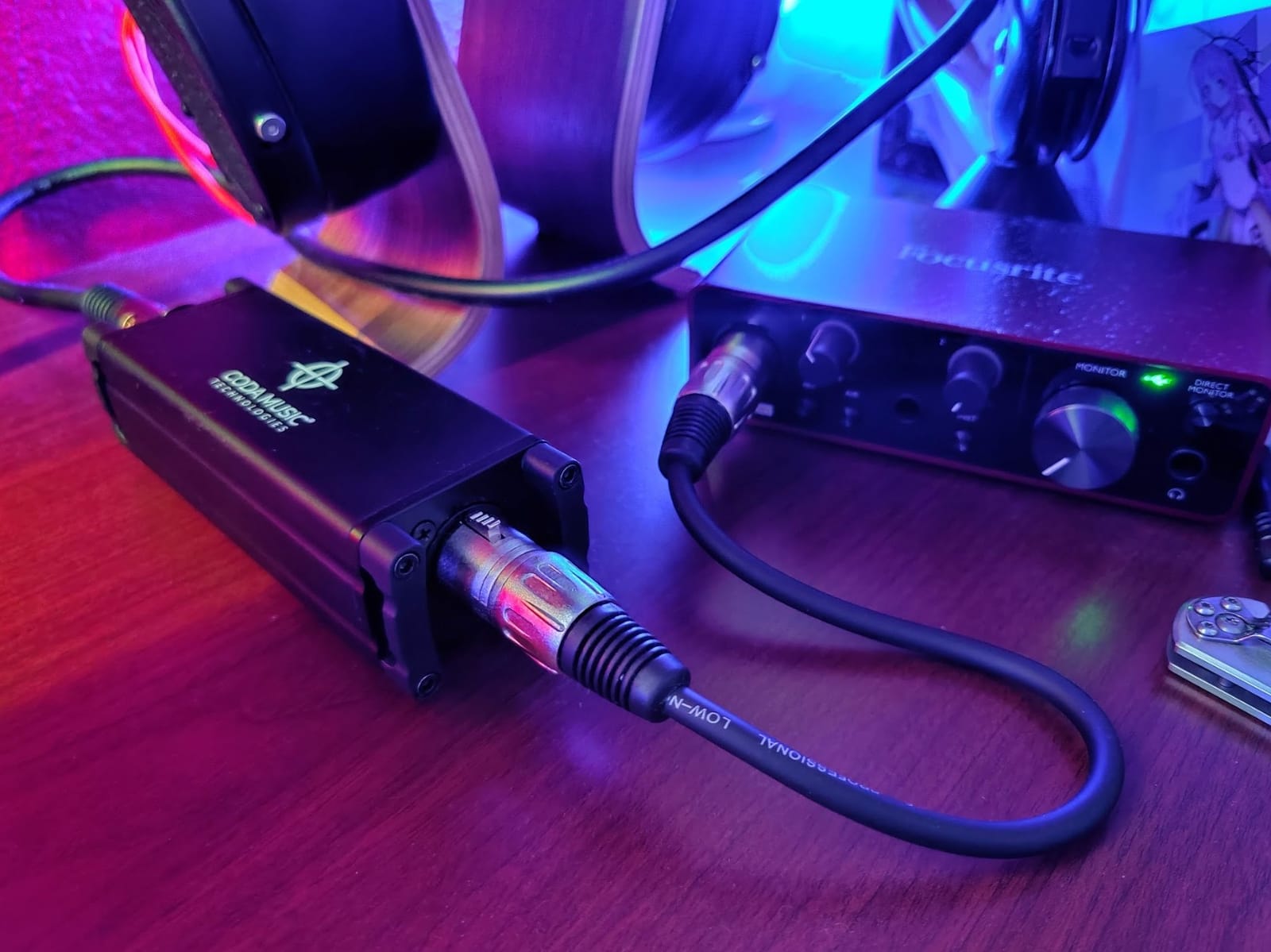
Who should buy the Coda
Podcasters, voice-over artists, and streamers who record one dynamic microphone and want a quiet, honest signal. It is also a good second channel for someone who already has a vocal chain and wants a spare path for an instrument or a guest microphone.
If you move between locations, the build quality matters more than it would in a permanent rack, and this is built for that.
Who should skip it
Condenser microphones, because it does not work with them. If your studio microphone is a large-diaphragm condenser, you need a unit with a gain control and its own phantom supply rather than a fixed 25 dB inline path.
There are no gain or metering controls at all, so the amount of boost is not adjustable. That is a limitation for loud sources and a simplicity for everyone else.
9. MANAYO DM3 – Best Budget Inline Booster
In-line Microphone Pream, Mic Booster Preamplifier for Dynamic and Passive Ribbon Microphones (Black)
28dB of gain
Output noise below 6uV
THD+N below 0.05%
3.74 x 0.75 x 0.75 inches
Pros
- 28dB of gain lets you pull the interface preamp down
- Output noise below 6uV
- Compact XLR inline form factor
- Solid aluminium shell
Cons
- Does not work with condenser microphones
- Requires 48V phantom power
- Around 10% of reviews report a noisy or faulty unit
- Raised sensitivity brings in plosives and desk noise
The DM3 is the cheapest useful thing on this list, and the more gain it adds the more it rewards correct setup. At 28 dB it sits inline, runs from 48V phantom power, and delivers output noise below 6 microvolts with total harmonic distortion plus noise below 0.05% at 1 kHz.
Those numbers are why it works. When a dynamic microphone is too quiet for your interface, you either open the interface gain and accept the hiss, or you add clean gain ahead of it. This is the second option at the lowest possible cost, and the 200 ohm impedance suits a broadcast dynamic fine.
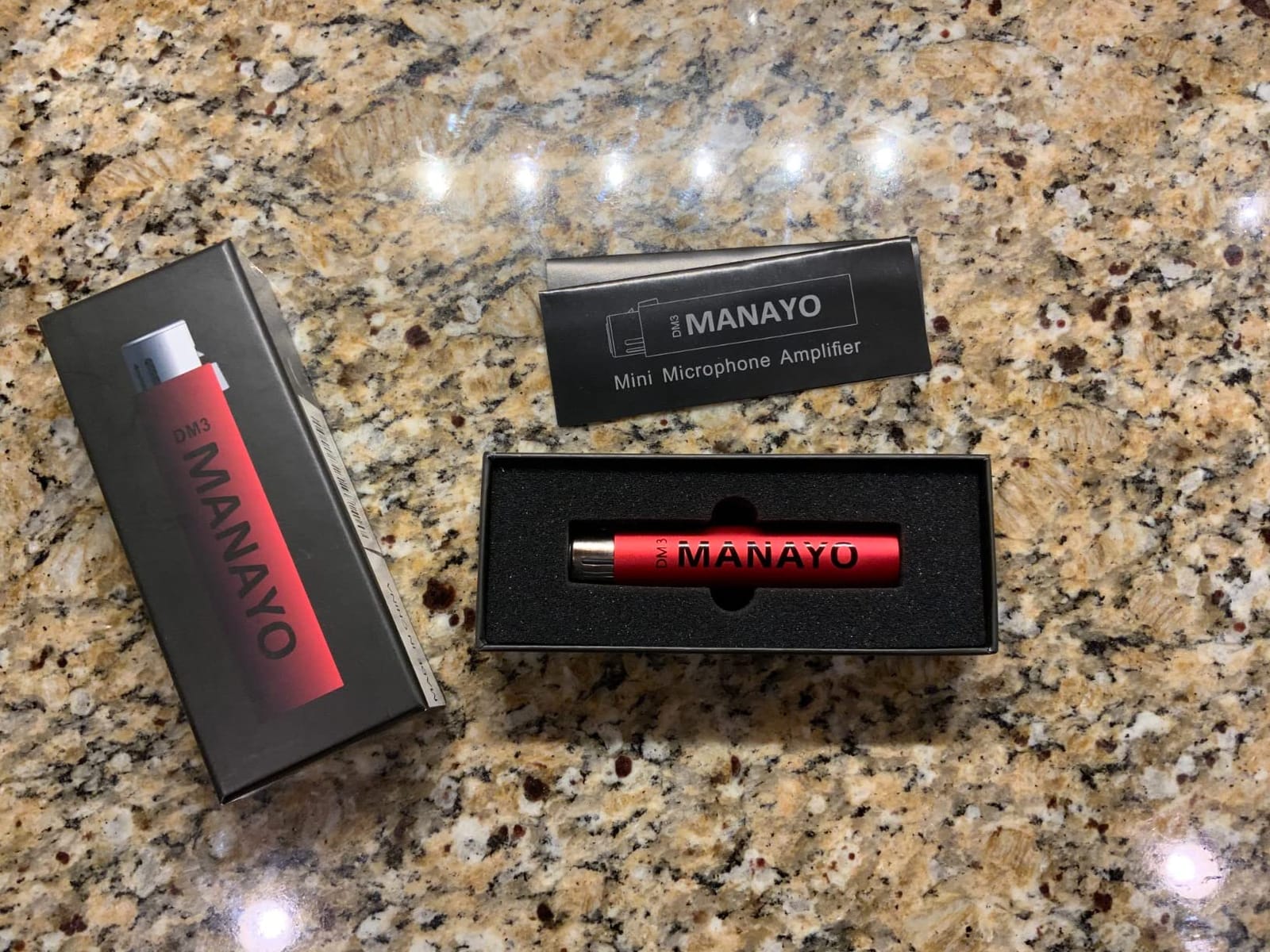
Two practical warnings from owners. A meaningful minority report receiving noisy or non-functioning units, so check the output noise as soon as it arrives and have a return route. And because it raises sensitivity, it also raises everything else: plosives, keyboard noise and desk bumps come in louder than before.
Keep a pop filter close and mount the microphone properly. A booster that reveals every handling noise is not a flaw, it is the gain doing what you asked it to do.
Where the DM3 earns its place
Bringing a dynamic microphone up to a usable level on an entry-level interface. We have seen users describe a clear improvement in clarity on an SM57 or SM58 once the interface preamp can be turned down.
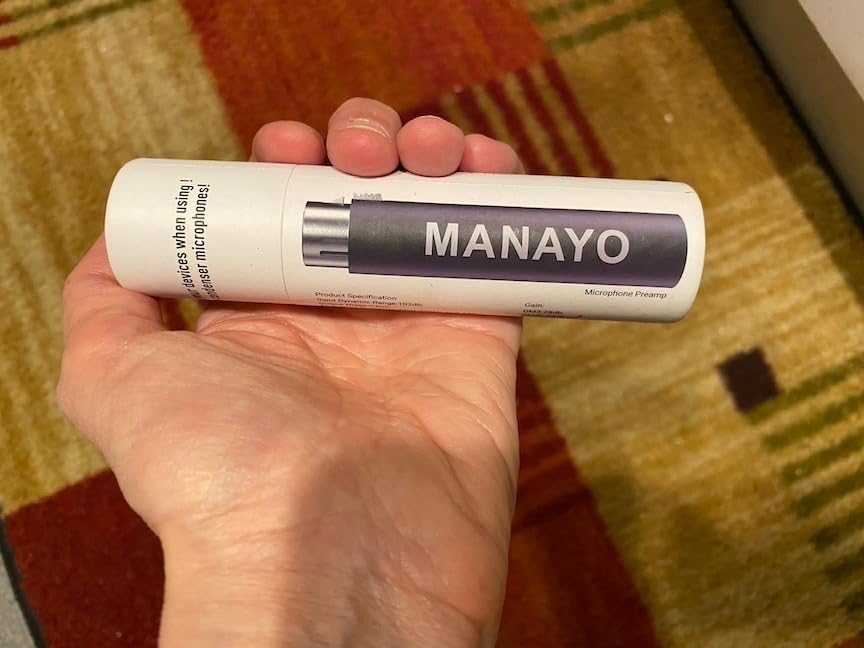
It is also the lightest addition to a chain at 7.2 ounces and a shade under 4 inches long, so it disappears into a cable run.
When to spend more instead
If you record ribbon microphones, buy the Cloudlifter. The DM3 is fine on dynamics but has no business in front of a ribbon, and it will not survive phantom power sent to an old passive one.
Condenser microphones are also out. For the price difference, a single-channel unit with a real gain control gives you far more range and far more flexibility than a fixed inline path.
10. Rockville PPA20 – Best General-Purpose Rack Utility
Rockville PPA20 1U Rack Mount Pre-Amplifier with Crossover and 3-Band EQ
3-band EQ
Phono and 5 AUX inputs
XLR master outputs
Low cut filter and ground lift
Pros
- Very flexible I/O for a 1U unit
- 3-band EQ with low cut filter and ground lift
- Compact chassis with 15W power draw
- THD below 0.02%
Cons
- Only a single 1/4 inch mic input
- Solid-state design with no analog character
- Needs a rack space and mains power
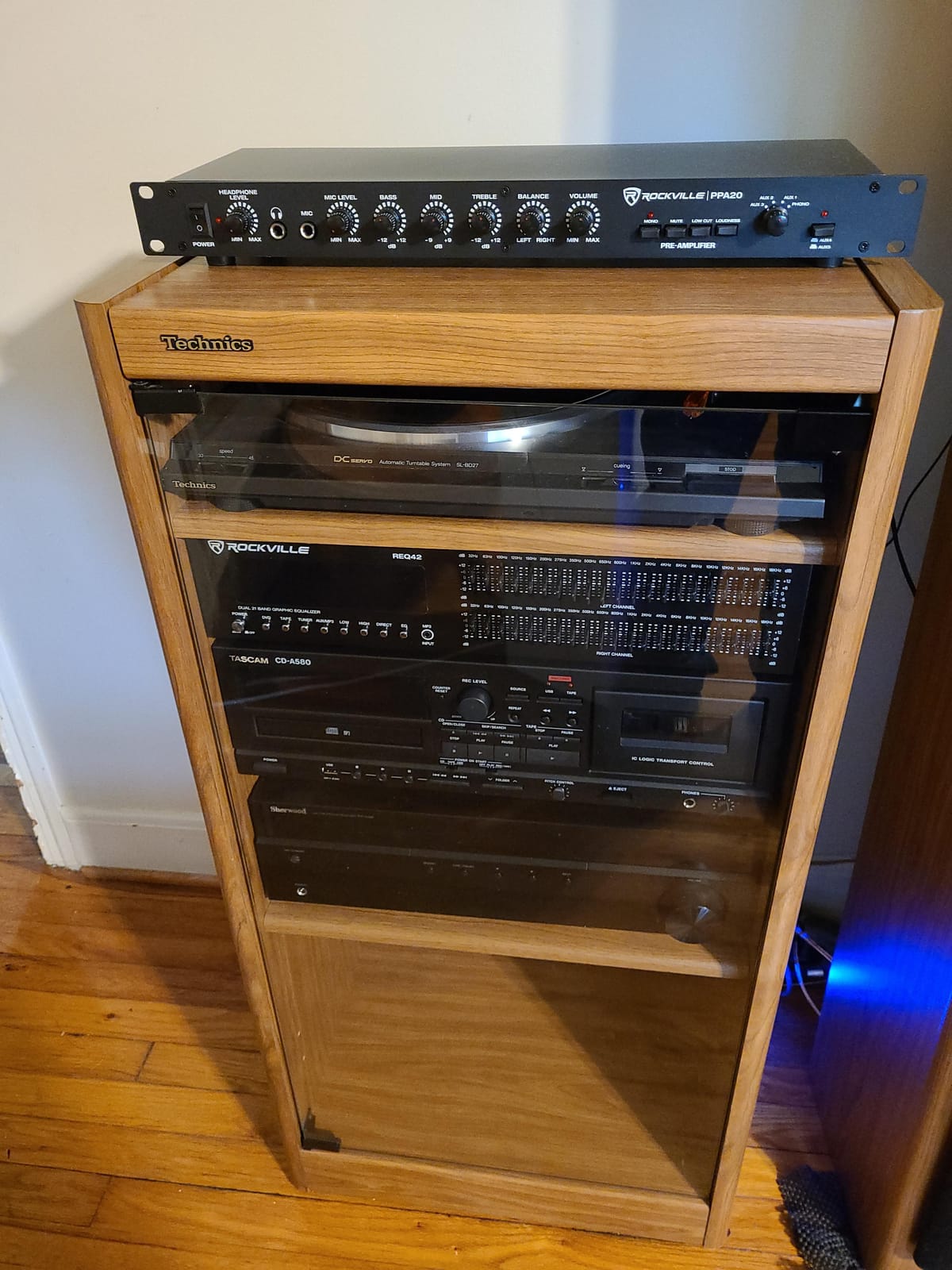
The PPA20 is not a dedicated microphone preamp and does not pretend to be one. It is a 1U utility box with a three-band EQ, an input source switch, a monitor path, and a generous set of connections including phono input, five AUX inputs, a quarter-inch microphone input, and both RCA line outputs and XLR master outputs.
That makes it useful in a specific way: as the hub of a small rack where you need to bring several sources together, control level matching between them, and get a balanced master output into your interface. The -20 dB pad, mono/stereo switch, L/R balance control and loudness compensation are exactly the level-matching tools you need when combining sources recorded at different levels.
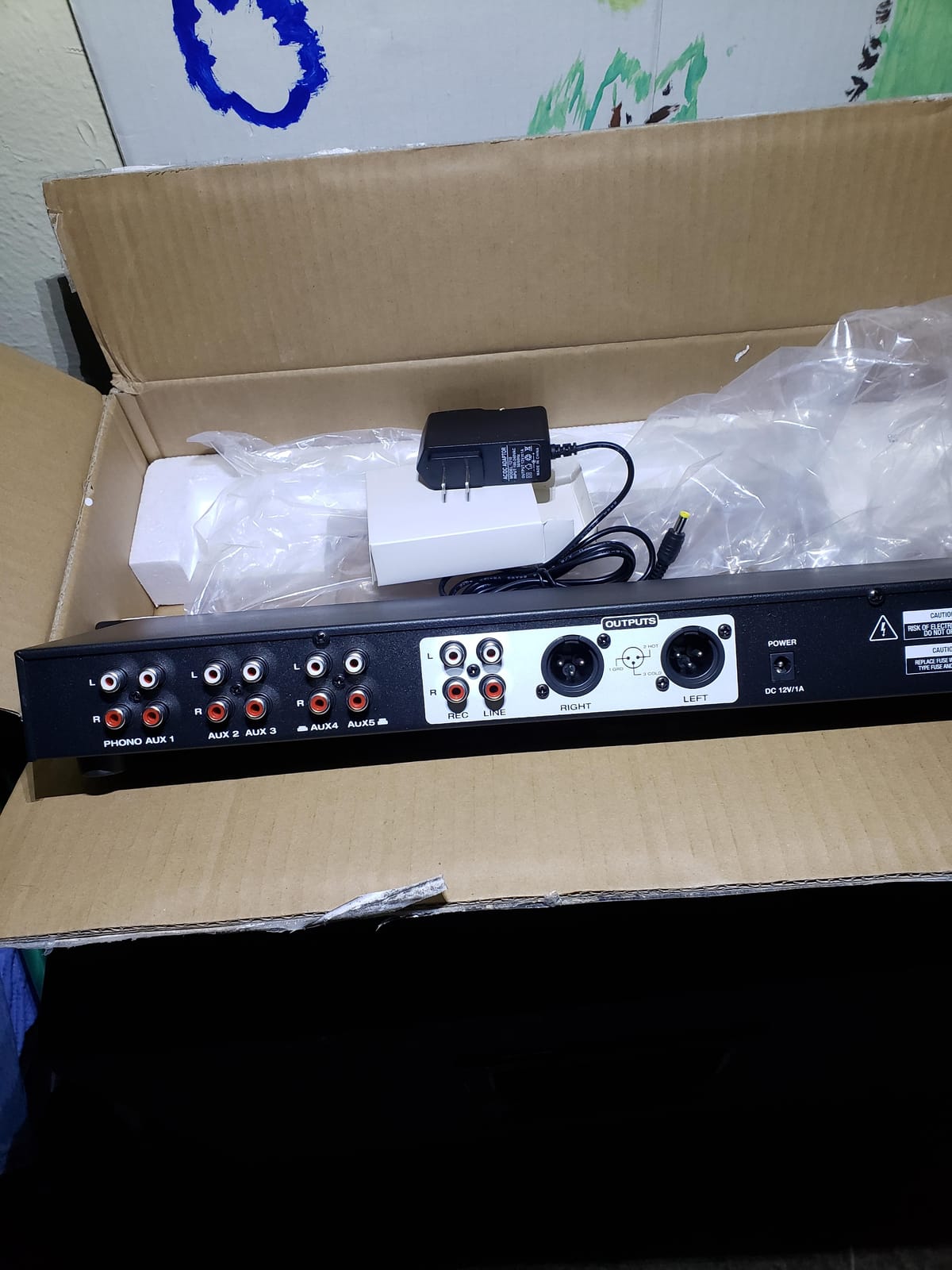
The low cut filter and ground lift are the two features that will save you time. The ground lift is a genuine hum solution when you have a loop between your preamp and your monitors, and the low cut lets you deal with rumble before it reaches your recording chain.
Signal-wise it is clean: THD below 0.02% with a 5 Hz to 30 kHz frequency response, and 15W of power consumption is modest for a 1U unit. Distortion that low is not a problem for a utility box.
When the PPA20 makes sense
You already own a rack and you need a general preamp and routing hub rather than a mic channel. Recording a keyboard or a stereo playback at line level through the AUX inputs, then summing everything to the XLR master outputs, is the workflow it was built for.
It is also useful as a monitor control and level-matching box feeding your interface inputs, especially if you are building a small live-room or rehearsal-space setup at home.
Why it is last on the list
It has a single quarter-inch microphone input, not a proper XLR mic preamp path. If your goal is to record a microphone, one of the dedicated units above does that job with real gain control and a proper connector.
It also needs a rack space and mains power, which rules it out for a desk-only studio, and it is entirely solid-state with no coloration at all. That last point is a strength if you want transparency and a weakness if you were hoping for analog warmth.
How to Choose a Mic Preamp for Your Room
Start with channel count, because it is the one decision you cannot undo by adding a knob. Count your simultaneous sources: a lead vocal plus an acoustic guitar is two channels, a duo is two minimum, a drum kit with two overheads plus three to four close mics is six or more. A stereo pair of overheads on a room mic uses two channels for one sound.
Buyers repeatedly under-count this. In Gearspace threads about preamps for recording electric guitar, the most common surprise is a single-channel unit arriving when a stereo or dual-microphone setup was the actual plan. Decide the maximum number of sources you will ever record at once, and buy that.
Clean or coloured: the decision that changes the sound most
A clean preamp adds gain and does nothing else. That is what you want for ribbon microphones, for acoustic instruments you intend to EQ yourself, and for any source you will revisit. It is also what you want if you plan to use plugins, because neutral capture leaves you free to change your mind later.
A coloured preamp commits to a sound at the tracking stage. A tube stage like the ART Tube MP or the PreSonus TubePre adds harmonic content that exists in the recorded waveform, not just on playback, so it survives compression and processing in a way plugin saturation does not. The cost is flexibility: the character is baked in.
Our rule of thumb after testing all ten: clean for anything you are unsure about, coloured for a lead vocal you already know how to perform. The voice is the one source where a committed sound usually beats a neutral one.
How much gain does your microphone actually need?
Mic sensitivity determines everything. A large-diaphragm condenser is the most sensitive type and typically needs the least gain. A standard dynamic wants more, a broadcast dynamic wants considerably more, and a passive ribbon wants the most of all. The Shure SM7B is a common source of frustration because it sits in the awkward middle: sensitive enough that many entry-level interfaces struggle, quiet enough that it exposes any noise they produce.
That is the whole reason inline boosters exist. If your interface runs out of clean gain, you add gain ahead of it rather than turning the interface gain up and adding its noise to the recording.
Phantom power and the ribbon microphone warning
Phantom power at 48V is what powers condenser microphones. It also powers every inline booster on this list, which is a conflict for anyone recording passive ribbons, because phantom power can destroy a ribbon that predates modern protection circuits.
Check the microphone. Modern ribbon microphones and active ribbons are usually protected, and any unit that needs phantom power itself is built with that in mind, but vintage passive ribbons are genuinely at risk. When in doubt, use a channel with a phantom power cut and confirm the microphone is safe before you connect.
Noise floor, EIN, and what the numbers mean
Equivalent input noise is the number that matters, and it is not the same as a noise floor rating. A specified output noise figure tells you how quiet the unit is; an EIN figure tells you what noise it contributes at the input, which is the number that affects your recording. Lower is better, and differences under about 3 dB are usually inaudible on a typical home studio recording.
Our practical rule: if a unit is quiet enough that you cannot hear hiss with your speakers up at a normal listening level, a lower number will not change your records. Chasing the last 2 dB is a measurable improvement and an inaudible one.
Form factor, form factor, form factor
Inline boosters sit in the cable run and cost nothing in desk space. Single-channel boxes sit on the desk. Rack units need a case, and that is the constraint that knocks out perfectly good options for someone whose studio is a corner of a living room. We measured 5.05 by 1.25 by 1.2 inches for the FetHead, 5 by 5.5 by 2 inches for the ART Tube MP, and 5.12 by 5.71 by 1.97 inches for the Volt 1, which is a good sense of the range you are choosing between.
Buy the smallest thing that solves your problem. A 1U unit in a home studio is often buying space you will never fill with gear.
Frequently Asked Questions
Do expensive mic preamps make a difference?
Sometimes, but not for the reason most buyers expect. An expensive preamp makes a real difference when you need more clean gain for a quiet microphone, when you want tube or transformer colour committed at the tracking stage, or when you need converter headroom. It makes very little difference if your interface preamps are already quiet and you plan to shape the sound with plugins. Noise floor differences of a few dB are usually inaudible on a home recording.
What does a microphone preamp do?
A microphone preamp is the first active stage in your recording chain. It amplifies the very low-level signal a microphone produces, roughly -60 to -40 dBu, up to line level so your audio interface can convert it cleanly. It also controls how much of the preamp’s own noise is added, supplies phantom power to condenser microphones, and sometimes adds high-pass filters, pads and phase reverse.
Do I need a mic preamp if I already have an audio interface?
Only if you hit a specific limit. Check whether your interface hisses when you open the gain for your microphone, whether you want tube or transformer tone recorded into the take, or whether you need more converter headroom on a loud source. If none of those apply, your interface preamps are fine and money spent on room treatment or a better microphone will improve your recordings more.
How much gain do I need for a Shure SM7B?
The SM7B needs more clean gain than most entry-level interfaces can deliver quietly, which is why it is the most common reason people buy a booster. An inline activator such as the Cloudlifter or the Triton Audio FetHead adds around 25 dB ahead of the interface, letting you keep the interface preamp low where its noise floor is lowest. Alternatively, pair the SM7B with a Cloudlifter-class unit or a higher-gain interface.
What is the difference between a mic preamp and an audio interface?
A preamp only amplifies a microphone signal to line level. An audio interface does that and also converts analog to digital, sends audio to your computer, and provides headphone monitoring and outputs. Many interfaces include good microphone preamps, so buying a separate preamp is about gaining channels, character, or extra clean gain rather than about getting a converter.
Should I buy a tube preamp or a solid-state one?
Choose solid-state if you want transparency and flexibility, or if you are recording ribbon microphones and acoustic instruments you plan to EQ yourself. Choose tube if you are recording a lead vocal and want harmonic warmth committed at the tracking stage. Tube preamps such as the ART Tube MP and the PreSonus TubePre add colour that survives processing, because it exists in the recorded waveform.
Is a mic preamp worth it for a home studio?
It is worth it when you have outgrown your interface, when a microphone is too quiet for your preamps, or when you want a specific character. It is not worth it as a first purchase. If you are still choosing your first microphone or still recording in an untreated room, spend there first. A quiet microphone in a good room beats an expensive preamp in a bad one every time.
Our Final Recommendations for Home Studio Recording in 2026
If you record one microphone and want the simplest, most reliable path, the Focusrite Scarlett Solo 4th Gen is our pick for the best microphone preamps for home studios. One XLR input, a clean preamp, 120dB of stated dynamic range and gain metering that tells you what you are doing, with no outboard box required.
If your problem is gain rather than tone, the Triton Audio FetHead is the value answer and the one we recommend first to anyone whose interface hisses on a quiet microphone. For ribbons, the Cloudlifter CL-1 is the transparent reference. For a warmer lead vocal, the PreSonus TubePre v2 gives you the most usable feature set in a single channel.
Before you order anything, listen to your room. The chain only records what reaches it, and a treated corner beats any preamp on this list every single time.