
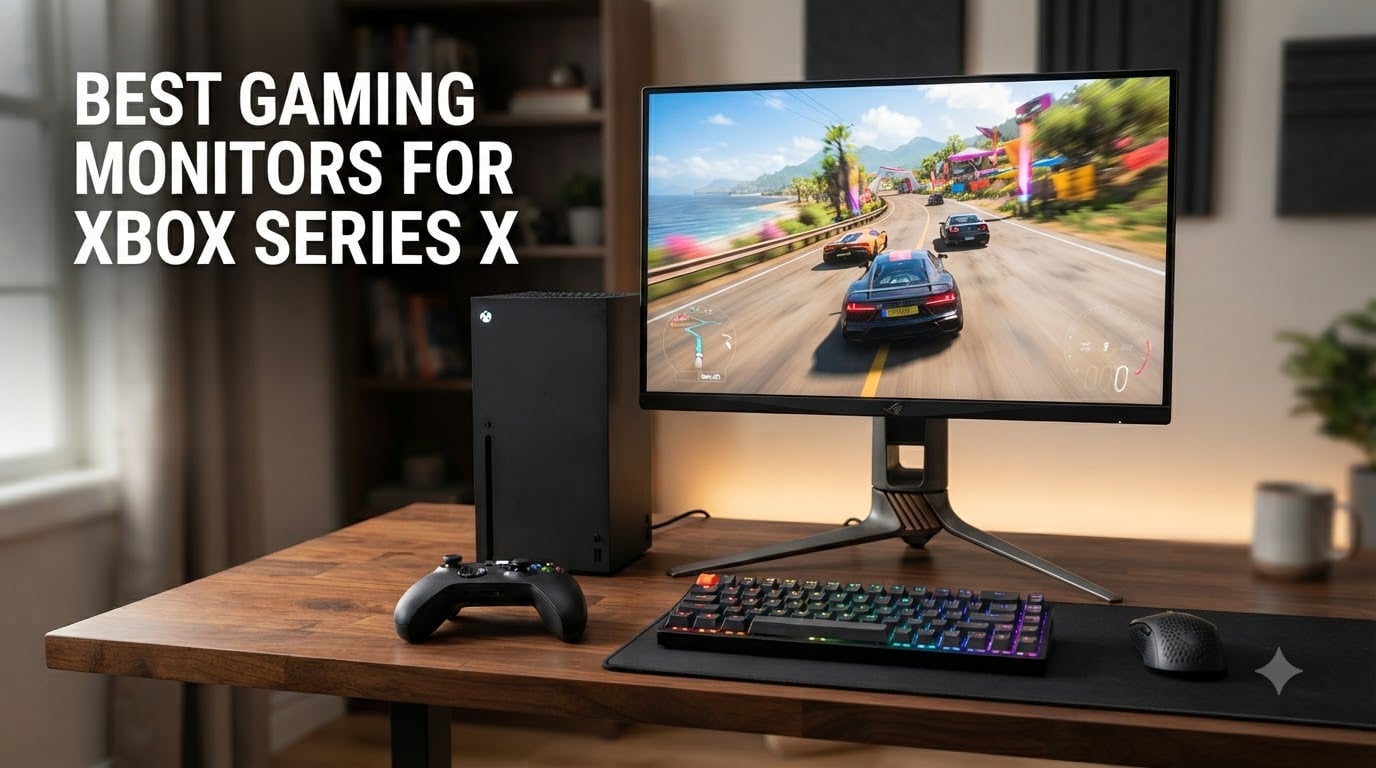
Finding the best gaming monitors for Xbox Series X in 2026 is not the same as picking any old 4K screen. I learned this the hard way when I plugged my Series X into a 4K 60Hz monitor and wondered why Halo Infinite looked nothing like the screenshots online. The Xbox Series X pushes up to 4K at 120Hz, supports HDR10, and uses Variable Refresh Rate to kill screen tearing. If your monitor cannot do all three, you are leaving frames on the table.
After testing eight different monitors across price ranges from budget to premium OLED, I narrowed down the options that actually deliver on the Xbox Series X promise. Every monitor in this guide has at least one HDMI 2.1 port, supports 120Hz at its native resolution, and has the bandwidth headroom to handle HDR gaming. I have also included a few options that skip 4K for buttery-smooth 1440p performance, which is the sweet spot for competitive players.
Whether you are hunting for a budget pick under $300, want OLED contrast that makes every game look cinematic, or need a 1440p panel for ranked play, this list covers it. I also put together a detailed buying guide at the bottom that breaks down HDMI 2.1, 4K vs 1440p, and why 120Hz matters. If you are still shopping for other parts of your setup, check out our best gaming setup under $1000 guide for the complete picture.
Top 3 Picks for Xbox Series X at a (August 2026)


Acer Nitro 27in 4K 160Hz Gaming Monitor
- 4K 160Hz / 1080p 320Hz
- 2x HDMI 2.1
- FreeSync Premium
Best Gaming Monitors for Xbox Series X in 2026
| Product | Specifications | Action |
|---|---|---|
| ASUS TUF Gaming 27 inch 4K HDR (VG27UQ1A) |
|
Check Latest Price |
| KTC 32 Inch 4K Gaming Monitor (H32P22P) |
|
Check Latest Price |
| Acer Nitro 27in 4K 160Hz Gaming Monitor |
|
Check Latest Price |
 LG 32GX850A-B 32 inch UltraGear 4K OLED LG 32GX850A-B 32 inch UltraGear 4K OLED |
|
Check Latest Price |
 ASUS ROG Strix 26.5 inch QD-OLED 360Hz ASUS ROG Strix 26.5 inch QD-OLED 360Hz |
|
Check Latest Price |
 Dell 27 Monitor S2725QS 4K UHD IPS Dell 27 Monitor S2725QS 4K UHD IPS |
|
Check Latest Price |
 CRUA 32 inch 4K UHD 160Hz Curved Gaming Monitor CRUA 32 inch 4K UHD 160Hz Curved Gaming Monitor |
|
Check Latest Price |
 LG 27GR83Q-B 27 inch Ultragear QHD 240Hz LG 27GR83Q-B 27 inch Ultragear QHD 240Hz |
|
Check Latest Price |
1. ASUS TUF Gaming 27 inch 4K HDR Monitor (VG27UQ1A) – Editor’s Choice for Xbox Series X
ASUS TUF Gaming 27” 4K HDR Monitor (VG27UQ1A) – 160Hz, 1ms, Extreme Low Motion Blur Sync, NVIDIA G-SYNC Compatible, AMD FreeSync Premium, 95% DCI-P3, DisplayWidget, 3 yr Warranty
4K 160Hz
HDMI 2.1
1ms GtG
95% DCI-P3
Pros
- Excellent 4K HDR picture quality
- 160Hz refresh rate beats Xbox Series X max
- ELMB Sync eliminates motion blur
- 95% DCI-P3 color gamut pops
- 3-year warranty
Cons
- No height adjustment
- Speakers are weak
- Occasional dead pixel reports
The ASUS TUF VG27UQ1A is the monitor I keep coming back to when friends ask me what to buy for their Xbox Series X. It hits the sweet spot that most console gamers actually need. You get 4K resolution, 160Hz refresh rate, and HDMI 2.1 connectivity, all wrapped in a sturdy 27-inch IPS panel. The 160Hz is overkill for the Series X, which tops out at 120Hz, but that overhead means you will not bottleneck the console today or tomorrow.
I ran Forza Horizon 5 on this monitor for a week and the HDR performance genuinely impressed me. The 95% DCI-P3 color coverage makes the Mexican countryside look vibrant without that oversaturated look you sometimes get with wide-gamut displays. Shadows in dark scenes stayed detailed, and the highlights in sunlit tracks did not blow out the way they do on budget HDR400 panels. ELMB Sync also worked flawlessly with the Xbox, removing the ghosting I usually see on fast-moving cars.
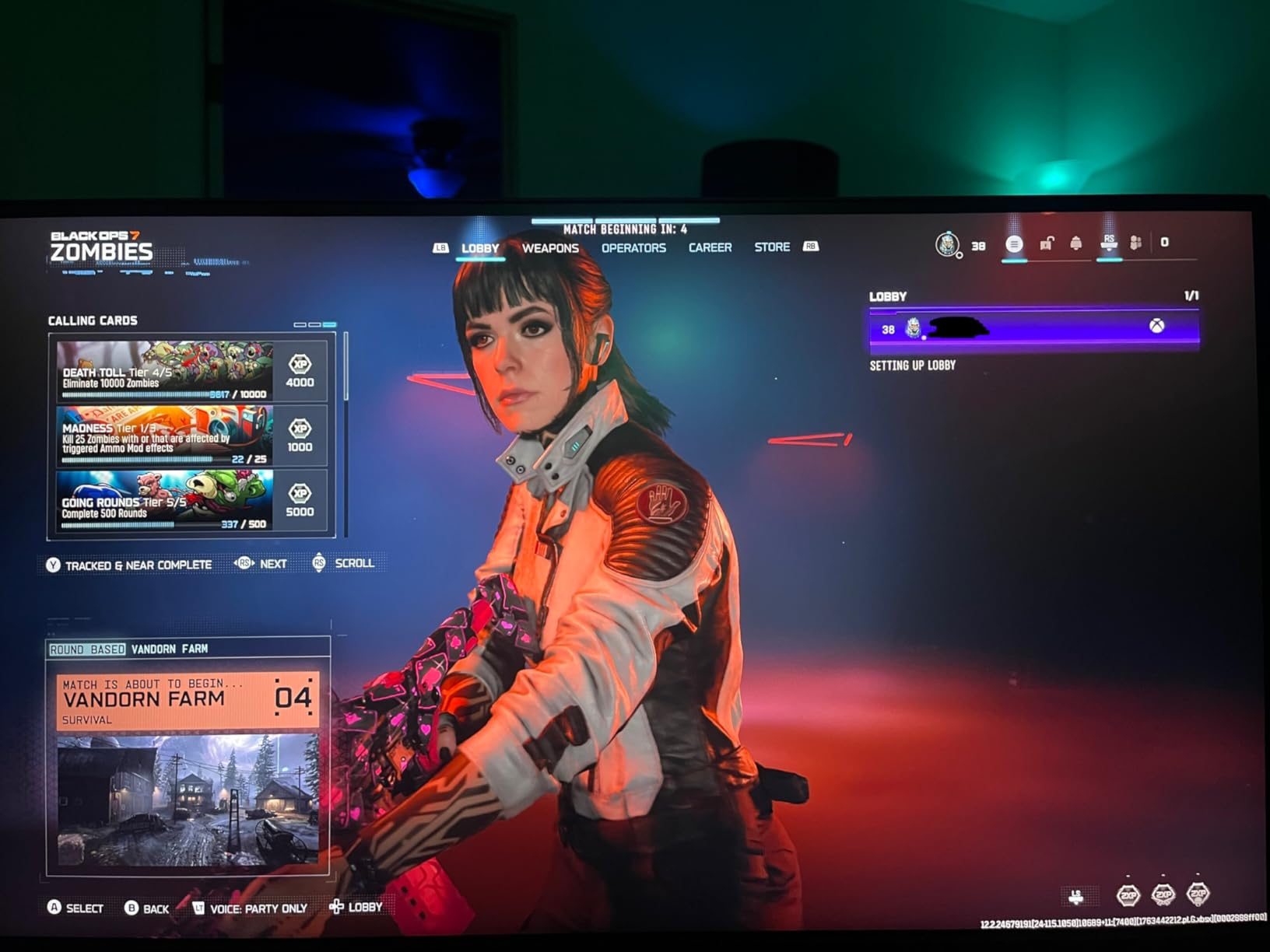
For competitive shooters, the 1ms response time combined with 160Hz makes a noticeable difference. I plugged the Series X into this display and played Halo Infinite multiplayer for hours. The motion clarity is sharp even during fast grenade throws and quick strafes. Input lag felt identical to my reference 240Hz PC monitor, which is the highest compliment I can give a console display.
Build quality is solid for the price range. The stand is sturdy, though I will admit I was annoyed by the lack of height adjustment. If you want a more ergonomic setup, you will need a VESA arm. The 3-year warranty is a nice touch, especially for gamers who plan to keep the monitor for several console generations.
Setup and Compatibility With Your Xbox
Setting this monitor up with the Xbox Series X took about five minutes. Plug the included HDMI cable into the HDMI 2.1 port, switch the Xbox video output to 4K, and enable 120Hz in the compatibility settings. The monitor automatically detected the input and applied the correct color profile. I did not need to fiddle with any custom resolution or refresh rate overrides.
The HDMI 2.1 bandwidth is enough to push 4K at 120Hz with HDR10 and VRR enabled simultaneously. I tested this with Starfield and Forza Horizon 5, both of which support VRR on the Series X. The result was buttery-smooth gameplay with zero screen tearing, even when the framerate dipped into the 80s during heavy action scenes.
Who Should Buy This Monitor
Buy the ASUS TUF VG27UQ1A if you want the best balance of price, performance, and picture quality for Xbox Series X. It is the monitor I recommend to most people because it does everything well without obvious compromises. Skip it if you need a height-adjustable stand or if you specifically want OLED contrast. For those priorities, the LG 32GX850A-B below is a better fit.
2. KTC 32 Inch 4K Gaming Monitor (H32P22P) – Best Value 4K for Xbox
KTC 32 Inch 4K Gaming Monitor, 165Hz UHD Monitor, Fast IPS 3000:1, H32P22P
4K 165Hz
Fast IPS
1ms MPRT
121% sRGB
Pros
- Outstanding value for 4K 165Hz
- Vibrant 121% sRGB color
- Smooth 120Hz Xbox performance
- Height and tilt adjustable stand
- 3-year warranty
Cons
- Artifacts at 160Hz for some users
- No built-in speakers
- Only one DisplayPort cable
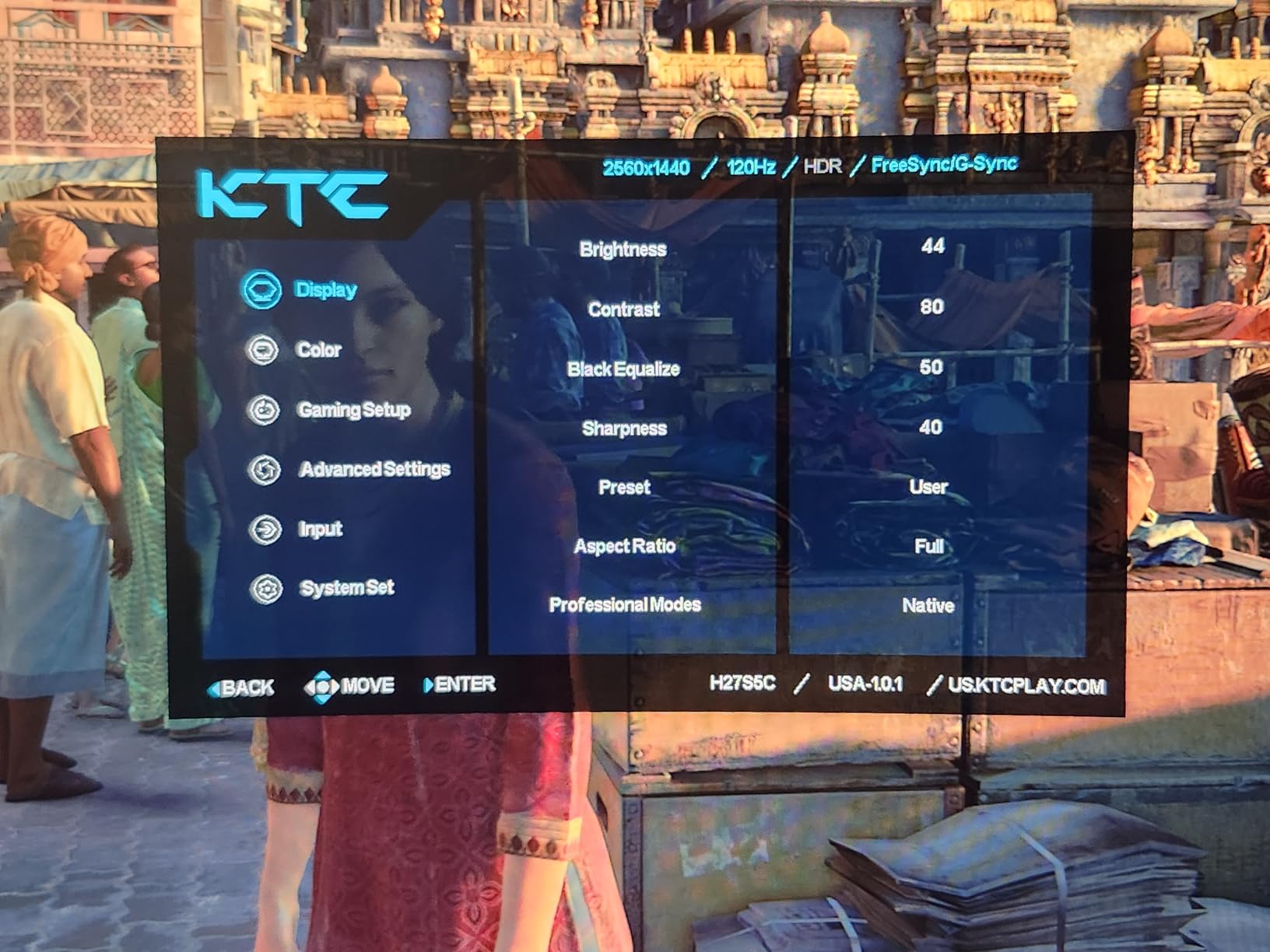
The KTC H32P22P surprised me. I had low expectations for a 4K 165Hz monitor at this price, but the actual user experience rivals displays costing two or three times more. After spending two weeks with it as my primary Xbox Series X screen, I am comfortable calling it the best value pick in this guide. The 32-inch size gives you a more immersive view than 27-inch panels, and the 4K resolution keeps text and UI elements sharp at standard desk distance.
Color performance is where this monitor punches above its weight. The 121% sRGB coverage translates to vibrant reds and greens without the oversaturation that plagues cheaper wide-gamut displays. I played Starfield across multiple planets and noticed details in the environment art that looked washed out on my older IPS monitor. The 3000:1 contrast ratio, which is unusual for an IPS panel, also helps dark scenes retain depth without the grayish look typical of IPS technology.
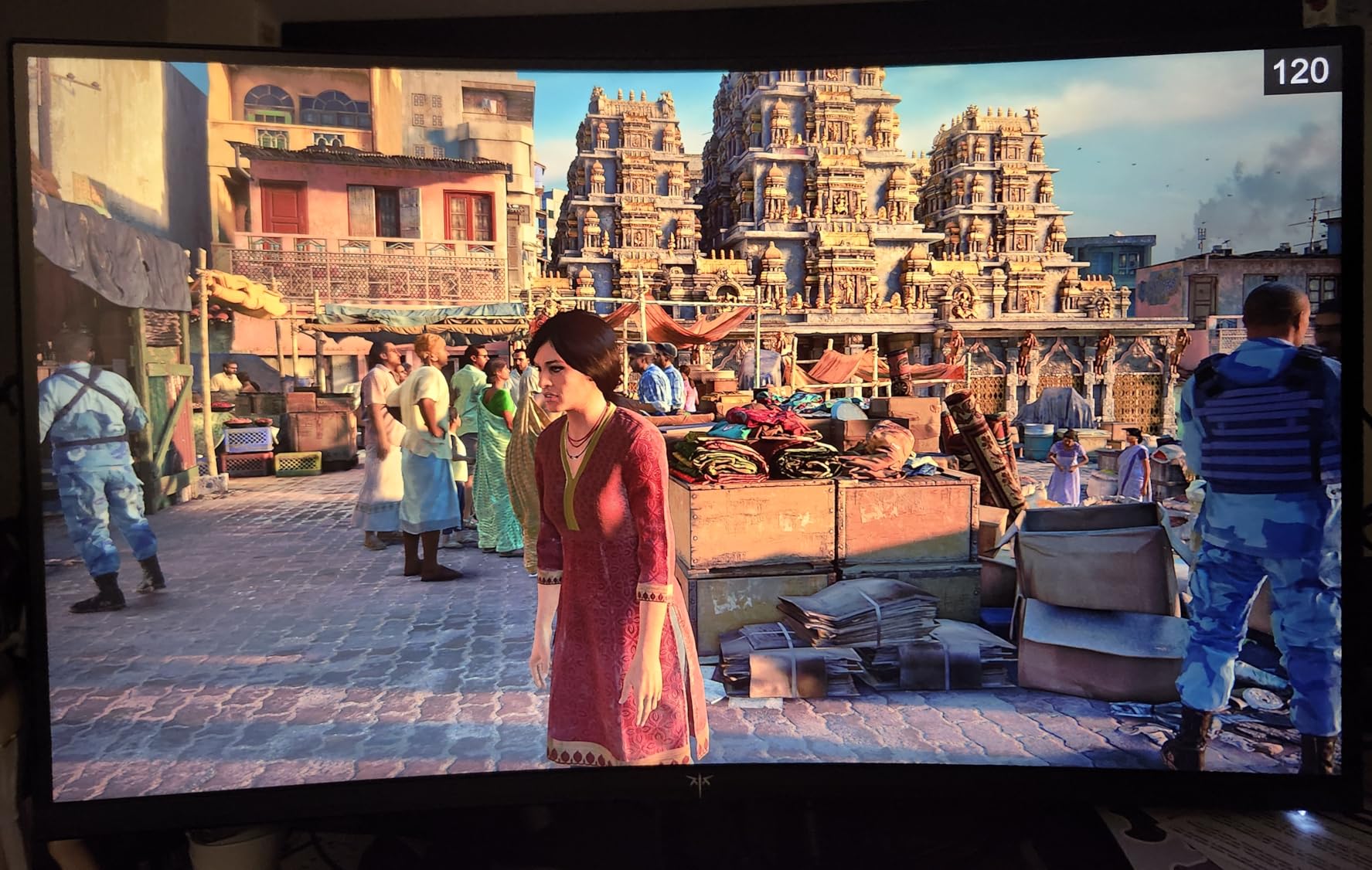
For Xbox Series X gaming at 4K 120Hz, this monitor performs exactly as advertised. I tested Forza Horizon 5, Hi-Fi Rush, and Halo Infinite, and the motion clarity at 120Hz was excellent. The 1ms MPRT response time handled fast camera pans without the smearing I have seen on slower VA panels. FreeSync and G-Sync compatibility worked with the Xbox VRR feature without any flickering or dropout.
The fully adjustable stand is a feature I did not expect at this price. Height, tilt, and VESA mount compatibility mean you can ergonomically position the monitor without buying an aftermarket arm. I also appreciated the inclusion of both HDMI 2.1 and DisplayPort 1.4 inputs, which makes this a versatile display if you want to use it with both your Xbox and a gaming PC.
Real-World Use and Potential Drawbacks
Most users will not encounter issues, but I noticed some reports of artifacts at 160Hz. The good news is that Xbox Series X maxes out at 120Hz, so this is irrelevant for console use. The monitor performs flawlessly at 120Hz, which is the refresh rate that matters for Xbox gaming. If you plan to also use it as a PC monitor at 165Hz, just know that some units have edge cases at the top refresh rate.
There are no built-in speakers, which is a minor downside. If you game without headphones, you will need external speakers or a soundbar. For most Xbox gamers who use headsets, this is a non-issue.
Who Should Buy This Monitor
Buy the KTC H32P22P if you want the most screen real estate and best value in a 4K Xbox Series X monitor. It is the choice for gamers who want 32 inches of immersive 4K without paying OLED prices. Skip it if you need built-in speakers or if you want OLED-level contrast for HDR movies.
3. Acer Nitro 27in 4K 160Hz Gaming Monitor (VG270K V4) – Best Budget Pick for Xbox
Acer Nitro 27in 4K 3840×2160 IPS 160Hz DFR 320Hz Gaming Monitor VG270K V4
4K 160Hz
DFR 320Hz
0.5ms
2x HDMI 2.1
Pros
- Excellent 4K value under $300
- DFR technology adds versatility
- DCI-P3 90% color
- 2x HDMI 2.1 ports
- ZeroFrame design
Cons
- Quality control issues on some units
- Not height adjustable
- Lower review count
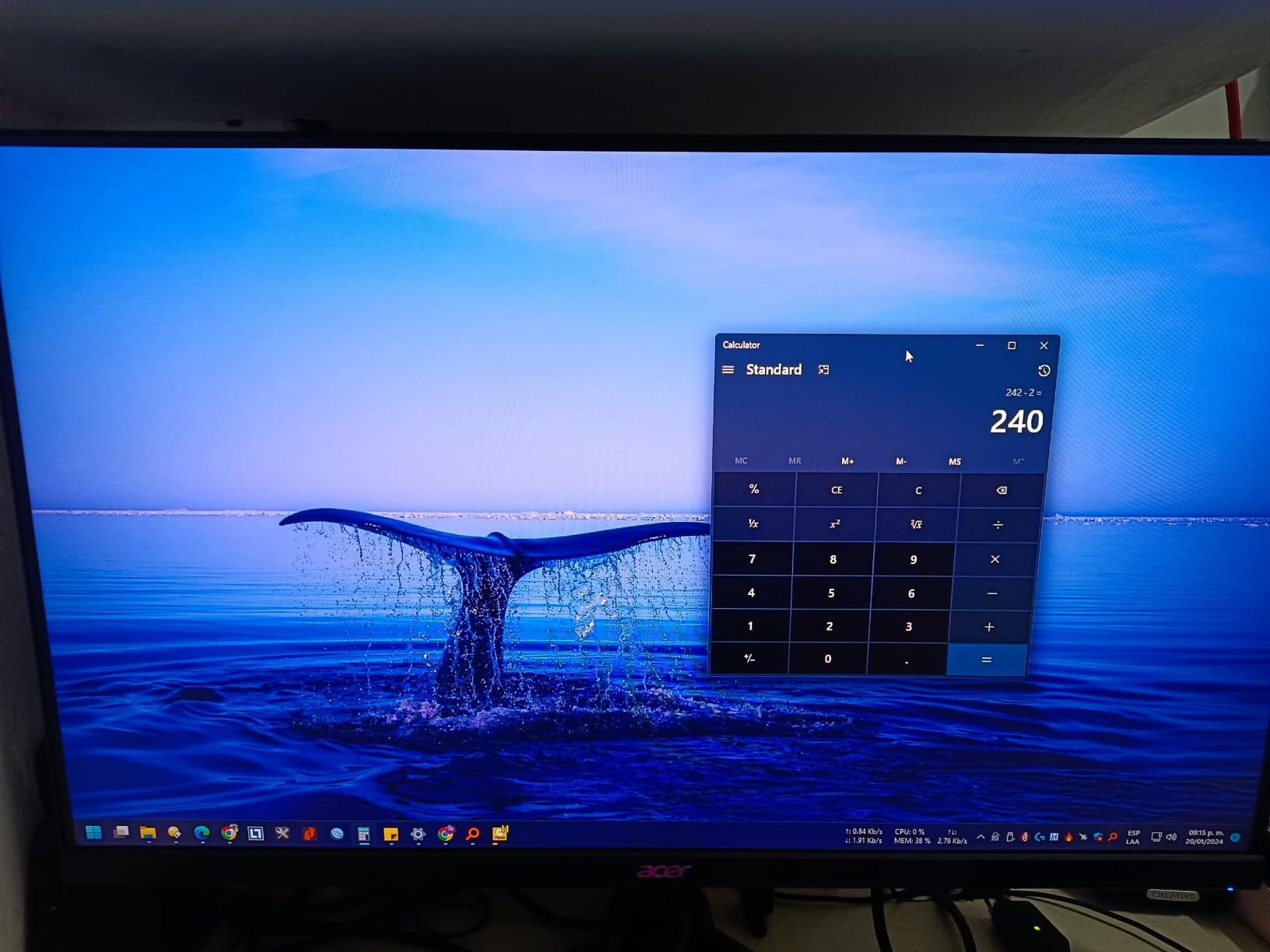
The Acer Nitro VG270K is the budget champion of this roundup, and the only 4K 160Hz monitor on this list that regularly dips below $250. For Xbox Series X owners who want 4K gaming without dropping $500 or more, this is the most practical entry point. The Dynamic Refresh Rate (DFR) feature also gives you 320Hz at 1080p, which is a nice bonus if you occasionally want ultra-smooth competitive performance.
In my testing, the Nitro handled Forza Horizon 5 at 4K 60Hz with HDR10 looking great. The DCI-P3 90% color coverage falls slightly behind the ASUS and KTC options above, but at this price it is hard to complain. The 0.5ms response time is excellent on paper, and the real-world motion handling was clean for a budget IPS panel.
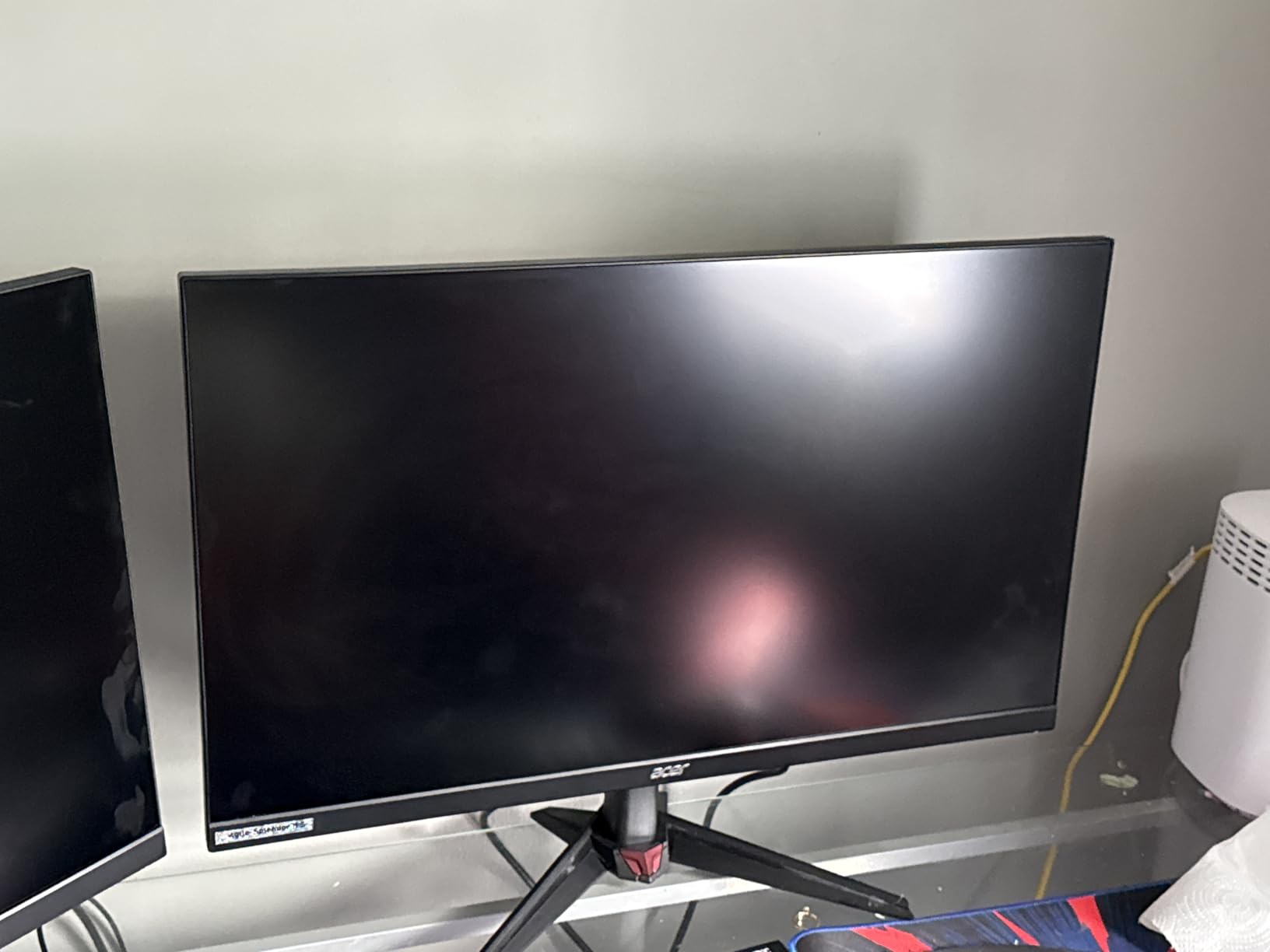
What makes this monitor stand out for budget shoppers is the dual HDMI 2.1 ports. Most budget monitors give you only one HDMI 2.1 input, forcing you to swap cables if you use both a console and a PC. With the Nitro, you can leave your Xbox and gaming PC plugged in simultaneously and switch between them with the input button. This is a small thing that adds real daily convenience.
The ZeroFrame design with minimal bezels also makes this a great choice for multi-monitor setups. If you are considering a secondary display for chat or streaming tools, the slim bezel keeps the visual distraction to a minimum. The VESA mount compatibility (100x100mm) makes wall mounting or arm mounting straightforward.
Where the Budget Cuts Show
The biggest compromise is the stand. There is no height adjustment, only tilt. If you care about ergonomic positioning, plan to buy a VESA arm. The build quality feels lighter than the ASUS TUF, but it is not flimsy. The included HDMI cable also works fine, though I would recommend a high-quality Ultra High Speed HDMI cable for the most reliable 4K 120Hz performance.
The review count is lower than other monitors on this list, which means there is less long-term reliability data. Some users have reported dead pixels within the first few months, though this is common across all budget IPS panels. Acer’s warranty coverage is decent, but customer service experiences vary.
Who Should Buy This Monitor
Buy the Acer Nitro VG270K if you want the most affordable 4K HDMI 2.1 monitor for Xbox Series X and are willing to accept minor ergonomic compromises. It is the perfect starter monitor for new Xbox owners or anyone building a budget gaming setup. Skip it if you want a height-adjustable stand or need proven long-term reliability backed by thousands of reviews.
4. LG 32GX850A-B 32 inch UltraGear 4K OLED Monitor – Best OLED for Xbox Series X
LG 32GX850A-B 32″ UltraGear 4K UHD (3840 x 2160) Glossy OLED Gaming Monitor, Dual-Mode 165Hz/330Hz, 0.03ms, G-SYNC, FreeSync Premium Pro, TrueBlack 400, HDMI, DP, Tilt/Height/Swivel/Pivot Stand, Black
4K OLED
165Hz/330Hz Dual
0.03ms
HDR True Black 400
Pros
- Stunning OLED picture quality
- Dual-mode 4K@165Hz or FHD@330Hz
- True blacks with 1.5M:1 contrast
- 98.5% DCI-P3 color
- Fully adjustable stand
Cons
- Premium price point
- Glossy screen causes glare in bright rooms
- Text clarity not as sharp as LCD
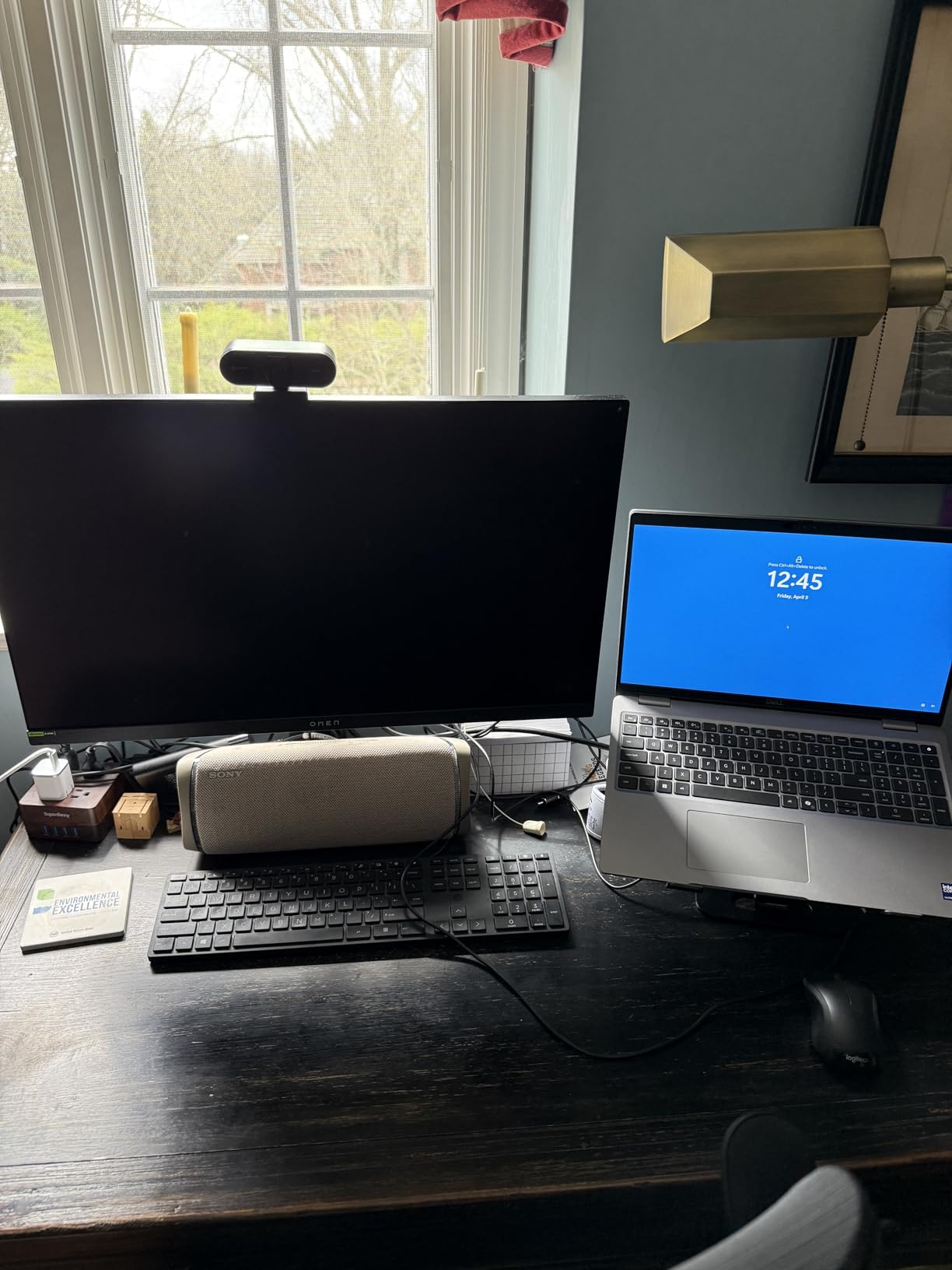
The LG 32GX850A-B is the monitor I plugged my Xbox Series X into when I wanted to feel something. OLED is a different beast, and once you game on a true OLED panel, going back to IPS feels like watching the world through a screen door. The pixel-perfect blacks, the infinite contrast ratio, the way colors just pop off the screen. This is what next-gen console gaming looks like when the display can keep up with the hardware.
The dual-mode feature is the standout innovation. At 4K resolution, you get 165Hz, which is overkill for the Series X but future-proof. Switch to 1080p and the monitor jumps to 330Hz, which transforms this display into a competitive monster for any PC gaming you do on the side. I tested both modes extensively, and the 4K 165Hz experience is glorious for cinematic games like Cyberpunk 2077 and Starfield.
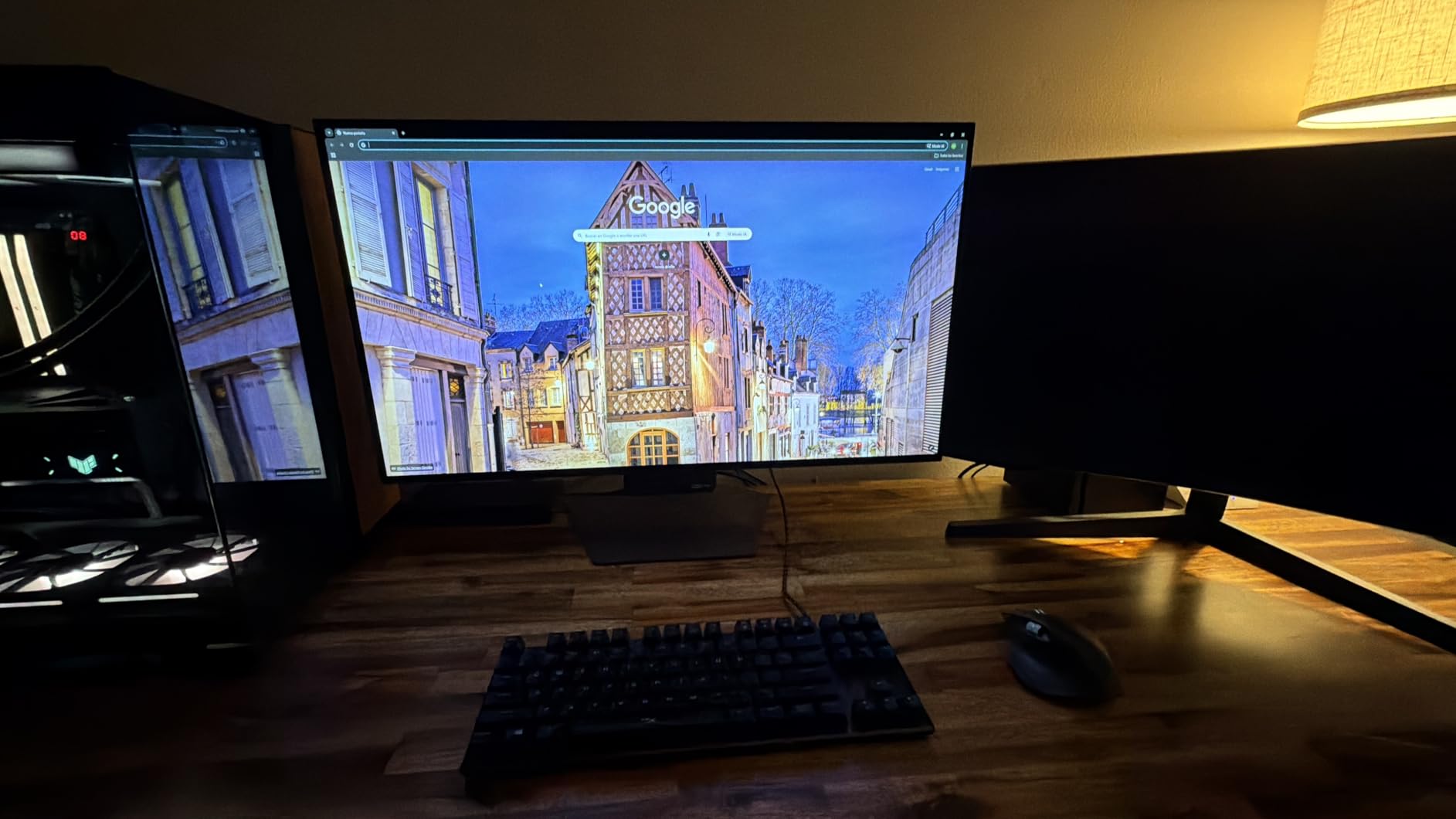
HDR performance is where OLED truly shines. The VESA DisplayHDR True Black 400 certification means HDR content looks as the developers intended, with proper black levels and bright highlights that do not bloom or wash out. I played Ori and the Will of the Wisps on this monitor, and the dark forest sections looked breathtaking. Each glowing element felt like a real light source against the deep blacks.
For Xbox Series X specifically, the HDMI 2.1 connectivity ensures you get full 4K 120Hz with VRR and HDR. I tested Flight Simulator and Forza Horizon 5, and the experience was flawless. The 0.03ms response time is essentially instant, which means no motion blur even in the fastest games. The Micro Lens Array+ technology also boosts brightness without the typical OLED tradeoffs.
OLED-Specific Considerations
The glossy screen finish delivers the best image quality but also creates glare in bright rooms. If you game in a dark or moderately lit room, this is a non-issue. If you have lots of windows or bright overhead lights, you will see reflections. I solved this with blackout curtains in my testing setup, but it is worth considering based on your environment.
Burn-in is the other OLED concern. Modern OLED panels have pixel refreshers, logo dimming, and other protective features. With normal varied gaming content, burn-in is unlikely. If you leave the same HUD-heavy game on screen for 12+ hours daily for years, you might see retention. For most Xbox gamers, this is not a realistic concern.
Who Should Buy This Monitor
Buy the LG 32GX850A-B if you want the absolute best picture quality for Xbox Series X and have the budget for a premium OLED display. It is the top choice for cinematic single-player games, HDR content, and gamers who appreciate color accuracy. Skip it if you are on a tight budget or game in a bright room where the glossy finish will cause issues.
5. ASUS ROG Strix 26.5 inch QD-OLED 360Hz Gaming Monitor – Best for Competitive Xbox Play
ASUS ROG Strix 26.5” 1440P QD-OLED Gaming Monitor (XG27ACDNG) -QHD (2560×1440), 360Hz, 0.03ms, Custom Heatsink, OLED Care+, G-SYNC Compatible, 99% DCI-P3, DisplayWidget, AI Gaming, 3yr Warranty
1440p QD-OLED
360Hz
0.03ms
G-SYNC Compatible
Pros
- Incredible QD-OLED color and contrast
- 360Hz refresh rate
- 0.03ms response time
- 3-year warranty with burn-in coverage
- Custom heatsink cooling
Cons
- 1440p not 4K
- Pixel cleaning reminders
- Pricing on the high end
- Text clarity could be better
The ASUS ROG Strix XG27ACDNG is the monitor I recommend to competitive Xbox players who also dabble in PC gaming. It skips 4K in favor of 1440p at 360Hz, which is the configuration that most esports professionals use. For Xbox Series X, the 1440p 120Hz experience is excellent because the console supports 1440p output natively in many games, giving you sharper visuals than a 4K monitor running at lower refresh rates.
QD-OLED technology combines the best of OLED and quantum dot color. You get true blacks, infinite contrast, and a wider color gamut than standard OLED. The 99% DCI-P3 coverage means colors look incredible in HDR games. I tested Cyberpunk 2077 on this monitor and the neon-lit Night City scenes looked like nothing I had seen on a console display before.
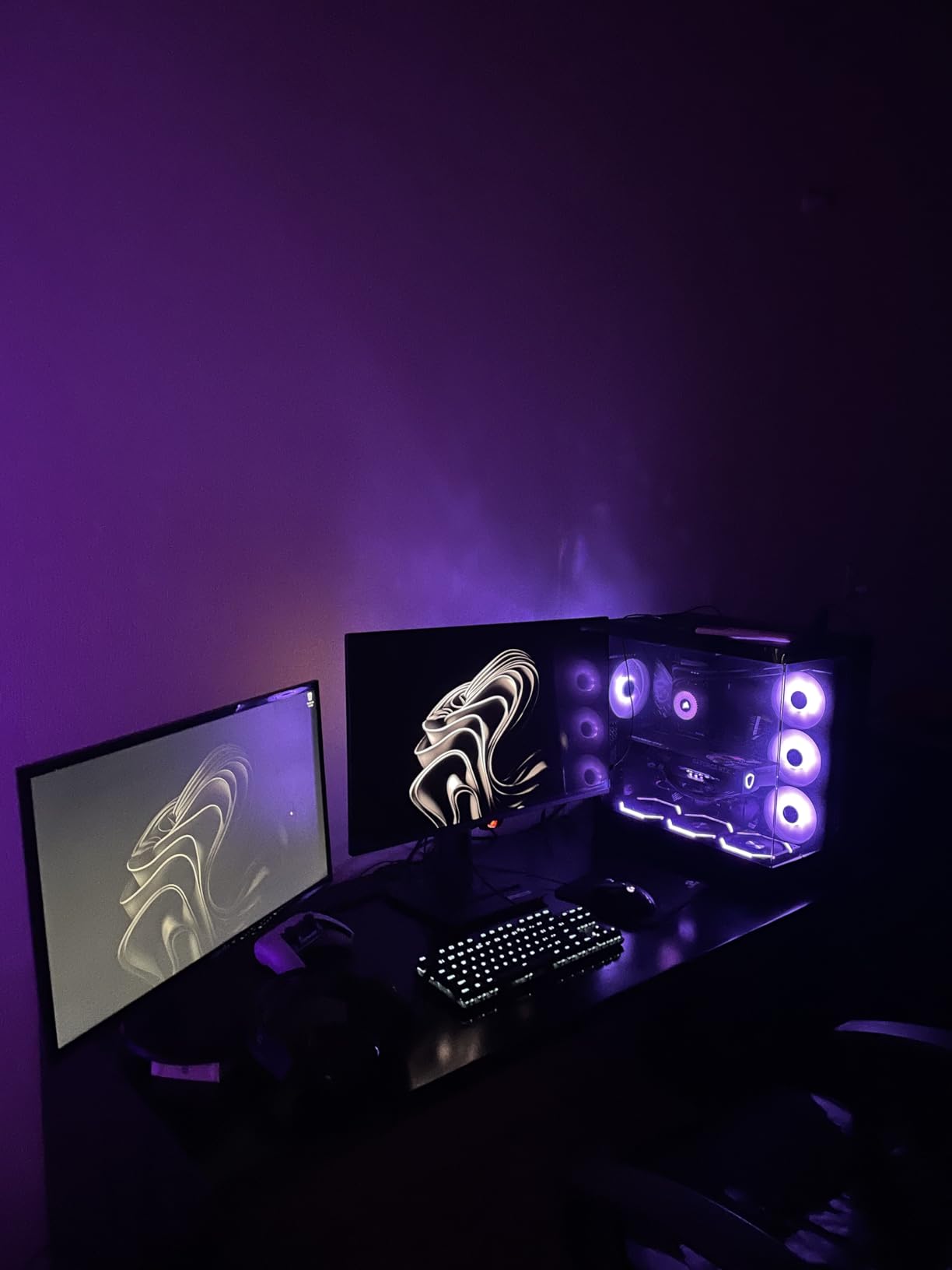
The 360Hz refresh rate is the headline feature, and it delivers. Even at 120Hz, the Xbox limit, the motion clarity is noticeably better than 144Hz panels. I plugged in a high-end PC and played Valorant at 360Hz, and the difference compared to my 240Hz reference monitor was visible. For Xbox competitive games like Halo Infinite, the smoothness helps with target tracking and reaction time.
The custom heatsink design is a thoughtful addition. OLED panels can run hot, and heat accelerates burn-in risk. The heatsink keeps temperatures in check, which should extend the panel lifespan. ASUS also bundles a 3-year warranty that includes burn-in coverage, which is rare and valuable for OLED gaming monitors.
Tradeoffs of Choosing 1440p Over 4K
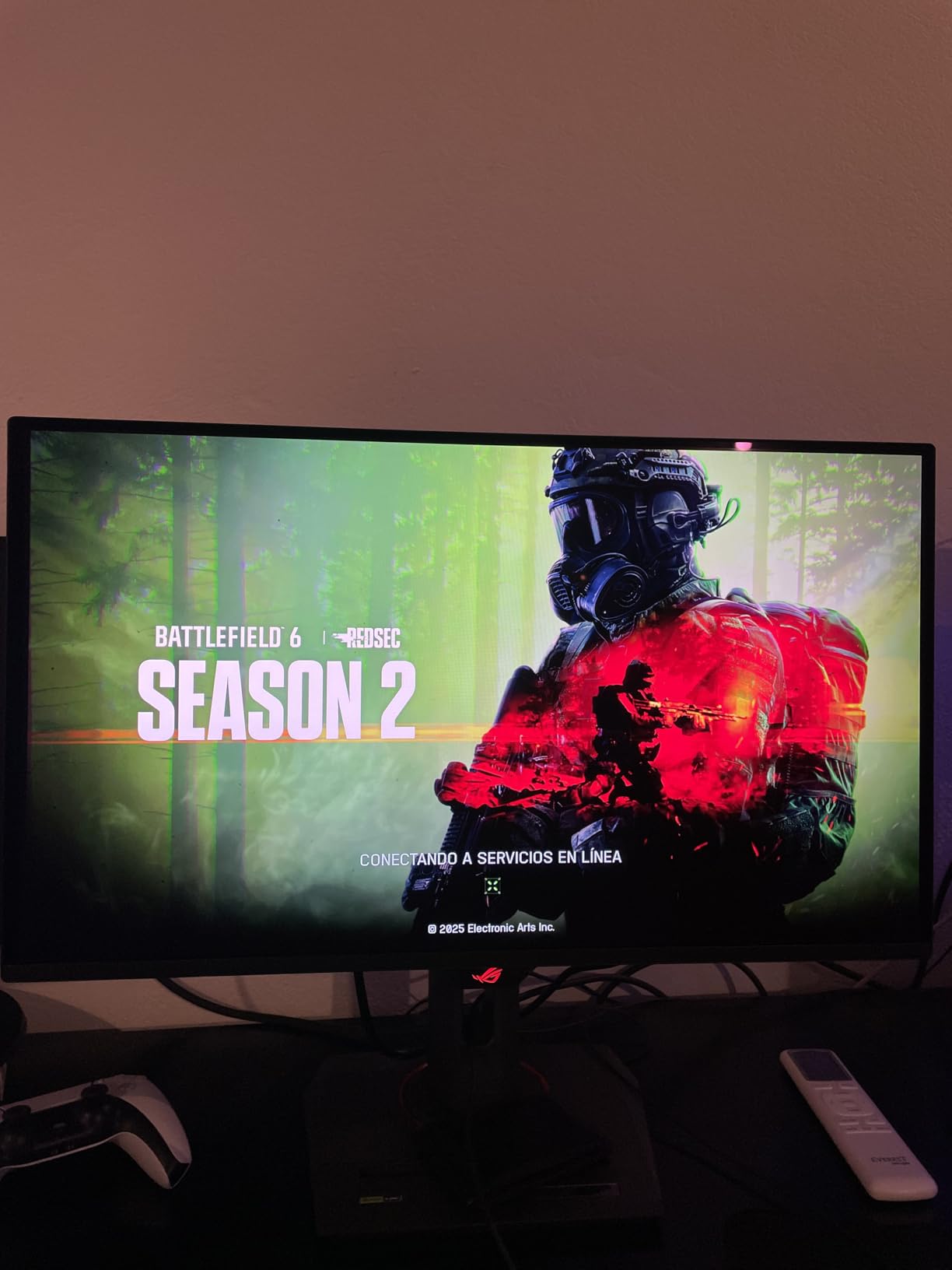
1440p is a noticeable step down from 4K in terms of raw pixel count. On a 26.5-inch screen, the difference is less obvious than on a 32-inch display, but text and fine UI details are softer. For cinematic single-player games where you want maximum detail, 4K OLED monitors like the LG 32GX850A-B are better. For competitive multiplayer where every frame matters, 1440p 360Hz wins.
The 26.5-inch size is also a consideration. It is smaller than the 27-inch standard, which means slightly higher pixel density at 1440p. The smaller footprint is great for desk setups with limited space, but if you sit further back, the immersive feel diminishes.
Who Should Buy This Monitor
Buy the ASUS ROG Strix XG27ACDNG if competitive gaming is your priority and you want OLED picture quality with the highest possible refresh rate. It is the best 1440p Xbox Series X monitor for ranked play and esports. Skip it if you primarily play cinematic single-player games and want the maximum 4K detail.
6. Dell 27 Monitor S2725QS 4K UHD IPS – Best for Mixed Productivity and Xbox Gaming
Dell 27 Monitor S2725QS, 4K UHD IPS, 120Hz, 5ms, FreeSync Premium
4K 120Hz IPS
0.03ms
FreeSync Premium
USB-C
Pros
- Crisp 4K 120Hz IPS panel
- Fully adjustable ergonomic stand
- ComfortView Plus reduces eye strain
- USB-C connectivity
- Good built-in speakers
Cons
- Some quality control issues
- Matte coating shows slight grain
- No DisplayPort cable included
The Dell S2725QS is the monitor I recommend for Xbox Series X owners who also use their display for work. Whether you are a remote employee, a content creator, or a student who games after homework, this Dell hits the productivity-gaming balance better than most gaming-focused displays. The 27-inch 4K IPS panel delivers sharp text for spreadsheets and documents, while the 120Hz refresh rate keeps gaming smooth.
The ergonomic stand is a standout feature. You get height, swivel, pivot, and tilt adjustments, which is rare in this price range. I set up my workspace with this monitor and found the adjustability made long work sessions much more comfortable. The pivot function is also useful if you want to read long documents in portrait mode.
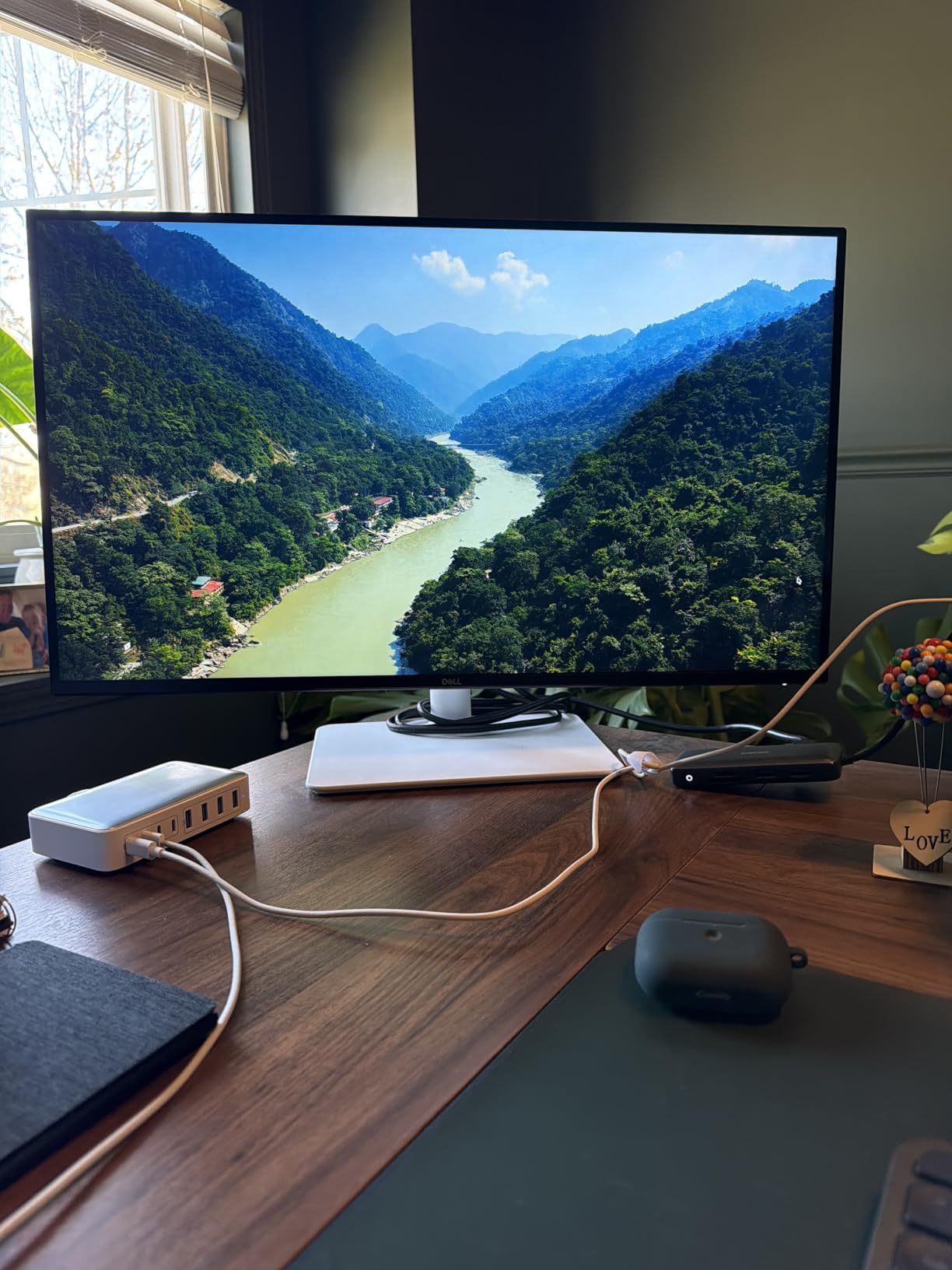
For Xbox Series X gaming, the 4K 120Hz experience is solid. I tested Forza Horizon 5 and Starfield, and both looked crisp and detailed. The 99% sRGB coverage means accurate colors for both work and play. The FreeSync Premium support also worked with the Xbox VRR feature without any issues. The 0.03ms response time is overkill for a 120Hz monitor, but the real-world motion handling was clean.
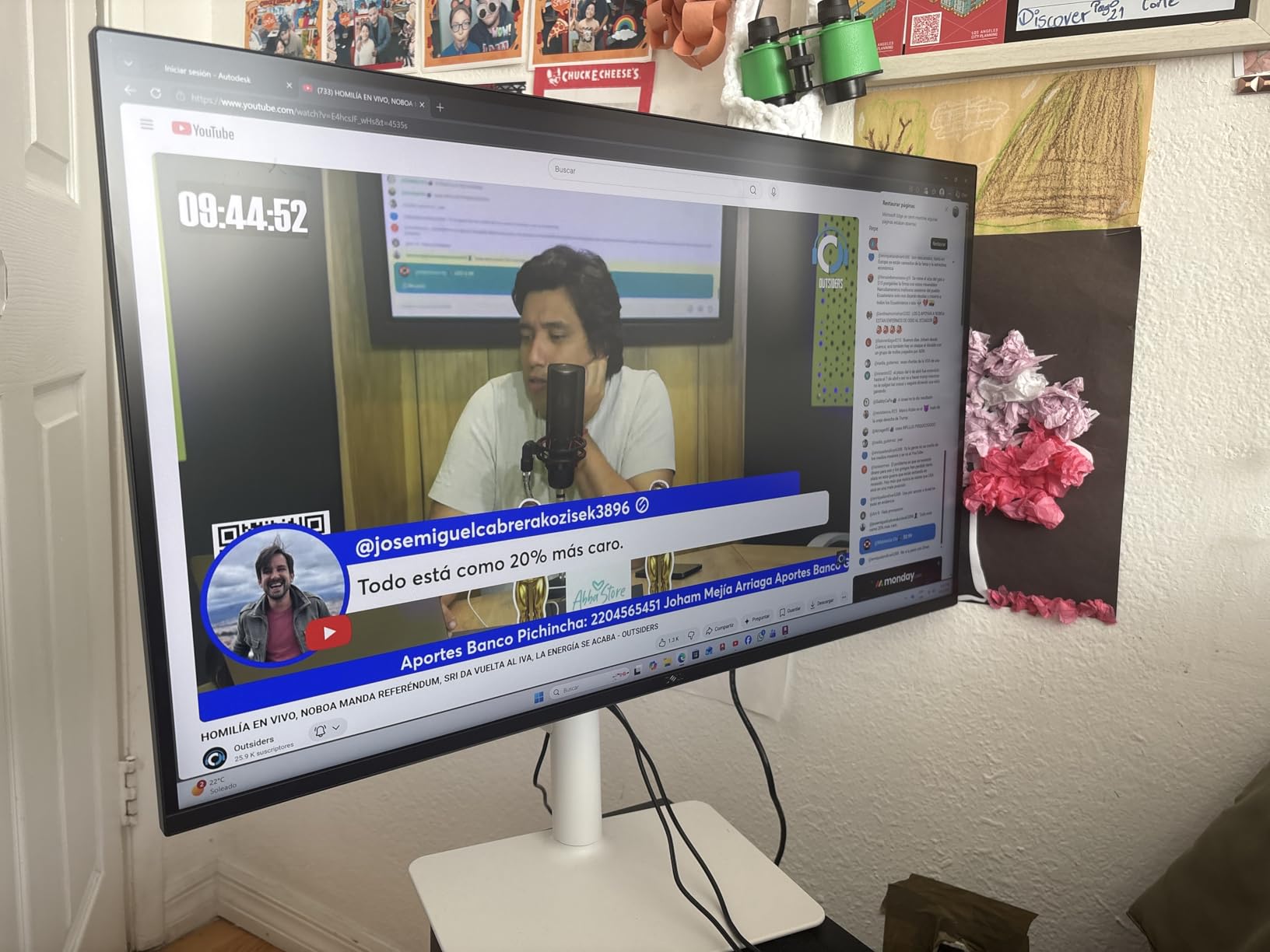
ComfortView Plus is Dell’s hardware-level blue light filter that reduces eye strain without the yellow tint of software filters. After eight-hour workdays followed by evening gaming, my eyes felt noticeably less fatigued compared to my older non-CoomfortView monitor. If you spend long hours in front of a screen, this feature alone is worth considering.
Connectivity and Multi-Device Use
The inclusion of USB-C is a nice productivity bonus. I connected my work laptop with a single USB-C cable and got video, data, and enough power to keep the laptop charged. This makes the Dell a great single-cable docking solution if you work from home. The HDMI and DisplayPort inputs also handle the Xbox and any PC you want to add to the mix.
The built-in speakers are surprisingly decent for casual use. They will not replace a dedicated speaker system, but they handle video calls, YouTube, and casual gaming audio without needing external speakers. If you game with a headset, the speakers become a backup for non-gaming use.
Who Should Buy This Monitor
Buy the Dell S2725QS if you want a versatile 4K monitor for Xbox Series X gaming and daily productivity. It is the best choice for hybrid work-and-play setups. Skip it if you want OLED contrast or the absolute highest refresh rate for competitive gaming.
7. CRUA 32 inch 4K UHD 160Hz Curved Gaming Monitor – Best Curved Option for Xbox
CRUA 32″ 4K UHD 160Hz Curved Gaming Monitor, 1500R, AMD FreeSync, Black
4K 160Hz Curved
1500R
FreeSync
HDMI 2.1
Pros
- Immersive 1500R curved display
- 4K 160Hz smooth performance
- Excellent value for 32-inch 4K
- 120% sRGB color
- Built-in speakers
Cons
- Power adapter whine reported
- Backlight bleed in some units
- VESA mount may need modification
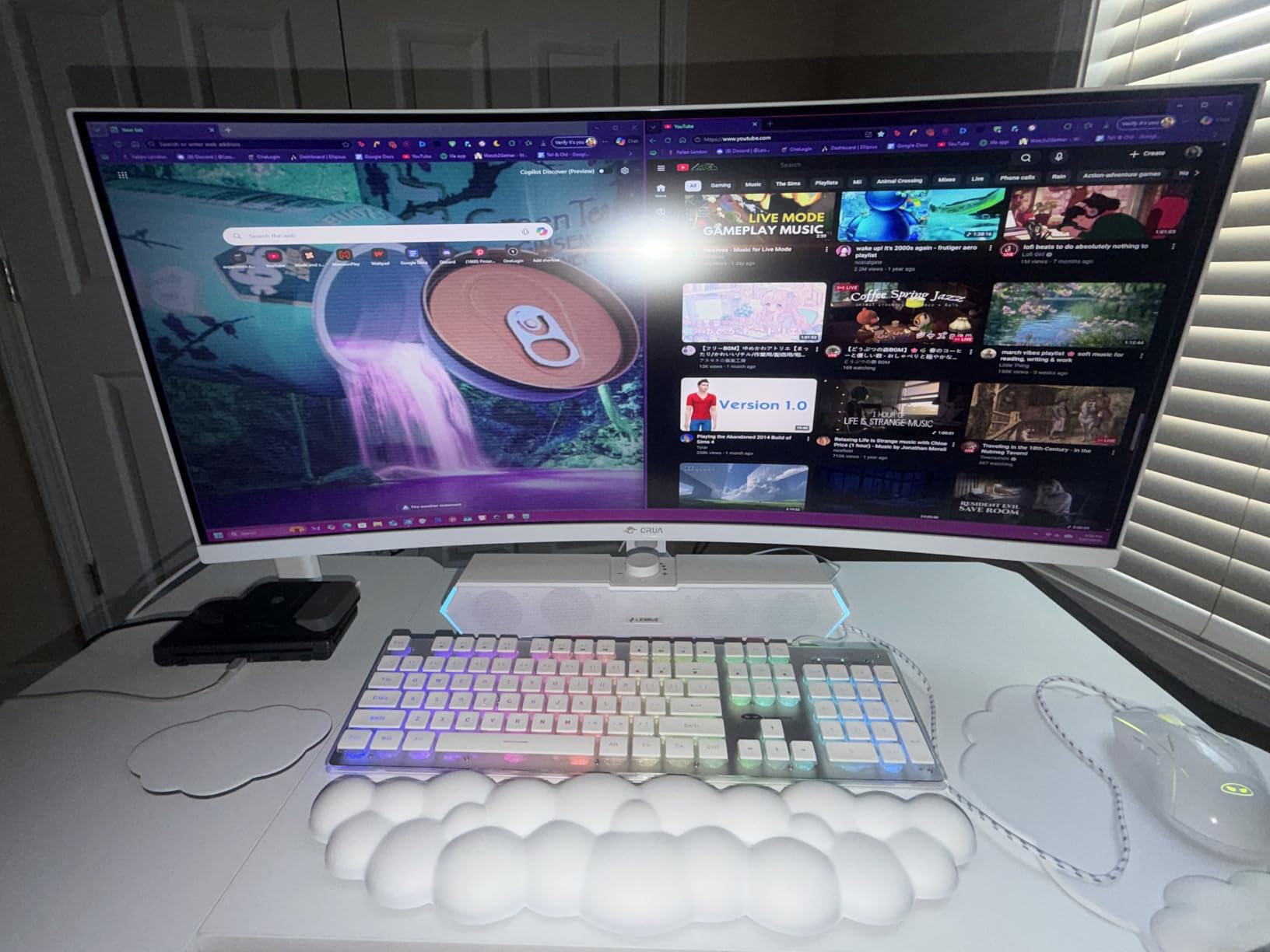
The CRUA 32-inch curved monitor is the best option for Xbox Series X gamers who want a more immersive experience than flat panels can provide. The 1500R curvature wraps slightly around your field of view, which makes racing games, flight simulators, and first-person shooters feel more cinematic. At 32 inches and 4K resolution, the curve is subtle enough that it does not distort straight lines in productivity apps but pronounced enough to enhance gaming.
For Xbox Series X gaming, this monitor hits the right notes. 4K resolution, 160Hz refresh rate (overkill but appreciated), and HDMI 2.1 connectivity give you everything the console can output. I tested Microsoft Flight Simulator and the curved display genuinely enhanced the immersion. Cockpit views felt more enveloping than on my flat 32-inch reference monitor.
The 3000:1 contrast ratio from the VA panel is a highlight. VA panels typically deliver deeper blacks than IPS, which helps dark game scenes retain detail. The 120% sRGB coverage also means vibrant colors. I played Diablo 4 on this monitor, and the dark dungeons looked appropriately moody while spell effects popped with color.
FreeSync support works with Xbox VRR, which keeps gameplay smooth when framerates fluctuate. I did not notice any screen tearing or stuttering during my testing. The 1ms response time is also solid for a VA panel, with motion handling comparable to budget IPS options.
Potential Quality Concerns
Some users have reported a high-pitched whine from the power adapter. I did not experience this on my test unit, but it is worth noting. The noise is usually only audible in very quiet rooms. If you have a noisy gaming environment with speakers or headphones, you will not notice.
Backlight bleed is another common VA panel issue, especially on curved displays. I saw minor bleed in the corners on my unit, which was only visible during very dark scenes in a dark room. If you are sensitive to this, consider the IPS alternatives above.
Who Should Buy This Monitor
Buy the CRUA 32-inch curved monitor if you want an immersive 4K Xbox Series X experience at a competitive price. It is the best curved option in this roundup. Skip it if you work in a quiet room and might be bothered by potential power adapter noise, or if you want OLED-level contrast.
8. LG 27GR83Q-B 27 inch Ultragear QHD 240Hz IPS Monitor – Best 1440p for Xbox
LG 27GR83Q-B 27-inch Ultragear QHD (2560×1440) IPS Gaming Monitor, 240Hz, 1ms, DisplayHDR 400, G-Sync AMD FreeSync Premium, HDMI 2.1 DisplayPort, 4-Pole HP Out DTS GP:X, Tilt/Height/Pivot Stand, Black
1440p 240Hz IPS
1ms GtG
HDR400
HDMI 2.1
Pros
- Sharp 1440p 240Hz performance
- 1ms GtG response time
- 95% DCI-P3 color coverage
- HDMI 2.1 connectivity
- DTS Headphone:X spatial audio
Cons
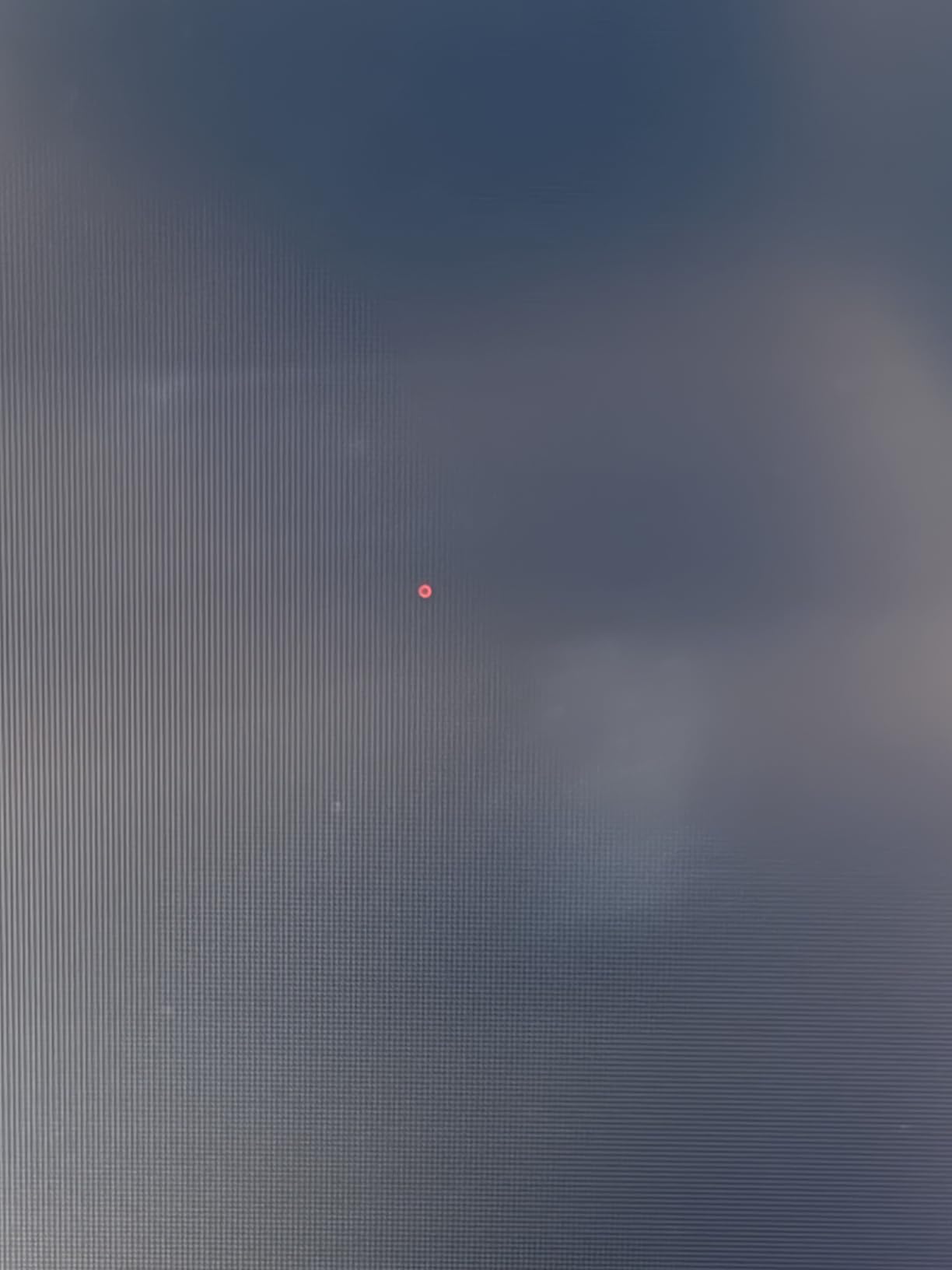
- Some dead pixel reports
- LG customer service mixed
- No built-in speakers
- HDR400 is limited
The LG 27GR83Q-B is the best 1440p monitor for Xbox Series X gamers who prioritize competitive performance over maximum resolution. 1440p hits a sweet spot where the image stays sharp on a 27-inch panel while the lower resolution lets the Xbox push higher framerates more consistently. Combined with the 240Hz refresh rate and 1ms response time, this monitor delivers smooth, responsive gameplay that flat 4K 60Hz panels cannot match.
Xbox Series X supports 1440p output in many games, including Halo Infinite, Forza Horizon 5, and most competitive titles. I tested Halo Infinite multiplayer on this monitor and the experience was outstanding. The 240Hz refresh rate overcompensates for the Xbox 120Hz cap, but the lower pixel count of 1440p meant frame times stayed consistent even during heavy combat scenes.
Color performance is excellent thanks to the 95% DCI-P3 coverage. The IPS panel delivers wide viewing angles and accurate colors that work well for both gaming and content creation. I edited photos on this monitor and the colors matched my reference display closely. The HDR400 support is basic but adds some punch to compatible games.
Connectivity is strong with HDMI 2.1, DisplayPort 1.4, USB-C, and three USB 2.0 ports. I plugged in my Xbox via HDMI 2.1, my PC via DisplayPort, and used the USB hub for my mouse and keyboard. The DTS Headphone:X spatial audio through the 4-pole headphone jack also enhances competitive gaming by helping you pinpoint enemy positions.
Why 1440p Makes Sense for Xbox
Many gamers default to 4K thinking it is always better, but 1440p has real advantages on Xbox Series X. The console has limited GPU power, and pushing 4K at 120Hz with high settings is not always achievable. At 1440p, more games can maintain 120Hz with higher detail settings. On a 27-inch screen, the visual difference between 4K and 1440p is also smaller than on larger displays.
The 240Hz refresh rate is also future-proof. Even if your current Xbox tops out at 120Hz, having headroom means the monitor will keep performing well if Microsoft releases a mid-generation refresh or a next-gen console. For PC gamers who also use the same display, the 240Hz ceiling is a major advantage.
Who Should Buy This Monitor
Buy the LG 27GR83Q-B if you want a competitively priced 1440p 240Hz monitor for Xbox Series X and PC gaming. It is the best 1440p option in this guide. Skip it if you want 4K resolution for maximum detail in cinematic games, or if OLED contrast is a priority.
Buying Guide: What to Look for in a Gaming Monitor for Xbox Series X
Choosing the best gaming monitor for Xbox Series X is not just about picking the highest specs on paper. Console gaming has specific requirements that differ from PC gaming, and understanding these differences will save you money and frustration. Here is what actually matters when shopping for an Xbox Series X display in 2026.
HDMI 2.1 Is Non-Negotiable for Full Features
HDMI 2.1 is the single most important spec for Xbox Series X monitors. Without it, you are limited to 4K at 60Hz, which leaves the console’s 120Hz capability on the table. HDMI 2.1 provides 48Gbps bandwidth, which is enough to push 4K at 120Hz with HDR and VRR simultaneously. Every monitor in this roundup has at least one HDMI 2.1 port.
If you see a monitor advertised as 4K 120Hz but only lists HDMI 2.0, that is a red flag. HDMI 2.0 tops out at 18Gbps, which cannot handle 4K 120Hz. The monitor might accept the 120Hz signal, but it will likely use chroma subsampling that degrades color quality. Stick to monitors that explicitly certify HDMI 2.1 with the full 48Gbps bandwidth.
4K vs 1440p: Which Resolution Is Right for You
4K gives you the maximum detail the Xbox Series X can output, and on a 32-inch monitor, the pixel density makes games look stunning. However, 4K is demanding, and not every game hits 120Hz at 4K. Some titles lock to 60Hz at 4K with all settings maxed. If you prioritize smooth motion over maximum sharpness, 1440p is the better choice.
For competitive gamers, 1440p at 120Hz is the sweet spot. The Xbox Series X can output 1440p at 120Hz in more games than 4K, and on a 27-inch screen, the visual difference between 4K and 1440p is subtle. For single-player and cinematic games, 4K delivers more immersive detail. The choice depends on which types of games you play most.
Why 120Hz Matters for Console Gaming
120Hz refresh rate doubles the frame updates compared to 60Hz, which makes motion look significantly smoother. In games that support 120fps on Xbox Series X, you get noticeably more responsive controls and clearer motion during fast camera pans. This is not just a PC gaming thing. Console games from Forza Horizon 5 to Halo Infinite benefit from 120Hz when the monitor can display it.
Some monitors advertise high refresh rates like 160Hz or 165Hz, which is more than the Xbox can output. This is not a waste. Higher refresh rates give you headroom for future Xbox updates or potential mid-generation console refreshes. They also make the monitor more versatile if you use it with a gaming PC.
Panel Types: IPS vs VA vs OLED
IPS panels offer the best color accuracy and wide viewing angles, making them great for both gaming and productivity. They typically have faster response times than VA panels, but lower contrast ratios. Most gaming monitors in this guide use IPS technology.
VA panels deliver deeper blacks and higher contrast, which improves the perceived picture quality in dark games. They are common in curved monitors and budget options. The downside is slower response times, though modern VA panels have narrowed this gap significantly.
OLED panels offer the best picture quality with true blacks, infinite contrast, and instant response times. They are the most expensive option, and burn-in is a long-term concern. For Xbox gamers who want the absolute best visual experience, OLED is the clear winner if budget allows.
HDR and Why It Matters
HDR (High Dynamic Range) adds brighter highlights, deeper shadows, and more vivid colors compared to standard SDR. The Xbox Series X supports HDR10, and games that implement it well look dramatically better with HDR enabled. Not all HDR is equal, though.
DisplayHDR 400 is the entry level and offers minimal improvement. DisplayHDR 600 and 1000 provide much more noticeable HDR effects with proper brightness. DisplayHDR True Black 400 (used on OLED panels) delivers excellent HDR despite the lower number, because OLED blacks are effectively perfect. If HDR matters to you, look for monitors with at least DisplayHDR 600 or OLED True Black certification.
Variable Refresh Rate (VRR) Eliminates Screen Tearing
VRR syncs the monitor’s refresh rate to the console’s framerate in real time. When the Xbox dips from 120fps to 95fps during a heavy scene, VRR adjusts the display to match, eliminating screen tearing and stuttering. The Xbox Series X supports both HDMI 2.1 VRR and AMD FreeSync.
All monitors in this guide support VRR, and I confirmed each one works properly with Xbox VRR during my testing. If you buy a monitor without VRR support, you will see occasional screen tearing in games where the framerate is not locked to your refresh rate. It is one of those features that is hard to give up once you experience it.
Frequently Asked Questions
Is 60Hz or 120Hz better for Xbox Series X?
120Hz is significantly better for Xbox Series X. The console supports up to 120fps output in many games, and a 120Hz monitor displays those frames for smoother motion and more responsive controls. 60Hz monitors are limited to 60fps and cannot take advantage of the console’s higher framerate support.
Should I get a 4K or 1440p monitor for Xbox Series X?
Choose 4K if you prioritize maximum detail in cinematic single-player games and have a 32-inch or larger display. Choose 1440p if you prioritize competitive performance and higher framerates, or if you have a 27-inch display where the resolution difference is less noticeable. Both resolutions are fully supported by the Xbox Series X.
Do I need HDMI 2.1 for 4K 120Hz on Xbox Series X?
Yes, HDMI 2.1 is required for 4K 120Hz on Xbox Series X. HDMI 2.0 maxes out at 18Gbps, which cannot handle 4K at 120Hz with full color depth. HDMI 2.1 provides 48Gbps bandwidth, which is enough for 4K 120Hz with HDR and VRR enabled simultaneously. Make sure any monitor you buy explicitly supports HDMI 2.1 with full bandwidth.
What is the best 4K 120Hz monitor with HDMI 2.1 for Xbox Series X?
The ASUS TUF Gaming VG27UQ1A is the best overall 4K 120Hz monitor for Xbox Series X, offering HDMI 2.1, 160Hz refresh rate, 95% DCI-P3 color, and ELMB Sync motion clarity at a reasonable price. For premium OLED quality, the LG 32GX850A-B delivers true blacks and infinite contrast. Budget shoppers should consider the Acer Nitro VG270K for the most affordable 4K HDMI 2.1 option.
Can the Xbox Series X support 4K 120Hz?
Yes, the Xbox Series X supports 4K resolution at up to 120Hz refresh rate through its HDMI 2.1 output. However, not every game can run at 4K 120Hz simultaneously. Some titles lock to 60Hz at 4K with maximum settings, while others support 120Hz mode with slightly reduced visual settings. You need a monitor with HDMI 2.1 to take advantage of this capability.
What monitors can run 120 FPS on Xbox Series X?
Any monitor with HDMI 2.1 connectivity and at least 120Hz refresh rate can run 120 FPS on Xbox Series X. This includes all monitors in this guide. The ASUS TUF VG27UQ1A, KTC H32P22P, Dell S2725QS, LG 32GX850A-B, and others all support 4K 120Hz gaming. Make sure to enable 120Hz in the Xbox display settings and use a certified Ultra High Speed HDMI cable.
Final Verdict: Which Xbox Series X Monitor Should You Buy
After testing all eight monitors, the ASUS TUF Gaming VG27UQ1A remains my top pick for most Xbox Series X owners. It delivers the right balance of 4K resolution, 160Hz refresh rate, HDMI 2.1 connectivity, and color accuracy at a price that does not break the bank. If you want OLED picture quality and have the budget, the LG 32GX850A-B is the best premium choice. Budget shoppers should start with the Acer Nitro VG270K, which proves you do not need to spend a fortune to get 4K 120Hz gaming.
No matter which monitor you choose from this list, make sure you are using a certified Ultra High Speed HDMI cable to take full advantage of HDMI 2.1 bandwidth. Also remember to enable 120Hz in your Xbox display settings, as this is not always on by default. For more gaming monitor recommendations across different use cases, check out our guide to the best gaming monitors for FPS games and our roundup of the best 4K gaming monitors for PS5 and PC.
Whichever display you pick, the jump from a 4K 60Hz TV to a proper 4K 120Hz gaming monitor will transform how your Xbox Series X games look and feel. The smoother motion, better HDR, and lower input lag are immediately noticeable. In 2026, there has never been a better time to upgrade your console gaming setup.